
Fractal Glass
A reeded glass animation you can recolour
Blue and amber flow behind a wall of vertical reeded glass, and every rib bends the colour into its own shifted slice. Nothing laid over it, and an eight-second loop that closes on itself.
- 8s
- duration
- 4
- aspect ratios
- 6
- controls
- 720p
- free, unlimited exports
Motion Background · 8s · 9:16
Gradient · Refraction · Shader · Loop
Refraction computed per pixel
The whole background is a shader: a colour flow is generated underneath, then sampled through a ribbed refraction so each vertical strip shows a displaced piece of what is behind it. That is why the result looks like glass rather than like stripes — the offsets are physically consistent across the frame and they move with the flow rather than sliding independently of it.
Two controls do the visual work. Flow speed sets how fast the colour drifts behind the glass, and refraction sets how hard each rib bends it — from a soft shimmer at 0.4 up to a full prismatic break at 1.6. There is one caption control and it ships empty, so the glass arrives as a clean background.
8 seconds, three beats
What is on screen, and when. Every element named here is a layer in the document — you can click any of them on the canvas and change it.

Beat 1 · 1.4s
The glass settles
The ribs are in place and the blue and amber behind them have begun to flow — no type, no overlay, just the glass.

Beat 2 · 2.6s
Full refraction
Blue and amber are running through the ribs at full strength, each strip offset from its neighbours — the frame that shows the effect best as a still.

Beat 3 · 6.9s
Closing the loop
The frozen opening frame is fading in over the live one, bringing the clip back to exactly where it started.
Three steps to a glass loop
- 01
Pick two colours
The flow colour and the highlight colour are the whole palette. They mix as the flow moves, so choosing a warm and a cool gives you the widest range across the loop.
- 02
Set flow and refraction
Flow speed runs 0.3–2 and refraction 0.4–1.6. Low refraction reads as frosted, high reads as prismatic; low flow suits a background, high suits a standalone clip.
- 03
Caption it and export
Add a caption if the clip needs one — it ships empty — then export 16:9 for a hero, 9:16 for a story background, and loop the file.
Shader, not footage
Computed every frame, so it never tiles
There is no video file underneath this — the glass is drawn per pixel at whatever resolution you export. No compression mush in the gradients, no repeating texture, and the same document produces a crisp 1080p and a light 720p.
A closed loop
Eight seconds with no visible seam
The clip crossfades to a frozen copy of its own opening frame across the last second and a bit, so the end state matches the start exactly. Set it looping behind a hero section and there is nothing to catch the eye.
Two dials
From frosted to prismatic without leaving the page
Refraction and flow speed change the character of the whole clip, not just its intensity. It is worth scrubbing both before you export — the same two colours can give you a calm brand background or an album-cover treatment.
What you can change
Six controls. The caption ships empty, so by default the glass is the whole frame.
- Click any element on the canvas to edit it directly
- Or describe the change in a sentence and let the assistant make it
- Export 9:16, 16:9, 1:1, 4:5 from the same document
Studio controls
6 named
- CaptionText
- Flow colourColour#1E6FE8
- Highlight colourColour#FFB703
- Flow speedSlider 0.3–20.9
- RefractionSlider 0.4–1.61
- SpeedSlider 0.5–21
Why generate it rather than download it
Reeded-glass loops are all over stock libraries, and every one of them arrives in someone else's colours at a fixed length with a licence attached. Generating it means the palette is yours, the length is yours, and the refraction is a slider rather than a different SKU. It also means you can export the same clip in four aspect ratios without paying four times.
Fractal Glass: questions, answered
Is the glass animation free?+
Free to open and edit, with unlimited free 720p exports with a small LazyKiwi mark. Clean 1080p is included with any paid plan for full HD.
What aspect ratios can I export?+
9:16, 16:9, 1:1 and 4:5. The shader fills the frame at whatever shape you pick, so nothing is cropped — the rib count adapts to the width.
Can I change the colours?+
Yes — the flow colour and the highlight colour are the two controls that set the entire palette, and the refraction slider changes how they break across the ribs.
Do I need After Effects?+
No, and there is no plugin either. This look normally means a distortion plugin or a lot of displacement-map work; here it is two sliders in a browser.
How long is the clip?+
Eight seconds, authored to loop. The last frame matches the first, so it tiles without a cut.
More gradient & particle backgrounds
All backgrounds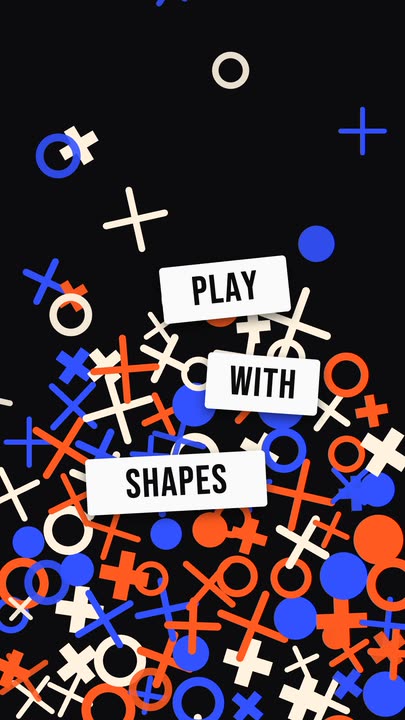 Falling ShapesOrange, cobalt and cream rings, crosses and plus signs rain down and pile up, while three white word tiles pop in between them.
 Ambient GlowAmber and burnt-orange light drifts slowly through a warm dark frame while a crisp panel of soft light glows at the centre — minimal, seamless 8-second loop.
 Iron FilingsFine iron-filing strokes snap into the field lines of a horizontal dipole and keep drifting along them, around a bar magnet carrying one display word.
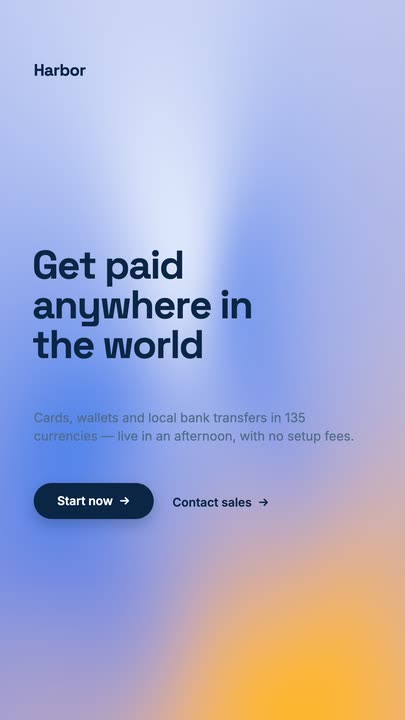 Mesh GradientA four-point mesh gradient drifting on a seamless 8-second loop, with a grotesk headline, a lede and a dark pill button sitting on top of it.
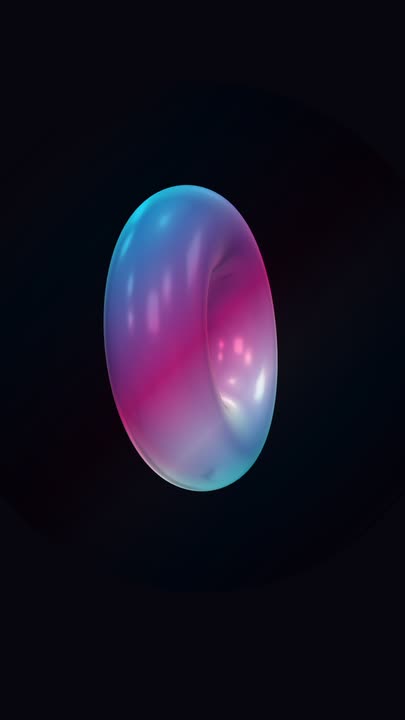 Iridescent TorusA big holographic 3D torus tumbles slowly on two axes over near-black, cyan and magenta bands sliding across its glossy surface — a seamless loop with nothing else in the frame.
Bend your colours through glass.
Pick two colours, set the refraction and export a seamless loop for a hero or a story background.