
Iridescent Torus
Iridescent 3D loop background, on an 8-second cycle
A big holographic ring tumbles slowly on two axes over near-black while cyan and magenta bands slide across its glossy surface. Nothing else is in the frame. Eight seconds, and the last frame is pixel-identical to the first.
- 8s
- duration
- 4
- aspect ratios
- 6
- controls
- 720p
- free, unlimited exports
Motion Background · 8s · 9:16
3D · Iridescent · Loop · WebGL
A 3D object that loops exactly
The torus is real geometry rendered in WebGL with an iridescent material, lit by a studio environment. On top of it sits a rotating holographic film — a repeating cyan / white / magenta gradient multiplied over the surface — which is what produces the oil-slick colour that the material alone cannot. The film's rotation and the torus's spin are both chosen so that eight seconds is a whole number of symmetry turns, which is why the loop closes exactly rather than approximately.
Around it sits a very faint halo, held still rather than pulsing, and nothing else: the caption control ships empty, so unless you fill it the ring is the only thing on screen. This is deliberately a background — nothing in the middle third of the frame moves fast enough to distract from type laid over it.
8 seconds, three beats
What is on screen, and when. Every element named here is a layer in the document — you can click any of them on the canvas and change it.

Beat 1 · 1.4s
Tags in, ring turning
The ring is already mid-tumble, seen almost edge-on, with magenta running the length of it and the faint halo sitting behind.

Beat 2 · 3.2s
The film sweeps
The holographic bands have rotated round the surface, putting cyan on one shoulder of the ring and magenta on the other.

Beat 3 · 5.0s
The poster frame
The torus has opened out to its most readable angle, the full cyan-to-magenta range visible across the surface — the frame to use as a thumbnail.
Three steps to a looping 3D background
- 01
Set the two holo tints
Two colour controls drive the bands sliding across the ring. They are the whole personality of the clip — swap them for your brand pair and the iridescence follows.
- 02
Size the ring
A control from 0.5 to 0.9 sets how much of the frame the torus fills — it ships at 0.84. Smaller leaves room for a headline over it; larger makes it the subject.
- 03
Write the caption and export
The caption is a text control and ships empty — fill it only if the clip needs a line. Export 16:9 for a site hero, 9:16 for a story background, and loop the file.
Pixel-exact loop
Eight seconds that close on themselves
The spin is set so that the torus completes half-turns on two axes across the duration, and a torus is rotationally symmetric under that pair of moves. The last frame is not merely similar to the first — it is the same, so there is no crossfade hiding a seam.
Real 3D
Geometry and a material, not a rendered video
The ring is drawn by the browser each frame with a physical material and an environment reflection, so it stays sharp at any export size and the highlights move correctly as it turns. Nothing here is a stock clip you would have to license.
Colour is a control
The iridescence takes your palette
The holographic film is a gradient with named stops, so changing the two tint controls changes the whole colour cycle across the surface. A brand-blue-and-lime version of this clip is two clicks, not a re-render.
What you can change
Six controls. The caption is the only text in the frame, and it ships empty.
- Click any element on the canvas to edit it directly
- Or describe the change in a sentence and let the assistant make it
- Export 9:16, 16:9, 1:1, 4:5 from the same document
Studio controls
6 named
- CaptionText
- Torus baseColour#695f87
- Holo tint AColour#00E5FF
- Holo tint BColour#FF2D95
- Torus sizeSlider 0.5–0.90.84
- SpeedSlider 0.5–21
Why this instead of a stock loop
A downloaded abstract loop is fixed: its colours are someone else's, its length is whatever it is, and if it does not quite loop you find out on the third repeat. This one is generated, so the palette is yours, the seam is mathematically guaranteed, and the same document exports in four aspect ratios. It also weighs nothing to keep — it is a document, not a video file in a folder.
Iridescent Torus: questions, answered
Is this loop background free?+
Free to open and edit, and free accounts get unlimited free 720p exports with a small LazyKiwi mark. Clean 1080p is included with any paid plan if you need full HD for a large screen.
What aspect ratios can I export?+
9:16, 16:9, 1:1 and 4:5. The composition is centred, so all four work — 16:9 is the usual choice for a site or stage background.
Can I change the colours?+
Yes. Two tint controls drive the holographic bands, a third sets the ring's base colour, and a size slider decides how much of the frame it fills.
Do I need After Effects?+
No — and no 3D software either. The torus is rendered by your browser, so there is nothing to install and no render queue to wait in.
How long is the clip?+
Eight seconds, authored as a seamless loop. Play it end to end as many times as you like; there is no visible join.
More gradient & particle backgrounds
All backgrounds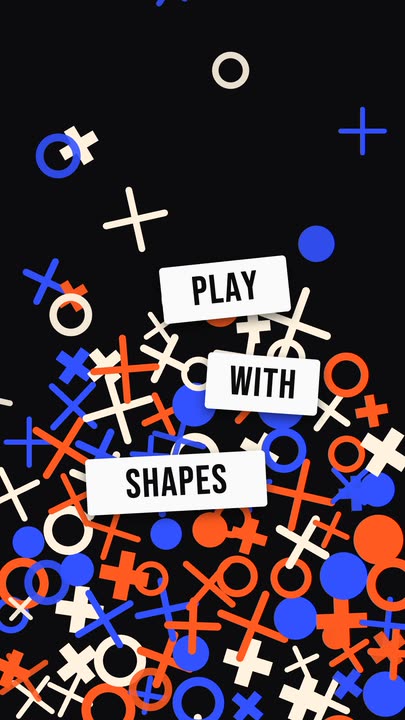 Falling ShapesOrange, cobalt and cream rings, crosses and plus signs rain down and pile up, while three white word tiles pop in between them.
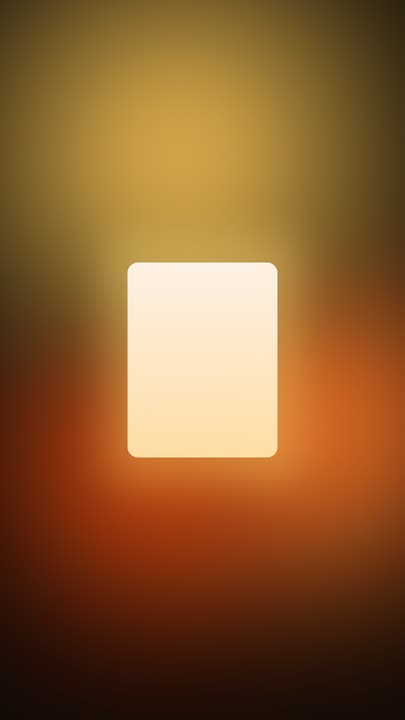 Ambient GlowAmber and burnt-orange light drifts slowly through a warm dark frame while a crisp panel of soft light glows at the centre — minimal, seamless 8-second loop.
 Iron FilingsFine iron-filing strokes snap into the field lines of a horizontal dipole and keep drifting along them, around a bar magnet carrying one display word.
 Fractal GlassBlue and amber colour flows behind a wall of vertical reeded glass — each rib refracts the gradient into shifted slices. Seamless 8-second loop, nothing on top of it.
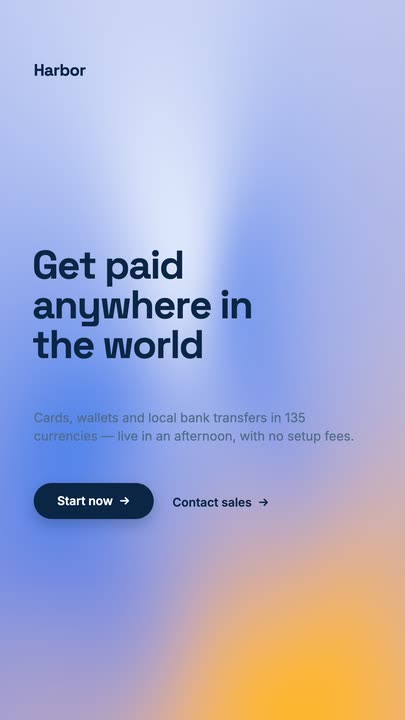 Mesh GradientA four-point mesh gradient drifting on a seamless 8-second loop, with a grotesk headline, a lede and a dark pill button sitting on top of it.
Put your colours in the ring.
Set the two tints, size the torus and export a loop that closes exactly.