
Ambient Glow
An ambient gradient loop that breathes
Amber and burnt-orange light drifts across a warm dark frame while a crisp panel of light glows at the centre. Eight seconds, minimal, and it loops without a seam.
- 8s
- duration
- 4
- aspect ratios
- 6
- controls
- 720p
- free, unlimited exports
Motion Background · 8s · 9:16
Gradient · Ambient · Glow · Loop
The quietest thing in the gallery, on purpose
This is a background in the strict sense: there is nothing in it that competes for attention. A shader drifts two warm lights across the frame on a slow cycle, and a cream panel with a hard edge glows at the centre inside a ring of soft light. That is the whole composition — the caption control ships empty — and it is why it works behind a headline, a logo or a talking head.
The two light colours and the drift speed are controls, as is the panel size. Turn drift down to 0.5 and it is almost still — the kind of thing you can leave running behind text without anyone reading it as motion. Turn it up to 3 and the light moves enough to hold a frame on its own.
8 seconds, three beats
What is on screen, and when. Every element named here is a layer in the document — you can click any of them on the canvas and change it.

Beat 1 · 1.4s
The lights spread
The two lights have opened across the frame and the cream panel is lit at the centre, its soft edge glow just visible around it.

Beat 2 · 2.4s
Widest spread
The amber has drifted to its widest spread behind the panel — the frame that reads best as a still.

Beat 3 · 6.9s
Returning to the start
The frozen opening frame is fading in over the live one, taking the loop back to where it began.
Three steps to an ambient loop
- 01
Pick the two lights
Two colour controls set the entire palette. They mix continuously as the shader drifts, so the loop passes through every blend between them.
- 02
Set drift and panel size
Drift speed runs 0.5–3 and panel size 0.6–1.4. Low and small for a background behind copy, high and large for a standalone clip.
- 03
Caption it and export
Add a caption if the clip needs one — it ships empty — then export 16:9 for a site hero, 9:16 for a story or 1:1 for a looping grid post.
Slow enough to read over
Built to sit behind type
The drift cycle is long and the centre of the frame stays uniform, which is exactly what a background needs and what most stock loops get wrong. Put a headline on top and nothing crosses behind it fast enough to make the copy hard to read.
Seamless
Eight seconds that close
A frozen copy of the opening frame crossfades in across the last stretch of the clip, so the end and the start are identical. It tiles cleanly for as long as you need it to.
Two colours, endless variations
The palette is completely yours
Because the gradient is computed rather than sampled from an image, changing the two light colours changes every blend in the loop coherently. A brand-blue-and-teal version looks as intentional as the amber it ships with.
What you can change
Six controls. Everything else in the frame is the shader and the lit panel at the centre.
- Click any element on the canvas to edit it directly
- Or describe the change in a sentence and let the assistant make it
- Export 9:16, 16:9, 1:1, 4:5 from the same document
Studio controls
6 named
- CaptionText
- Warm lightColour#FF7A29
- Second lightColour#FFC857
- Panel sizeSlider 0.6–1.41
- Drift speedSlider 0.5–31
- SpeedSlider 0.5–21
Why not a still gradient
A static gradient behind a hero is fine, and completely invisible. Eight seconds of slow drift is the smallest amount of motion that makes a page feel alive without making it feel busy — and since this exports as a video file, you get that without shipping a shader to every visitor's browser or costing them a frame of scroll performance.
Ambient Glow: questions, answered
Is the ambient gradient template free?+
Free to open and edit, with unlimited free 720p exports with a small LazyKiwi mark. Clean 1080p is included with any paid plan.
What aspect ratios can I export?+
9:16, 16:9, 1:1 and 4:5. Because the composition has no hard edges, all four work equally well — pick whichever the destination needs.
Can I change the colours?+
Two colour controls set the two lights, and the panel size and drift speed sliders change how they move. Those four controls cover essentially every version of this clip.
Do I need After Effects?+
No. There is nothing to install — the gradient is a shader computed in your browser and exported as an MP4.
How long is the clip?+
Eight seconds, authored as a seamless loop. It plays end to end indefinitely with no visible join.
More gradient & particle backgrounds
All backgrounds Falling ShapesOrange, cobalt and cream rings, crosses and plus signs rain down and pile up, while three white word tiles pop in between them.
 Iron FilingsFine iron-filing strokes snap into the field lines of a horizontal dipole and keep drifting along them, around a bar magnet carrying one display word.
 Fractal GlassBlue and amber colour flows behind a wall of vertical reeded glass — each rib refracts the gradient into shifted slices. Seamless 8-second loop, nothing on top of it.
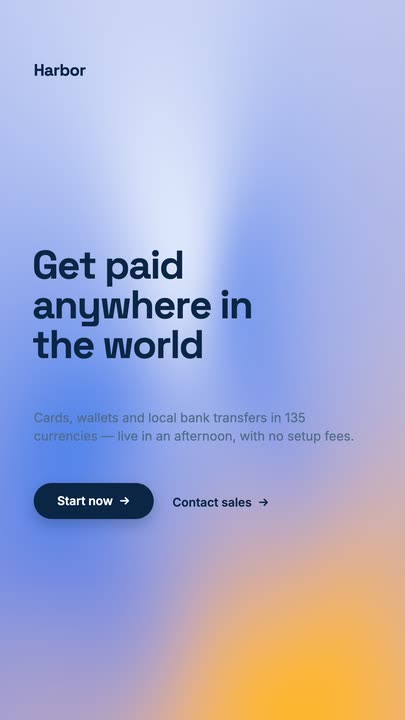 Mesh GradientA four-point mesh gradient drifting on a seamless 8-second loop, with a grotesk headline, a lede and a dark pill button sitting on top of it.
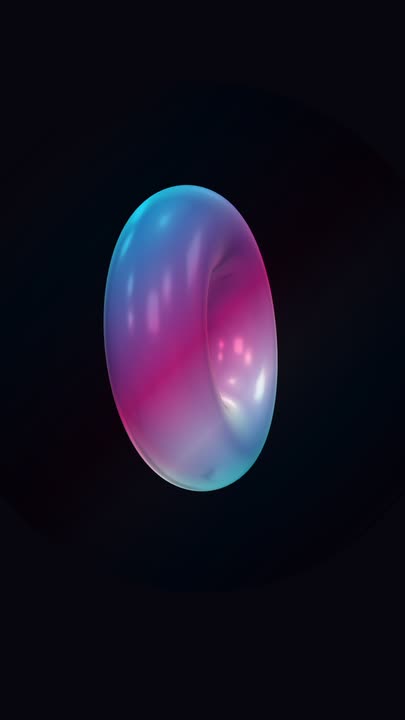 Iridescent TorusA big holographic 3D torus tumbles slowly on two axes over near-black, cyan and magenta bands sliding across its glossy surface — a seamless loop with nothing else in the frame.
Give your headline something to sit on.
Pick two colours, set the drift and export a calm eight-second loop.