Time-Lapse (AI Time Lapse)
Time-Lapse turns one photo into racing time: the camera, framing and horizon stay locked while daylight, weather, clouds and crowds run through hours in seconds. Upload a single still of a place and get a short clip that ends on the same frame it started from, no intervalometer, no tripod left out all day.
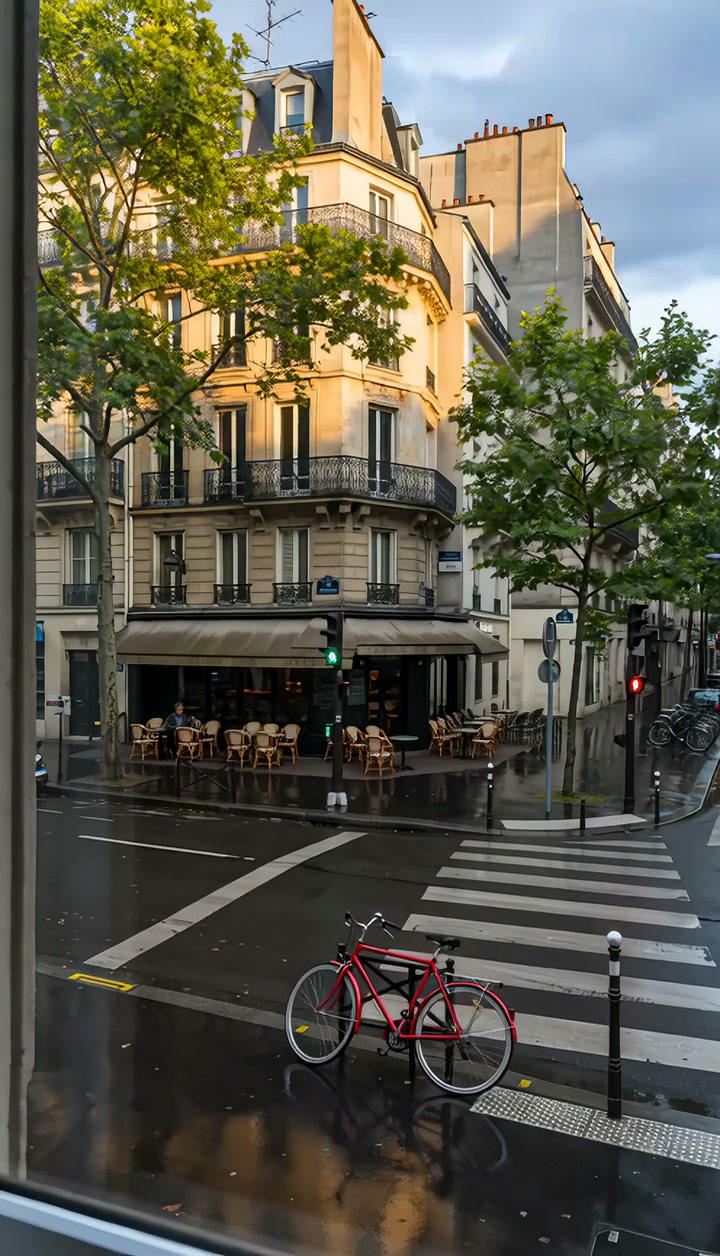
Time-Lapse Template
Upload one photo of a place with visible sky, changing light or foot traffic, shot with a level horizon.
WHAT IT IS
What the racing-time look is, and how the template compresses hours from one photo
A time lapse video is footage in which time is compressed: a locked camera captures one frame every few seconds for hours, and playback at normal speed turns a whole afternoon into a few seconds of racing clouds, sliding shadows and streaming crowds. Traditionally that needs a tripod, an intervalometer, neutral-density filters and the patience to stand guard over the camera. This template generates the same compression from a single uploaded photo. Position, composition and horizon are locked exactly as they are in the still; then light, weather, foot traffic or the state of the environment pass rapidly through time while the structure of the subject, the building, the skyline, the room, stays consistent. The clip ends on the same camera position it began with. Nothing moves except time. Output is a short clip, vertical or landscape, on the Seedance video model, without an hour of waiting.
- Camera locked, horizon level
- The generation instruction fixes position, framing and horizon for the whole clip. There is no drift, no pan, no zoom; the frame holds like a camera bolted to a tripod on a windless day.
- Time races, structure holds
- Light, shadows, weather, clouds and crowds change quickly, but the building, skyline or room keeps its shape and detail. That contrast between fixed structure and racing change is the whole effect.
- Ends where it started
- The final frame uses the same camera position as the first, so the clip loops and cuts cleanly. Editors use the matching ends to bridge a scene change, day to night, empty to full.
- No intervalometer, no waiting
- Interval shooting ties up a camera, a tripod and a person for hours. Upload one photo, pick the template, and the workbench acts as a timelapse generator that compresses the hours for you.
USE CASES
Three places where hours should take seconds
Travel, business and lifestyle situations where the passage of time is the story.
Skyline from the balcony
A single sunset photo of a city skyline from a hotel balcony becomes a compressed evening that runs from golden hour into blue hour and full night, windows lighting up one by one. Travel accounts post the 9:16 clip as a Reel closer.
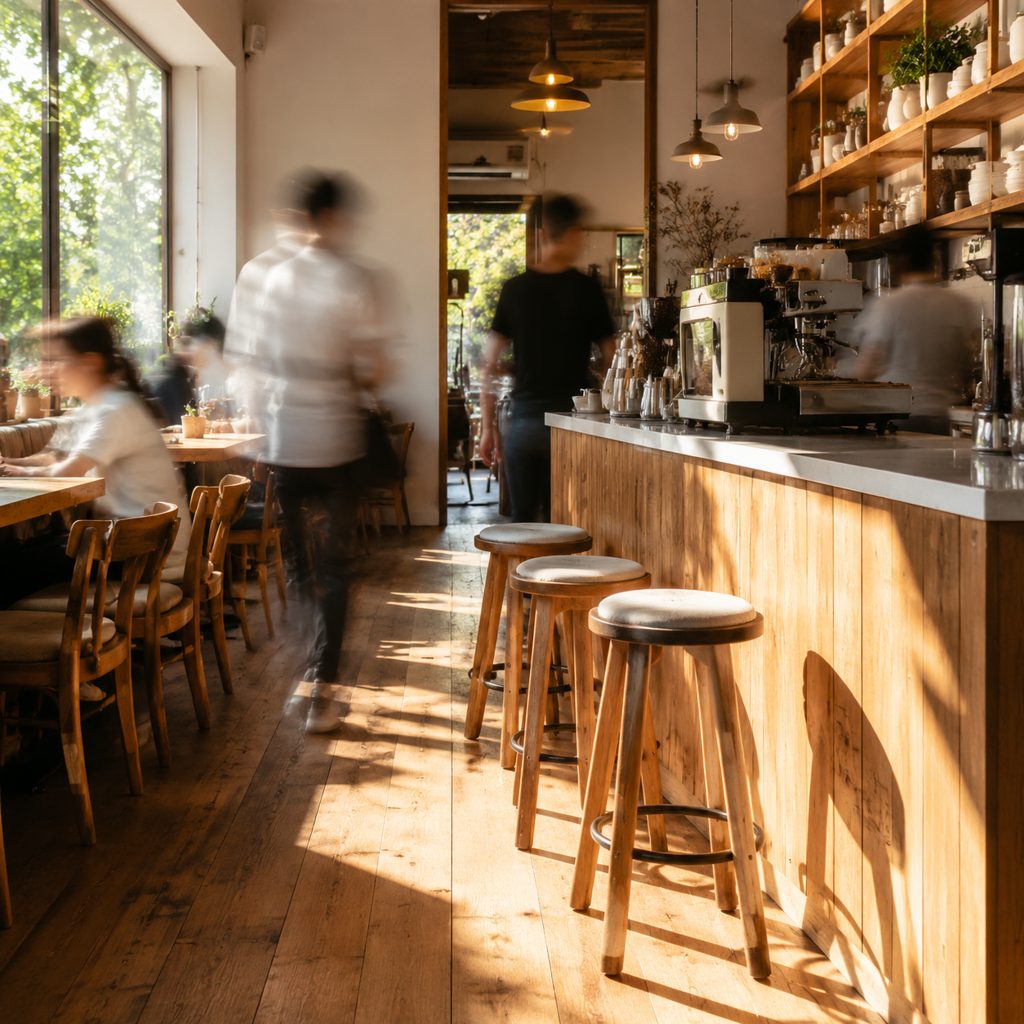
Cafe from open to close
A photo of a cafe counter at 7 a.m. turns into a compressed day: sunlight crosses the floor, the morning line forms and thins, chairs fill and empty. Owners run the 16:9 clip on the website's about page.
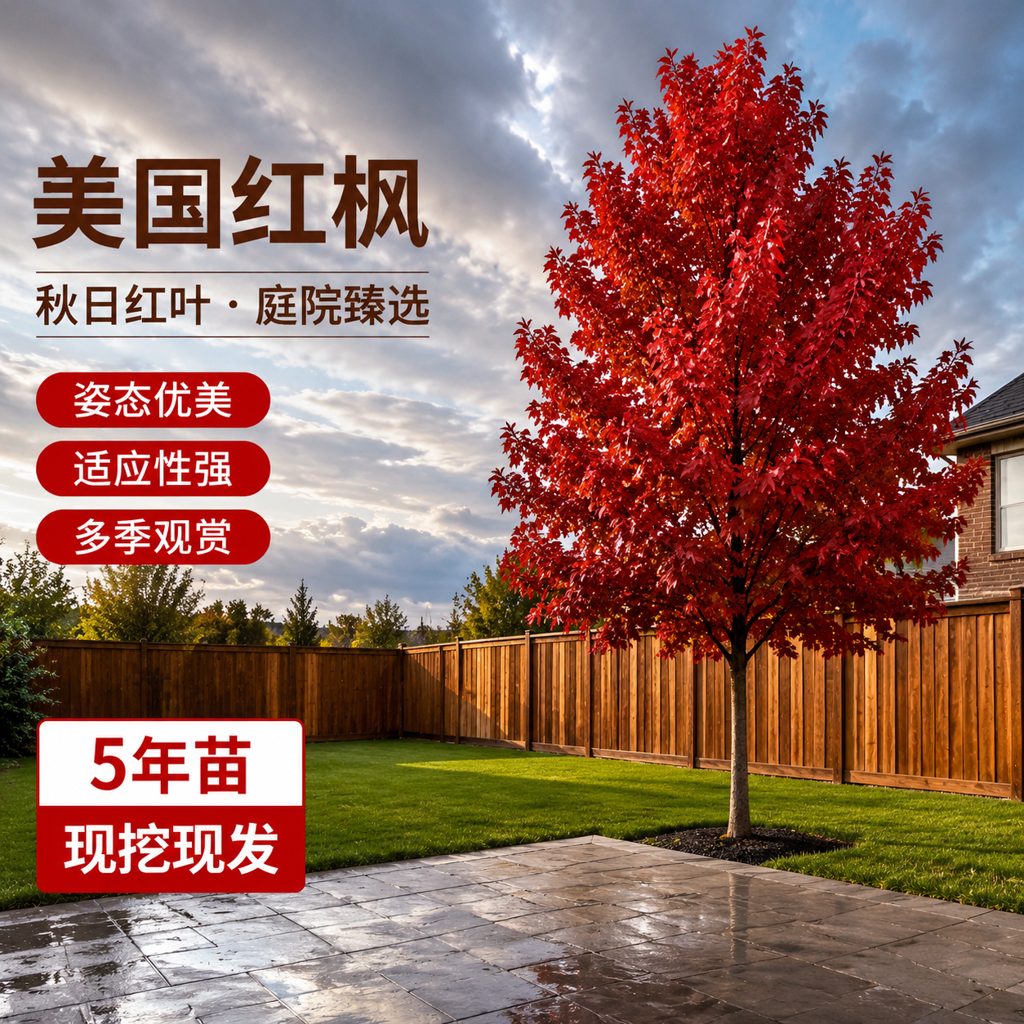
Backyard weather day
A still of a backyard with a wide sky becomes a racing sky where clouds build, a shower passes, puddles gleam and the light clears. Garden and home creators use the clip as a calm TikTok with ambient sound.
FAQ
Common questions
What is an ai time lapse?+
It is a time-compressed video generated from a single photo rather than from hours of interval shooting. The camera position, framing and horizon stay locked as they are in the photo, while light, weather, crowds and the environment change rapidly, producing the same racing-time look.
How is the generated version different from one shot over hours?+
The traditional version records real frames at set intervals over hours, so every change actually happened. The generated version starts from one still and invents plausible changes in light, weather and crowds. The real version is documentary; the generated version is a visual effect that takes seconds instead of an afternoon.
Hyperlapse vs locked camera: which one is this?+
A hyperlapse moves the camera between frames, so the viewpoint travels through space while time compresses. The classic form keeps the camera fixed, and this template follows it: position, composition and horizon stay locked from the first frame to the last, and only time moves.
What photo works best for the template?+
A photo of a place with visible sky, changing light or foot traffic: a skyline, a street, a beach, a cafe, a backyard. A level horizon and a clear structural subject help the engine hold the frame steady. Portraits and close-ups give the effect little to change over time.
How long is the clip and what formats are available?+
The template produces a short clip from one uploaded photo, in vertical or landscape output set in the workbench. The frame never moves and the last frame matches the camera position of the first, so the clip loops as a background or bridges a day-to-night cut in a longer edit.
Where should I use a clip like this?+
Reel and TikTok closers in 9:16 for travel and city pages, website hero backgrounds, about-page videos for cafes and shops, YouTube intros in 16:9 that need a passage-of-time beat, and vlog transitions where a place must go from morning to night.
Does the camera move at all during the clip?+
No. Locking the camera position, the composition and the horizon is the core of the template's generation instruction. Everything that changes is inside the frame: light, weather, clouds, people and the state of the environment. For moving-camera compression, a hyperlapse approach would be needed instead.
Other names for Time-Lapse
Compressed time has several labels. Time lapse, with a space, a hyphen or as one word, is the base term; effect and video get appended to describe the result; video maker, timelapse generator and ai variants describe the tool intent; day-to-night transition and holy grail are what photographers call the hardest version. Every one of them means a locked camera and racing time, which this template generates from one photo.
Run a whole day through one photo
Free credits on signup. No tripod, no intervalometer, no waiting.