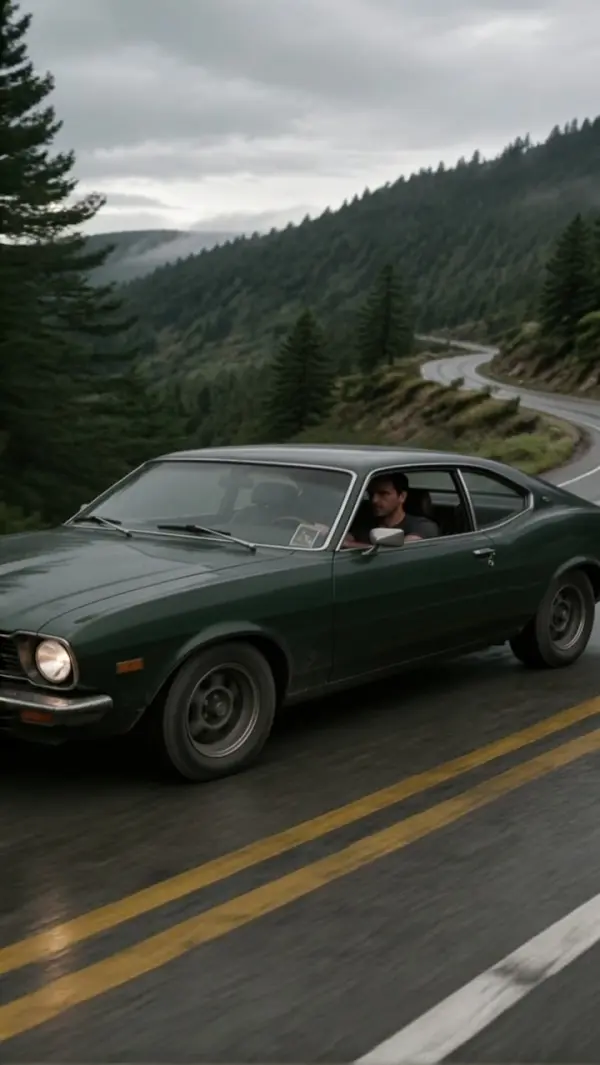
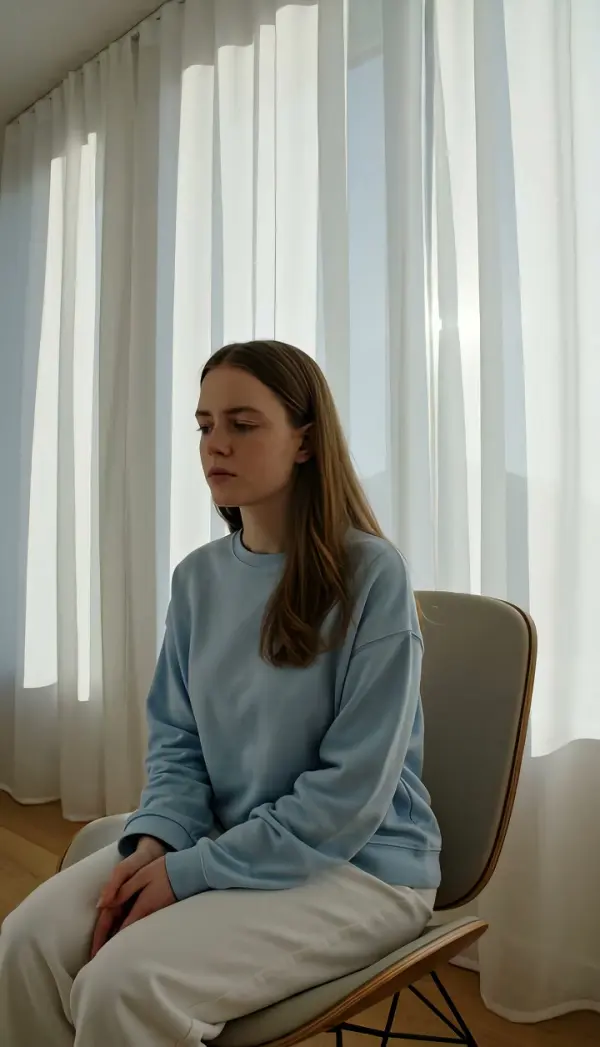
Truck Right (Truck Shot)
Truck Right moves the camera sideways to screen right on a straight horizontal line while the lens keeps facing the same direction, so foreground and background slide at different speeds. Upload one photo and LazyKiwi renders a short vertical or landscape clip that ends on a steady right-side position.
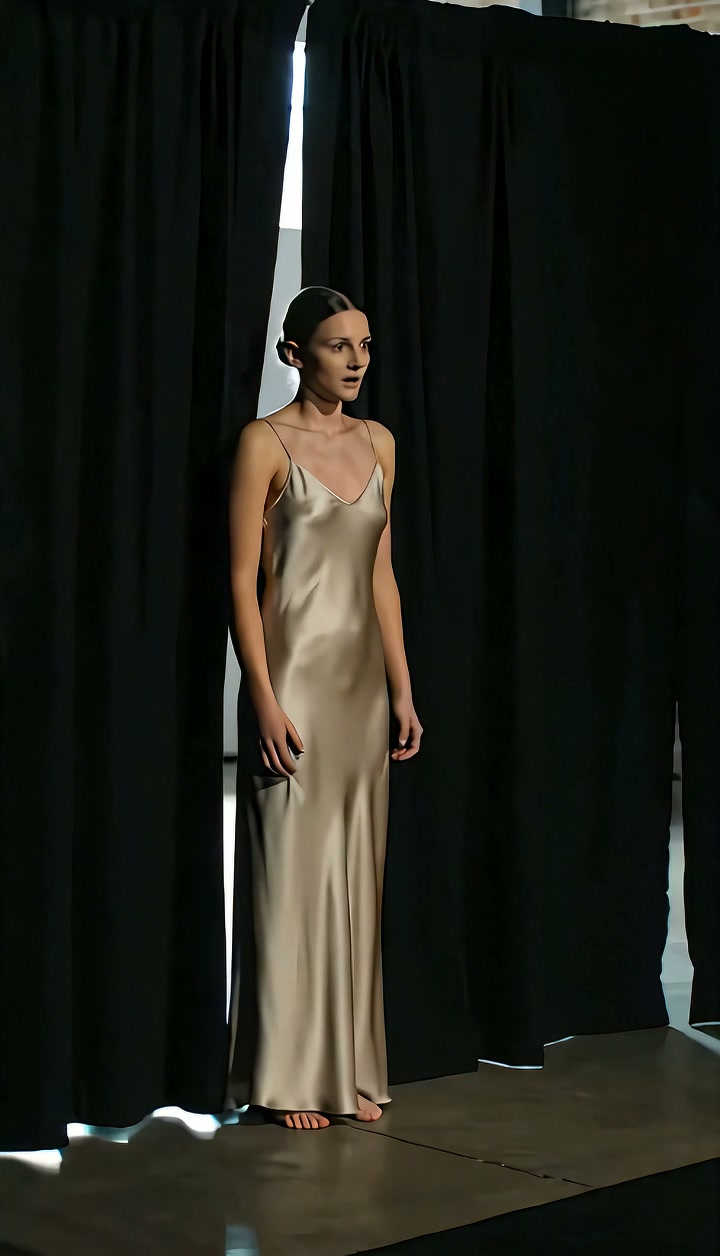
Truck Right Template
Upload one sharp photo with visible depth, such as a subject standing in front of a street, hallway or shelf run; layers in the frame make the parallax read.
WHAT IT IS
A truck shot, generated from a single photo
Truck Right is a truck shot in which the whole camera travels sideways toward screen right on a straight horizontal line while the lens keeps pointing in the same direction. LazyKiwi builds the move from one uploaded still. The Seedance video model reads your photo as the first frame, keeps the subject's face, clothing and proportions locked, and slides the camera position to the right. Foreground objects cross the frame fast, the subject drifts a little, and the far background barely moves. That speed difference is parallax, and parallax is what separates a real truck camera movement from a flat pan. The clip ends resting on a clear right-side camera position. Output is a short clip, vertical 9:16 for Reels and TikTok or landscape 16:9 for YouTube, made with no dolly track, slider or crew.
- Lateral travel, not a pan
- A pan pivots the camera on its axis; a truck moves the entire camera body sideways. The lens direction never changes, so straight lines stay straight and depth shows up as layered parallax instead of a swinging horizon.
- Subject appearance locked
- The engine locks the face, outfit and body shape from your uploaded photo. The person you upload is the person in the last frame; only the camera position and the scene layers around them change.
- Clean right-side ending
- The move decelerates and settles on a steady frame slightly to the right of your original composition. That still ending gives editors a clean cut point with none of the wobble software stabilizers leave behind.
- One photo, no rig
- Upload a single still. No dolly track, no slider, no gimbal operator. The template generates the whole lateral move as image-to-video, so a phone photo taken in a hallway becomes a moving shot.
USE CASES
Where this lateral move earns its place
Pick this direction when the story moves left to right: entrances, showroom walks, a subject heading toward whatever comes next.
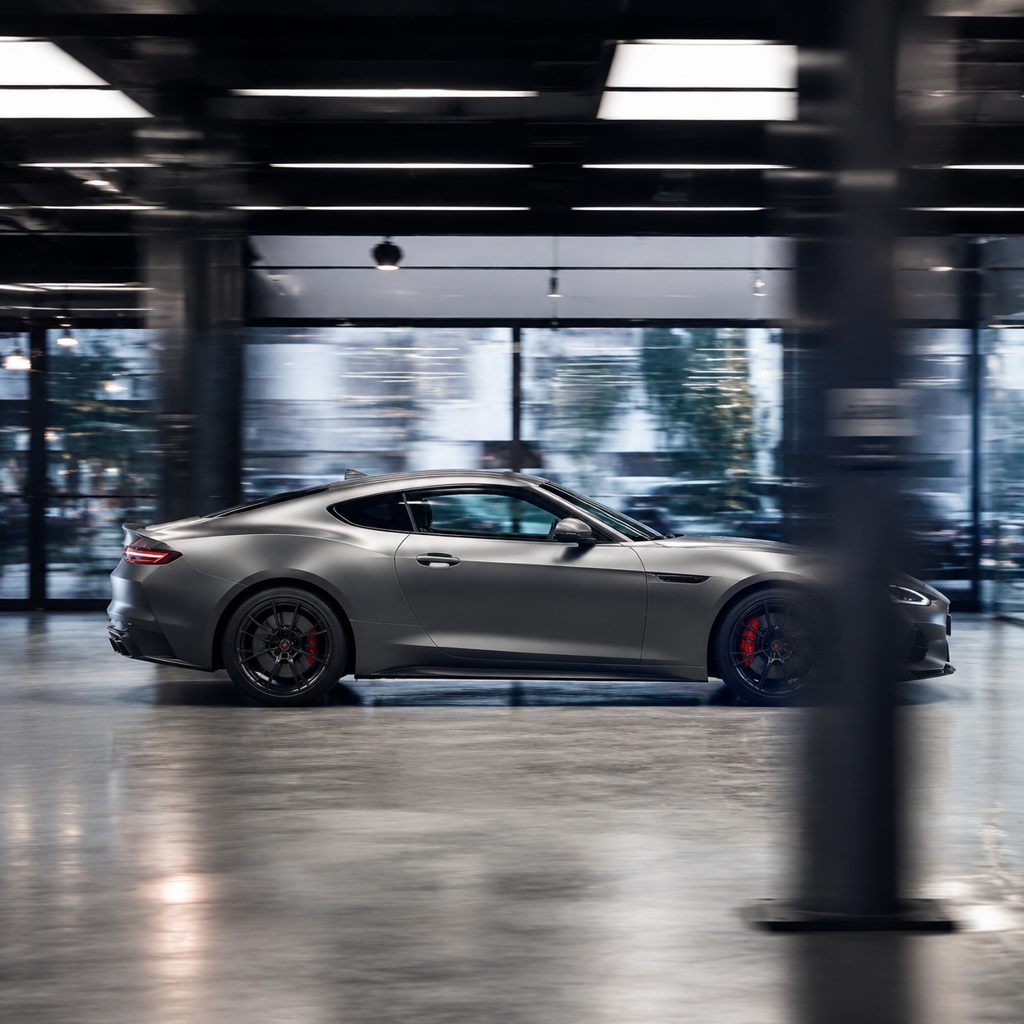
Showroom sweep past a new car
Shoot one wide photo of a car in a dealership or garage with a few lights or pillars in the foreground. The move glides along the body from headlight to taillight, pillars sliding past the lens while the paint stays sharp and readable.
Following a walk down the street
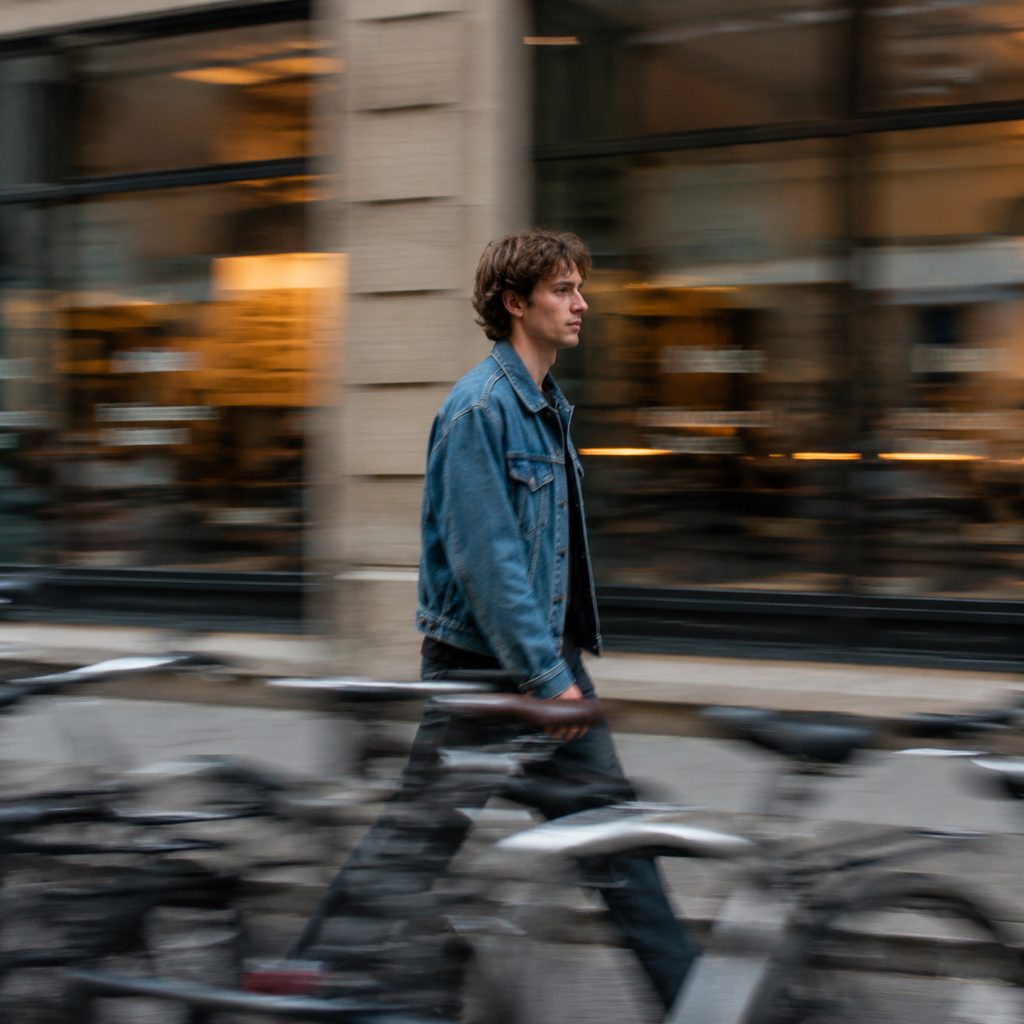
Upload a photo of a friend mid-stride on a sidewalk, walking toward screen right. The camera tracks sideways at walking pace, parked bikes and storefront frames pass in the foreground, and the clip settles with the subject still centered.
Bakery counter reveal for Reels
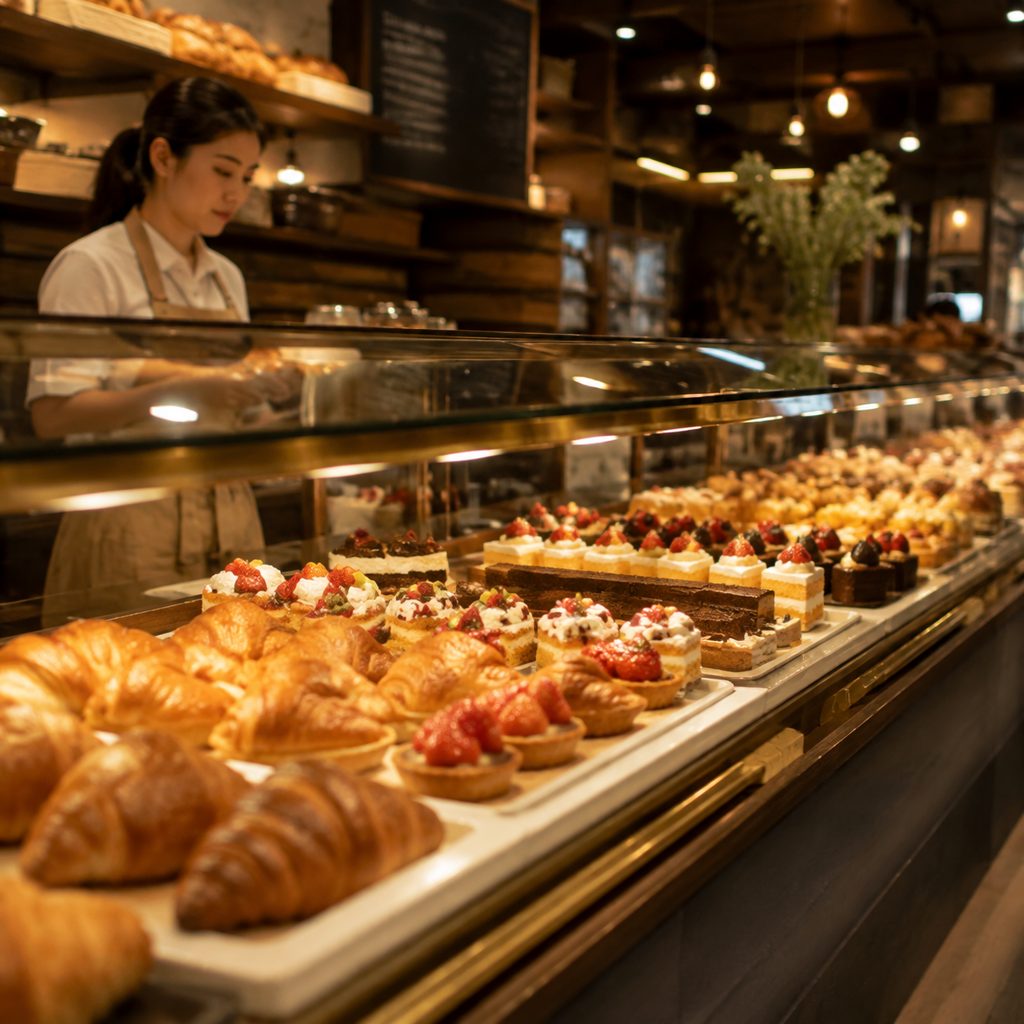
Take one photo along a pastry counter with the glass edge in the foreground. The camera travels from the croissants toward the cakes at the far end, the glass frame passes in a soft streak, and the 9:16 clip finishes on the display you want to sell.
FAQ
Common questions
What is a truck shot?+
A truck shot is a camera move where the entire camera travels sideways on a horizontal line while the lens keeps pointing in the same direction. Because the camera body relocates instead of pivoting, near objects cross the frame faster than far ones, which produces true parallax. Trucking shot and camera truck name the same move.
How is a truck right different from a pan right?+
A pan right rotates the camera on its tripod head; the position never changes and the background simply scrolls. This move relocates the camera body toward screen right, so foreground, subject and background move at different speeds. LazyKiwi offers Pan Right as a separate template.
Do I need a dolly track or slider to make a truck camera movement with LazyKiwi?+
No. The template generates the truck camera movement from one uploaded photo. There is no rig, track, slider or gimbal in the process. The Seedance video model treats your still as the first frame and synthesizes the lateral travel, the layered parallax and the settled right-side ending.
What photo works best for this template?+
Pick a sharp, well-lit photo with clear depth: something in the foreground, a subject in the middle, and a background a few meters back. A hallway, a street, a shelf run or a row of parked cars all work. Flat images against a plain wall produce little parallax.
How long is the output and what format do I get?+
The template returns a short clip built from your single photo. Choose vertical framing for 9:16 Reels, TikTok and Shorts, or landscape framing for 16:9 YouTube and Shopify product galleries. The subject's appearance stays locked and the final frame is a steady right-side camera position.
When should I use this move instead of truck left?+
Use it when the action reads left to right: a person walking toward screen right, a product lineup scanned in reading order, or a showroom sweep from entrance to display. Truck Left suits retreats and reveals of what sat beyond the left edge. Matching direction to story keeps cuts continuous.
Other names for Truck Right
Crews and tutorials label this move in several ways. Truck shot and trucking shot are the standard film-school terms. Some operators say camera truck or truck camera movement, and gimbal users often call the same path a lateral move or a crab shot. Editors trying to fake the move in software search for a truck effect in Premiere Pro or CapCut. Every one of those phrases points at the lateral camera travel this template generates from a single photo.
Turn one photo into a sideways camera move
Sign up for free credits and render your first lateral truck shot in minutes.