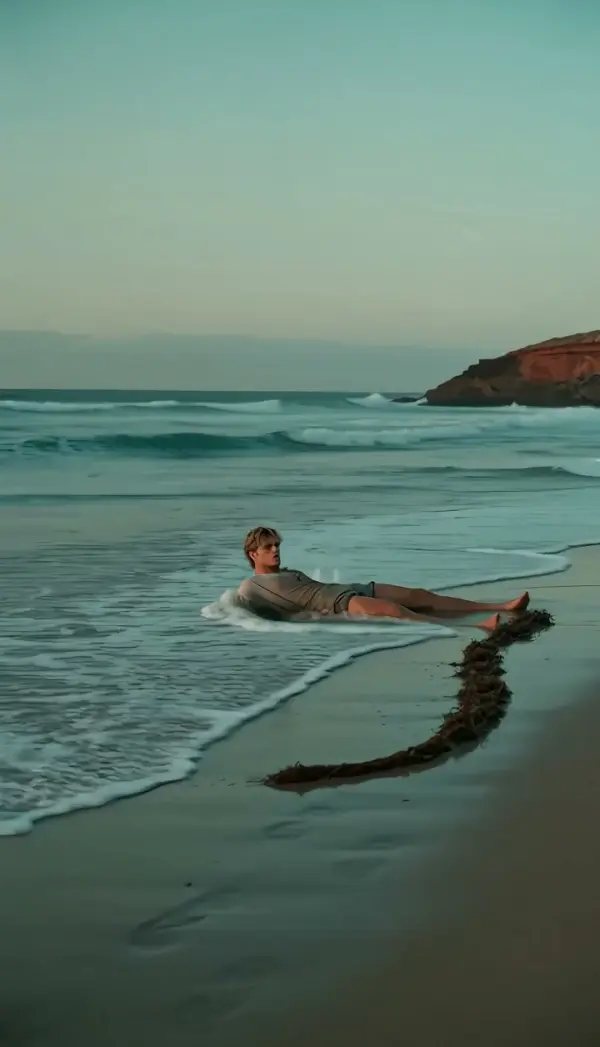
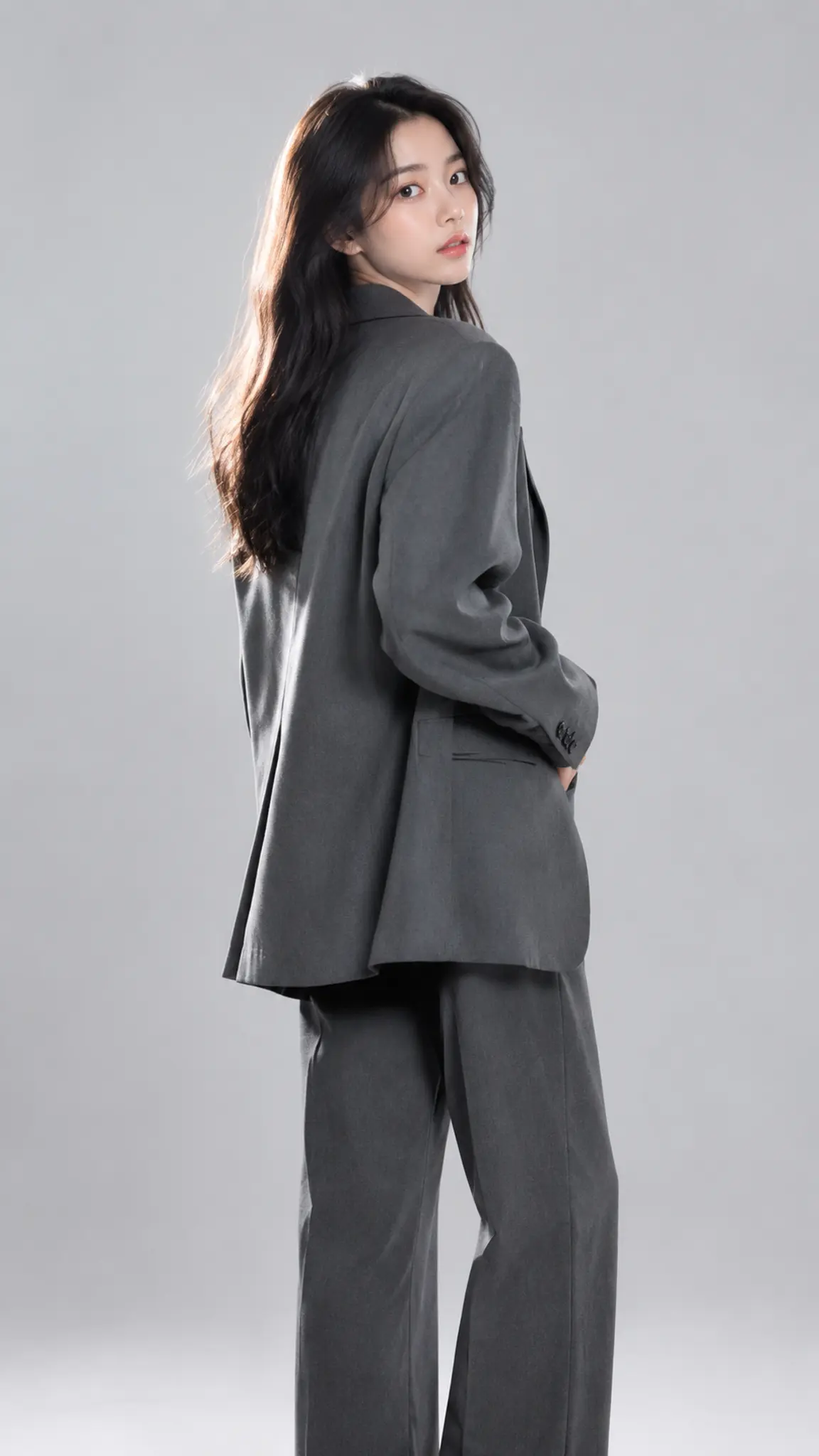
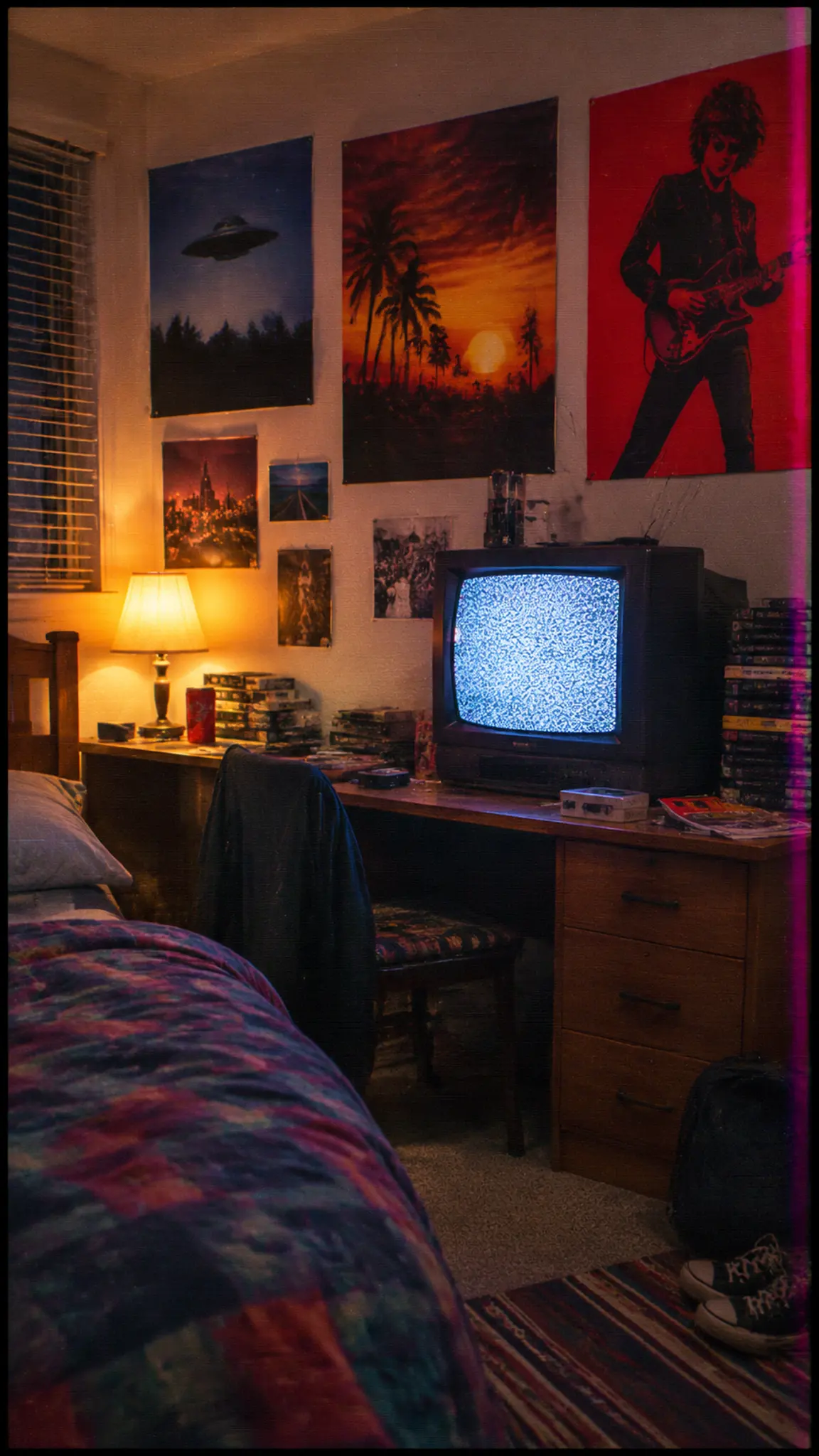
3D Split-Screen Collage
3D Split-Screen Collage builds a split screen video from a single photo. Tall panels holding different crops of your image slide in from depth, hinge open into a three-dimensional room around the subject, then fold into one wide collage. One photo goes in; a 10-second 16:9 clip comes out.
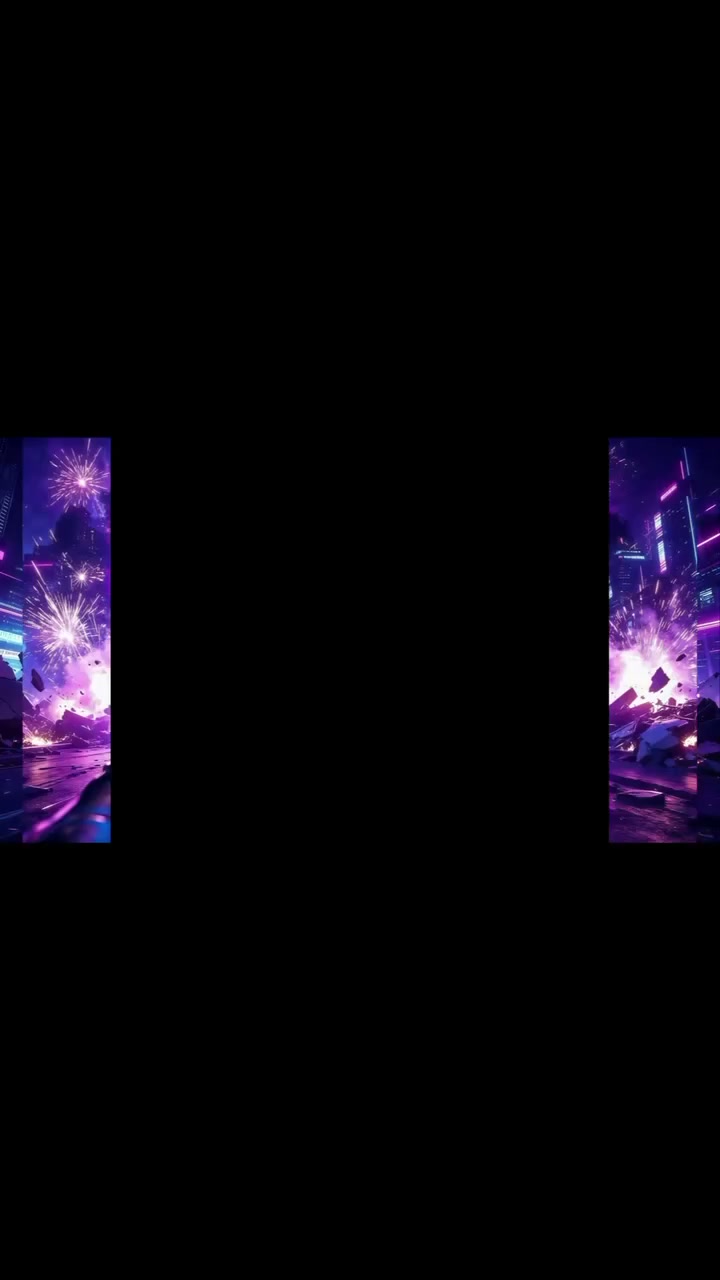
3D Split-Screen Collage Template
Upload one high-resolution photo with the subject near the center; the panels are cut from the same image, so detail around the subject gives them more to show.
WHAT IT IS
A split screen effect built from only one image
3D Split-Screen Collage is a split screen video template that cuts one uploaded photo into tall rectangular panels, flies them in from a dark void, and assembles them into a three-dimensional collage around your subject. The engine uses the photo as its only visual source and keeps the subject exactly as photographed; no new people or objects are added. Each panel carries a different crop, a face here, a background detail there, so the room is built from your own pixels. Panels rotate like hinged walls and open in sequence while the camera pushes forward and slightly around the structure with strong parallax and controlled motion blur. Lighting and color stay consistent across every panel. In the last stretch the panels fold and align until they resolve into one coherent wide frame with the subject fully visible. The output is 10 seconds in 16:9, timed to feel like a single music-video transition.
- Panels cut from your photo
- Every panel is a crop of the uploaded image, not stock footage. The engine selects different regions and mounts each on its own tall rectangle, which keeps the collage on-brand and avoids the mismatched clips of a typical split screen.
- Hinged 3D motion
- Panels slide in from depth and swing on vertical hinges like doors opening in sequence. Crisp edges and clean perspective keep the geometry readable, and a touch of motion blur keeps the faster swings from strobing on a 16:9 frame.
- Forward push with parallax
- The camera moves forward and slightly around the panel structure. Near panels slide faster than far ones, which sells the depth. The move ends as the panels finish folding, so the resolve and the camera settle at the same moment.
- One wide collage resolve
- The clip does not end on floating fragments. Panels continue folding until they lock into a single wide layout with the subject in full view, ready to hard-cut into a talking-head, a title card, or the first shot of a music video.
USE CASES
Where a one-photo split screen effect fits
Three placements where a 10-second landscape collage transition beats a flat two-box split screen.
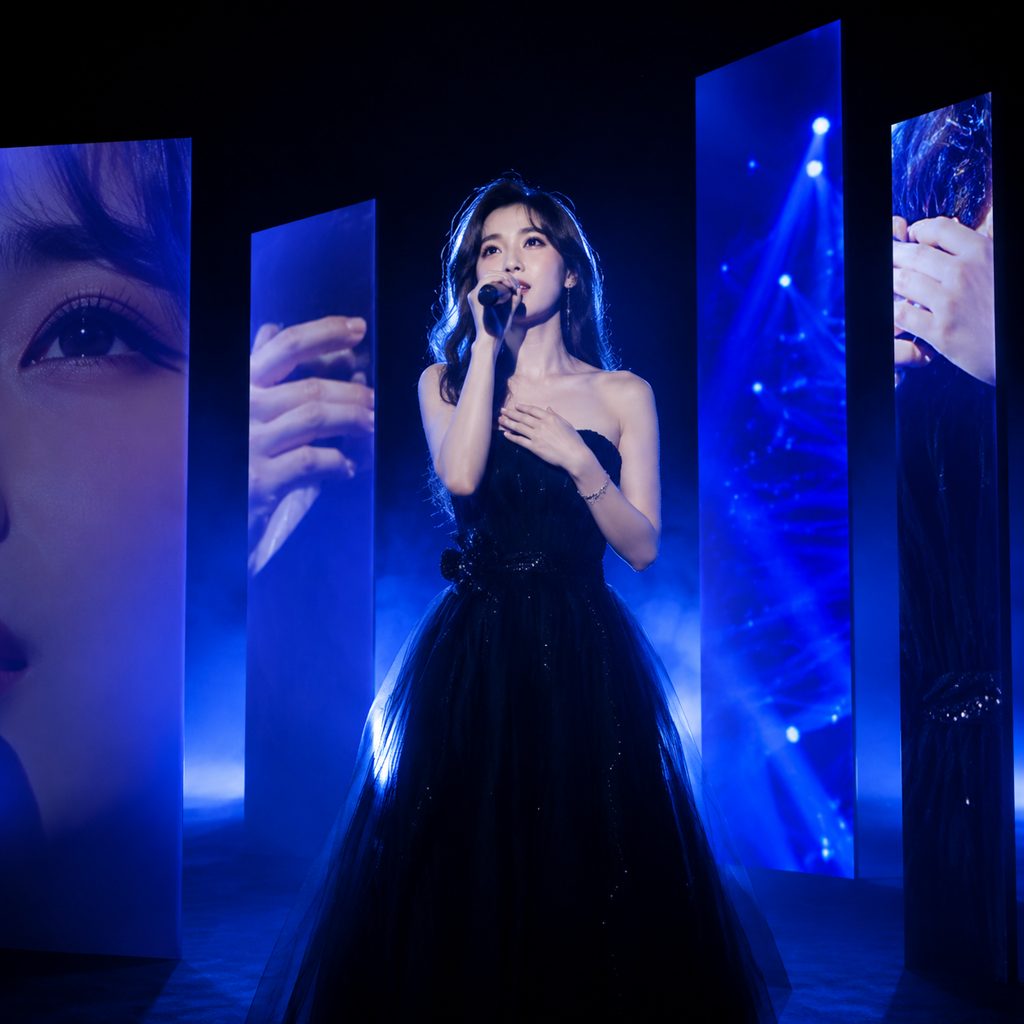
Music video opener
A singer uploads a moody portrait shot under blue stage light. Panels of her eyes, microphone, and the lit backdrop swing in from black, orbit into a room, and fold into one wide frame on the downbeat. The 10-second 16:9 clip becomes the cold open of the video.

YouTube channel intro
A tech reviewer photographed at his desk turns the shot into a channel bumper. Crops of the monitor, keyboard, and his face rotate through the void and resolve into a wide layout that leaves room for a title overlay.
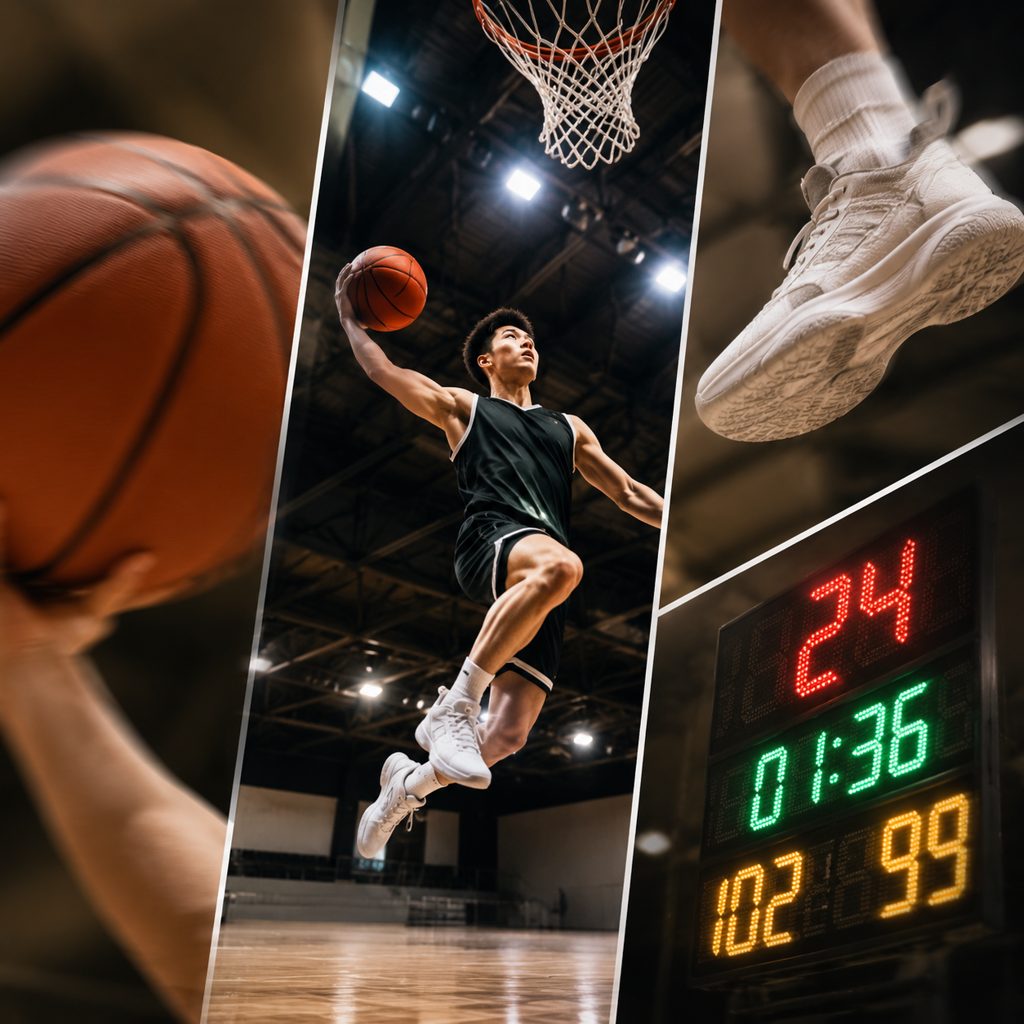
Athlete highlight bumper
A basketball player's mid-jump photo is split into tall panels showing the ball, the sneaker, and the scoreboard behind him. The panels hinge open around the frozen jump and collapse into a wide collage, a 10-second transition between quarters in a highlight reel.
FAQ
Common questions
What is a split screen video?+
A split screen video shows two or more image areas in the same frame at once. Traditional versions place separate clips side by side. 3D Split-Screen Collage builds the split screen effect from a single photo instead, slicing it into tall panels that move in three-dimensional space and settle into one wide collage over 10 seconds.
How long is the clip and which aspect ratio?+
3D Split-Screen Collage outputs a 10-second clip in 16:9 landscape, the standard frame for YouTube, a music video, or a widescreen presentation. One first-frame photo is all the Seedance video model needs to build the panels.
What photo works best?+
A high-resolution photo with the subject near the center and plenty of surrounding detail gives the panels more to show. Portraits with an interesting environment, a stage, a workshop, a street, produce richer crops than a plain white backdrop. Avoid heavy compression, because each panel enlarges part of the image and artifacts become visible on a 16:9 frame.
Is this a video collage maker for multiple photos?+
No. 3D Split-Screen Collage works from one image only; every panel is a different crop of that same photo, and the engine will not introduce new people or pictures. If you need a video collage maker that combines several photos, generate a clip per photo and cut the results together in an editor.
3D Split-Screen Collage vs. a split screen effect in an editor?+
A split screen effect in an editor is flat: clips sit in fixed boxes and rarely move. 3D Split-Screen Collage adds depth, hinged rotation, parallax, and a resolve into one wide frame, all generated rather than keyframed. The editor route wins when you need two separate videos playing at once; this template wins for a one-photo transition.
Where does a 10-second 16:9 collage fit?+
The most common placements are a YouTube intro bumper, a music-video cold open, a transition between sections of a highlight reel, and a full-width hero clip on a landing page. Because the panels resolve into a single wide frame, the final second also works as a freeze frame for a title overlay.
Other names for 3D Split-Screen Collage
Searches for this look come in from several directions. Editors call it a split screen effect or a panel split, motion designers call it a 3D collage video or panel transition, and people who want the tool rather than the technique search for a video collage maker or split screen video maker. Older names include multi-panel intro, hinged panel transition, and photo collage animation. This template makes the one-photo version of all of them.
Build a 3D split-screen collage from one photo
New accounts get free credits, enough to test a few photos before you commit.