
Age Filter: See Yourself in Your 70s
Upload one photo and see yourself decades from now: a realistic 70-to-80-year-old you, with the same face, expression and scene. Wrinkles, gray hair and mature skin are added naturally while keeping you, you.
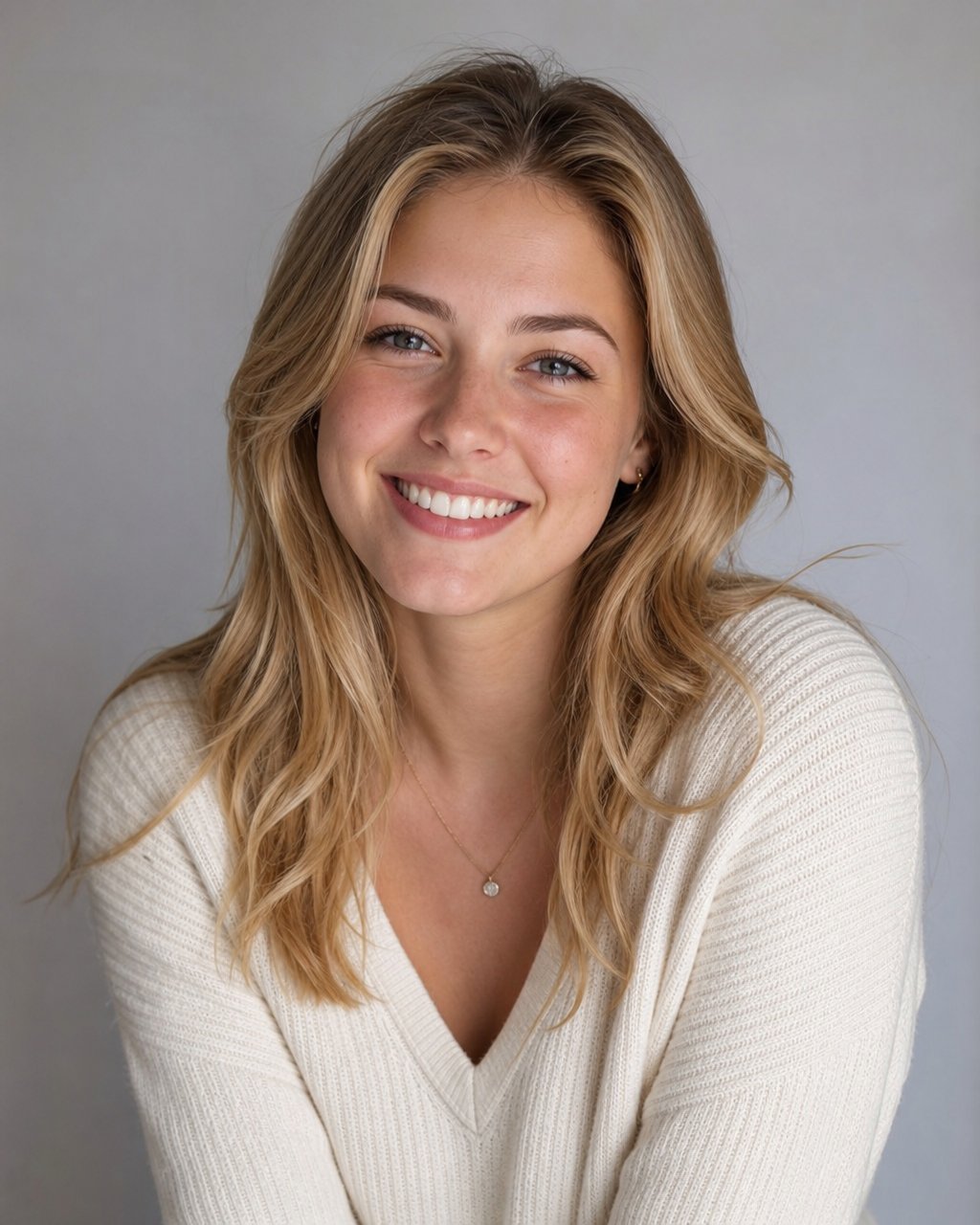 BEFORE
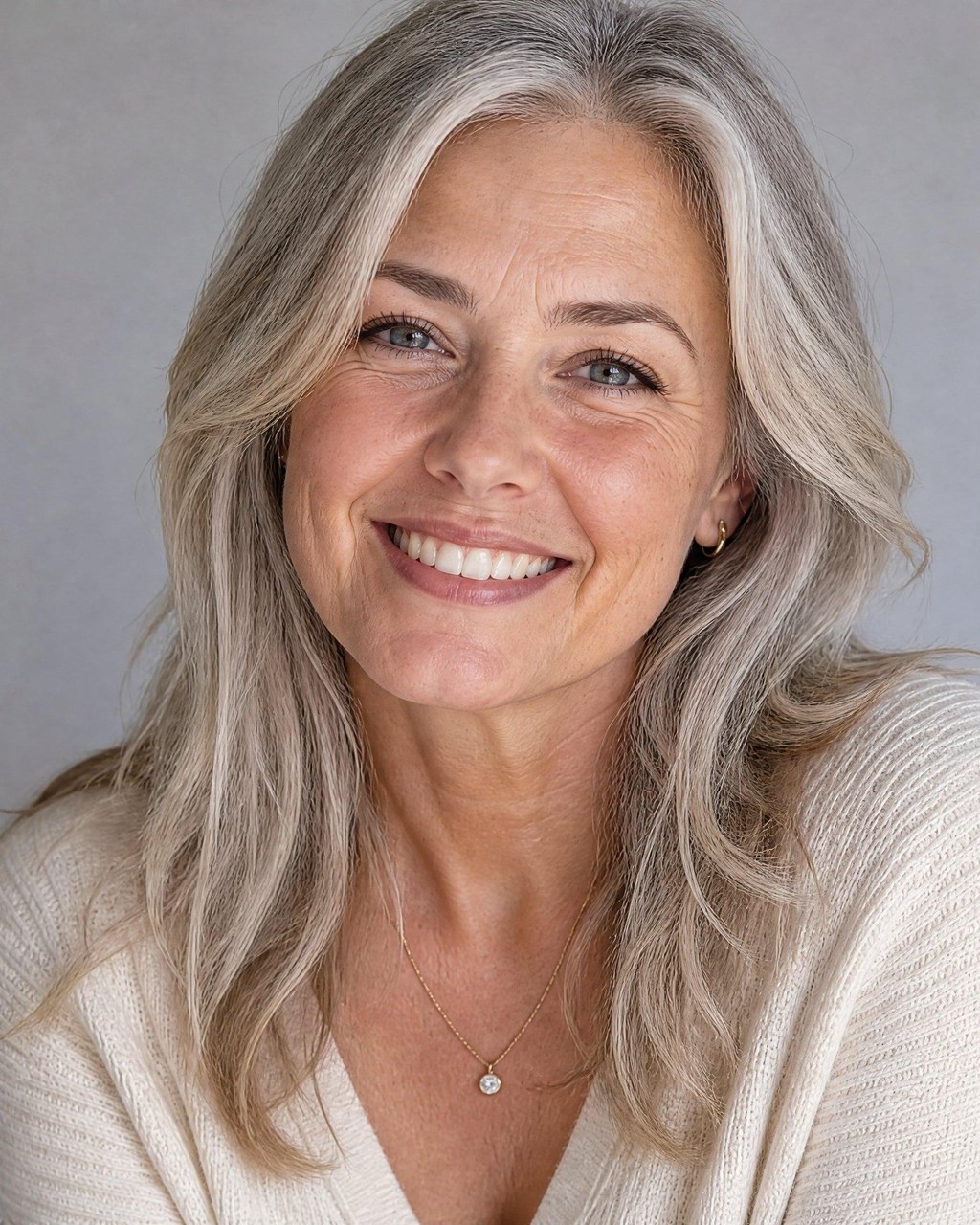 AFTER ✨
What it is
Meet your future self with one photo.
The LazyKiwi age filter ages your face forward to somewhere between 70 and 80: natural forehead and eye wrinkles, mature skin texture, age spots, gray or white hair and a little facial volume loss, while your face shape, eyes, expression and hairstyle cues stay recognizable. The setting and pose of your photo are kept where possible. It only goes one way: there is no younger option and no age slider.
How it works
Your result in three steps
Upload your photo
A clear, well-lit photo is all you need. Your photo, your starting point.
Generate
There is nothing to set: the filter always ages you to your 70s or 80s. Pick an aspect ratio if you want a different crop.
Generate & download
Preview the result, run it again for a different take, then download your favourite.
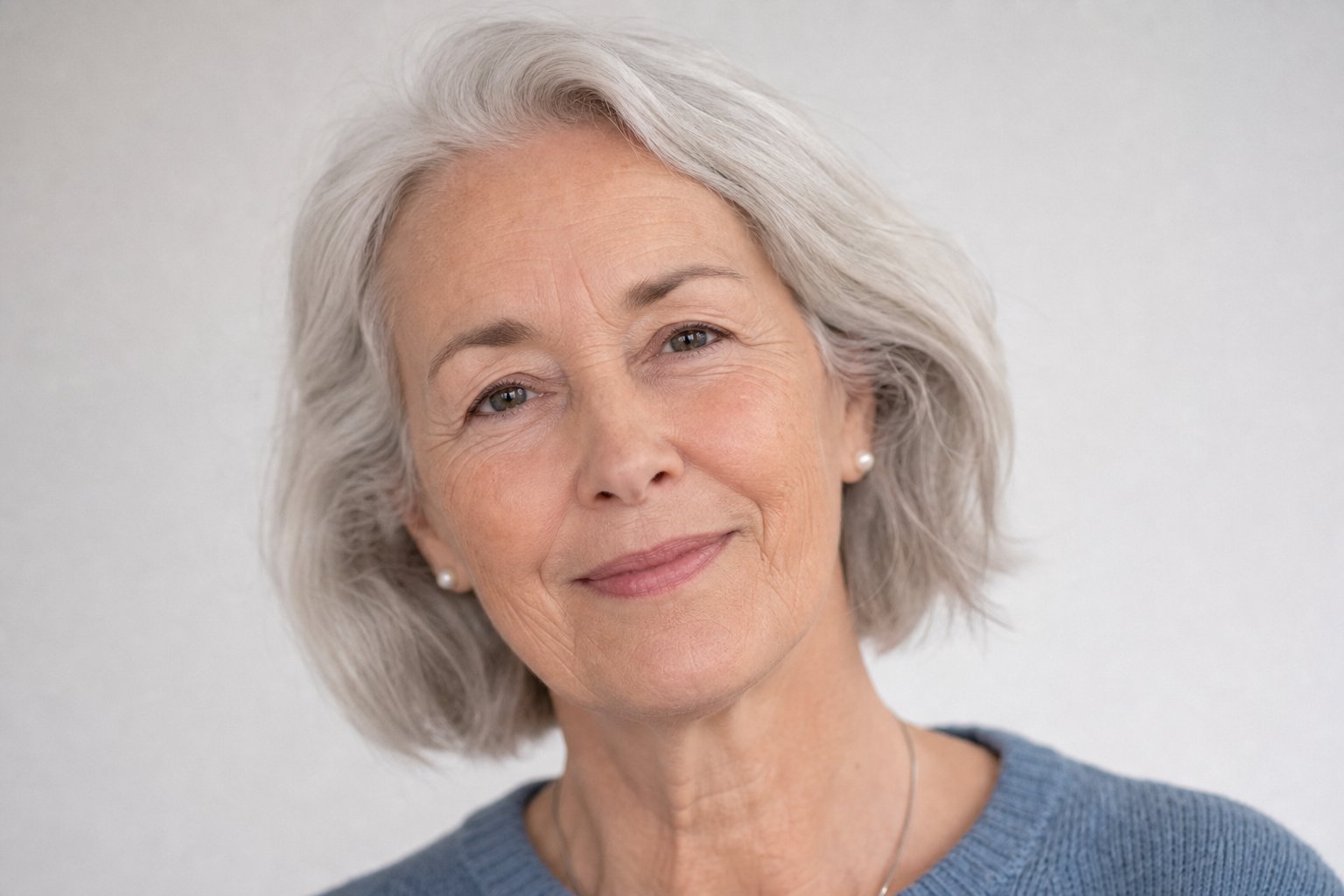
Aging that looks natural
Lines, skin texture, age spots and gray hair change the way they really would at 70-plus, not with a cartoon overlay. The result keeps your identity rather than swapping in a generic older face.
- Wrinkles, age spots, gray hair
- Photorealistic skin texture
- Keeps your features
Your scene, decades later
The filter keeps the scene, pose and lighting of your upload where it can, so the result reads as the same photo taken forty or fifty years on.
- Same background and pose
- Natural lighting kept
- One clear photo is enough
A reveal worth sharing
Great for curiosity, family resemblance games and viral before-and-after posts.
- Shareable results
- High-res export
- Run it again for another take
Why LazyKiwi
Built to look real
Seconds, not days
Results render almost instantly, so you can compare options before your coffee's cold.
Private by default
Your photos are processed securely and never sold. What you upload stays yours.
Free to start
New accounts get free monthly credits, no credit card. Get a real result on your own photo before you pay anything.
No regret
Test the change risk-free and decide with your own eyes.
Made for you
Tuned for natural, believable results — not a filter slapped on top.
No skills needed
No Photoshop, no prompts to master. Upload, tap, done.
FAQ
Questions, answered
Is the age filter free?+
Yes. New accounts get free monthly credits with no credit card, so you can see an older version of your own photo first. Each run uses credits.
Will it still look like me?+
Yes. The AI ages your real features (face shape, eyes, expression, hairstyle cues) instead of generating a generic older face.
Can it make me younger or pick an age?+
No. This filter only ages you forward, to somewhere between 70 and 80. There is no younger option and no age slider.
What photo works best?+
A clear, front-facing selfie with good lighting.
Meet your future self.
Upload one photo and see a realistic 70-something you in seconds, free to start.
No credit card · Free to try · Results in seconds