Crane Up (Crane Shot)
Crane Up lifts the camera from a low start to a high finish, the way a jib arm booms upward on set, keeping the subject or location in view the whole way. Upload one photo and get a short vertical or landscape clip that ends on a higher viewpoint, with no crane, no dolly and no grips.
Crane Up Template
Upload one photo taken at or below eye level in an open space, with room above and around the subject.
WHAT IT IS
What a crane shot is, and how the template rises from a single photo
A crane shot is a camera move made on a jib or crane arm, a counterweighted boom that lets the camera sweep vertically through space far beyond what a tripod or slider allows. The rising version, the one this template makes, booms the arm from near the ground to well above head height, often combined with a slight pull-back, so the subject shrinks and the location opens around them. Directors save the move for endings, departures and moments of scale. The Crane Up template generates that rise from a single uploaded photo. The virtual camera starts low, lifts smoothly and slowly in a controlled vertical climb through open space, keeps the subject or place in frame throughout, and finishes on a higher vantage point. Nothing about the subject is altered; the height of the viewpoint is what changes. Output is a short clip, vertical or landscape, on the Seedance video model, and the only equipment involved is your phone.
- Starts low, ends high
- The move begins near ground or waist height and finishes above head height. That vertical distance is what separates the climb from a small pedestal lift on a tripod column.
- Slow, controlled climb
- The rise is smooth and unhurried, matching the pace a grip would swing a real jib. No jerks, no speed ramps; the clip reads as a weighted arm moving through air.
- Subject stays in view
- The engine keeps the person or location visible from bottom to top of the climb, re-framing gently as the angle steepens, so the viewer never loses the anchor of the shot.
- One photo, no jib
- A real jib needs the arm, a dolly base, counterweights and two grips. Here you upload one still, pick the template, and the workbench generates the lift with image-to-video generation.
USE CASES
Three endings that rise
Situations where lifting the camera away from the subject is the right last shot.
Wedding couple in an open field
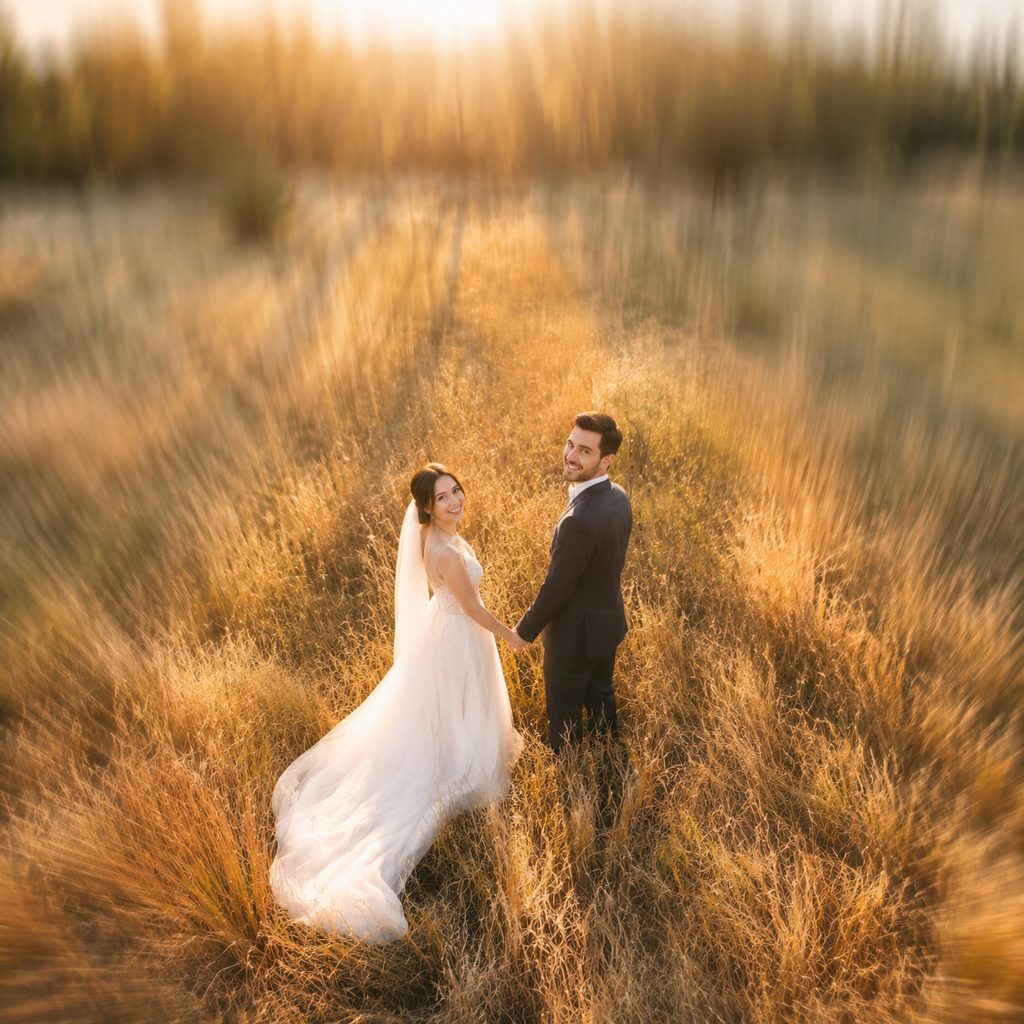
A photo of a couple standing in tall grass becomes a rising jib move: the camera lifts from their eye line to above their heads, and the tree line and hills open up behind them. The 16:9 clip closes a wedding highlight film.
House exterior for a listing
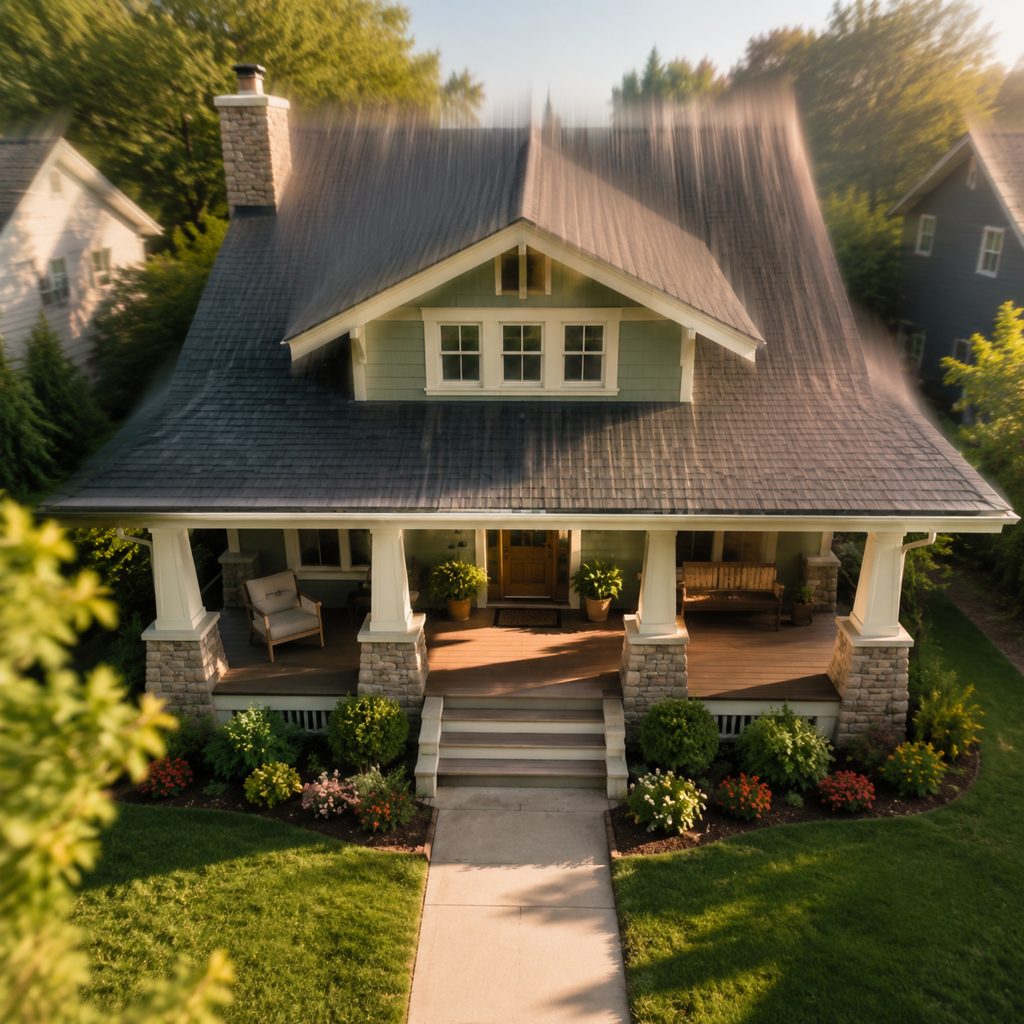
A ground-level photo of a front porch turns into a rising shot that climbs past the roofline to show the yard and the street. Agents use the vertical 9:16 version as the last three seconds of a listing Reel.
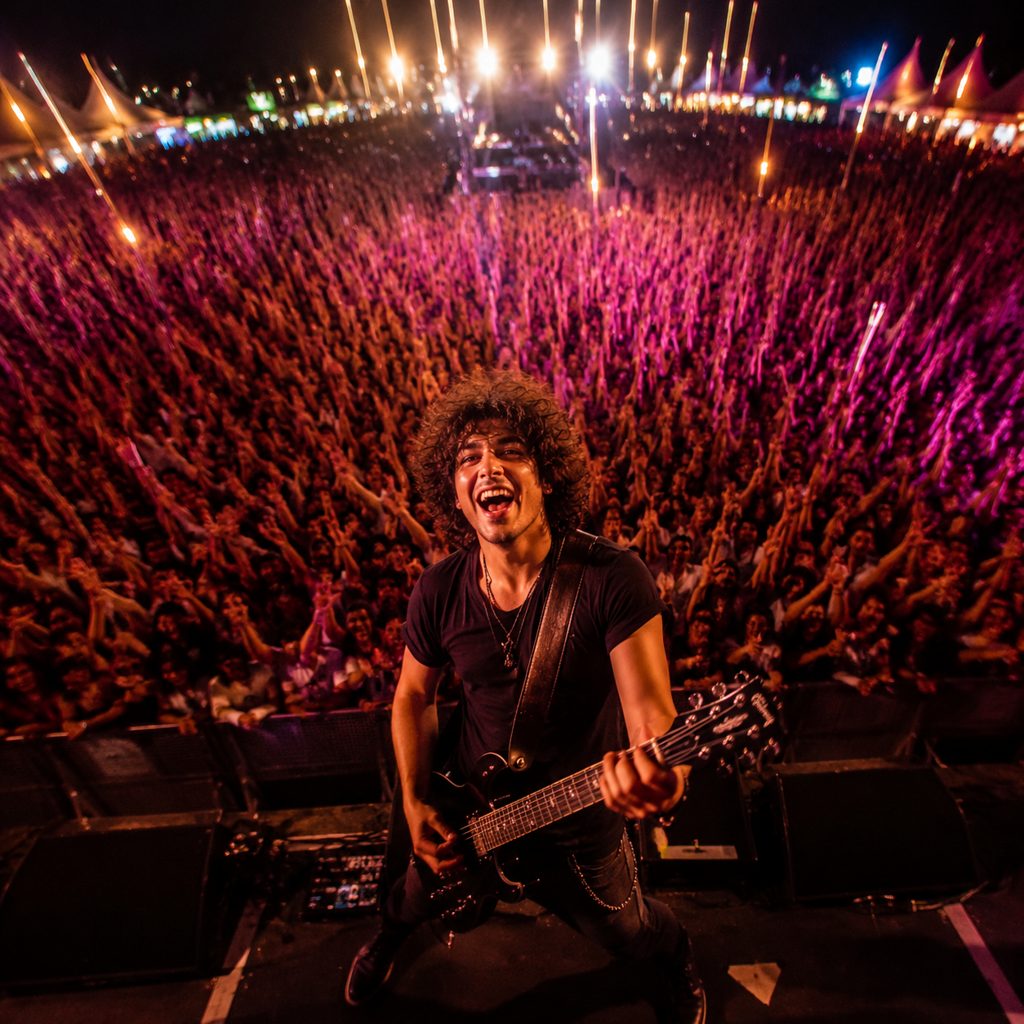
Festival stage over the crowd
A shot of a performer at the front of a stage becomes a rising move over the audience's heads, revealing the size of the crowd. The clip works as the outro of an event recap on YouTube.
FAQ
Common questions
What is a crane shot?+
It is a camera move filmed from a jib or crane arm, a long counterweighted boom with the camera on one end. Swinging the arm sweeps the camera vertically and horizontally through space. Filmmakers use the arm to open or close scenes, reveal scale and lift the audience out of a moment.
Rising crane vs descending crane: which should I pick?+
The climb rises from low to high, so the subject gets smaller and the setting grows; the feeling is departure, closure or scale. The descent does the reverse, dropping from a high view to the subject, which reads as arrival and introduction. Use this template for endings and Crane Down for openings.
How is the climb different from a pedestal up?+
A pedestal up raises the camera a short distance on a tripod column or slider, usually under a meter, without changing angle much. A jib climb covers several meters of height and the angle steepens as the camera rises. This template produces the larger, sweeping version.
What photo works best for Crane Up?+
Use a photo taken at or below eye level in an open space: a field, a street, a beach, a stage. Room above and around the subject gives the engine space to climb into. Tight interiors with low ceilings give the rise nowhere to go.
What length and format does the clip come out at?+
The template returns a short clip from one uploaded frame, in vertical or landscape output chosen in the workbench. The camera climbs continuously from first frame to last and ends on the higher viewpoint, so the final frame works as a natural hold before a cut to black.
Where do people use a crane move made from a photo?+
Wedding films and travel edits use the rise as a closing shot, 9:16 listing Reels use the move to show a property and its lot, and event recaps on YouTube use the climb to reveal a crowd. The move also works as a transition out of a talking-head segment.
Do I need a camera crane or jib to get this shot?+
No. The template creates the rise from a single photo using image-to-video generation, so there is no jib arm, counterweight, dolly track or crew involved. Upload the still, choose the template, generate, and download the finished clip.
Other names for Crane Up
Camera departments have several words for this rise. Crane up, crane up shot and jib up are the on-set calls; boom up describes the same motion on a smaller arm; some editors just say camera crane shot or rising jib shot. Every one of those names points at a camera lifting through space, which this template generates from one uploaded photo.
Lift the camera off the ground from one photo
Free credits on signup. No jib, no counterweights, no crew.