Blonde Hair Filter
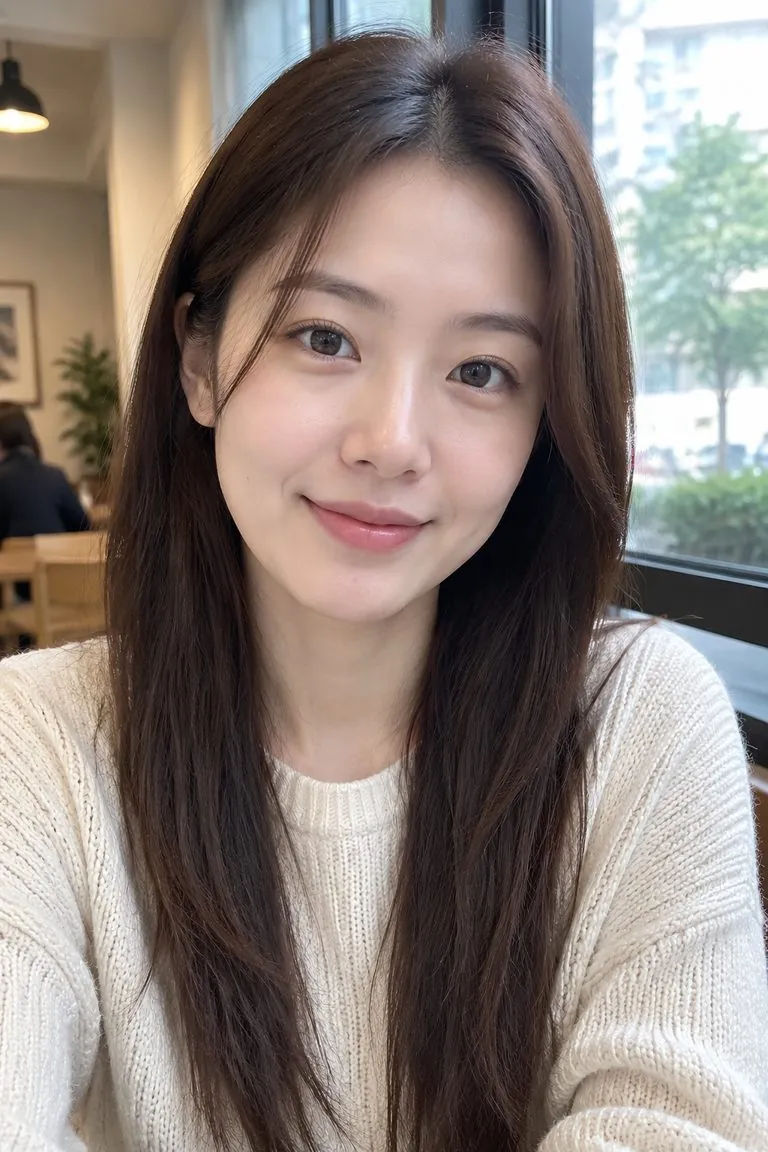
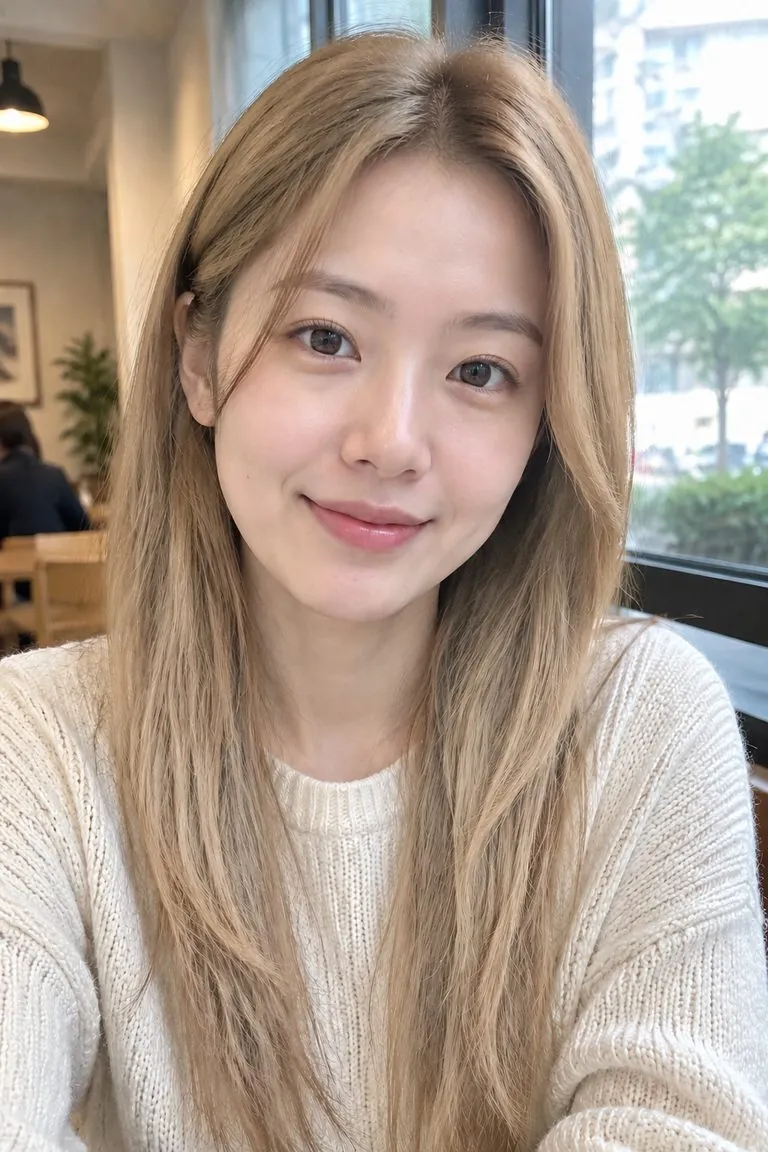
See yourself blonde before you bleach. Upload a selfie and try platinum, honey, ash or golden blonde on your own hair, with your cut and your face left exactly as they are.
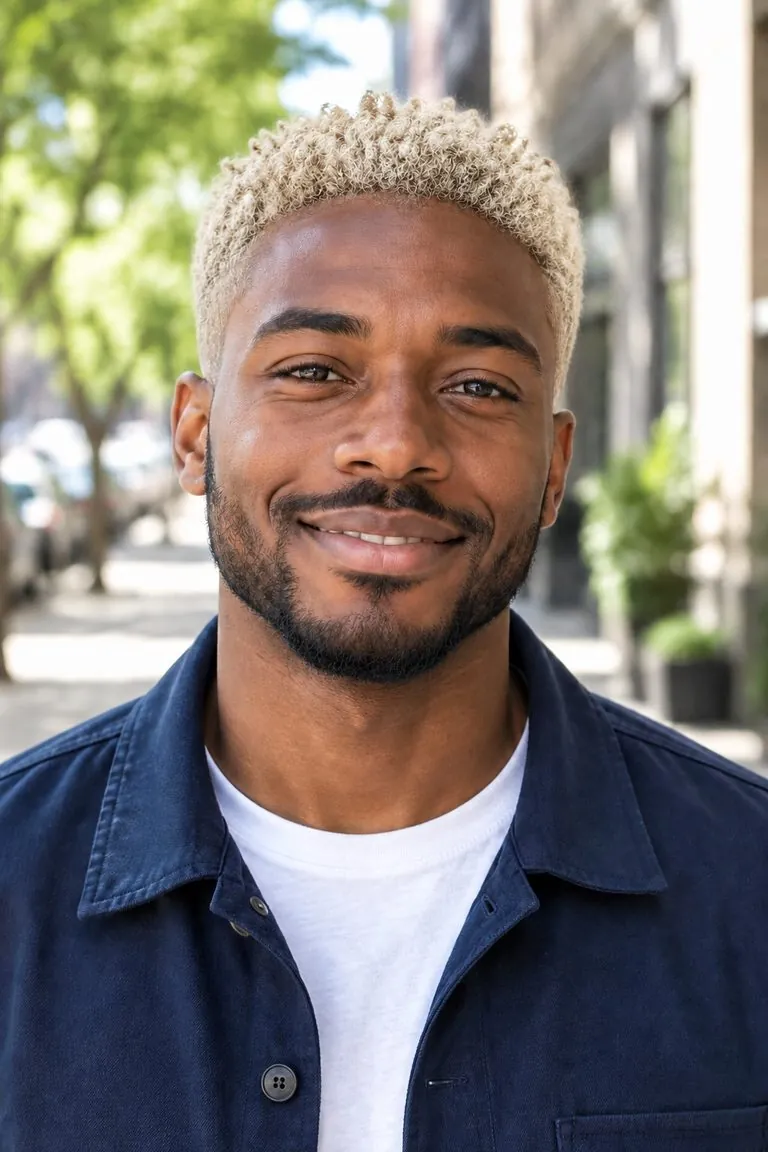
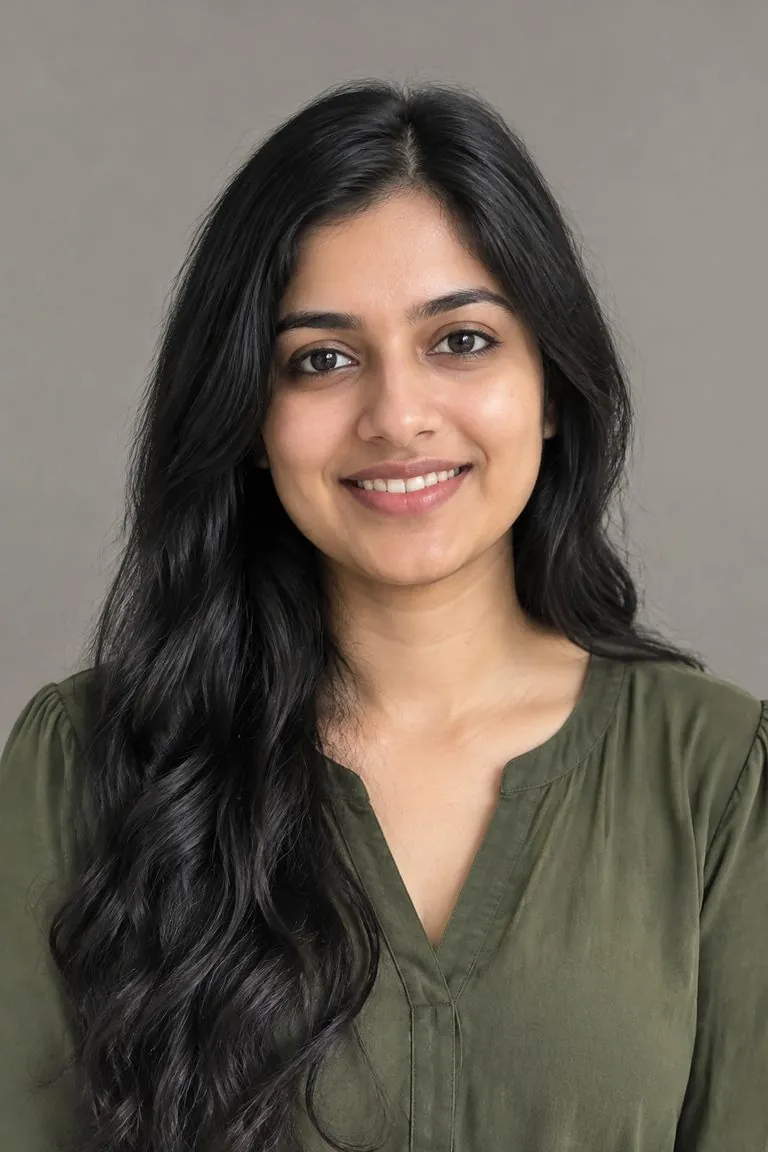
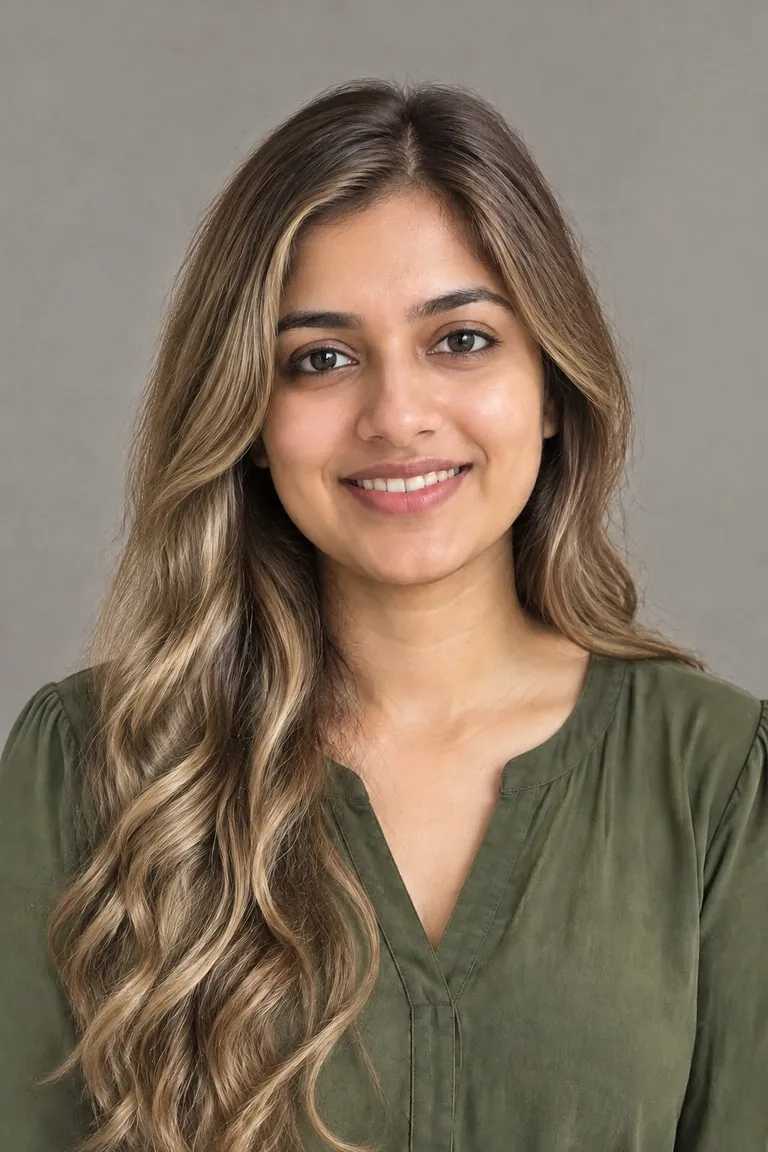


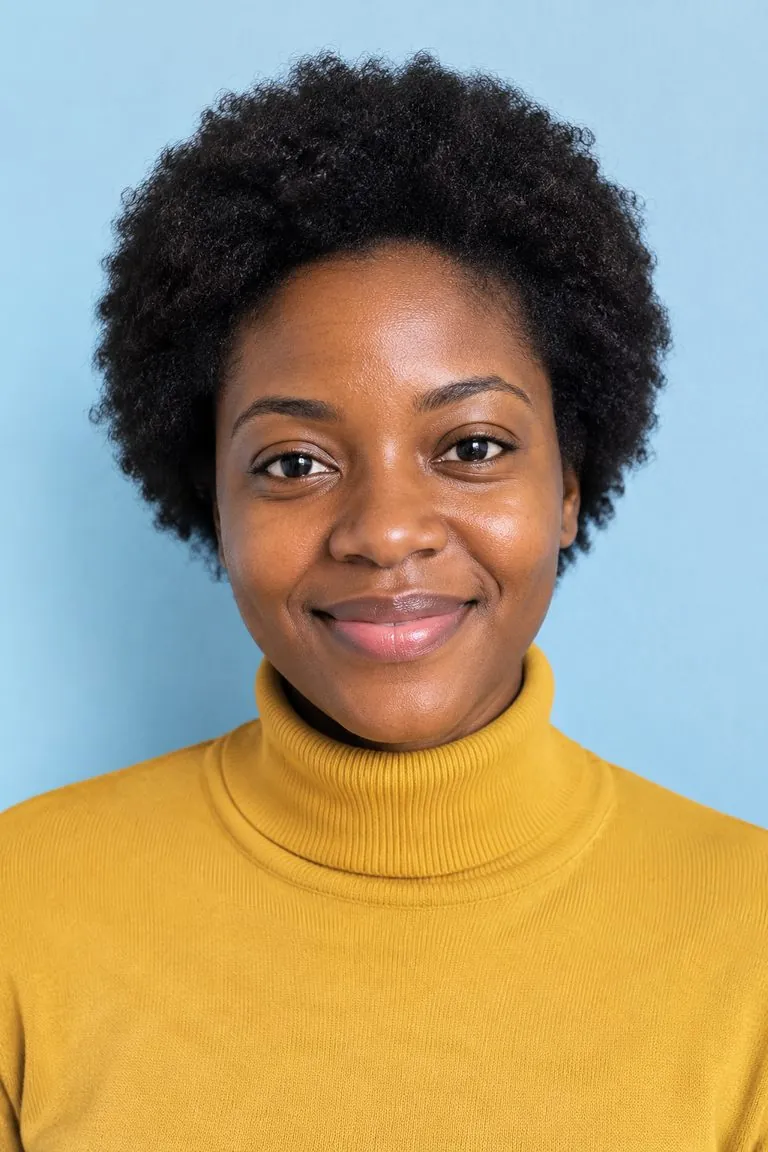
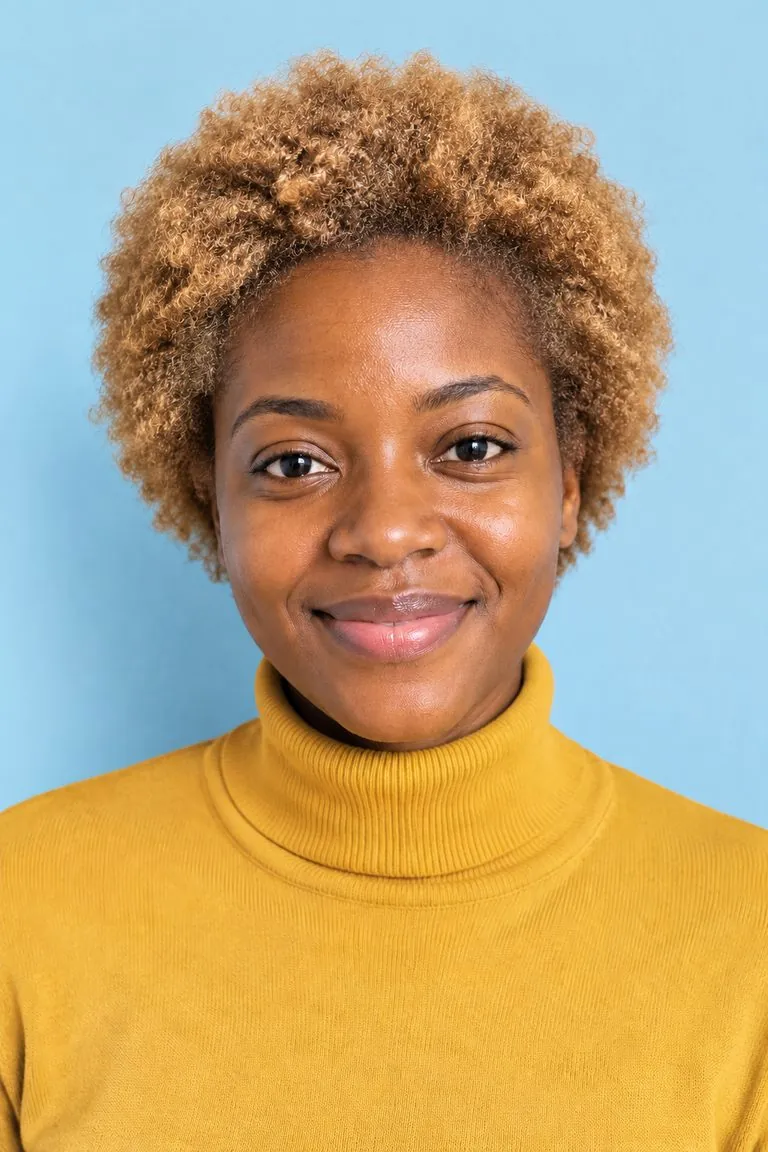
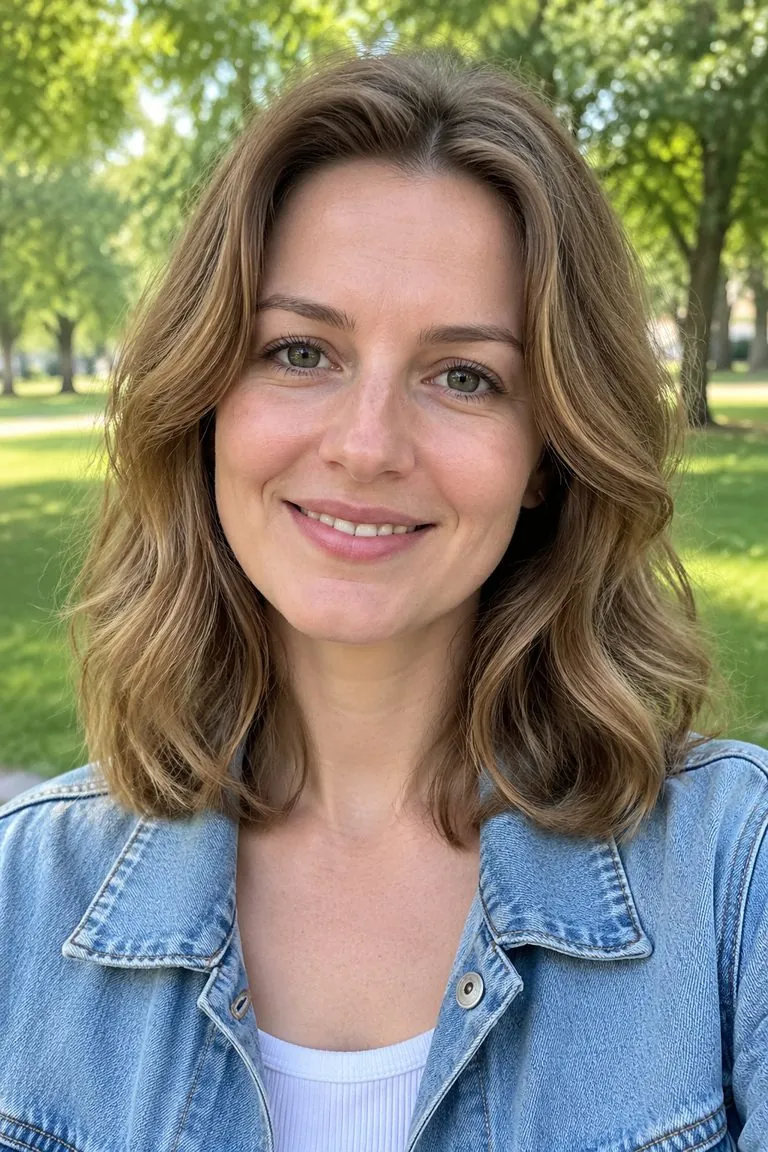
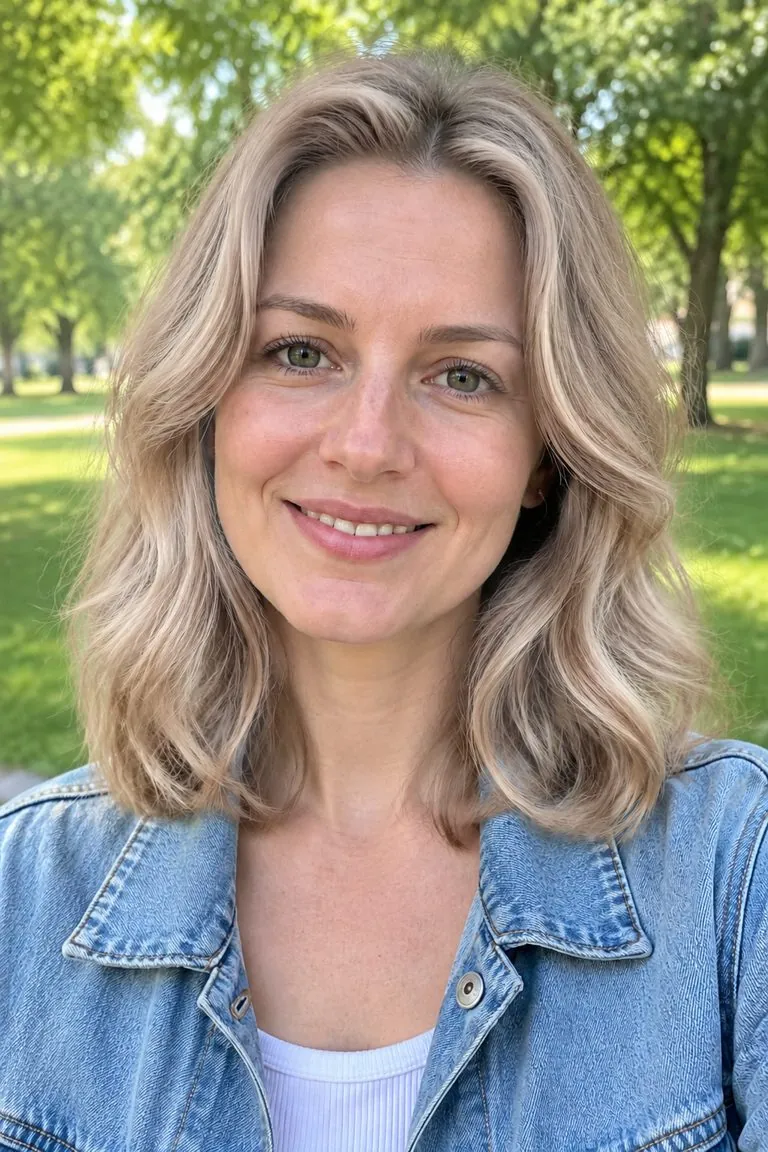
WHAT IT IS
Platinum to honey, on your real hair
Blonde is not one colour. Type the shade the way you would say it to a colourist — icy platinum, warm honey, ash, beige, golden, strawberry — and that is what you get.
- Only the colour changes
- Your length, layers, parting and curl stay as they were, so you are judging the colour on your own haircut and not on a stock model.
- Roots, shine and shadow
- The new colour carries highlights, lowlights and shadow where the light falls, rather than a flat tint laid over the hair.
- Decide before the bleach
- Going blonde from dark hair is a big step. Try two or three shades on your own photo first and take the one you like to your stylist.
- One click
- Upload a photo and generate: the template applies golden blonde for you. Add a note only if you want platinum, ash, honey, beige or strawberry blonde.
Blonde hair filter specs: what goes in, what comes out
- Input
One photo
a selfie or portrait where the hair is visible
- Output
The same photo with golden blonde
ready to download
- Keeps
Cut, length, face and background
only the colour changes
- Your note
Optional
ask for platinum, ash, honey, beige or strawberry blonde
How to see yourself blonde in 3 steps
One photo in, the same photo with blonde hair out. Nothing to paint or mask.
- 1
Upload a selfie
Any clear photo where your hair shows. Front-facing works best; hair up or down is fine.
- 2
Generate, or add a note
The template applies golden blonde. For a different colour, add a short note such as "platinum".
- 3
Compare and download
Look at the roots and the ends, try another shade, then download the one you like.
FAQ
Blonde hair filter FAQ
What is a blonde hair filter?+
A blonde hair filter recolours the hair in your photo to blonde and leaves everything else as it was. Here it works on any uploaded photo, not just a live camera, and you can choose the exact shade.
Would I look good blonde?+
The quickest way to find out is to see it on your own face. Upload a selfie, try a cool platinum and a warm honey, and compare: cool shades tend to suit cool skin undertones, warm shades warm ones, but your own photo is the real test.
Which blonde shades can I try?+
Any you can describe: platinum, icy, ash, beige, golden, honey, butter, strawberry blonde, dirty blonde, or blonde balayage and highlights. The template applies golden blonde by default; add a note to ask for another.
Does it change my haircut or face?+
No. The cut, length, texture, face, skin and background stay as uploaded; only the hair colour is changed. To try a new cut as well, use the AI hairstyle changer.
Can I try other colours?+
Yes, it is the same tool as the hair color changer. See also the black hair filter, gray hair filter and pink hair filter.
What photo works best?+
A clear, well-lit photo where most of the hair is visible and not covered by a hat or hood. Very dark hair to platinum is the hardest change; a well-lit photo helps most.
Is the blonde hair filter free?+
Signing up is free and comes with free credits to try it. Every run shows its price on the Generate button before anything is charged, and there is no card needed to start.
Is my photo private?+
Your upload is used only to make your image. It is never sold, shared or published.
Other names for the blonde hair filter
People search for the same thing under several names.
See yourself blonde. Keep everything else.
Upload one selfie, pick a blonde, download the photo.