Dimension Breakout: Your Anime Character Breaks Out Of The Screen
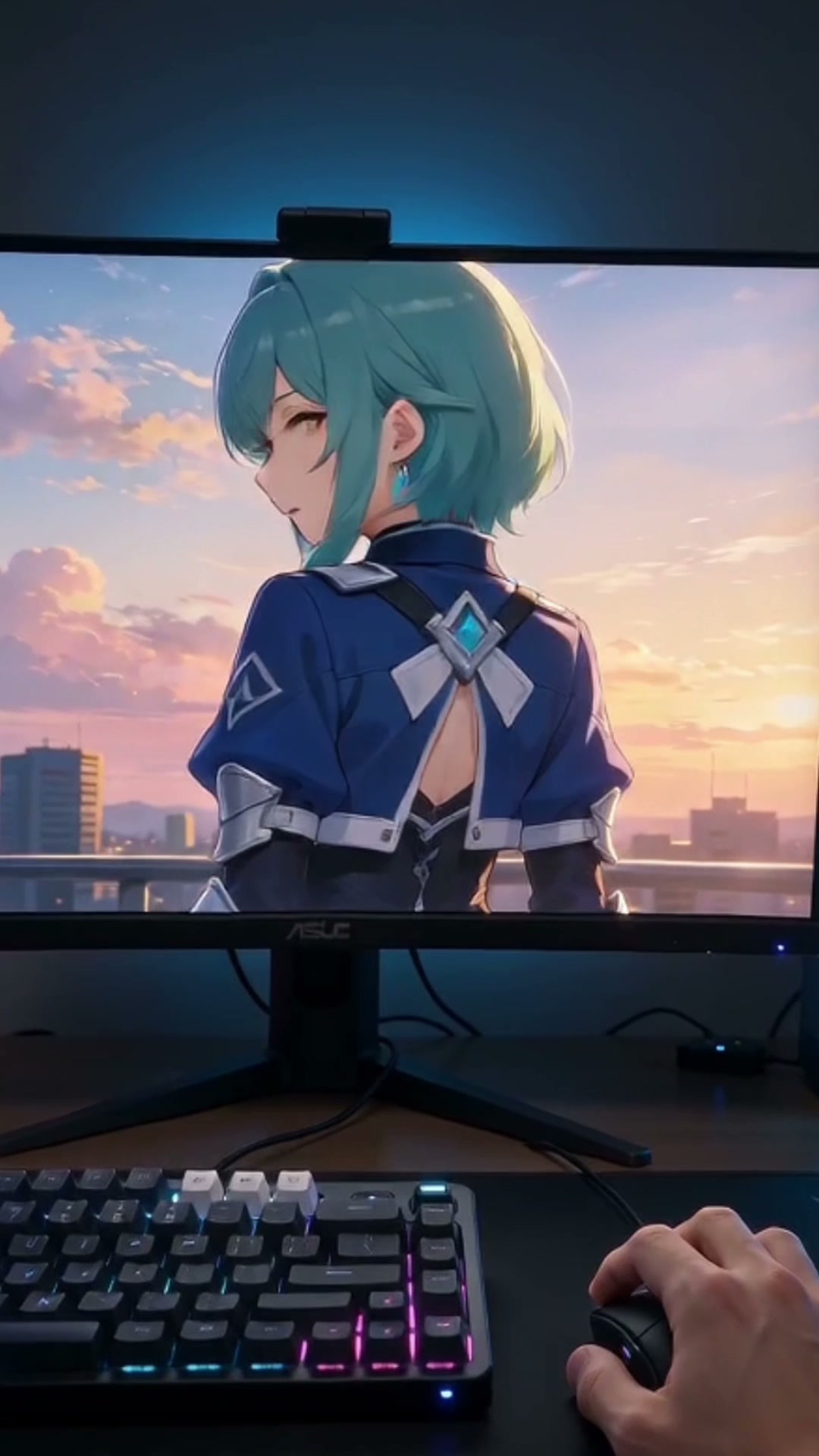
Upload one character image and the Dimension Breakout pulls the camera back to reveal it on a desktop monitor. A real hand rises, the character reaches out from inside the screen, fingertips meet in a spark, the glass webs with cracks, and the character bursts through with a 3D arm to grab the wrist, first-person.
Dimension Breakout Template
Upload one image of a character with the face and at least one arm visible, in whatever art style it already has; anime, game art and illustration all work. The style is kept inside the screen and carried into the arm that breaks out.
WHAT IT IS
How the Dimension Breakout screen break works
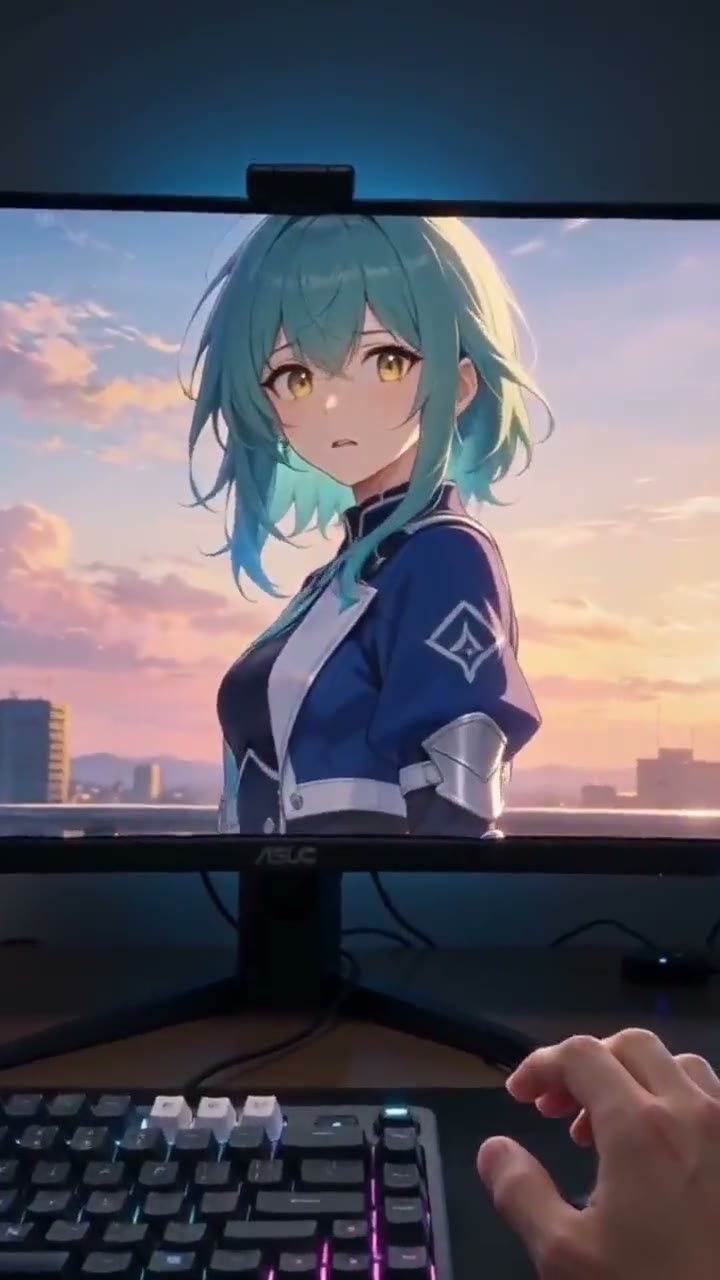
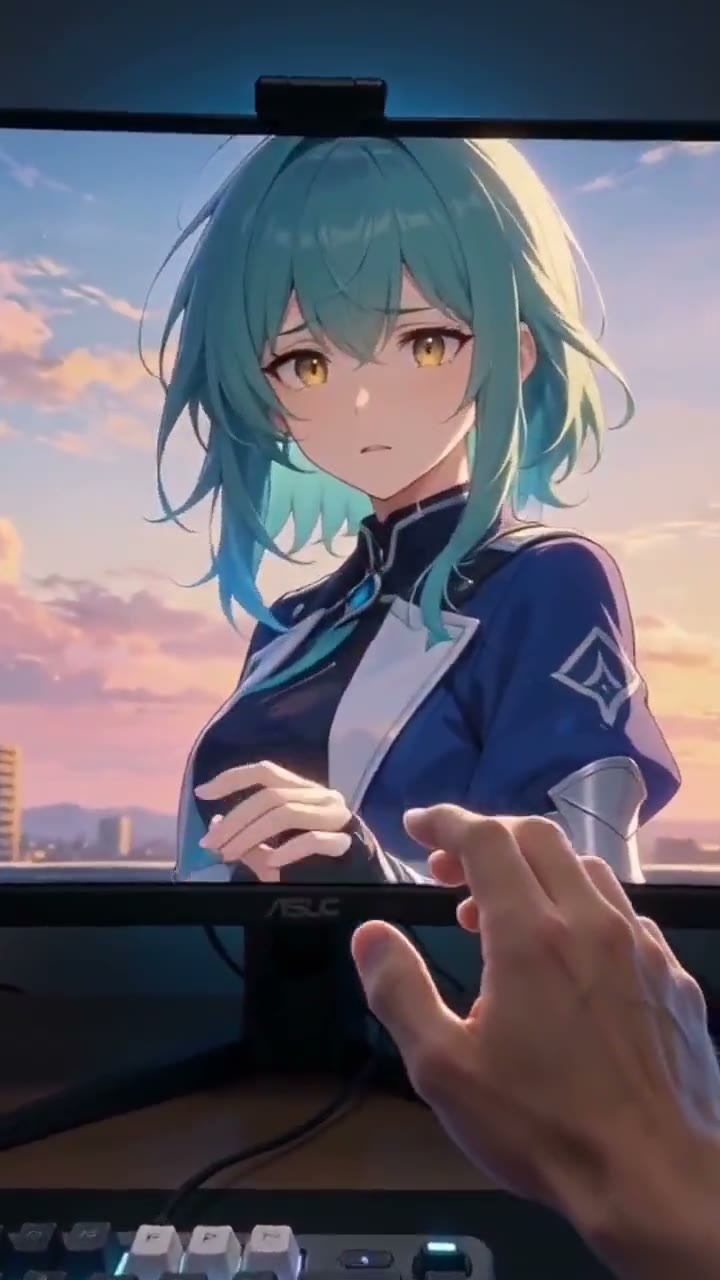
Dimension Breakout is a screen break effect in which an uploaded character, shown on a desktop monitor, reaches out to a real hand, cracks the glass at the point of contact and bursts through to grab the viewer's wrist, from a first-person point of view. The sequence has four beats in about five seconds. First the camera pulls back from the character's face until the monitor bezel, desk and room are visible. Second, a real hand comes up from the bottom of the frame and the character mirrors it from inside, two fingertips closing the gap. Third, at contact, a bright point of light and a web of cracks spread across the glass. Fourth, the character's arm comes through with real depth, grabs the wrist and pulls it toward the screen as the clip ends. Identity and drawing style are held throughout; the arm that breaks out is the character's arm rendered with volume, not a photographed stand-in, and lighting inside and outside the screen is matched so the two spaces read as one. This is a different idea from the site's Anime to Real Life page, which restyles an anime character into a photoreal person and keeps them in their own scene. Here the character stays drawn and crosses into the room instead. The closest relative is the 3D Screen Break Effect, which does the same crossing with a photographed person and a giant phone.
- Pull-back reveal
- The clip opens tight on the character and the camera pulls straight back until a monitor, its bezel and a desk are in frame, so the viewer knows it is on a screen before it breaks out.
- Two hands, one contact point
- A real hand rises from the bottom of the frame and the character reaches toward it from inside. The fingertips meet at one spot, and that is where the spark and the crack web begin.
- Style kept, depth added
- The character stays in its original art style on the screen, and the arm that comes through is drawn in that same style with 3D volume. Face, hair and outfit are locked from the upload.
- First-person and physically coherent
- You are the hand. Glass cracks, the arm's passage through the screen and the grab on the wrist are rendered to hold together spatially, with lighting matched on both sides of the glass.
CREATOR USE CASES
Application Scenarios
Three ways a character reaching out of a monitor gets used.
Original character reveals
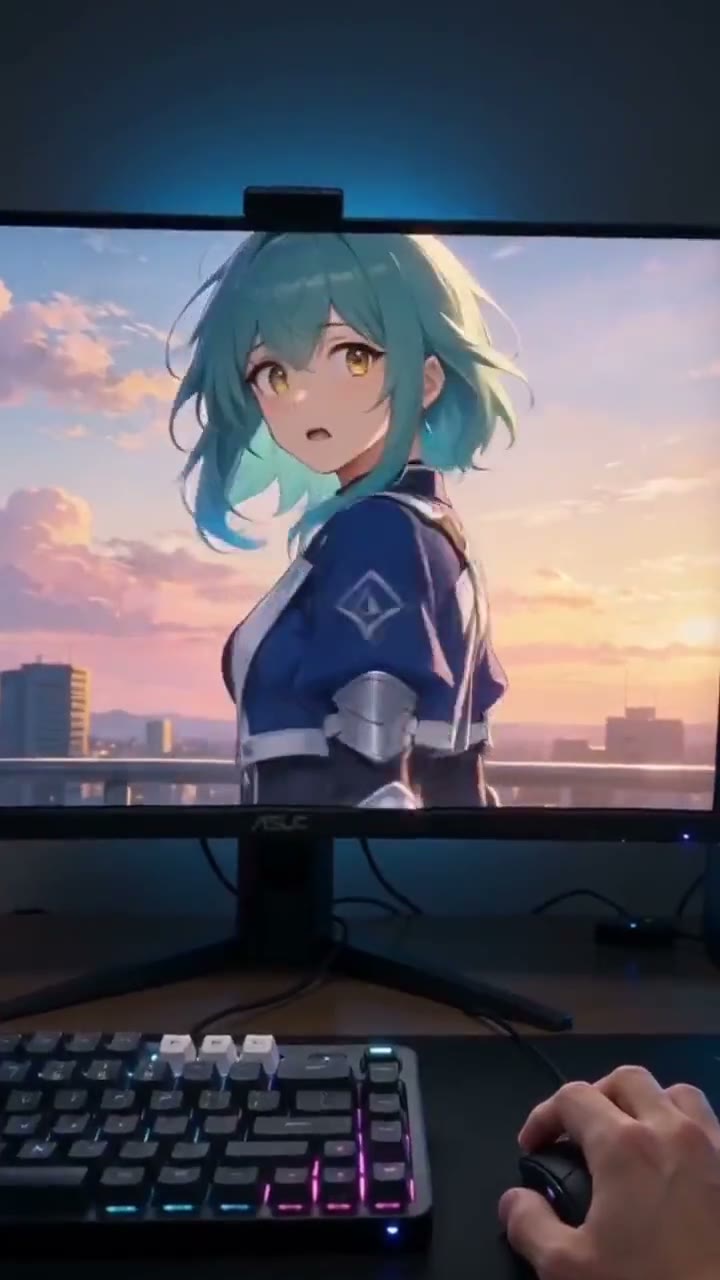
An artist drops a new OC by having it reach through the monitor. The sketch or render is uploaded as-is and its style carries into the arm that breaks out.
Fan edits and POV clips
Fan accounts use the first-person grab as an opener: a favourite character on the desk, a hand reaching in, and the pull toward the screen cutting into the rest of the edit.
Game and VTuber intros
A VTuber model or a game character breaks out of the stream setup as the channel intro, a five-second clip that sits before the overlay comes up.
FAQ
Common questions
What is the Dimension Breakout effect?+
It is a screen break effect from one character image: the camera pulls back to reveal the character on a desktop monitor, a real hand and the character's hand meet at the glass, the screen cracks in a web from that point, and the character's arm comes through in 3D to grab the wrist and pull. The view is first-person.
How is this different from Anime to Real Life?+
Anime to Real Life converts a drawn character into a photoreal person and keeps them inside their own scene. Dimension Breakout keeps the character drawn and moves it from a screen into a real room. If you want the character to stay in its style and interact with you, this is the one.
What image should I upload?+
One character image, face visible, at least one arm or hand in frame so the reach has something to start from. Anime, manga, game renders and illustrations all work, and the style is preserved. A waist-up image gives the arm more to work with than a tight headshot.
Does the character have to be anime?+
No. Any drawn or rendered character works: anime, manga, comic art, game renders and painted illustrations. The effect was written for illustrated characters, where the contrast between the flat screen and the 3D arm is strongest.
What can go wrong?+
Hands, since two of them have to meet at one point through glass. After that, the monitor bezel warping during the pull-back, crack lines flickering, and the arm passing through the frame at the wrong depth. Cluttered character art and images with no visible arm are the runs most likely to need a retry.
Length, format and cost?+
Five seconds, 9:16 vertical, generated on Seedance from one image. The credit cost is shown in the workbench before you generate, and new accounts can make one five-second template video free.
Other names for Dimension Breakout
This effect is searched under the crossing it shows and the style it starts from. Crossing phrases are screen break effect, character breaks out of screen and breaking through the screen; style phrases are anime to real life, anime to real and anime character comes to life. Point-of-view phrases such as anime pov grab and reaching out of the screen describe the ending beat and land here too.
Let the character reach through
One character image in, a first-person screen break out. New accounts get one 5-second template video free.