OpenAI · Image ModelNew

GPT Image 2.5: Flare for speed, Sunburst for detail

OpenAI's newest image model, in both variants, in one browser workbench.

OpenAI released GPT Image 2.5 on September 8, 2026 as two models. Flare is the fast default: OpenAI says it delivers higher-quality images than GPT Image 2 at 50% lower latency. Sunburst takes longer per image and gives tighter control for demanding edits. LazyKiwi lists both in the AI image generator, so you can draft with Flare, switch to Sunburst for the final pass, and never leave the page.
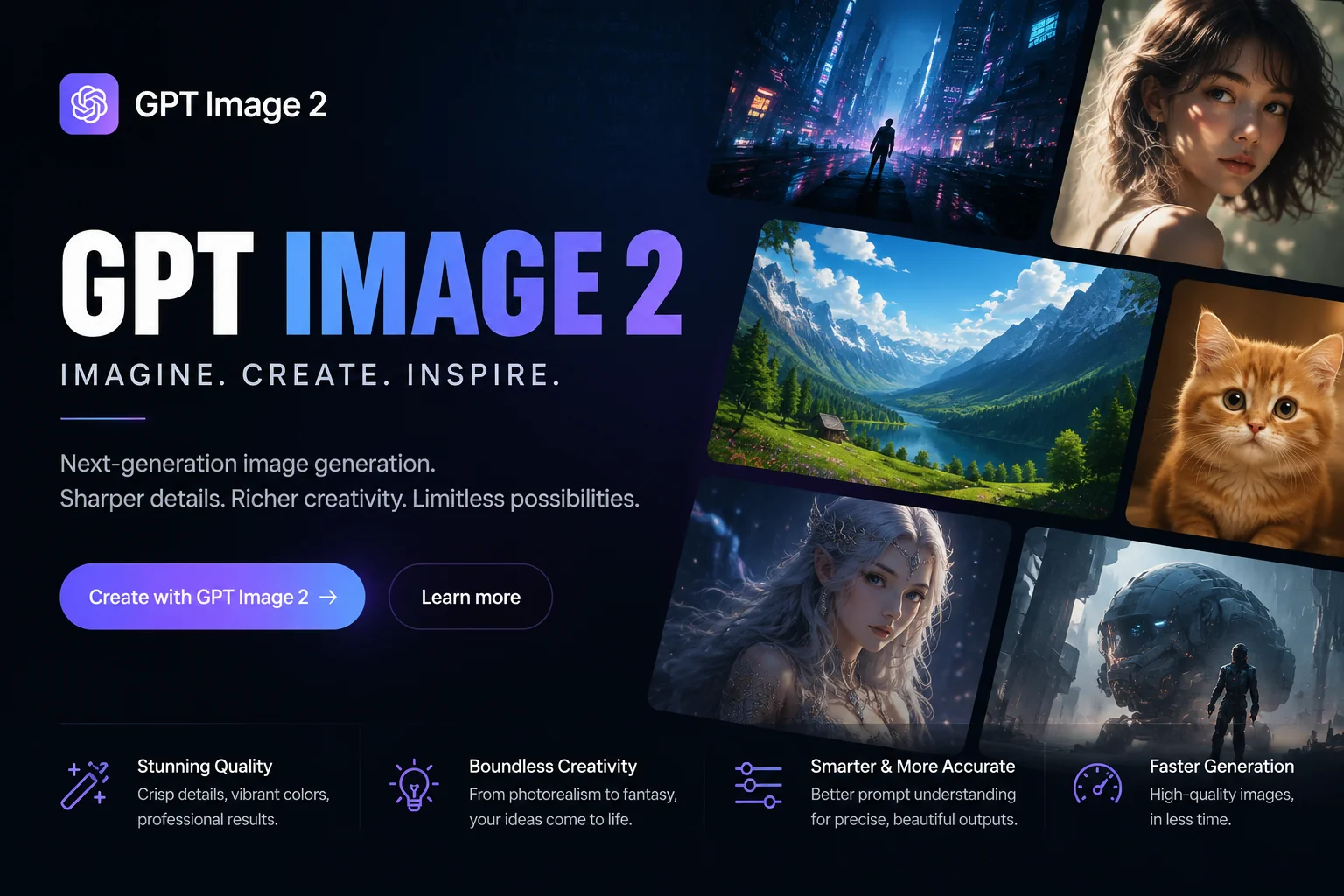
GPT Image 2.5
Image model
Provider
OpenAI
Variants
Flare · Sunburst
Released
Sept 8, 2026
Credits
From 13 / image

How it works

Three steps from prompt to finished image

GPT Image 2.5 works like every other model in the LazyKiwi image workbench: one prompt box, one model picker, and the credit cost shown before you generate.

Pick Flare or Sunburst1

Pick Flare or Sunburst

Open the image generator and choose GPT Image 2.5 Flare for quick drafts or GPT Image 2.5 Sunburst for careful, detailed work. Type your prompt, and add a reference photo if you want the result to follow a real subject.

Set ratio and resolution2

Set ratio and resolution

Choose 16:9, 9:16, 1:1, 4:3 or 3:4, then 512, 1K, 2K or 4K. The Generate button shows the credit cost for that exact combination before anything runs.

Generate, compare, refine3

Generate, compare, refine

Run the prompt, keep the strongest image, and download it. If one version is close but not quite right, switch the picker to Sunburst and refine that image with a targeted edit.

What's new in GPT Image 2.5

Two models, one upgrade

According to OpenAI's launch post, Images 2.5 brings more natural lighting, richer textures, better preservation of subjects from reference photos, and more reliable editing across several turns. The two API models split that upgrade by priority: Flare for speed, Sunburst for precision.

The fast default for everyday images

GPT Image 2.5 Flare

The fast default for everyday images

OpenAI calls Flare the default choice for most applications and says it delivers higher-quality images than GPT Image 2 at 50% lower latency. That makes it the one to reach for when you need many images quickly and want to explore several directions before committing.

  • Creator and social content
  • Product visuals and rapid prototyping
  • High-volume batches and first drafts
Tighter control for demanding edits

GPT Image 2.5 Sunburst

Tighter control for demanding edits

Sunburst trades speed for precision. OpenAI describes it as built for premium visual workflows that benefit from tighter control across edits, with longer generation times, and suggests it for production-ready campaign creative and polished product imagery.

  • Campaign hero images
  • Polished product shots
  • Multi-step edits on one chosen image
Subjects that stay recognizable

Reference fidelity

Subjects that stay recognizable

OpenAI says Images 2.5 is better at working from reference photos: subjects look more recognizable in new settings and styles, and lighting and textures feel more natural. In LazyKiwi, add a reference image next to your prompt to use it.

  • Upload a reference photo with your prompt
  • Move a familiar subject into a new scene
  • More natural lighting and texture
Change one thing, keep the rest

Precise edits and layouts

Change one thing, keep the rest

Images 2.5 is better at editing only what you ask for while keeping the other details the same, per OpenAI, including a single product, background or piece of copy. OpenAI also reports more accurate real-world information in images and support for more complex layouts.

  • Swap a background or product without redrawing the scene
  • Edits stay consistent across several turns
  • Better handling of complex layouts

Directions to try

Ideas to run with GPT Image 2.5

Start from one of these directions and adapt the prompt to your brand. The preview images come from our GPT Image 2 page; native GPT Image 2.5 samples are on the way.

Try Sunburst for the final pass
E-commerce product photo
Sunburst

E-commerce product photo

Editorial cover illustration
Flare

Editorial cover illustration

Social media brand post
Flare

Social media brand post

Brand mascot sheet
Sunburst

Brand mascot sheet

Specs

GPT Image 2.5 at a glance

What the LazyKiwi image workbench offers for both GPT Image 2.5 variants.

Provider
OpenAI
Variants
GPT Image 2.5 Flare (speed) and GPT Image 2.5 Sunburst (precision)
Release date
September 8, 2026
Type
Image generation and editing
Inputs
Text prompt, optional reference image
Resolution options
512, 1K, 2K, 4K
Aspect ratios
16:9, 9:16, 1:1, 4:3, 3:4
Credits per image
512: 13 · 1K: 13 · 2K: 17 · 4K: 20 (currently discounted from 130 / 130 / 170 / 200)
Best for
Flare: drafts, social content, volume. Sunburst: hero images, product shots, careful edits

GPT Image 2.5 Sunburst vs Flare

Flare vs Sunburst: which one to pick

Both variants take text and image inputs and return images, and both cost the same credits in LazyKiwi. The difference is speed versus control. A practical workflow: generate several directions with Flare, pick the strongest, then refine it with Sunburst. For other styles, compare Nano Banana and Seedream 5.0, or step back to GPT Image 2.

ModelStrengthBest forSpeed
GPT Image 2.5 FlareHigher quality than GPT Image 2 at 50% lower latency (per OpenAI); OpenAI's default choice for most applicationsSocial and creator content, product concepts, moodboards, rapid prototyping, high-volume generationFast
GPT Image 2.5 SunburstExtra precision and tighter control across edits, with longer generation timesProduction-ready campaign creative, polished product imagery, multi-step edits on one imageSlower
GPT Image 2The previous GPT Image generation, still available in the workbenchMatching earlier projects made with GPT Image 2Standard

Use cases

What to make with GPT Image 2.5

Match the variant to the job: Flare when you need options quickly, Sunburst when one image has to be exactly right.

Social posts in volume

Use Flare to turn one brief into a batch of post and thumbnail variations, then keep the ones that fit your feed.

Product photos

Draft product scenes with Flare, then use Sunburst to fix a label, a shadow or the background of the shot you chose.

Campaign hero images

Sunburst is built for polished, production-ready creative where small details have to stay put across several edits.

Photos of real subjects

Upload a reference photo and place the same person, pet or product in a new setting or visual style.

FAQ

GPT Image 2.5 FAQ

What is GPT Image 2.5?

GPT Image 2.5 is OpenAI's image model released on September 8, 2026. It comes as two models: GPT Image 2.5 Flare, optimized for speed, and GPT Image 2.5 Sunburst, optimized for precision. Both take text and image inputs and output images. In ChatGPT the same upgrade is called ChatGPT Images 2.5.

GPT Image 2.5 Sunburst vs Flare: which should I use?

Start with Flare. OpenAI calls it the default for most applications, with higher quality than GPT Image 2 at 50% lower latency, so it suits drafts, social content and batches. Switch to Sunburst when a single image needs careful work, such as a campaign hero image or a product shot you are editing in several steps. It takes longer per image in exchange for tighter control.

What is GPT Image 2.5 Sunburst?

Sunburst is the quality-first GPT Image 2.5 model. OpenAI describes it as built for premium visual workflows that benefit from tighter control across edits, with longer generation times. In LazyKiwi it costs the same credits as Flare.

What is GPT Image 2.5 Flare?

Flare is the speed-first GPT Image 2.5 model and OpenAI's default recommendation. OpenAI says it produces higher-quality images than GPT Image 2 at 50% lower latency and suits creator content, product experiences, rapid prototyping and high-volume generation.

When was GPT Image 2.5 released?

OpenAI announced ChatGPT Images 2.5 and released GPT Image 2.5 Flare and GPT Image 2.5 Sunburst in its API on September 8, 2026. Both variants are available in the LazyKiwi image generator.

How much does GPT Image 2.5 cost on LazyKiwi?

LazyKiwi charges credits per image by resolution, and Flare and Sunburst cost the same: 13 credits at 512 or 1K, 17 at 2K and 20 at 4K. Those prices are currently discounted from 130, 130, 170 and 200 credits. The Generate button shows the exact cost before you run a prompt, and plans are listed on the pricing page.

Is there a GPT Image 2.5 API on LazyKiwi?

No. LazyKiwi is a web workbench, not an API reseller: you use GPT Image 2.5 in the browser from the image generator. If you want to call the model from your own code, OpenAI offers both GPT Image 2.5 Flare and Sunburst in its own API, with pricing published by OpenAI.

How is GPT Image 2.5 different from GPT Image 2?

OpenAI says Images 2.5 produces more natural lighting and richer textures, preserves subjects from reference photos better, and follows edit instructions more reliably across several turns. Flare in particular generates higher-quality images than GPT Image 2 at 50% lower latency. GPT Image 2 is still available in LazyKiwi if you want to match older work.

Can I edit my own photo with GPT Image 2.5?

Yes. In the image generator, upload a reference image next to your prompt and describe the change, such as a new background or a different setting. OpenAI says Images 2.5 is better at changing only what you ask for while keeping the rest of the image the same.

What sizes and aspect ratios does GPT Image 2.5 support in LazyKiwi?

You can choose 16:9, 9:16, 1:1, 4:3 or 3:4, and a resolution of 512, 1K, 2K or 4K. Higher resolutions cost more credits per image.

LazyKiwi

Create with GPT Image 2.5

Open the image generator with GPT Image 2.5 Flare selected. Switch to Sunburst from the same model picker whenever an image needs extra precision.

Open GPT Image 2.5 Flare

More image models

Other image models in the same LazyKiwi workbench.