
Paper Animation Tools: Free Options Compared
Paper animation tools that turn a photo into card-craft motion, compared on style range, render length and what each free tier actually exports.
 Marcus Tan 12 min read
Paper animation tools fall into two camps: browser specialists that render one card look reliably from a photo, and general video models that will attempt any look and repeat none of them. If you want a fold, a tear or an unfolding reveal from an image you already have, a specialist is faster, cheaper and more consistent. If you want a directed camera move nobody else has, a general model is worth the credits. Below: seven tools with their free tiers as read on their own pages on 7 September 2026, what each one is actually good at, and the decision list at the end that matches a tool to a job.
What counts as paper animation?
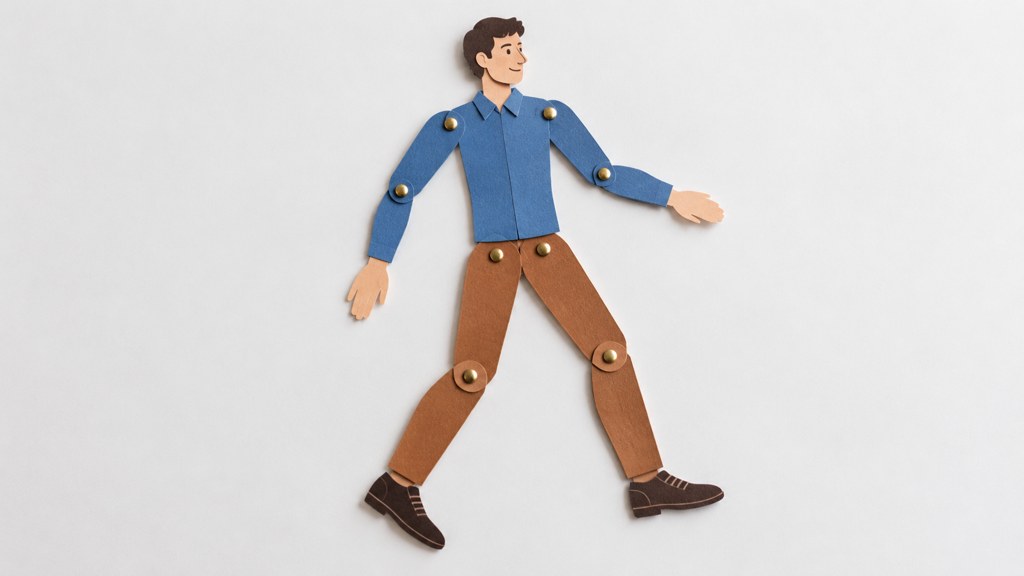
Three different crafts share the phrase, and searching for one and landing on another is the usual reason people give up. Cut-out puppetry moves flat jointed characters under a fixed camera. Stop-motion paper craft builds a physical set out of card and shoots it a frame at a time. Generated paper motion takes a still image and renders a fold, a tear or a page turn without any of it existing on a table. Only the middle one is stop motion in the strict sense, where each frame is a separate exposure of a physically moved object.
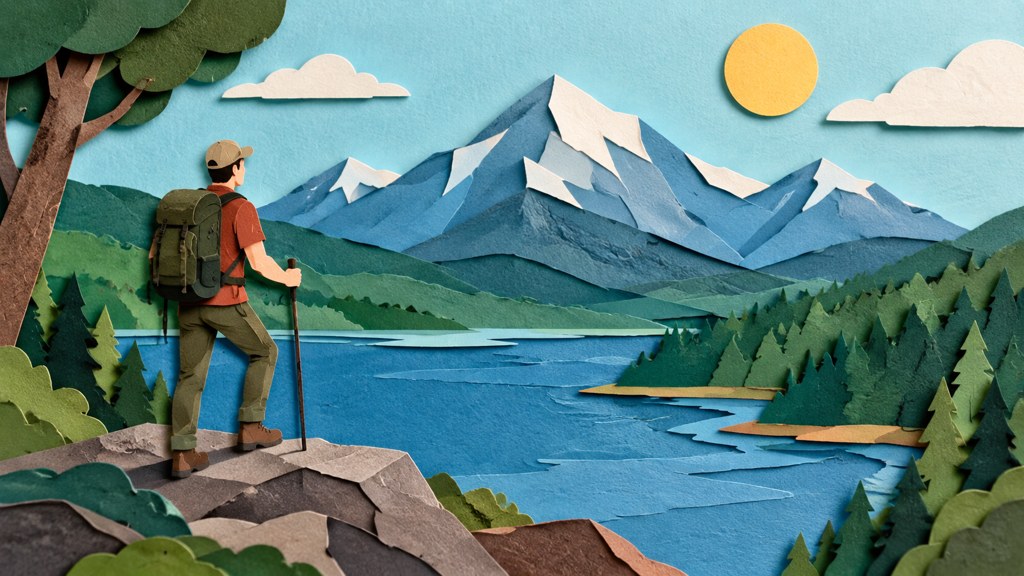
The tools split along the same line. A specialist renders one look reliably. A general video model will attempt any of the three and hold none of them consistently across a series of clips. That distinction decides everything below, so pick your look before you pick software.
- Cut-out puppetry: jointed limbs, a locked-off camera, hand-set poses. Slow, but the motion is yours.
- Craft stop motion: real card, real light, real shadow gaps between layers. The most convincing and the most work.
- Generated paper motion: one photo in, a fold or unfold out. Seconds of work, a fixed vocabulary of moves.
Say the word 'texture' out loud
Every failure mode in this format is a texture failure. Card has fibre, a slightly furred cut edge and a shadow that separates it from the sheet behind. Plastic-looking output is what you get when a tool renders the shape but not the surface.
How should you choose between these tools?
Five questions sort the field faster than any feature list. I ask them in this order because each one eliminates more candidates than the last.
- 1
Does it start from your own image?
Prompt-only generators cannot put your product, your logo or your face into the sheet. If the subject matters, you need an image input, and you need to know whether the tool cuts the subject out for you or expects a transparent PNG.
- 2
How long a clip does it render?
Reveal shots are two to four seconds. Most free tiers cap at five, which is fine here and useless for anything narrative. Check the cap before you write to a length.
- 3
Does the texture survive compression?
Fibre and grain are the first things a social platform's encoder throws away. Export at the highest resolution the tool offers, then look at the result on a phone, not on your monitor.
- 4
What resolution does the free tier export?
This is where free tiers actually differ. A 480p ceiling is a preview, not a deliverable, and no amount of upscaling puts the fibre back.
- 5
Does it hand you a green screen or a finished frame?
An overlay you key into your own edit is more useful than a baked background, because you can put it over the footage you already shot.
Note the question I left out: style presets. Nobody's preset list predicts output quality, and a tool with four honest modes beats one with forty variations on the same render.
Paper animation tools compared one by one
Everything below was read on the vendor's own page on 7 September 2026. Where a page renders its plan table in the browser and I could not read a figure, I have said what the page states rather than guessed a number.
| Tool | Starts from | Free tier on 7 Sep 2026 | Best at |
|---|---|---|---|
| ImageToPaper | Your image, cut out in the browser | Browser tool; the site navigation lists no pricing page | Green-screen unfold overlays |
| LazyKiwi | One photo | 720p exports, no watermark | Four fixed card modes |
| Runway | Text or image prompt | 125 one-time credits on the $0 plan | Directed motion in any style |
| Pika | Text or image prompt | 80 monthly credits, 480p, 5 seconds, watermarked | Quick social clips |
| Luma | Text or image prompt | No free plan; Plus starts at $25/mo billed yearly | Longer creative sequences |
| After Effects | Layers you cut yourself | Paid desktop app, no free tier | Total control of the rig |
| CapCut | Clips plus an overlay | Free desktop, online, pad and mobile editors | Keying the overlay into an edit |
ImageToPaper is the most focused thing in this list. The composer exposes an aspect-ratio pair (16:9 and 9:16), a green-screen toggle, a sound toggle, and six sliders: Movement Intensity, Shadow Intensity, Effect Intensity, Effect Speed, Stroke Thickness and Edge Intensity. Its background remover runs before the fold, so a busy photo is not a blocker. The footer links tools, guides, site and legal pages, and no pricing page at all, so treat the commercial terms as something to check at sign-up rather than something I can quote.

Runway sells credits, not clips. The pricing page today shows Free at $0 with 125 one-time credits and 5GB of storage, Standard at $12 a month billed annually, Pro at $28 and Max at $76. You direct the motion through the prompt, which means you can get a page turn or a tear, and also means two runs of the same brief will not match.
Pika is the clearest free tier of the group: $0 with 80 monthly video credits, downloads watermarked, 480p and five-second clips. Basic is $8 a month on yearly billing, Standard $28, Pro $76. The 480p ceiling is the thing to weigh, because card fibre at 480p reads as noise.
Luma has moved upmarket. There is no free plan on the pricing page today: Plus is $30 monthly or $25 billed yearly for 10,000 credits, Pro $90 or $75 for 40,000, Ultra $300 or $250 for 150,000. Good renders, but you are buying a general model, not this format.
After Effects is not a tool for this in the same sense; it is where you build the rig yourself, layer by layer, with the texture pass done by hand, on a paid desktop install. CapCut sits at the other end: its site lists free desktop, online, pad and mobile editors, and it is where most people key a green-screen overlay into a real edit.
What is the best free paper animation tool?
Ranked by what the free tier actually lets you export, rather than by how the plan is worded:
- The LazyKiwi paper tool exports 720p with no watermark, and every frame renders in the browser, so there is no queue. Four modes: paper fold, newspaper highlight, magazine cut-out and a wall of press front pages.
- ImageToPaper is free to open and use in the browser with the sliders above; sign-up gates the download, and the site publishes no plan table to quote from.
- Pika gives you 80 credits a month, but stamps the download and caps it at 480p, which turns a deliverable into a mood board.
- Runway's 125 credits are one-time, not monthly. Enough to test three or four ideas properly, not enough to iterate on a series.
- Luma has no free tier at all as of today.
A watermark you can live with; a 480p ceiling you cannot, because the fibre is the whole point.
— Marcus Tan
There is one more free route people forget: build the overlay once, then reuse it. A green-screen fold rendered once can sit over twenty different clips in a free editor. That turns a limited free tier into a library instead of a single shot.
Which tools work from a photo rather than a prompt?
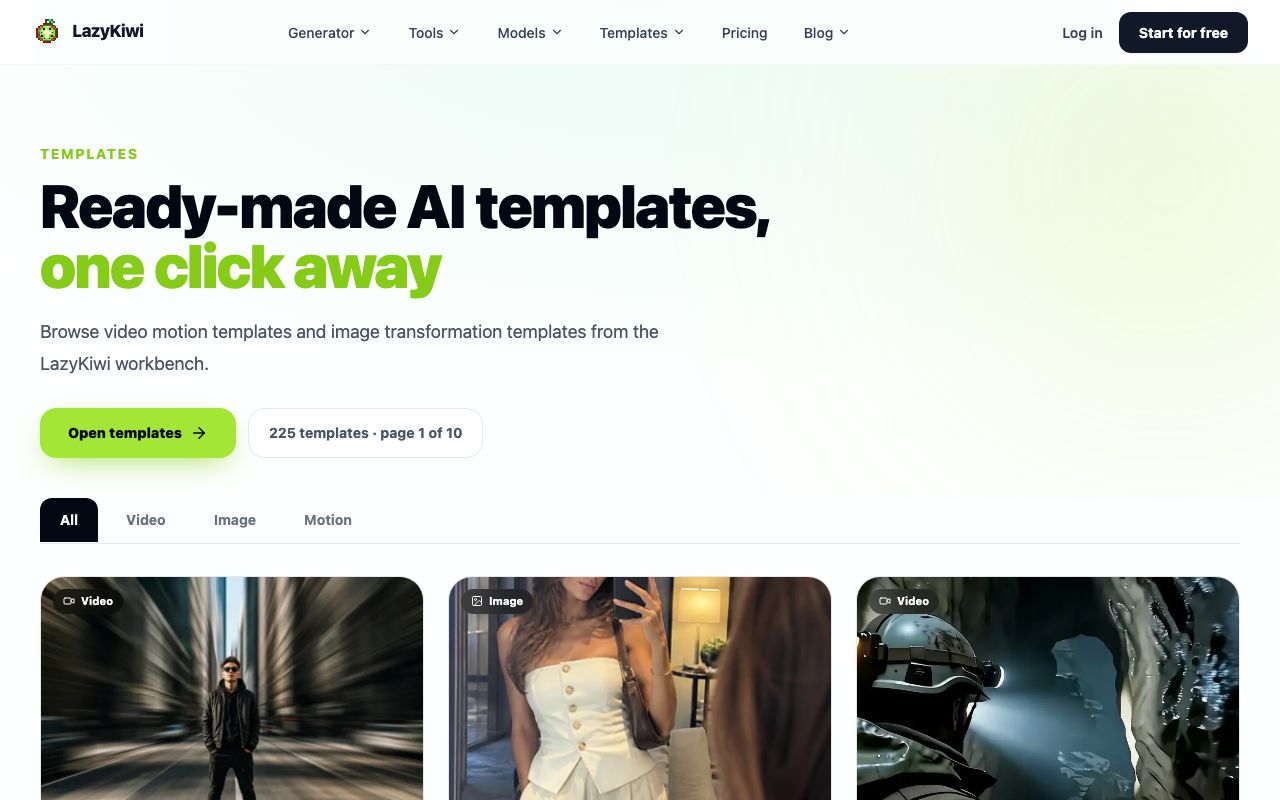
ImageToPaper and the LazyKiwi tool both take an image and do the cut-out for you. Runway, Pika and Luma accept an image as a starting frame but treat it as a suggestion, which is a different contract: the subject can drift, and for a product shot or a logo, drift is failure.
What the source image needs is consistent across all of them. A subject that is clearly separated from its background, no motion blur, and enough resolution that the cut edge is not already soft. Shoot or export at least twice the delivery size. If the subject has fine gaps, such as hair or lattice, expect the cut-out to fill them.
torn matte card stock, visible paper fibre at the cut edge, layered sheets with a shadow gap between them, slightly uneven hand-cut outline, warm diffuse light from the upper left, no gloss, no bevel, no drop shadow preset
The three words doing the work there are matte, fibre and gap. Gloss and bevel are what a renderer reaches for by default, and they are exactly what makes output look like a plastic sticker of a sheet of card.
How do the specialists compare with a general video generator?
Take one brief and follow it through both routes on paper: a product shot revealed by an unfolding sheet, two seconds, vertical. The specialist route is defined by its mode list, so the fold is the same fold every time and the shadow behaviour is fixed. The general route is defined by a prompt, so the camera move can be anything you can describe and the paper surface is re-decided on every run. Neither of those is a defect; they are the two different products.
That is the trade: consistency against control. If you need eight clips that clearly belong to one series, the specialist wins on the fifth clip, not the first. If you need one hero shot with a camera move nobody else has, a general model is the better bet, and models such as Veo 3.1 Lite hold a directed move better than they hold a texture.
There is a middle route worth knowing about. Generate the still first, at high resolution, with the card texture already in the image, then animate that still. The photo animation template does exactly this, and it keeps the surface locked because the surface was decided before any motion existed.
What does a clip actually cost to render?
Comparing credit systems is only honest at a fixed length, so everything here is a single vertical clip of about five seconds, the length every free tier allows.
On Pika's free plan, 80 monthly credits is a real budget for iteration at 480p; the watermark is the tax. Runway's 125 one-time credits are a trial, and they do not refill, so spend them on the two ideas you most want to test rather than on warm-up runs. Luma has no free entry at all, so the honest floor there is $25 a month billed yearly. The browser-rendered specialists cost nothing per clip because nothing renders on a server, which is why the LazyKiwi tool can offer a 720p export without a watermark and why ImageToPaper can let you re-preview a changed headline for free.
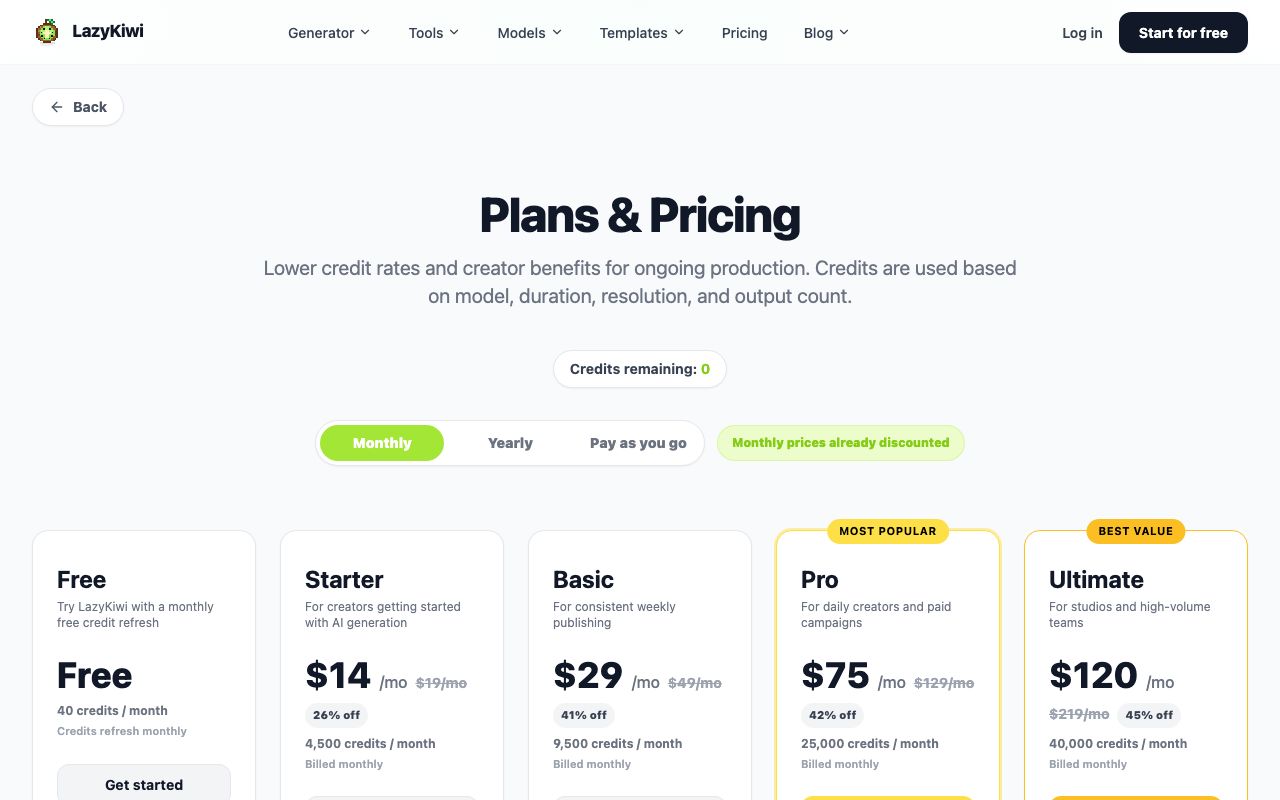
In LazyKiwi's workbench data (August 2026), the free five-second Seedance template was used by 15 external accounts in the measurement window, and new accounts receive 40 free credits. That is the shape of most people's first budget: enough to learn what a format looks like before deciding whether to pay for a series of them.
Which paper animation tool should you choose?

- 1
One social clip this afternoon
A browser specialist. Free, no queue, and 720p is more than a vertical feed will show. Do not open an editor at all.
- 2
A title sequence
Render a green-screen overlay, key it in CapCut or your editor of choice, and put the type on a layer above it so the type stays sharp when the card moves.
- 3
A children's book trailer
Craft stop motion if you have a weekend, a specialist if you have an evening. Studios that do this for a living, Aardman among them, budget in weeks per minute, and the BFI archive of cut-out and silhouette work is a better hour of research than any tutorial. A general model will not hold the same paper character across eight shots, and children's-book audiences notice character drift immediately.
- 4
A repeatable series
Pick the tool with the fewest choices. Consistency across clips comes from having no knobs to nudge, and that is an argument for a four-mode tool over a prompt box.
One question I get asked in every version of this conversation: can a chat assistant just do it? It can write the brief, the shot list and the prompt, and then it stops, because assistants do not render video. That handoff is visible in our own traffic: in LazyKiwi's marketing data (GA4 and GSC, 90 days to 2026-09-04), ChatGPT referrals are the second-largest source after direct at 300 sessions and 279 users, landing mostly on tool pages rather than on articles. People arrive already knowing what they want made.
If you want the mechanics rather than the shortlist, the companion piece on how to make paper animation video walks the three build routes end to end, including the physical rig.
Key takeaways
- Three crafts share one phrase: cut-out puppetry, physical card stop motion and generated card motion. Pick the look before the software.
- Specialists win on consistency across a series; general video models win on a single directed shot.
- Free tiers differ on export resolution, not on generosity. A 480p ceiling destroys the fibre that makes the format read as card.
- Prompt for matte, fibre and a shadow gap; gloss and bevel are what make output look like plastic.
- Read the plan table on the vendor's own page before you commit. Two of the tools here publish no plan table at all.
Tools & Reviews Editor
Marcus Tan
Marcus tests creative software against the same brief until something breaks, then writes down where. He covers tool comparisons, free tiers and the gap between a feature list and a finished file.
FAQ
Common questions
What is paper craft animation?
Paper craft animation is motion built from flat card: jointed cut-out puppets shot frame by frame, a physical card set photographed on a rig, or a still image rendered with a fold, tear or page turn. All three read as card because of the fibre at the cut edge and the shadow gap between layers.
Is there a genuinely free option?
Yes. Browser-rendered specialists cost nothing per clip because nothing renders on a server. LazyKiwi exports 720p with no watermark; Pika's free plan gives 80 monthly credits but stamps downloads and caps them at 480p, read on their pages on 7 September 2026.
How do I make paper cutout animation without any software?
Cut the character out of card, pin the joints with brads, and shoot it under a phone on a stand. Move a limb two or three millimetres per frame, hold each pose for two frames, and keep the light fixed so the shadows do not jump between exposures.
What is an unfolding animation?
An unfolding animation is a reveal: a folded sheet opens to show the subject inside. It is the single most requested move in this format because it works as a two-second product or logo reveal, and most specialists render it from one image.
Why does my result look like plastic instead of card?
Gloss, bevel and a soft drop shadow are renderer defaults, and all three read as plastic. Ask for matte stock, visible fibre at the cut edge and a shadow gap between layers, then check the result on a phone rather than a monitor.
Can a chat assistant make one for me?
No. Assistants write briefs, shot lists and prompts, but they do not render video. Expect to take the prompt an assistant wrote and run it in a tool that produces frames, which is the handoff most people are already making.
Turn one photo into card motion
Four modes, frame-by-frame rendering in the browser, and 720p exports with nothing stamped on the frame.
Related reading

How to Make Paper Animation: 3 Working Methods
Build a paper animation by hand, in After Effects, or from a photo with AI. Each method's real time cost, kit list and the look it produces.
8 min read
VHS Filter: How to Get a Convincing Tape Look
Tracking lines, chroma bleed, interlacing and head-switching noise — the four artefacts that sell a VHS look, and how to add them without overdoing it.
8 min read
Doodle Ideas: 60 Easy Doodles by Skill Level
Sixty doodle ideas sorted by how long each takes and how much drawing skill it needs, plus the repeatable shapes that fill a whole page fast.
8 min read
How to Make a Stop Motion Video From Scratch
Frame rate, rig, lighting and the two-frame hold — the mechanics of real stop motion, plus how AI simulates the look and where it still falls short.
8 min read
Claymation: How It Is Made and How to Fake It
What claymation actually involves, why it takes so long, and the two routes to a clay look today — build it physically or generate the texture with AI.
8 min read