
Video to GIF Converter
Upload a clip, keep the best few seconds, and get a crisp looping GIF that plays in every chat, comment box and doc.
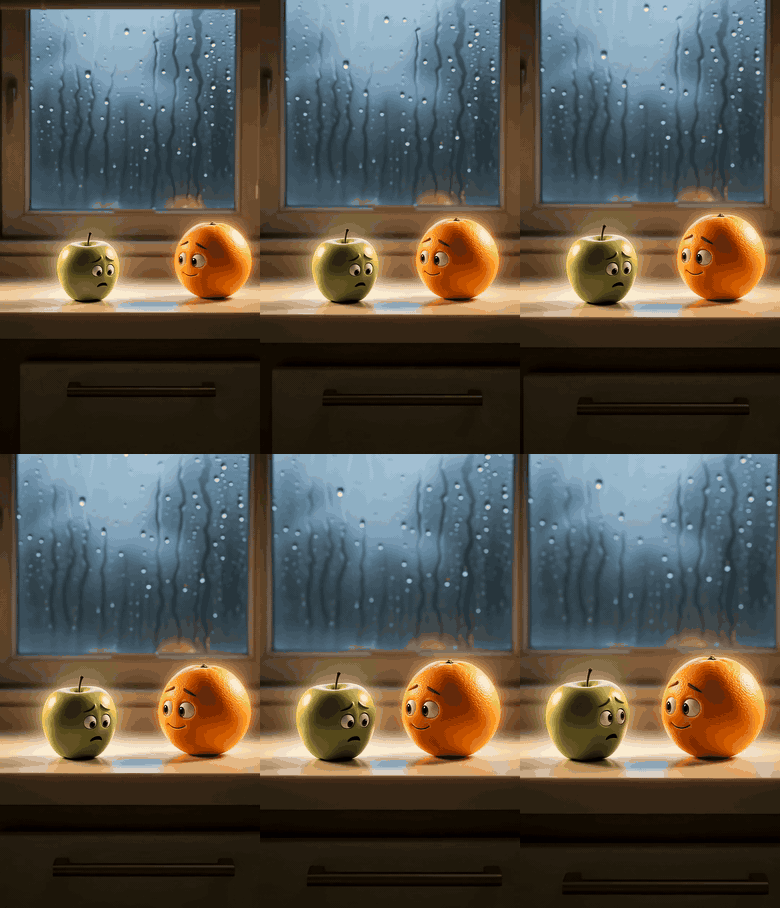


Specs
What goes in, what comes out
- Input
MP4, MOV or WebM
A phone recording, a screen capture or a clip you made in the LazyKiwi workbench.
- Clip
Pick the moment
Set the start and end so the GIF holds only the part worth looping.
- Size and speed
Small, medium or large
Choose the width and the frame rate; a preview shows the result before you download.
- Output
A looping GIF
Plays on its own wherever GIFs are allowed, no play button, no sound.
How to convert a video to GIF in 3 steps
One clip in, one GIF out. No editor to install.

Step 1
Upload the video
Drop in an MP4, MOV or WebM from your phone or computer.
Step 2
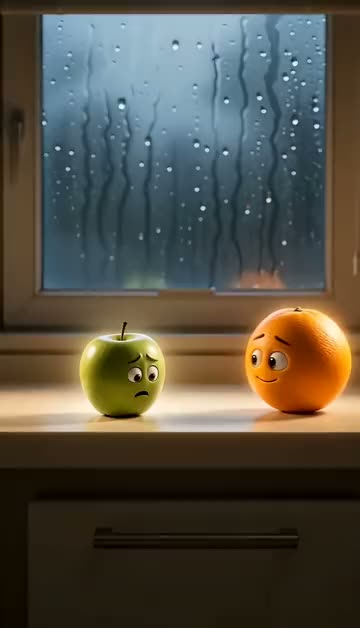
Keep the best part
Drag the start and end handles around the moment you want, then pick a size and a speed.

Step 3
Download the GIF
Watch the loop in the preview, then save the GIF and paste it wherever you need it.
A palette built for each clip
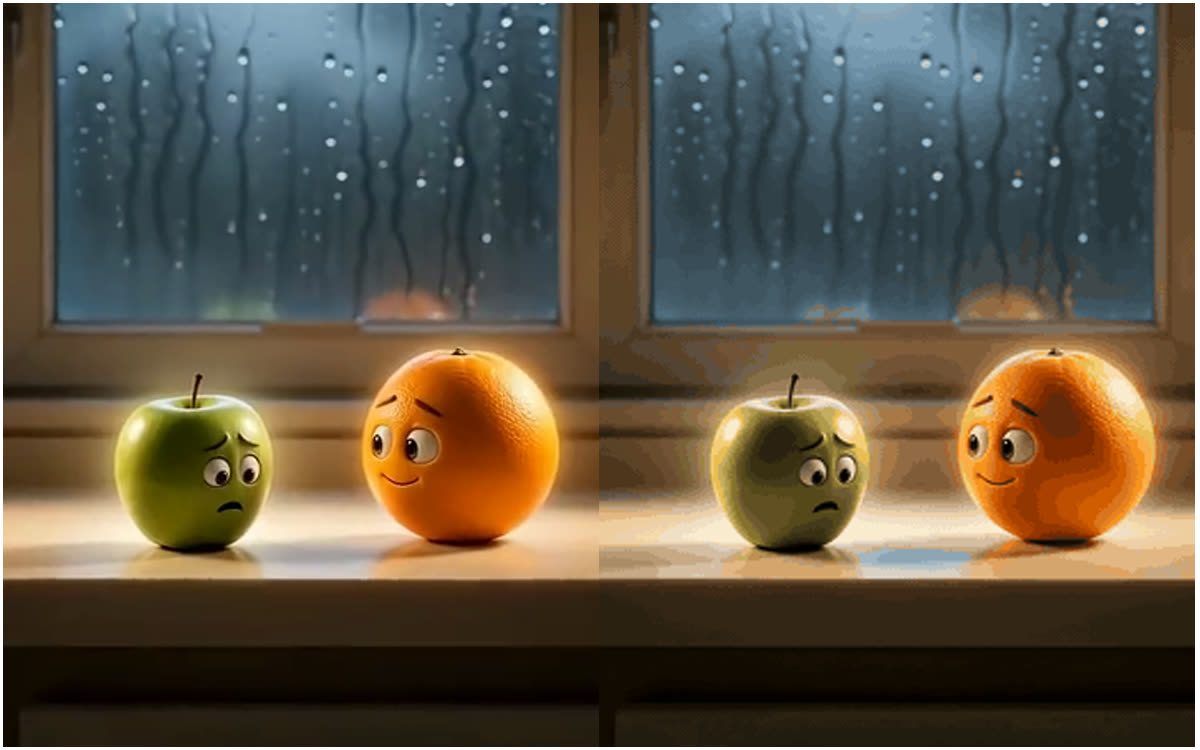
A GIF can only hold a limited set of colours per frame, which is why quick conversions often look banded or speckled. The converter builds a colour palette from your own clip before it encodes, so skin tones, skies and gradients stay as close to the video as the GIF format allows.
- Palette made from your clip, not a generic one
- Smooth skin and sky gradients
- Sharp edges on text and logos
Plays where a video would not
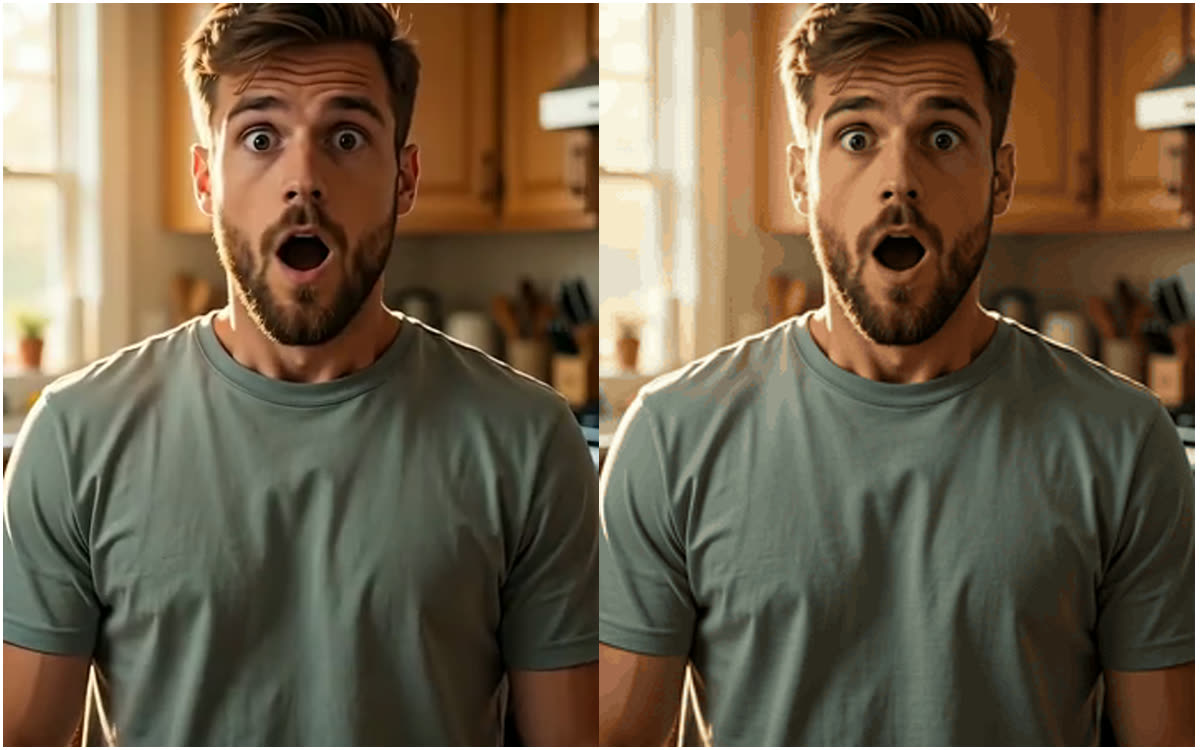
A GIF starts by itself and loops without a play button, sound or player controls. That is what makes it the right format for reactions in group chats, a demo in a README or a help article, a looping product shot in an email, or a sticker-style moment in a Discord or Slack thread.
- iMessage, WhatsApp, Discord, Slack, Teams
- GitHub READMEs, docs and help centres
- Email newsletters and forums
From AI clip to GIF in one place
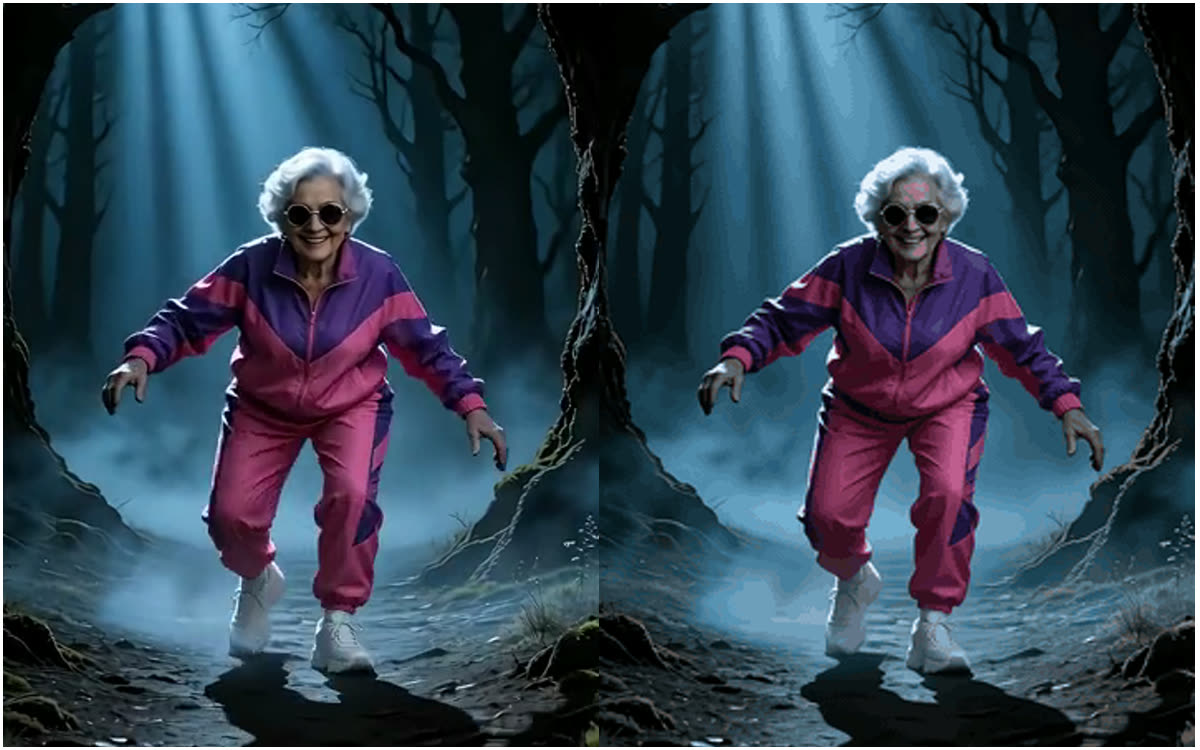
Clips you generate in the LazyKiwi workbench, from an image to video render to a dance or a trend template, can be turned into a GIF without downloading and re-uploading them somewhere else. Going the other way? GIF to MP4 turns a GIF back into a video.
- Works with your own recordings
- Works with clips made in the workbench
- Trim, size and speed in one step
Compared
GIF or MP4: which to send
The same clip, two formats. Each one wins somewhere.
| GIF | MP4 | |
|---|---|---|
| Starts on its own and loops | ✓Everywhere a GIF is allowed | !Depends on the app or player |
| Chats, comments, docs and email | ✓Plays inline | !Often shows as a file or a link |
| GitHub READMEs and help articles | ✓Embeds like an image | !Limited support |
| Sound | ✕No audio | ✓Keeps the audio |
| Long clips | !Best for a few seconds | ✓Any length |
Need the MP4 back for Instagram or TikTok? GIF to MP4 converts it the other way.
FAQ
Video to GIF FAQ
How do I convert a video to a GIF?+
Upload the MP4, MOV or WebM, set the start and end of the part you want, choose a size and a speed, then download the GIF.
Can I convert MP4 to GIF on my phone?+
Yes. The converter runs in your phone's browser: pick the clip from your gallery, trim it and save the GIF back to your photos.
Will the GIF have sound?+
No. The GIF format has no audio track. If the sound matters, send the MP4 instead.
Why is my GIF bigger than the video?+
GIF stores every frame as an image, so it is much less efficient than MP4. Keep only the seconds that matter and choose a smaller size or a lower speed to make the file lighter.
Does the GIF loop forever?+
Yes. GIFs made here are set to loop continuously, which is what chats and comment boxes expect.
Can I make a GIF from a YouTube or TikTok video?+
Upload a file you have the right to use, such as your own recording or a clip you made. Only share GIFs of other people's content when you are allowed to.
More GIF and video tools

Your best few seconds, on a loop
Upload a clip, keep the moment, download the GIF.
No credit card · Free to try · Results in seconds