
Sprite Sheet Generator
Describe a character or upload a photo, and get a pixel-art sprite sheet with idle and walk frames, lined up and ready for your game.

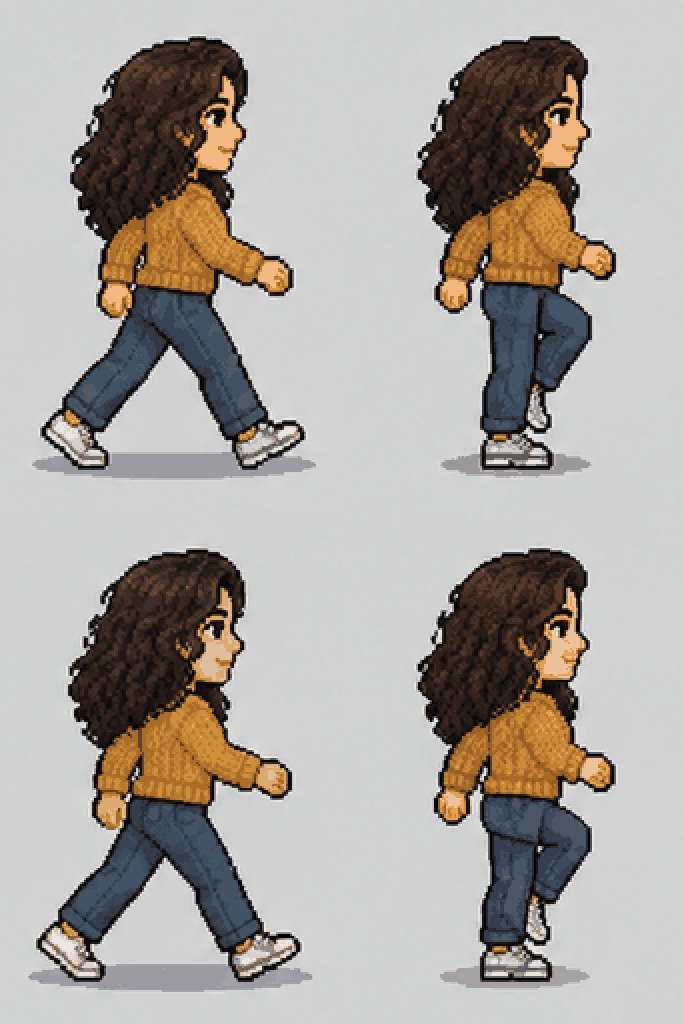

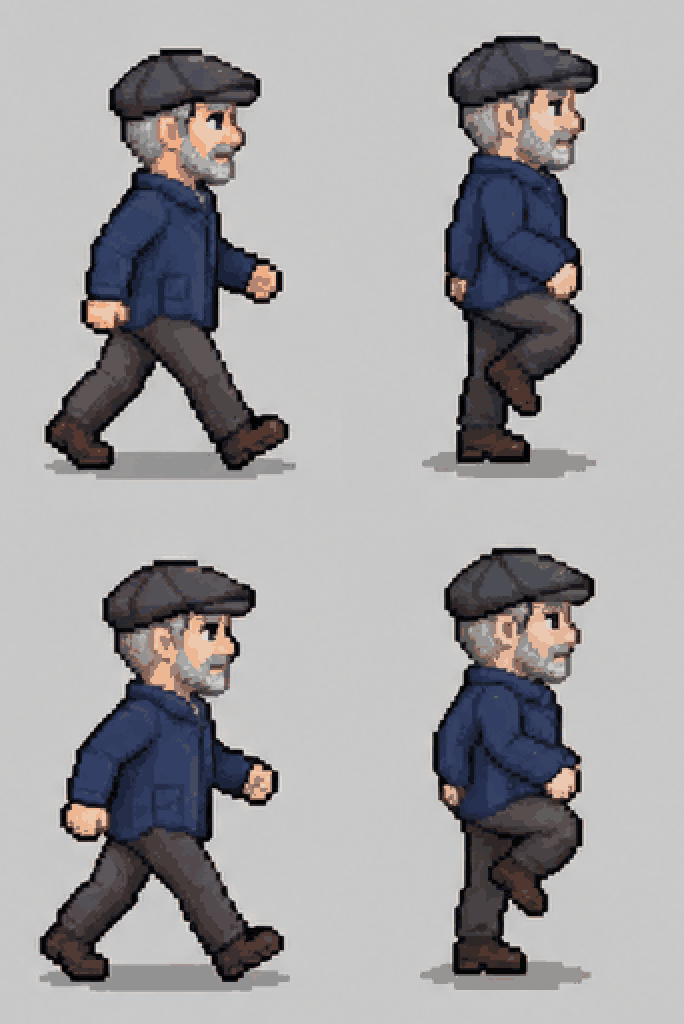

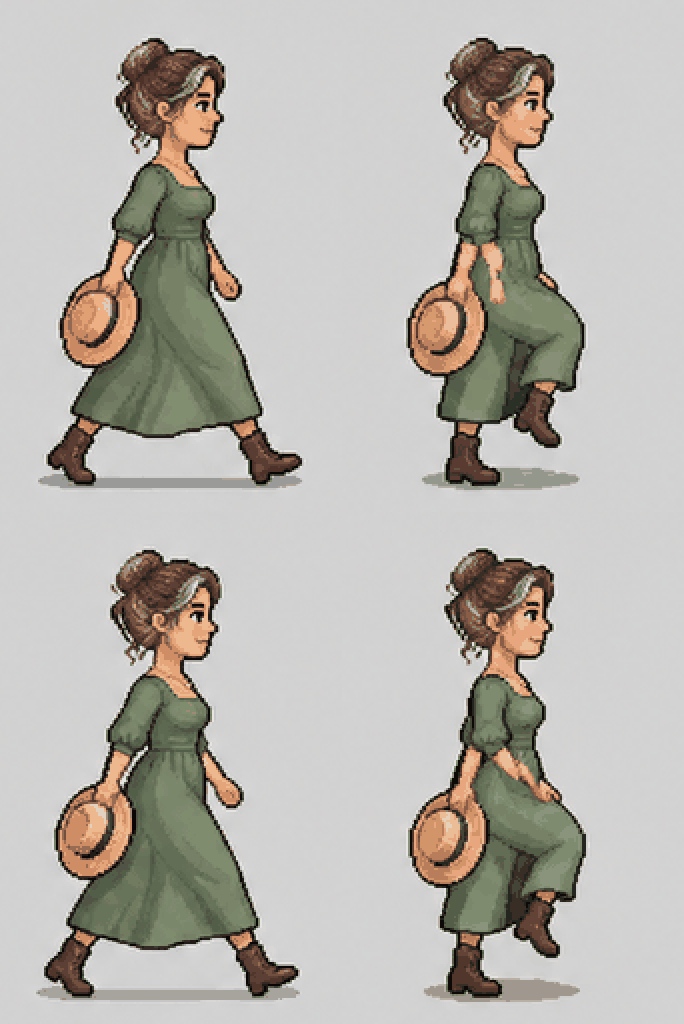
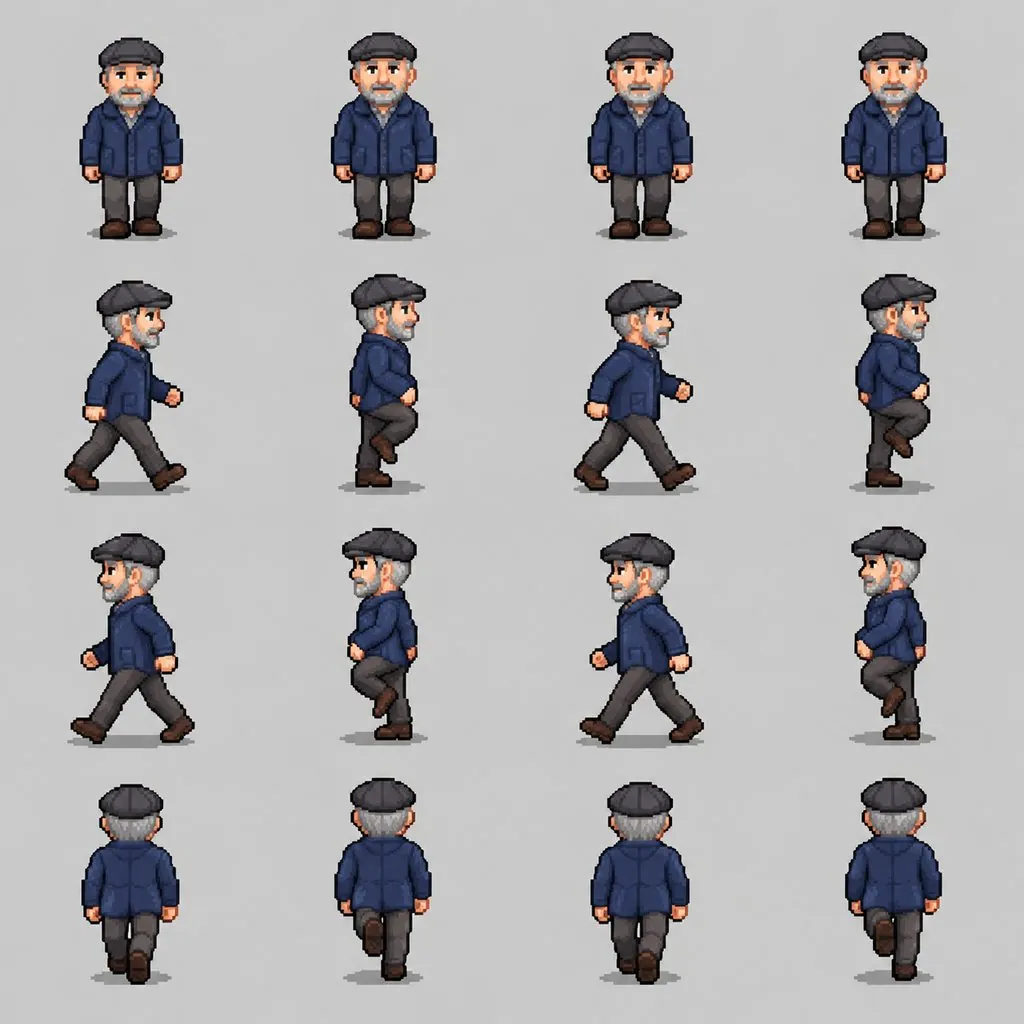
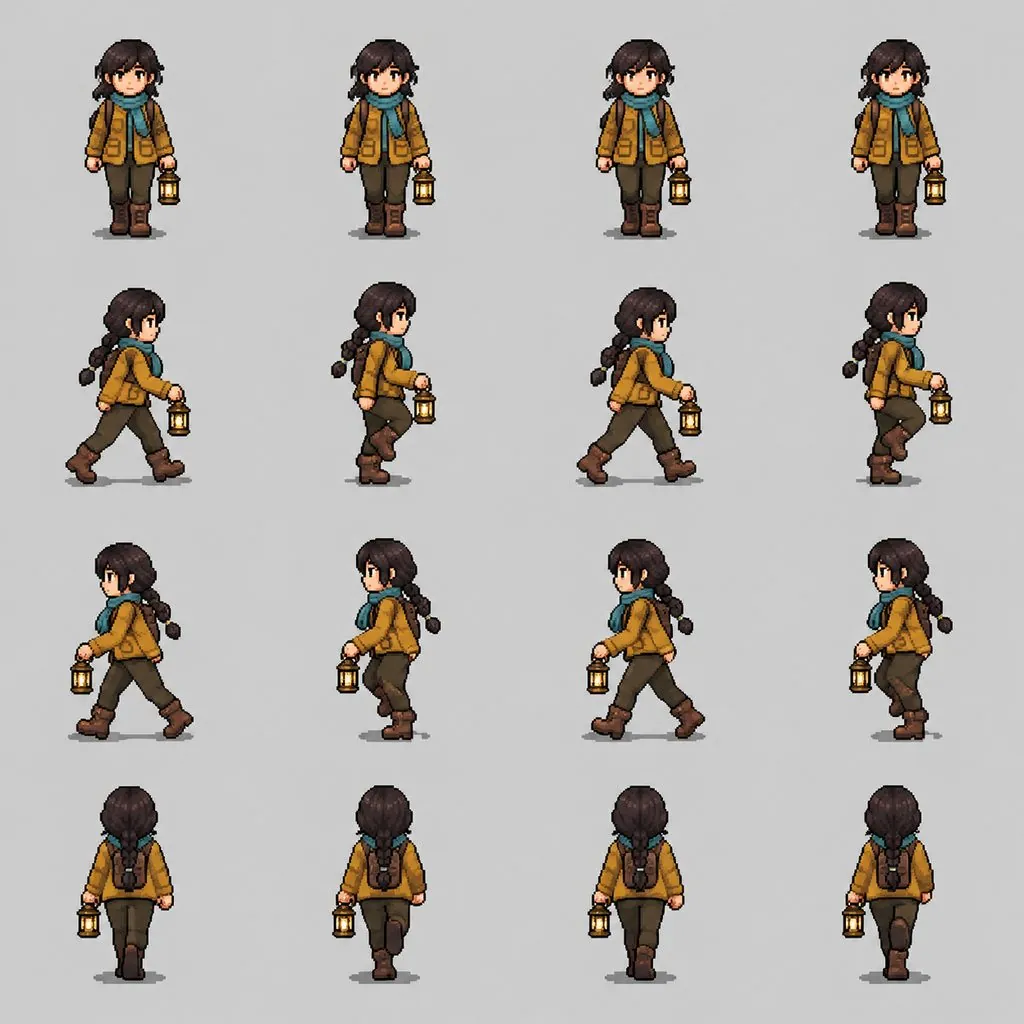
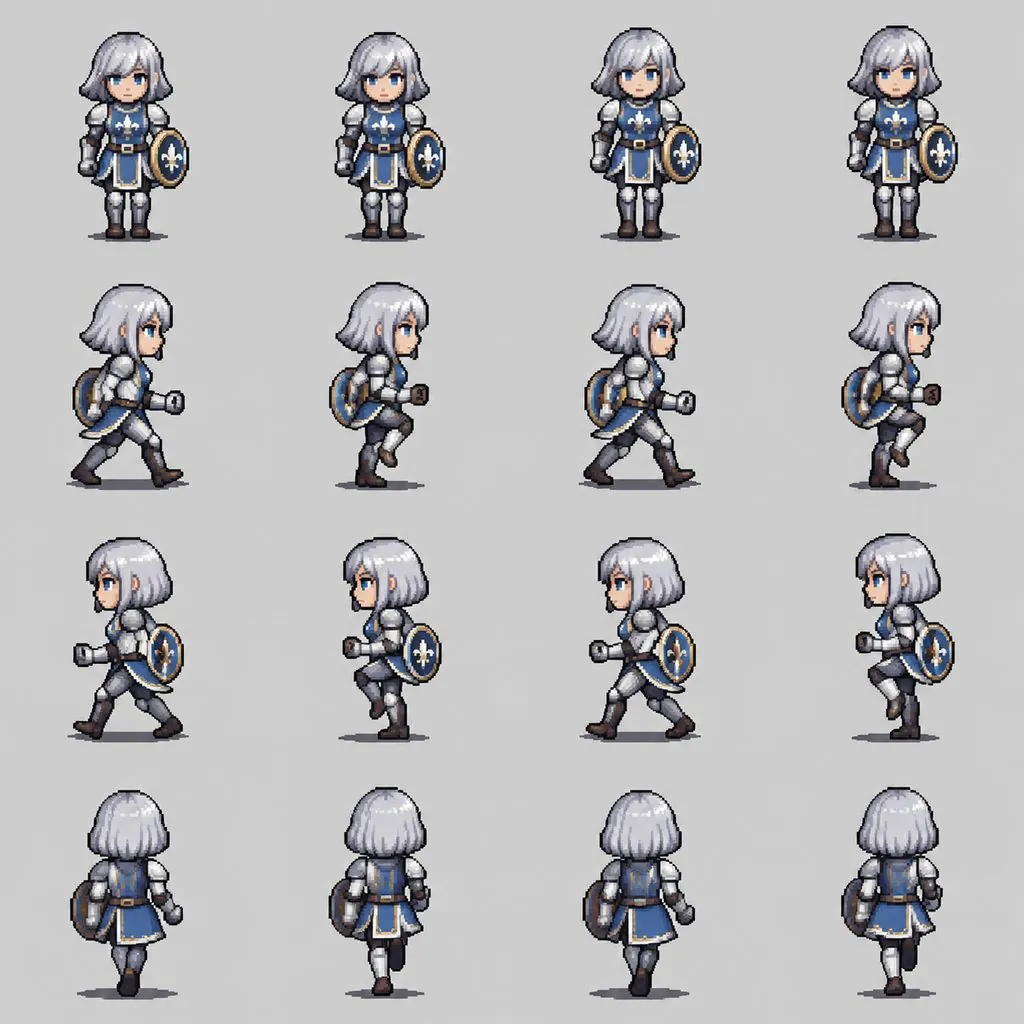

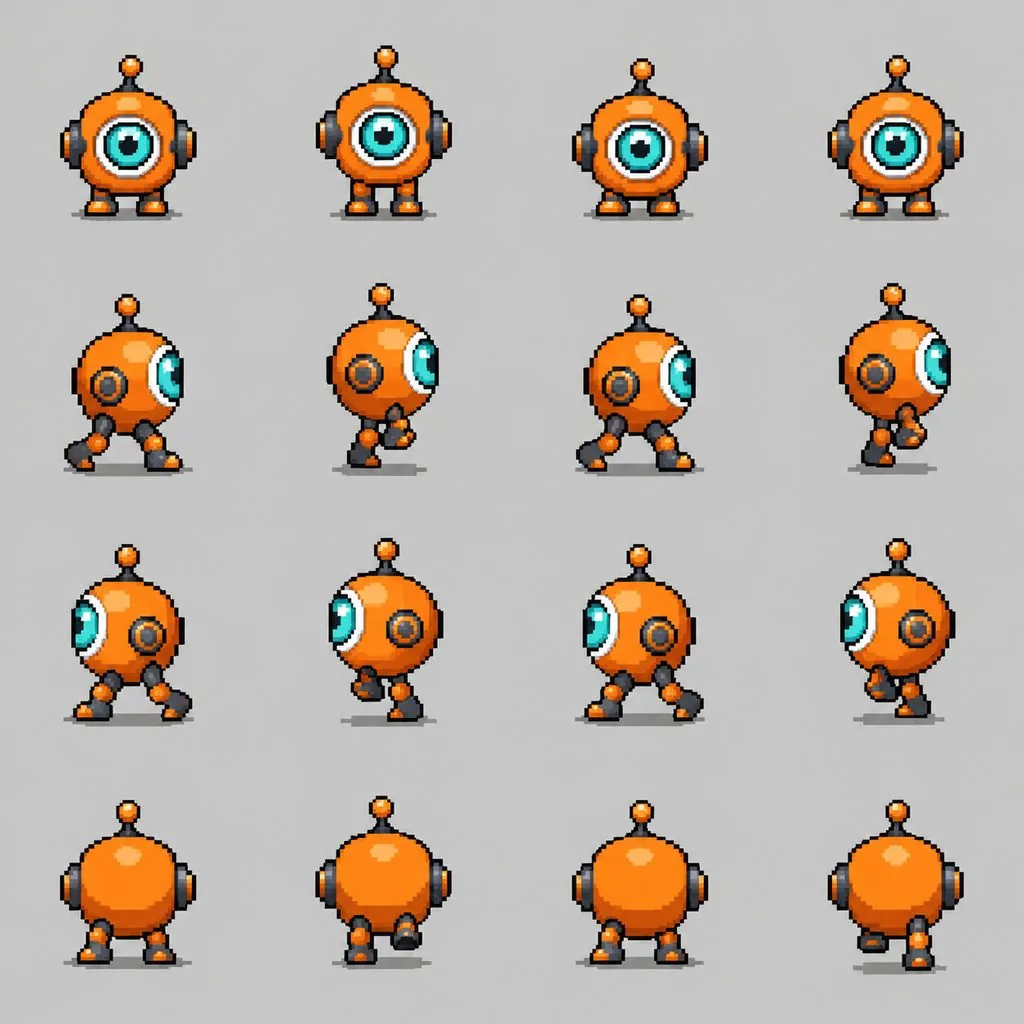
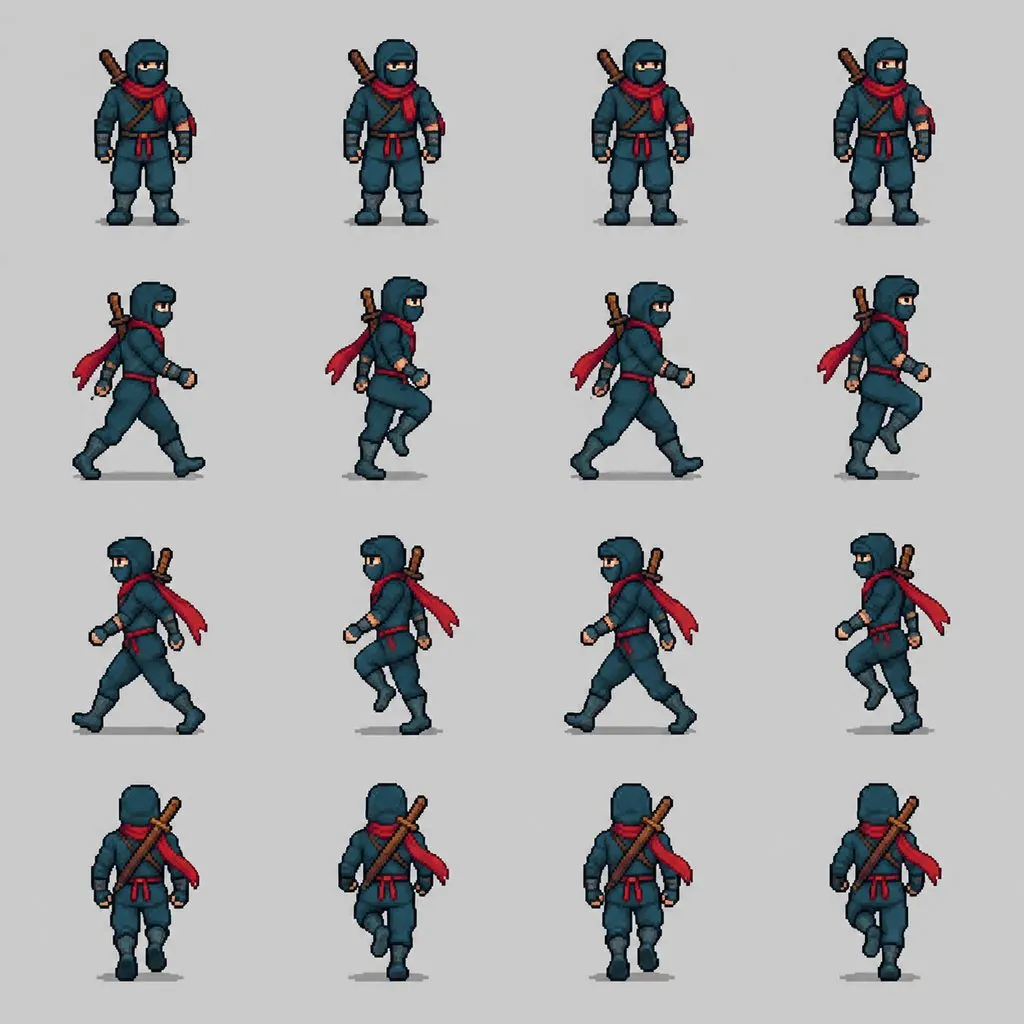
Specs
Sprite sheet generator specs
- Input
A description or a photo
"an old wizard with a purple robe and a staff", or a picture of yourself
- Frames
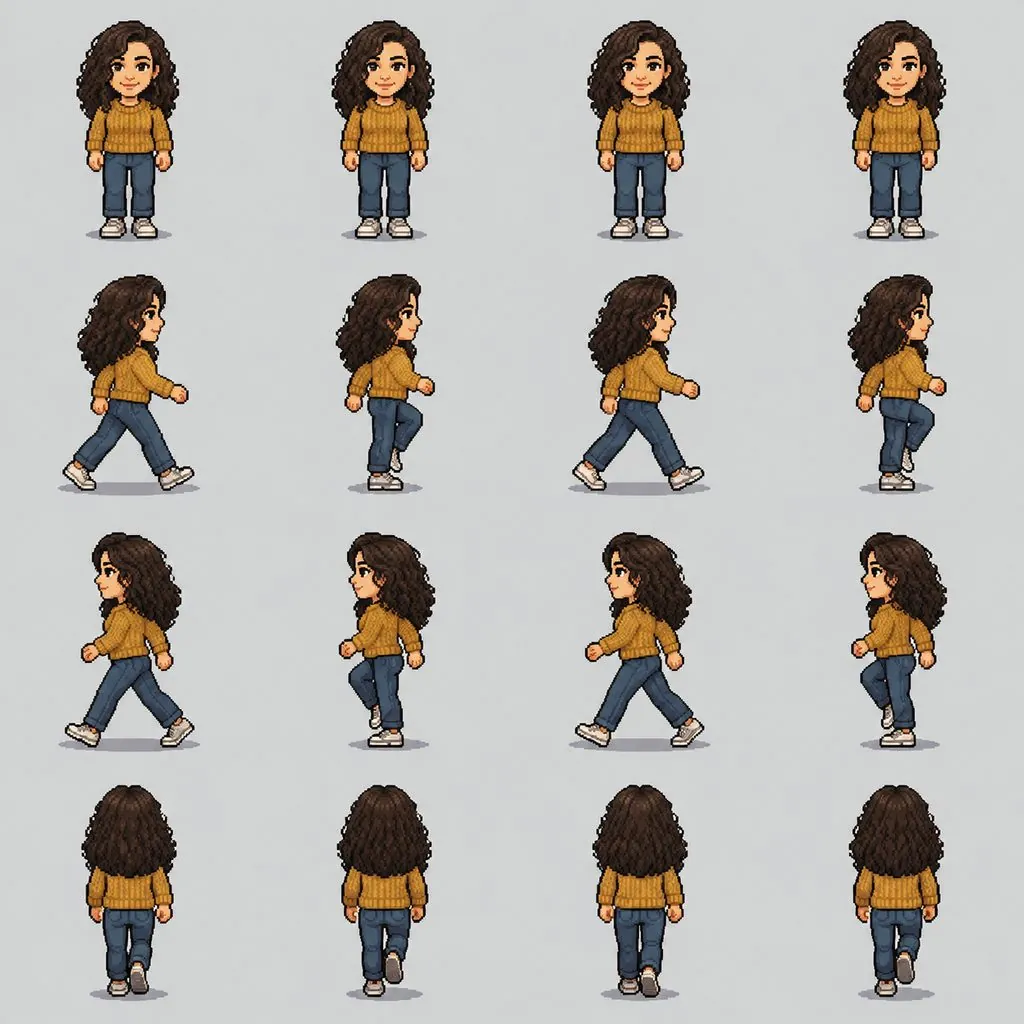
Idle, walk right, walk left, walk away
four frames each, in a 4x4 grid
- Output
One even grid to slice
same size and baseline in every cell, on a flat background
- Keeps
One character, start to finish
outfit, colors and proportions stay the same in every frame
How to make a sprite sheet in 3 steps
From idea to a walking character.
Prompt
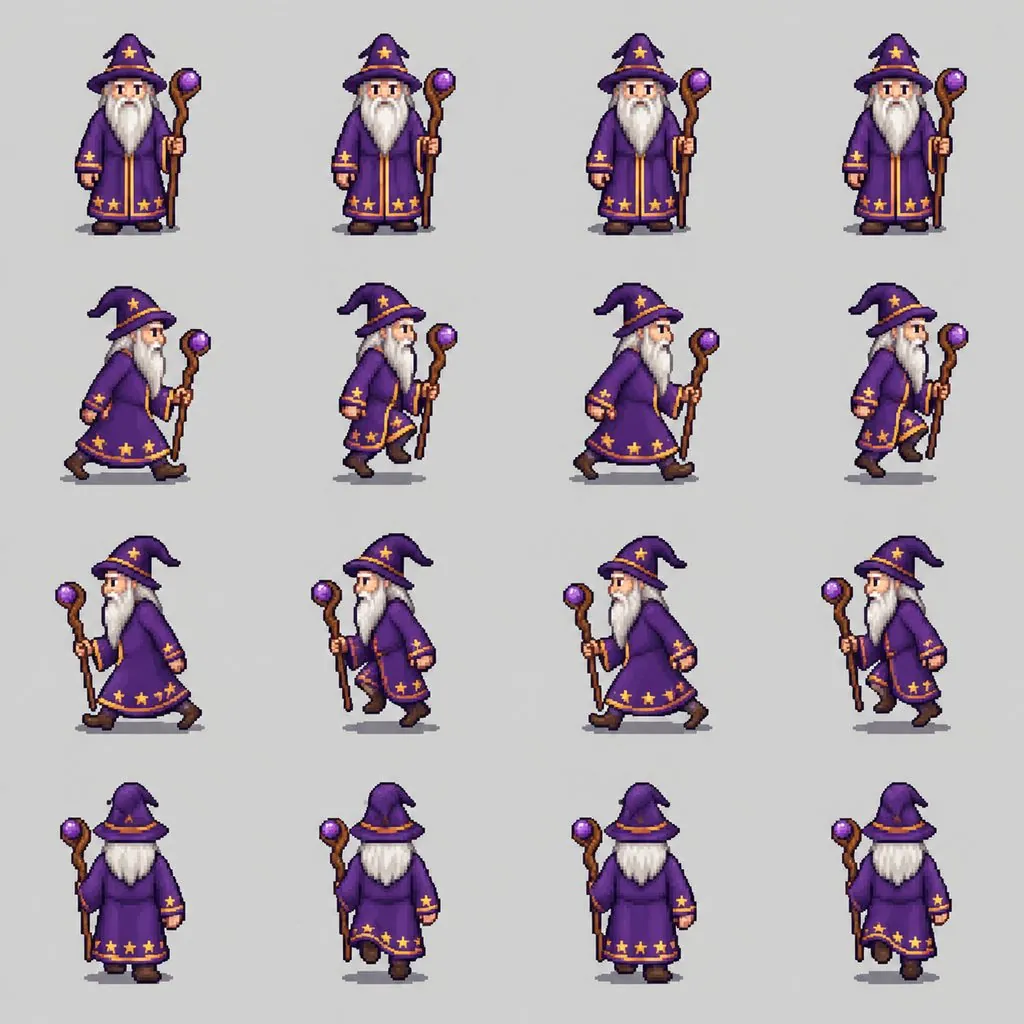
Character: an elderly wizard with a long white beard, a purple robe with star trim and a wooden staff.
Step 1
Describe the character
Name the look, the outfit and one or two props. Or upload a photo and the sprite takes its hair, skin tone and outfit colors.
Step 2
Generate the sheet
You get a 4x4 grid: idle facing you, a walk cycle to the right, to the left and away from you.
Step 3
Slice it into your game
Cut the grid into equal cells in your engine or sprite editor and play each row as an animation. Check the frames before you ship them.
Frames that sit on the same line
Every frame is drawn at the same scale, centered in its cell and standing on the same baseline, so a row plays as a walk instead of a jitter.
- Equal square cells
- Same height in every frame
- Nothing cropped at the edges
Legs that actually move
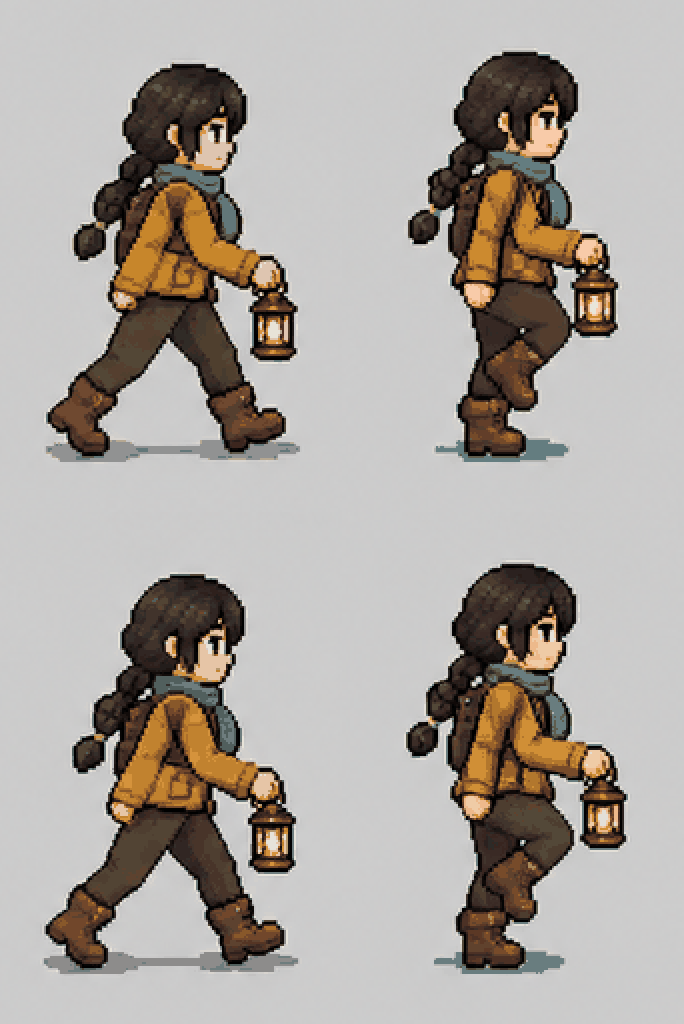
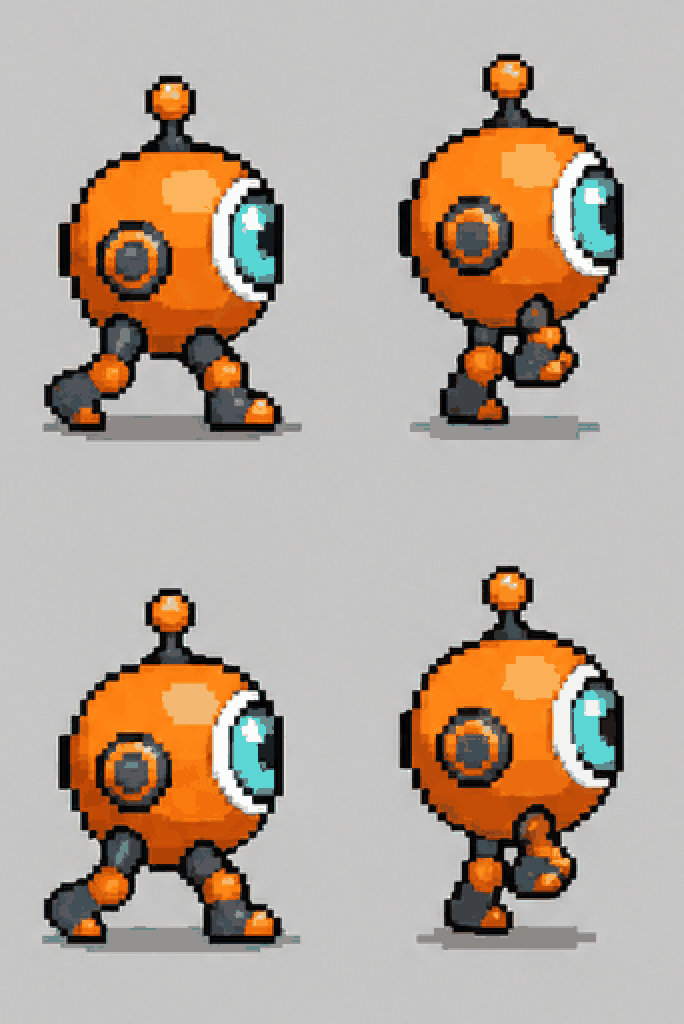
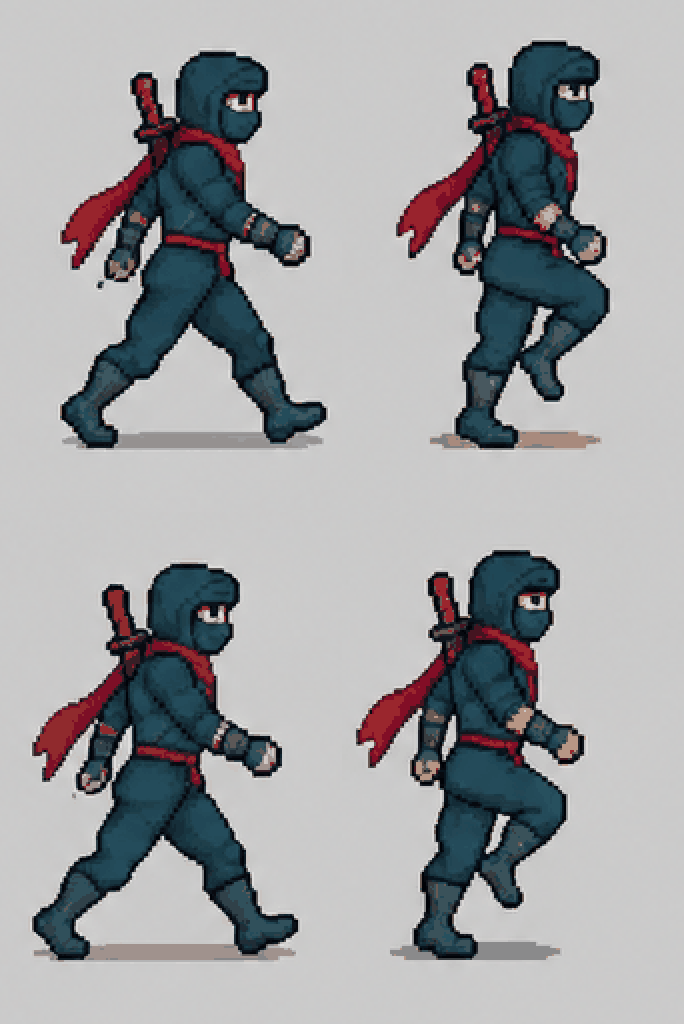
Each walk row steps through contact and passing poses with the arms swinging against the legs, so the loop reads as walking.
- Walk right, left and away
- Idle breathing row
- Loops cleanly
Turn yourself into a game character
Upload a photo and the sprite keeps your hairstyle, hair color, skin tone and outfit colors, redrawn as chunky pixels.
- Hair and outfit carried over
- Background left out
- Works for friends and family too
FAQ
Sprite sheet generator FAQ
What does the sprite sheet include?+
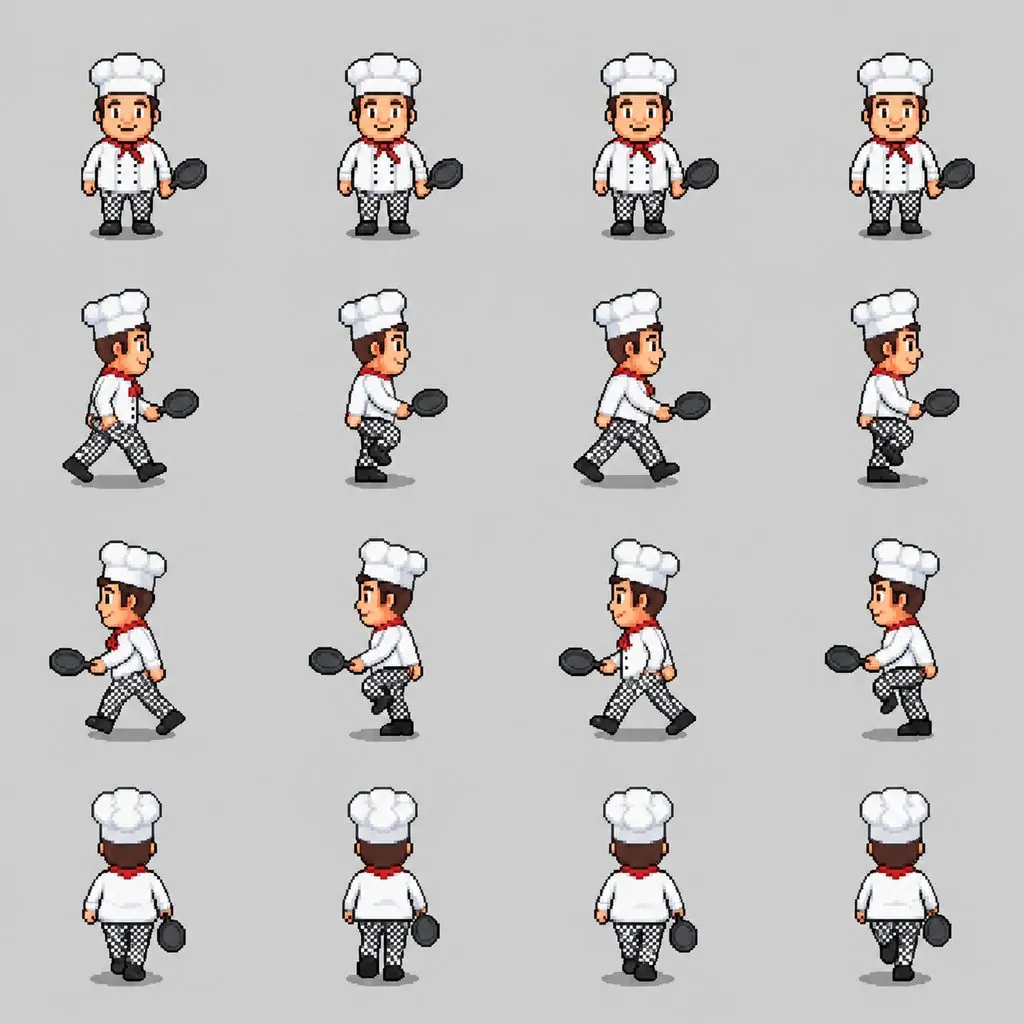
A 4x4 grid: row 1 is an idle loop facing you, row 2 walks right, row 3 walks left and row 4 walks away from you. Four frames per row.
Can I make a sprite from my photo?+
Yes. Upload a photo and leave the description empty, or add details. The sprite keeps your hair, skin tone and outfit colors; the photo's background is not used.
Are the frames aligned?+
The template asks for equal cells with the character at the same scale and on the same baseline in every frame, and in our samples each row lined up. Always step through the frames before using them in a game; occasionally one frame needs a small nudge.
Is the background transparent?+
No, it is a flat light-gray background, which most sprite editors can remove with one click using the fill or color-key tool.
Can I use the sprites in my game?+
The characters are original, generated from your description or photo, and the template avoids existing game characters. Check the pricing page for commercial terms on your plan.
Can I get other actions, like jump or attack?+
This sheet is built around idle and walk frames, which come out most consistently. For a single pose, the AI pixel art generator turns a photo into a pixel-art scene.
Is it free?+
You can start free: new accounts get free credits, and the cost of each image is shown before you generate.
More ways to make game art
Your character, ready to walk.
Describe it or upload a photo.
Free to try · Price shown before you generate · Original characters