
Turn a photo into a page worth coloring.
Clean closed outlines on white, no gray, no half-tone stipple, with the line weight and detail level under your control. Export a printable PDF at A4 or Letter with margins that survive a home printer.
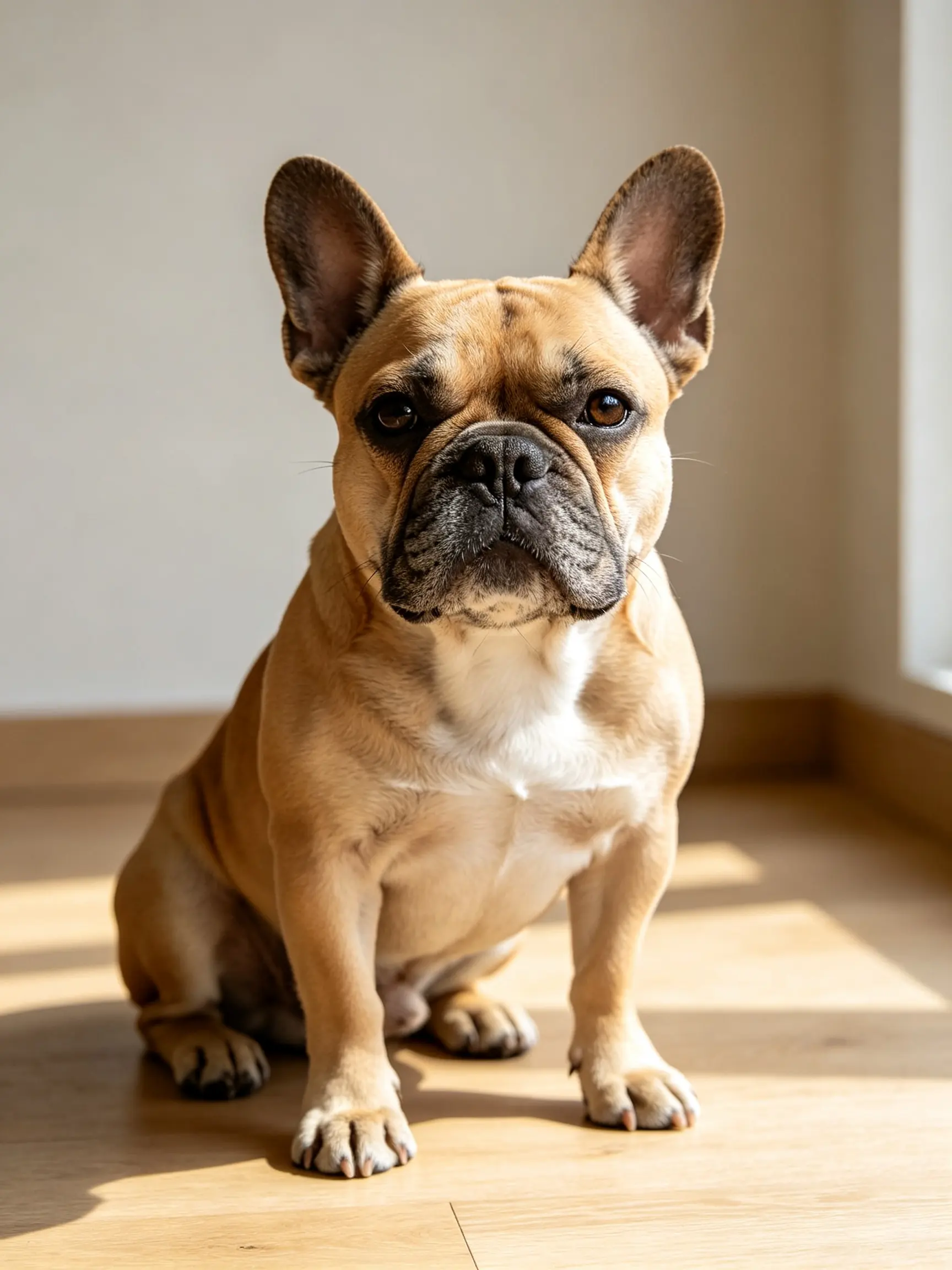 BEFORE
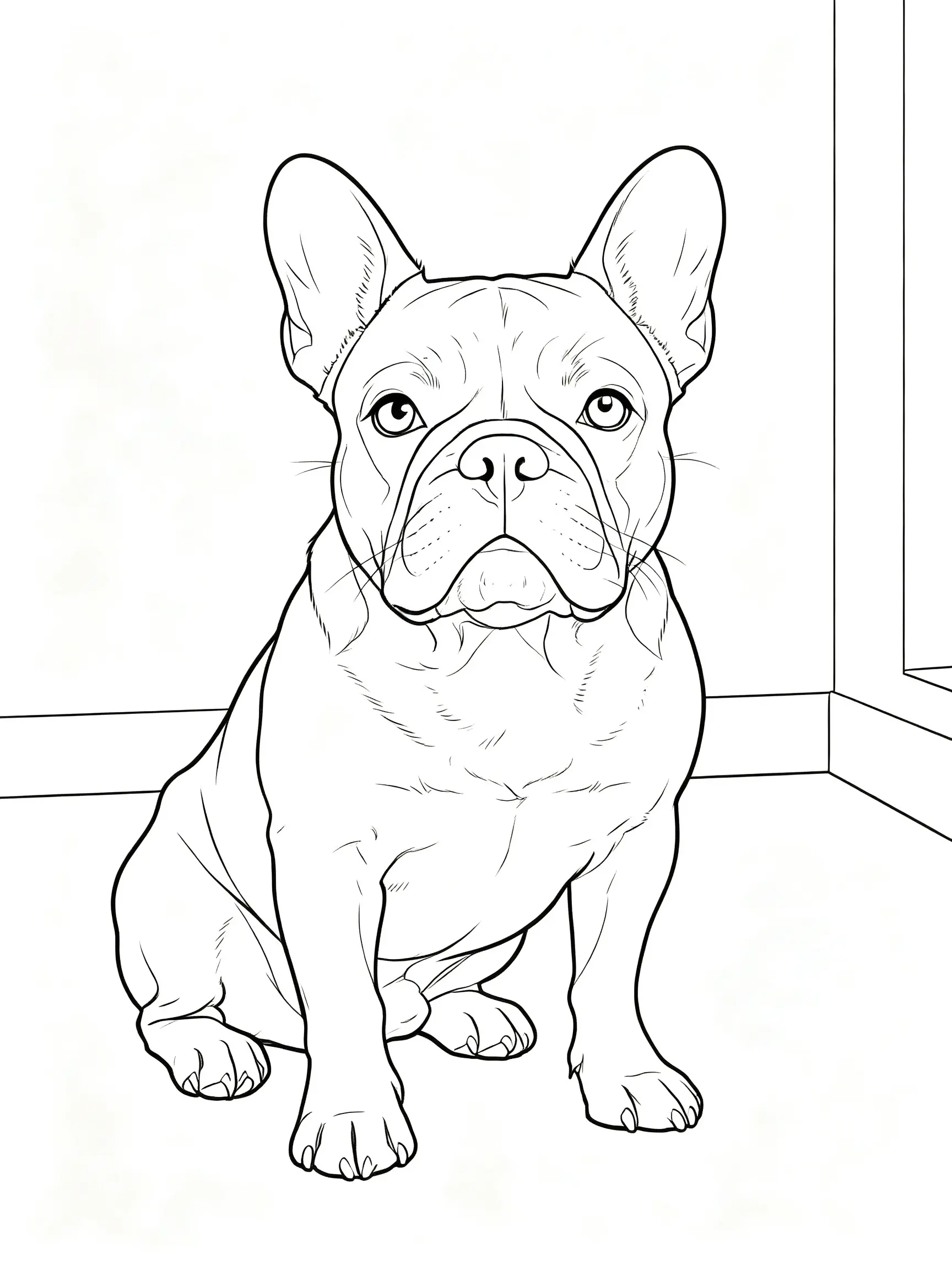 AFTER ✨
What it is
Closed outlines, not an edge filter.
Running a photo through an edge-detection filter gives you broken gray lines, speckle in every textured area and nothing a child can color inside. A coloring page needs something different: closed regions, consistent line weight, and detail deliberately thrown away. This traces the shapes rather than the edges, closes the contours so each area is a fillable region, and lets you set how much detail survives — high for an adult coloring book, low for a four-year-old who needs big simple areas and a fat outline.
How it works
Make a coloring page in three steps
Upload the photo
A pet, a portrait, a house, a car, a holiday snap. Good light and a clear subject convert far better than a dim, busy scene.
Set detail and line weight
Low detail and thick lines for young children; high detail and fine lines for adult coloring. The preview updates as you move it.
Print or export
Download a PNG, or a print-ready PDF sized to A4 or Letter with a margin that will not be clipped.
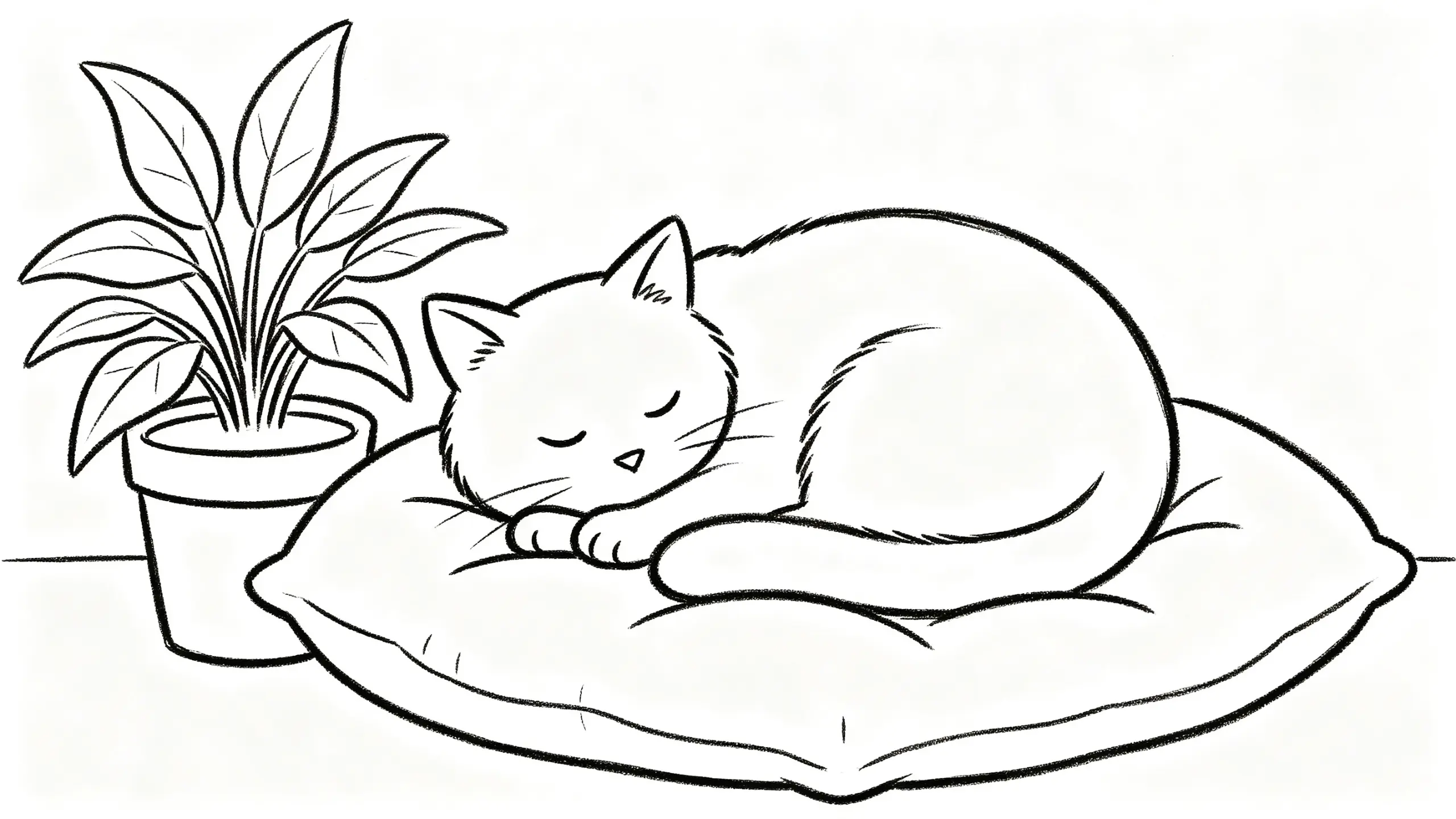
Regions that close, so color stays in
Outlines are traced as closed paths. That sounds like a detail and it is the whole thing: an open contour means a felt-tip bleeds from the dog into the sofa, and a digital fill floods the entire page. Closed regions are also what make the result usable in a coloring app rather than only on paper.
- Closed contours, no leaks
- Even line weight throughout
- Pure black on pure white, no gray
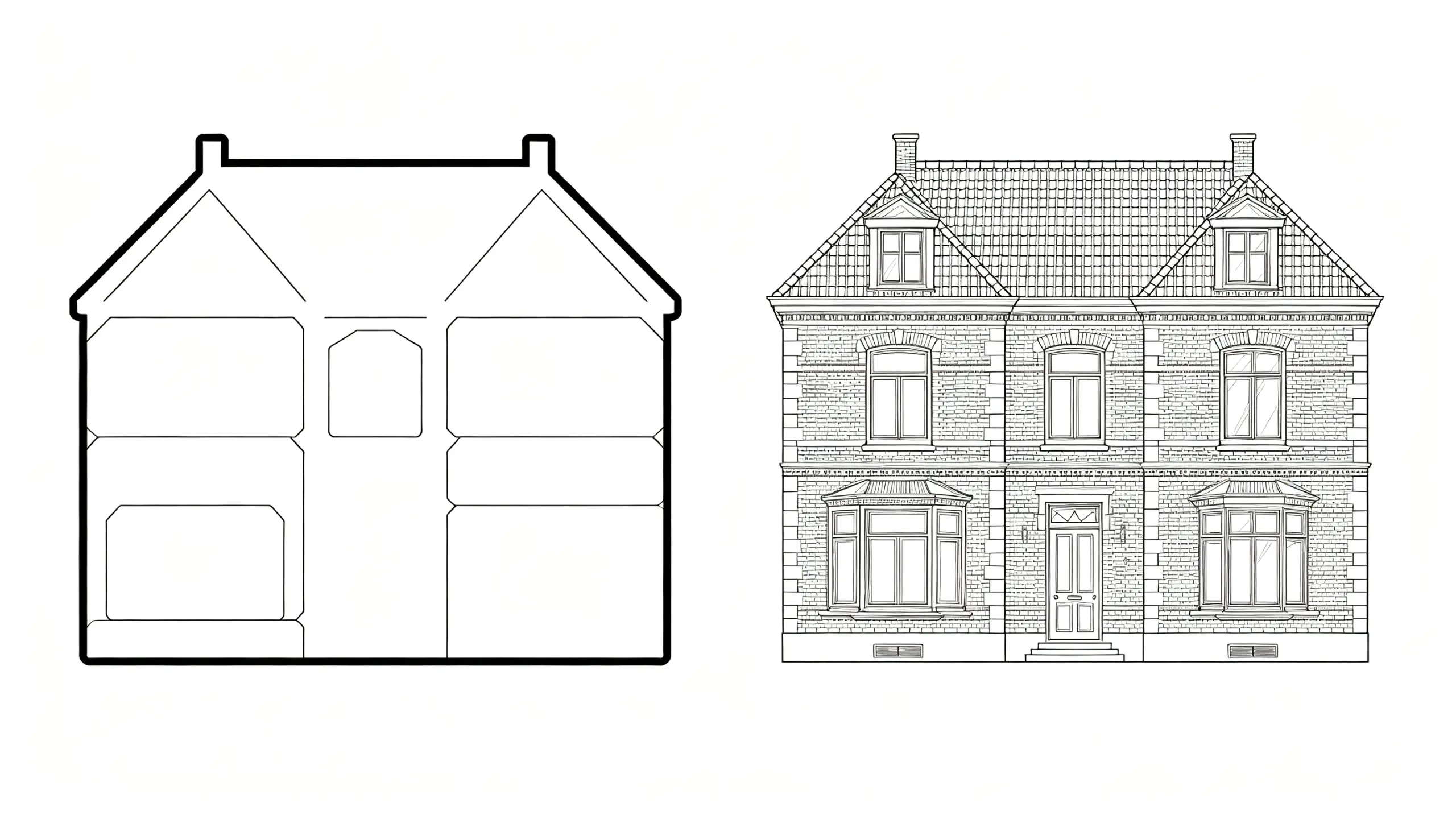
Detail is a dial, not a fixed output
The same photograph should become two different pages depending on who is coloring it. At the low end you get eight or ten large regions and a heavy outline. At the high end you get the fur, the brickwork and the folds in fabric, which is what adult coloring books are actually selling.
- Simple mode for young children
- Detailed mode for adult coloring
- Line weight independent of detail
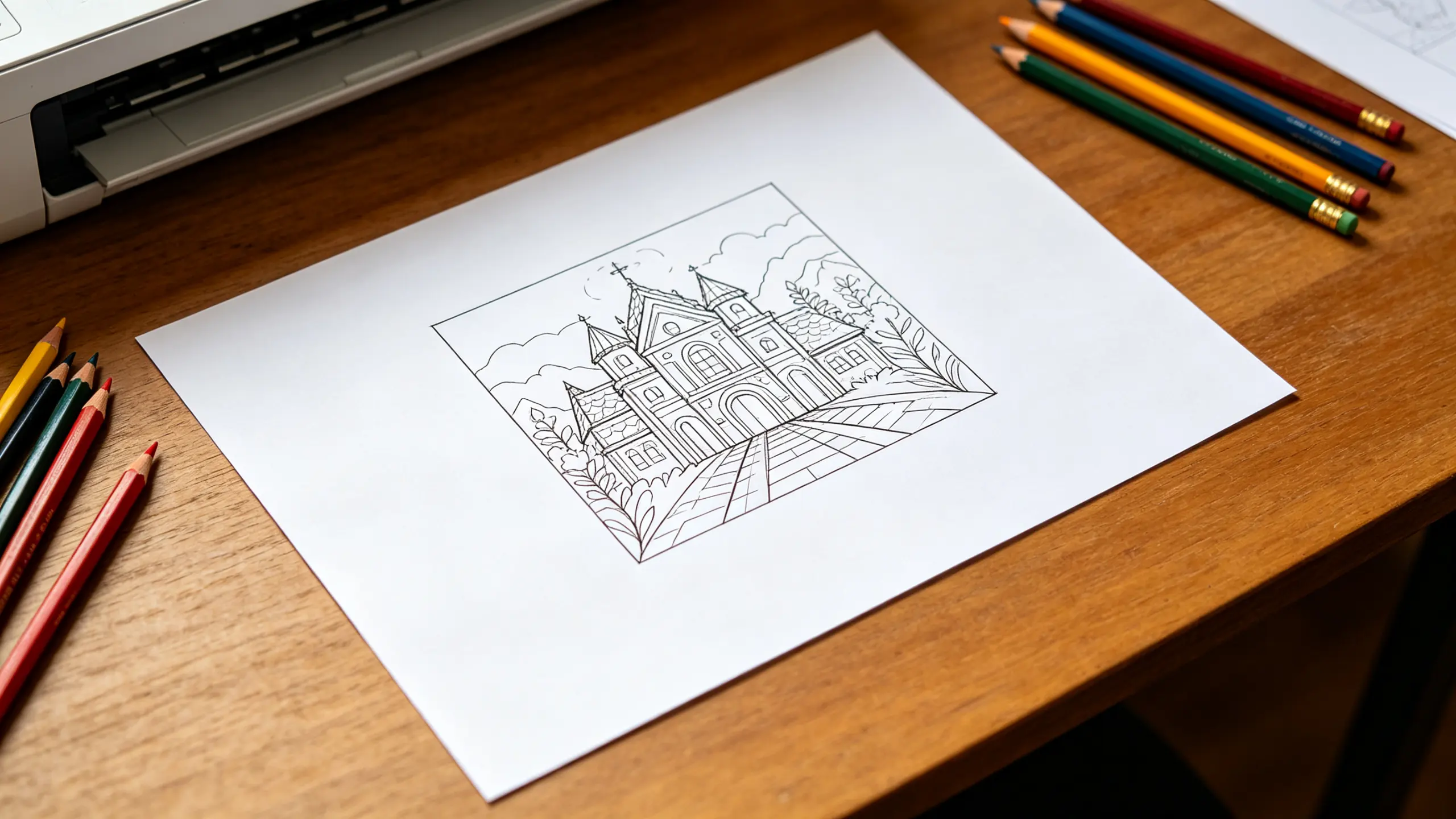
Sized for the printer you actually have
A PNG dropped into a document usually prints with the lines too thin and the edges clipped. The PDF export is laid out at A4 or Letter with a safe margin, the line weight scaled for print rather than for screen, and the page centered, so it comes out of a home printer looking like it came from a book.
- A4 and US Letter
- Safe margin, nothing clipped
- Line weight scaled for print
Why LazyKiwi
Why this converter
Colorable, not just outlined
Closed regions mean color stays where it is put, on paper and on screen.
You choose the difficulty
One photo makes a toddler's page or an adult's, depending on the dial.
Prints properly
A4 and Letter PDF with margins and print-scaled line weight.
No gray, no speckle
Pure black on white, with textured areas simplified rather than stippled.
Free with no watermark
Nothing stamped across a page a child is going to color.
Related
Photo to sketch if you want pencil shading instead of outlines.
FAQ
Turning photos into coloring pages
How do I turn a photo into a coloring page?+
Upload the photo, set how much detail you want and how thick the lines should be, then export a PNG or a print-ready PDF. The tool traces closed outlines rather than detecting edges, which is what makes the result actually colorable.
Is it free to print?+
Yes. Export and printing are free and there is no watermark on the page.
What photo works best?+
A clear subject, good light and a reasonably plain background. High contrast between the subject and what is behind it matters more than resolution. Dark subjects on dark backgrounds and busy group photos are the two cases that disappoint most often.
Can I make it simpler for a young child?+
Yes — drop the detail level and raise the line weight. At the lowest setting a photo becomes eight or ten large regions with a thick outline, which is what a three or four year old can actually color inside.
What size does it print at?+
A4 or US Letter, with a safe margin so a home printer does not clip the edges, and line weight scaled for print rather than screen.
Use cases
What people convert
The family pet
By a wide margin the most requested. A clear side-on photo in daylight converts best; a dark dog on a dark rug does not.
Party and classroom activities
A page per child from a photo of them, or a set from one event. Batch a folder and print the lot.
Adult coloring
Landscapes, buildings and florals at high detail, where the pleasure is in the intricacy rather than the subject.
More answers
More on coloring pages
Why do some photos come out as a mess of lines?+
Because the photo has texture the trace reads as structure — grass, gravel, foliage, patterned fabric, a busy background. Lower the detail level, or crop tighter onto the subject before converting. Cropping usually helps more than any setting.
Coloring page or sketch — what is the difference?+
A coloring page is pure outline with closed regions and no shading, made to be filled in. A sketch keeps tone and hatching, so it is finished art rather than a template. Photo to sketch does the second.
Can I sell coloring pages I make from my own photos?+
You are free to use what you create commercially. What matters is the input: your own photographs, or ones you have the rights to. A photo you found online is still someone's copyright after it has been turned into line art.
What paper should I print on?+
Anything heavier than standard copy paper if felt-tips are involved, since 80gsm bleeds through. Around 120gsm handles markers, and 160gsm or above suits watercolor pencils without buckling.
Turn your photo into a coloring page
Closed outlines, your detail level, print-ready PDF.
No credit card · Free to try · Results in seconds