
Lyric Generator
Tell it what the song is about and get finished lyrics you can sing: verses that tell the story, a chorus that sticks and a bridge that lifts it.
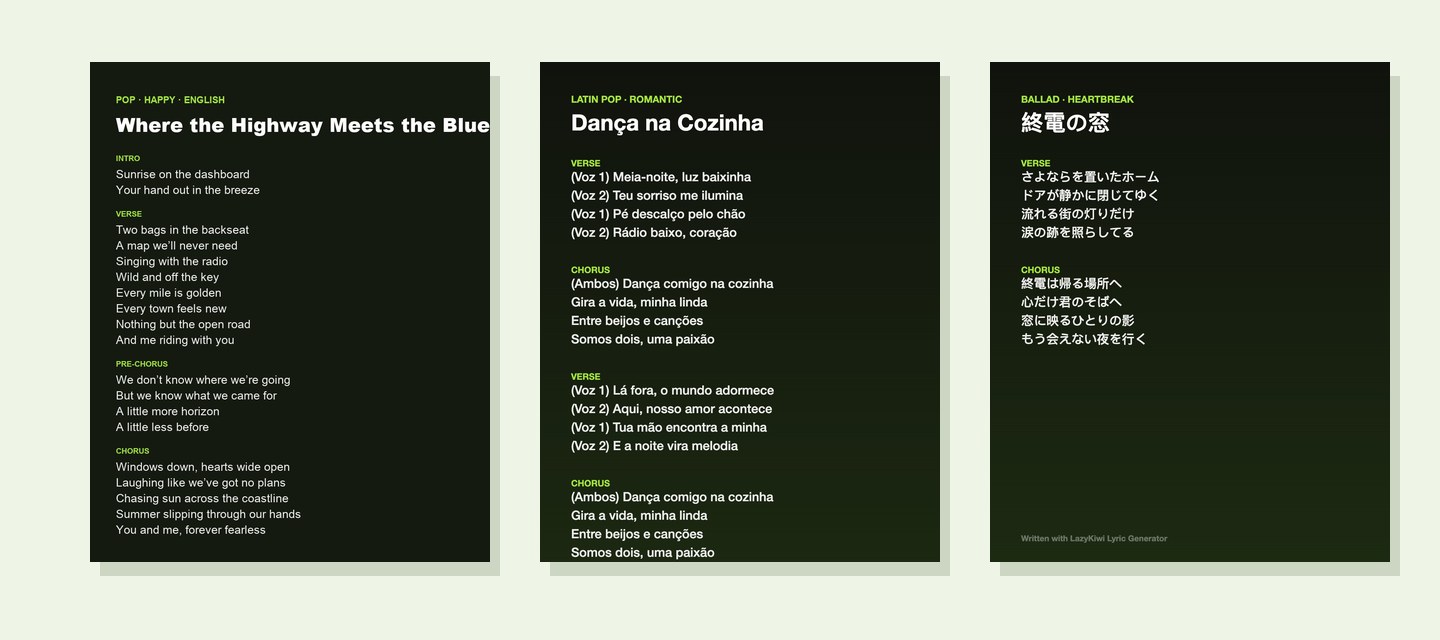
What the lyric generator does
You describe the song in a sentence, pick a genre, a mood, a language and a length, and get original lyrics laid out in [Verse], [Chorus], [Bridge] sections, ready to sing or to paste into a song generator. You can edit them in place, copy them or download a .txt. Each run uses a few credits, shown on the button before you start.
12 genres
pop to musical theatre
9 moods
happy to heartbreak
11 languages
English, Spanish, Japanese…
3 lengths
full song, short, rap verse
About 10 s
per song
Yours
original lyrics to use
How to write song lyrics with AI in 3 steps
One sentence in, a whole song out.
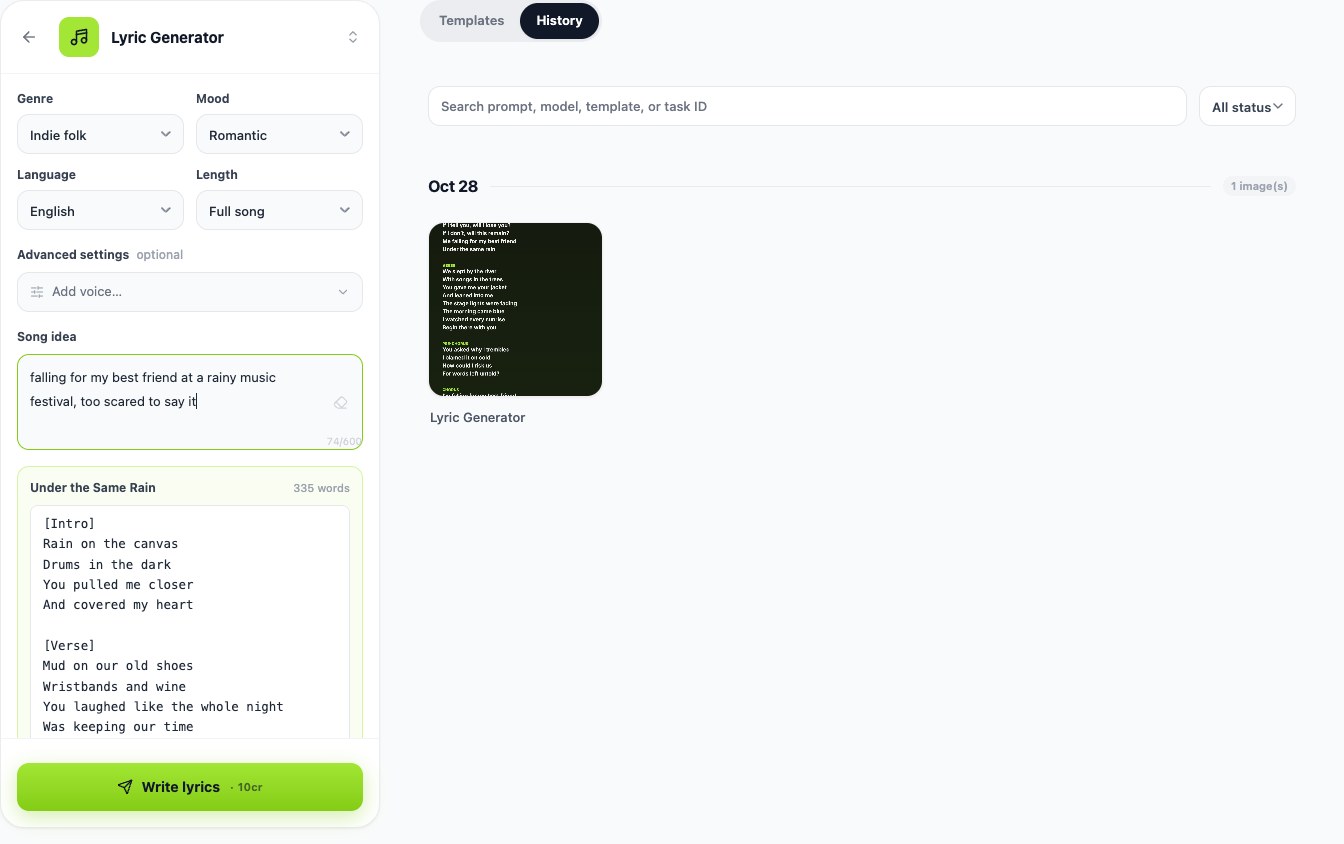
Step 1
Describe the song
Who it is for, what happened, how it should feel — "a summer road trip with my best friend, ending at the sea".
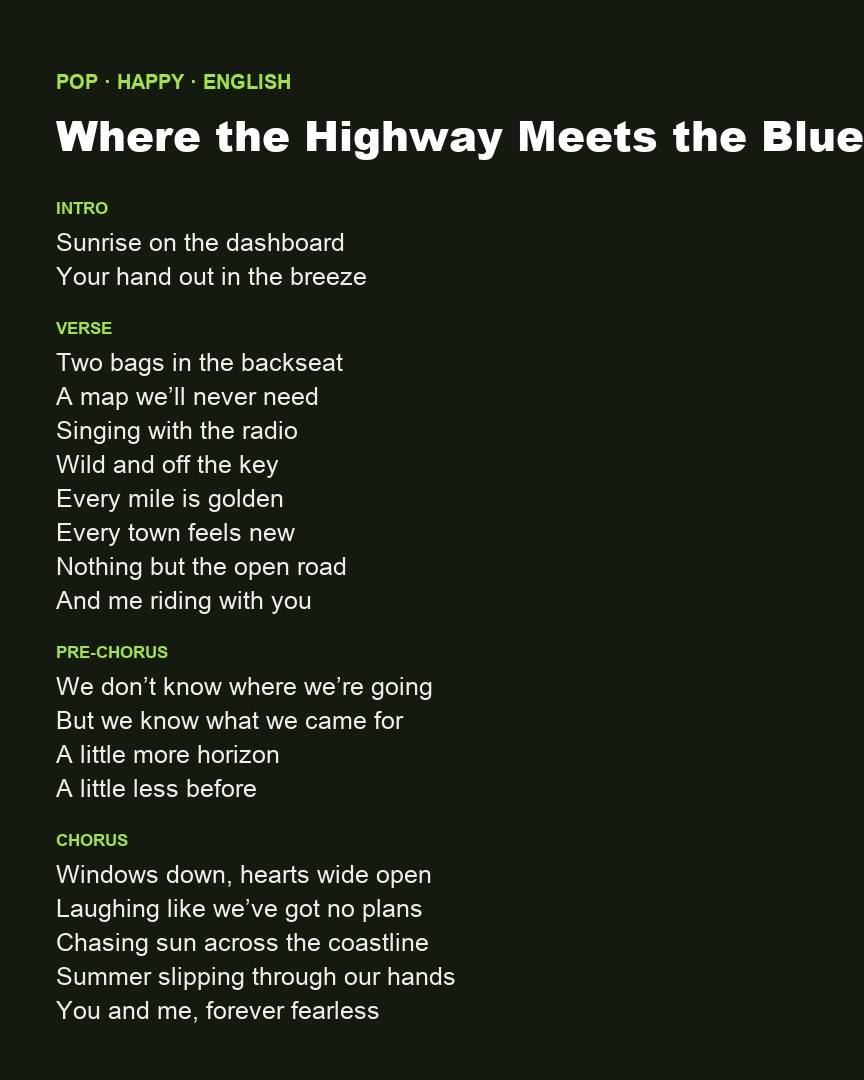
Step 2
Pick genre, mood and language
Pop or hip-hop, happy or heartbreak, English or Spanish, full song or a short verse and chorus.
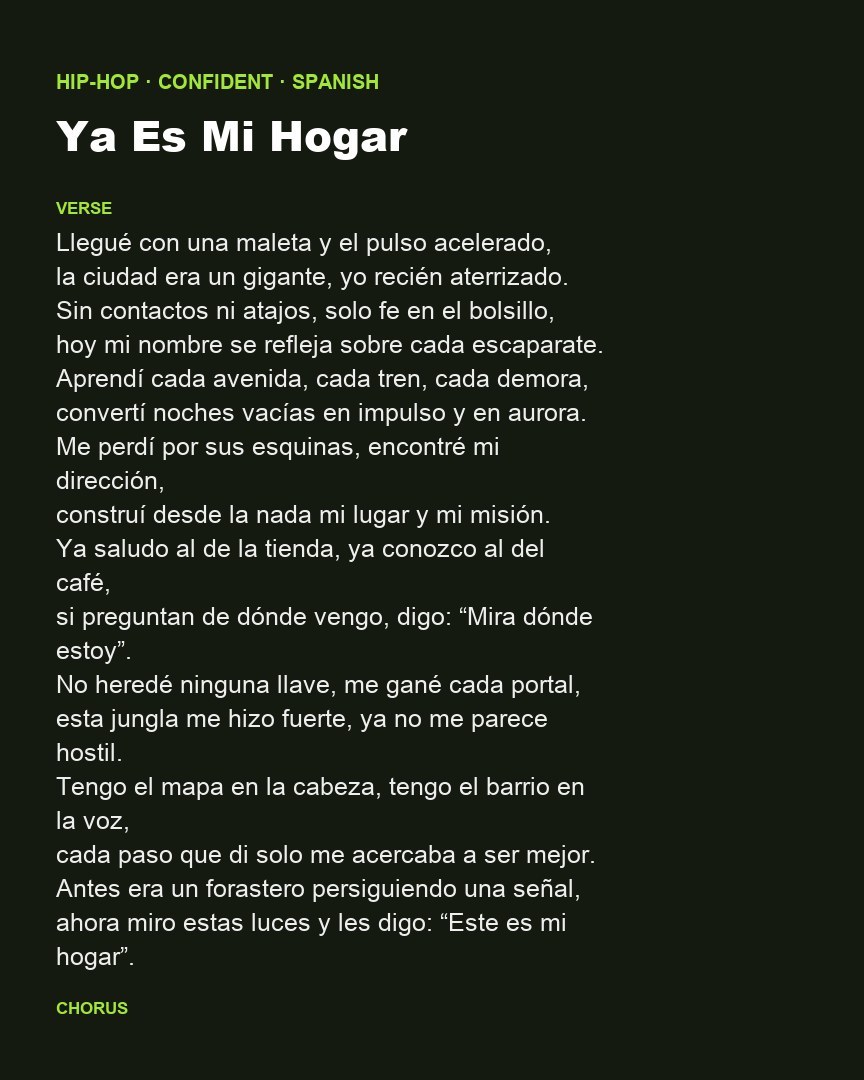
Step 3
Edit and use it
Fix a line, copy the lyrics, download them, or open them in the song maker.
Lyrics laid out like a real song
Every song comes with section tags on their own lines — intro, verses, pre-chorus, chorus, bridge, outro — so you can see the shape at a glance and paste it into any song maker that reads tags.
- Verse and chorus that repeat where they should
- A bridge when the song needs a turn
- Short, singable lines with natural rhyme
Your genre, your mood, your language
A Spanish rap verse about moving to a new city, a country heartbreak song, a children's song about brushing teeth: pick the genre, the mood and one of 11 languages and the words follow.
- Rap verse + hook for hip-hop
- Duet, female or male voice
- Funny, dark or inspirational moods
Edit, copy, download — or make the song
Change any line in place, copy the lyrics with the title, download a .txt, or open them in LazyKiwi's song maker to hear them sung.
- Edit in place
- Copy or download .txt
- Send to the song maker
Compared
Lyric generator vs the other ways to write lyrics
What you get from each approach.
| LazyKiwi Lyric Generator | General AI chatbot | Writing from scratch | |
|---|---|---|---|
| Song sections tagged and ready for a song maker | ✓[Verse] [Chorus] [Bridge] every time | Depends on how you ask | By hand |
| Genre, mood, language and length as picks | ✓12 genres · 9 moods · 11 languages | Typed into a prompt | — |
| Edit, copy and download in one place | ✓ | Copy only | ✓ |
| From lyrics to a sung track | ✓Open in the song maker | — | — |
FAQ
Lyric generator FAQ
Is the lyric generator free?+
Signing up is free and comes with free credits. Each song uses a few credits, shown on the button before you write; if a run fails, the credits come back.
Can I use the lyrics in my own song?+
Yes — the lyrics are generated for you to use; check each platform's rules before releasing.
Which languages does it write in?+
English, Spanish, Portuguese, French, German, Italian, Japanese, Korean, Chinese (Simplified), Hindi and Indonesian.
Can it write rap lyrics?+
Yes. Pick Hip-hop and the "Rap verse + hook" length for a 16-bar verse with a hook.
Can I turn the lyrics into a song?+
Yes. Paste them into any song generator that reads section tags, or open them in LazyKiwi's song maker. To put them on screen, use the lyric video maker.
More tools for songs and videos

Your idea. A whole song.
Describe it in one sentence and get lyrics you can sing today.
Free credits on sign-up · Price shown before you write