
Free Image to Prompt Converter
Saw an image you want to recreate? Upload it and get the prompt: the subject, the setting, the light, the lens, the palette and the style, written the way image models read it. Paste it anywhere, or send it straight to the generator.
Results
Image in, prompt out
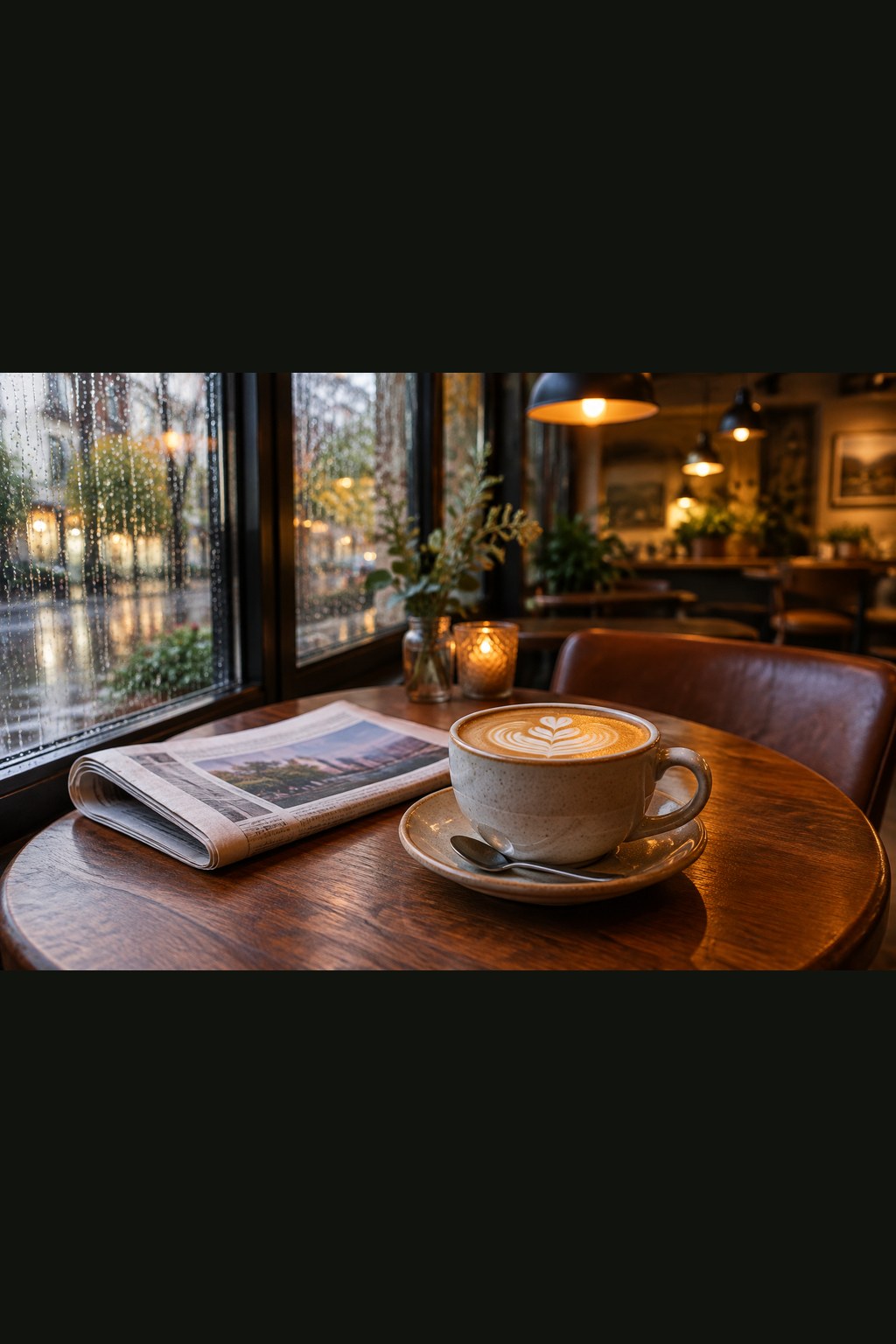
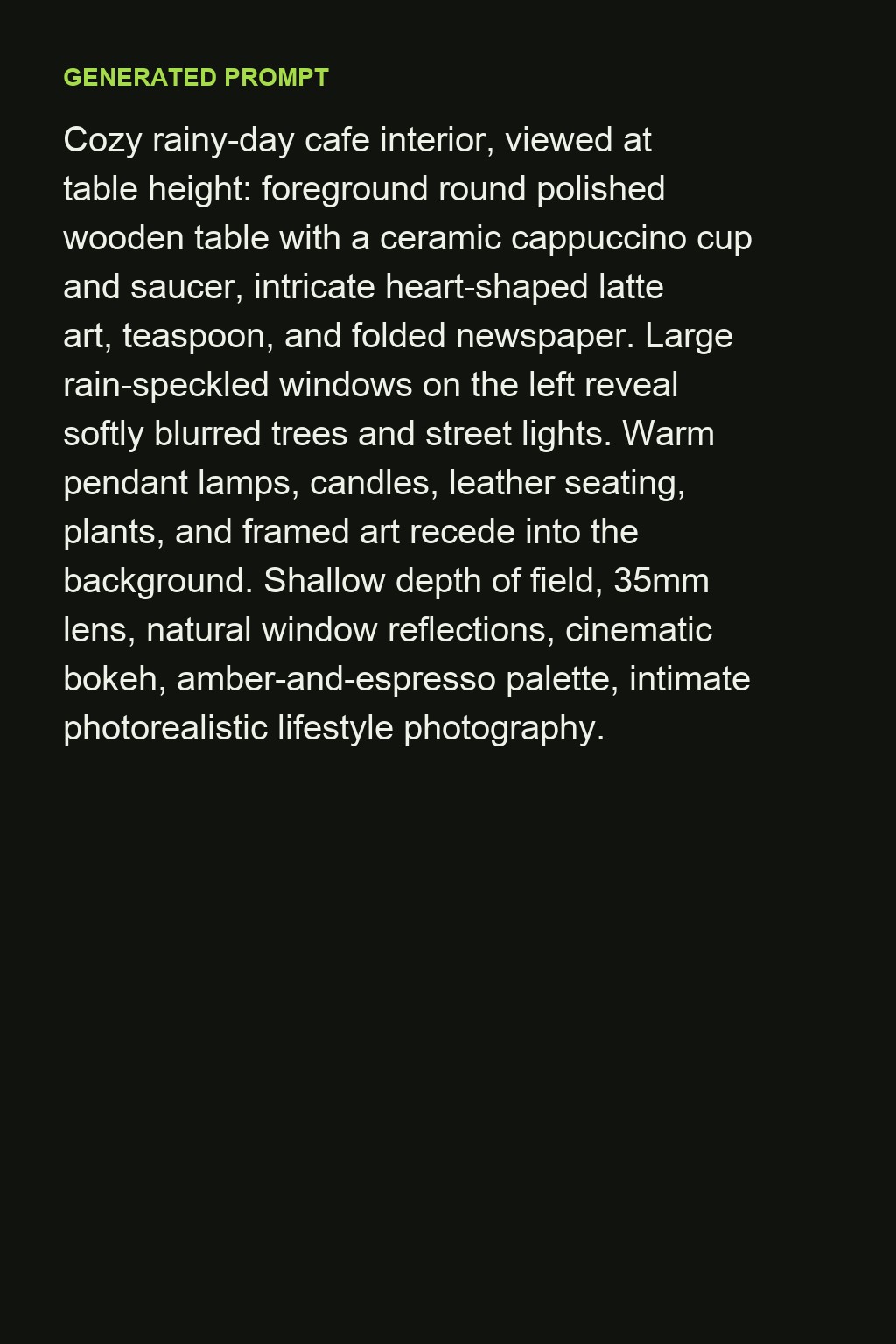
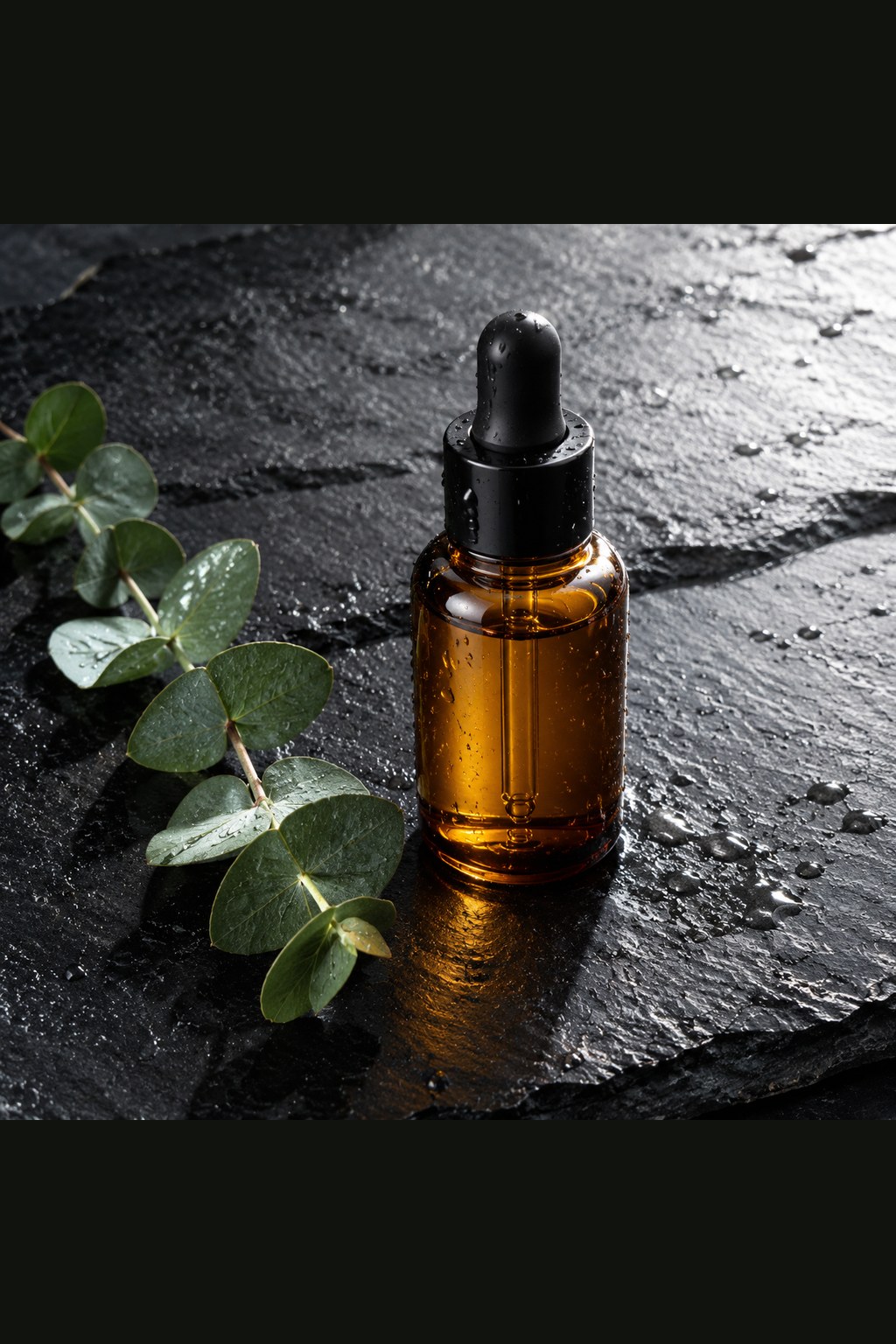
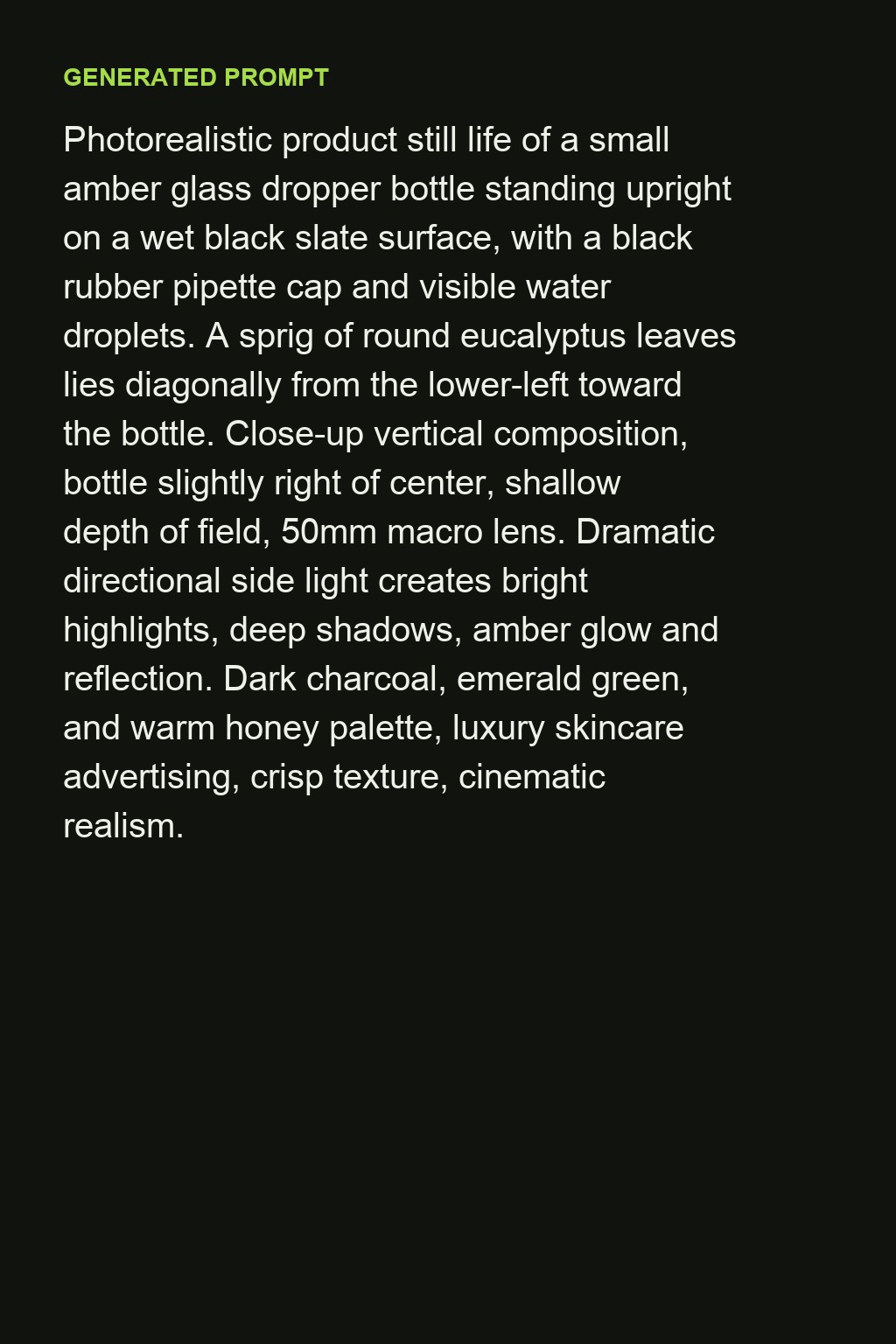
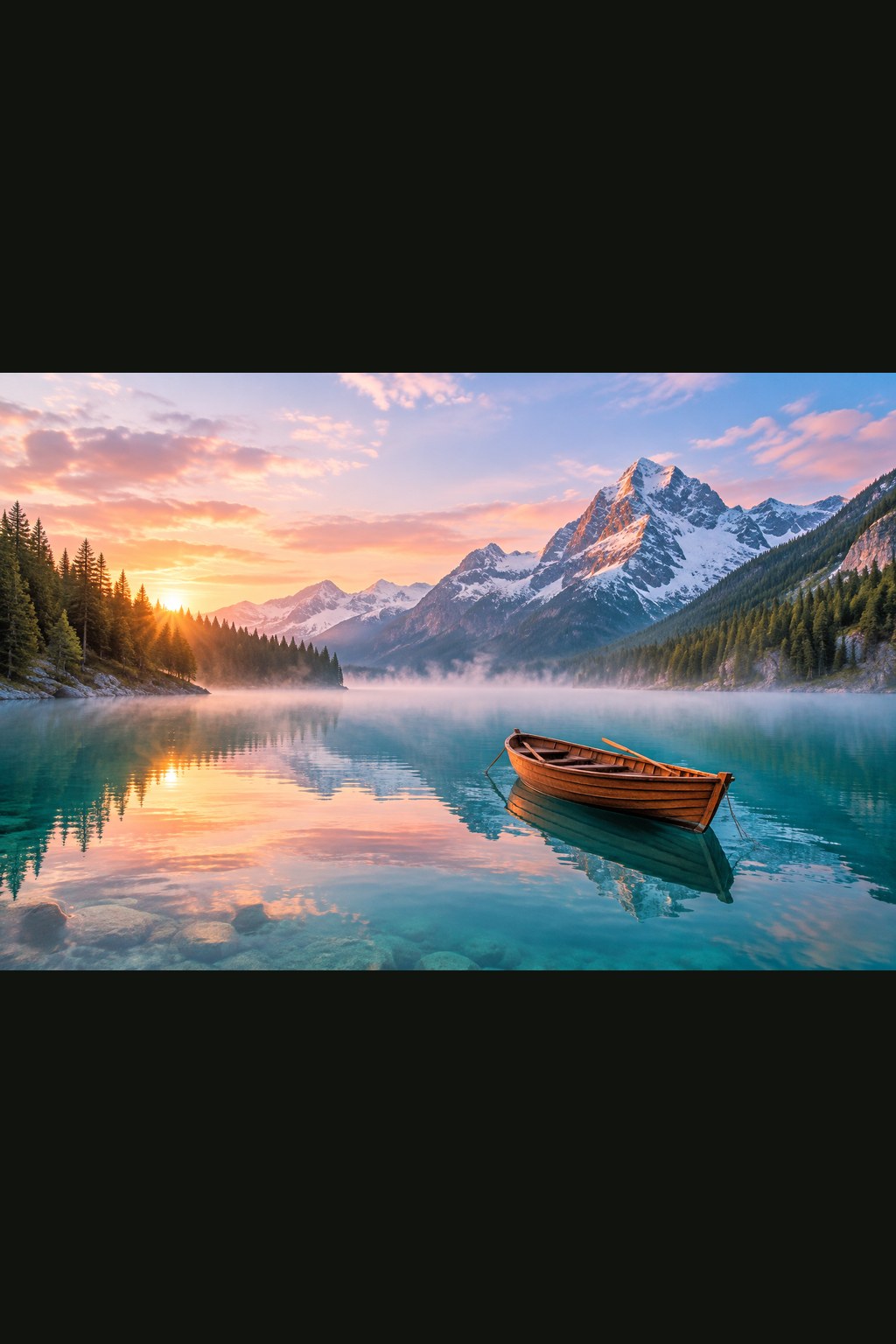
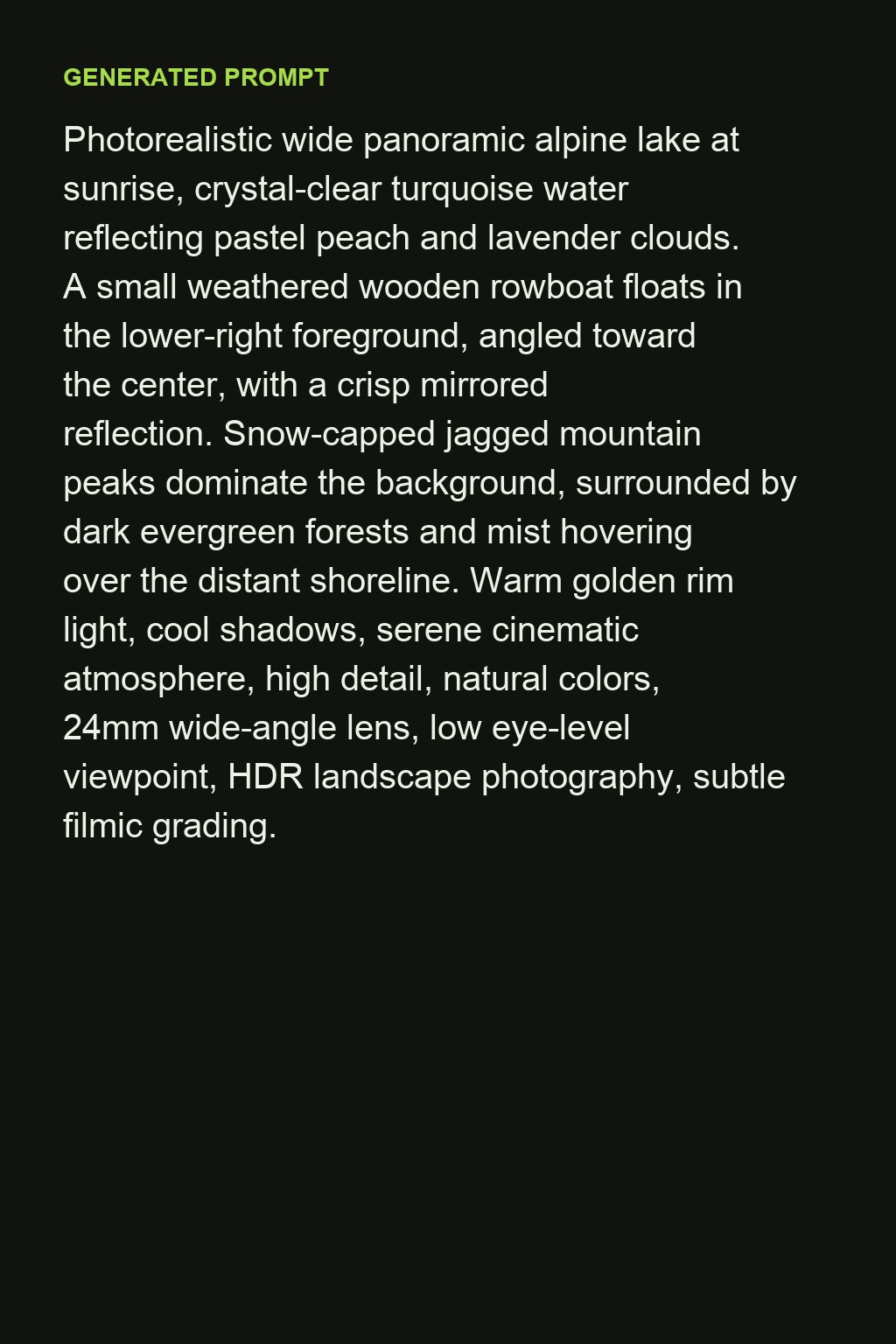
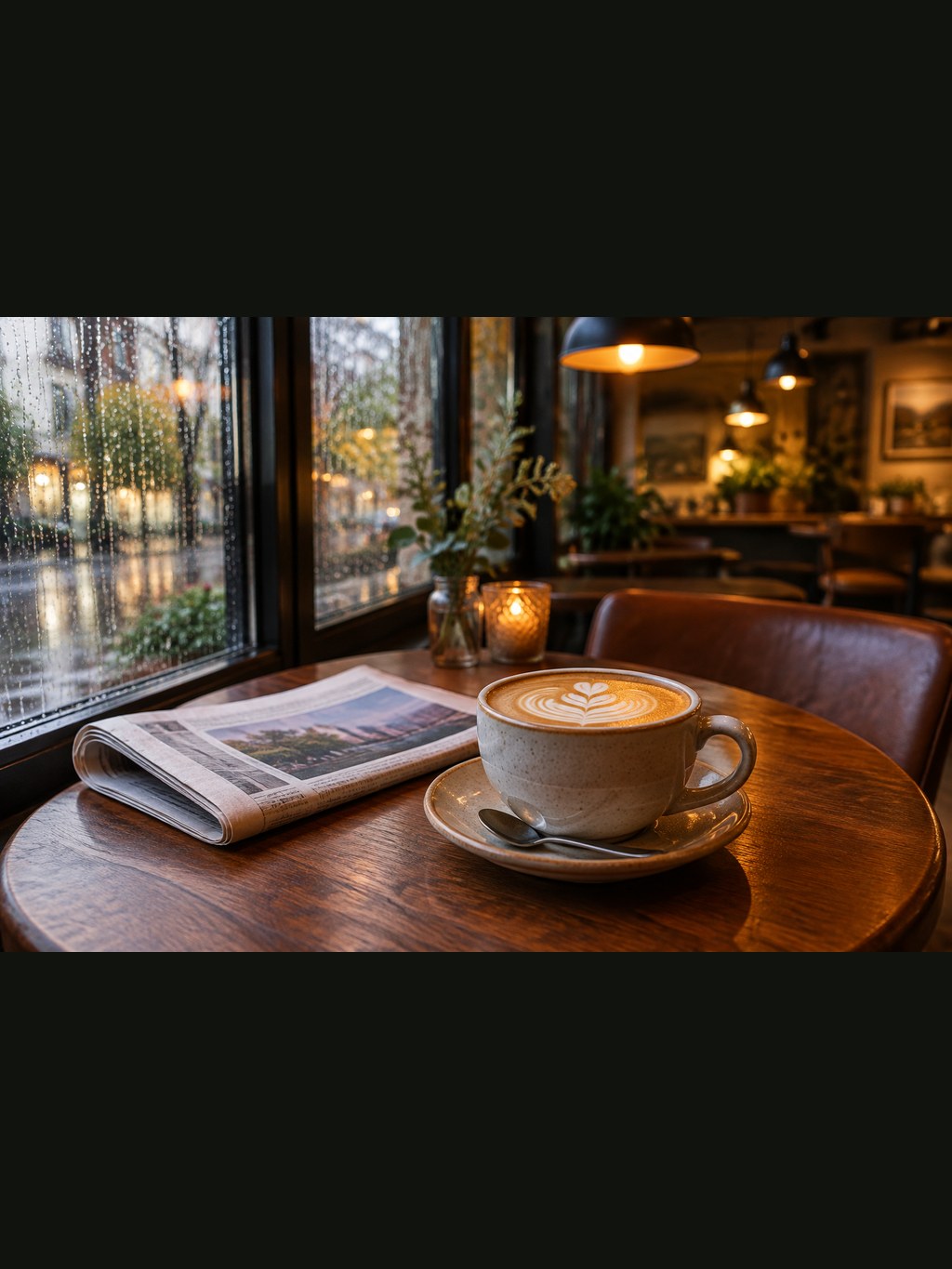
The left side is the image that was uploaded; the right side is the prompt that came back, unedited.
 Image
Image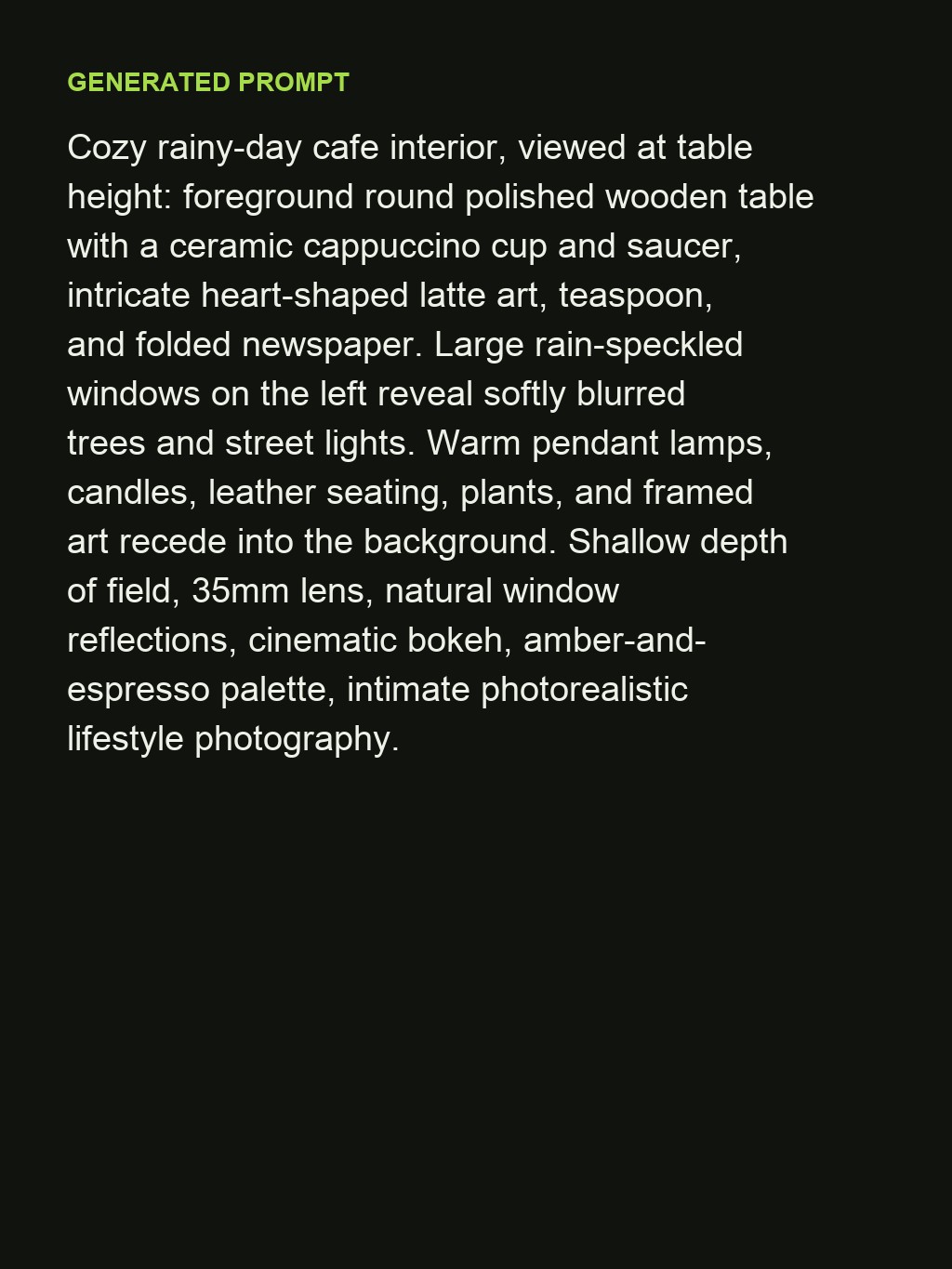 Prompt
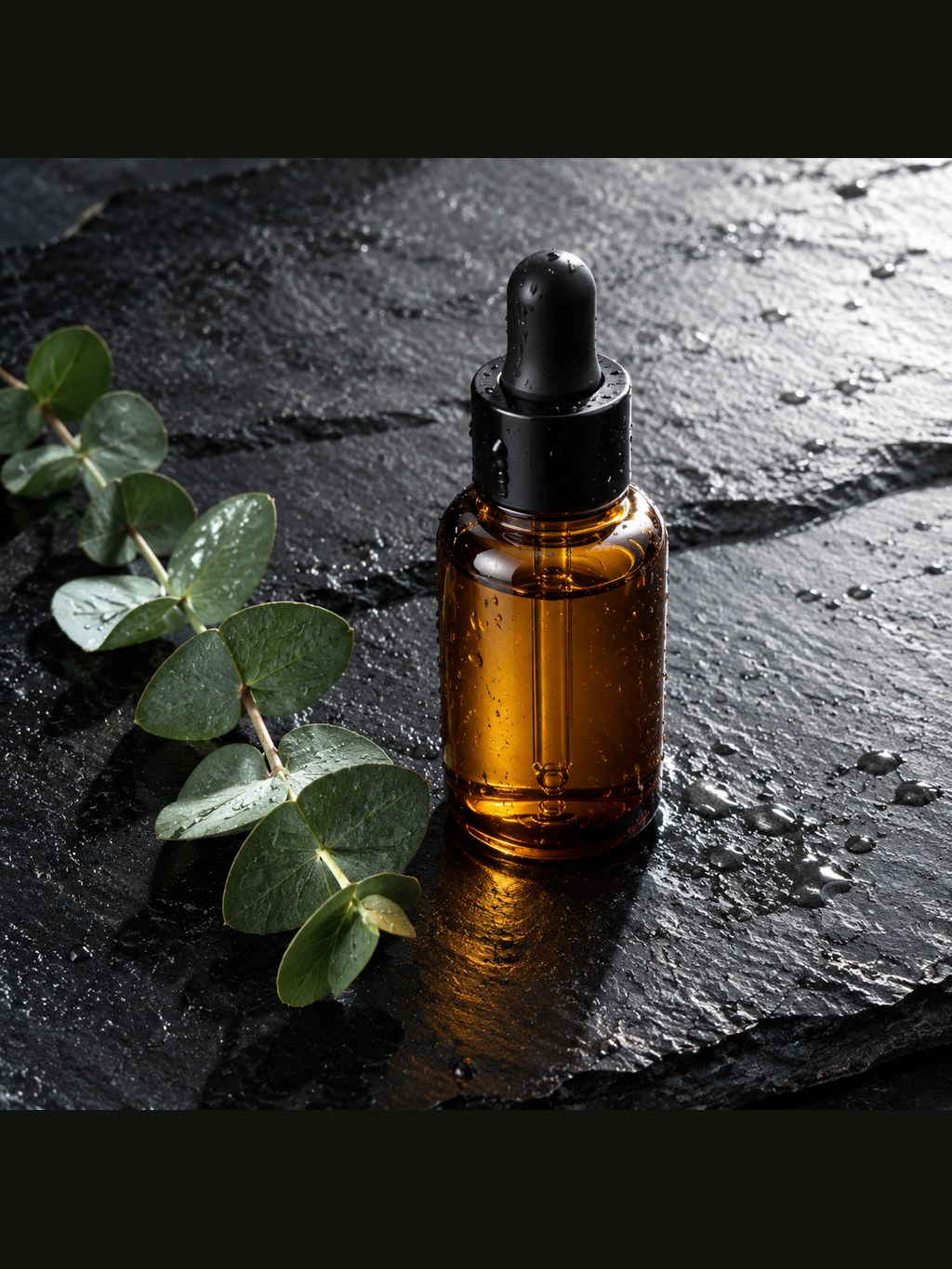 Image
Image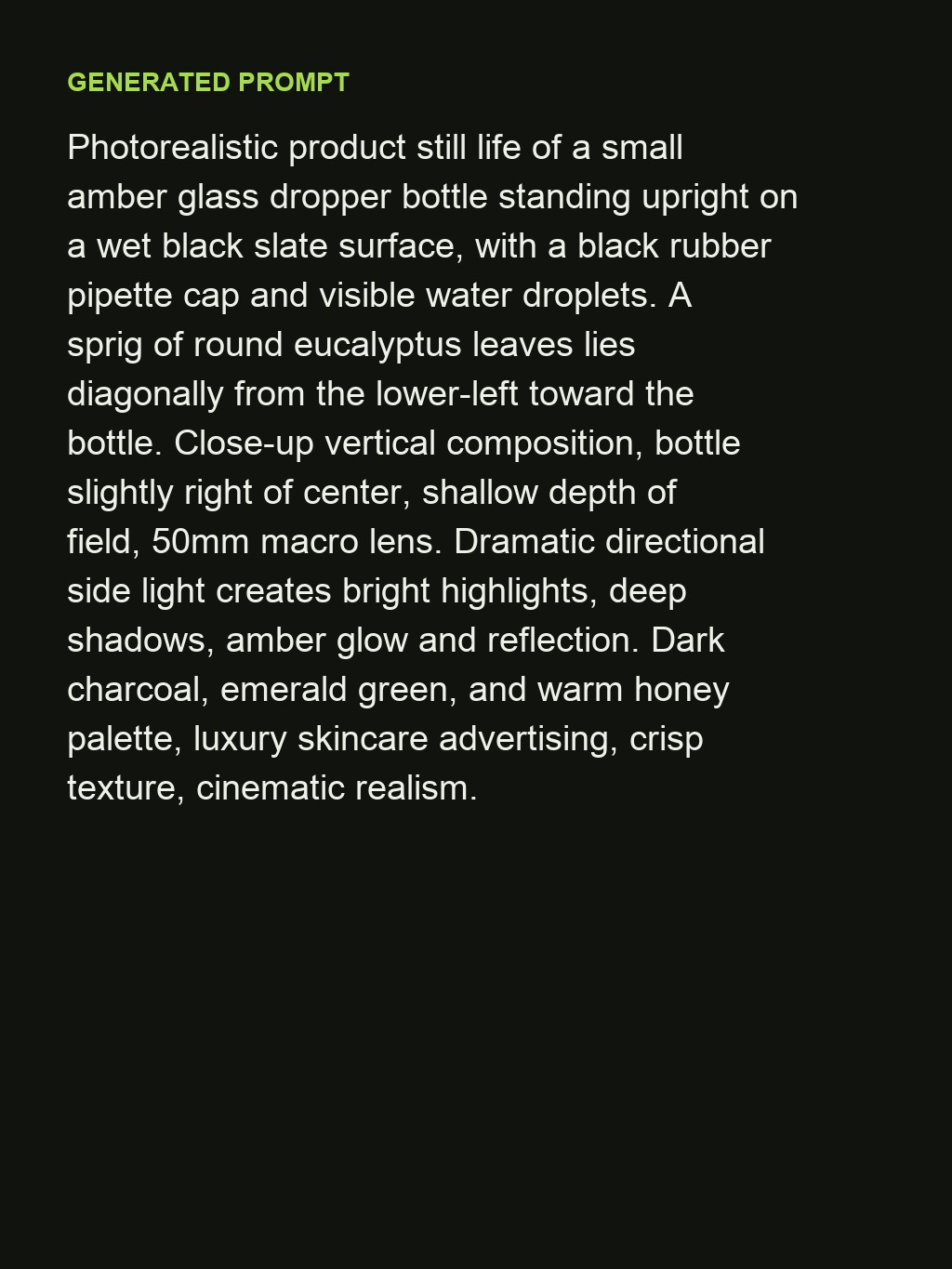 Prompt
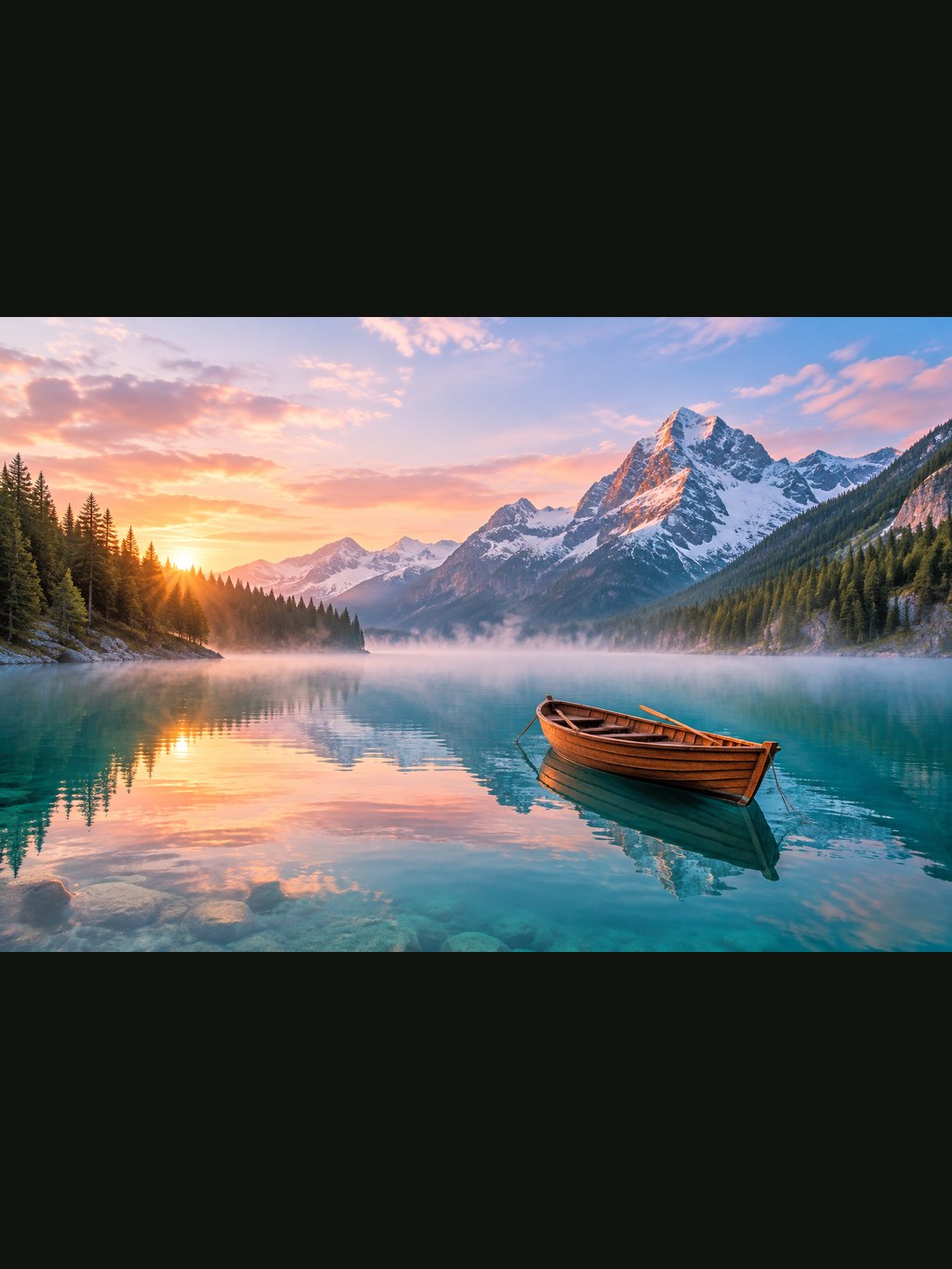 Image
Image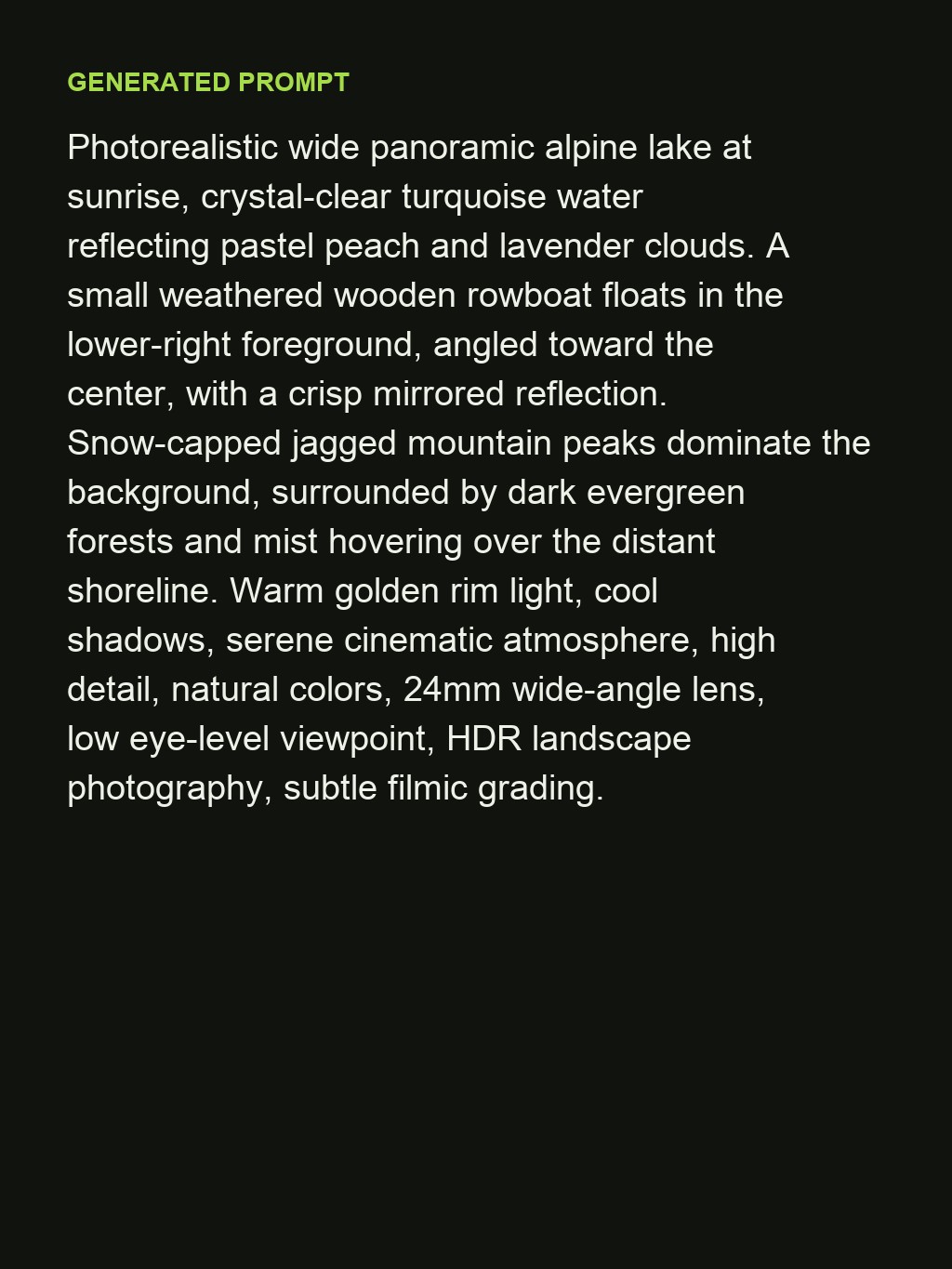 Prompt
Specs
Image to prompt specs: what goes in, what comes out
- Input
One image: JPG, PNG or WebP; photos, renders, illustrations, screenshots
- Output
A 60 to 90 word prompt covering subject, setting, composition, lighting, lens, palette and style
- Formats
Plain prose for most generators; add a style tag line for Midjourney-style tools
- Next step
Send the prompt to the image generator or the video generator with one click
How to turn an image into a prompt in 3 steps
Reverse-engineer the picture, then make your own version of it.
Step 1
Upload the image
A photo you took, a render you saved, a frame from a video. Anything with a clear subject.
Step 2
Read and edit the prompt
The prompt names the subject, light, lens and palette. Change the subject to make it yours and keep the rest.
Step 3
Generate from it
Send the prompt to the [image generator](/image-generator), pick a model and a ratio, and compare the result with the original.
Prompts written the way models read them
Subject first, then setting, composition, lighting, lens, palette and style, in that order. That is the structure most image models respond to, and it is how the output is laid out.
- Subject and setting
- Composition, lighting and lens
- Palette and style
Swap the subject, keep the look
The point of a reverse prompt is to steal the style, not the picture. Replace the subject in the first sentence and the light, lens and palette carry over to your own image.
- Keep the lighting recipe
- Change the subject
- Generate as many variations as you like
Photos, renders, screenshots, frames
Product shots, landscapes, portraits, illustrations and video frames all return a usable prompt. The more distinctive the lighting and palette, the more useful the result.
- Product and lifestyle photos
- Illustrations and 3D renders
- Stills from videos
From prompt to image without copying
Send the prompt to the image generator or use it as the scene description in the video generator without leaving the workbench.
- Opens in the image generator
- Works as a video scene description
- Prompt stays in your history
FAQ
Image to prompt FAQ
What does an image to prompt tool do?+
It describes an image as a text prompt: the subject, the setting, the lighting, the lens, the colours and the style, written so that an image generator can recreate a similar picture from it.
Is it free?+
Signing up is free and comes with free credits to try it. Each run shows its price before anything is charged.
Will the prompt recreate the exact image?+
No generator recreates a picture pixel for pixel from text. The prompt gets you the same subject, composition, lighting and style; the details of the result depend on the model you run it in.
Can I use the prompt in Midjourney, ChatGPT or Stable Diffusion?+
Yes. The output is plain prose, which every current image model accepts. Add parameters such as aspect ratio in the tool you paste it into.
Does it work on illustrations and 3D renders?+
Yes. The style section of the prompt names the medium (flat vector, oil painting, 3D render, anime) so the generator reproduces the look, not just the content.
Can I get a prompt for a video?+
Upload a frame from the video. The prompt describes that frame; use it as the scene description in the video generator and add the camera move yourself.
Is there a word limit?+
Prompts come back at 60 to 90 words, which is long enough to carry lighting and style and short enough for every generator's prompt box.
Can it read text that is inside the image?+
It describes the text as part of the scene ("a sign that reads OPEN") when it matters to the composition. For exact typography, add the wording yourself.
More AI image tools


See an image. Get the prompt. Make your own.
Upload the image, copy the prompt or send it to the generator with one click.
Free to try · Price shown before you generate · Works with any image model