
Free AI Background Remover
Upload a photo and get the subject cut out on a transparent background, with hair, fur and product edges kept clean. Download the PNG, or put the cut-out straight onto a new background in the same workbench.

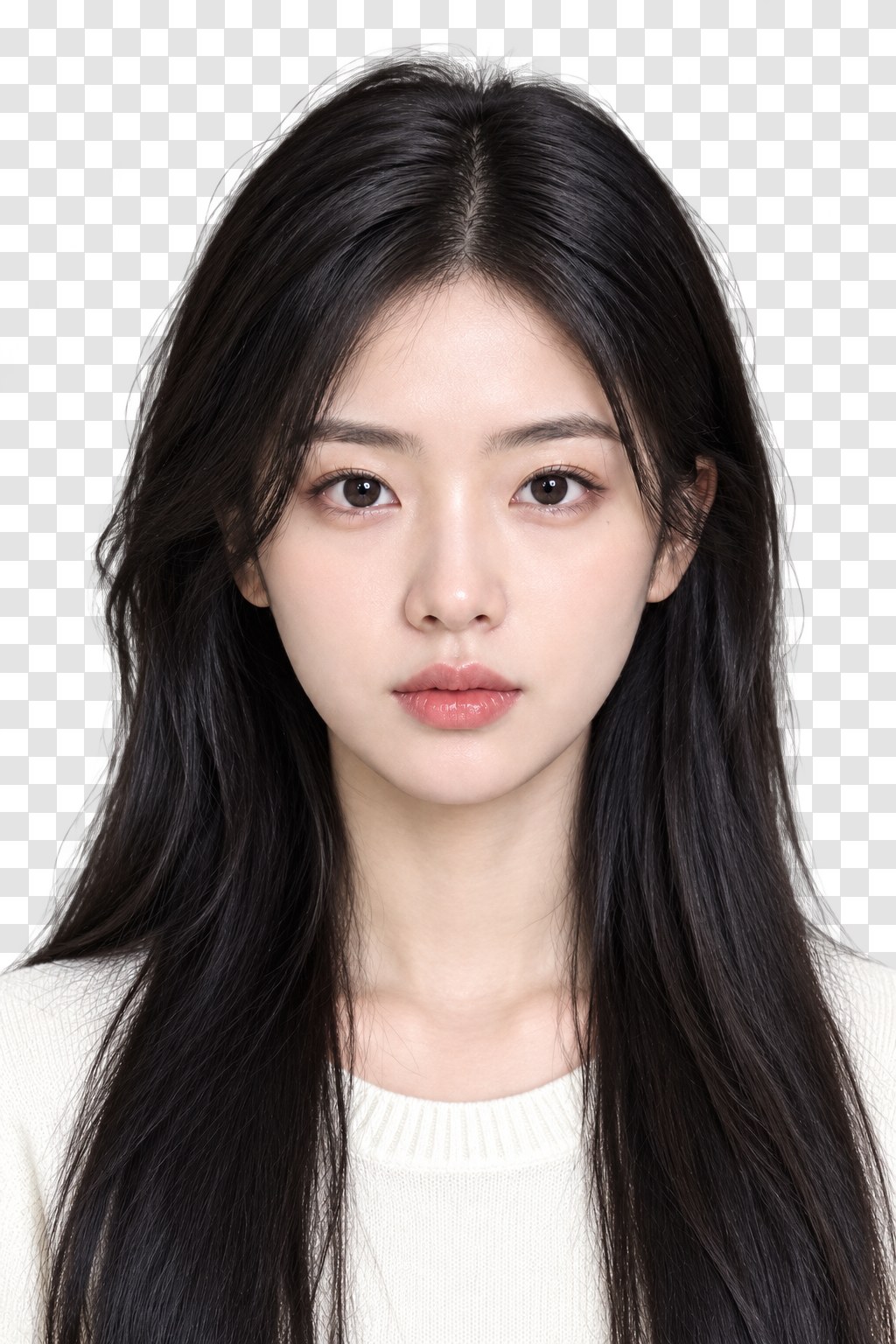
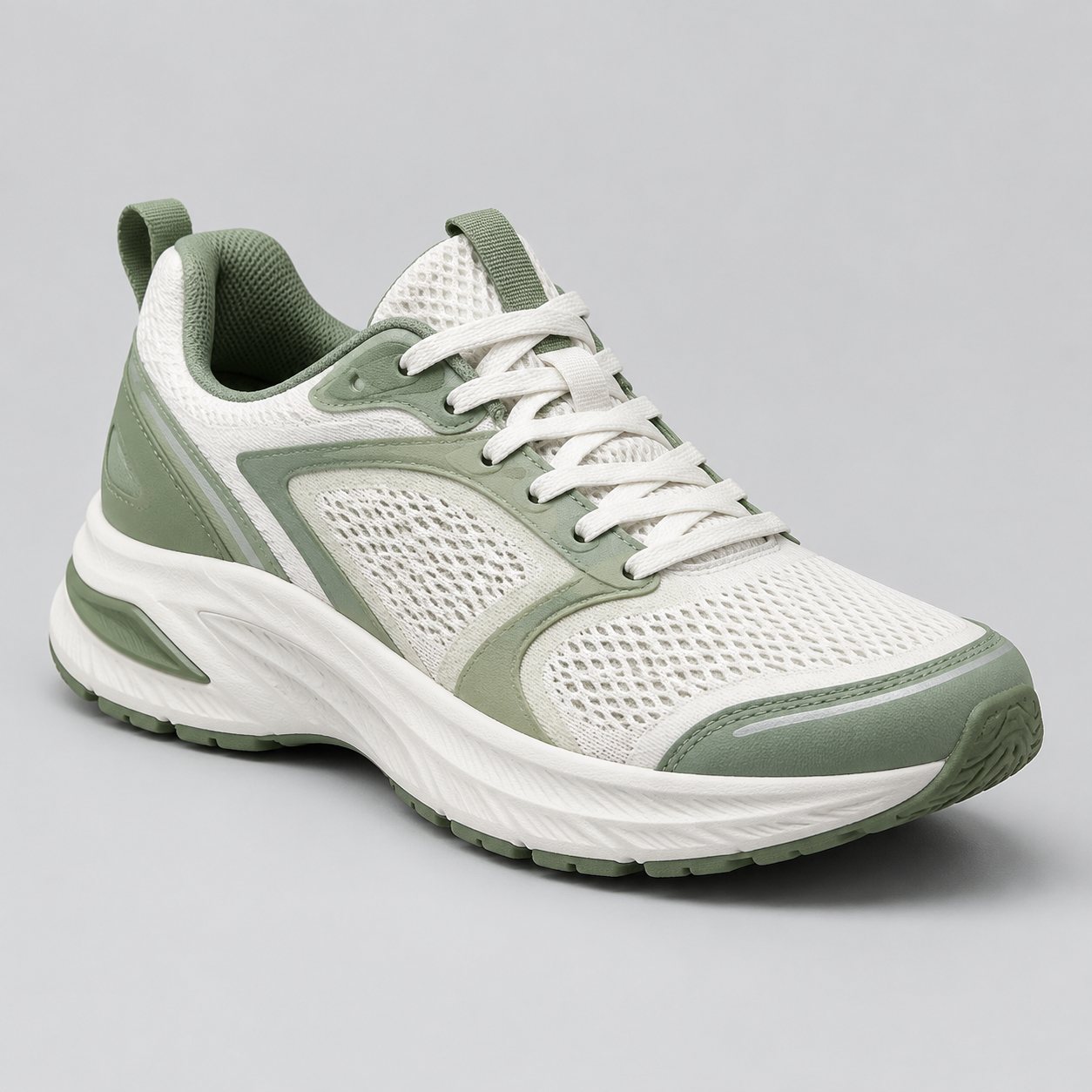
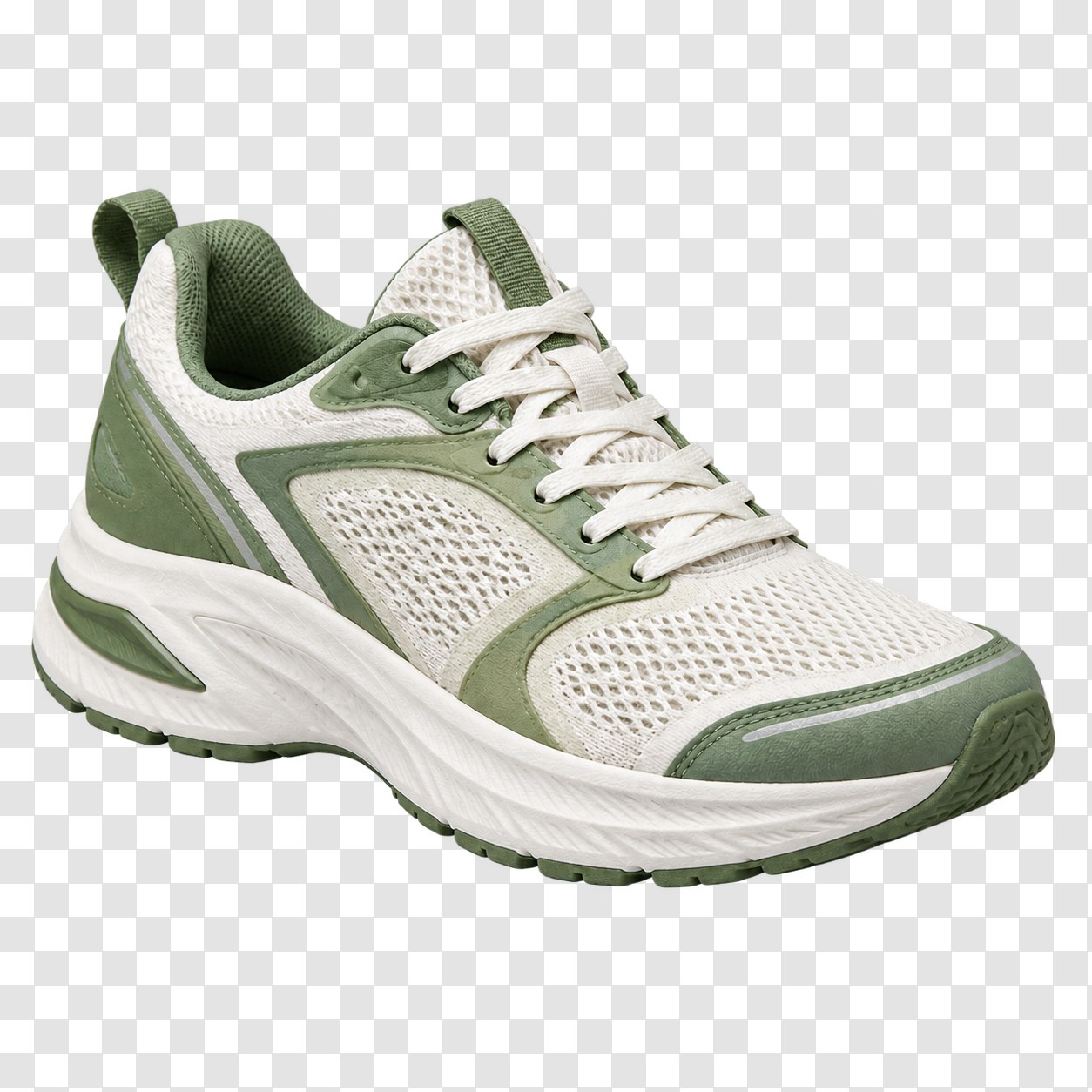
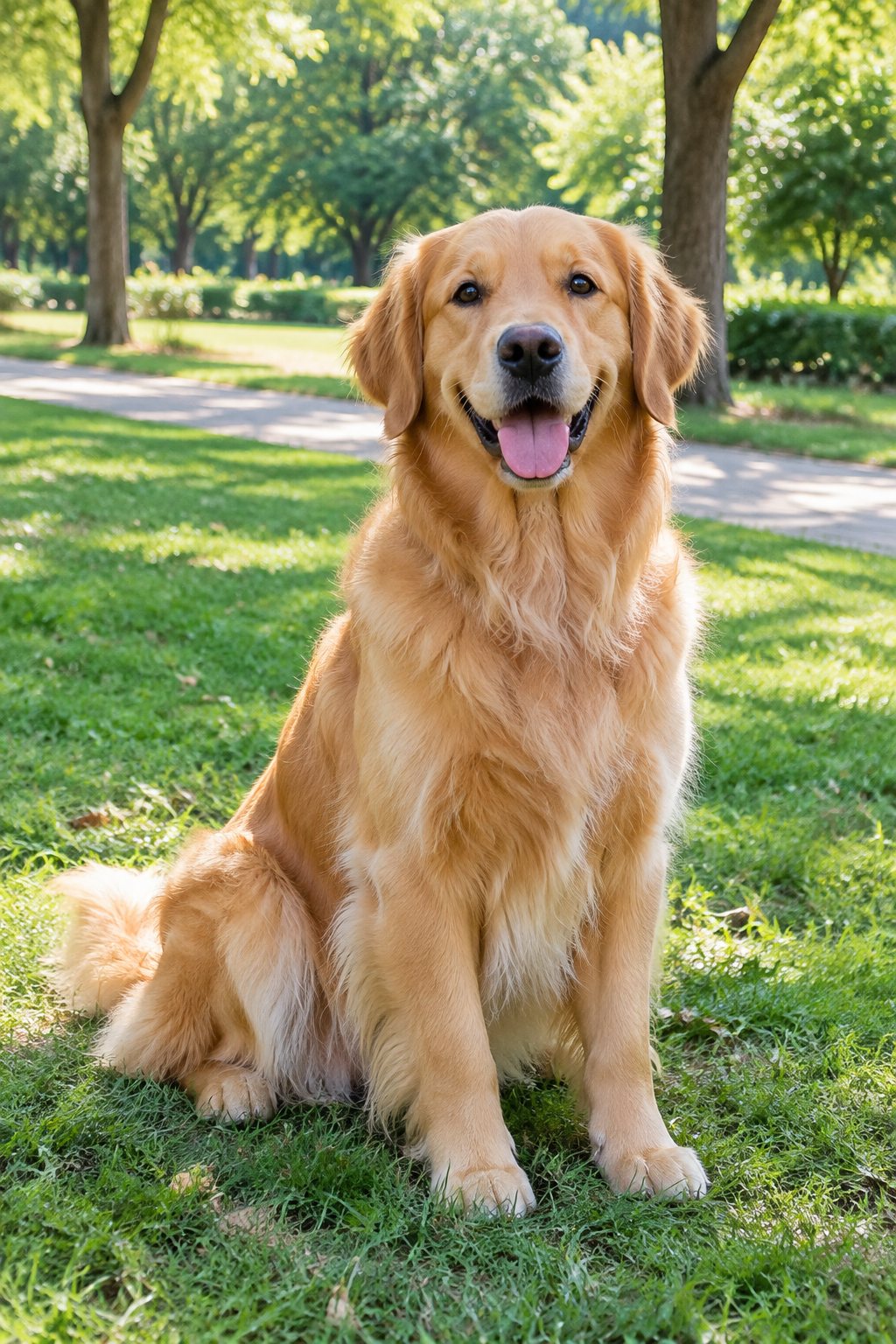
Results
Background removal results: hair, product edges and fur
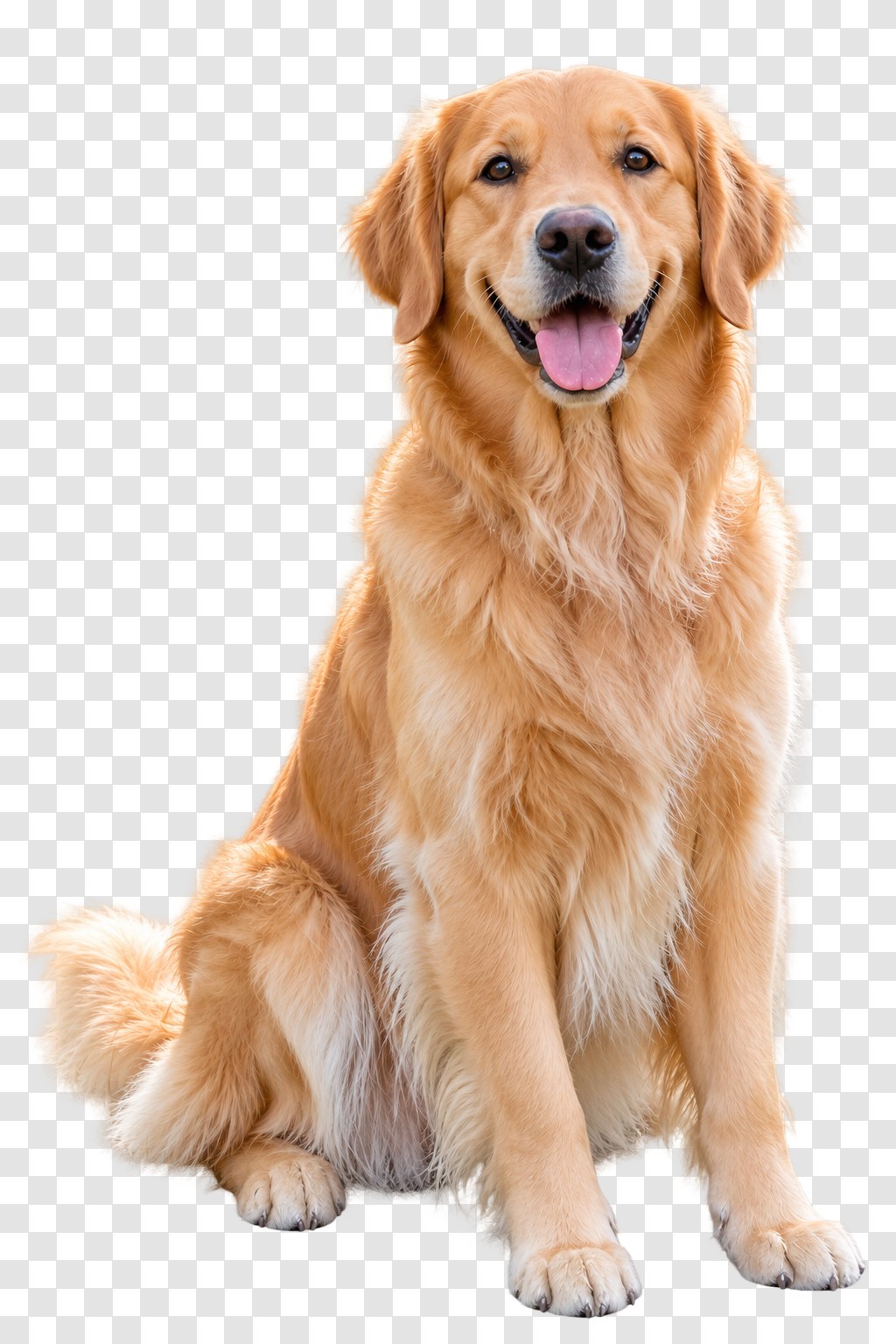
The three cases that break cheap background removers: fine hair, a hard-edged product with a shadow, and fur.
OriginalBackground removedOriginalBackground removedOriginalBackground removedSpecs
Background remover specs: what goes in, what comes out
- Input
One photo: JPG, PNG or WebP; people, pets, products, objects
- Output
Transparent PNG at the original size, up to 2K; or the cut-out on a new background
- Edges
Hair, fur, glass and thin straps handled; soft shadows removed with the background
- Next step
Send the cut-out to the AI Background Changer or the AI Image Combiner without re-uploading
How to remove a background in 3 steps
One upload. The subject is detected automatically; there is nothing to trace.
Step 1
Upload the photo
Any photo with a clear subject. Product shots, portraits and pets all work; busy backgrounds are fine.
Step 2
Check the cut-out
The subject appears on a transparent checkerboard. Zoom in on hair and edges; run it again if something was missed.
Step 3
Download the PNG or add a new background
Download the transparent PNG, or keep going in the workbench and place the cut-out on a studio, beach or solid colour.
Hair and fur, not a blob
The cut-out follows single strands and fur rather than drawing a smooth outline around the head, which is where most free background removers give themselves away.
- Fine hair and flyaways
- Fur, feathers and fabric edges
- Glass and thin straps
Clean cut-outs for listings
Shoes, bottles, bags and boxes come out with straight edges and no halo, ready for a white marketplace background or a lifestyle scene.
- No colour fringe on edges
- Shadows removed with the background
- Pair with the AI Product Image Generator for scenes
A real alpha channel
The download is a PNG with transparency, not a white rectangle. Drop it into a slide, a store listing, a sticker or a video editor.
- PNG with alpha
- Original size up to 2K
- No watermark on downloads
New background in the same place
The cut-out stays in your workbench, so adding a new scene is one more step: describe the background or upload one in the AI Background Changer.
- Describe a new background
- Or upload your own
- Combine two photos with the Image Combiner
FAQ
Background remover FAQ
Is the background remover free?+
Signing up is free and comes with free credits to try it. Each run shows its price on the Generate button before anything is charged, and downloads carry no watermark.
Does it output a transparent PNG?+
Yes. The download is a PNG with a real alpha channel, so the subject can be placed on anything. The checkerboard you see in the preview is not part of the file.
How well does it handle hair?+
Single strands and flyaways are kept rather than smoothed into an outline. Very fine hair against a background of the same colour is the hardest case; a second run with a tighter crop usually fixes it.
Can I remove the background from a product photo?+
Yes, and the shadow goes with it. For a listing, place the cut-out on pure white or use the AI Product Image Generator to build a lifestyle scene around it.
Can I replace the background instead of just removing it?+
Yes. After the cut-out, open the AI Background Changer and describe or upload the new background; the subject does not need to be uploaded again.
What is the maximum image size?+
Uploads up to 20 MB; the output keeps the original size up to 2K on the longest side. For larger output, run the result through the AI Photo Upscaler.
Does it work on pets and animals?+
Yes. Fur edges are handled the same way as hair, as the dog example on this page shows.
Can I remove the background from several photos at once?+
One photo per run today. Your results stay in the workbench history, so a batch is a series of uploads rather than a queue.
More AI photo tools


One upload. A clean cut-out. Any background next.
Upload the photo, check the edges, download the transparent PNG or add a new scene.
Free to try · Price shown before you generate · No watermark on downloads