
AI Avatar Generator From Your Photo
Upload one selfie and get avatars that still look like you, in 3D, flat vector, anime, watercolor or pixel art. Each one is framed for the round crop every app uses, so it is ready to set as your profile picture.
Results
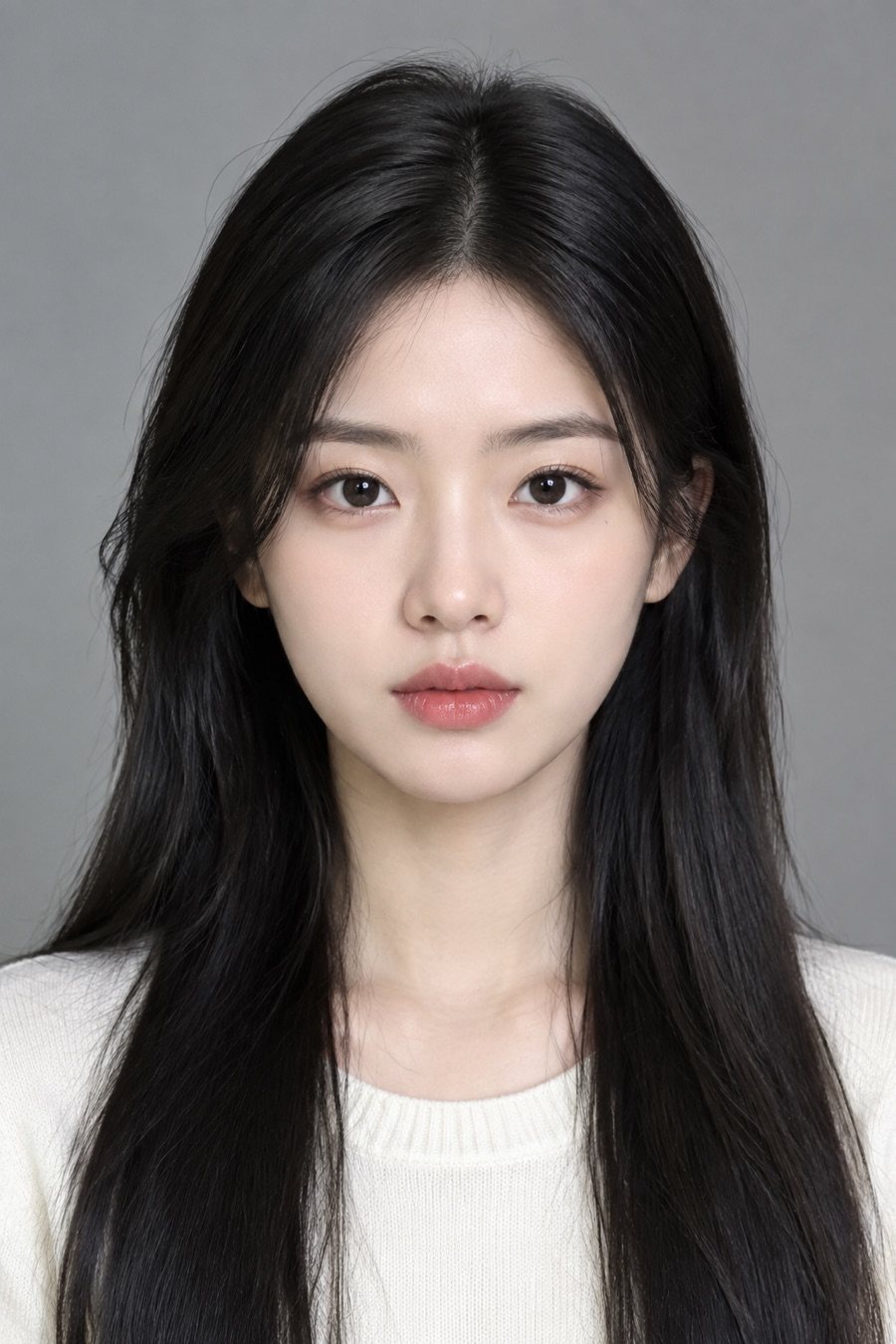
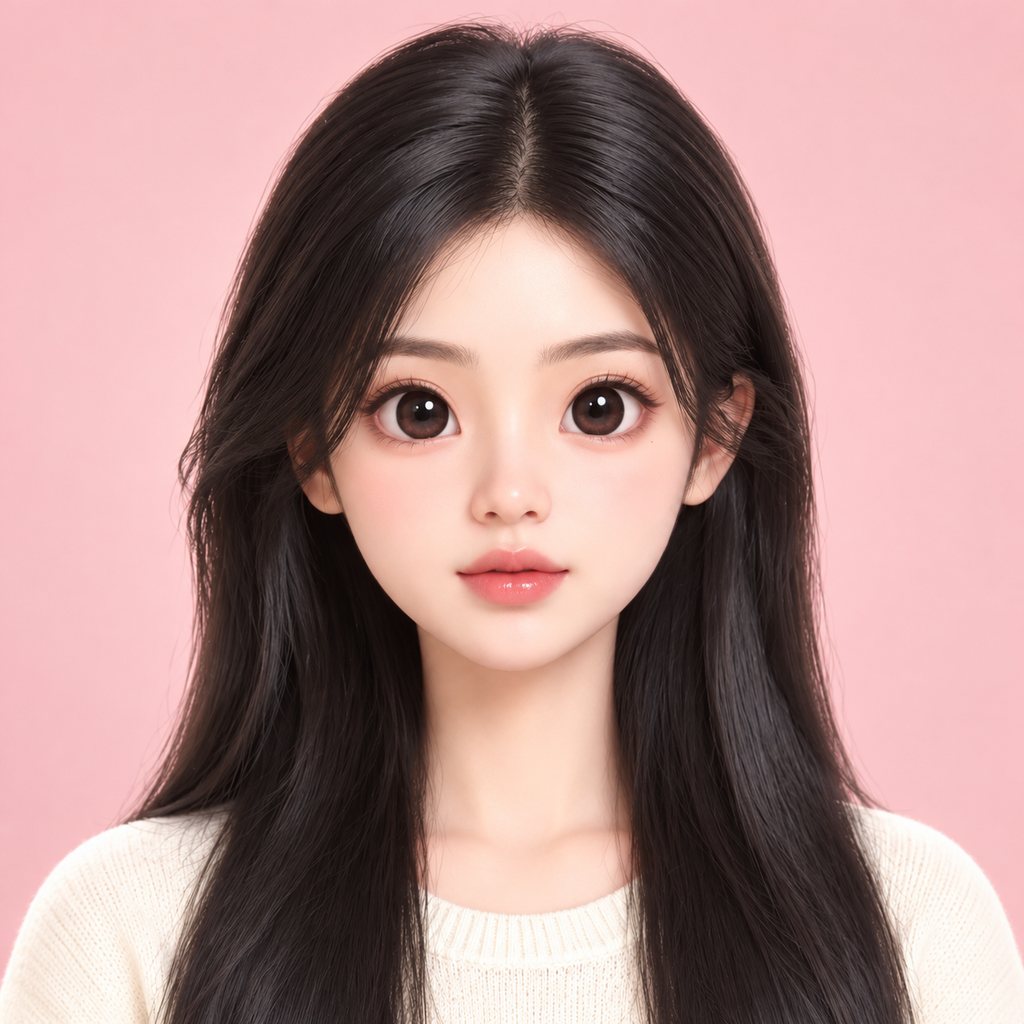
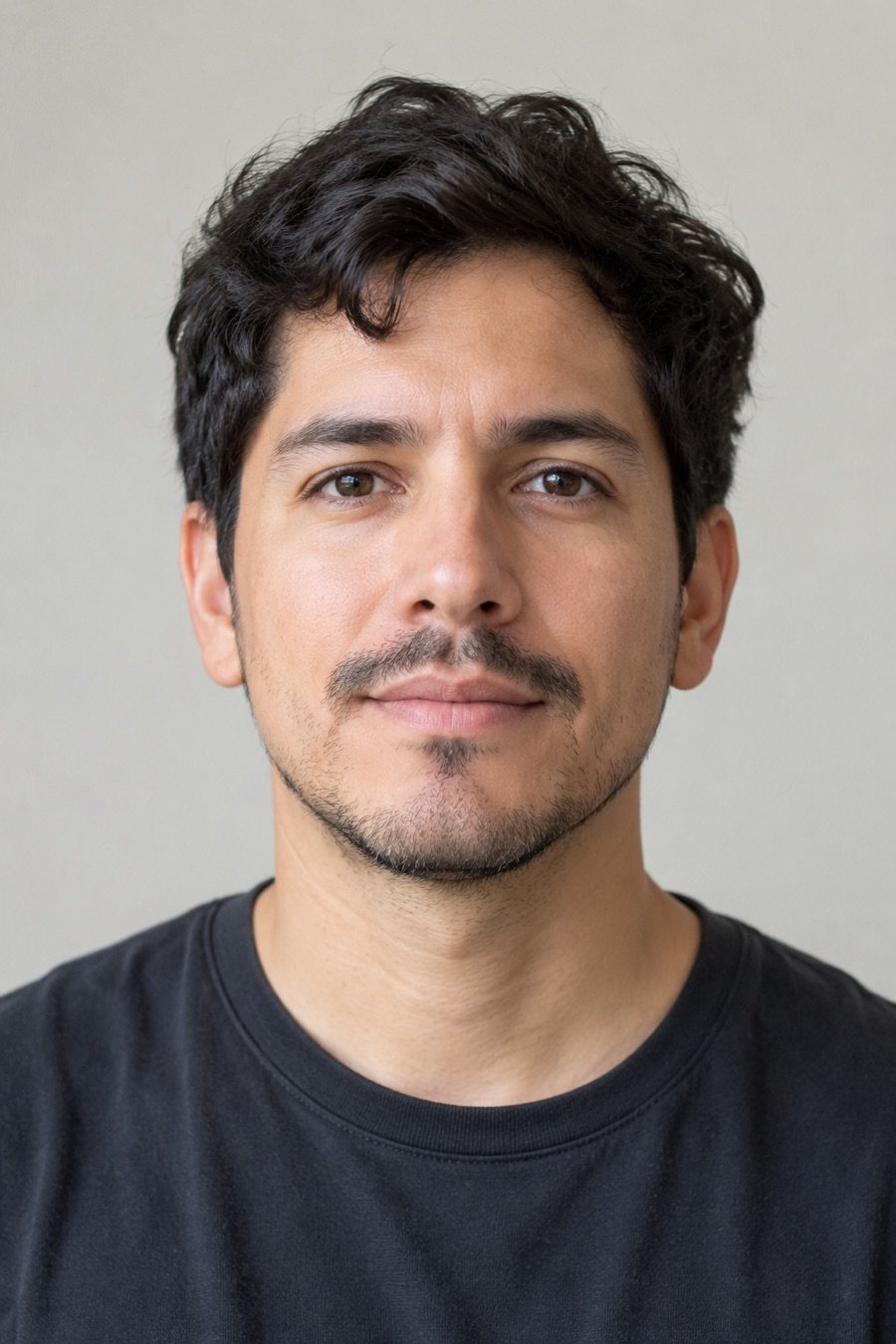
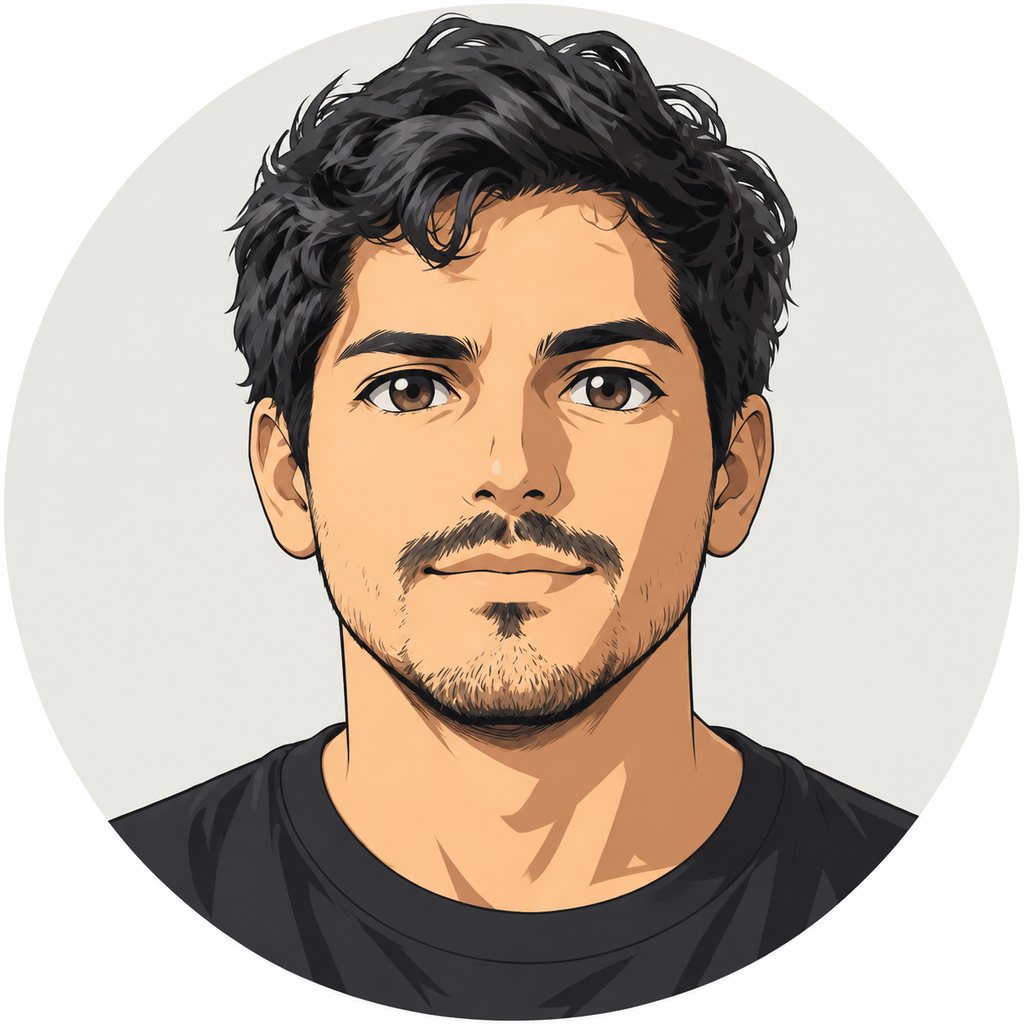
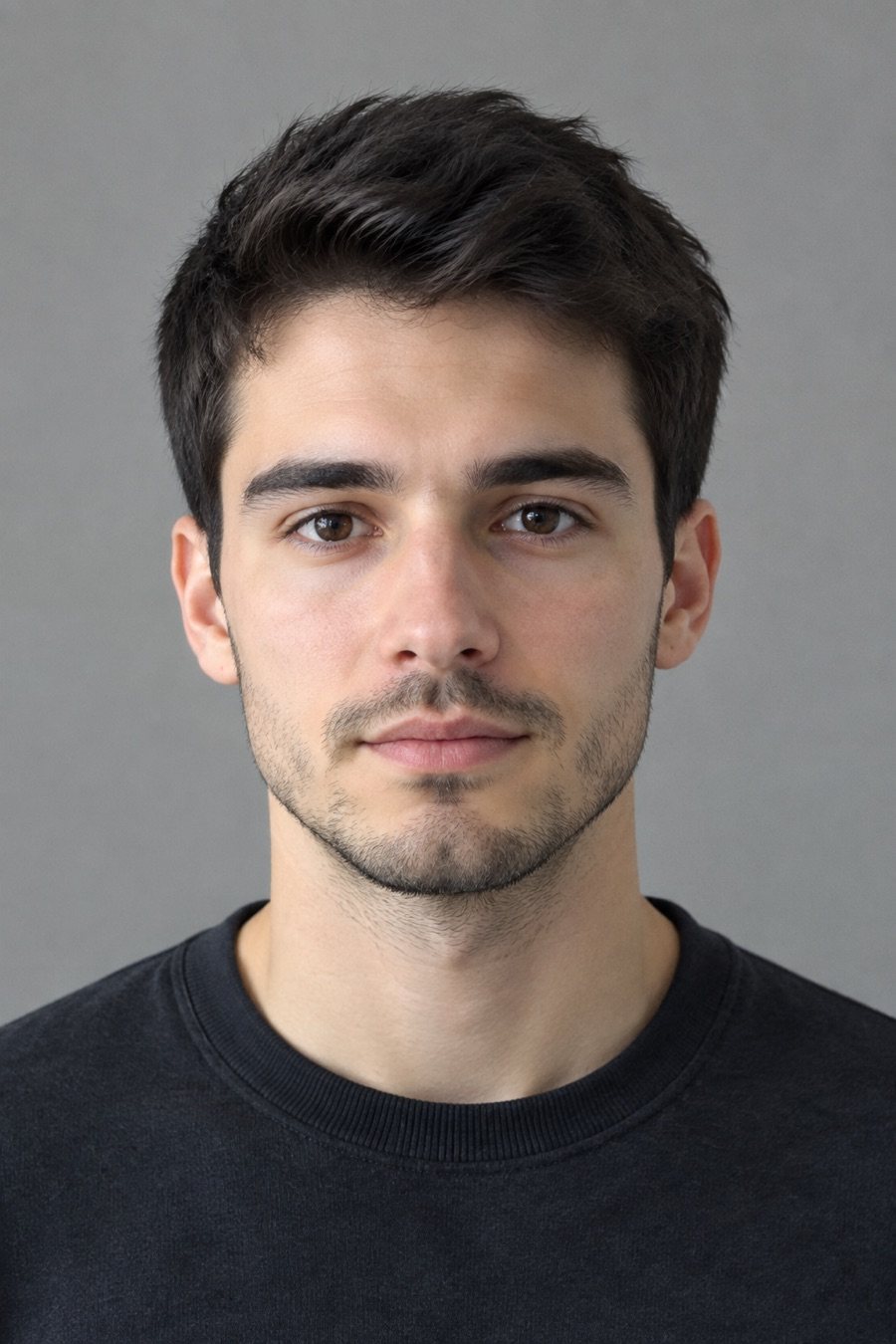
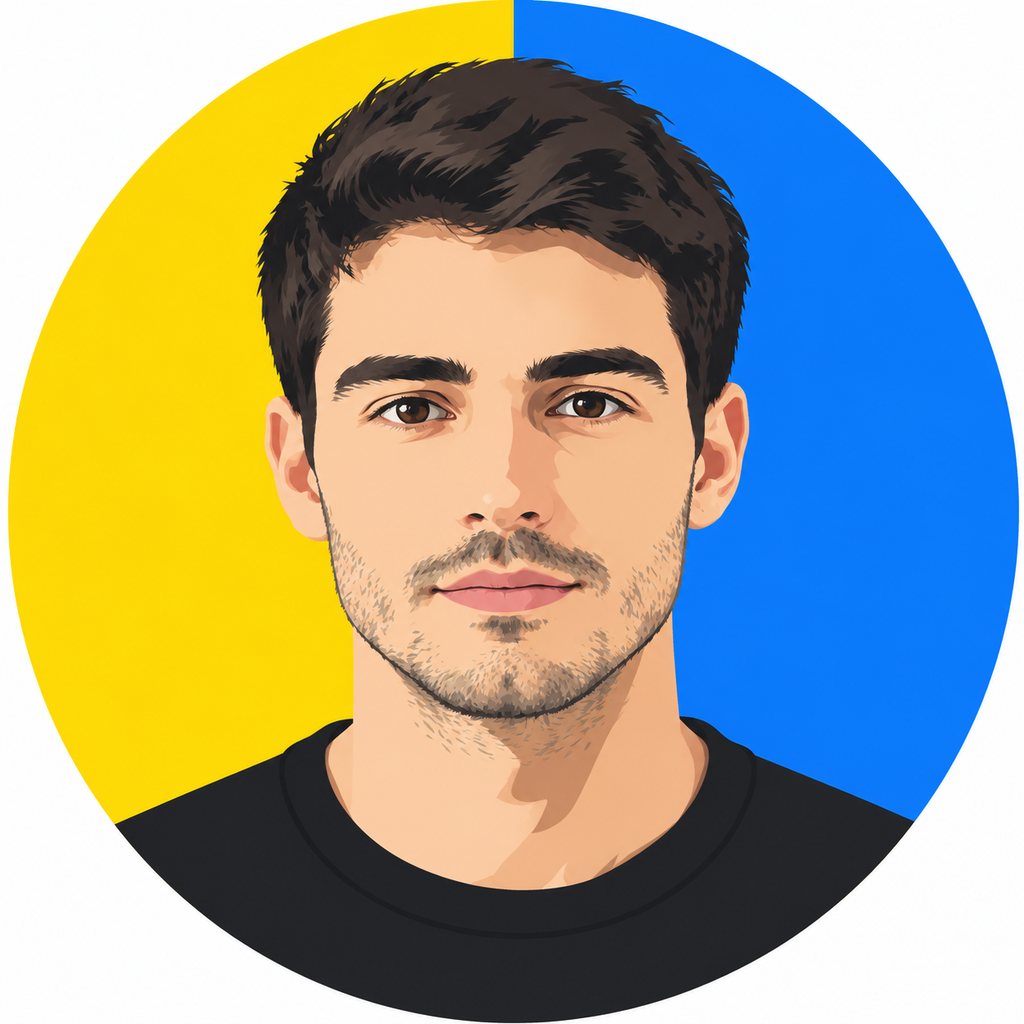
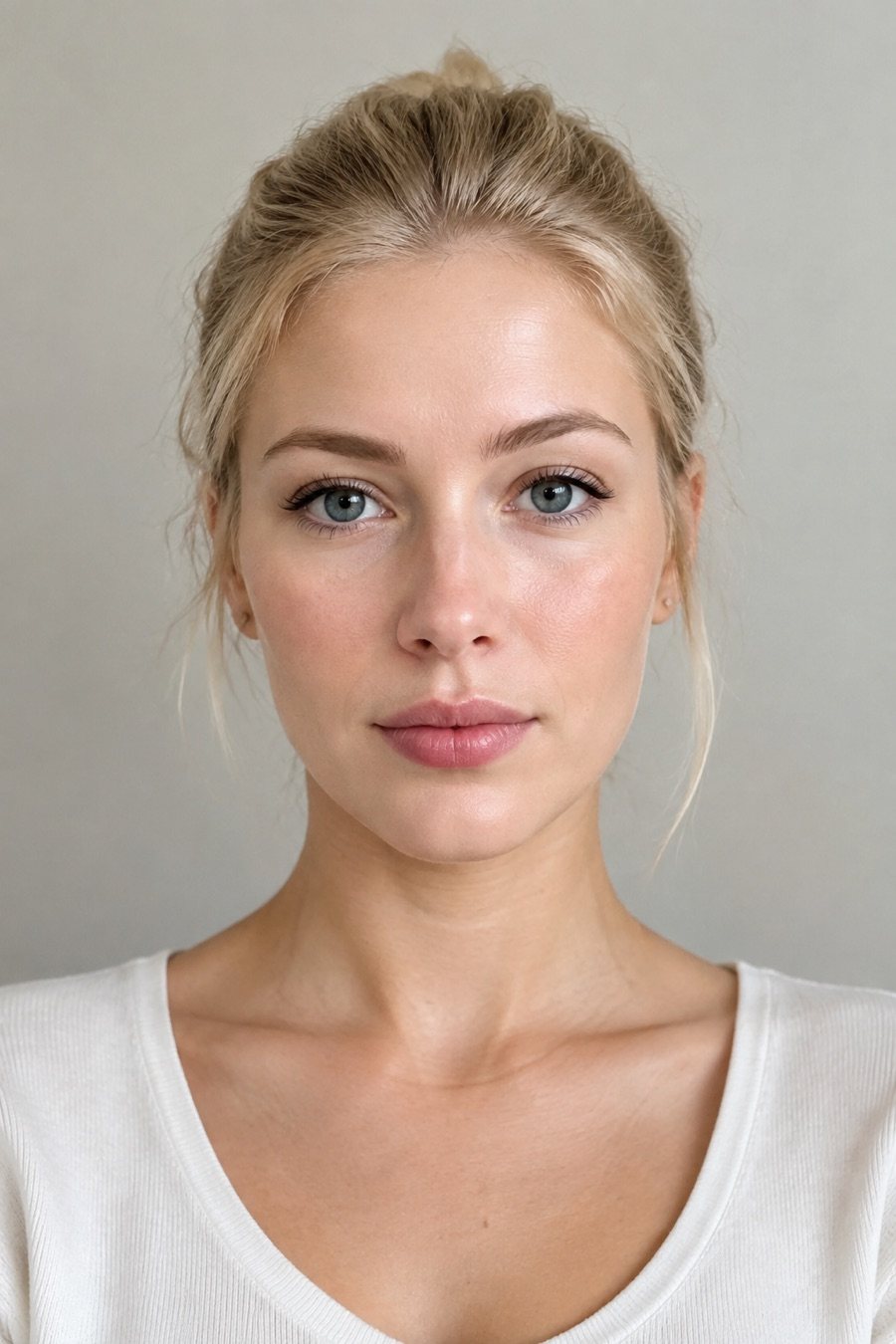
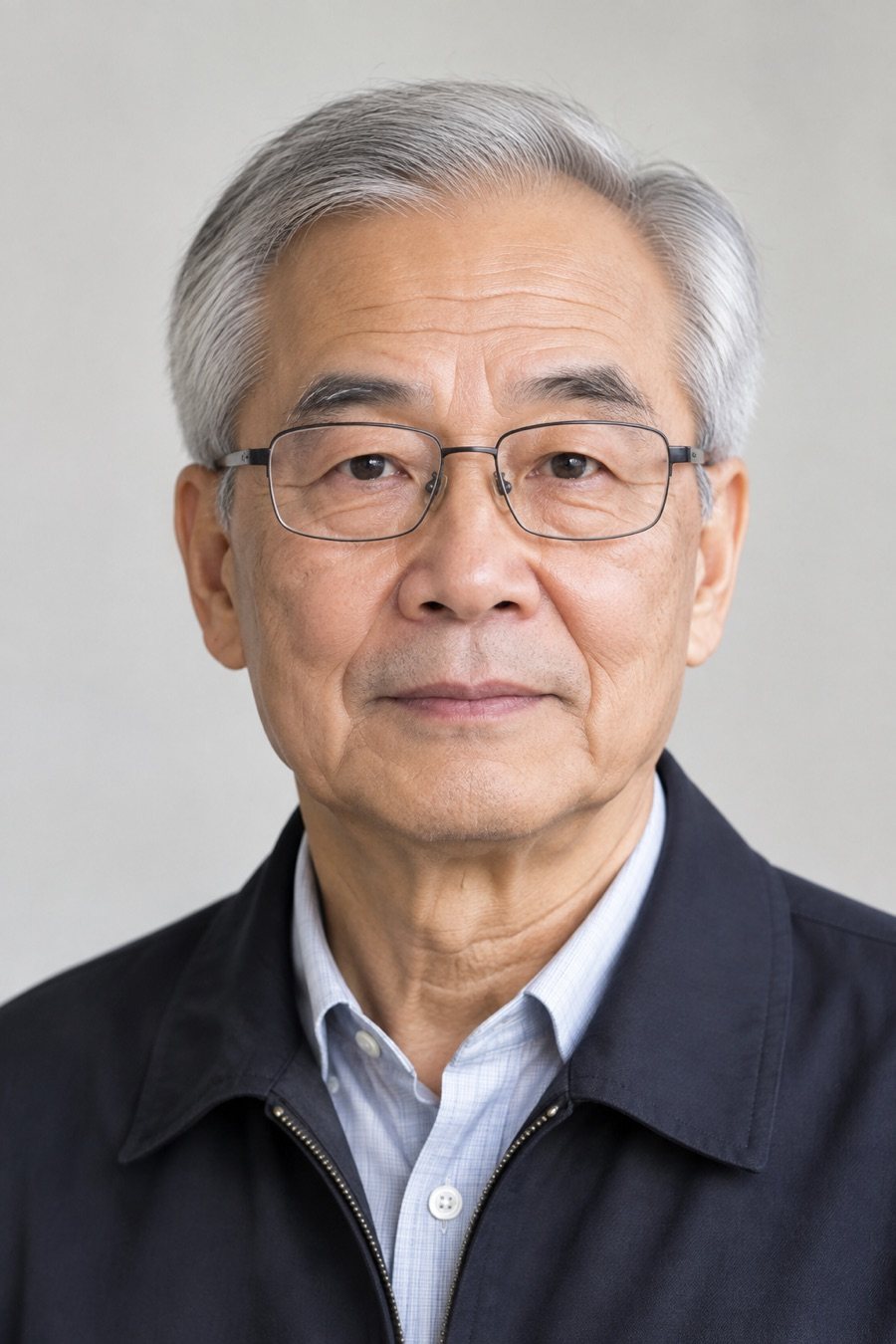
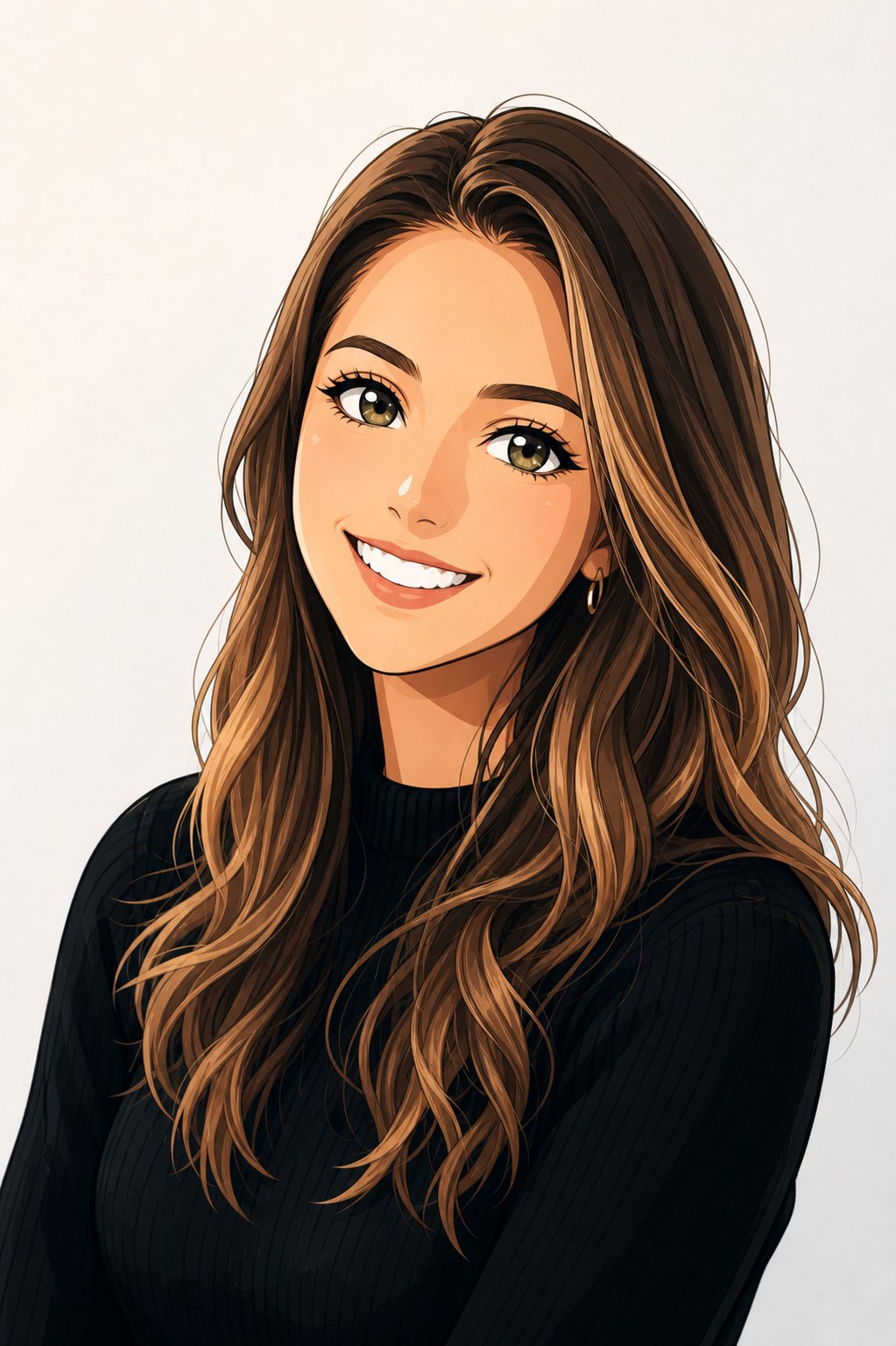
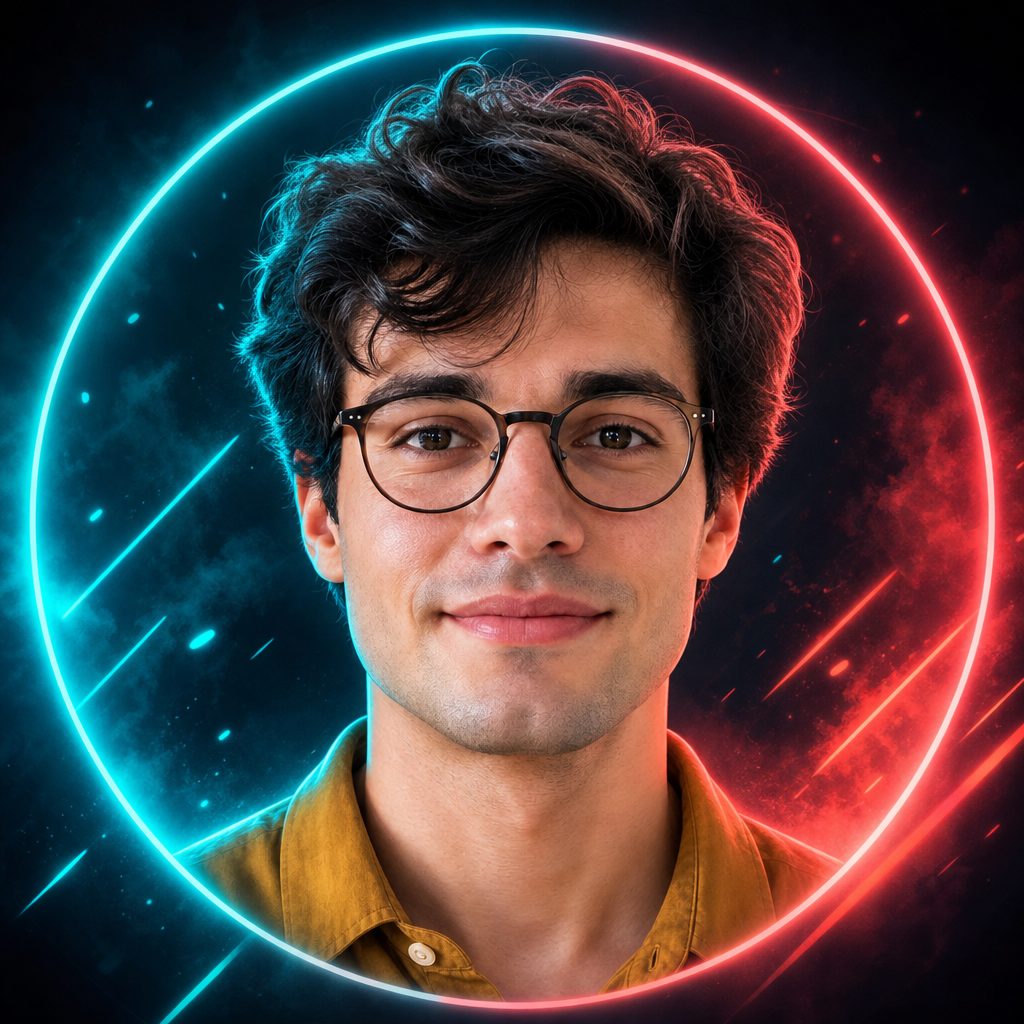
Same face, six avatar styles
Left: the photo as uploaded. Right: the avatar. Face shape, hair and expression carry over; the style changes everything else.
PhotoAvatarPhotoAvatar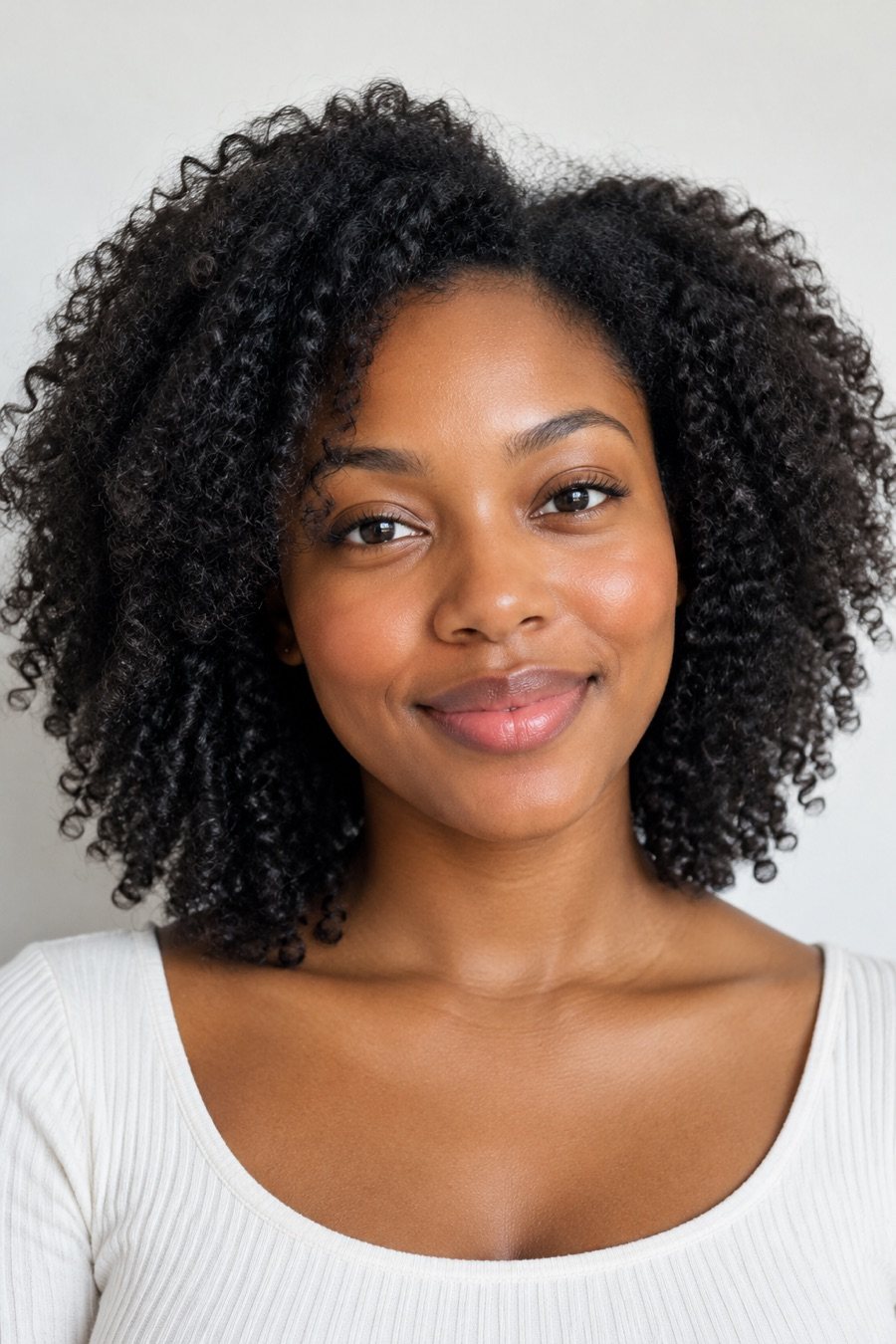 Photo
Photo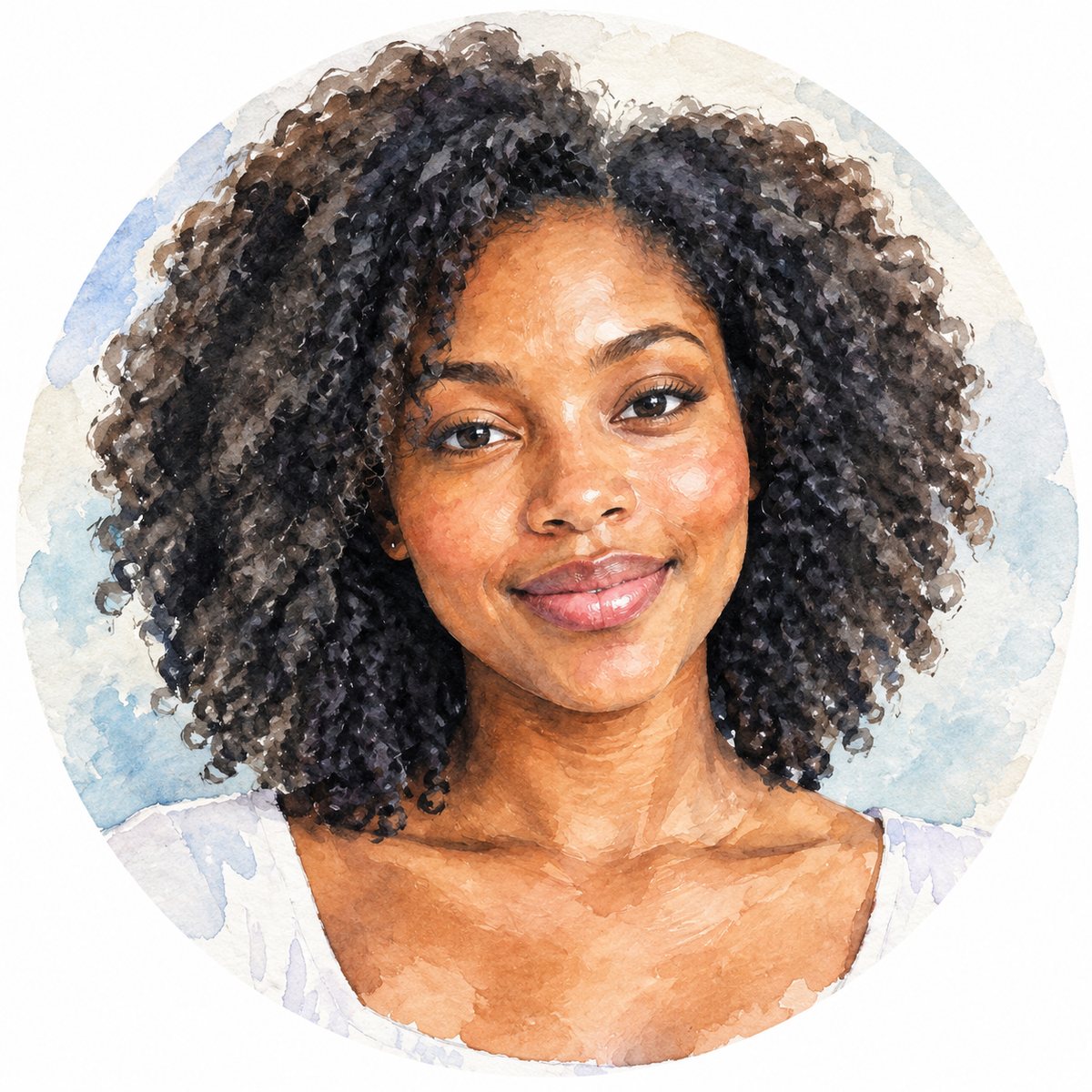 AvatarPhotoAvatar
 Photo
Photo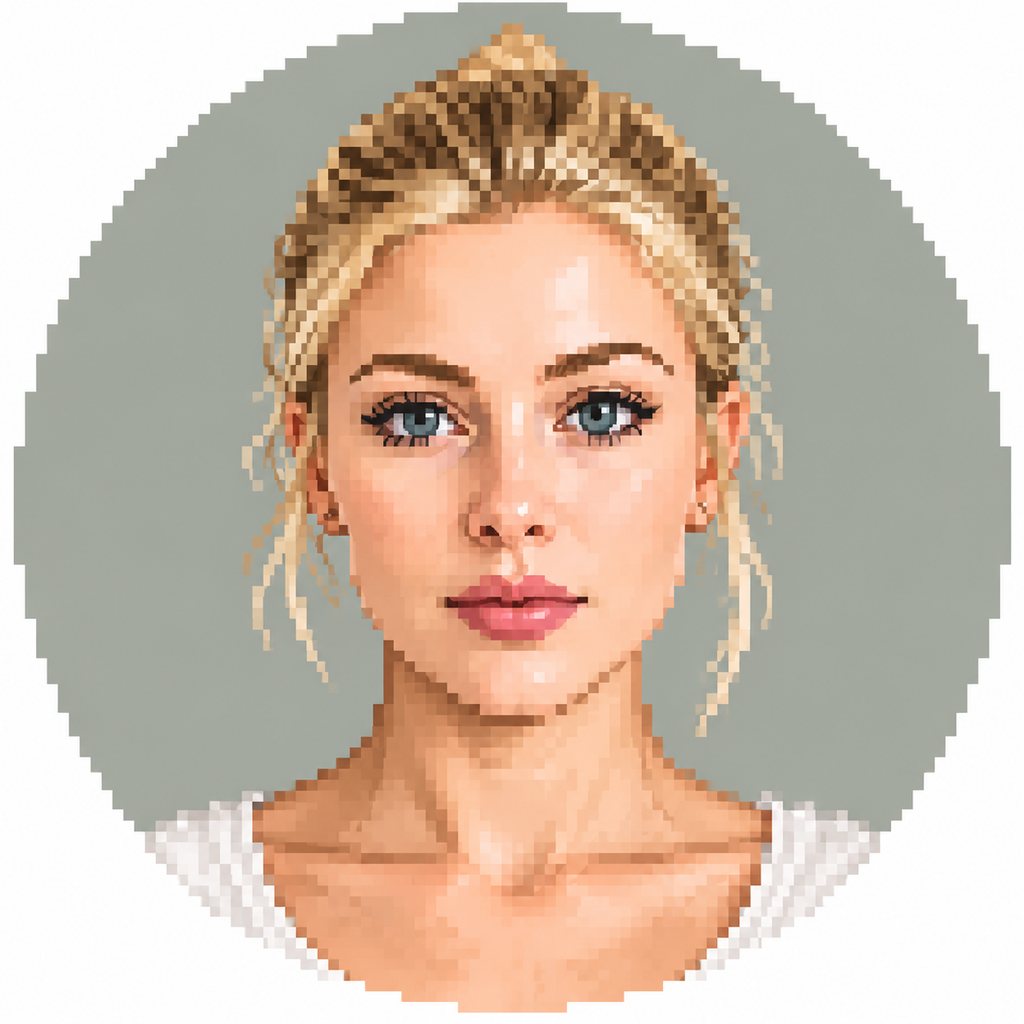 Avatar
 Photo
Photo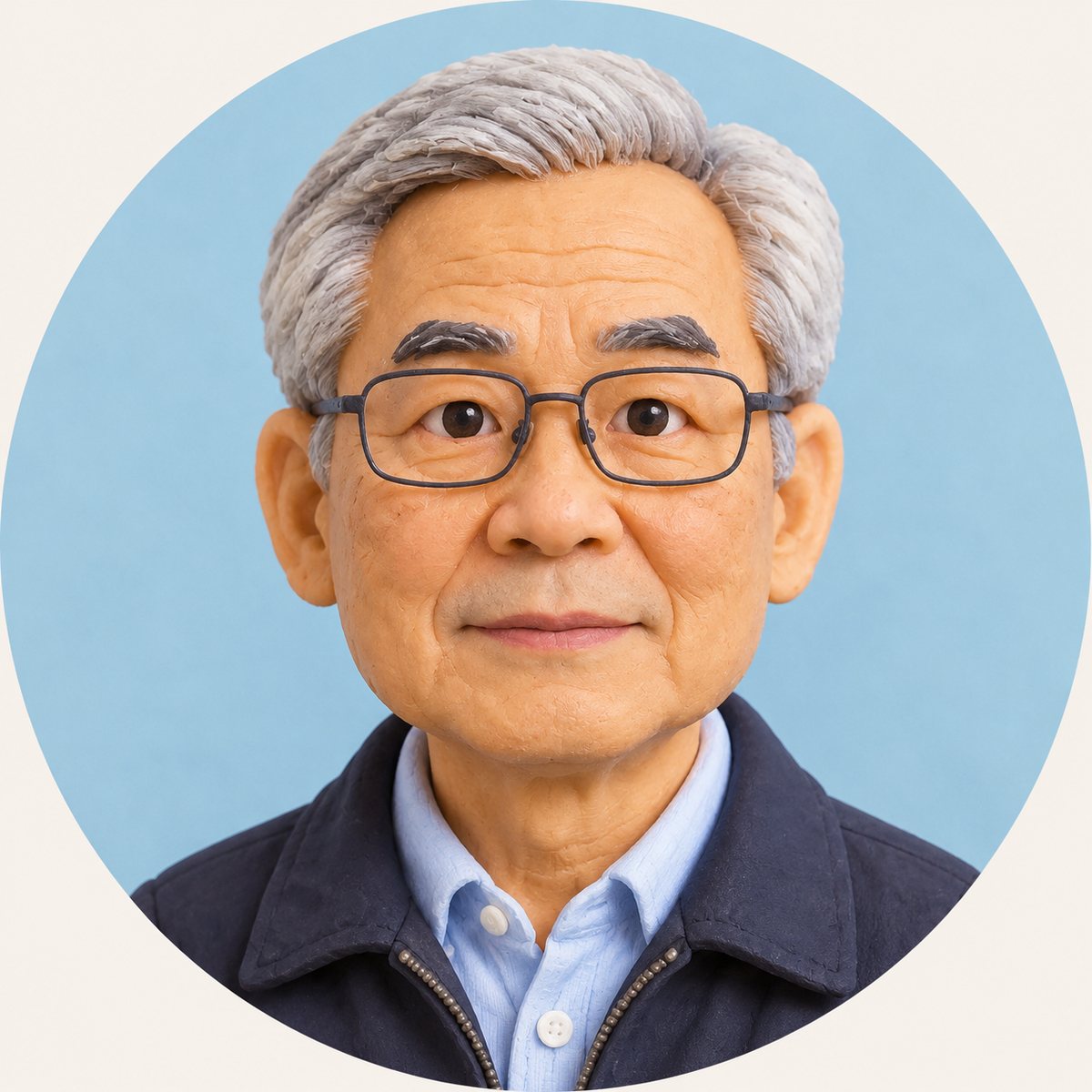 Avatar
Specs
AI avatar generator specs
- Input
One photo
face to the camera, eyes open, head and shoulders in frame
- Styles
Twelve looks
3D, flat vector, anime, line art, watercolor, duotone, sticker cut-out and more
- Output
Square avatar
face centred for the circular crop on Discord, Instagram, X, LinkedIn and Slack
- Keep
Your likeness
face shape, hairstyle, skin tone and expression stay recognisable
How to make an AI avatar in 3 steps
One photo, one style, one download.
Step 1
Upload a selfie
A clear, front-facing photo with even light. Head and shoulders is enough; the round crop cuts the rest anyway.
Step 2
Pick a style
Choose from the avatar styles in the template: 3D, anime, vector, line art, watercolor, sticker and more.
Step 3
Download and set it
Download the square avatar and upload it as your profile picture. Try another style on the same photo for a matching set.
Recognisable in every style
The avatar keeps the things people know you by: face shape, hairstyle and colour, skin tone, glasses, the way you smile. Only the rendering changes.
- Face shape and features kept
- Hair and skin tone kept
- Expression carried over
From 3D to pixel art
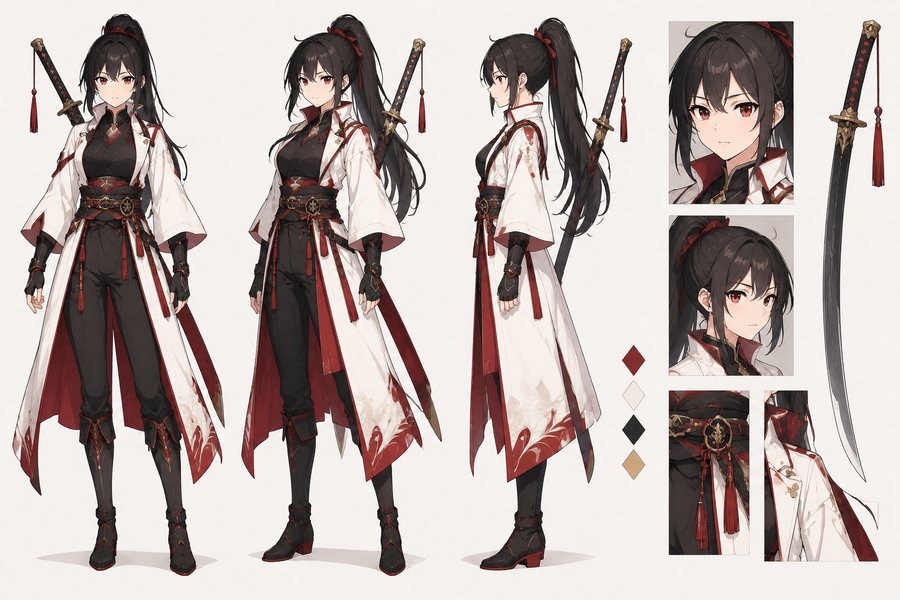
Animated-film 3D, flat vector, anime, watercolor, pixel art and clay figurine. Want only anime? The Anime Avatar maker is built for that one look.
- 3D and clay
- Vector and line art
- Anime, watercolor, pixel
Framed for the round crop
Every avatar is centred head-and-shoulders on a simple background so it reads at chat size. For a Discord-specific version with room for the status dot, use the Discord PFP Maker.
- Square, face centred
- Clean background
- Readable at small sizes
From avatar to video avatar
Have an avatar you like? Bring it to life with Photo Animation AI: upload the avatar, describe a wave or a nod, and get a short clip for intros and stories.
- Animate the avatar image
- Short clip for intros
- Same account, no re-upload
FAQ
AI avatar generator FAQ
Is the AI avatar generator free?+
Signing up is free and comes with free credits to try it. Each run shows its price on the Generate button before anything is charged.
What photo works best?+
One clear selfie, face square to the camera, eyes open, hair off the face, soft even light. Sunglasses, heavy shadows and group photos give weaker results.
Will the avatar look like me?+
It keeps your face shape, hairstyle, skin tone and expression. Stylised looks (pixel art, flat vector) simplify features by design, so 3D and watercolor read most like a portrait.
Can I make an anime avatar?+
Yes, anime is one of the styles. For a dedicated anime look with more options, use the Anime Avatar maker.
Can I make a talking or video avatar?+
This tool makes avatar images. To animate one, upload it to Photo Animation AI and describe the motion. A lip-synced talking avatar is not available.
What size is the avatar?+
Square with the face centred, so it fits the circular crop on Discord, Instagram, X, LinkedIn, Slack and gaming profiles without cutting off your head.
Can I make a matching avatar with a friend?+
Yes. Run the same style on both photos, or use the Matching PFP template, which takes two photos at once.
Are my photos kept private?+
Your photo is used only to make your avatar and is not shown publicly. See the LazyKiwi privacy policy for how uploads are stored.
More profile picture tools
One selfie. A whole set of avatars.
Upload a photo, pick a style, set it as your profile picture.
Free to try · Price shown before you generate · Your photos stay private