
Make Your Own Two Color Video
Step into a vivid street-performance scene: hands sweep past the camera, colors jump with the beat, and the view snaps open to your group beside an SUV in a narrow alley.
Two Color Template
Upload one clear photo of the person you want in the lead role. A front-facing portrait with a visible outfit works best.
THE TREND
What is the Two Color trend?
Two Color turns a portrait into an energetic group performance built around close gestures, a sudden wide reveal, and colors that visibly jump between contrasting hues.
Hands close to the lens
The lead reaches toward the camera and sweeps a hand across the foreground while the group crowds the frame.
A hooded group
A closely cropped adult and several hooded adults take turns gesturing around the lead.
A sharp alley reveal
The close passage abruptly gives way to a wide view of a dark SUV and the group beside a building entrance.
Pulsing false color
Posterized cyan, magenta, violet, and orange jump against bright highlights and deep shadows.
EXAMPLES
See Two Color in Action
These examples show how the same gestures, alley reveal, and color treatment work with different lead portraits.
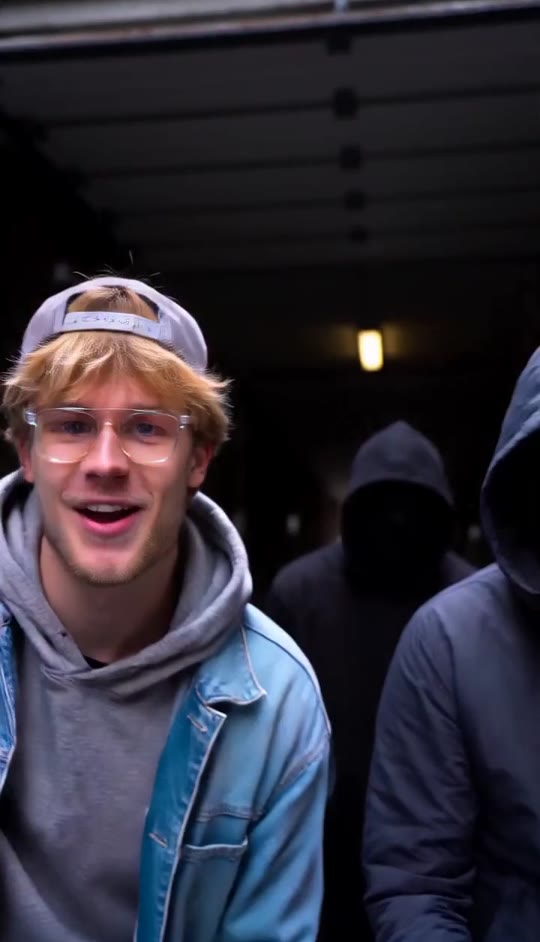
Two Color with a Denim Look
A denim-jacket portrait becomes the lead in the crowded close-ups and wide alley shot.
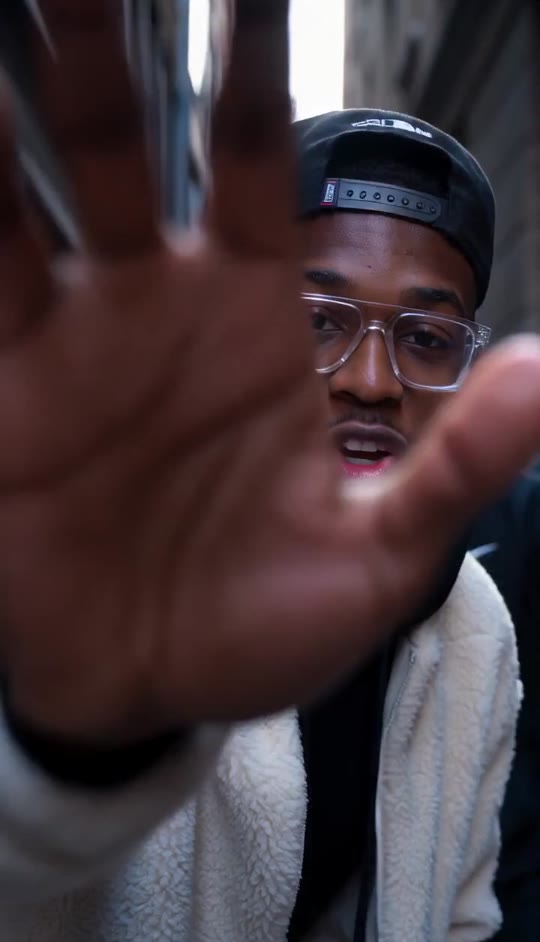
Two Color with a Sherpa Look
A sherpa-jacket portrait takes the lead while the hooded group and pulsing colors complete the scene.
FAQ
Two Color FAQ
What is the Two Color video effect?+
It is a high-contrast street-performance look that moves from crowded close-ups and overlapping hand gestures to a wide alley shot with a dark SUV. Cyan, magenta, violet, and orange pulse across both settings.
How do I make a Two Color video?+
Upload one clear portrait and generate. The template supplies the supporting group, gestures, camera sequence, alley setting, color treatment, and generated audio.
Do I need a group photo?+
No. Upload a photo of the lead person; the other adults are generated as part of the scene.
Will my face and outfit stay recognizable?+
The template directs the video to preserve the lead person’s face, hairstyle, skin tone, and clothing while adding accessories and placing them in the scene.
Does the video include the SUV and the hooded group?+
Yes. Hooded adults appear around the lead in the close shots, and the wide alley shot shows them near a dark SUV and building entrance.
Why is it called Two Color if several colors appear?+
The name describes the bold, contrasting feel. This version visibly pulses through cyan, magenta, violet, and orange rather than staying in a fixed pair of colors.
What photo works best?+
Choose a well-lit, front-facing portrait with a clear face and visible clothing. The passage, group, and vehicle do not need to be in your photo.
Is there audio?+
Yes. The short vertical video includes generated rhythmic audio and an indistinct vocal cadence, not an original song.
Is the vehicle scene in a garage?+
No. The final shot is a wide view of a narrow urban alley, with the SUV outside beside a building entrance.
Other Names for the Two Color Effect
People also describe this look by its vivid color treatment, close-up gestures, and alley reveal.
Your Portrait. A Bold Alley Reveal.
Bring the close-up gestures, hooded group, and pulsing colors together from one photo.


