
Make Your Portrait Shine With Gold Stars
Give your face a playful, unmistakable sparkle while still looking like you.

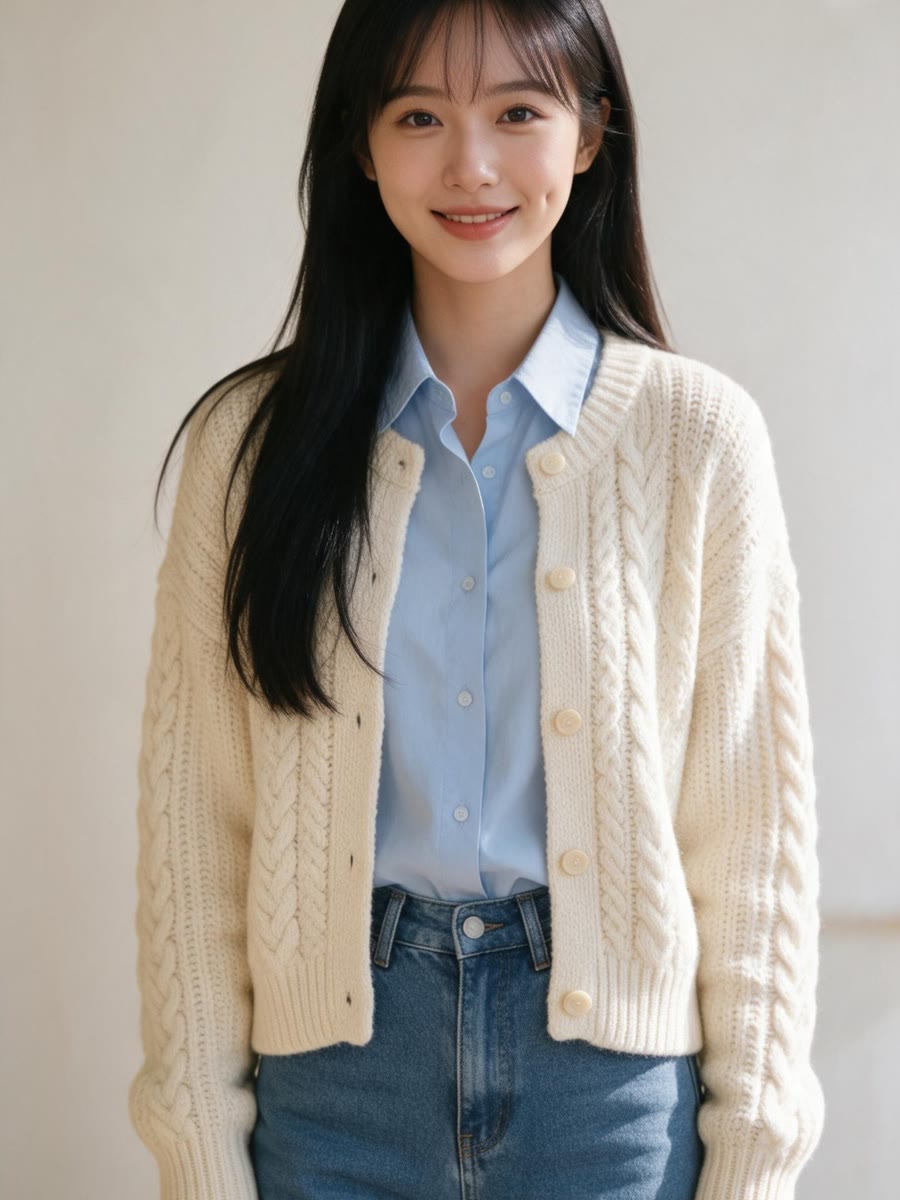
THE TREND
What is the stars on face look?
It places bright gold star stickers across the cheeks and around the outer eye areas for a bold, playful portrait.
Stars you can see
Large, crisp gold shapes stand out clearly, even when the portrait is viewed small.
Face-following placement
Clusters follow the cheeks and outer eye areas instead of floating away from the face.
Your familiar features
The edit keeps the person's facial likeness recognizable beneath the effect.
A polished finish
Soft light and metallic highlights give the still image a lively sparkle.
FAQ
Stars on Face Filter FAQ
What does the stars on face filter add?+
It adds prominent, sparkling gold star stickers across the cheeks and around the outer eye areas of one portrait.
Will the stars be easy to see?+
The edit calls for large, bright, sharply defined stars rather than a subtle shimmer.
Will I still look like myself?+
The instruction keeps your facial features and identity unchanged while adding the stickers.
What photo works best?+
Use a clear, well-lit photo with your cheeks and the areas beside your eyes visible.
Does it change my outfit or background?+
The edit keeps the outfit and setting from your uploaded photo.
Is the result a video?+
No. The template turns one uploaded photo into one edited still image.
Other names for this look
You may also know this style by these names.
Put a little star power on your portrait
Turn your photo into a bright, playful gold-star still image.


