AI Baby Filter: See Yourself As A Baby
Turn your current photo into a realistic baby portrait with the baby filter, the see yourself as a baby AI effect. Ideal for profile pictures, Instagram posts, stories and family chats, or for sharing a fun, nostalgic photo. Just upload your image and the AI transforms your look instantly.
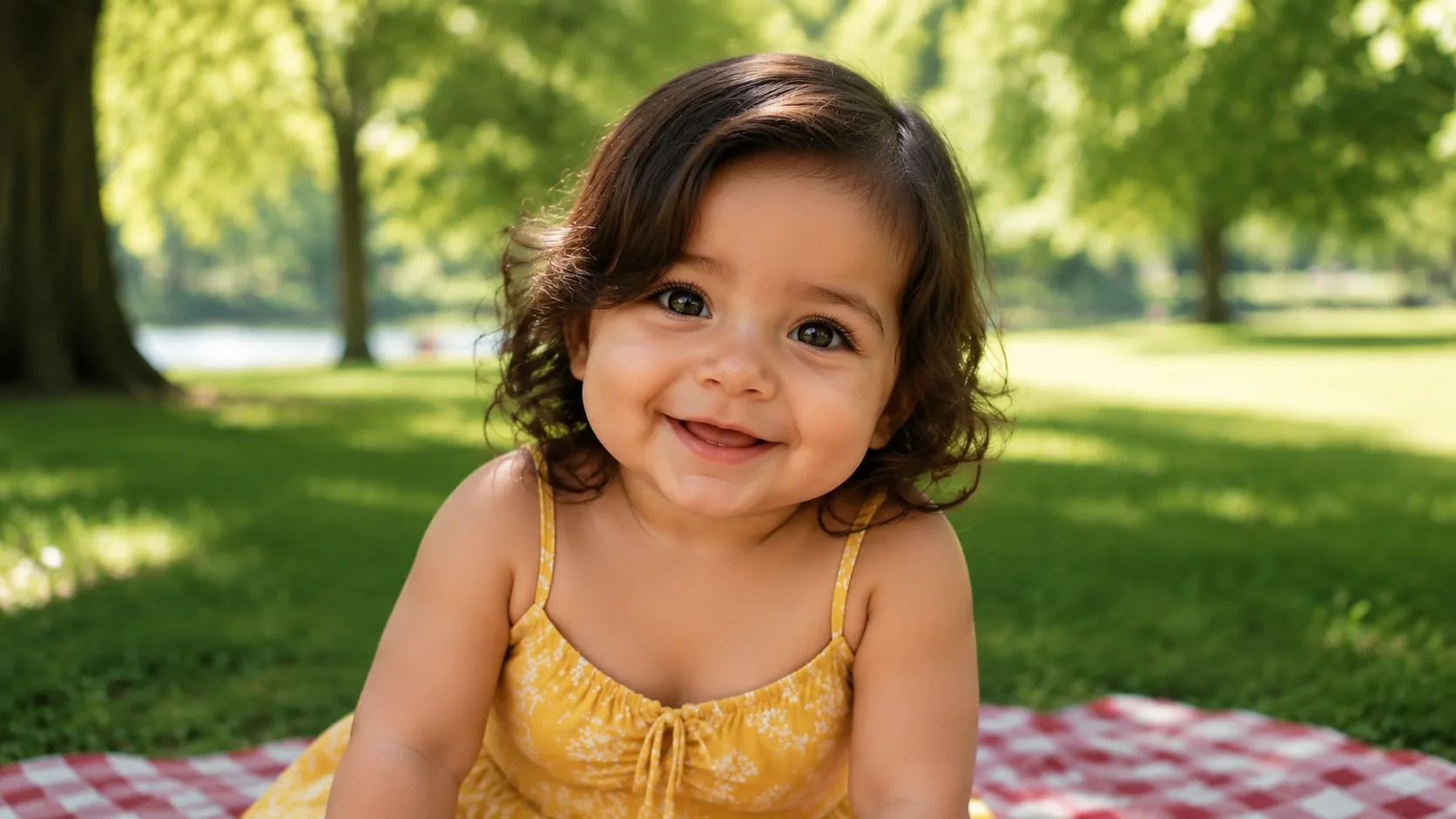
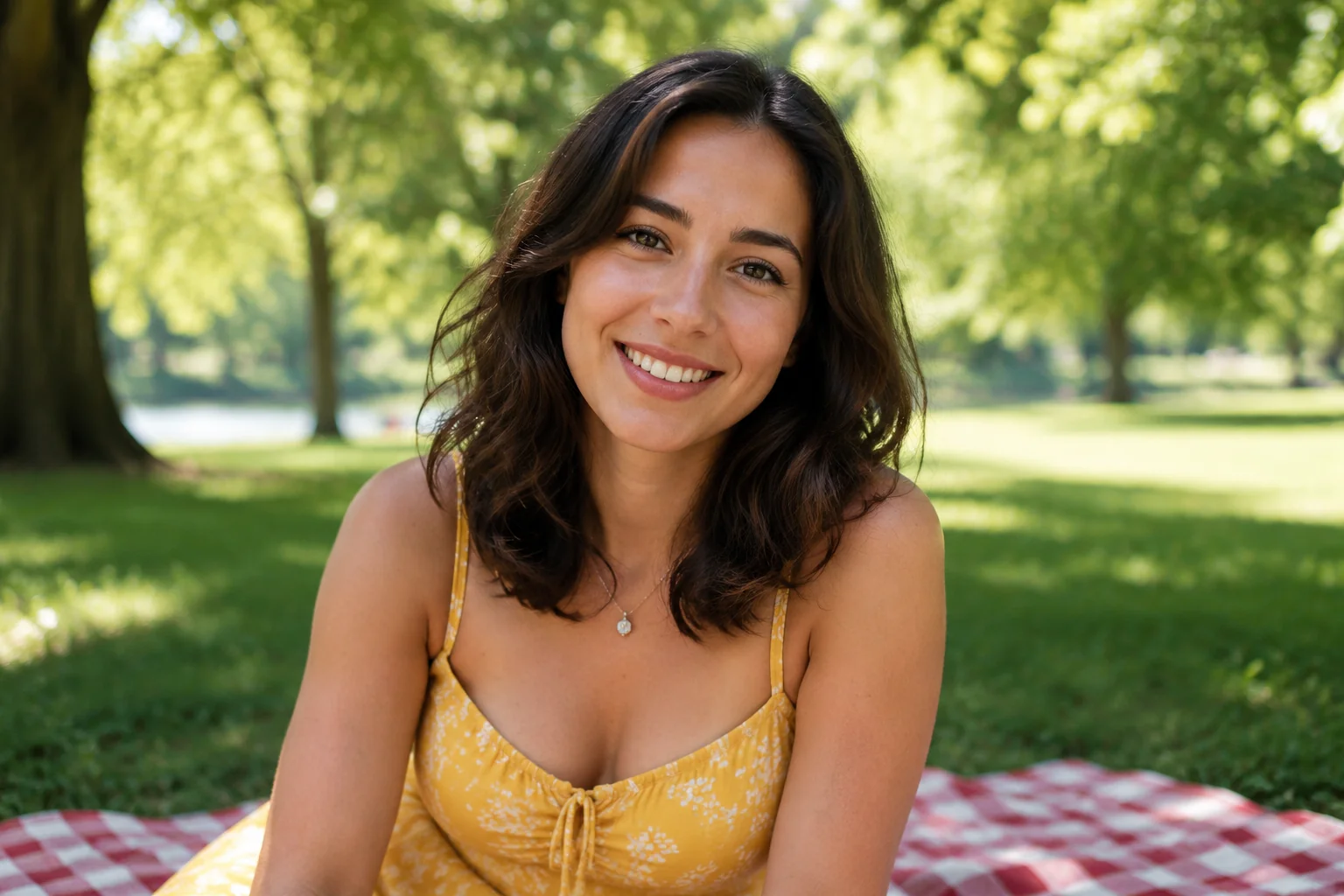
WHAT IT IS
What makes a baby filter photo work?
The baby filter (the see yourself as a baby AI effect) combines facial recognition with age regression AI. It takes your current photo and reimagines your facial structure, skin texture, and proportions as an infant’s. The result is a lifelike, often hilarious or heartwarming version of you that feels both personal and instantly shareable.
- Clear, front-facing portrait
- Upload a well-lit, front-facing photo with a neutral expression. No hats or glasses that block facial landmarks—this helps the AI accurately map your features to a baby face.
- Simple, natural expression
- A soft smile or a neutral look works best. Hands, food or hair across the face can hide the features the AI copies, so an uncovered face gives the cleanest baby portrait.
- Baby proportions, same identity
- The AI redraws your face with a baby's proportions (round cheeks, a smaller nose, bigger eyes) while keeping your eye shape, smile and hairstyle, so the baby still reads as you.
- Instant emotional hook
- Baby transformations create a strong emotional reaction: surprise, laughter, nostalgia. That makes the photo ideal for posts, stories and side-by-side before/after shares that get people commenting.
CREATOR USE CASES
Application Scenarios
Real examples of the baby AI effect used across different kinds of photo posts.
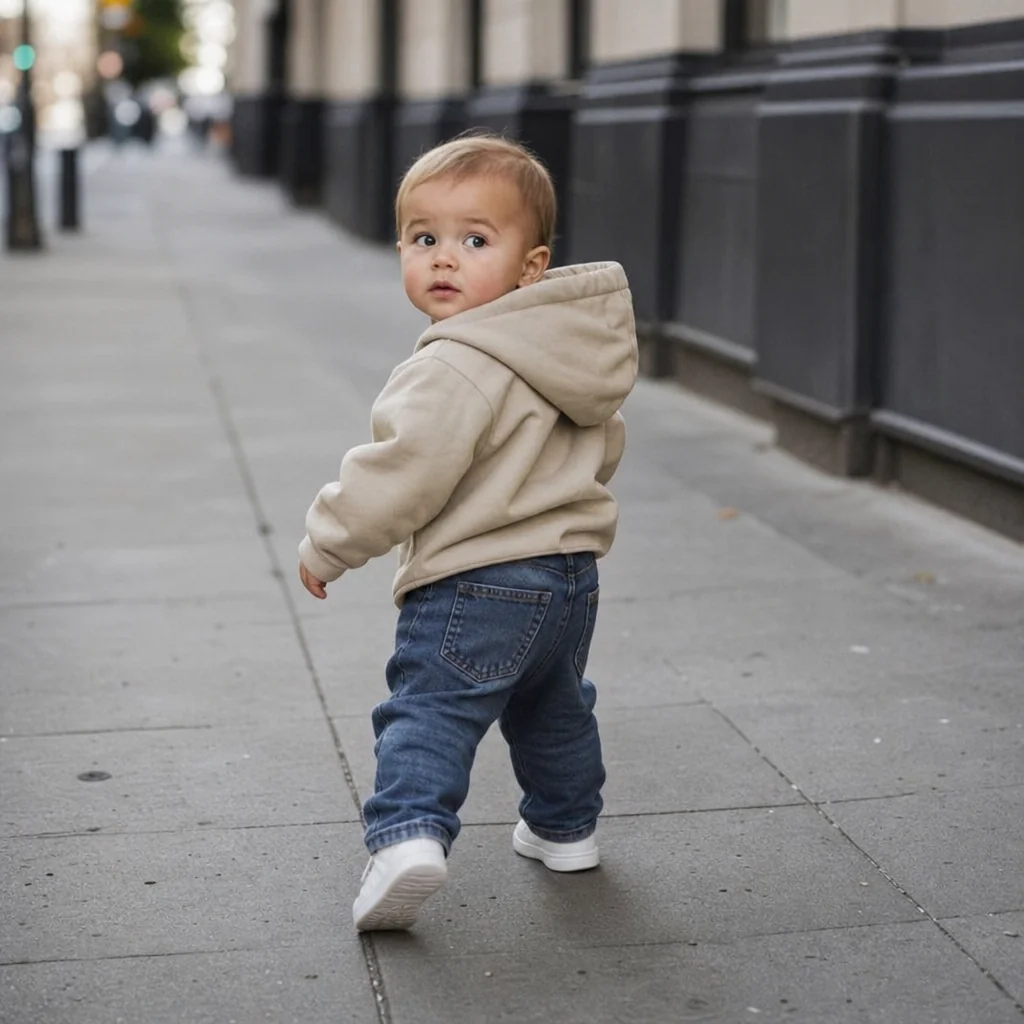
Street Moment, Baby Turn
A casual sidewalk photo becomes an instant scroll-stopper when the subject is a baby.
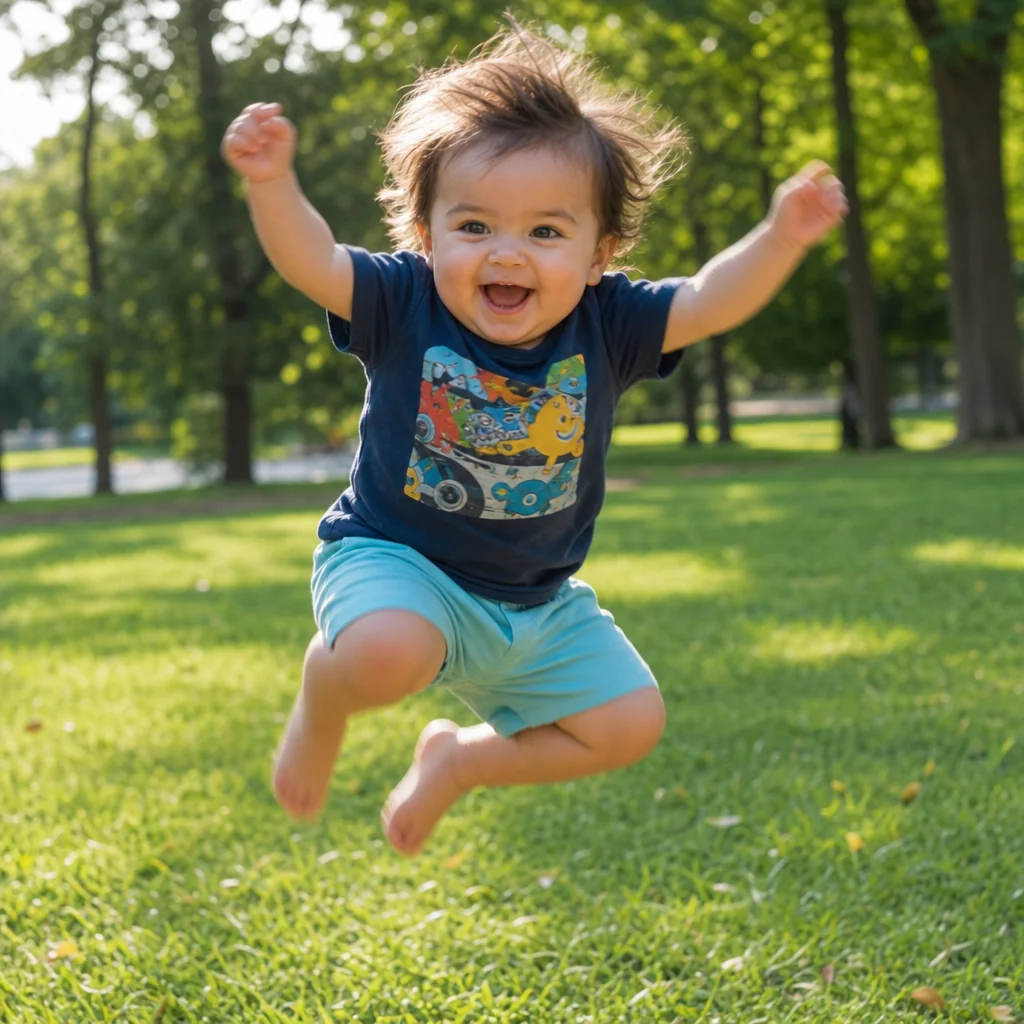
Park Photo, Baby Energy
A playful action shot gains a lighthearted feel when the person in it appears as a baby.
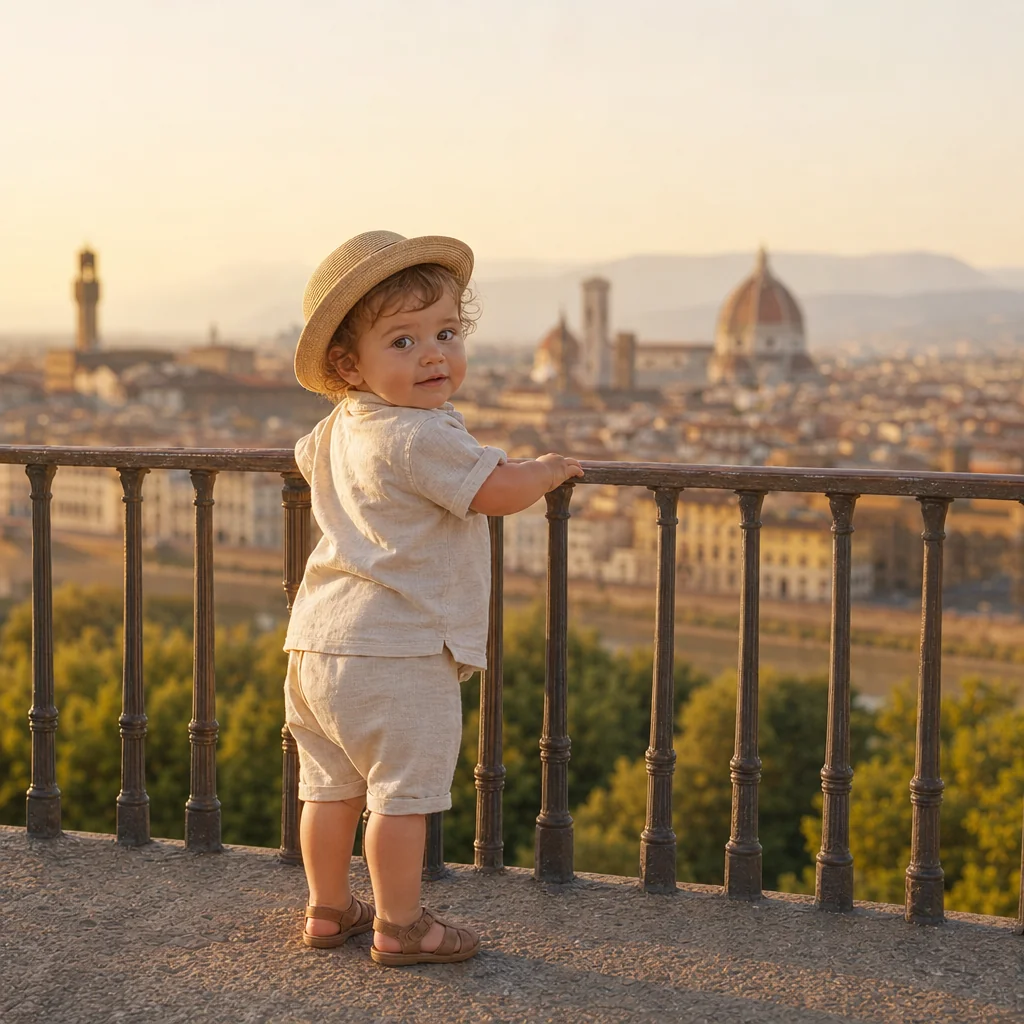
City Viewpoint, Baby Look
Travel outfit edits highlight the location while the baby AI twist keeps the feed fresh.
FAQ
Common questions
What is the baby filter (see yourself as a baby AI) effect?+
The see yourself as a baby AI effect uses artificial intelligence to transform a photo of a person into a baby version of themselves. It analyzes facial features and generates a realistic baby face while preserving identity cues.
Is this an AI baby generator that predicts our future baby?+
No. This AI baby filter shows one person as a baby, using that person's own face. It does not combine two parents' photos to predict what a future child would look like; for that, use the AI baby generator, which takes a photo of each parent.
Why is the see yourself as a baby AI effect popular on social media?+
It creates highly shareable, nostalgic photos that surprise people and get comments. The before-and-after reveal is quick and striking, which works well in posts, stories, carousels and family group chats.
Can I create a see yourself as a baby AI effect from a single image?+
Yes. It works with one clear front-facing photo, and a single high-quality image is all it needs to generate the baby version.
What kind of photo works best for this effect?+
A well-lit, front-facing portrait with a neutral expression and no obstructions like hats or glasses works best. The AI needs a clear view of the entire face to accurately map and transform features.
Can I use the see yourself as a baby AI effect for product, fashion, travel, or creator content?+
Absolutely. Brands use it for nostalgic marketing campaigns, fashion creators show baby versions in vintage styles, and travel influencers create playful 'baby me traveling' concepts. It adds a fun, personal twist to various content niches.
Other names for the baby filter
When people search for ways to see themselves as a baby using AI, they often use a variety of terms to describe the same idea. You might call it a baby AI filter, an infant face generator, or even a “what would I look like as a baby” query. LazyKiwi understands these different search habits and transforms your curiosity into share-ready photos, so no matter what you name the effect, you can turn the concept into a shareable baby picture in seconds.
Turn your picture into a baby portrait
Upload a photo, use a text prompt, or start with a template.