
Give Your Portrait A Bold Retro Collage Look
Turn one photo into a vivid, vintage-inspired product collage with punchy halftone texture.
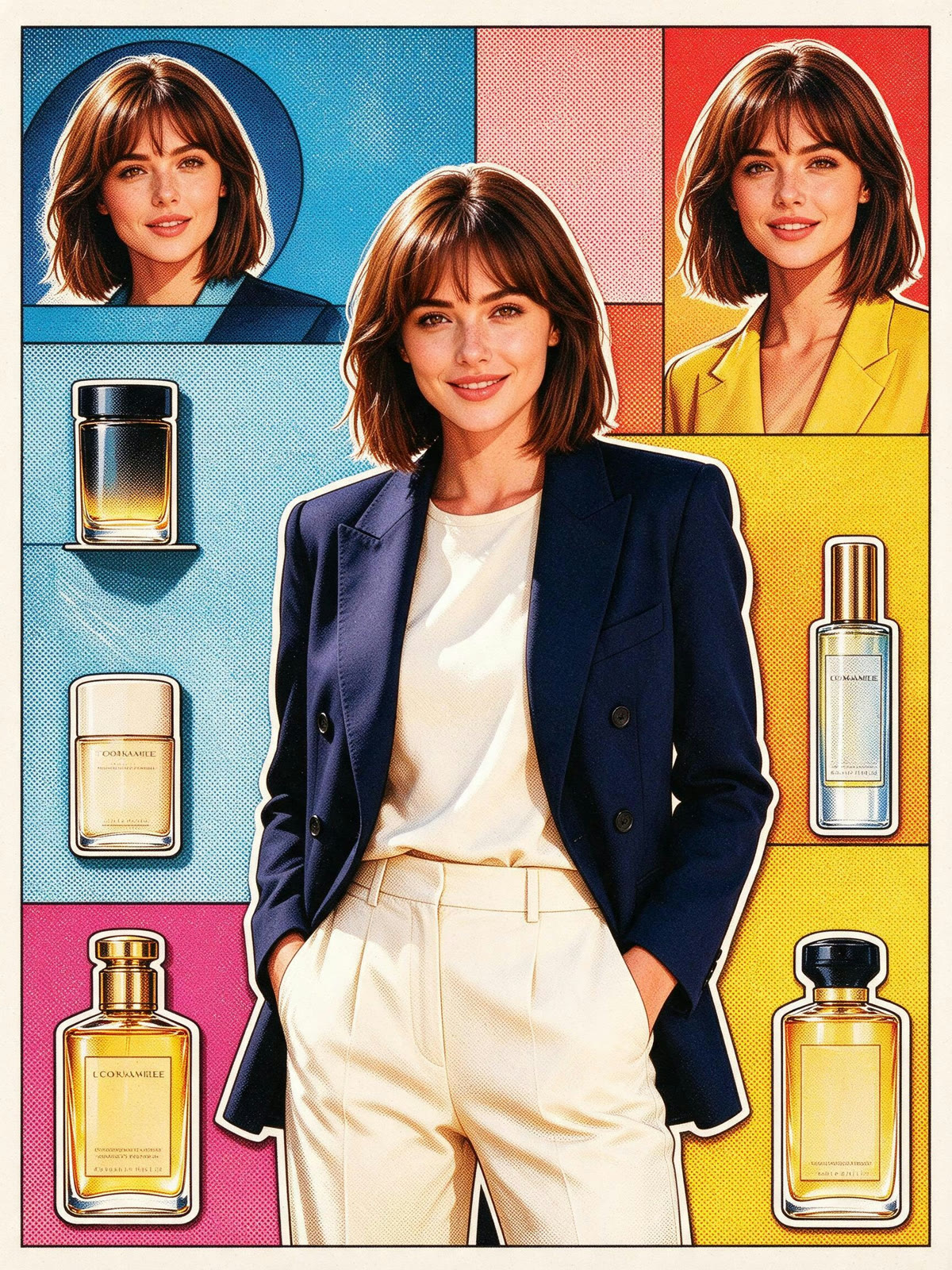
Retro Halftone Dot Product Collage Layout Template
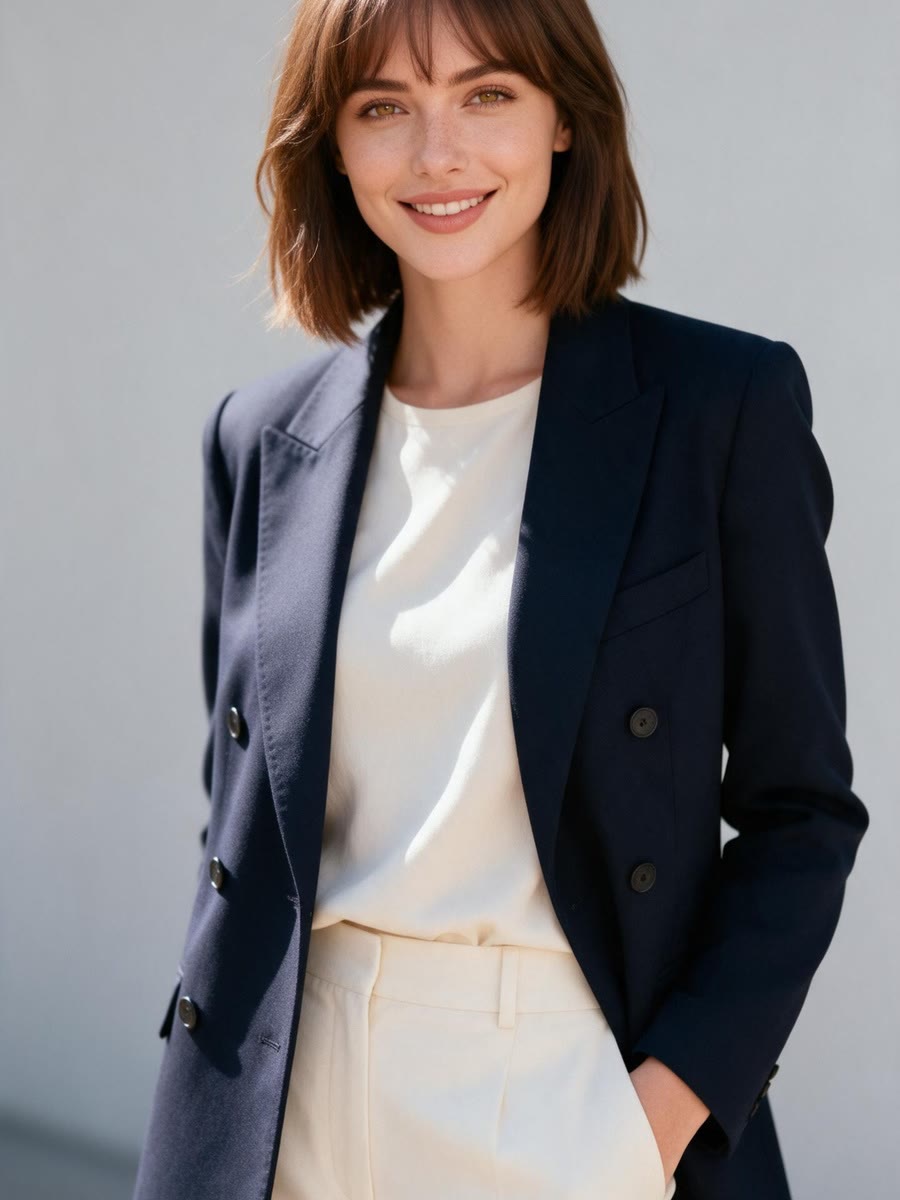
Upload a clear photo of one person
THE TREND
What is the retro halftone collage look?
This graphic style pairs a central portrait with layered product-poster shapes, crisp outlines, and the dotted texture of vintage print.
Vintage dot texture
Halftone dots add the tactile character of a printed poster.
Portrait at the center
The person anchors the composition while graphic elements frame the figure.
Layered collage shapes
Bold panels and cutout-style accents create a lively product-poster arrangement.
Punchy color and contrast
A vivid limited palette and directional light give the still image strong visual impact.
FAQ
Retro Halftone Dot Product Collage Layout FAQ
What does this template create?+
It transforms one uploaded photo into one still image with a retro halftone product-collage style.
How many photos should I upload?+
Upload one photo featuring the person you want in the finished image.
What kind of photo works best?+
Choose a clear, well-lit portrait with an unobstructed face and some space around the person.
Will the finished image keep my appearance?+
The edit is designed to preserve the person's face and identity from the uploaded photo.
Does this create an animated collage?+
No. The result is one edited still image.
Can I use a close-up portrait?+
Yes. A close-up can work well, though a waist-up or full-length photo gives the collage more room to frame the person.
Related retro collage styles
Explore names for this vintage printed-poster treatment.
Create your retro collage portrait
Start with one clear photo and get a bold, halftone-inspired still image.


