
Make Your Portrait Pop With A Red Scarf
Give your photo a cozy winter look with a bold touch of color.
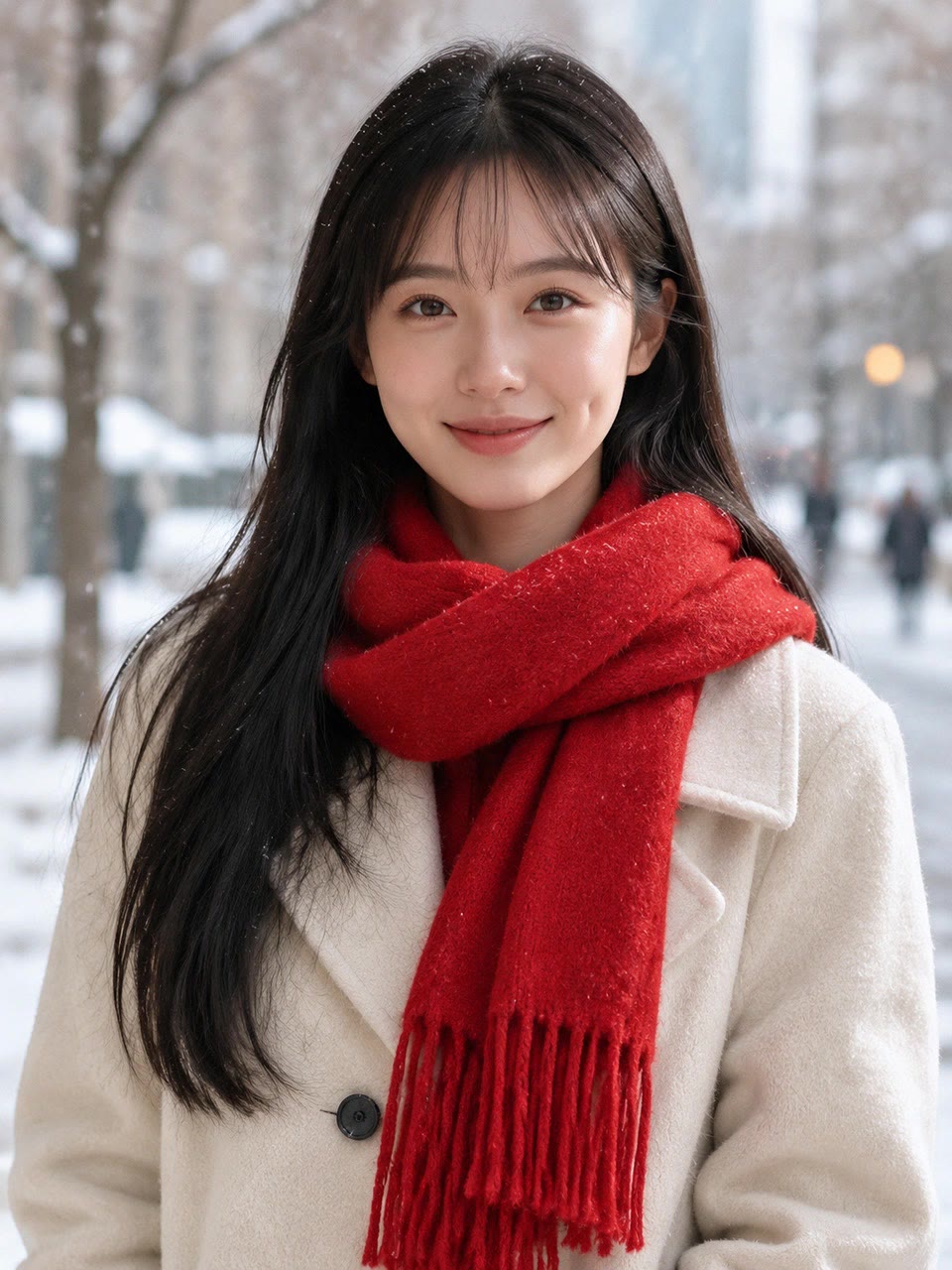
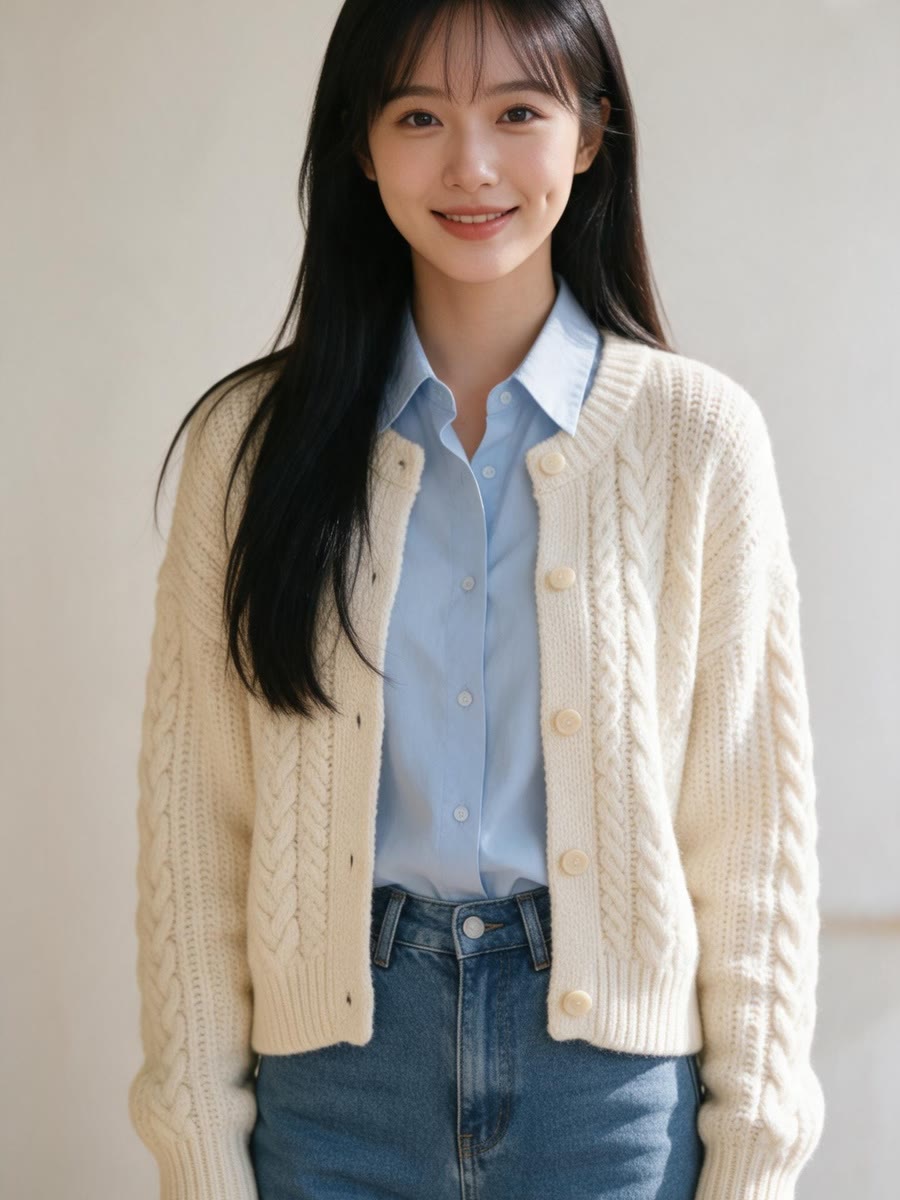
THE LOOK
What is the red scarf portrait look?
A vivid scarf draws attention to the face while a neutral coat and soft winter setting keep the portrait simple.
A bold red accent
The scarf brings a striking splash of color to the portrait.
A familiar face
Your facial features remain recognizable in the edited image.
Soft winter light
Gentle daylight gives the portrait a natural, flattering finish.
City backdrop
A softly blurred street adds context without distracting from you.
FAQ
Red Scarf Portrait FAQ
What kind of photo should I upload?+
Choose a clear photo of one person with their face visible and reasonably even lighting.
Will the portrait still look like me?+
The edit is designed to preserve your facial features and identity while changing the styling and setting.
Does my original photo need to show a scarf?+
No. The edit adds a vivid red scarf to the finished portrait.
Will my expression stay the same?+
Not necessarily. The portrait uses a natural, relaxed expression rather than copying your original expression exactly.
What does the finished image show?+
One chest-up winter portrait with a red scarf, neutral coat, and softly blurred city street.
How many images does this create?+
The template turns one uploaded photo into one edited still image.
Other names for this look
You might also see this style described as:


