
Make A Playful Pigeons Video From Your Photo
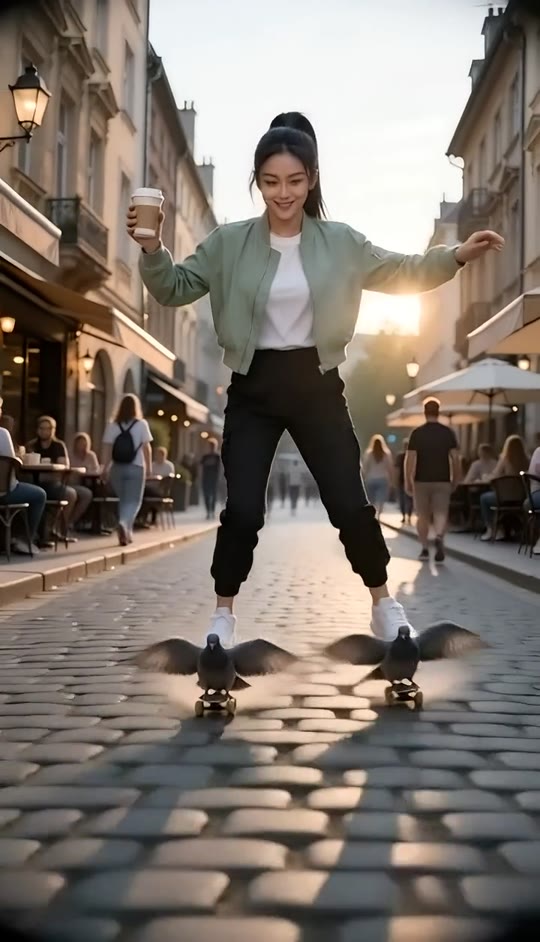
Turn a photo into a surreal street glide, hovering over cobblestones as two tiny birds flap beneath your shoes. The street, fisheye camera, and balancing moves are built in, with generated audio.
Pigeons Template
Upload one clear photo of an adult with their face and outfit visible. A full-body photo works best.
THE TREND
What is the Pigeons trend?
The Pigeons video turns an everyday street scene into a playful flight: one person glides above the cobblestones with tiny birds flapping beneath their shoes.
A street turned surreal
Historic buildings, outdoor cafes, and passing pedestrians create a lively cobblestone backdrop.
Bird-powered hovering
Two small, dark birds flap beneath the person's shoes as if they were makeshift skates.
A balancing ride
The person bobs, shifts from side to side, and reaches toward a shoe while keeping a takeaway cup upright.
A fisheye street view
A low, backward-tracking camera and circular fisheye look keep the hovering rider at the center of the action.
EXAMPLES
See the Pigeons effect in action
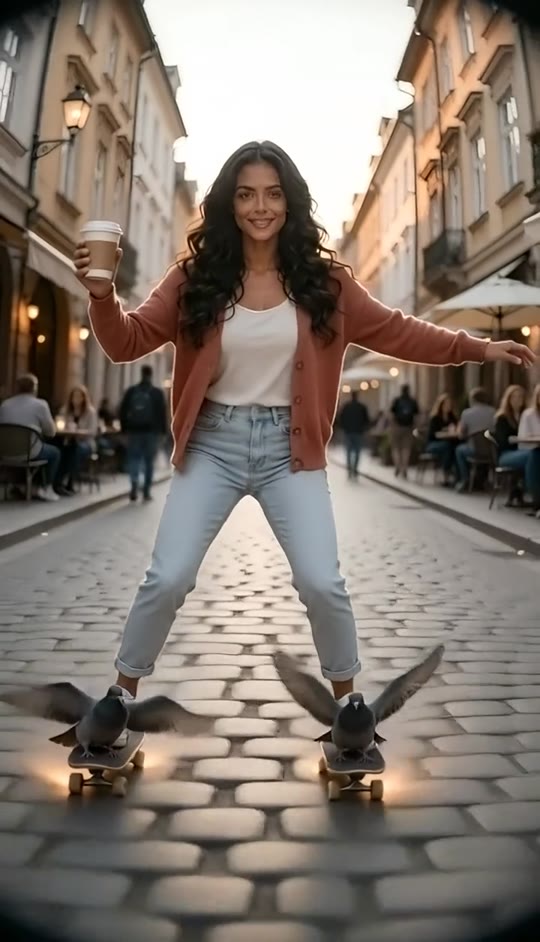
Explore two sample videos made with different photos to see how the same surreal street ride can transform.
A sunny street glide
A full-body portrait becomes a buoyant ride above a lively cafe street, with birds flapping beneath both shoes.
A fisheye hover
Watch the rider dip, balance, and glide through a busy pedestrian scene in a rounded fisheye view.
FAQ
Pigeons FAQ
What is the Pigeons video trend?+
It is a playful surreal video effect that makes a person appear to hover down a busy cobblestone street, riding two small flapping birds beneath their shoes.
How do I make a Pigeons video?+
Upload one clear photo of a person and generate the video. The street setting, hovering movement, birds, and fisheye camera are part of the template.
What kind of photo works best?+
A clear full-body photo with the person's face, hair, and outfit visible gives the effect more room to show the balancing and gliding movements.
Does the template keep my appearance?+
The video is guided by your uploaded photo and is designed to preserve the person's face, hairstyle, skin tone, and clothing.
What happens in the video?+
The person bobs and balances above a cafe-lined cobblestone street while two small birds flap beneath their shoes and the camera tracks backward.
Does it use an original song?+
No. The generated video has generated audio and does not include an original song.
Can I use a photo that is not full-body?+
You can try another clear photo, but a full-body view is best for showing the hovering pose and foot movements.
Can I make this video with a friend?+
This template is designed for one uploaded photo and one foreground person. Use a separate single-person photo for each version.
Why does the street look curved?+
The strong circular fisheye effect deliberately bends the street and buildings around the centered rider.
Other ways people search for the Pigeons effect
Related search phrases for the hovering street video effect.
One photo, one surreal street ride
Bring the hovering pose, fluttering birds, and fisheye street scene to life.


