Dolly Out
Dolly Out backs the camera away from your subject in a straight line, keeping lens direction and height unchanged, so the subject shrinks with distance while more of the environment enters the frame, ending on a wide view. Upload one photo and LazyKiwi generates the pull out shot as a short clip, vertical or landscape.
Dolly Out Template
Upload one photo with depth cues, such as a floor, a road or objects at different distances; the backward travel needs layers to move against.
WHAT IT IS
What this backward dolly is and how the template pulls the camera back
A dolly out is a camera move in which the camera physically travels backward away from the subject on a track, slider or wheeled dolly, with the lens direction and height unchanged, so the subject grows smaller with distance while the surrounding space enters the frame. This template generates that pull out shot from one uploaded photo. The engine treats the still as the first frame, keeps the camera pointing the same way at the same height, and retreats along a straight line. As the distance grows, foreground elements slide outward past the lens and the subject's scale reduces naturally. More environment fills the frame, and the clip ends on a wide composition. Output is a short vertical 9:16 or landscape 16:9 clip, generated without a dolly or footage.
- Backward travel, fixed lens
- The camera retreats on a straight line at a constant focal length. Nothing is zoomed; the world gets wider because the camera is farther away.
- Scale shrinks with distance
- The subject gets smaller the way a person does when you step away from them, with foreground objects passing outward. Identity and position stay locked the whole time.
- Environment enters from all sides
- Floors, walls, streets and sky are extended outward from your photo in a matching style as the camera backs away, so the wide ending frame looks like the same place.
- Ends on a wide composition
- The move finishes on a settled wide shot. That last frame is a natural end card, credits bed or cut point after a final line of dialogue.
USE CASES
Retreats that end a scene
A last shot, a venue reveal and the aftermath of a party: three backward moves from one photo each.
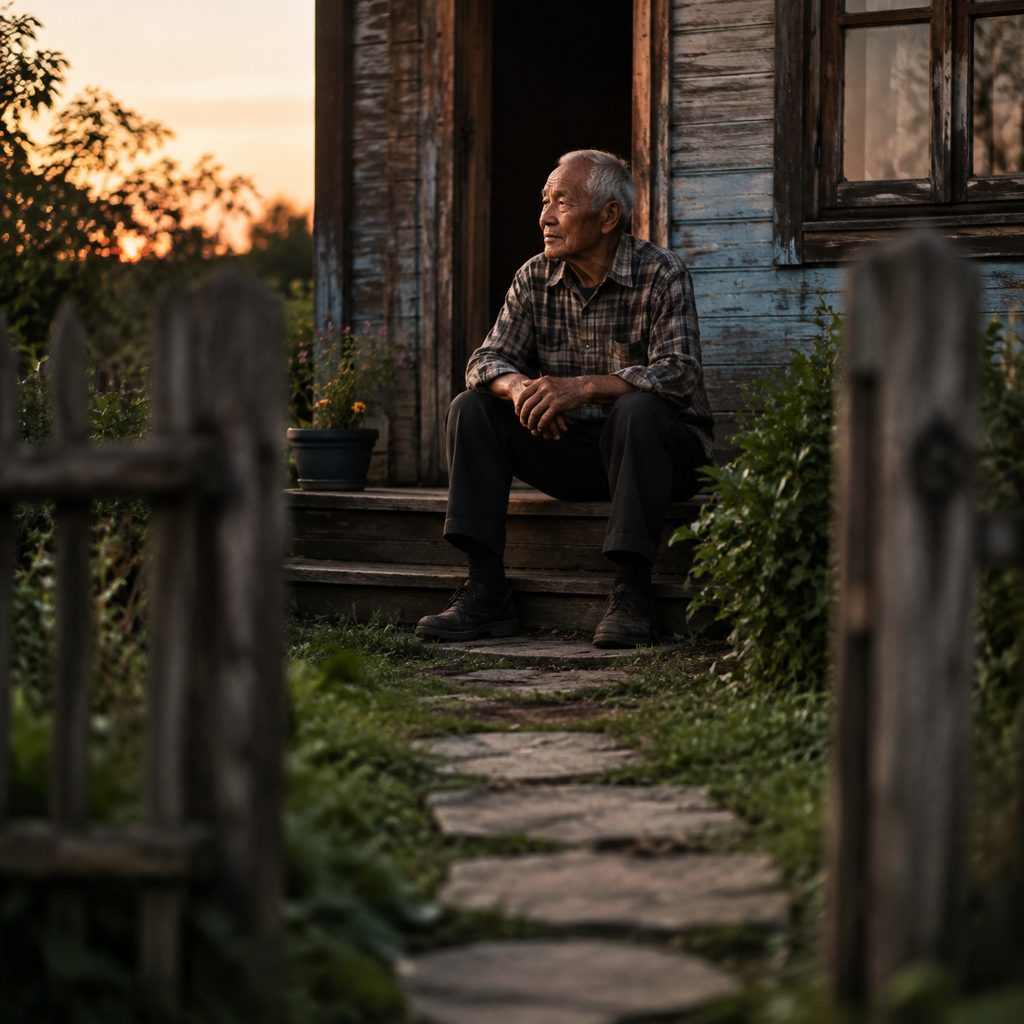
Final shot: leaving a character alone
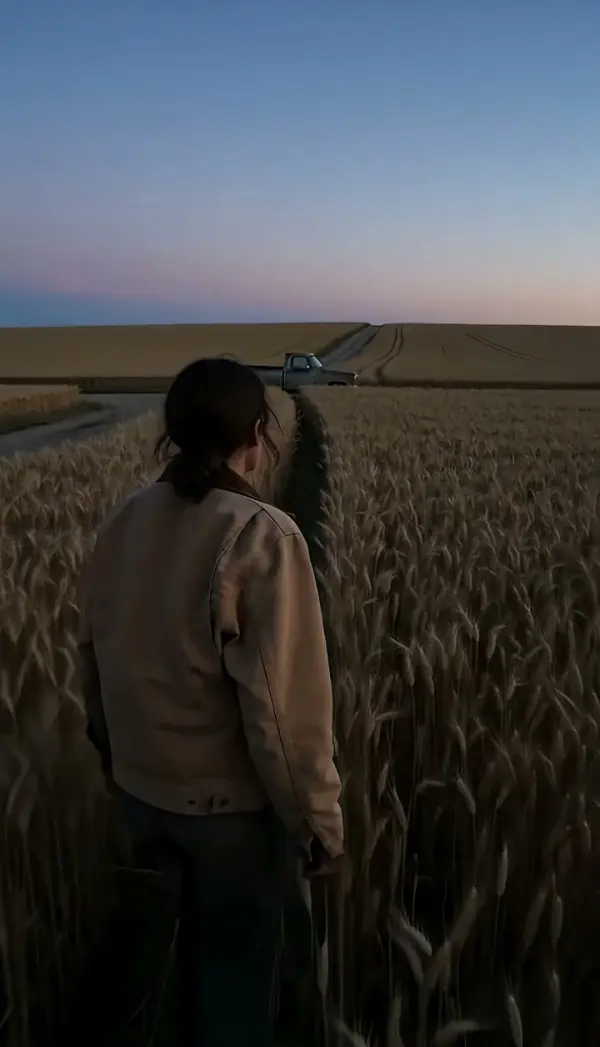
A photo of an old man on a porch step. The camera retreats down the path, the house growing around him until he is a small figure in the frame. Short films end on this in 16:9, holding the wide frame under the first credit.
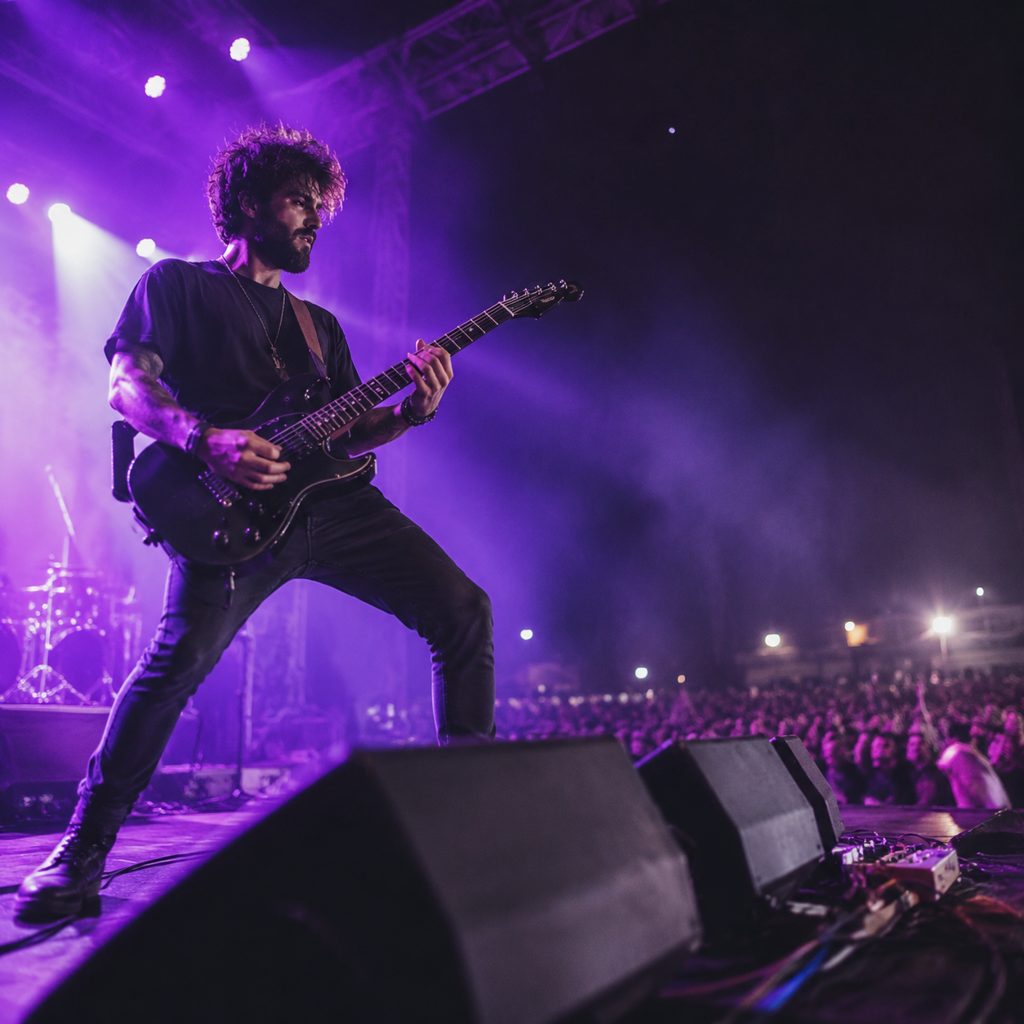
Revealing the venue
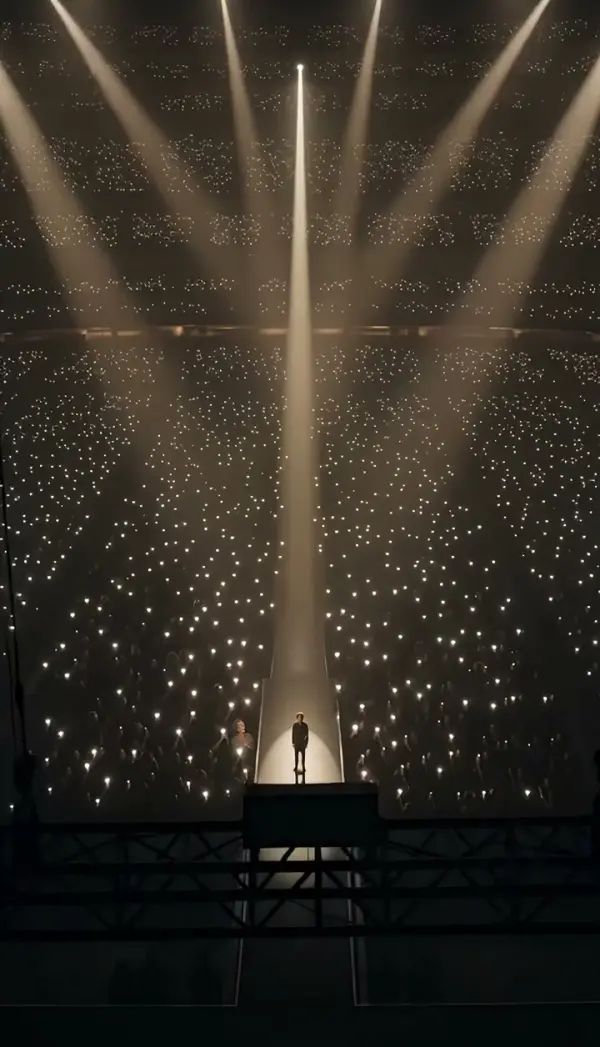
A photo of a guitarist mid-song, close on the hands. The camera pulls back until the stage, the lights and the front rows of a festival crowd fill the frame. Live-music accounts use the pull-back as a 9:16 teaser ending, timed to the last chord.
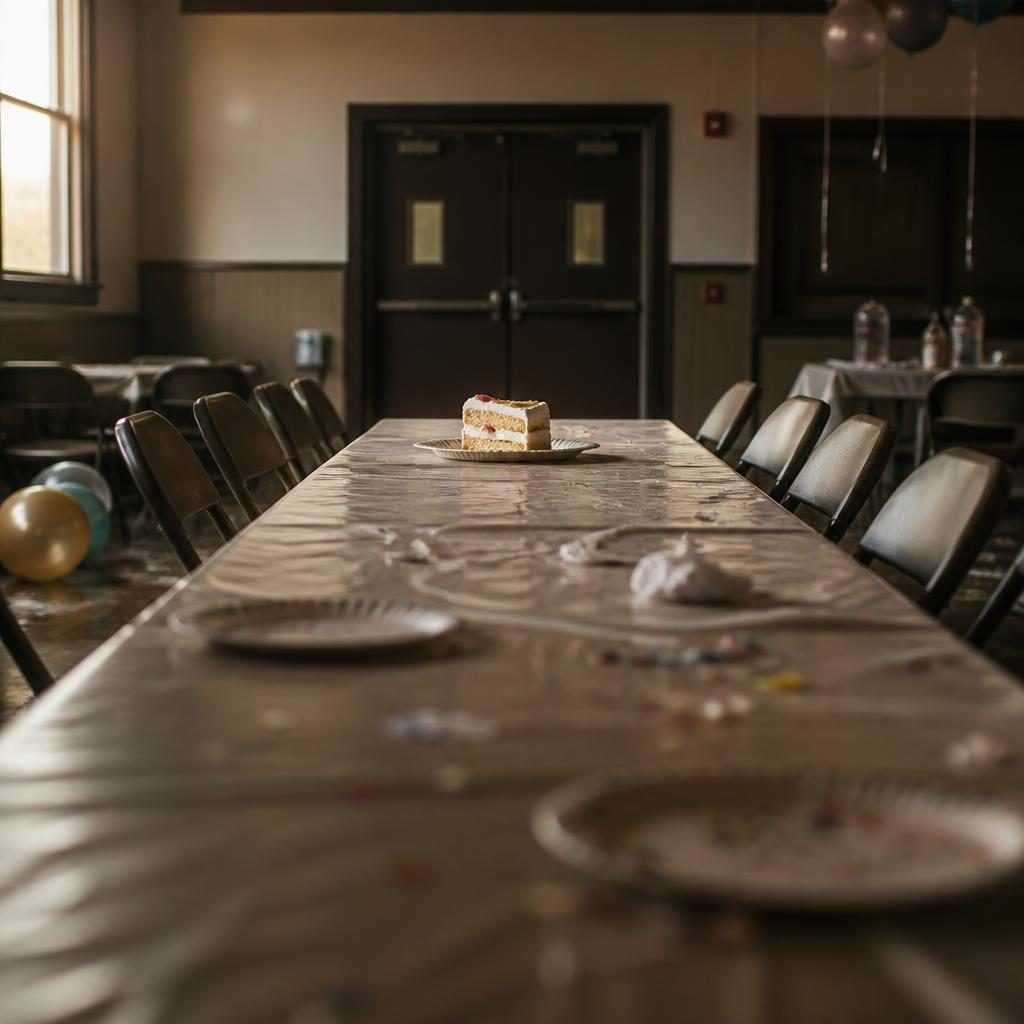
Aftermath of a party
A photo of a single cake slice on a table after a birthday. The camera backs away to show the whole room: balloons on the floor, chairs pushed out, streamers. Lifestyle creators use the widening frame in 9:16 as a quiet closing beat before the caption.
FAQ
Common questions
What is a dolly out?+
It is a camera movement in which the entire camera travels backward away from the subject, usually on a track or wheeled dolly, while the lens focal length and direction stay the same. As the distance grows the subject shrinks and more of the setting appears. Directors use the move for endings, isolation and context.
How does LazyKiwi create a pull out shot from one photo?+
LazyKiwi generates the pull out shot as image-to-video from a single uploaded still. The engine uses your photo as the first frame, keeps the camera direction and height fixed, and moves the viewpoint backward in a straight line. Foreground elements pass outward, the subject scales down, more environment enters, and the clip settles on a wide shot.
Backward dolly vs the Zoom Out template: which should I use?+
Use this template when the photo has depth and you want the camera to feel like it walked away: foreground objects sliding past, perspective changing, a real sense of retreat. Use the Zoom Out template when the image is flat or you want the picture to widen without camera travel.
What photo works best for a pull out shot?+
A photo with clear depth cues works best: a path or floor leading toward the subject, furniture or people at different distances, walls that recede. Those layers give the engine parallax to render as the camera backs off. A subject against a flat wall produces a move that reads more like a zoom than a dolly.
How long is the clip and where does a backward dolly fit?+
The generated clip is short and either vertical or landscape. Landscape 16:9 is the natural home for the ending shots of short films, music videos and YouTube documentaries. Vertical 9:16 suits closing beats in Reels and TikTok, where the widened final frame carries the caption.
Can I use this move as the last shot before credits?+
Yes. The clip ends on a stable wide frame, which is the classic place to fade to black or bring in a title. In CapCut or Premiere Pro, extend the final frame with a freeze if you need extra time, and start the credit text once the subject has reached its smallest size.
Other names for Dolly Out
Crews say pull out shot or pull back; scripts write track out or truck out; textbooks use reverse dolly; social creators search for a dolly effect, a dolly from a photo and backward camera movement. Software-specific queries such as dolly effect in CapCut or camera pull back in Premiere Pro describe hand-built approximations of the parallax this template generates from one still.
Back the camera away from any photo
One still in, choose the pull-back, generate. Sign up and start with free credits.