
Make Your Chameleon Color-Shift Video
Put your sunglasses in a reflective studio scene while a lifelike chameleon changes color and creeps across the driftwood behind them.
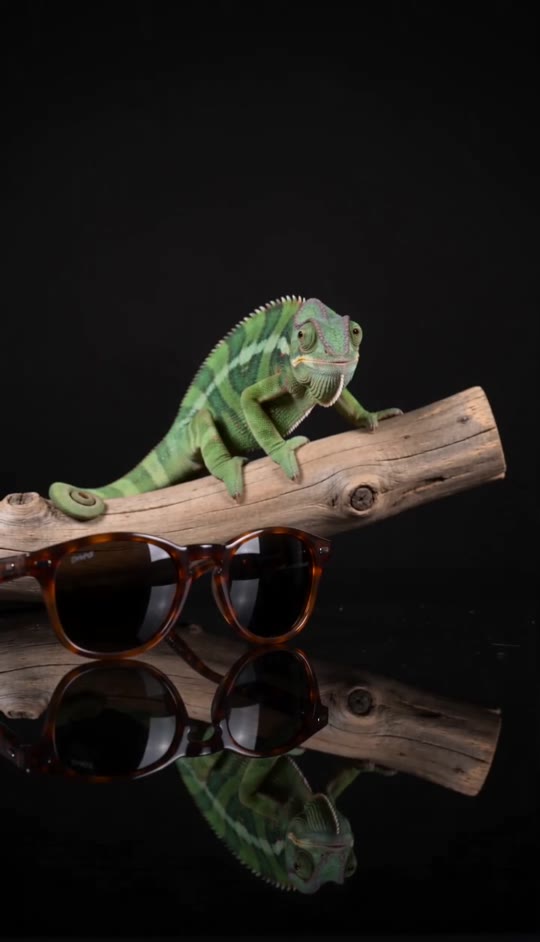
Chameleon Video Template
Upload a clear photo of brown-framed sunglasses with the full frame visible. A simple background works best.
THE TREND
What is the chameleon trend?
A still product becomes the anchor for a small, vivid transformation: the animal moves and changes color while the camera and sunglasses stay put.
Your sunglasses up front
The uploaded brown-framed sunglasses sit still in the left foreground.
A gradual color shift
The chameleon’s green skin develops mottled brown and orange tones.
A slow crawl
It turns right, places each front foot on the driftwood and keeps its tail curled.
A reflective studio look
Soft light, a black backdrop and a glossy surface give the scene its product-shot feel.
EXAMPLES
See the chameleon effect in action
Both examples use the same fixed scene and color-shifting crawl; the uploaded sunglasses give each video its own foreground detail.
Rounded brown frames
Rounded sunglasses stay in the foreground as the chameleon changes color behind them.
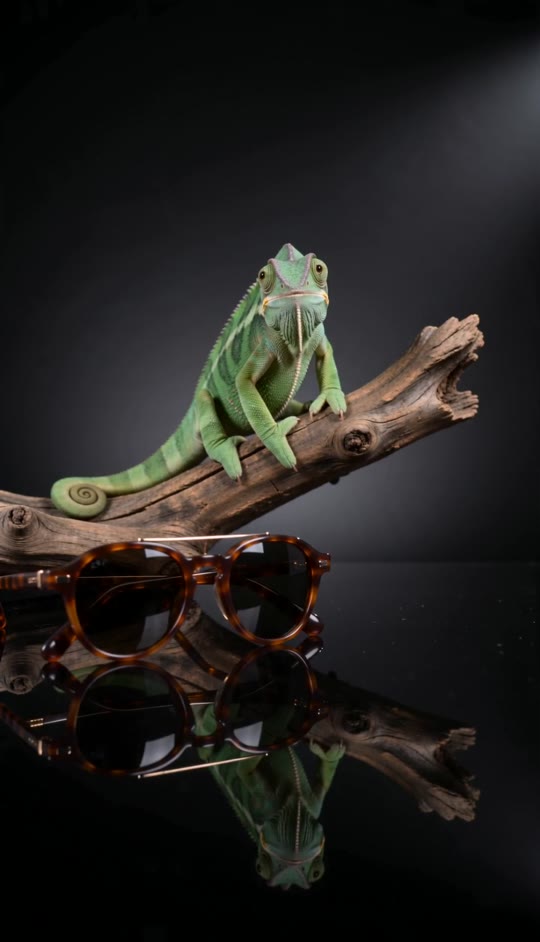
Angular brown frames
A sharper frame silhouette gives the same reflective studio scene a different product focus.
FAQ
Chameleon FAQ
What is the chameleon video effect?+
It is a product-style video with sunglasses in front of a chameleon that slowly crawls across driftwood while changing from green to mottled brown and orange.
What photo should I upload?+
Use a clear photo of one pair of brown-framed sunglasses. Keep the entire frame and both lenses visible.
Will the sunglasses move?+
No. The template keeps them stationary in the foreground while the chameleon moves behind them.
Does my photo need a chameleon in it?+
No. The chameleon, driftwood and studio setting are generated around the sunglasses photo.
How does the color change happen?+
Brown and orange tones spread gradually across the chameleon as it turns and crawls right.
Does the camera move?+
No. The shot holds one medium-wide composition without a cut or zoom.
Can I use a selfie instead?+
This template is designed for a sunglasses product photo, not a portrait. A selfie will not match the intended scene.
Does the video have sound?+
Yes. It includes generated studio ambience and subtle movement sounds, not an original song.
Can I change the sunglasses style?+
You can upload a different pair of brown-framed sunglasses. A clear product photo gives the effect the best chance of preserving its shape and lens details.
Other names for the chameleon effect
You may also see this product-video look described as:
Let the chameleon steal the scene.
Your sunglasses stay in focus while the color shift unfolds behind them.


