Burning Bridges AI Video Generator
Upload one photo and become the lead of the viral party scene, with the chandeliers, the cheering crew and every signature move already written in.
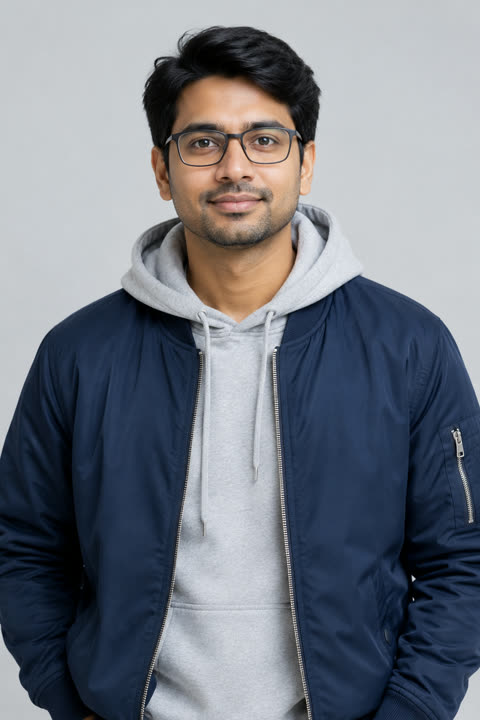
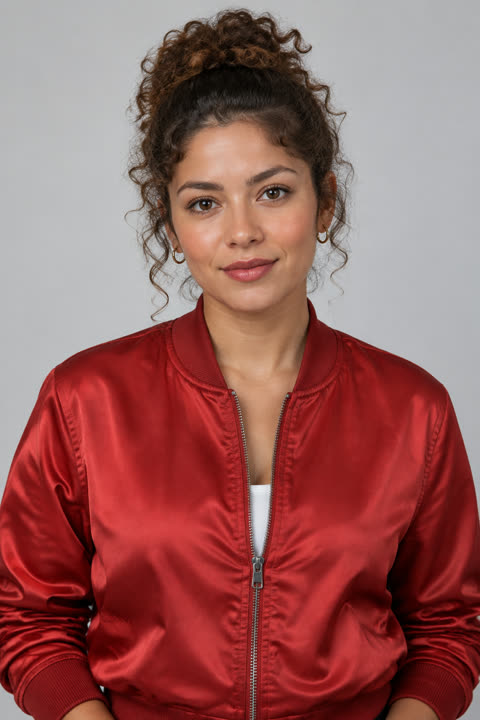
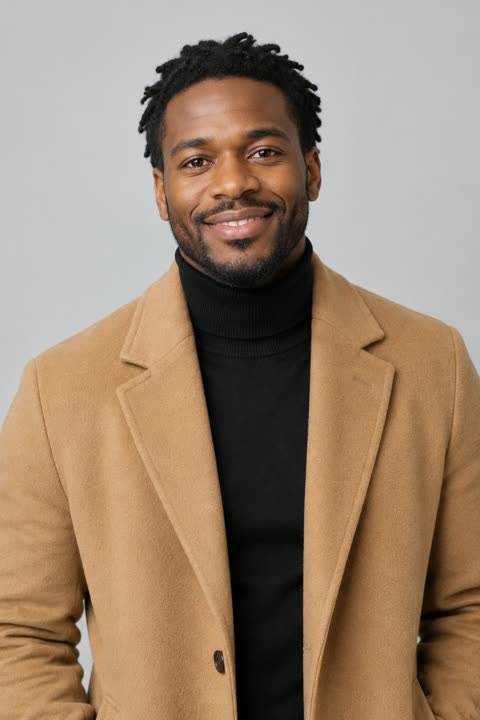
THE TREND
What is the Burning Bridges AI trend?
Creators put themselves in place of the lead in the party scene from Drake's "Burning Bridges" video. Everyone recognises it from four details, so those are the parts to get right.
- A chandelier-lit private room
- Night, dark wood walls, crystal chandeliers glowing gold, long tables with white cloths and warm amber light.
- A crew packed around you
- Eight to ten friends in streetwear and caps, shoulder to shoulder, raising silver cups and pointing at the lead.
- Finger guns, collar, chin up
- The lead points at the lens with a cup in the other hand, then rests a hand on the collar and mouths every word.
- The hand-over-eyes scan and the wave
- A flat hand above the eyes, scanning the room as if looking for someone, then a wave to the camera as everyone cheers.
The Burning Bridges AI video, beat by beat
Every version that gets recognised hits the same beats in the same order. The samples above follow them.
- 01
Open on the room
Night, dark wood, crystal chandeliers glowing gold, long tables with white cloths. The camera finds the lead in the middle of the crowd.
- 02
Finger guns at the lens
The lead points straight at the camera with a cup in the other hand while the crew raises silver cups behind.
- 03
Collar, chin up, every word
A hand on the collar, chin up, mouthing along, as the friends lean in and point at the lead.
- 04
The scan and the wave
A flat hand above the eyes, scanning the room as if looking for someone, then a wave to the camera as everyone cheers.
How to make a Burning Bridges AI video
Three steps and no editing. The one-click Burning Bridges template is on its way to the workbench; until then, Image to Video does it from one photo and one line.
- 1
Upload one clear photo
Open Image to Video and upload a front-facing photo of yourself, waist-up or closer, with your face well lit.
- 2
Describe the party in one line
For example: "leading a crowded party in a chandelier-lit room, friends cheering, finger guns at the camera, then a hand over the eyes scanning the room".
- 3
Generate and add the sound
Generate in vertical 9:16, download, then add the song from the TikTok or Instagram sound library when you post.
Which photo works best for a Burning Bridges AI video?
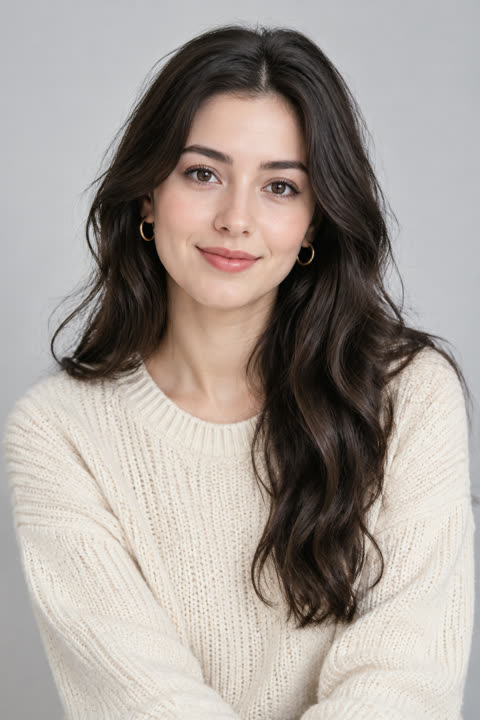
The photo decides how much the lead looks like you. These four rules matter most.
One person, facing you
A single face looking at the camera. Group shots make it harder to keep your likeness.
Waist-up or closer
The lead fills the middle of the frame, so a close shot keeps the face sharp.
Even light, no filters
Daylight or soft indoor light. Beauty filters and sunglasses blur the likeness.
Your own photo
Use yourself or someone who agreed to it — never a public figure or a stranger.
Burning Bridges AI video ideas
The format is the joke, so it works with almost anyone in the lead.
You as the lead
The classic: your own selfie in the middle of the party.
The group chat
Make one for each friend and post them as a carousel.
Your pet
A clear, front-facing pet photo turns the lead into a dog or cat leading the crew.
Your mascot
Brands and creators drop in a mascot or illustrated character they own.
FAQ
Burning Bridges AI video FAQ
What is the Burning Bridges AI trend?+
A TikTok and Reels trend in which people replace the lead of the party scene in Drake's "Burning Bridges" video with themselves, a friend or a pet. It took off in September 2026 and was still spreading in October.
How do I make a Burning Bridges AI video?+
Upload one photo to Image to Video, describe the party in one line — chandelier room, cheering crew, finger guns, the hand-over-eyes scan — and generate in 9:16. The one-click template is coming to the workbench.
Is the Burning Bridges AI video free?+
You can start free: new accounts get free credits, and the cost of each video is shown on the Generate button before you confirm.
Does the video use the actual song or the real music video?+
No. The clip is generated from scratch with its own original sound, and nothing from the real video is used. Add the song from the TikTok or Instagram sound library when you post.
Which photo works best?+
One person, facing the camera, face clearly lit, waist-up or closer. Sunglasses, heavy filters and group photos make it harder to keep your likeness.
How long is the video and what size is it?+
Our samples are 10-second vertical 9:16 clips, the shape TikTok, Reels and Shorts expect. Image to Video lets you pick the length and ratio before you generate.
Can I put my friends in the crowd too?+
The crowd is generated, so it will not look like specific people. To swap a real person into an existing clip you filmed, use Character Swap.
Can I use a photo of a celebrity or someone else?+
Only use photos of yourself or of people who agreed to it. Do not use photos of public figures or strangers.
Are there similar trend templates?+
Yes. The Hotel Lobby AI video puts two people in an orange music booth, the Bulin 47 AI video drops you into a street freestyle, and AI Hug turns two photos into a hug.
Other names for the Burning Bridges AI trend
The same format is searched under several names.
One photo. One party.
The room, the crew and the moves are already written.