
Make Your Own ASMR Add-On Video
Turn your photo into a warm, understated product moment: hold a fruit-drink carton beneath your chin, then bring it beside your smile as soft ASMR sounds play.
ASMR Add-On Template
Upload one clear photo of the person you want in the video. A well-lit portrait with a visible face and outfit works best.
THE TREND
What is the ASMR Add-On trend?
It turns a simple portrait into a quiet, close-up product showcase, with small gestures and tactile audio doing the work.
Warm portrait setting
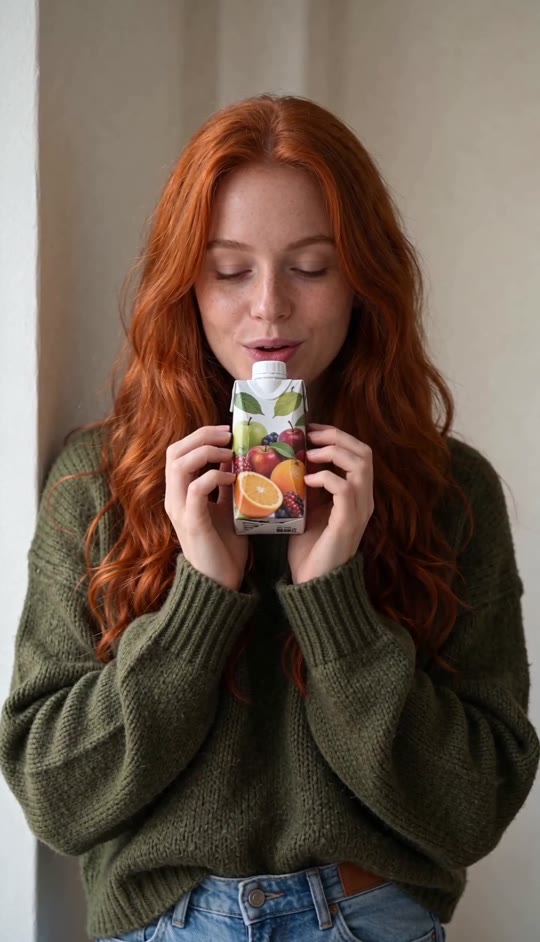
One person stays centered against a plain cream wall in soft, natural-looking light.
Fruit carton close-up
A small carton sits beneath the chin with colorful fruit illustrations facing the camera.
Subtle performance
Quiet lip movement, brief downward glances, and a gentle smile keep the moment personal.
The final reveal
The carton moves beside the face, leaving the smile clear while the product stays in view.
EXAMPLES
See the ASMR Add-On look
Two different people show how the same restrained product moment works with different faces, hair, and outfits.
Copper Curls, Warm Close-Up
A cheerful red-haired woman brings the fruit carton beside her face and finishes with a soft smile.
Soft Smile, Simple Backdrop
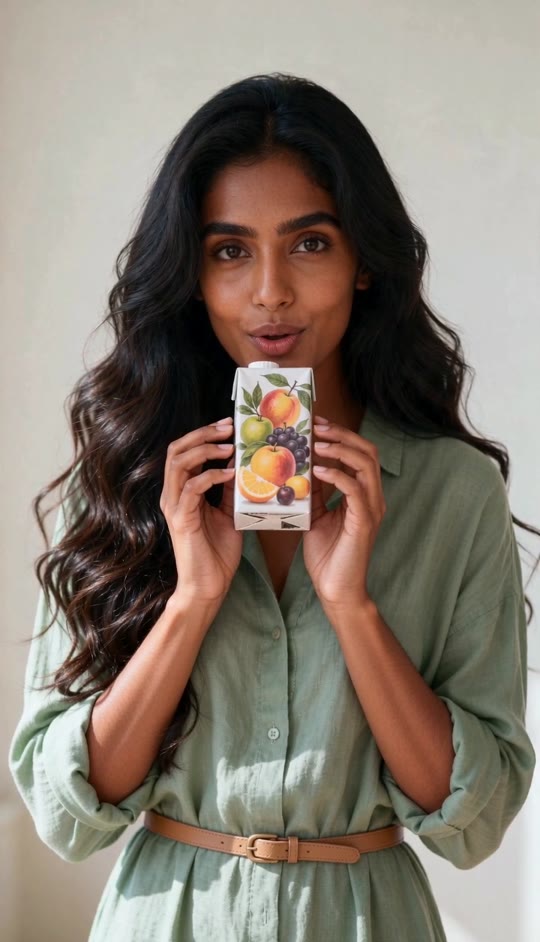
A dark-haired woman presents the carton in the same steady close-up, with gentle hand sounds and an understated finish.
FAQ
ASMR Add-On FAQ
What is the ASMR Add-On trend?+
It is a short product-showcase format built around a still camera, small hand movements, soft tactile sounds, and a gentle final smile.
How do I make an ASMR Add-On video?+
Upload one clear portrait and generate. The template supplies the cream-wall setting, fruit carton, hand movements, and audio.
Do I need to hold a carton in my photo?+
No. Upload a portrait of the person; the carton is part of the generated scene.
Can I choose a different product?+
This template is designed around a small fruit-drink carton. It does not promise to reproduce a different product or its packaging.
Will my outfit stay the same?+
The template directs the video to preserve the face, hair, skin tone, and clothing shown in your uploaded photo.
Does the person speak?+
The person makes subtle speaking-like lip movements, but the template does not supply spoken dialogue.
What audio does the video have?+
It has generated, soft ASMR-style handling sounds rather than an original song.
What kind of photo works best?+
Choose a well-lit portrait with one clearly visible face and enough of the outfit in frame to establish the look.
Can I use someone else’s photo?+
Use a photo you have permission to use, especially when it shows another person.
Other names for the ASMR Add-On look
These searches describe the same soft, close-up product-video style.
Make the quiet product moment yours.
Add one portrait; the setting, carton movement, and soft audio are built in.


