
AI Christmas Photo
This AI christmas photo template rebuilds one uploaded portrait inside a Christmas scene: a lit tree behind the shoulder, fairy lights thrown out of focus, cold snow light at the window. Face, hairstyle and skin tone carry over from the upload. Set the ratio and the resolution before you generate.
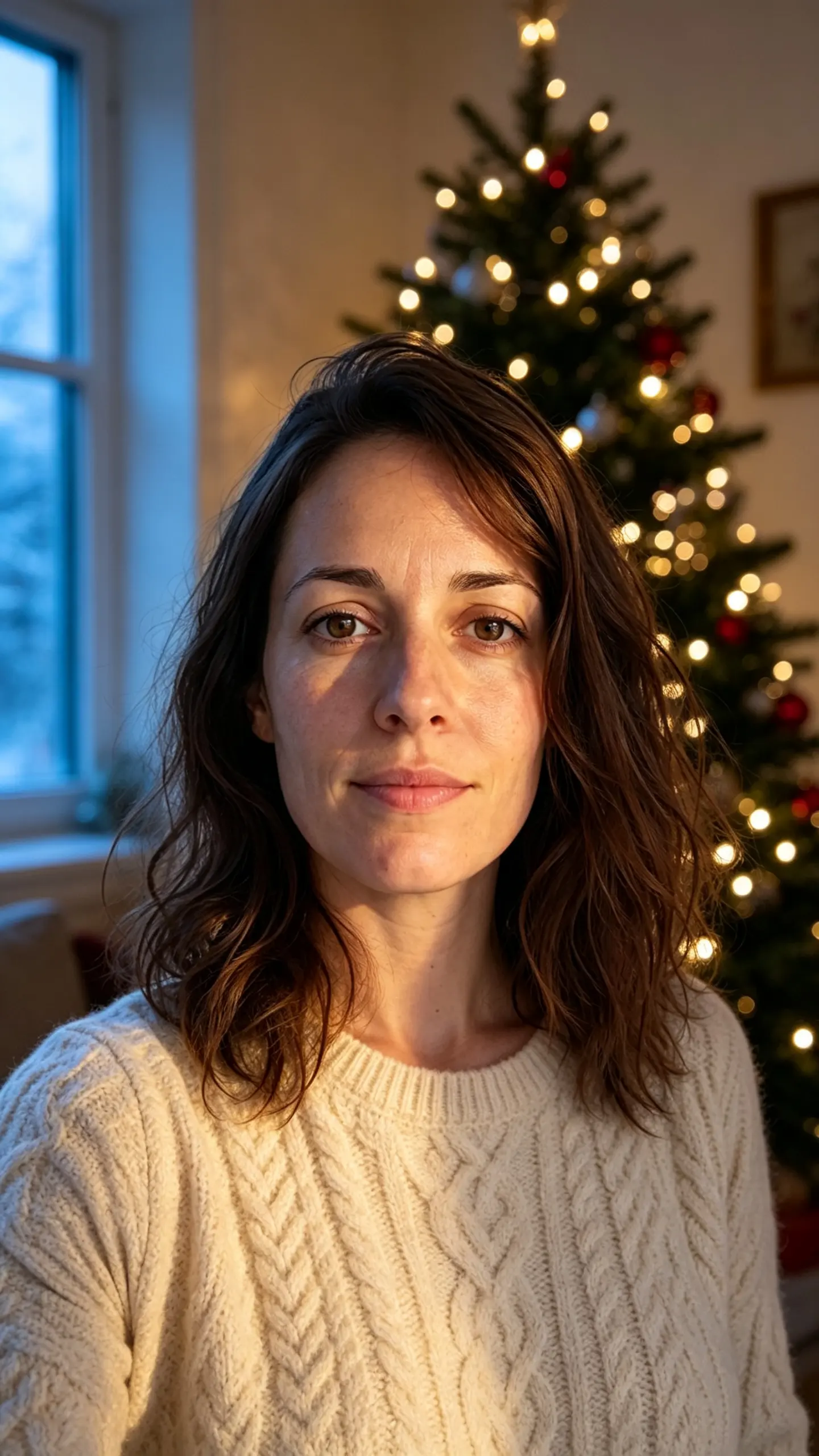
AI Christmas Photo Template
Upload one well-lit photo from the chest up with the whole face visible. The face, hairstyle and build in that photo are the ones that appear in the Christmas scene.

WHAT IT IS
A Christmas photo generator that keeps the face you uploaded
AI Christmas Photo takes one portrait and rebuilds it inside a Christmas interior rather than pasting a festive frame around it. The scene is written as a two-source lighting problem: warm tree light on one side of the face, cold window light on the other, with the fairy lights thrown far enough out of focus to read as bokeh instead of dots. This exists as a template because most people making Christmas photos with an assistant right now are doing it by hand, rewriting a paragraph of prompt text and re-uploading the reference on every turn because the face drifts between attempts. Here the scene description, the light rig and the identity lock are already written, so what you supply is the portrait, the ratio and the resolution. Output runs at 1K, 2K or 4K depending on the model you pick in the image generator, and 4K at 3:4 is roughly 3072 x 4096 pixels, which is about an 8 x 10 inch print at 300 dpi rather than a screen-only file.
- The face comes from the upload
- Identity, hairstyle, skin tone and approximate age are read from your photo and held for the whole render. This is the part a hand-written prompt is worst at: describing a face in words gets you a plausible stranger, not you.
- A room, not a sticker frame
- The tree, the garland, the mantel and the window are generated as a real interior with depth, so the subject sits inside the scene with matching shadow direction instead of being cut out and layered over a festive background.
- Ratio and resolution chosen before you generate
- 1:1, 16:9, 9:16, 4:3 or 3:4, at 1K, 2K or 4K. Pick 3:4 and 4K if the file is going to a card printer, 9:16 at 2K if it is going straight to a story. Files download as PNG, JPG or WebP depending on the model.
- One or two people is the sweet spot
- Single portraits and couples hold up. Four or five faces in one frame is where likeness starts to slip, and hand-written words on baubles, banners or gift tags render unreliably on most models. Crop tighter and let the tree do the talking.
USE CASES
What people generate a Christmas photo for
Three deadlines that arrive at the same time every December, and how one portrait covers all of them.

The card that has to be posted
Printed cards need a file weeks before anyone opens them, and nobody has time for a studio sitting. One portrait at 3:4 and 4K gives the printer enough pixels for a standard card size with room to crop.
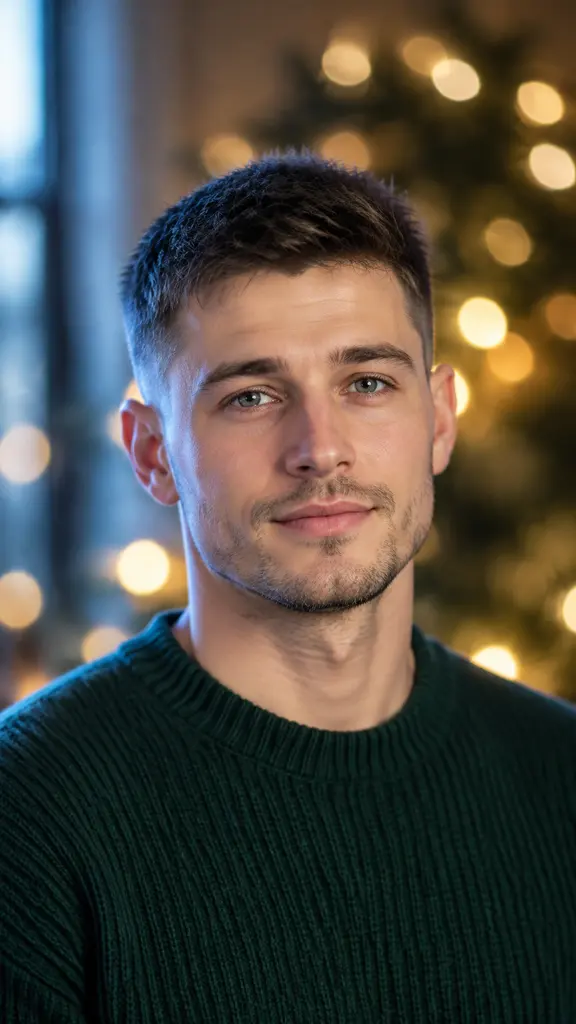
A profile photo for the last three weeks of the year
A seasonal avatar that still looks like you, rather than a hat filter stuck on last year's headshot. Generate at 1:1 so it survives the circular crop every platform applies.

A December post for a one-person brand
A seasonal image for a shop or a newsletter without hiring a photographer for a single post. Keep props unbranded and generic so the frame stays yours to use commercially.
FAQ
Common questions
What is an AI Christmas photo generator?+
An AI Christmas photo generator is an image-to-image tool that places a person from an uploaded photo into a generated festive scene, keeping their face while replacing the room, the wardrobe and the lighting. AI Christmas Photo is one such preset: a warm-and-cold two-source living room with a lit tree, rendered at the ratio and resolution you choose.
How do I make a Christmas photo with my own face?+
Upload one chest-up photo where the whole face is visible and lit fairly evenly, choose a ratio and a resolution, and generate. No prompt writing is needed because the scene and the identity lock are already part of the template. Photos taken in hard overhead light, in heavy shade, or with sunglasses or a mask give the engine less of a face to carry across, and the likeness suffers accordingly.
Can I use this instead of ChatGPT Christmas photo prompts?+
Yes, and the difference is where the effort goes. A prompt-driven route means writing several paragraphs, re-attaching the reference photo on every attempt, and accepting whatever resolution comes back; general assistants also decline or soften portrait edits fairly often. Here the scene is fixed, the face is carried from the upload rather than described in words, and you set 1K, 2K or 4K yourself. LazyKiwi is not affiliated with OpenAI or ChatGPT.
Is the resolution high enough to print a Christmas card?+
At 4K and 3:4 the file is around 3072 x 4096 pixels, which is roughly an 8 x 10 inch print at 300 dpi. At 2K the same ratio is closer to a 5 x 7. Not every model reaches 4K, so check the model page before you generate if the file is going to a printer, and run the result through the AI photo upscaler if you need more headroom for a large format.
Can I put my whole family in one AI Christmas photo?+
One or two people works reliably; beyond that, faces start to lose likeness and hands get unpredictable. For a family card, the practical route is to generate each person or couple separately in the same scene settings and assemble them in a layout, rather than asking for five recognizable faces in a single pass.
Is the AI Christmas photo generator free?+
Every new account starts on the Free plan with 40 credits a month, which is enough to try the template. Each generation spends a set number of credits that varies by model, and the total is shown before you run it. Current allowances are on the pricing page.
Other names for AI Christmas Photo
People look for this in three different vocabularies. Tool words: AI christmas photo generator, christmas photo AI, AI christmas card generator. Occasion words: christmas portrait, holiday photoshoot, festive family photo. And a large group arrives having tried to do it by hand with an assistant, searching for chatgpt christmas photo prompts or chat gpt christmas photo. All three land on the same job: one portrait in, a festive scene out, with the face intact. If you want the paper-print look instead of a lit interior, the polaroid family photo template covers that.
Make this year's Christmas photo from a portrait you already have
Upload one photo, pick 3:4 and 4K, and get a file the card printer will accept. New accounts start with free credits.


