
Turn Your Photo Into A 3D Render Reveal
Transform one photo into a fashion-pose video that sweeps through a gray 3D-style viewport before revealing the same pose outdoors.
3D Render Template
Upload one clear, full-body photo of one person. Front-facing photos with visible shoes work best.
THE TREND
What is the 3D render trend?
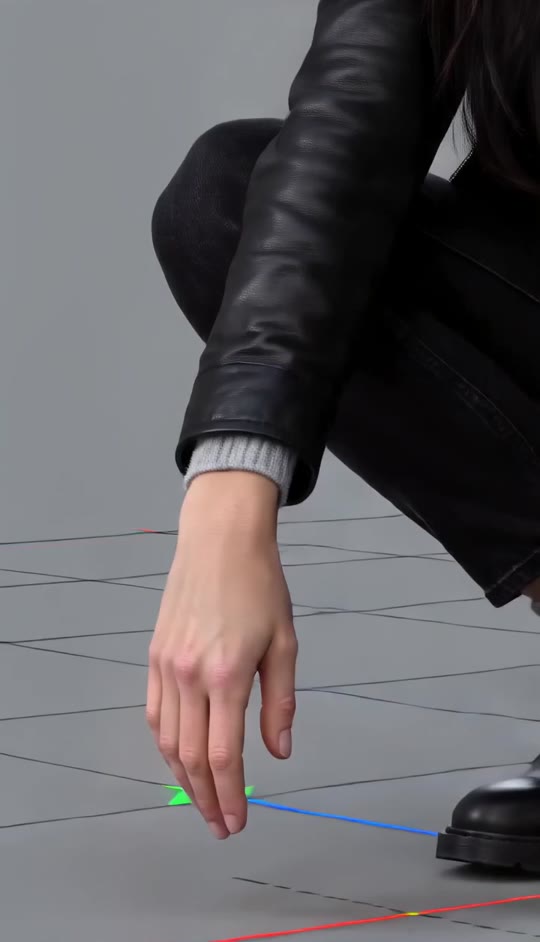
A fashion pose is presented like a 3D scene preview: brisk close-up passes and an orbit show the details before a final cut reveals the same pose outdoors.
A compact crouch
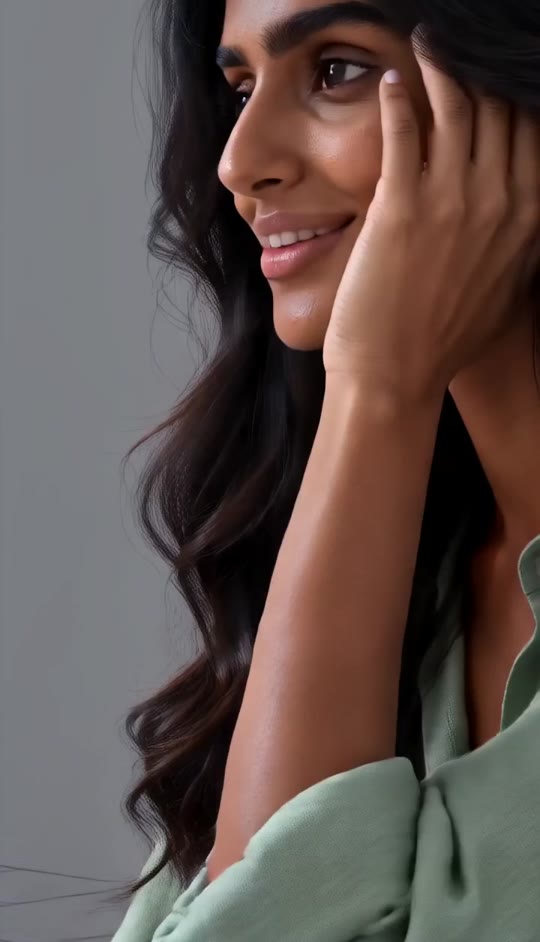
The subject holds a knees-raised crouch, shoes together, with one hand resting against the temple.
A gray scene preview
A neutral modeling-viewport look, perspective grid, and axis guides frame the pose.
Fast detail passes
The camera moves from the face to the lowered hand and shoes, then across the knees and bag.
An outdoor reveal
The viewport cuts to a natural outdoor setting with a closed metal shutter, keeping the pose and framing.
EXAMPLES
See the 3D render effect
One photo becomes a held fashion pose, viewed first like a 3D scene and then in an outdoor setting.
Dark hair, silver bag
A close detail sweep and side orbit lead back to a centered crouch before the shutter reveal.
A front-view reveal
The camera returns to the subject’s pose as the gray grid scene cuts to a muted outdoor backdrop.
FAQ
3D Render FAQ
What is the 3D render trend?+
It presents a fashion pose like a 3D scene preview, with brisk camera moves around the subject and a final cut to an outdoor shutter backdrop.
How do I make a 3D render video?+
Upload one clear photo of one person and generate. The template supplies the crouched pose, camera sequence, grid scene, and outdoor reveal.
How many photos do I need?+
One photo is used to create the video.
What kind of photo works best?+
A well-lit, full-body photo with the face, outfit, and footwear visible gives the effect more to work with.
Will the video keep my face and outfit?+
The template asks the video to preserve the person’s face, hairstyle, skin tone, and clothing from the uploaded photo.
Does the person move a lot?+
No. The person mostly holds a compact crouch while the camera moves briskly through close-ups and an orbit.
What happens at the end?+
The gray grid viewport cuts to a natural outdoor scene in front of a closed corrugated metal shutter, with the pose and front framing matched.
Does it use an original song?+
No original song is included. The generated video may include generated audio.
Can I use someone else’s photo?+
Use a photo only with that person’s permission.
Other ways to search for the 3D render trend
Related search phrases for this camera-orbit fashion effect.
One photo, a full 3D render reveal
The crouched pose, camera orbit, and outdoor cut are built in.


