
AI YouTube Thumbnail Tools for Creators: A Guide
Learn how to choose AI thumbnail tools, write better prompts, build readable designs, and test concepts that match your videos.
 Priya Sharma 6 min read
AI YouTube thumbnail tools for creators are most useful when they help you generate strong visual concepts, refine a clear subject, and build a composition that reads at a glance. Choose tools based on your workflow: generating images, editing existing photos, or assembling the final thumbnail with text. This guide explains what to look for, how to prompt effectively, and how to compare finished designs without assuming AI alone will improve clicks.
What Should an AI Thumbnail Tool Actually Help You Do?
A useful AI thumbnail tool should help you communicate one compelling reason to watch, not simply produce an attractive image. Your thumbnail needs a recognizable subject, a clear visual hierarchy, and a connection to the video's actual payoff. Start with that communication problem before comparing generation features.
For example, a video about restoring an old desk needs more than a polished furniture image. A damaged surface beside a restored section tells a specific story. The creative task is deciding what viewers should notice first and what question that image should leave unanswered.
- Concept generation: Explore different ways to visualize the same video promise.
- Subject creation or refinement: Make the main person, object, or scene easier to recognize.
- Composition: Leave deliberate space for a headline or supporting element.
- Iteration: Change a background, angle, or focal point without losing the core idea.
- Finishing: Check readability, image quality, and consistency with your channel.
The AI thumbnail maker is a relevant starting point on LazyKiwi. Evaluate any tool against a real upcoming video rather than a generic demonstration image; a visually impressive sample may not solve your particular thumbnail problem.
Choose Between Image Generation, Editing, and Layout
Choose an image generator when you need new visual material, an editor when you need to preserve an existing subject, and layout controls when the main challenge is readable composition. These jobs overlap, but they are not interchangeable. Decide which job is slowing you down before choosing a tool.
| Workflow | Best Fit and What to Check |
|---|---|
| Generate a new image | Useful for original scenes and concept exploration. Check whether the result follows your requested subject, framing, and empty space. |
| Edit an existing image | Useful when a real face, product, or project must remain recognizable. Check whether edits preserve important details. |
| Assemble the final layout | Useful for headlines, alignment, and recurring branding. Check whether text and placement remain easy to adjust. |
You can explore visual concepts through the AI image generator, then assess what finishing work your chosen workflow requires. Do not assume image generation includes precise typography, editable layers, or every export option you need. Verify those details before building a recurring process around them.
Before committing to a tool, try one realistic task: create two distinct concepts for your next upload, revise one detail, and prepare a readable final composition. That small trial reveals more than a long feature checklist.
Turn Your Video Idea Into a Thumbnail Brief
Write a one-sentence visual brief before generating anything. It should identify the subject, the change or tension viewers should notice, and the relationship between the thumbnail and title. A clear brief makes prompts easier to write and results easier to judge.
- 1
Define the viewer's question
State what someone wants to learn or discover. For a small-office makeover, the question might be whether an awkward corner can become a useful workspace.
- 2
Choose one visible idea
Show the cramped corner and one meaningful improvement, rather than trying to display every stage of the makeover.
- 3
Assign roles to title and image
Let the title explain the challenge while the thumbnail shows the transformation. Avoid spending both surfaces on identical information.
- 4
Specify what must remain accurate
List the real product, project details, or outcome the image needs to represent. This keeps an appealing concept connected to the actual video.
For a channel without an on-camera host, the subject might be an object, location, diagram, or process. The faceless YouTube channel template is a relevant place to explore that format. Your thumbnail still needs a focal point; removing a face does not remove the need for a clear story.
Write Prompts That Specify Composition, Not Just Style
A strong thumbnail prompt describes what appears, where it appears, and what remains visually quiet. Style words can help, but composition instructions usually give you a more useful starting point than a stack of adjectives such as dramatic, stunning, and cinematic.
Build your prompt around six elements: subject, action or state, framing, background, lighting, and space for text. When a particular object matters, describe its distinguishing features. When you plan to add a headline separately, request an uncluttered area instead of asking the generated image to contain finished lettering.
Example prompt: Wide horizontal thumbnail concept for a home-office makeover video. A small wooden desk tucked into a narrow apartment corner, positioned on the right. Show a clear contrast between a cluttered work surface and a neatly organized setup. Eye-level view, crisp object edges, simple wall background, warm desk lighting with neutral surroundings. Leave the upper-left area visually quiet for a short headline. No lettering in the image.
Treat the example as a structure, not a universal formula. For a cooking video, emphasize the finished dish and a visible texture. For a repair tutorial, emphasize the broken component. Change one major instruction at a time so you can tell which revision improved the result.
Make the Thumbnail Readable at Small Sizes
Make the main idea recognizable when the thumbnail is small, even if fine details disappear. A design that works only when enlarged is not finished. Shrink your preview and check whether the subject, contrast, and any headline still communicate the intended story.
- Prioritize one focal point. Supporting elements should explain it rather than compete with it.
- Separate subject and background through brightness, color, scale, or a cleaner surrounding area.
- Use short headline text when it adds information the image cannot communicate alone.
- Keep essential details away from crowded edges and areas likely to be covered by interface elements.
- Remove small decorations, extra arrows, and labels that do not change the viewer's understanding.
Review generated details carefully, especially hands, tools, product shapes, and anything viewers need to recognize. An image can look polished overall while getting the video's central object wrong. Also check whether an expressive face or dramatic background has accidentally become more prominent than the actual topic.
For channel consistency, repeat a few deliberate choices rather than an entire rigid layout. A familiar headline position, restrained color palette, or recurring subject treatment can create continuity. You can browse video and photo templates for visual starting points, then judge each design against the needs of the individual upload.
Compare Thumbnail Concepts Without Guessing
Compare thumbnails by the clarity of their promise first, then use audience response to evaluate performance. An attractive image is not automatically the most effective one. Before publishing, make sure each candidate represents a genuinely different visual idea rather than a minor cosmetic variation.
| Useful Concept Comparison | What It Helps You Learn |
|---|---|
| Finished result versus visible process | Whether the payoff or the method communicates the stronger reason to watch. |
| Single object versus before-and-after | Whether simplicity or contrast makes the topic easier to understand. |
| Close-up detail versus wider context | Whether viewers need to inspect the subject or understand the surrounding situation. |
Ask someone unfamiliar with the video what they think it is about before explaining your intention. Their answer can expose an unclear focal point or a misleading visual relationship. This is a comprehension check, not proof that a particular thumbnail will attract more viewers.
After publishing, interpret click-through rate alongside viewing behavior and audience context. Traffic source, topic, title, and audience familiarity can all affect results. If you change the title and thumbnail together, you cannot confidently attribute a performance change to the thumbnail alone. Keep notes on what changed and avoid turning one result into a universal rule.
Build a Repeatable Workflow Before Choosing Your Tool
The best tool for your channel is the one that supports a repeatable process with manageable revision work. Judge it by how reliably you can move from a video brief to a clear final thumbnail, not just by the most impressive image it generates.
- 1
Start with the video promise
Write the viewer's question and choose the single visual idea that answers or sharpens it.
- 2
Explore distinct concepts
Generate different compositions, then select the clearest direction before polishing details.
- 3
Finish and inspect
Add any necessary headline, check subject accuracy, and review the design at a small size.
- 4
Record the outcome
Save the brief, useful prompt instructions, and observations so the next upload starts with evidence rather than memory.
Keep the evaluation practical: how much cleanup did the image require, could you preserve the important subject, and was the final layout easy to revise? Check current pricing, usage terms, and export details directly before committing; do not assume every AI thumbnail tool offers the same workflow.
For occasional uploads, a straightforward generation-and-finishing process may be enough. For a recurring series, consistency and revision control deserve more weight. Choose around those needs, then improve the process as you learn which visual ideas your audience understands.
Key takeaways
- Choose AI thumbnail tools by the job you need done: generating imagery, editing a real subject, or assembling the final layout.
- Write a visual brief that connects one clear focal point to the video's actual promise.
- Prompt for framing, background simplicity, and headline space rather than relying on style adjectives.
- Inspect thumbnails at small sizes and check important generated details before publishing.
- Compare distinct concepts and interpret performance alongside audience context and viewing behavior.
Creator Growth Editor
Priya Sharma
I study what makes short-form content spread, then turn the pattern into something you can repeat on a Tuesday afternoon without a studio.
FAQ
Common questions
What are the best AI YouTube thumbnail tools for creators?
The best choice depends on whether you need new imagery, edits to existing photos, or precise layout controls. Test a tool with a real video brief and evaluate subject accuracy, readability, and revision effort. There is no single best option for every channel.
Can AI make a complete YouTube thumbnail?
AI can generate a thumbnail concept or much of its visual material, but the amount of finishing required varies by tool. You may still need to adjust text, positioning, and important details. Review the final composition rather than assuming the first generated image is ready.
How do I keep thumbnail text readable?
Use a short headline, clear contrast, and enough empty space around the lettering. Preview the thumbnail at a small size to check whether the words remain easy to read. When precise typography matters, add text using controls that let you adjust it directly.
Do faceless channels need different thumbnails?
Faceless channels can use objects, locations, transformations, or diagrams as their main subjects. The core requirement is the same: viewers should quickly understand the topic and see a reason to watch. A face is one possible focal point, not a requirement.
Will an AI-generated thumbnail increase my click-through rate?
AI generation alone does not guarantee better click-through rate. Performance depends on the concept, title, audience, topic, and how the video is presented. Use AI to explore ideas, then evaluate results in context.
How can I keep thumbnails consistent across my channel?
Create a small set of recurring choices for colors, headline placement, and subject treatment. Save prompt instructions that reliably produce useful compositions, but adapt the central image to each video. Consistency should help recognition without making every upload look identical.
Create Your Next Thumbnail Concept
Start with a clear video brief and explore imagery for a readable, focused thumbnail.
Keep reading
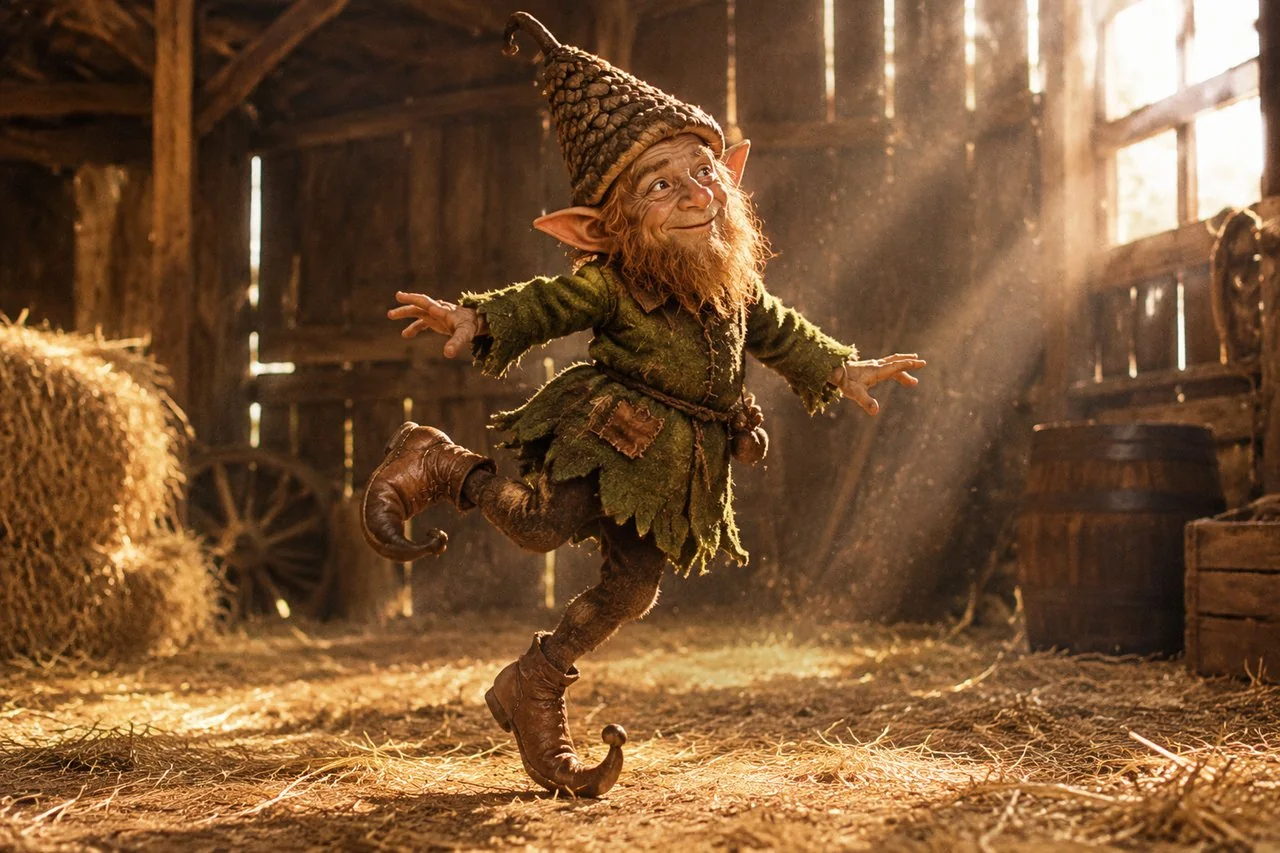
The Rumpelstiltskin Meme: Origin, Song and How to Make One
Where the tiptoeing Rumpelstiltskin meme came from, why people thought it was a 1987 film, the Riff Raff song, and how to make an original version.
7 min read
Instagram Photo Dump: How to Plan a Good One
What an Instagram photo dump is, why the unpolished format holds attention, how to sequence ten frames, and the caption structures that fit the tone.
9 min read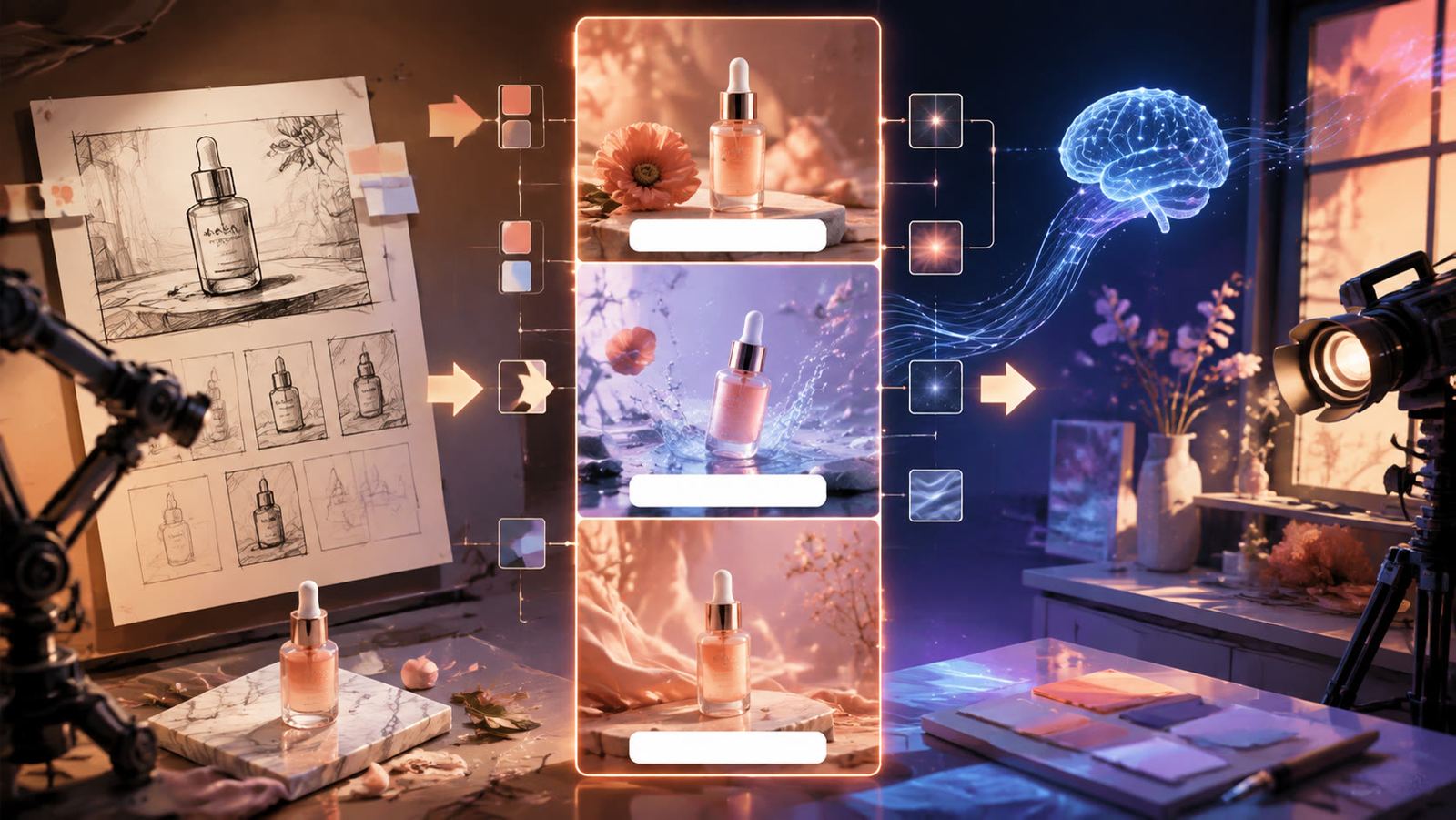
AI Reels Generator: How to Make Instagram Reels With AI
How to use an AI reels generator for Instagram: a seven-step 9:16 build, Meta's Reels specs and safe zones, verified tool prices, free options and 8 ideas.
8 min read