
Silhouette Maker: turn any photo into a silhouette
Upload a photo and get a clean, one-color silhouette of the person, pet or object, ready to cut, print or put on a shirt.
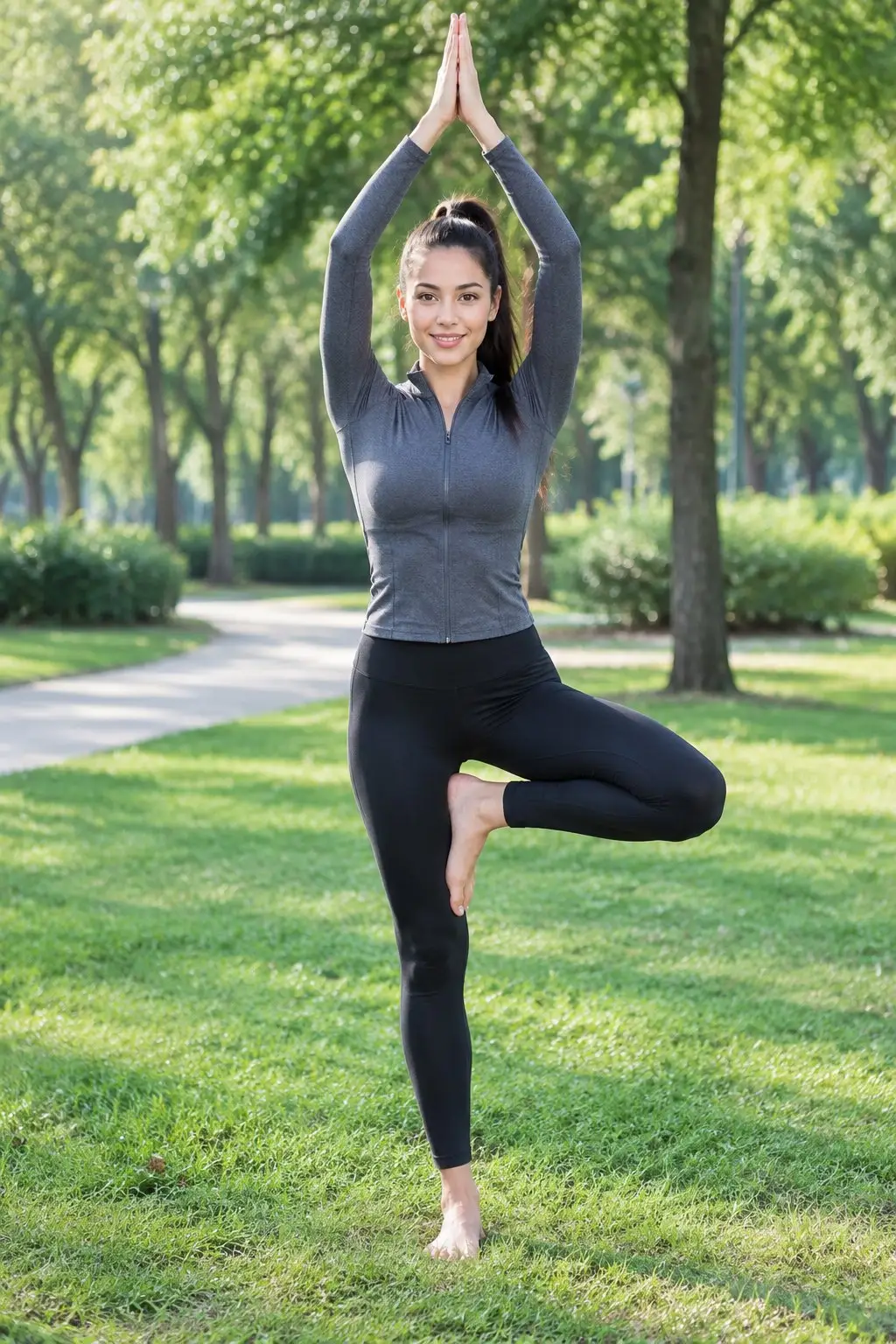
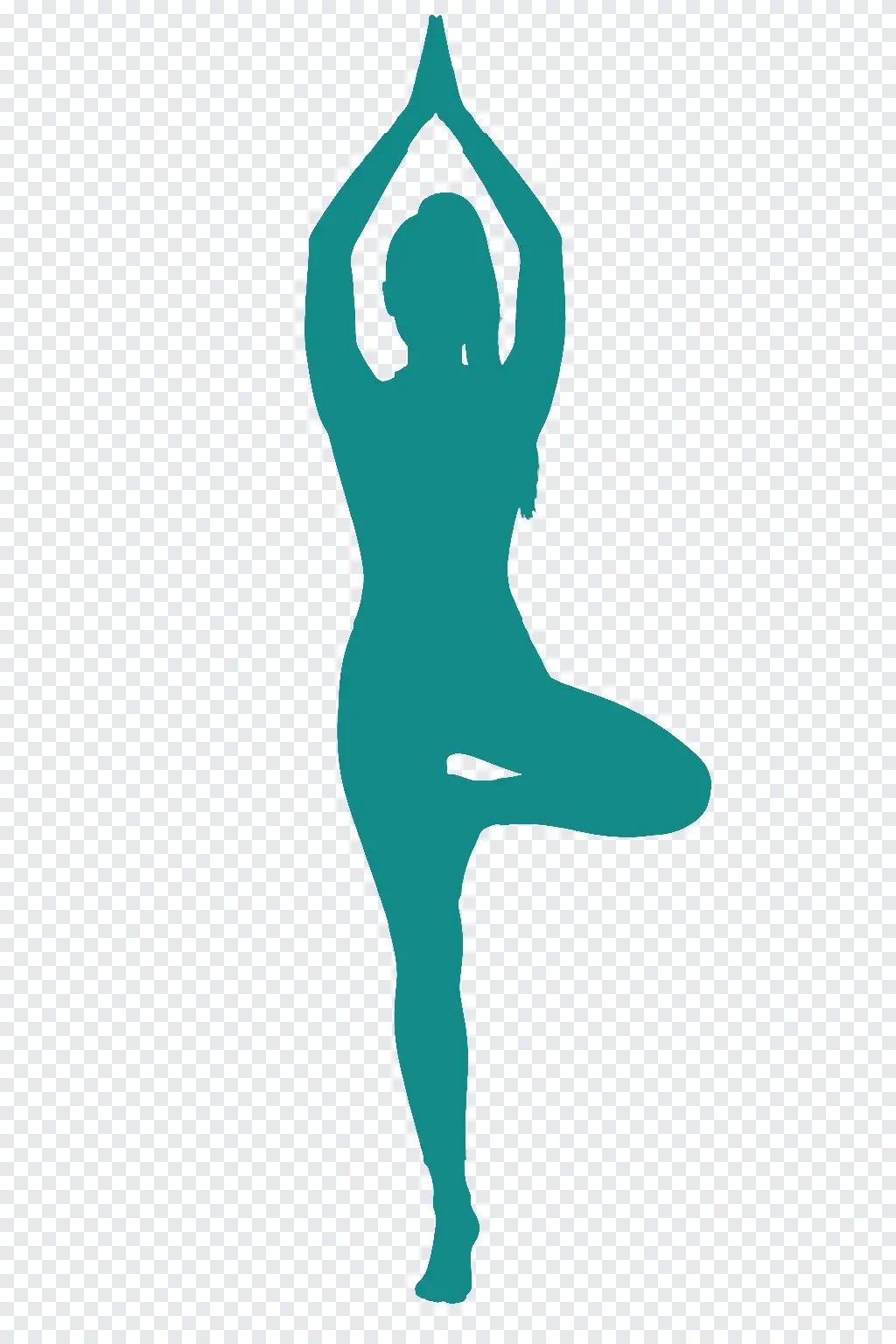

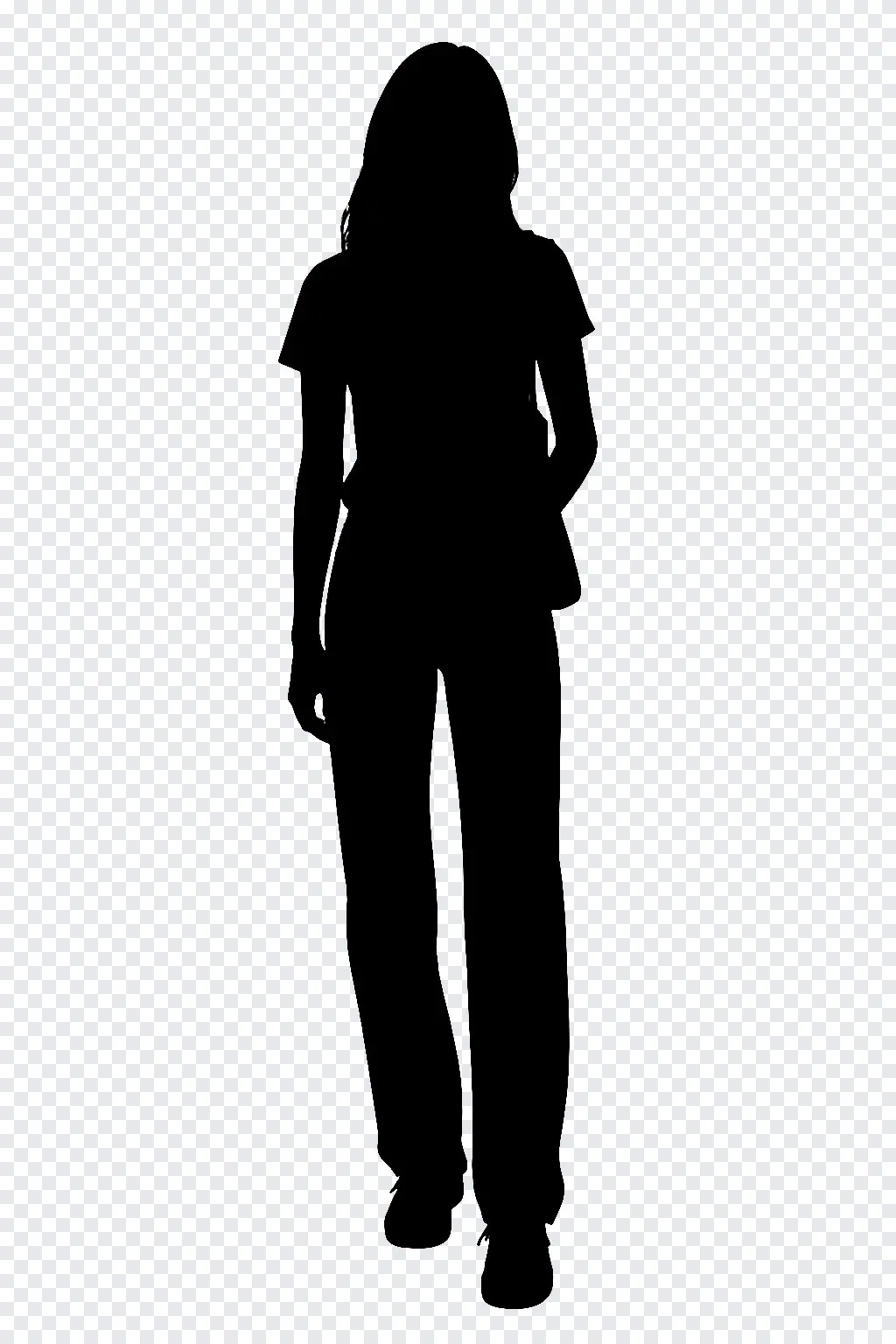

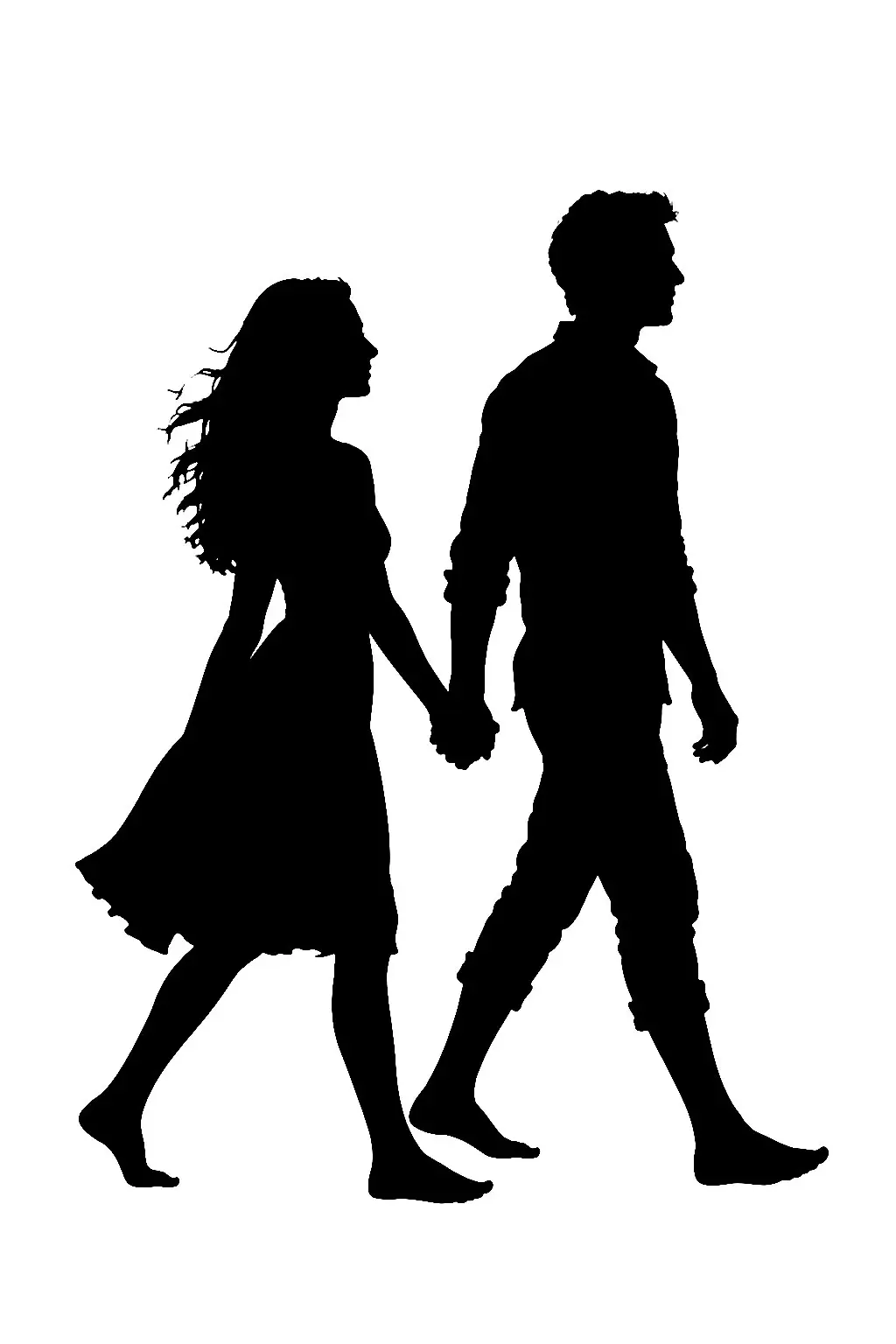
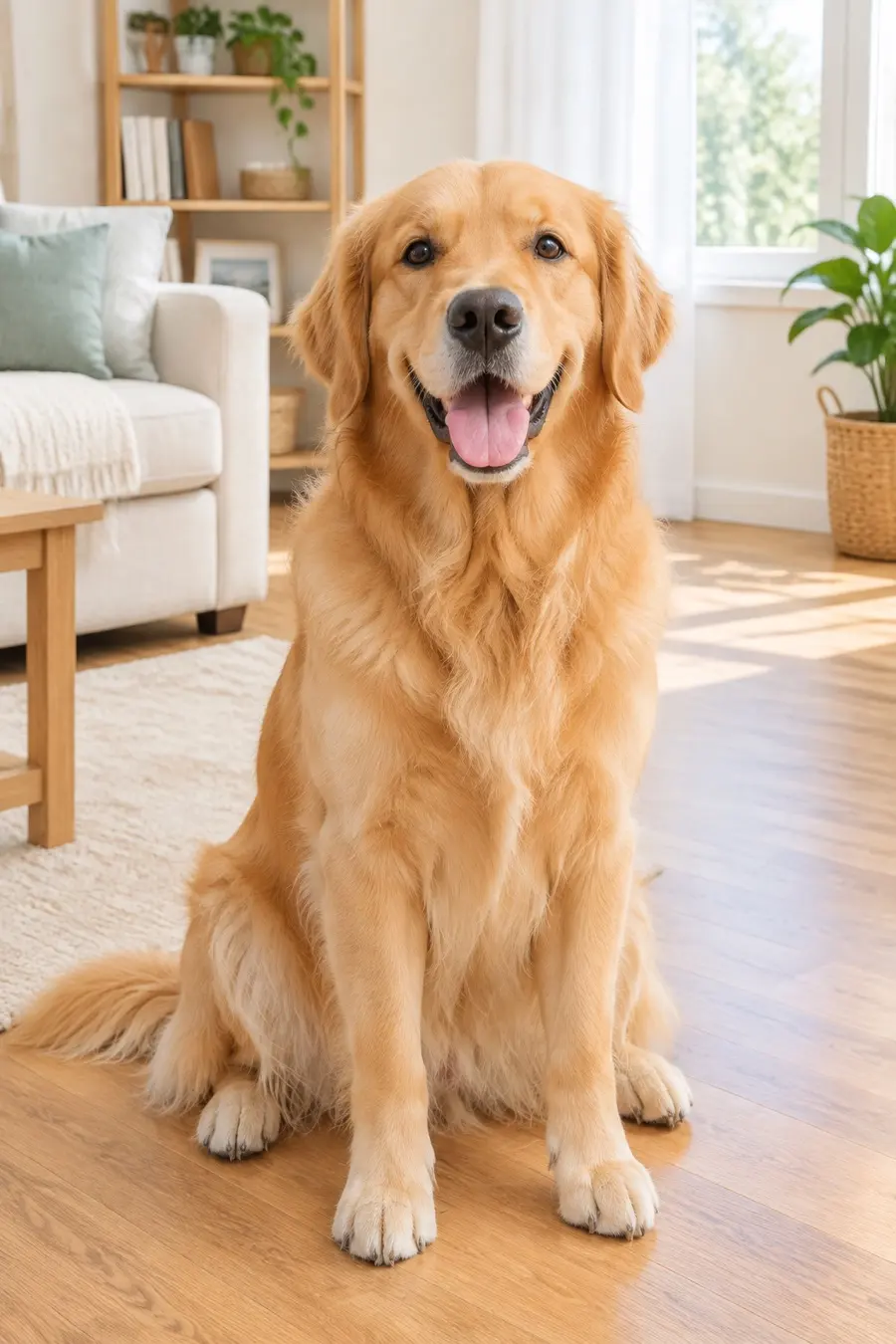
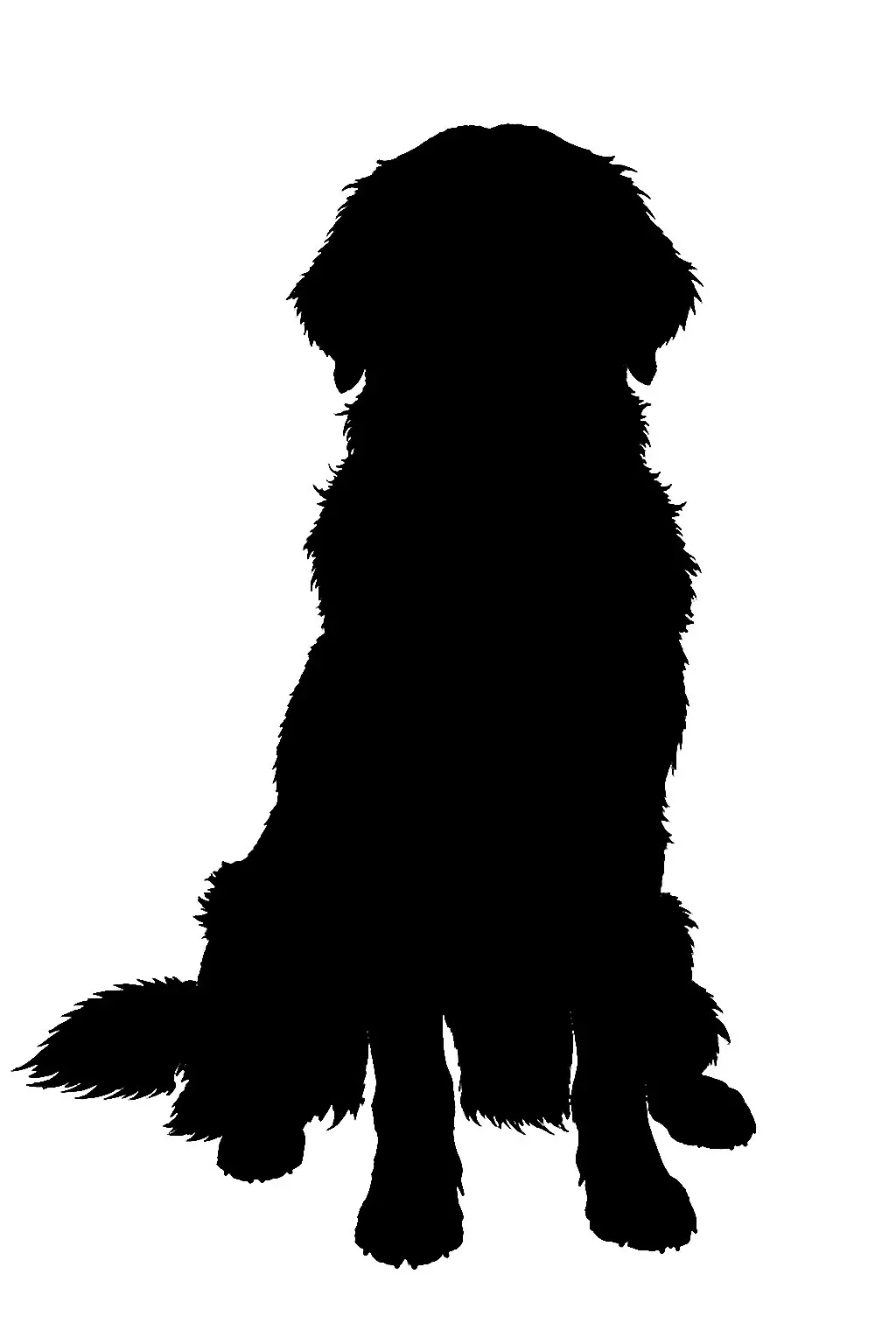
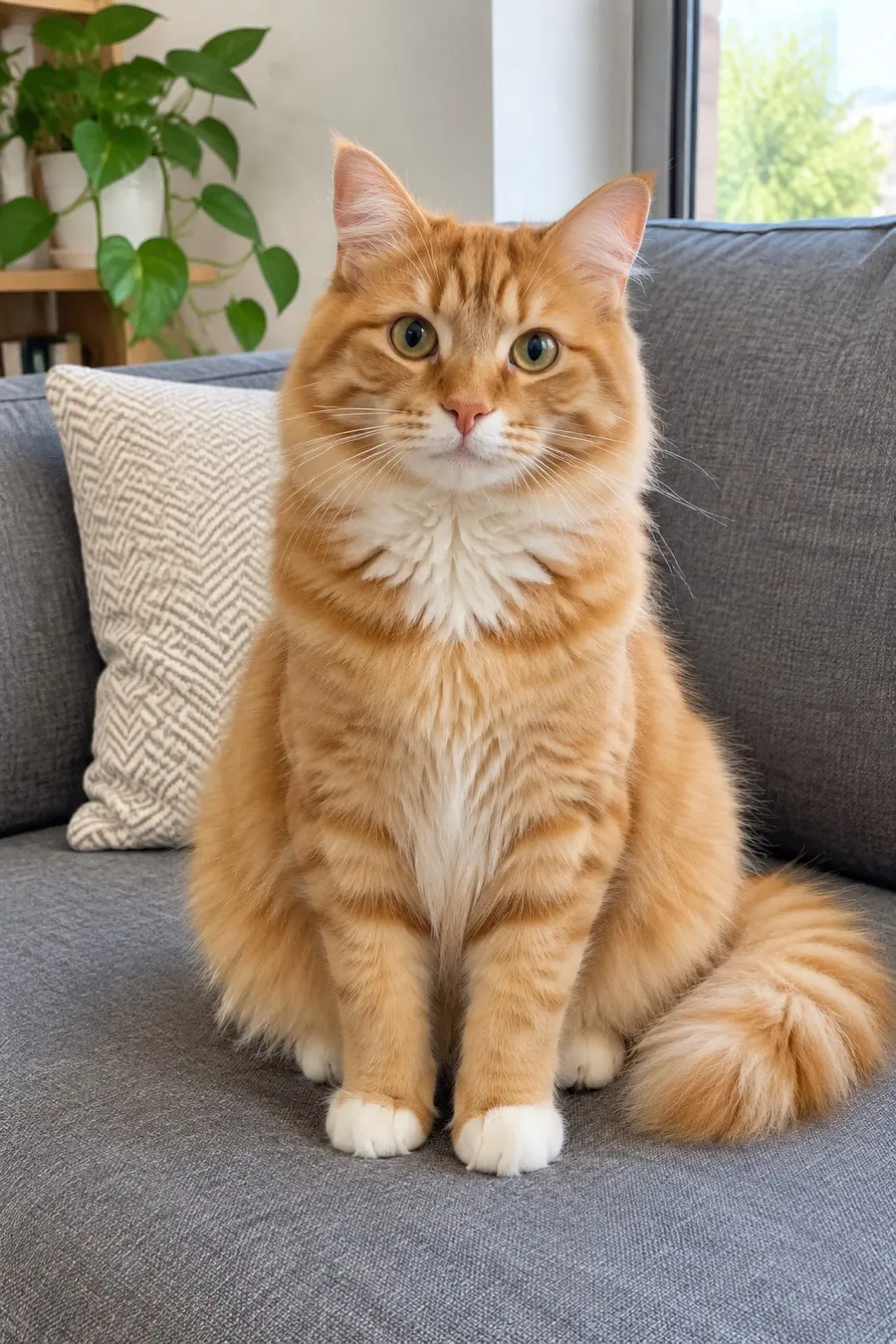
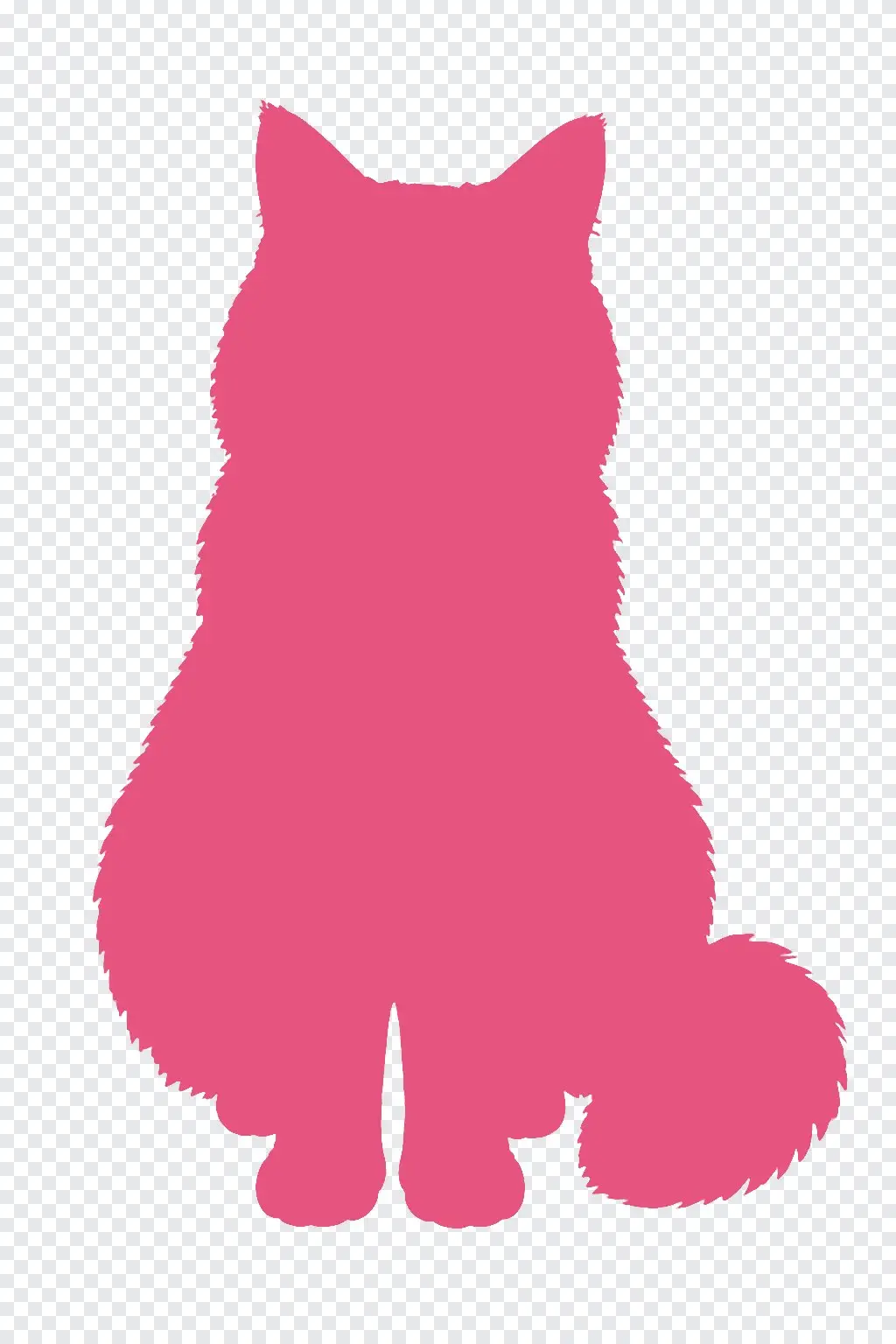
Specs
Silhouette maker specs
- Input
One photo
a person, a group, a pet or an object, any background
- Colors
Nine fill colors
black, white, navy, red, pink, gold, teal, purple, green
- Output
PNG
transparent background or plain white, one flat color with crisp edges
- Keep
The real outline
pose, hair shape and the gaps between arms and body
How to make a silhouette from a photo
One photo, a few picks, one PNG.
Step 1
Upload a photo
The subject should be fully in the frame and not cut off at the edges. A busy background is fine; it is removed.
Step 2
Pick subject, color and background
Choose who or what to keep, the fill color and a transparent or white background.
Step 3
Download the PNG
Download it and upload it to Cricut Design Space, a print shop or your design app.
Edges a cutting machine can follow
The shape comes out in one flat color with hard, clean edges and no grey halo, so a Cricut or Silhouette Cameo traces it without stray specks. Pick Clean edges for vinyl and stickers, or Detailed edges to keep hair and fur.
- One flat color
- No soft halo or specks
- Clean or detailed edges
Black, or the color of your vinyl
Choose black, white, navy, red, pink, gold, teal, purple or green. The whole shape is filled with exactly that color, so it matches the material or the print you have in mind.
- Nine fill colors
- Exact, even fill
- Transparent or white background
One subject or the whole group
Keep just the person, all the people together as one shape, the pet or the main object. Couples, family portraits, dogs, cats and products all work.
- Person or group
- Pets and animals
- Objects and products
FAQ
Silhouette maker FAQ
Is it free?+
Signing up is free and comes with free credits to try it. Each run shows its price on the Generate button before anything is charged.
Can I use the silhouette with Cricut?+
Yes. Download the transparent PNG and upload it to Cricut Design Space as an image; the single flat color and hard edges make it easy to select and cut. The same file works with Silhouette Studio.
Do I get an SVG file?+
The download is a high-resolution PNG. Cricut Design Space and Silhouette Studio both turn a clean one-color PNG into a cut path when you upload it.
Can I make a silhouette of my pet?+
Yes. Pick Pet or animal as the subject. Detailed edges keep fluffy fur and ears; Clean edges give a smoother shape for vinyl.
Can I keep two people in one silhouette?+
Yes. Choose Everyone and the people in the photo become one connected shape, for example a couple holding hands.
Which photos work best?+
A side or full-body view where the outline is easy to read: arms away from the body, the whole subject in frame. Heavy overlaps with other people or objects make the outline less clear.
Are my photos kept private?+
Your photo is used only to make your silhouette and is not shown publicly. See the LazyKiwi privacy policy for how uploads are stored.
More cut-out and design tools
Turn your photo into a silhouette.
Upload a photo, pick a color, download the PNG.
Free to try · Price shown before you generate · Your photos stay private