
Remove text from image, keep the photo.
Captions, date stamps, price stickers, meme text, even the shop sign in the scene. Pick what should go and the wall, sky or table behind it is rebuilt, so the photo doesn't look patched.



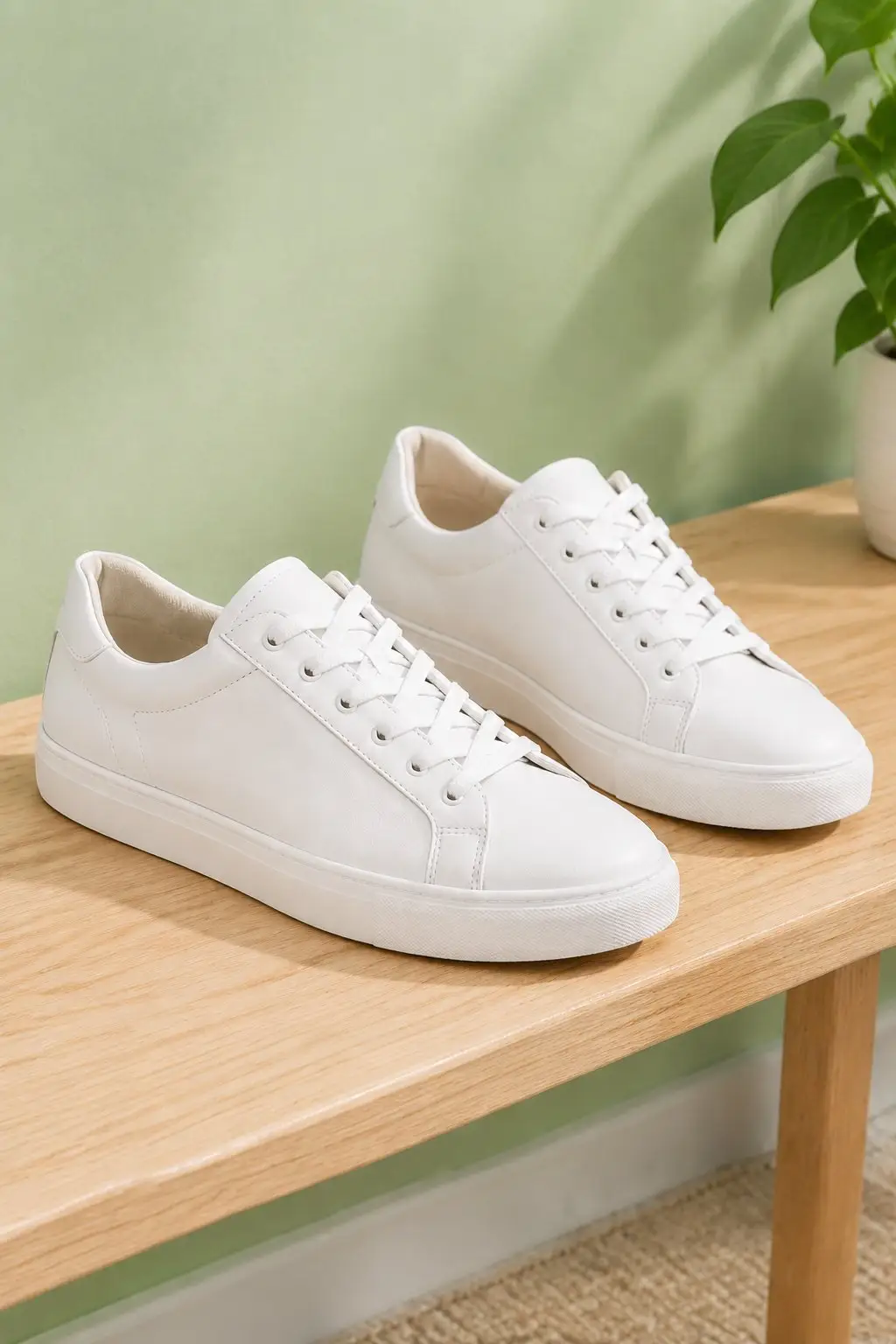
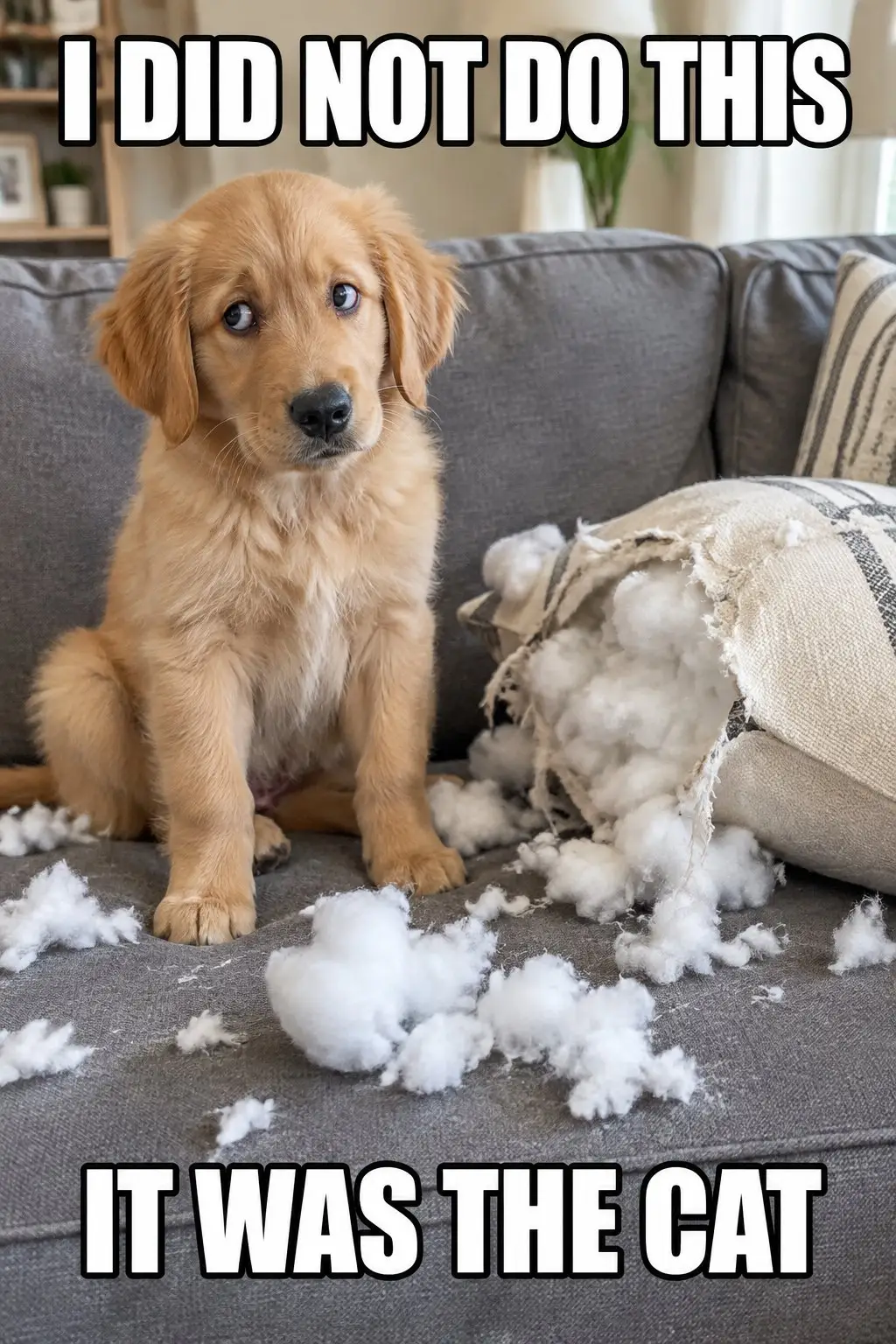

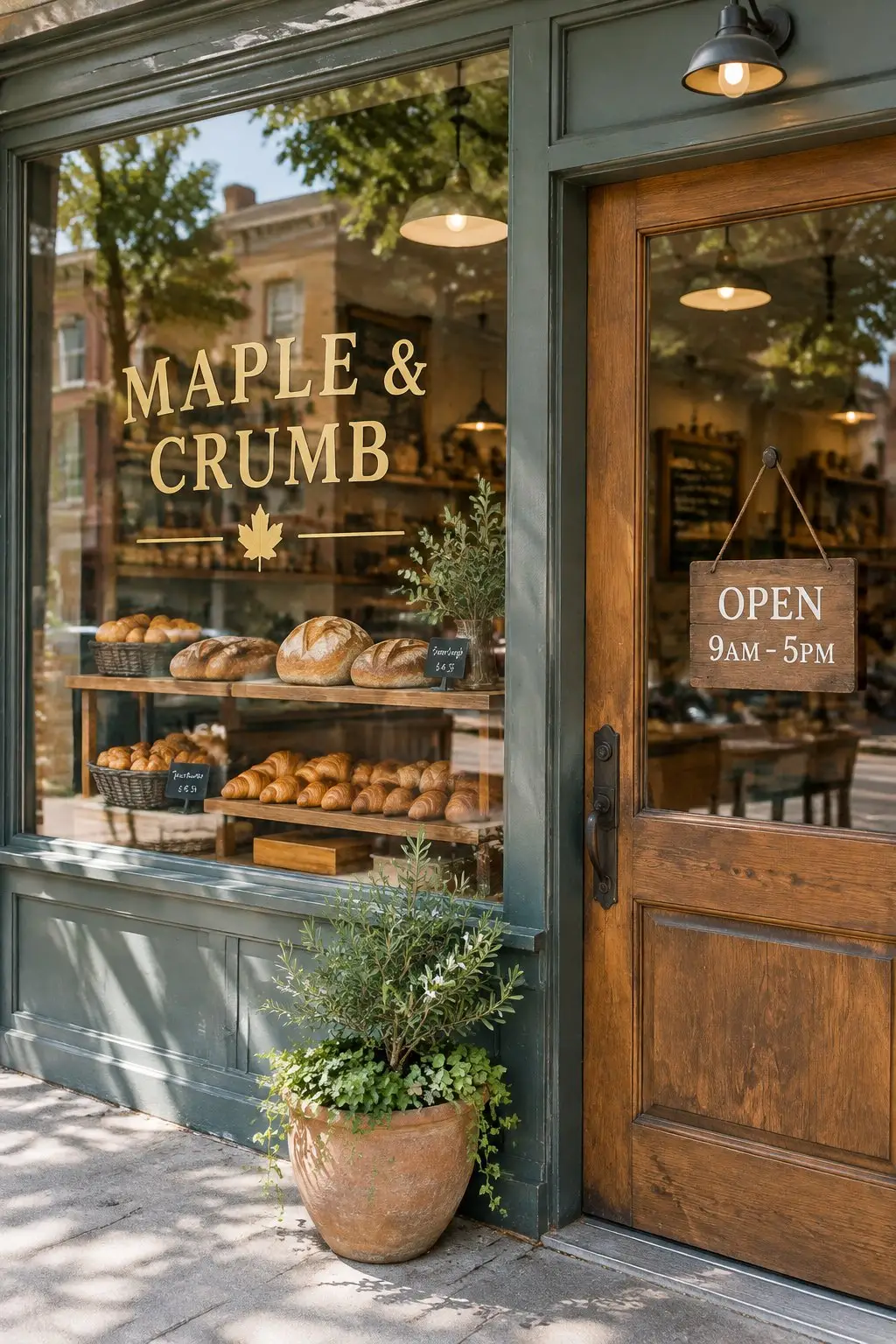
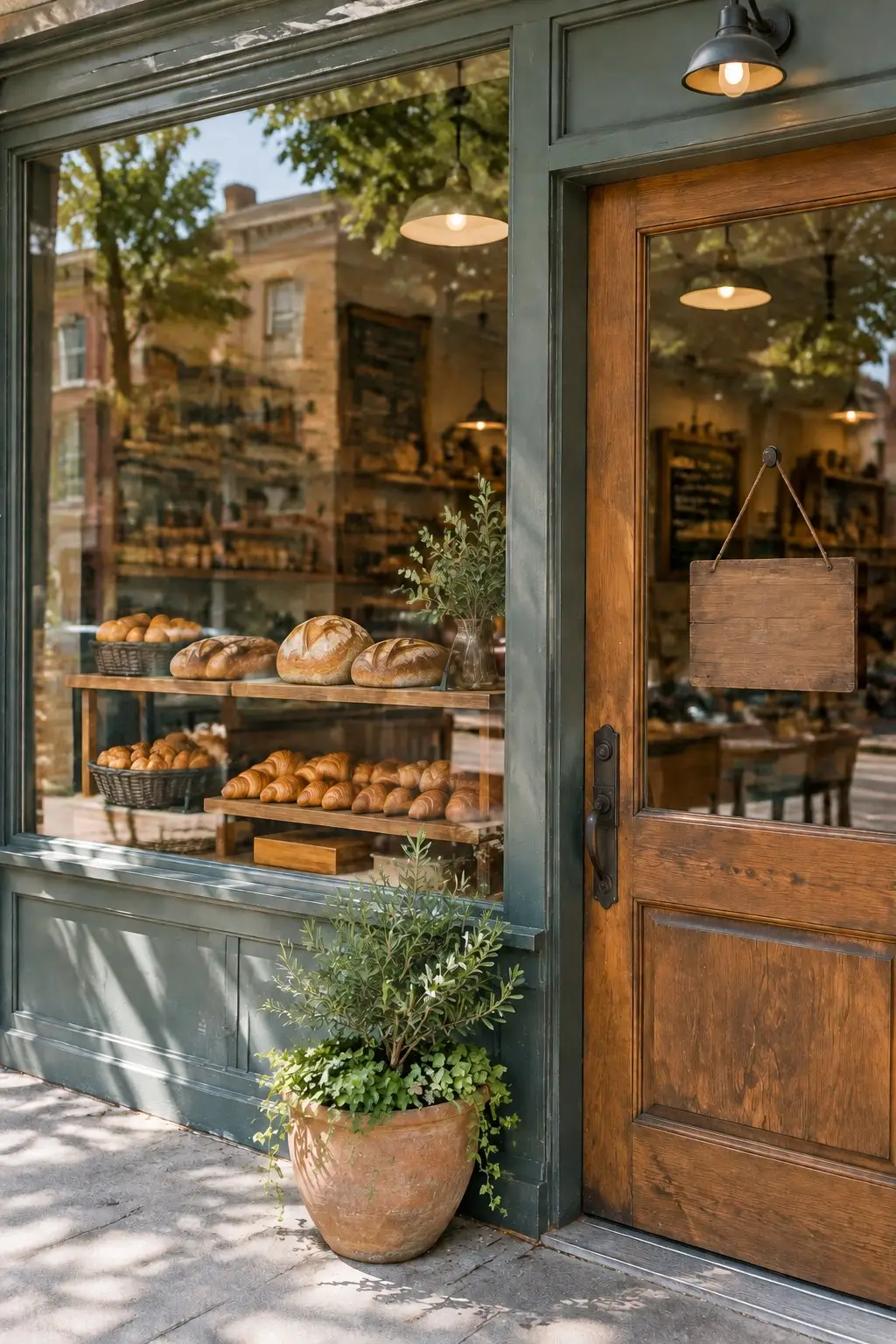
What it is
An eraser that rebuilds what was underneath.
Covering words with a white box or a blur is obvious the second anyone looks at it. This does the other thing. The lettering comes out and the AI paints in what should logically have been behind it, at the same light, grain and texture as the rest of the frame. The photo goes back to looking like a photo that never had words on it.
How it works
Your result in three steps
Upload your photo
A JPG, PNG or WebP from your camera roll, a scan or a screen grab. One image is all you need.
Pick what to remove
Choose captions, stickers and stamps (the default), all text in the image including signs and labels, or only the text you describe, such as "the date stamp in the bottom right".
Generate & download
Look at the area the text was sitting on, run it again if a letter or a shadow survived, then download the clean photo.
The background comes back where the words were
Taking lettering out leaves a hole in the shape of the letters. The AI works out what belongs there, whether that is brickwork, sky, wood grain or a fold of fabric, and paints it in to match the light and texture of the pixels around it.
- Rebuilds walls, sky and surfaces
- Matches grain and lighting
- No blur patch, no smudge
An image text remover for captions, stamps and subtitles
Printed words turn up in a lot of shapes. A marketing strapline burned into a JPG, an orange date stamp from a 2004 camera, a price label stuck on a product shot, a hard-coded subtitle across the bottom of a screen grab. They all come out the same way.
- Camera date and time stamps
- Captions, stickers and meme text
- Shop signs and labels, on request
Erase text from an image without Photoshop
There is no clone stamp to learn and no healing brush to feather. You say which lettering should go and roughly where it sits, and only that part of the picture changes. Everything you wanted to keep stays as you shot it.
- No layers, masks or brushes
- Point with plain words
- Reword and retry instantly
Why LazyKiwi
Built to look like the text was never there
Seconds, not an evening
A cleanup that used to mean twenty minutes of clone stamp and healing brush now takes one sentence.
No patch, no blur box
The area under the text is rebuilt from the scene around it, so the fix survives someone zooming in on it.
Private by default
Your uploads are processed securely, used only to produce your image, and never sold or published.
Free to start
New accounts get free monthly credits, no credit card. Each run uses credits, so try it on your own image and judge the result before you pay for anything.
No editing skills
No layers, no masks, no font matching. If you can point at the words, you can delete text from an image in one run.
Yours to use
The cleaned image is yours to publish, print or list, as long as you had the right to use the original photo.
FAQ
Questions, answered
How do I remove text from an image?+
Upload the photo, say which lettering should go, for example "remove the caption across the top", and download the result. There are no selection tools involved and nothing to install.
Is the AI text remover free?+
Yes. New accounts get free monthly credits with no credit card, so you can take the text off a photo of your own first. Each run uses credits; paid plans are there for volume.
Can I remove text from image files like PNG and JPG?+
Yes. Standard JPG, PNG and WebP images all work. Use the original file rather than a screen grab of it where you can, because a higher-resolution upload gives the AI more detail to rebuild the background from.
Are my photos safe?+
Uploads travel over an encrypted connection, are used only to produce your image, and are never sold or shared.
Use cases
Where people remove text from a photo
Marketing teams reusing old assets
The photo is still good; the strapline burned across it for a 2021 campaign is not. Take the words off and the shot goes back into the deck, the newsletter or the site without booking a reshoot.
Family photo archives
An orange date stamp in the corner of every holiday photo from the nineties. Clear it before the scans go into a photo book, and the corner comes back as sand, sky or wallpaper.
Estate agents and hosts
A hoarding covered in lettering, graffiti tags on the wall opposite, a shop name across the view from the balcony. Clear the writing so the listing shows the property rather than the signage.
More answers
More about text removal
Can I remove text from a picture with a busy background?+
It is harder than plain sky or a flat wall. Lettering sitting over a repeating pattern, a crowd, foliage or brickwork with fine detail of its own gives the AI a lot to reconstruct, and you may see a soft area where the pattern doesn't quite line up. Text over an even surface comes out cleanest, so if you can choose the shot, choose that one.
What if the text covers most of the photo?+
Then there is not much left to rebuild from. A caption in the corner has a whole photograph of context around it; a headline stretched across the entire frame does not, so the AI ends up inventing more than it restores. Expect a clean result on stamps, captions and labels, and a variable one on full-frame typography.
Is it OK to remove a watermark or someone else's caption?+
Only on images you own or have the rights to. Taking a photographer's watermark off a stock preview so you can use the shot without licensing it is a copyright problem rather than an editing one, and no tool makes that legal. Clearing your own old caption, your own camera stamp or writing in a scene you photographed yourself is fine.
Can it remove objects as well as text?+
Not on this page. This one is built for text and lettering. If you need a bin, a car or a person taken out of the frame, use the LazyKiwi object remover instead.
Will it also remove signs and labels that are part of the scene?+
Only if you ask. The default mode removes text laid over the photo, such as captions, subtitles, stickers and date stamps, and leaves shop signs, product labels and clothing prints alone. Pick All text in the image and those go too, with a blank sign or label rebuilt in their place.
Take the words off. Keep the photo.
Upload one image, say which text should go, and download it clean. Free to try, results in seconds.
No credit card · Free to try · Results in seconds