
Photograph the page. Get a scan back.
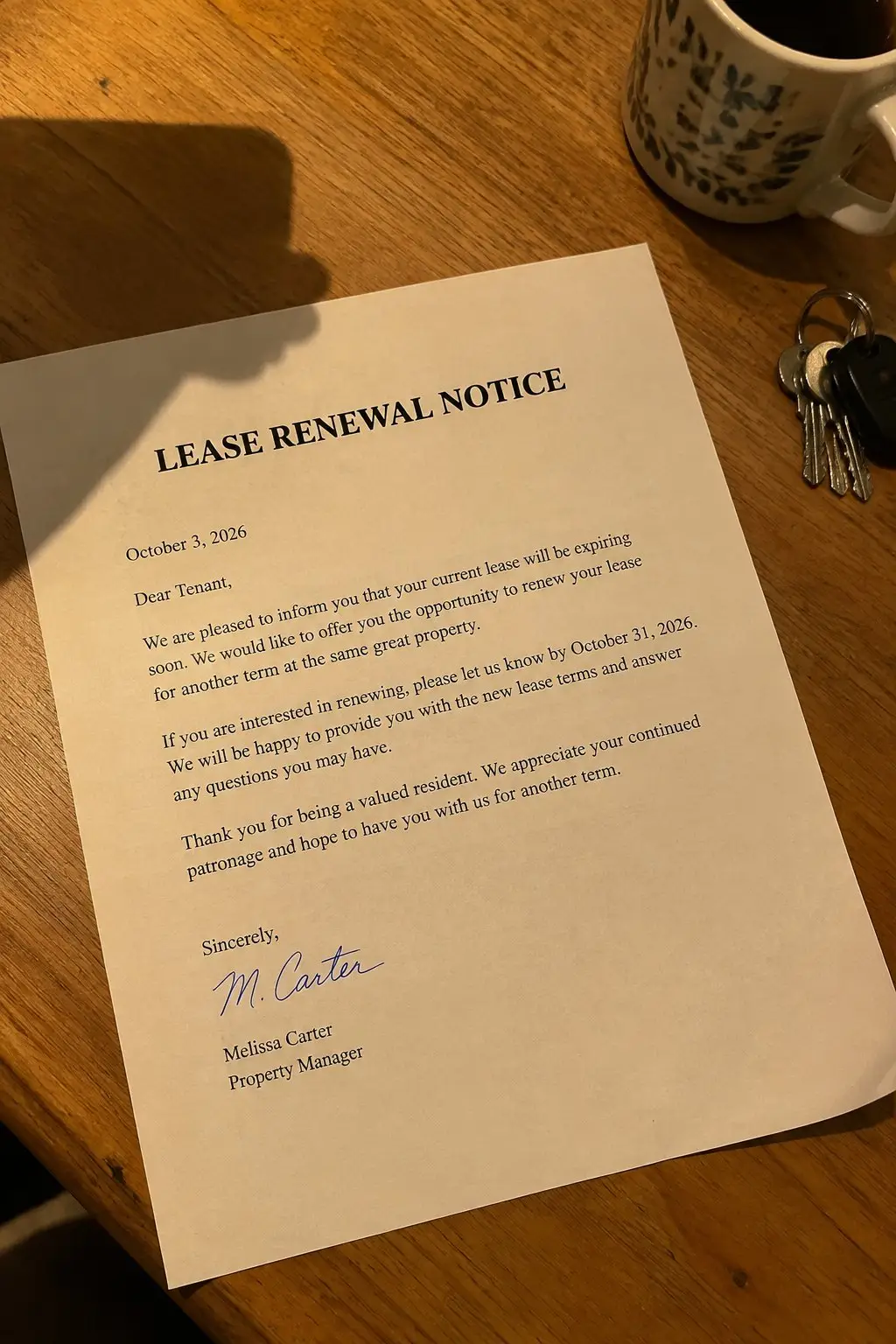
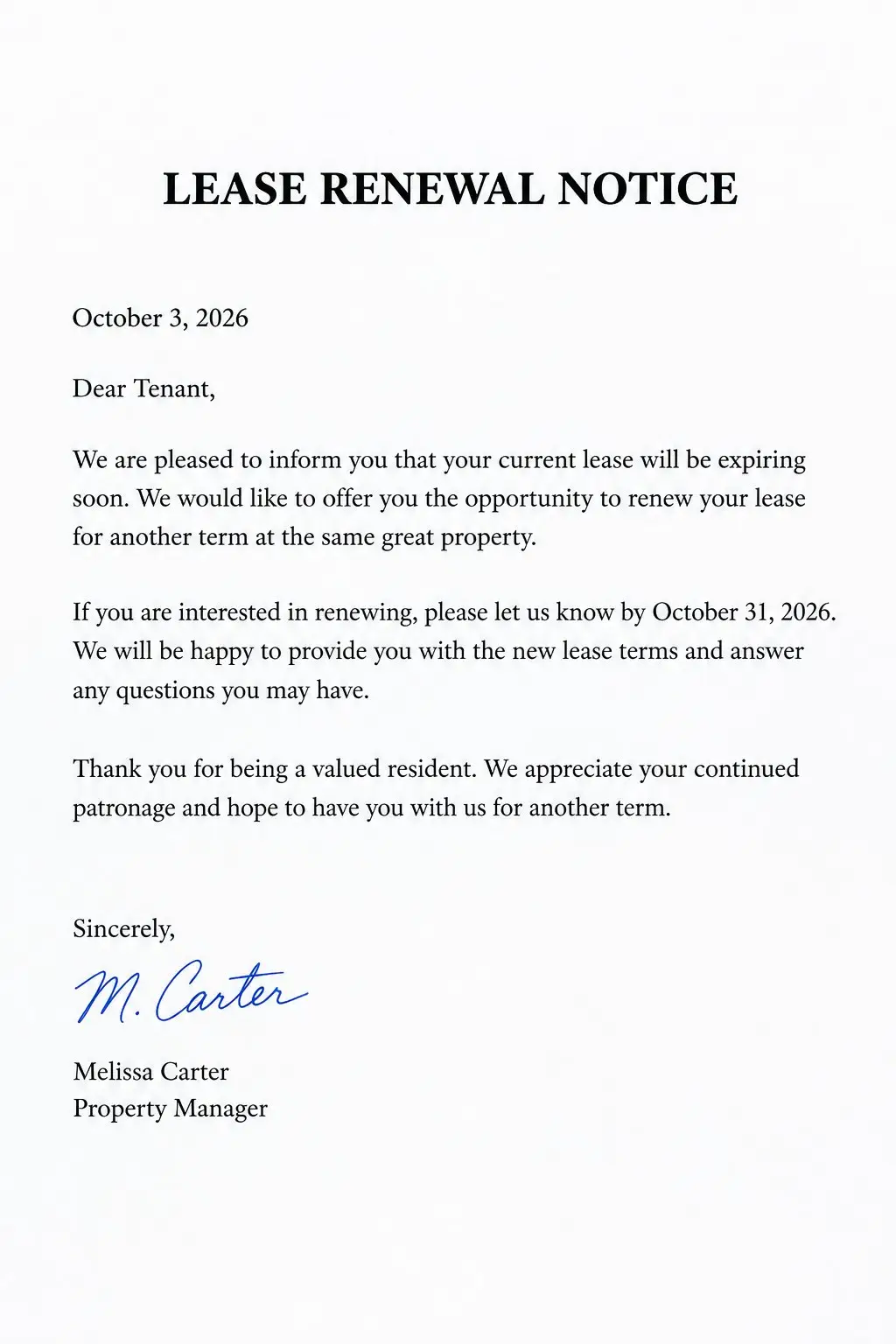
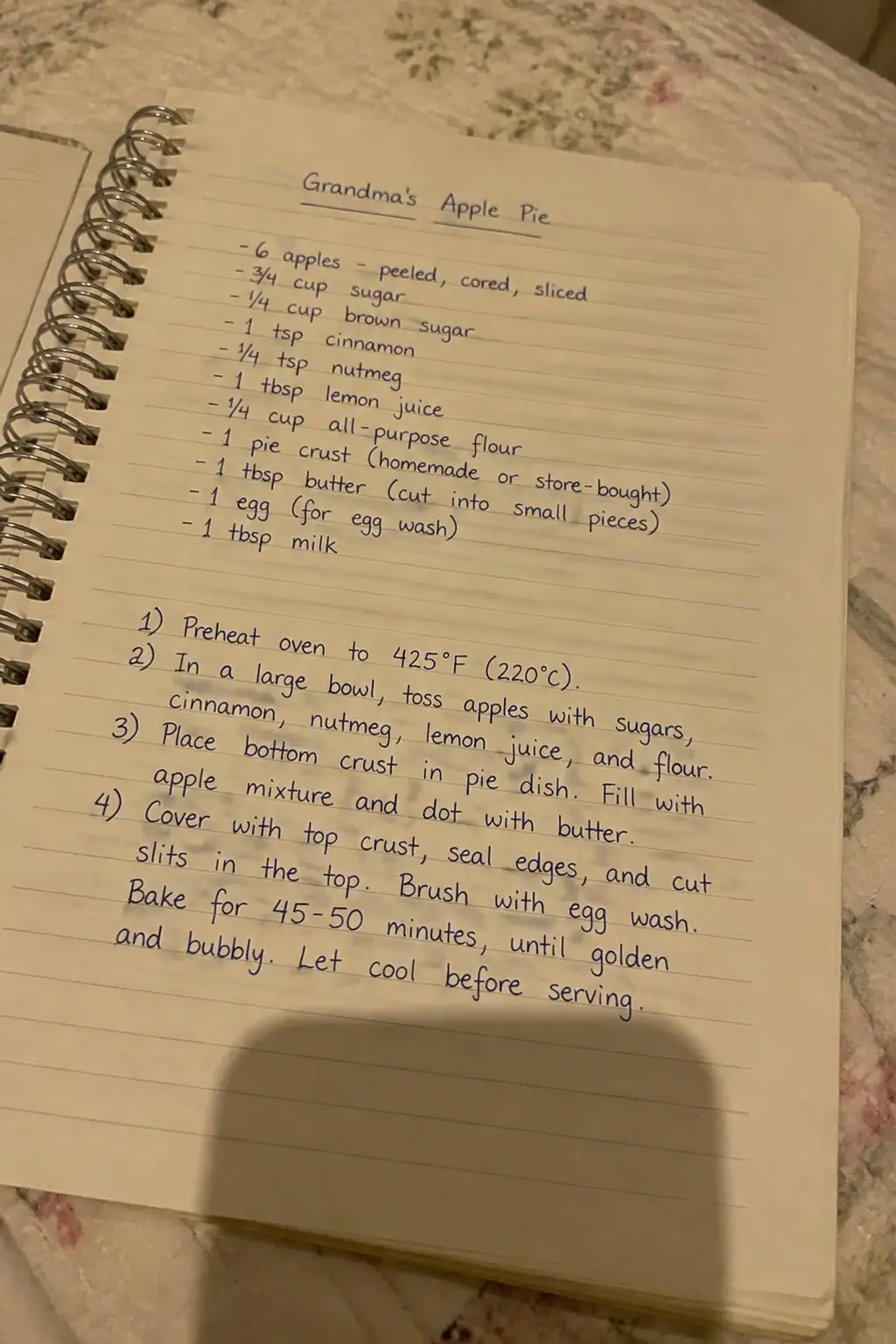
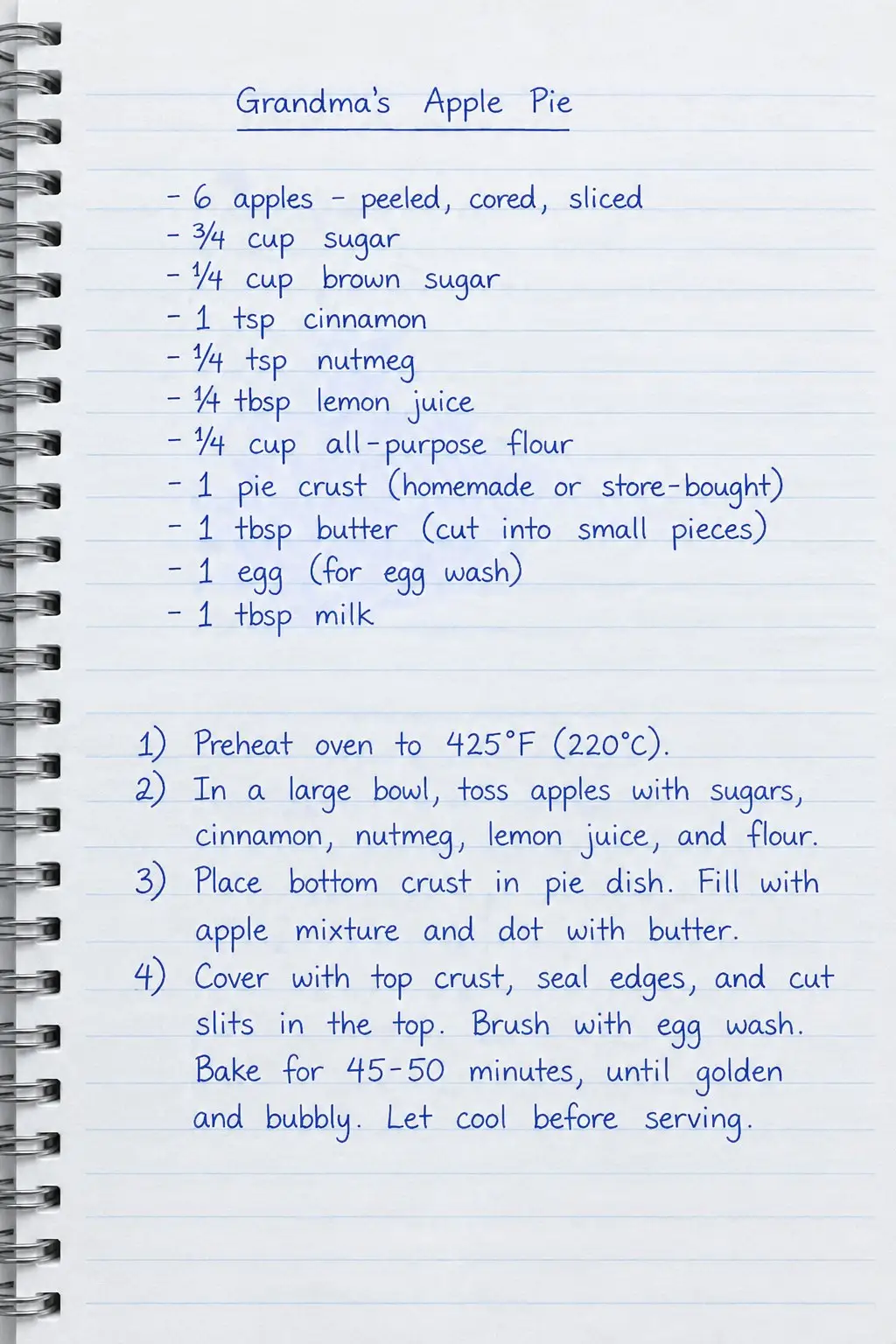
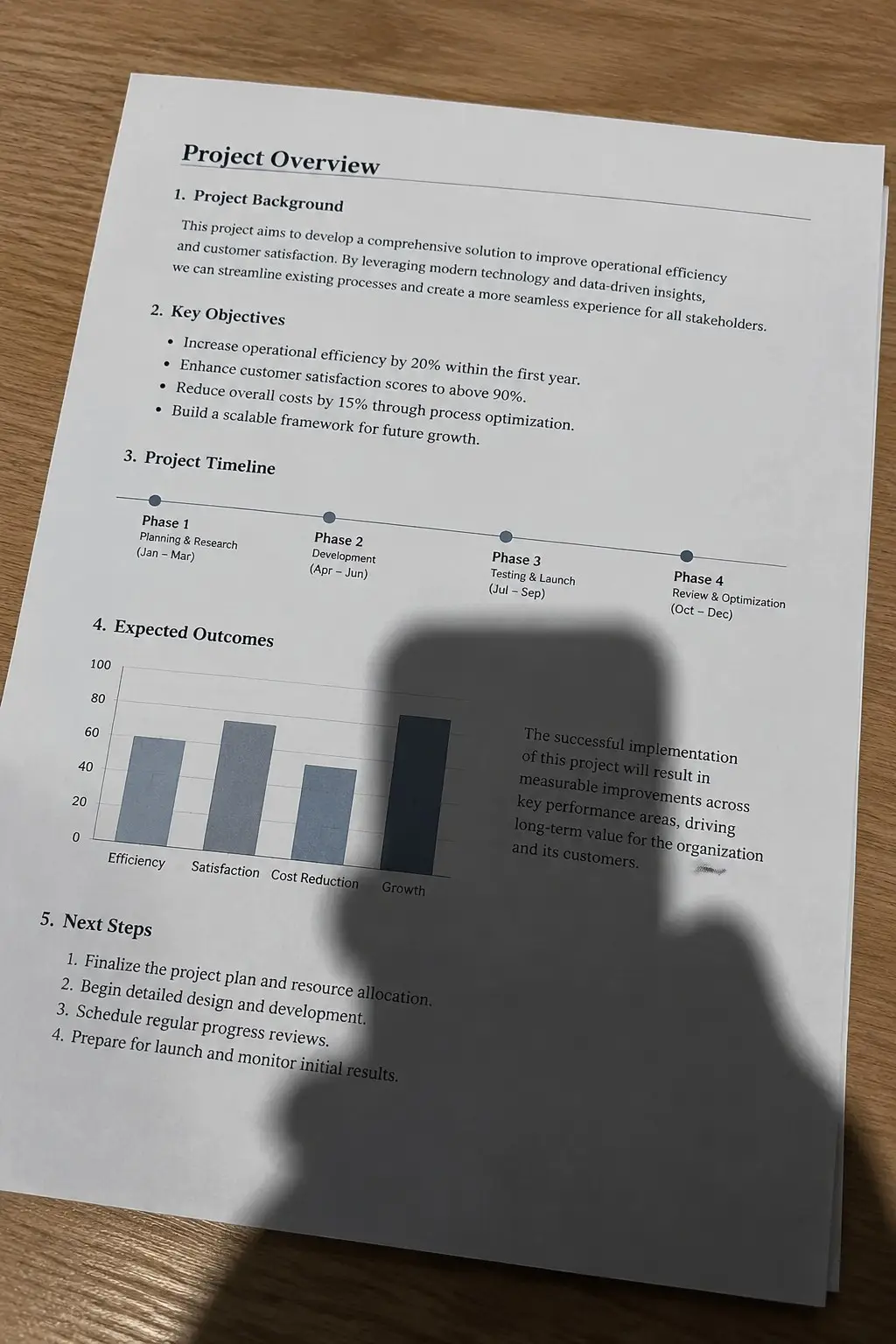
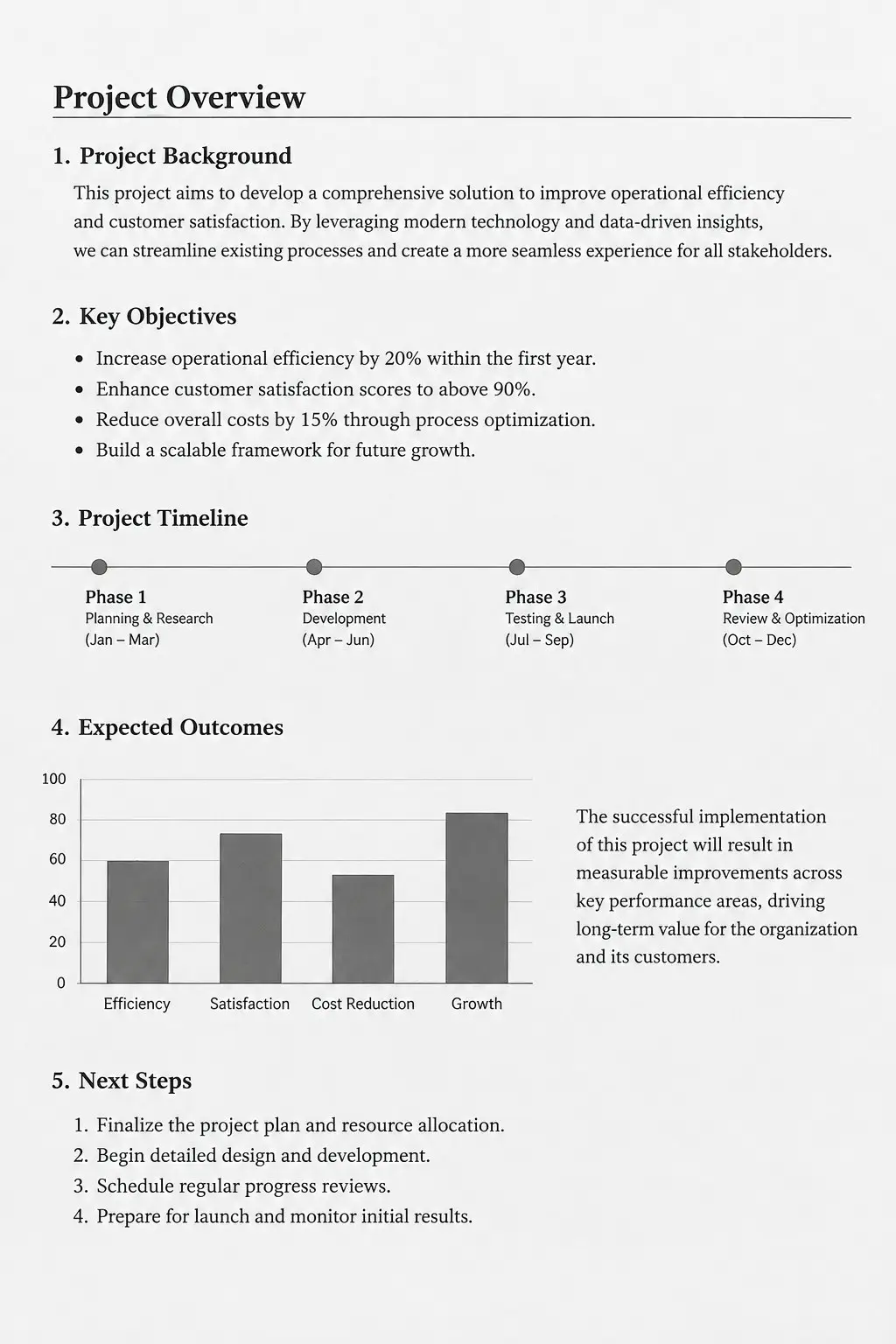
The LazyKiwi photo scanner crops the page to its own edges, straightens the angle you shot it at, lifts the shadow of your hand off the paper and turns yellow room light into clean white. Pick color, grayscale, black and white or photo print.
What it is
What a flatbed does, without the flatbed.
A photo of a form is not a scan. It leans to one side, one corner sits in shadow, and the paper comes out grey or yellow instead of white. LazyKiwi finds the four edges of the page, flattens the perspective, evens out the light and puts the text back on white paper, so what you send looks like it came off an office scanner.
How it works
Your result in three steps
Photograph the page
Lay the document flat, get all four corners inside the frame, and shoot from above rather than from your chair. A plain table gives the AI a clear edge to find.
Pick the scan mode
Choose color, grayscale, black and white or photo print, and the kind of page: document, receipt, book or notebook, handwritten notes, whiteboard or photo print. Add a note if something must stay, such as a blue pen signature.
Generate & download
Check the corners and the small print, run it again if a corner was clipped, then download the scan as an image or as a PDF.
A document scanner without the hardware
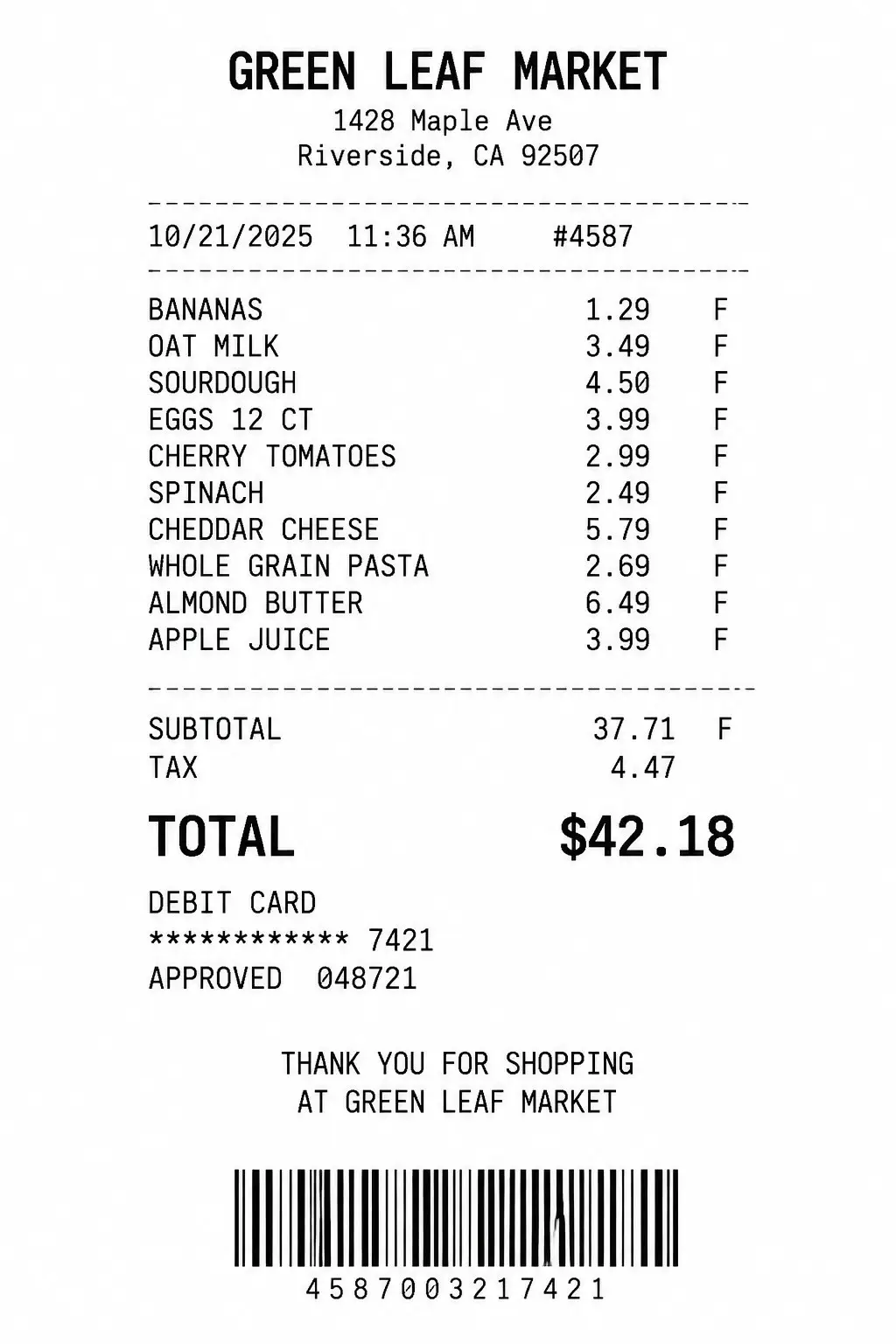
The page is detected and cropped to its own border, and the keystone you get from shooting at an angle is pulled square. A form photographed while you lean over the kitchen table comes back as a clean rectangle with even margins.
- Table and floor cropped away
- Tilt and keystone corrected
- Margins left even on all sides
Your own shadow, gone
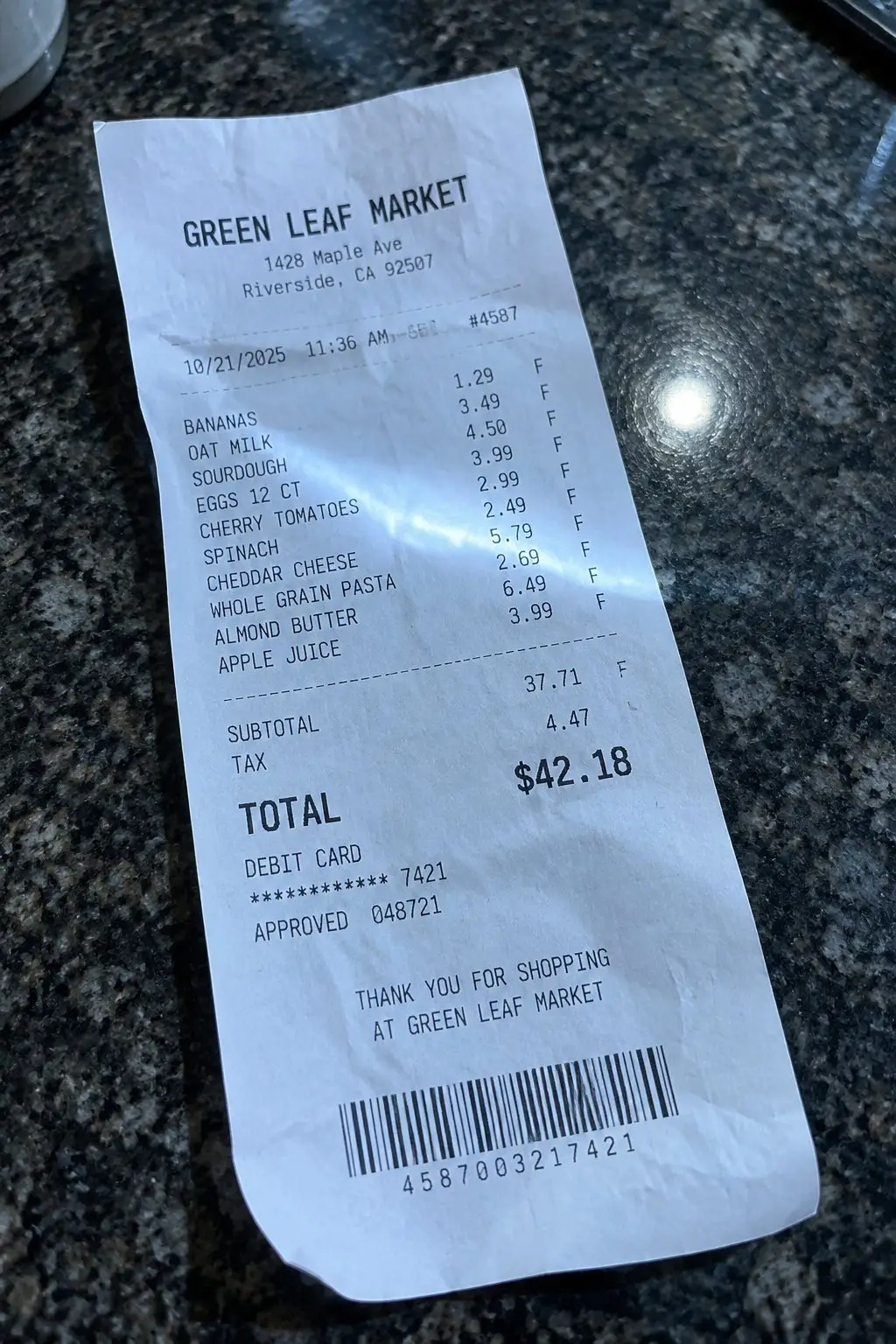
Two things get a phone photo rejected: the shadow you cast leaning over the page, and the yellow cast from a kitchen light. Both go. Paper comes back white, ink comes back black, and thin strokes are kept instead of being crushed into the background.
- Hand and phone shadows lifted
- Yellow and blue casts neutralized
- Small print left sharp and even
Download it as a PDF
Every scan can be saved straight from the result as a one-page PDF with the Download PDF button, or as an image. That is how a signed agreement goes back to the letting agent as a proper attachment rather than a snapshot. Black and white mode is the one to pick for receipts and forms that will be printed or faxed.
- Download PDF from the result
- Or save the image itself
- Ready to attach to an email
Why LazyKiwi
Built for paper that has to be accepted
No scanner, no office trip
The nearest flatbed is usually at work or in a print shop. This one is the camera already in your pocket.
Fixes the three usual rejections
The angle, the shadow of your own hand and the yellow room light are why documents get sent back. All three are handled in one run.
Private by default
Contracts, payslips and ID pages are processed securely, kept private, and never sold or published.
Free to try
New accounts get free monthly credits, no credit card. Each run uses credits, so try it on your own image and judge the result before you pay for anything.
Nothing to install
It runs in your browser on the phone or laptop you already have, so there is no app to download and no scanner driver to hunt for.
Readable, not just tidy
Contrast is lifted without eating thin strokes, so signatures, stamps and footnote-sized print survive the clean-up. The page is redrawn rather than copied pixel by pixel, so check small figures before anything official.
FAQ
Questions, answered
How do I turn a photo into a scanned document?+
Upload the photo, ask for a clean scan, and download the result. The page is cropped to its edges, the angle is straightened, the shadows are removed and the paper is put back to white. It takes seconds, and there is nothing to set up first.
Is the photo scanner free?+
Yes. New accounts get free monthly credits with no credit card, so you can scan a document of your own and see exactly how the page comes out before you choose a plan. Each scan uses credits.
Do I need a photo scanner app or real scanner hardware?+
Neither. It runs in the browser on the phone or computer you already have, so there is nothing to install and no flatbed to borrow at work.
Are my documents kept private?+
Yes. Uploads travel over an encrypted connection, are used only to produce your scan, and are never sold, shared or published. A tenancy agreement or a payslip stays yours.
Use cases
When you need a scan and there is no scanner
Forms you have to sign and send back
A rental agreement, a school consent form or an insurance claim arrives as a PDF, you print it, you sign it, and then you remember the house has no scanner. Photograph it and send back something the other side will accept first time.
Receipts for an expense claim
Till receipts photographed in a hurry come out curled, grey and half in shadow, and finance sends them straight back. Scan the document instead: flat white paper, legible figures, claim filed the same evening.
Bank, landlord and admin requests
Proof of address, a payslip, an ID page or a page from a library book. Each one turns into a clean, straight page you can read on a phone screen and forward without apologizing for the photo.
More answers
More about scanning with your phone
Can I convert a photo to PDF here?+
Yes. Each scan result has a Download PDF button that saves it as a one-page PDF, sized to the page, alongside the normal image download. For a multi-page document, scan each page and combine the PDFs in your phone's Files app or any PDF tool.
What happens to a creased or folded page?+
Creases still show. The perspective can be flattened and the lighting evened out, but a fold has physically bent the paper, so it leaves a line and a thin shadow along it. Press the page under a heavy book for ten minutes and photograph it again: that removes far more than any amount of processing can.
Will it rescue a blurry or very dark photo?+
Not fully, and it is better to know that before you send it. Motion blur and near-darkness destroy the shape of the letters, and nothing can put back strokes the camera never captured. If you cannot read the text on your own phone screen, retake it near a window with steadier hands and scan that one instead.
What about glossy or laminated pages?+
Shiny paper under a lamp or a ceiling light throws a bright white patch across the page. Anything inside that patch is missing from the file rather than hidden, so it cannot be brought back. Tilt the page away from the light, or move to indirect daylight, and the same run comes out clean.
Is every word copied exactly?+
The scanner is told to keep every word, number, signature and stamp exactly where it is and never to retype or correct anything, and in our tests the content matched. The page is still redrawn by an image model rather than copied pixel by pixel, so for contracts, IDs and receipts you will submit, read the small print against the paper before you send it.
Turn the paper on your desk into a scan.
Upload one photo and get a straight, shadow-free, white-paper scan back in seconds. Free to try, no credit card, nothing to install.
No credit card · Free to try · Results in seconds