
Change the words in a photo. Keep the design.
Upload a picture that already has text in it and type what to change, for example replace "SATURDAY 9TH" with "SUNDAY 10TH". LazyKiwi rewrites that line in the original font, color, size and perspective, then rebuilds the background behind the old letters.
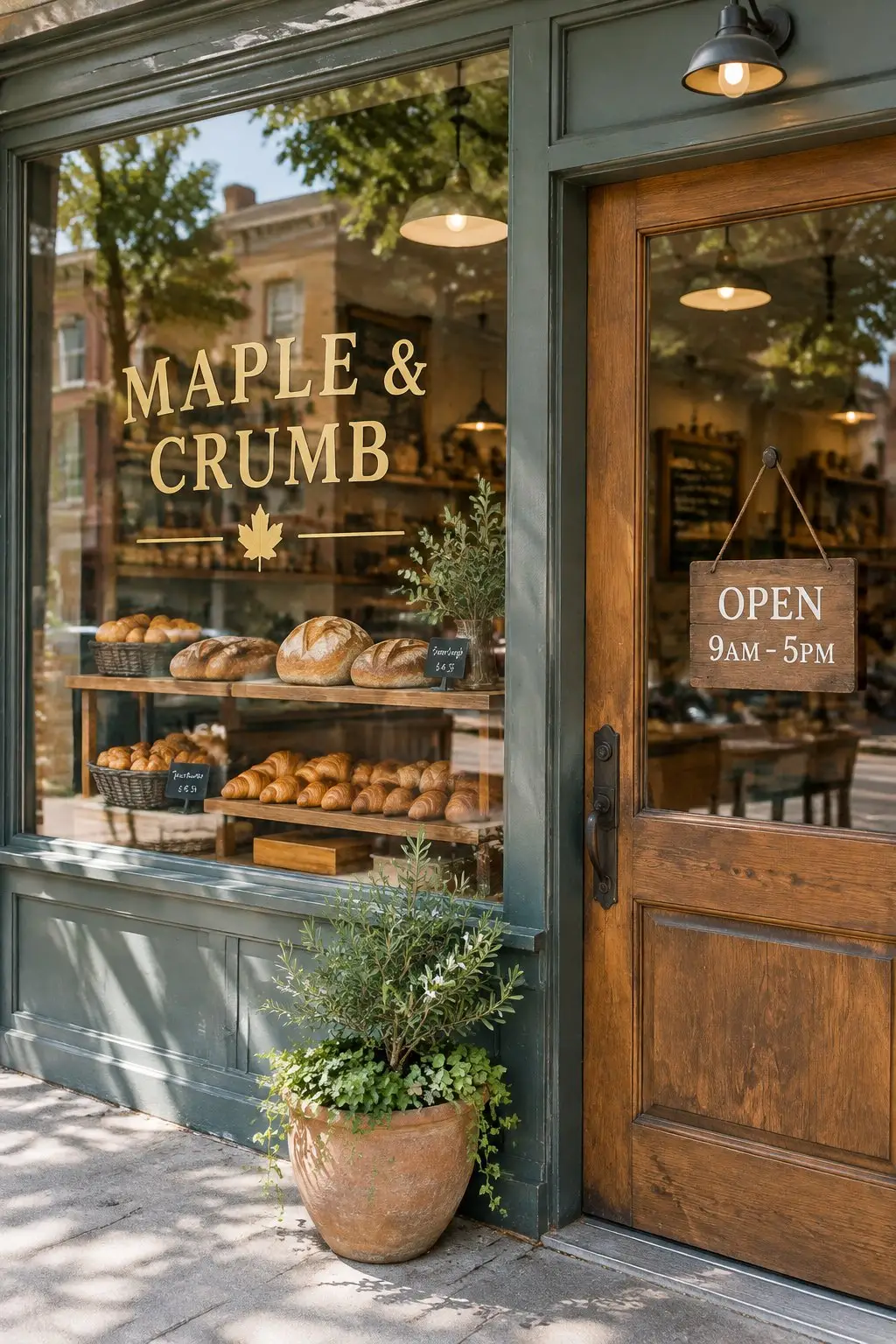
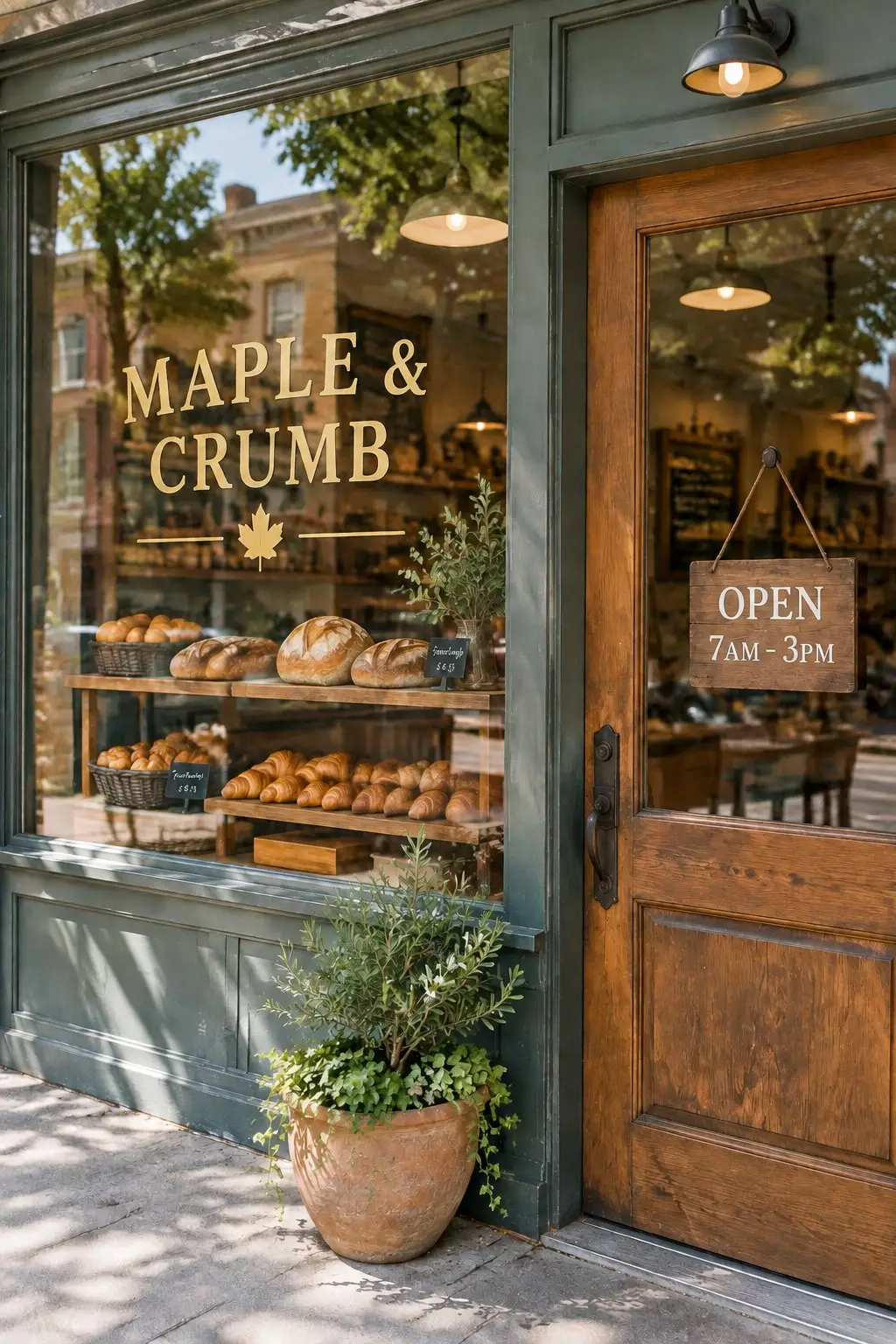
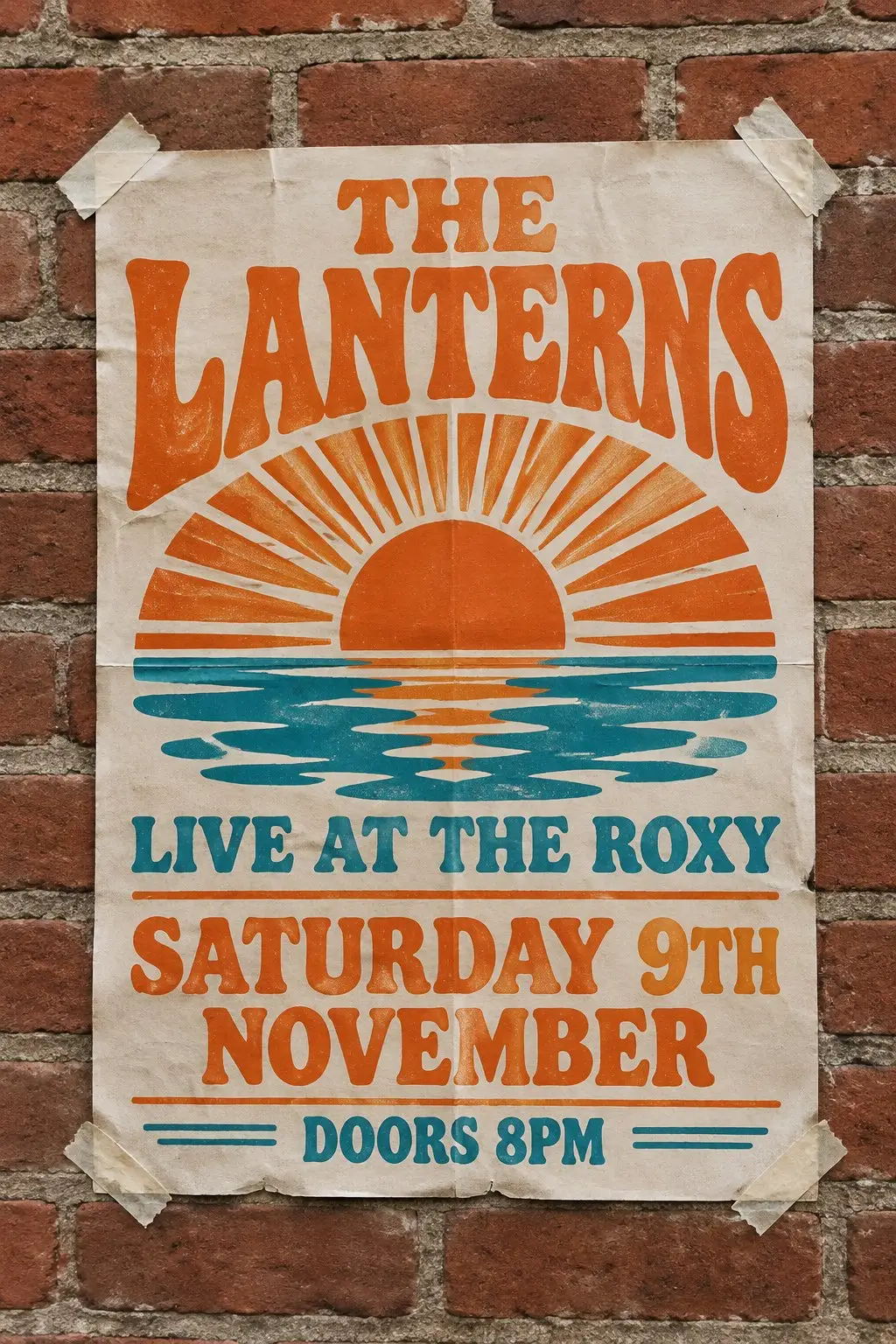
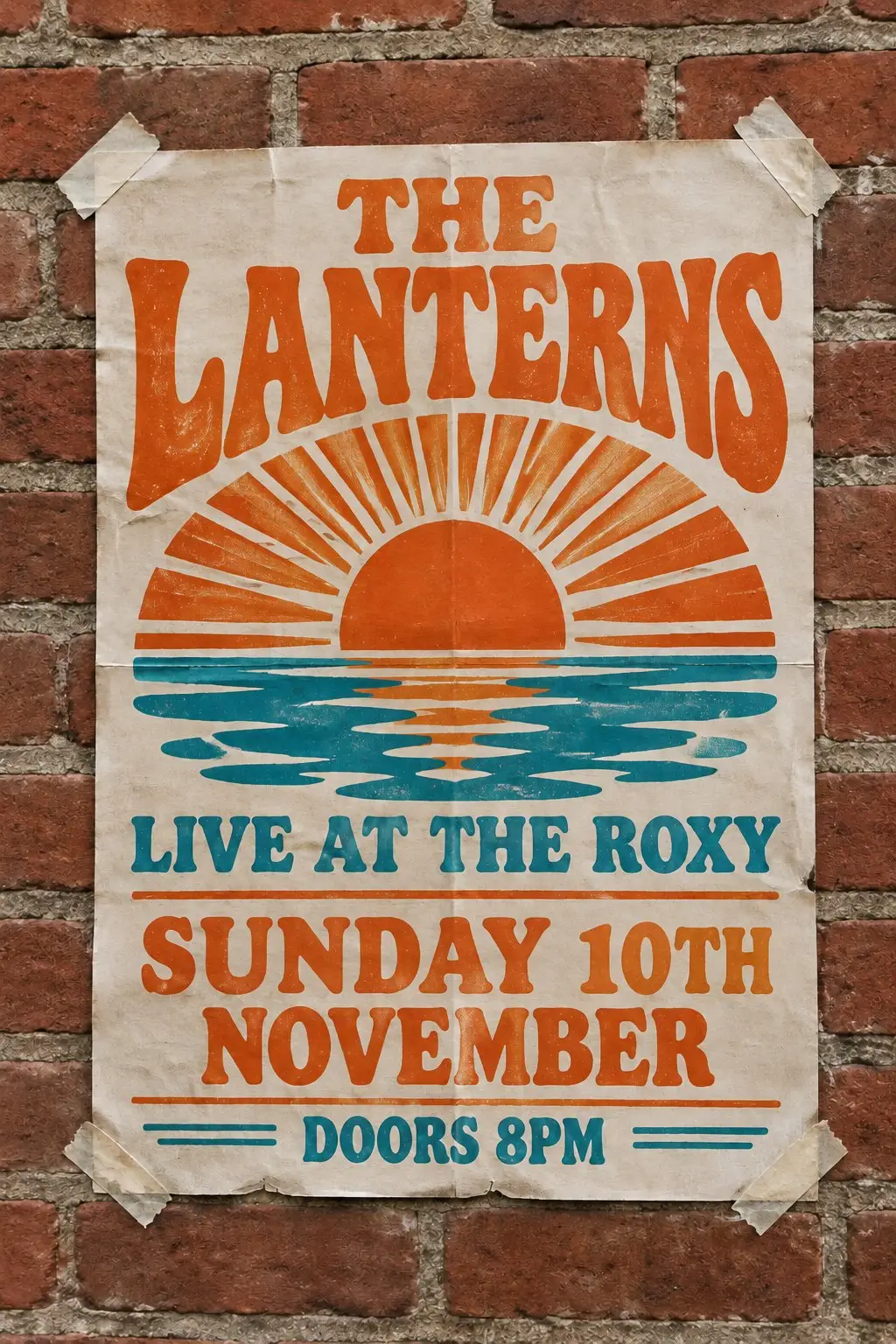
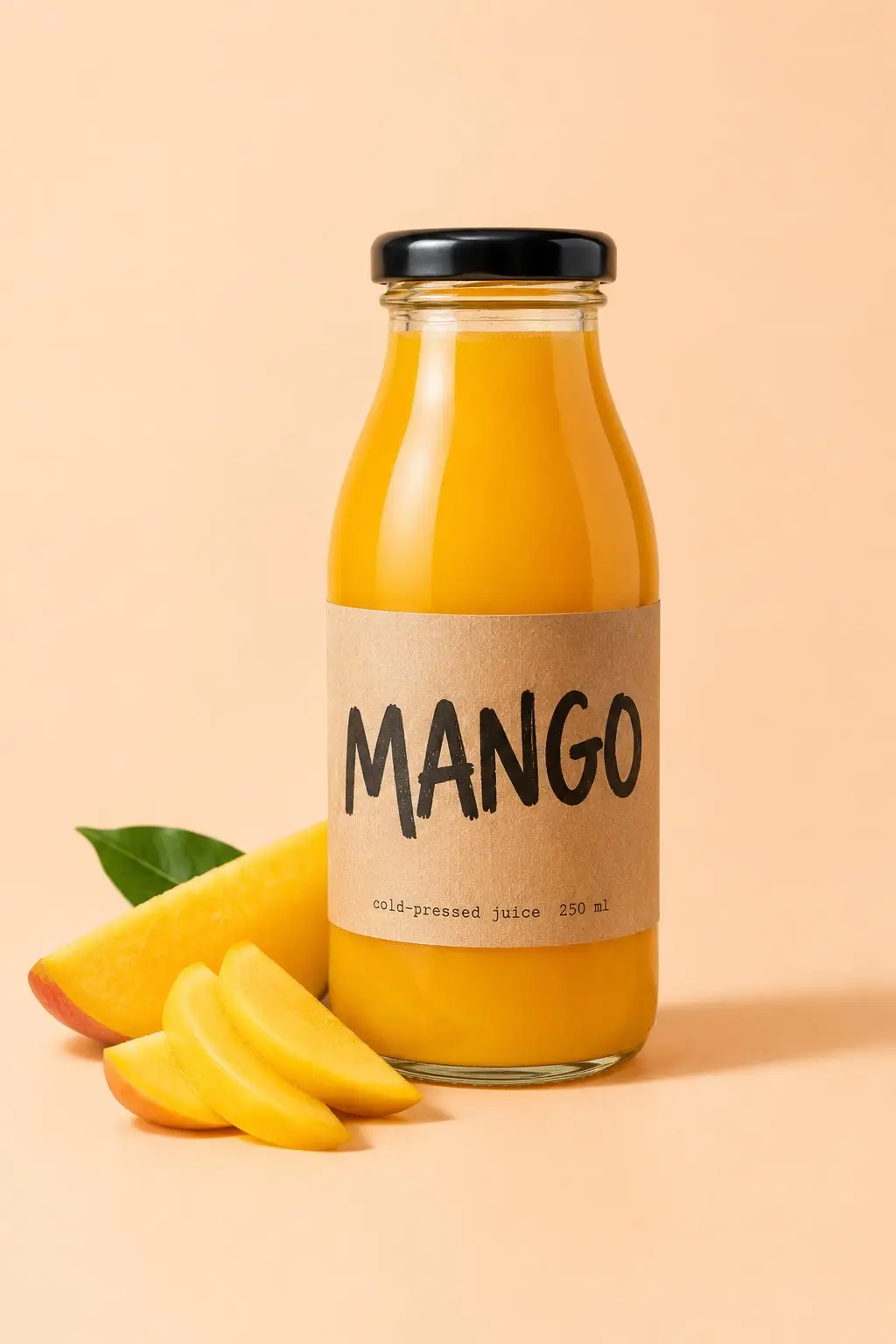
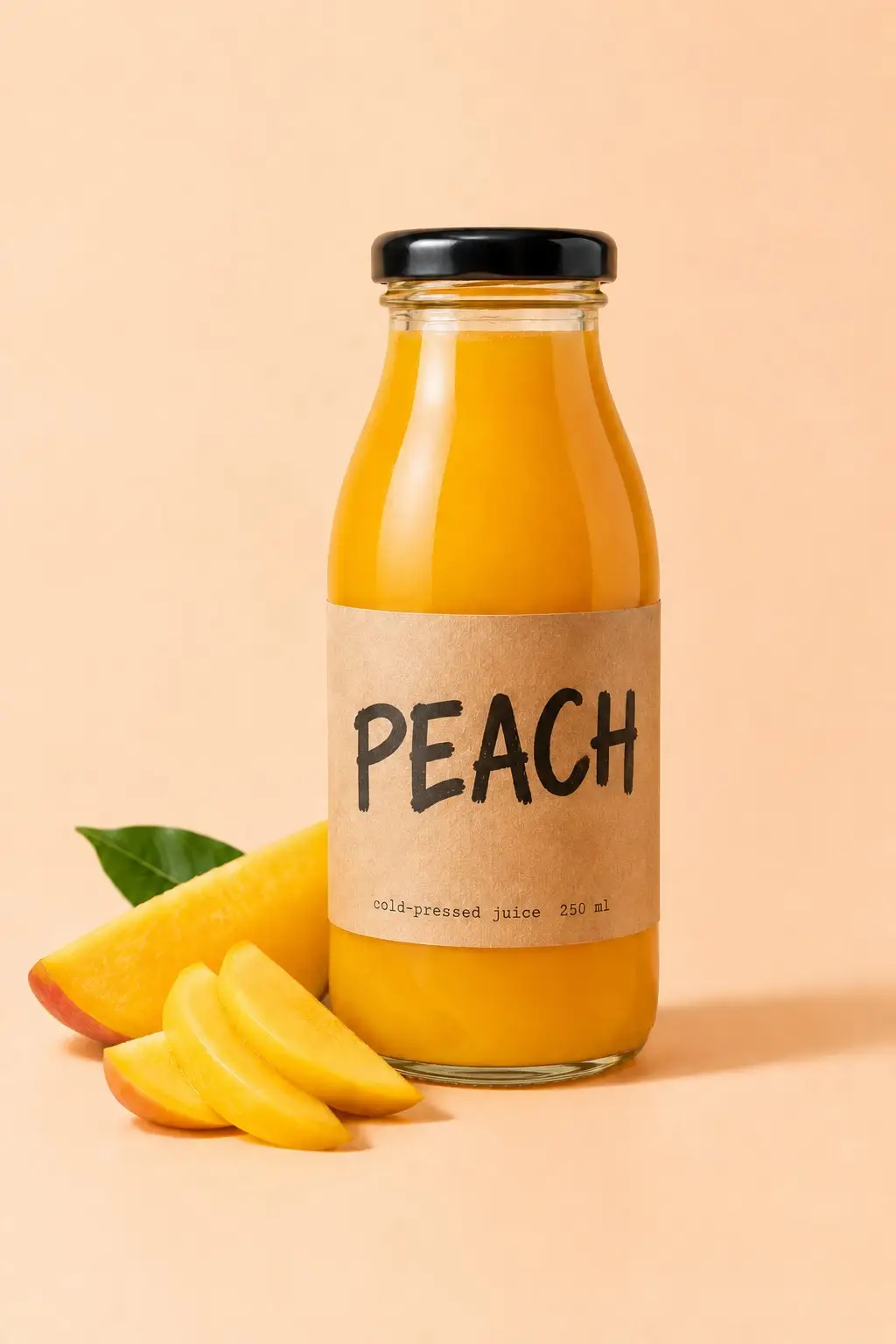
What it is
No erasing. No font hunting. No retyping.
The usual way to fix wording inside a picture is slow: paint out the old letters, work out which typeface it was, retype it, then nudge it back into place until nobody notices. Here you name the new wording instead. The AI reads the styling already in the frame, copies the weight, spacing, color and angle, and paints in whatever was sitting behind the old line.
How it works
Your result in three steps
Upload the picture
Anything with words in it: a photo of a poster, a packaging shot, a scanned certificate or a screenshot from a deck.
Say what it should say
Write it as a swap: replace "Doors open 7pm" with "Doors open 8pm". Choose whether to change only that text or every place it appears, and optionally what kind of image it is: sign or poster, packaging or label, screenshot or slide, flyer or menu.
Generate & download
Check the wording and the styling, run it again with a clearer instruction if a line sits wrong, then download the finished image.
The new words wear the old styling
This is not a text box pasted over the picture. The replacement takes the typeface, weight, letter spacing, color and shadow of the line it stands in for, so the only thing that changed is what it says.
- Font, weight and spacing matched
- Color, shadow and lighting kept
- Handles curves, angles and textures
Fix text in image files after the shot
The certificate is already printed and a name is spelled wrong. The menu photo still shows last season's price. You do not need the original artwork or the licensed font: upload the picture you have and correct the line in it.
- Correct a typo on printed work
- Update a price, date or time
- Refresh a sign or menu photo
Edit screenshot text and label mockups
App screens, slide exports, chat bubbles and product labels are all just words on a surface. Change what they say to show a different plan, a different price or a different language, without rebuilding the mockup from scratch.
- Edit screenshot text for a deck
- Relabel a packaging mockup
- Swap wording for another market
Why LazyKiwi
Built to look original
Minutes, not a redesign
A wording fix that meant reopening artwork, finding the font and exporting again now takes one sentence.
No font to identify
You never have to name the typeface. The AI reads it off the picture and copies the look, weight and spacing for you.
Free to start
New accounts get free monthly credits, no credit card. Each run uses credits, so try it on your own image and judge the result before you pay for anything.
Private by default
Your uploads are processed securely, used only to make your image, and never sold or published.
Reword and rerun
If a letter looks off or the line sits too high, adjust the instruction and run it again. Each run uses credits.
Nothing to install
It runs in your browser. No design suite, no font licences, no plugins to keep up to date.
FAQ
Questions, answered
How do I edit text in image files?+
Upload the picture, type the swap, for example replace "Doors open 7pm" with "Doors open 8pm", then download the result. There is nothing to select and no font to install.
Is it free to try?+
Yes. New accounts get free monthly credits with no credit card, so you can fix a line of text on your own image first. Each run uses credits.
Will it keep the original font?+
It matches the type it can see: the weight, the spacing, the color and the way the line sits on the surface. Common sans and serif faces come back very close to the original.
Are my images safe?+
Your uploads travel over an encrypted connection, are used only to produce your image, and are never sold or shared.
Use cases
Who uses it
Designers and studios
A client spots a misspelled name on the board an hour before the review. Change text in image exports in about a minute, instead of reopening the artwork, chasing down the licensed font and re-rendering every slide.
Cafés, shops and market stalls
The A-board outside has said the same price since March and it is wrong in every photo on your page. Update the number on the picture you already have, and today's post tells people what things actually cost.
Online sellers and localisation
One hero image, five markets. Replace text in image banners with the wording each country needs while the layout, badge and photography stay exactly as the brand approved them.
More answers
More questions
Will it match an unusual or hand-drawn typeface?+
A common sans or serif is matched closely. A rare display face, hand-lettered signage or heavily distressed print is approximated rather than copied: you get the same character, weight and mood, not a letter-for-letter reproduction. If the wording sits somewhere people will study at full size, check it there before you publish.
Can the new wording be longer than the old?+
A little longer is fine. Much longer is not, because the replacement has to live in the space the old line occupied. Turning "Sale" into "End of season clearance sale" means either squeezing the type or spilling past the layout. Keep the new line close to the original length where you can.
Can I change two or three lines at once?+
One wording change per run gives the cleanest result. If the same word appears several times (a date on every page of a flyer), pick Every match and they all change at once. For different lines, change the headline, download it, upload that version and change the subheading.
Can I edit text in photo scans as well as screenshots?+
Yes. Photographs of printed work, flatbed scans, phone screenshots and slide exports all work. Upload the original file rather than a photo of a screen or a re-compressed download: the sharper the letters start out, the closer the new ones will look.
Fix the wording. Keep the picture.
Upload the image, say what the text should say, and download it corrected in seconds — free to try, no credit card.
No credit card · Free to try · Results in seconds