
Discord Emoji Maker: turn your photo into custom emojis
Upload a selfie or describe a character and get nine custom emojis for your server, cut out and ready to upload.
Specs
Discord emoji maker specs
- Input
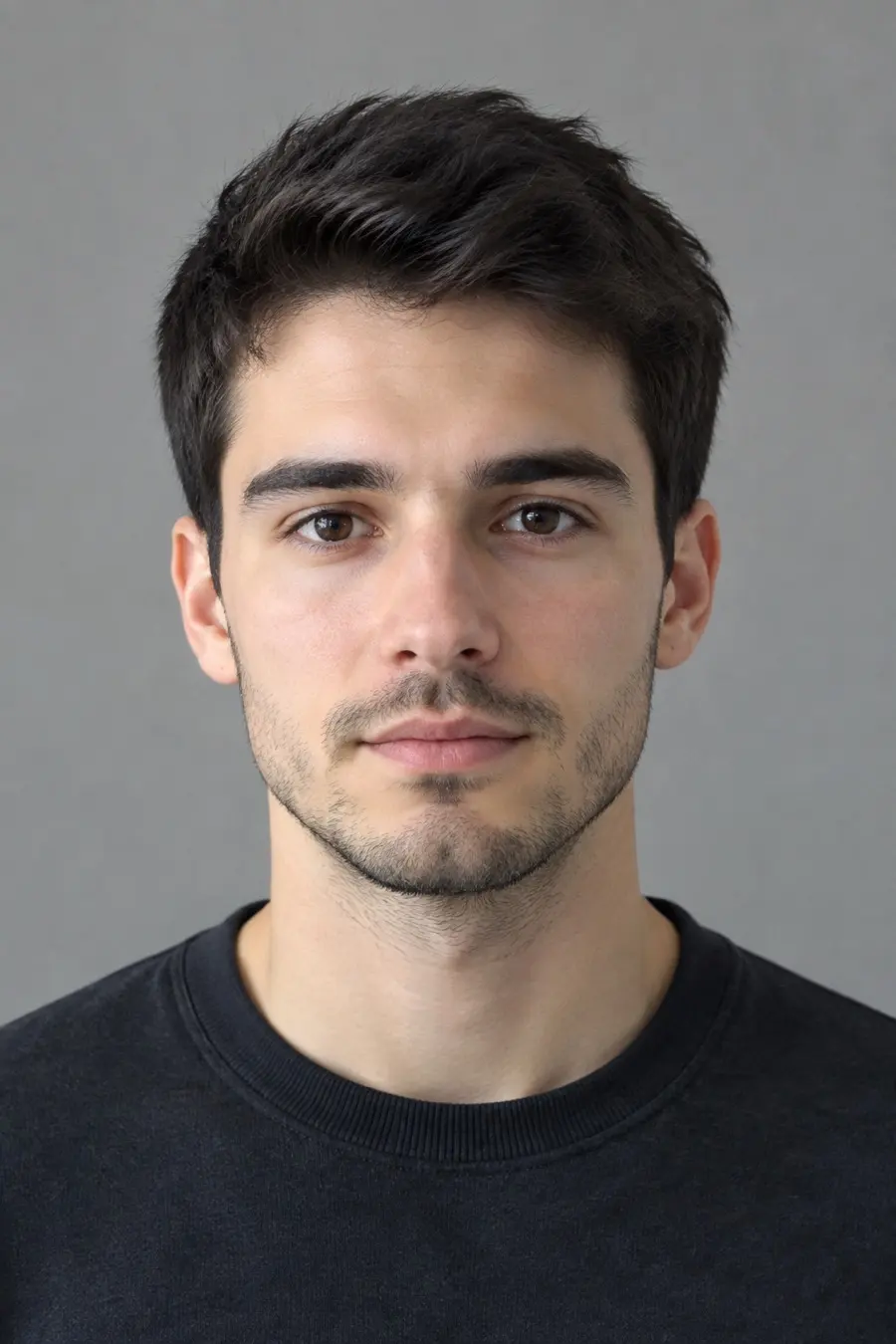
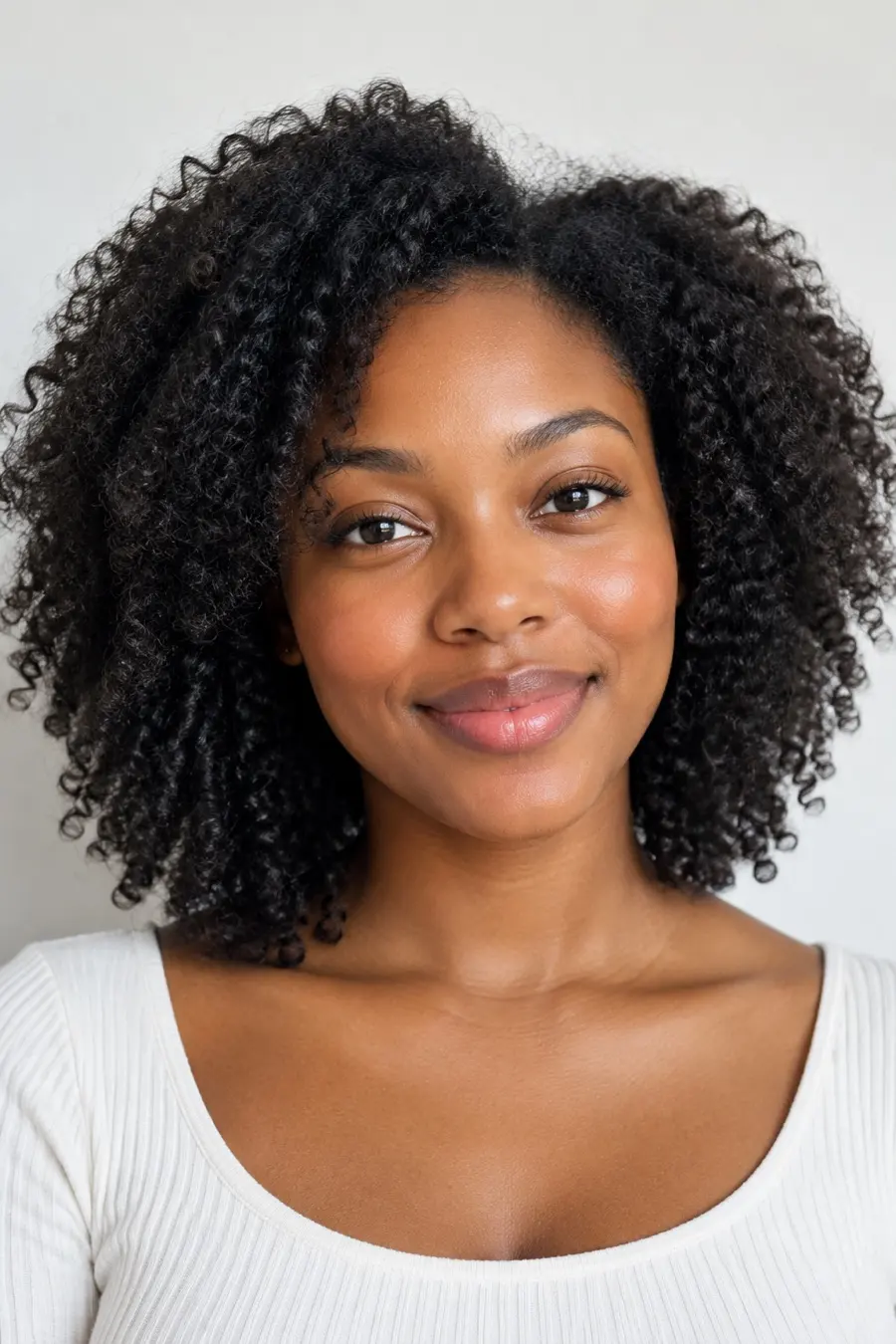
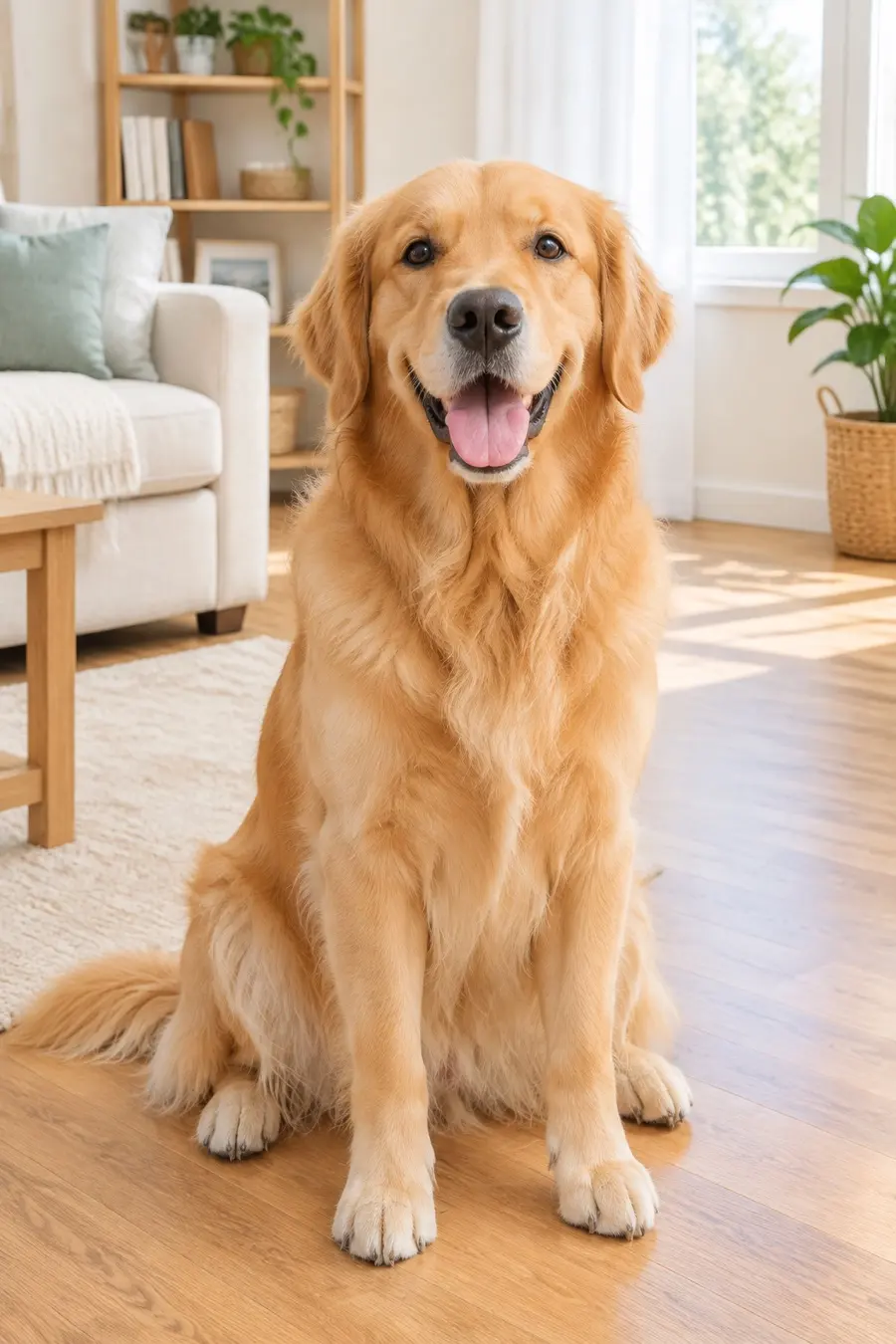
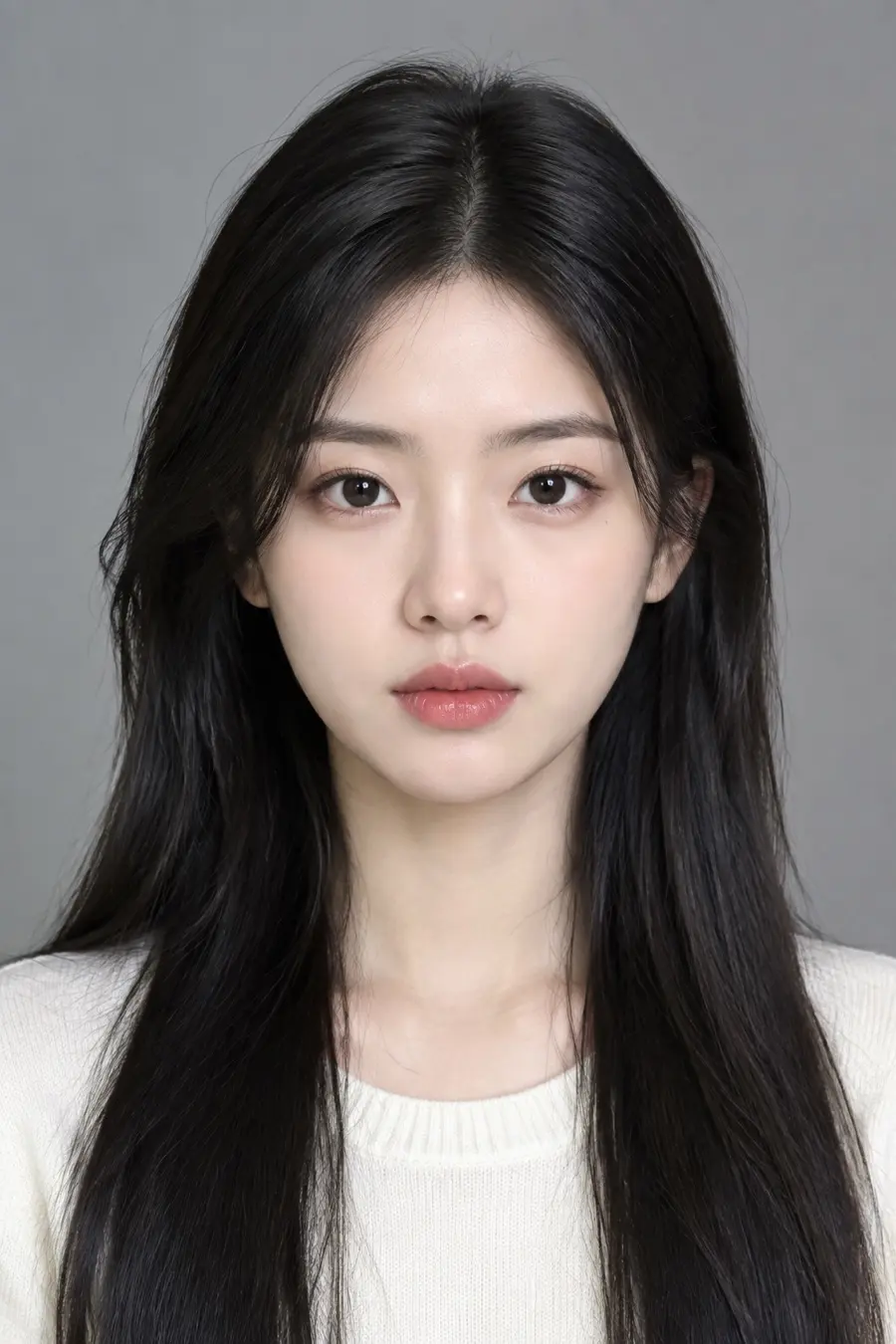
A selfie, a pet photo or one line of text
no photo needed to invent a character
- Pack
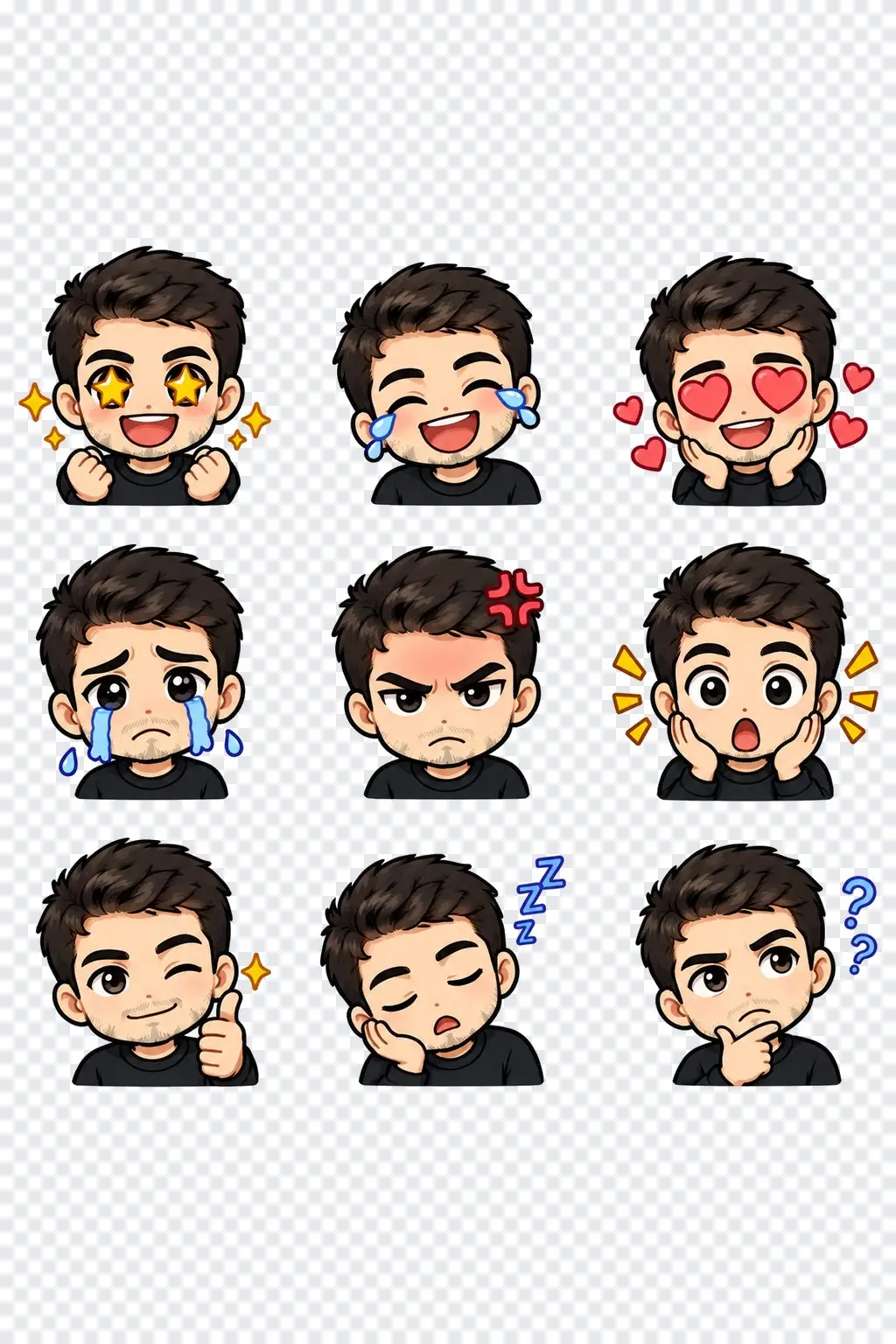
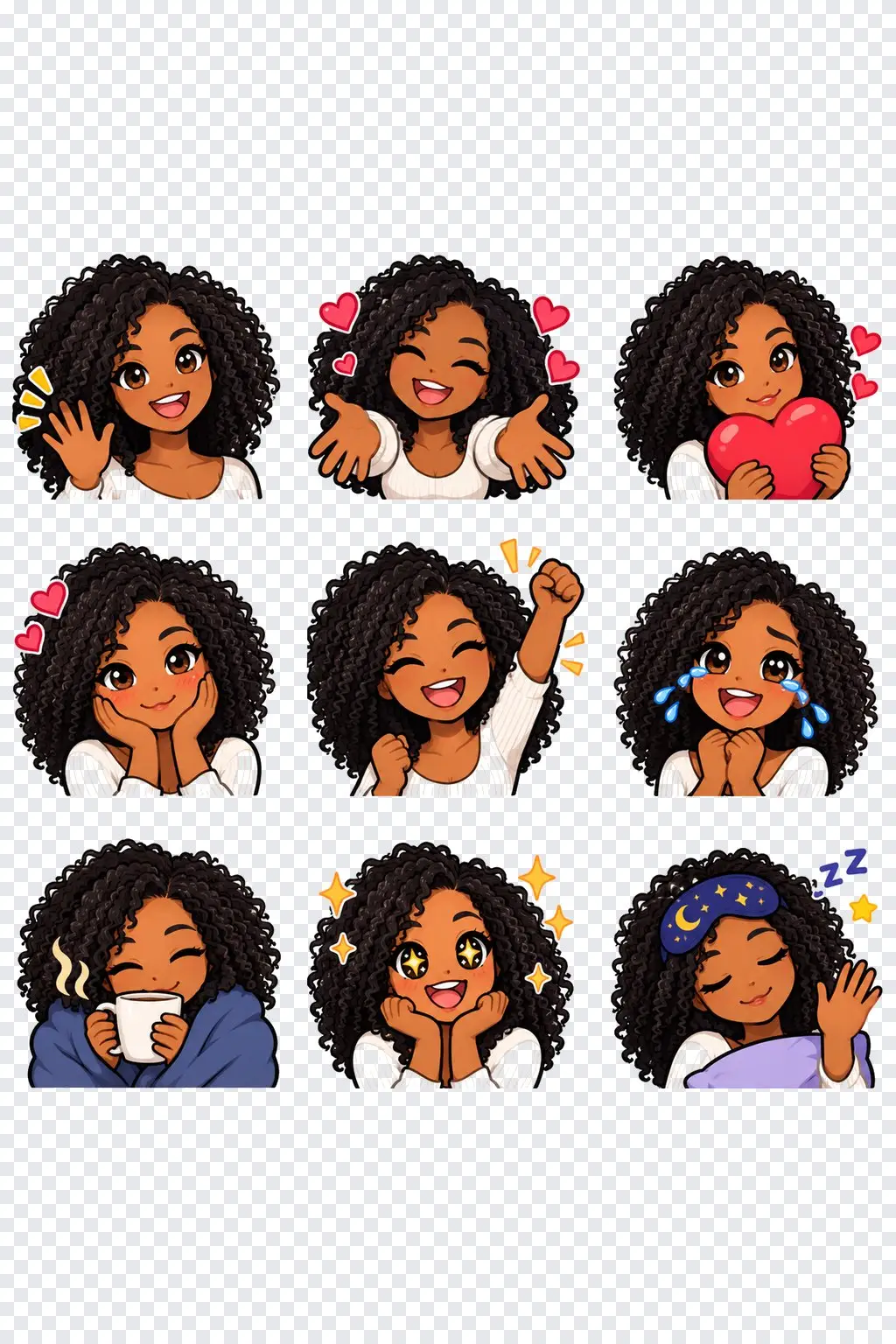
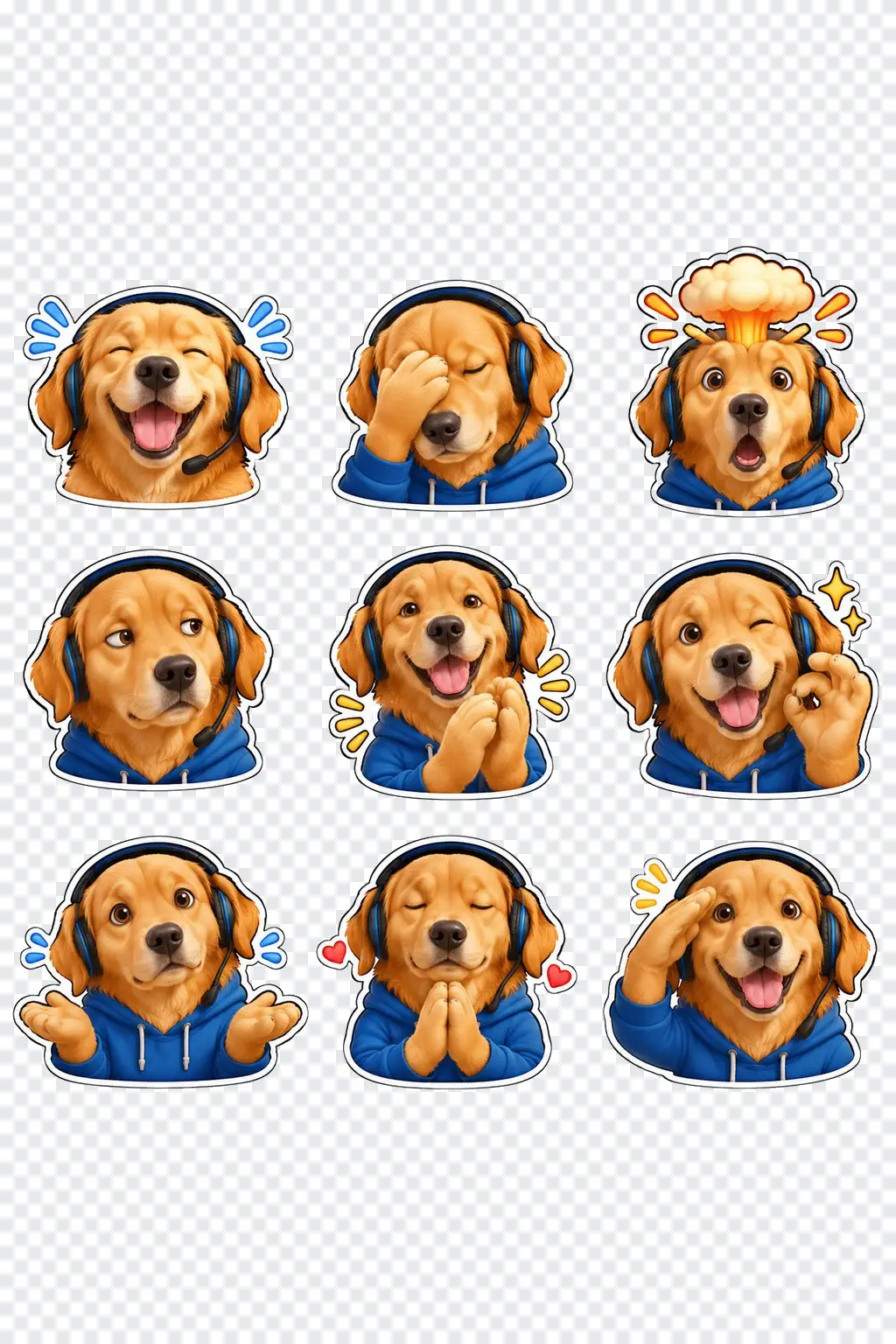
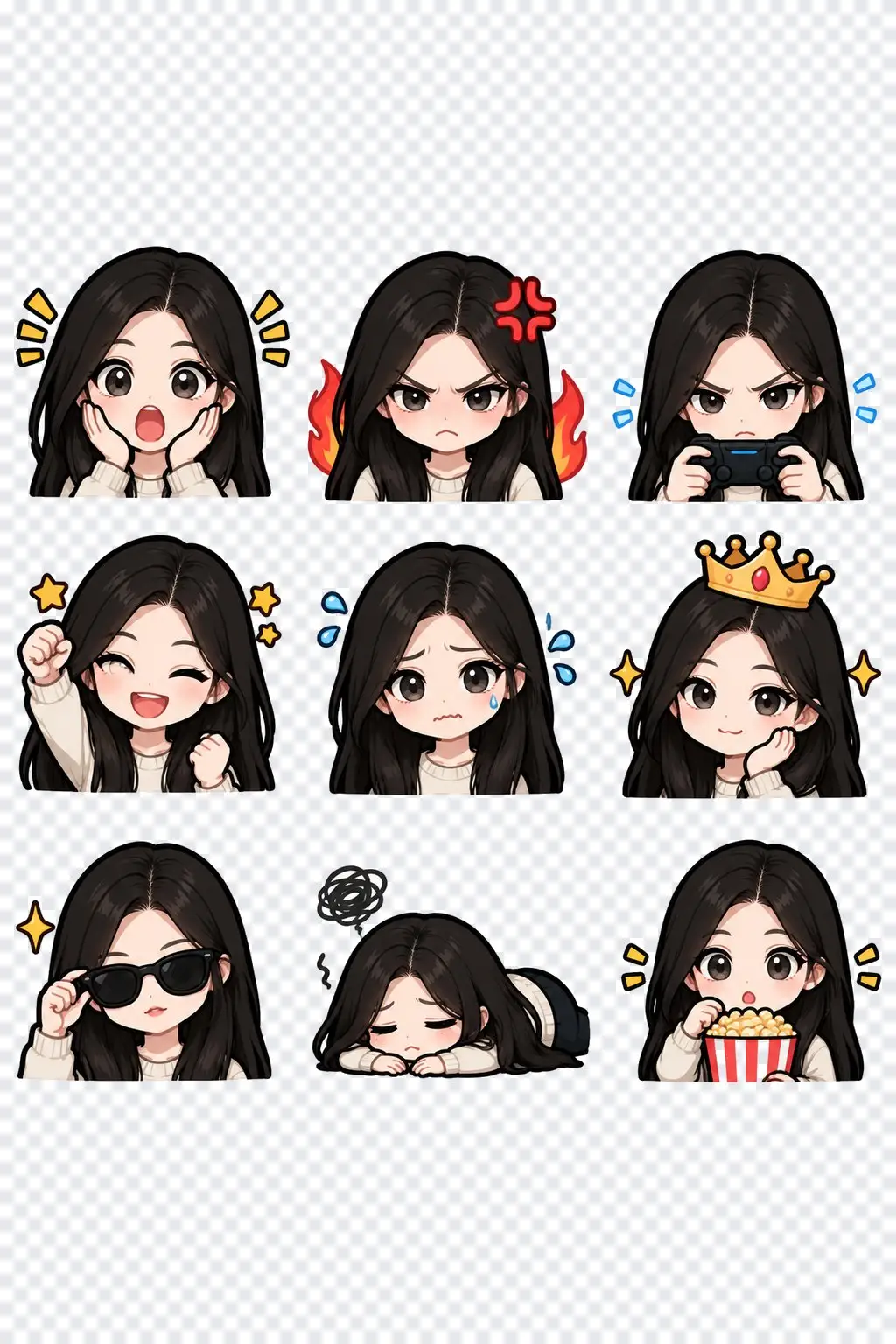
Nine emojis per run
one character, nine expressions, transparent background
- Output
Discord size
128 × 128 px PNG for every emoji, in one ZIP
- Keep
Your look
hairstyle, hair color, glasses and outfit colors carry over
How to make Discord emotes in 3 steps
One photo or one sentence, one pack.
Step 1
Add a photo or describe a character
A clear, front-facing selfie or a pet photo. No photo? Describe the character in a sentence.
Step 2
Pick a style and the emotions
Choose chibi, anime, bold cartoon, 3D toy, pixel art or kawaii, then a set of nine emotions: streamer classics, chat reactions, wholesome or gaming.
Step 3
Download for Discord
Open the result and pick Twitch 112 / 56 / 28 or Discord 128 to get a ZIP of ready-to-upload PNGs.
Emotes that look like you
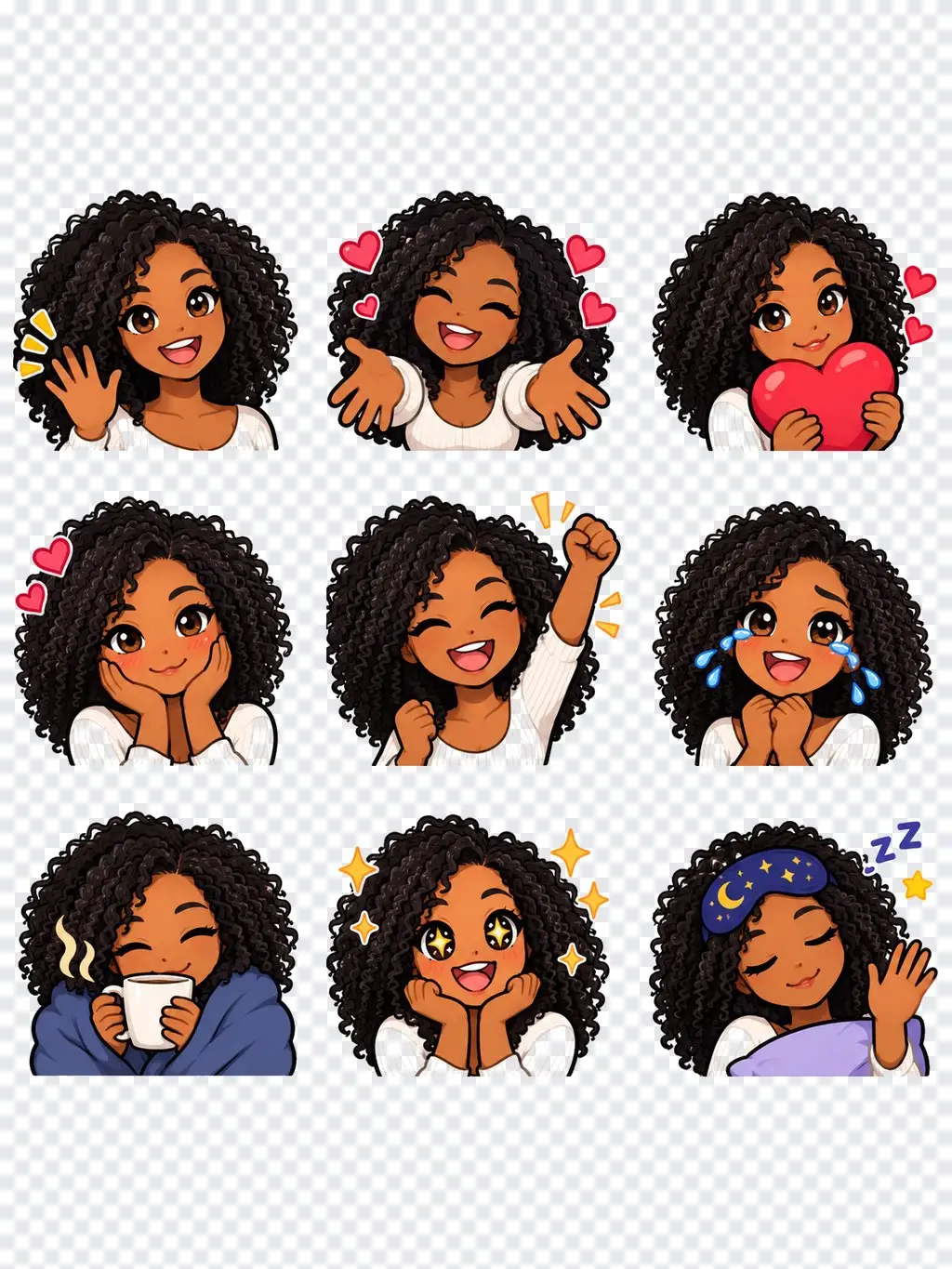
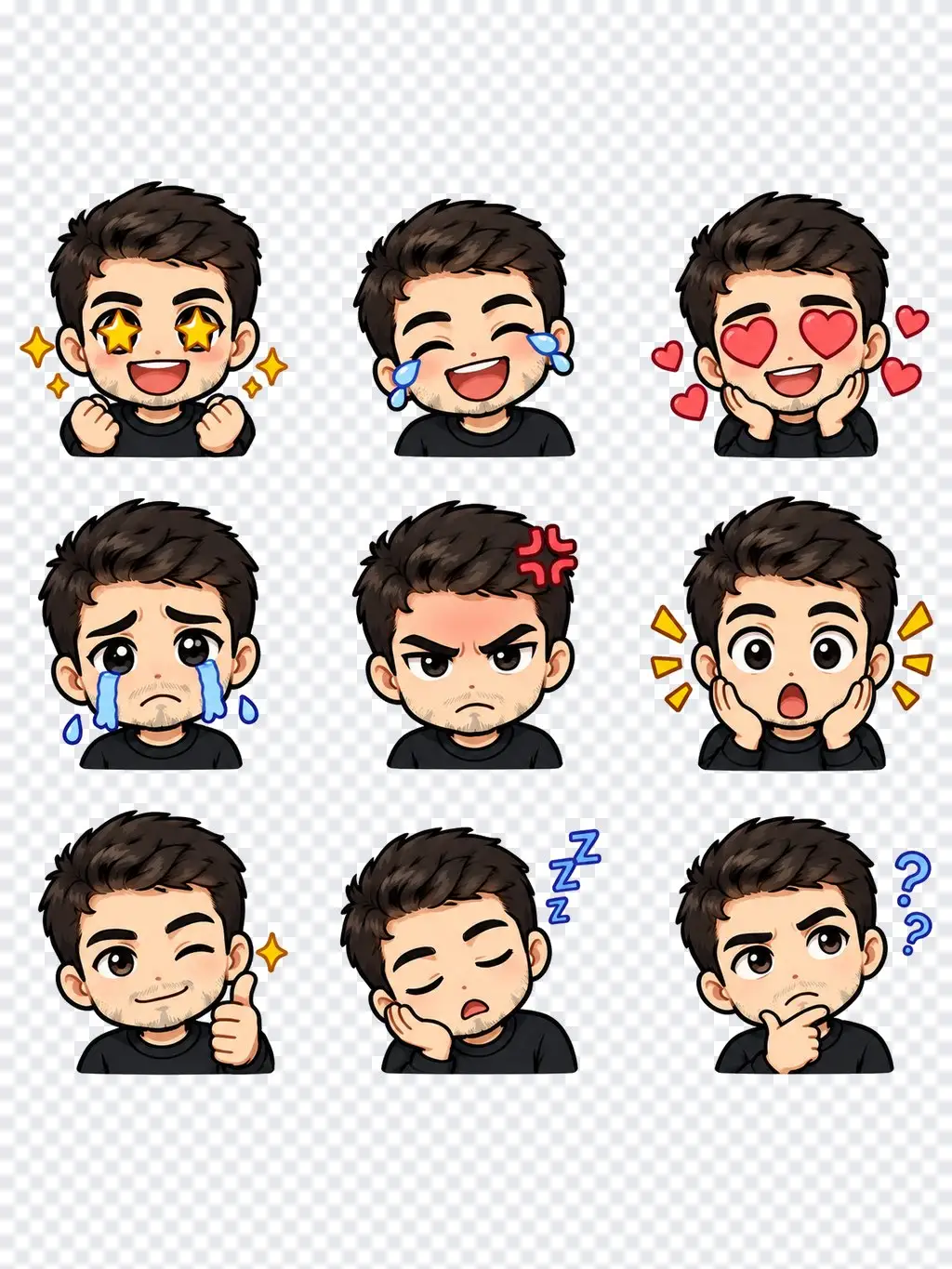
Upload a selfie and the pack keeps your hairstyle, hair color, skin tone, glasses and outfit colors, drawn as a chibi, anime, bold cartoon, 3D toy, pixel art or kawaii character.
- Six styles
- Keeps your look
- Same character in all nine
Or describe a character
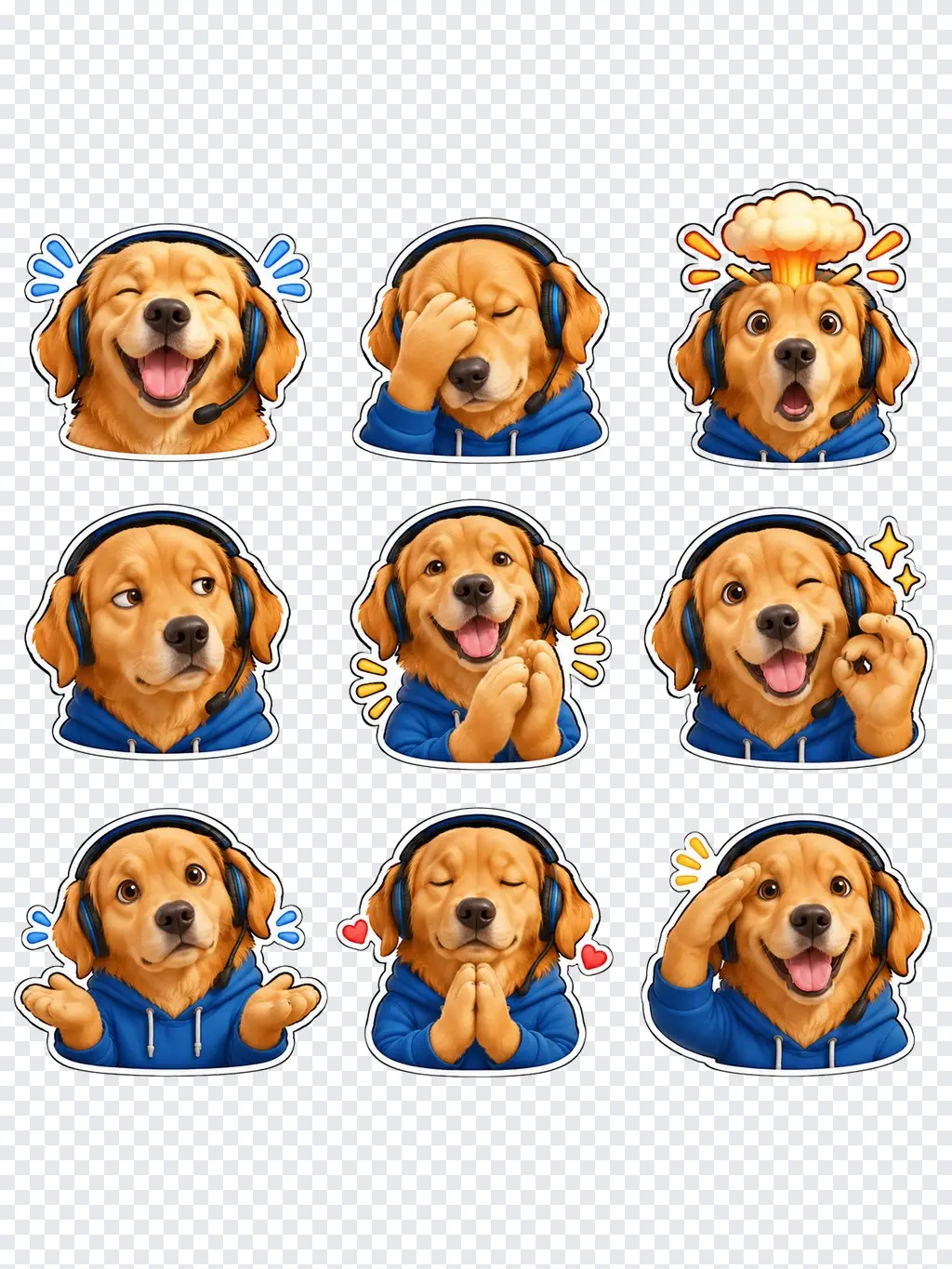
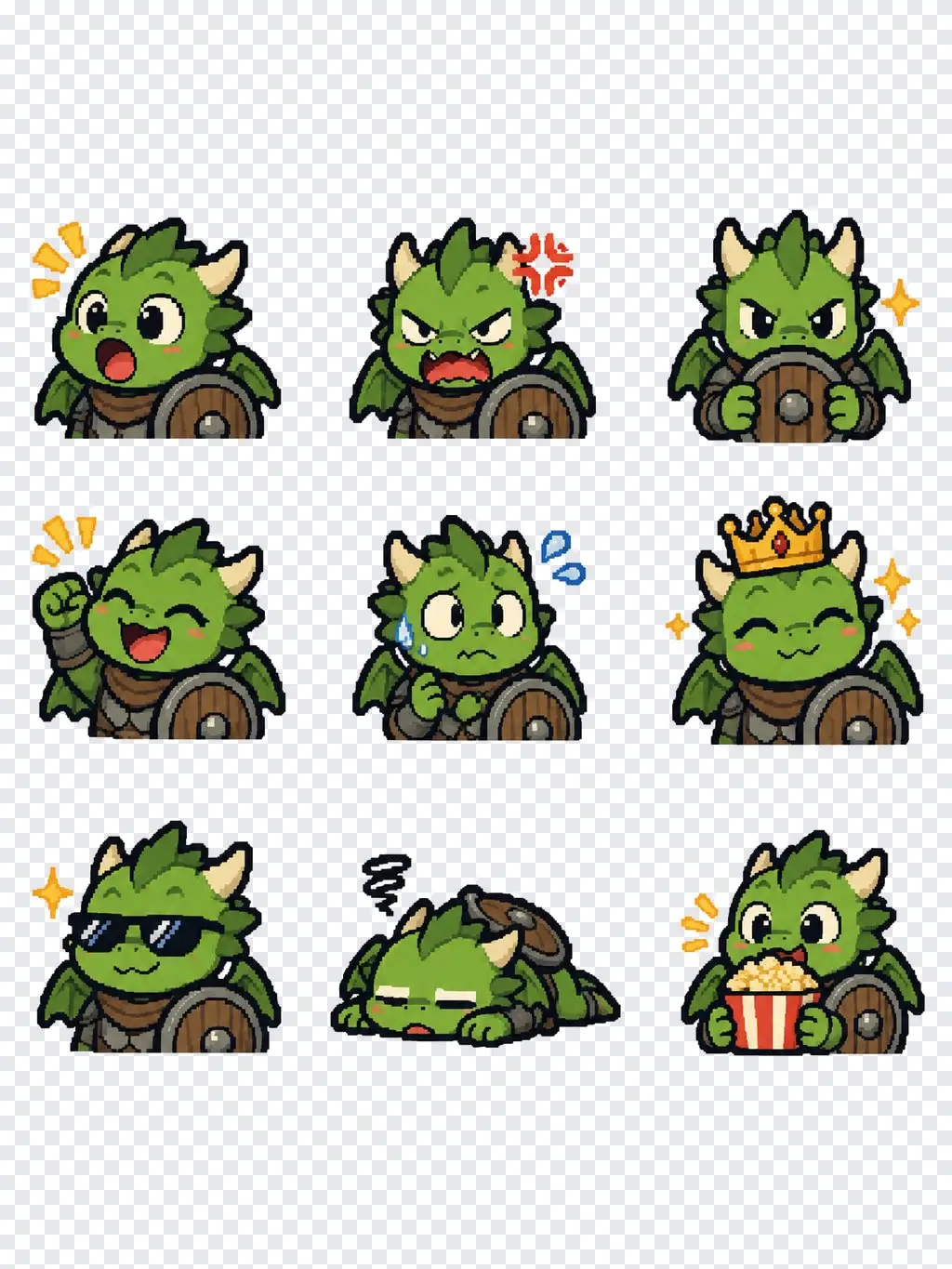
Type something like "a tiny green dragon knight with a round shield" and get a whole pack of that character. Pets work too: upload your dog or cat.
- Text-only characters
- Pets and mascots
- Original designs
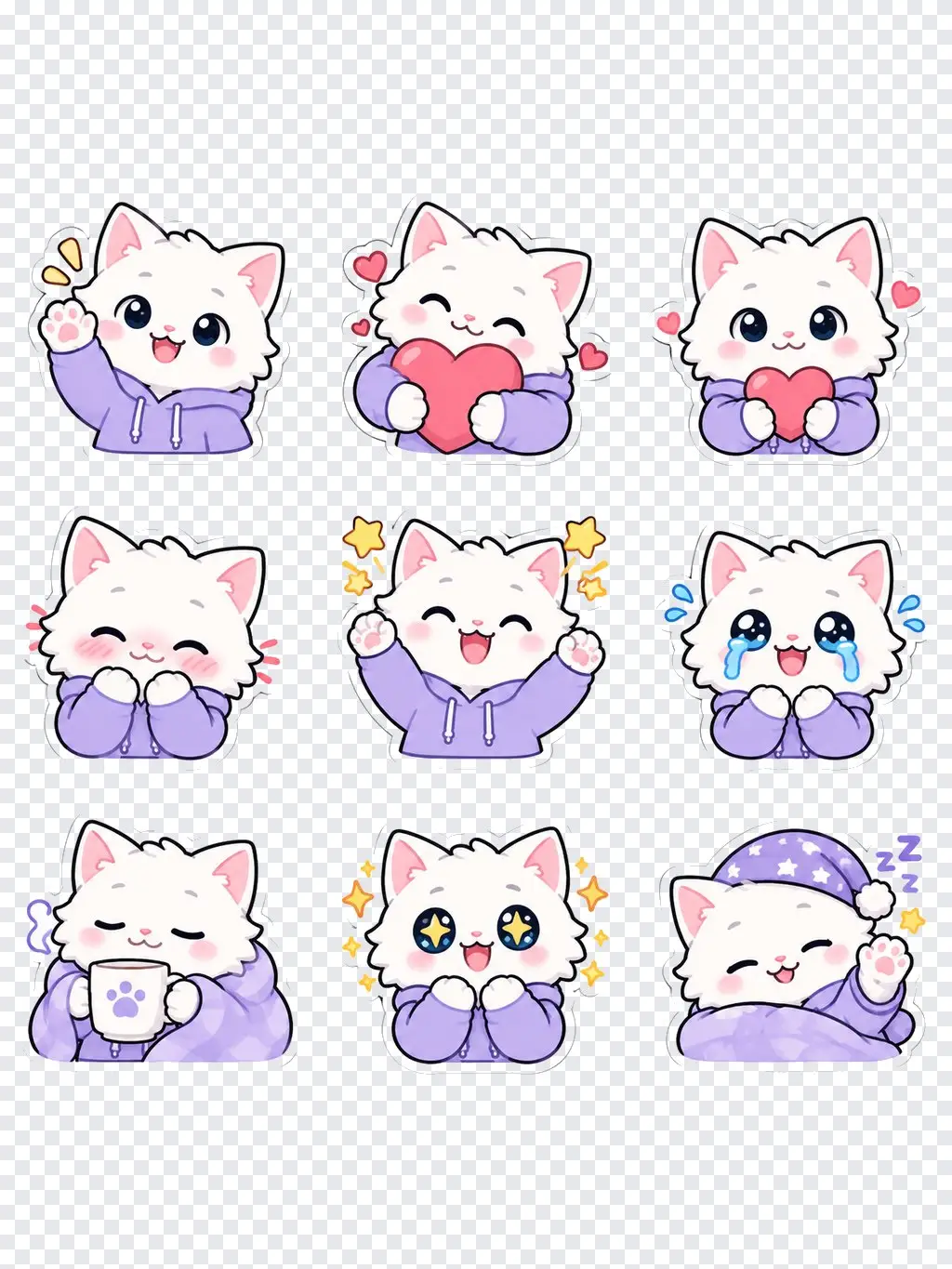
Every size, one click
Open the result and download a ZIP with all nine emotes already cut out and resized to 128 × 128 px for Discord, with the other platform's sizes one click away. Transparency is kept, so they sit cleanly on light and dark themes.
- Cut out and centered
- Transparent PNG
- Twitch and Discord sizes
FAQ
Discord emoji maker FAQ
Is it free?+
Signing up is free and comes with free credits to try it. Each run shows its price on the Generate button before anything is charged.
What size are Discord emojis?+
Discord shows emojis at 128 × 128 pixels and accepts files up to 256 KB. The Discord download gives you every emoji at 128 × 128 as a transparent PNG, well under that limit.
How do I add them to my server?+
Unzip the download, open Server Settings → Emoji → Upload Emoji, and pick the PNGs. You need the Manage Expressions permission on that server.
How many emotes do I get?+
Nine per run, all of the same character, each with a different expression. Run it again with another emotion set for more.
Can I make emotes without a photo?+
Yes. Leave the photo empty and describe the character, for example "a sleepy orange fox in a gamer headset".
Can I use emotes of my pet?+
Yes. Upload a photo of your pet and it becomes the character in all nine emotes.
Are my photos kept private?+
Your photo is used only to make your emotes and is not shown publicly. See the LazyKiwi privacy policy for how uploads are stored.
More tools for streamers and servers
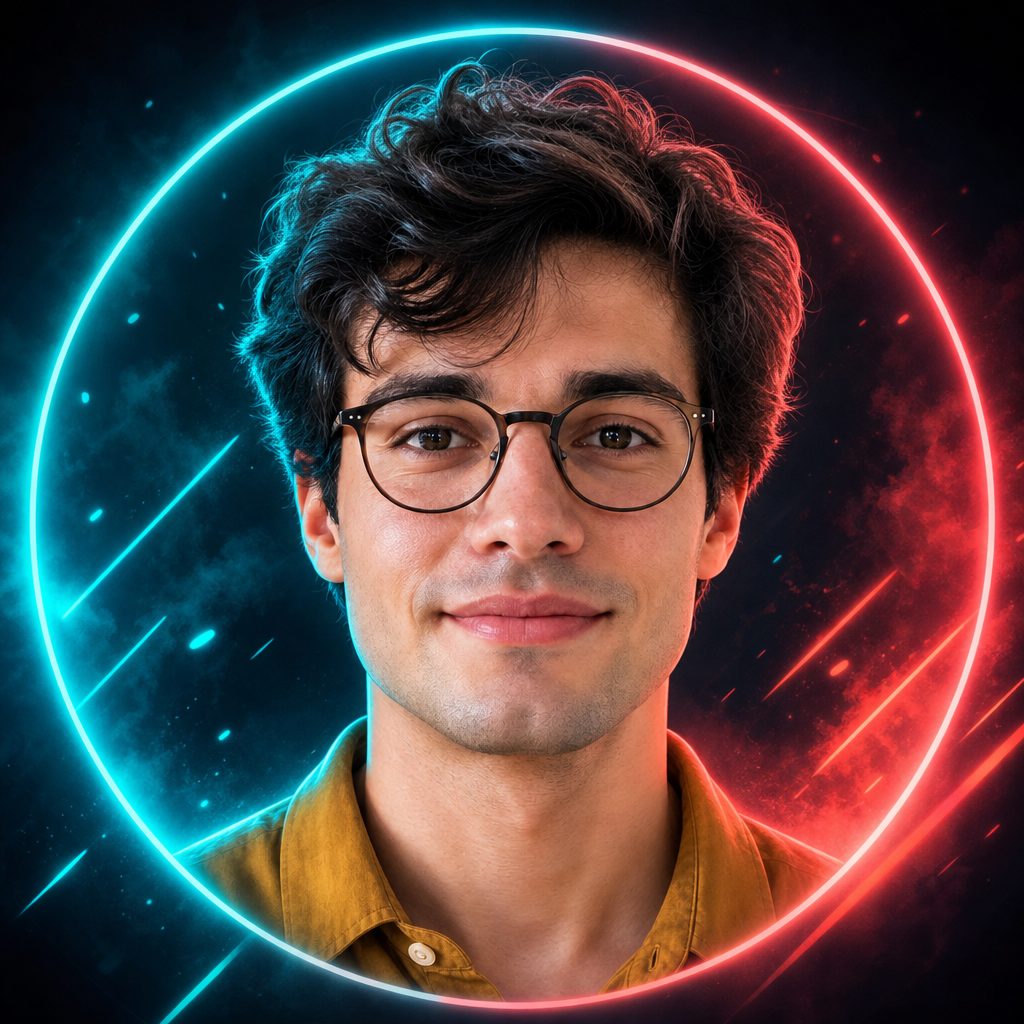
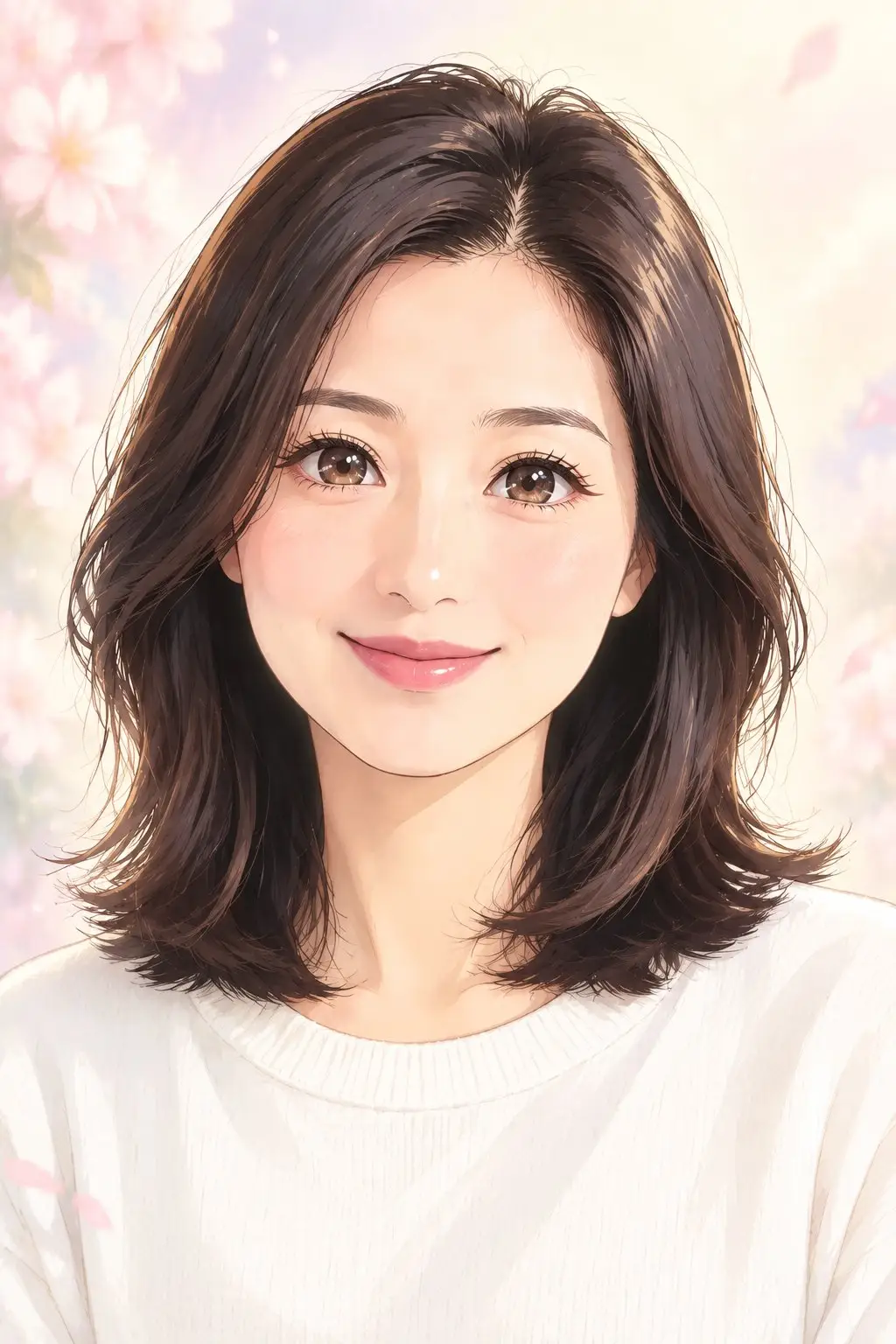
Your face, nine Discord emotes.
Upload a selfie or describe a character, pick a style, download the sizes.
Free to try · Price shown before you generate · Your photos stay private