
Enhance photo quality without making it look fake.
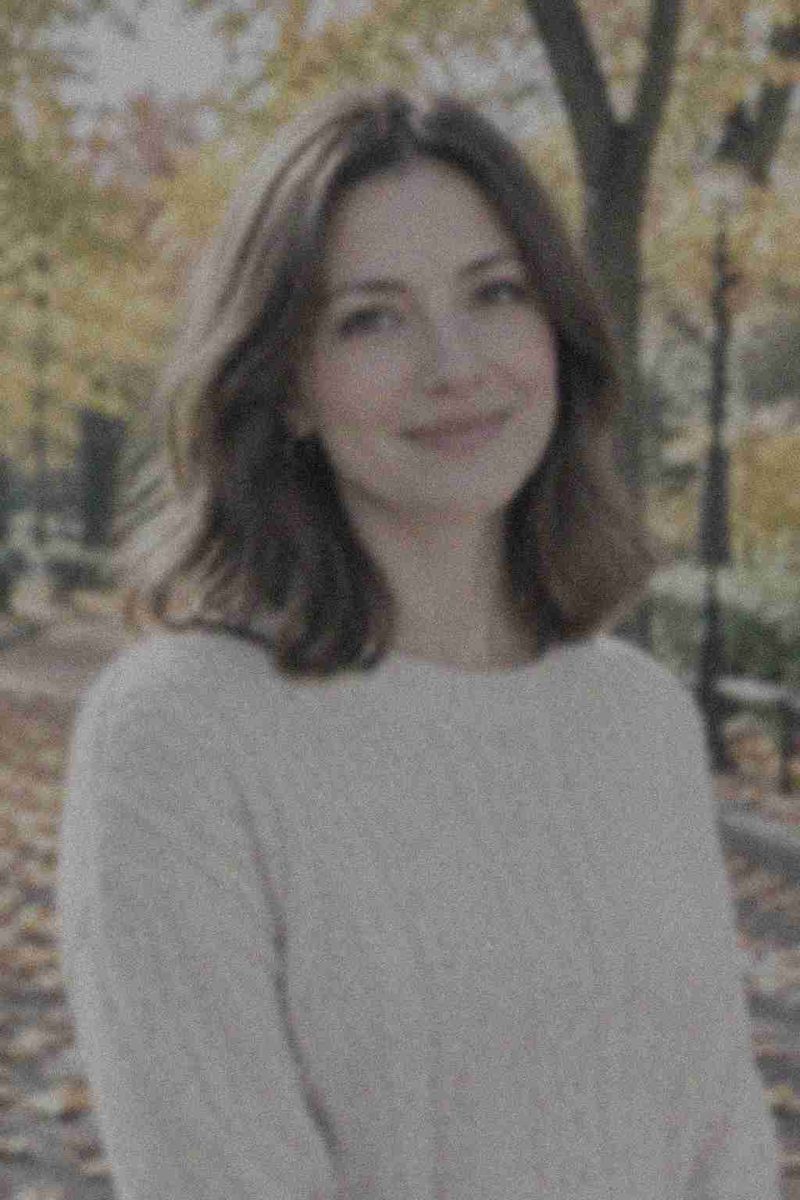
Upload a soft, dark or grainy photo and the AI enhancer sharpens detail, lifts the shadows, removes noise and corrects color — while the face, the outfit and the scene stay exactly as you shot them.

What it is
Enhance is not the same as upscale.
An upscaler makes a photo bigger. An enhancer makes it better at the size it already is: clearer edges, cleaner shadows, truer color, less grain. If you mainly need more pixels for print, use the AI photo upscaler. If the photo is torn, scratched or faded with age, use photo restoration. Everything else — the slightly-off phone shot that just needs a better image enhancer — starts here.
How it works
Enhance a photo in three steps
Upload the photo
A phone shot, a screenshot or an export from your camera. JPG, PNG and WebP all work.
Say what bothers you
"Sharpen and brighten", "remove the grain", "fix the yellow cast" — or simply "enhance clarity, light and color".
Compare and download
Check it against the original. If it went too far, ask for a lighter touch and run it again.
Low light
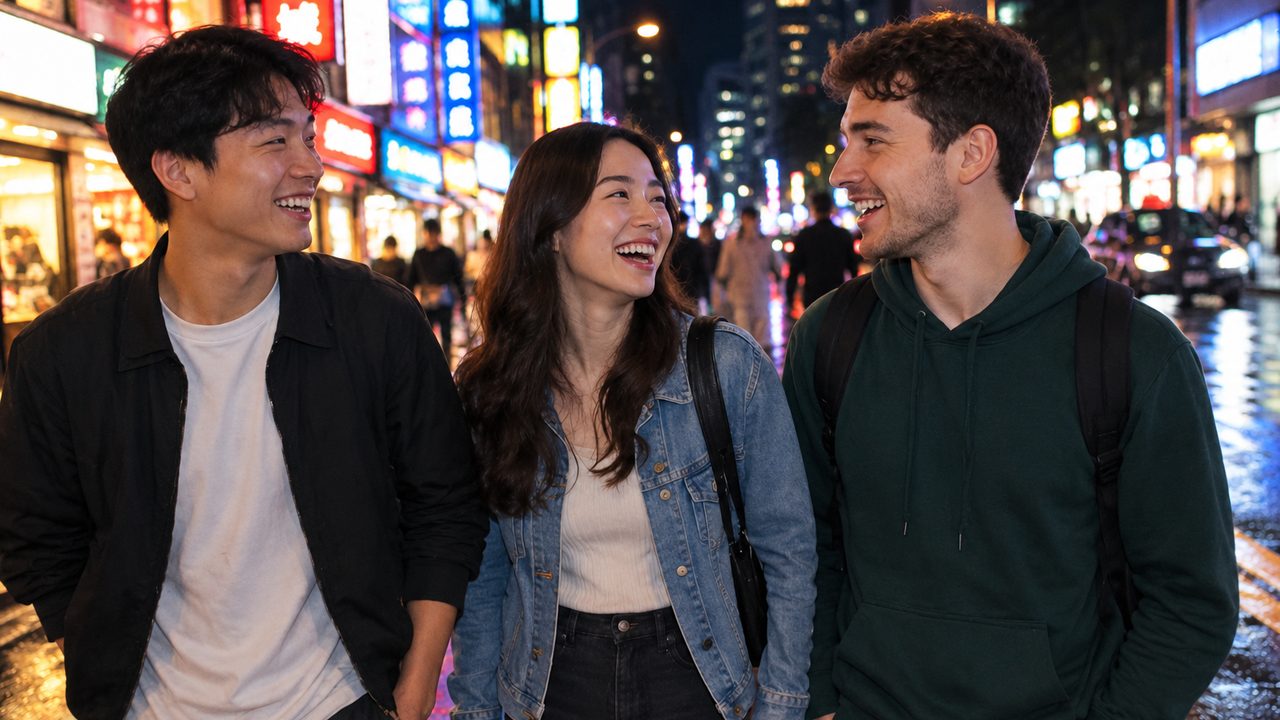
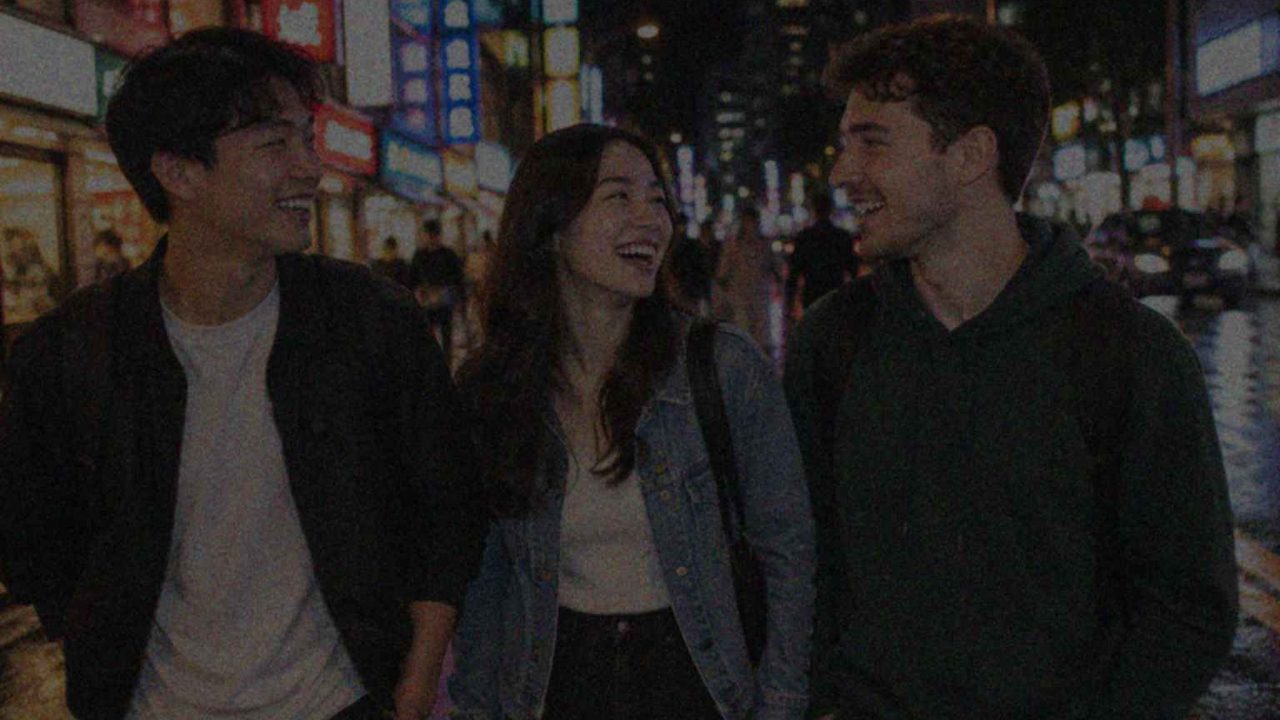
Night photos without the grain
Dark bar and street shots come out noisy and muddy. The enhancer lifts the shadows, cleans the noise and keeps the neon looking like neon instead of washing everything grey.
- Shadow detail recovered
- Color noise removed
- Highlights kept under control
Clarity
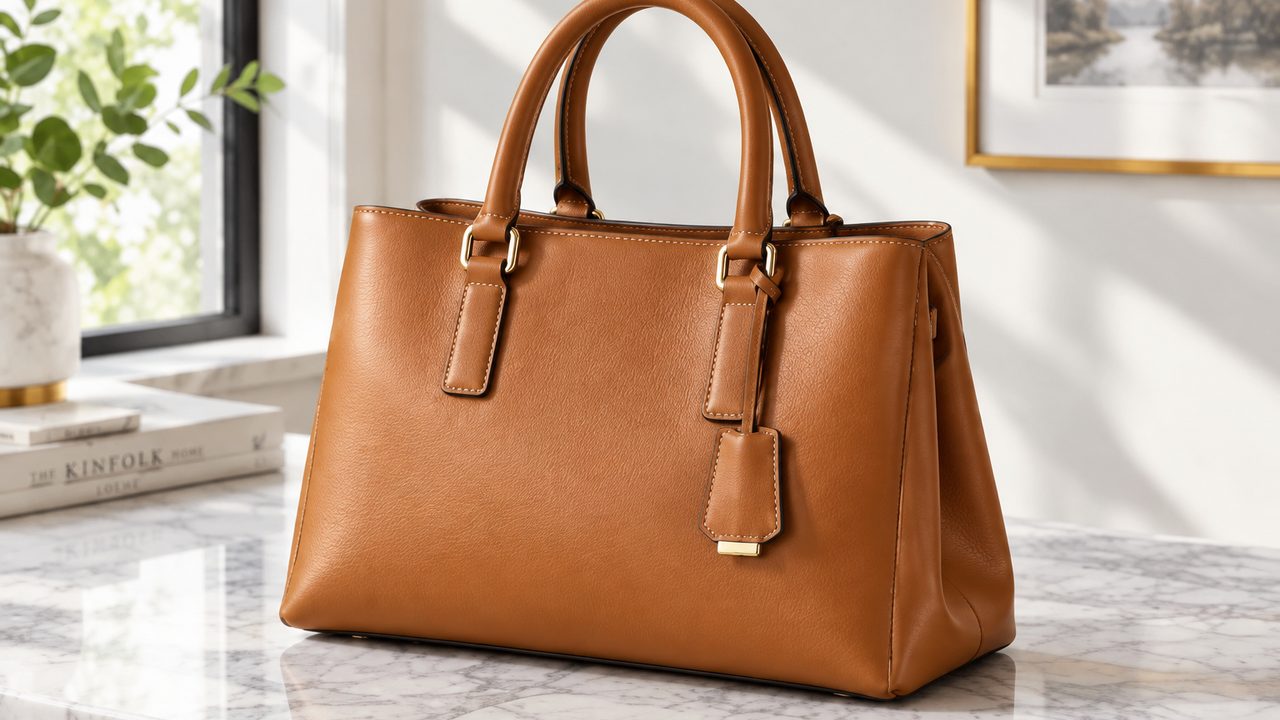
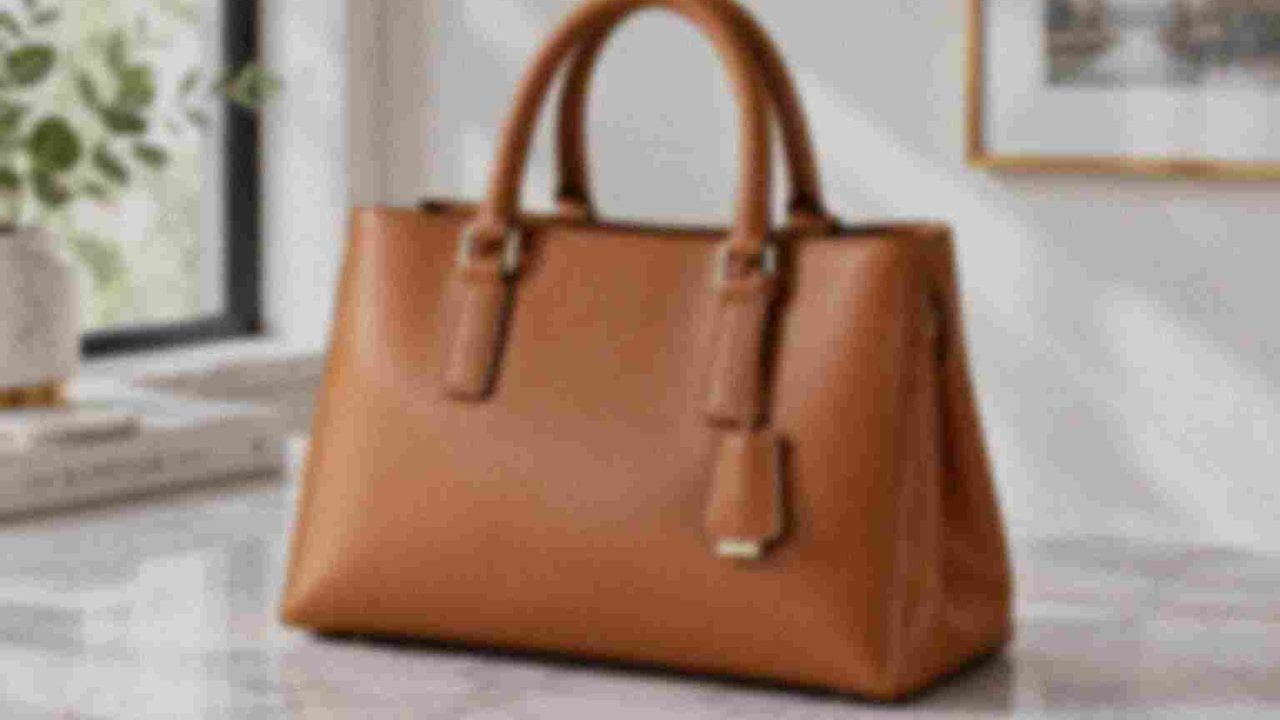
Blurry and soft shots, sharpened
Missed focus, a dirty lens, a compressed image from a chat app. AI rebuilds edges and texture — stitching, hair, text on a label — so the photo is usable again.
- Fixes soft focus and motion blur
- Recovers texture after compression
- Good for product and listing photos
Color and light
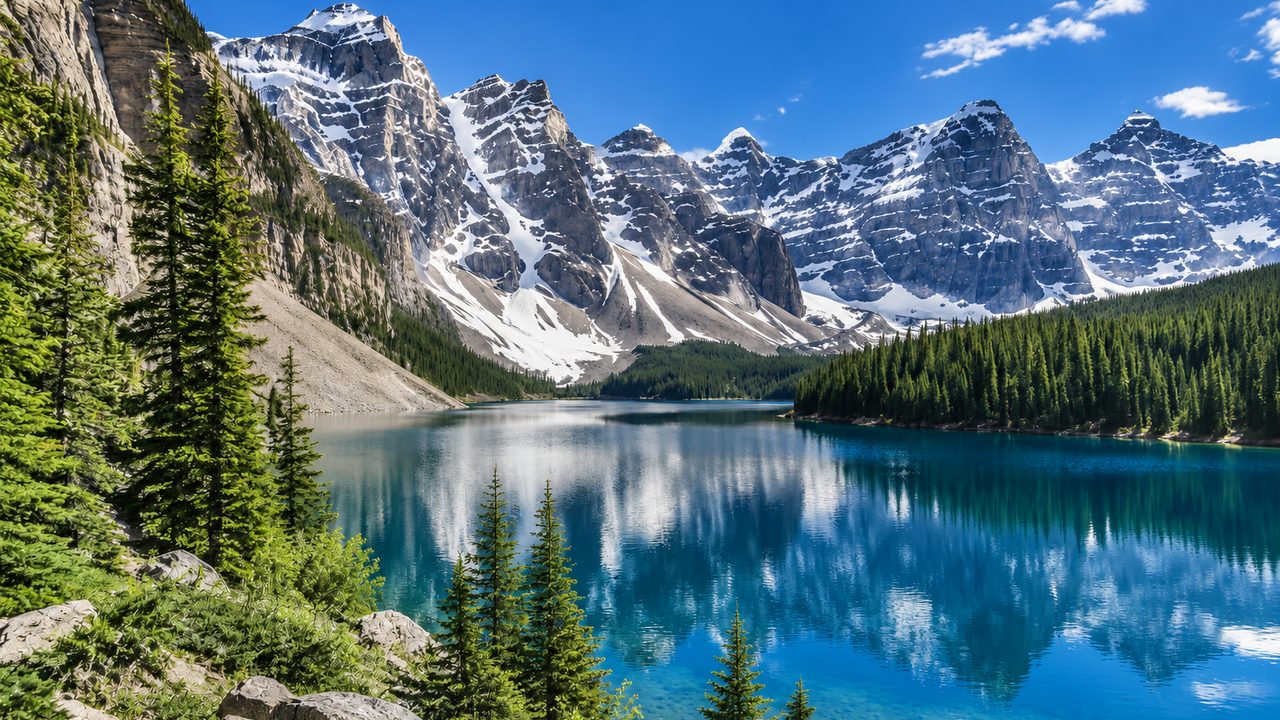
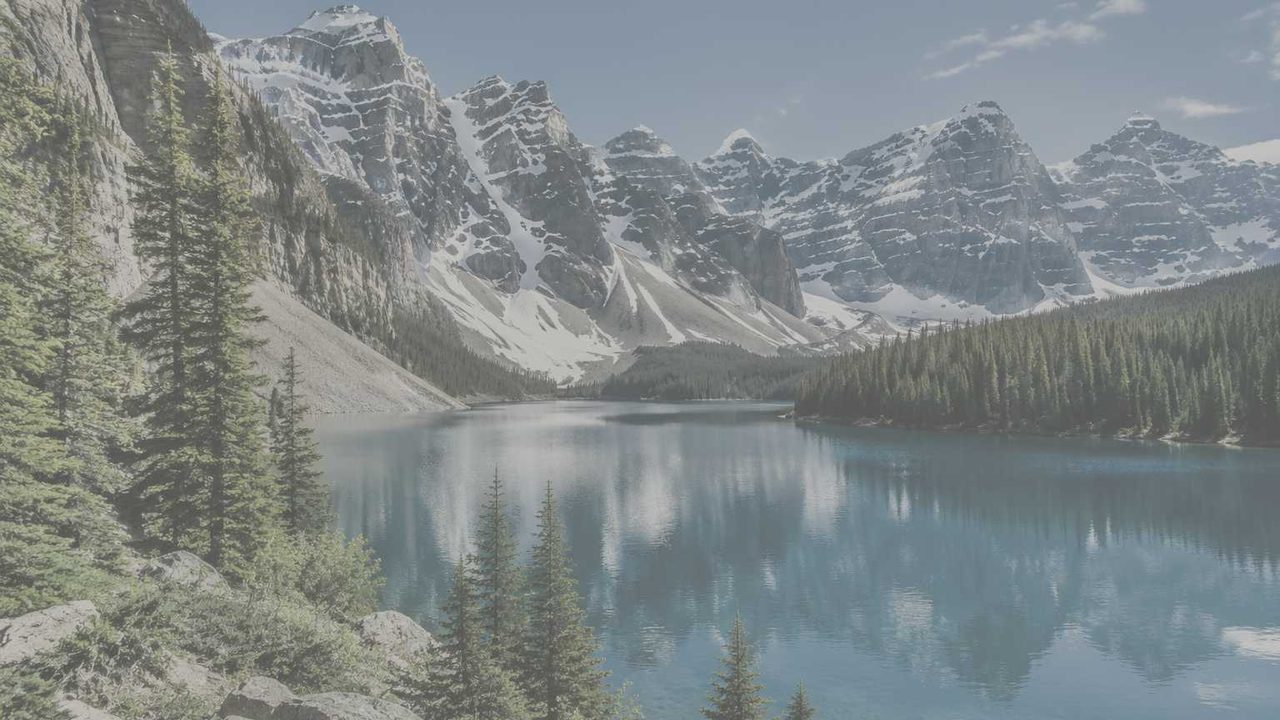
Flat, dull photos get their color back
Haze, overcast light and auto white balance drain a photo. The enhancer restores contrast and natural color without the over-saturated filter look.
- Natural contrast
- White balance corrected
- No heavy filter look
Why LazyKiwi
Why enhance photos here
Free to start
New accounts get free credits — try it on your worst photo before paying anything.
Stays your photo
Faces, clothes and backgrounds are kept. The goal is the same picture, taken on a better day.
In the browser
No app to install, works on desktop and phone.
You decide how far
Ask for a subtle clean-up or a full fix. Re-run with a lighter touch if it looks overdone.
One place for the rest
Upscale, restore, colorize or remove objects from the same workbench when enhancing is not enough.
Private uploads
Your photos are processed to make your result, not published anywhere.
FAQ
AI photo enhancer questions
Is the AI photo enhancer free?+
You can start for free with the credits new accounts receive. Each enhancement uses a few credits; paid plans add more.
Can it fix a blurry photo?+
Soft focus, slight motion blur and compression blur usually improve a lot. A photo where the subject is a smear of a few pixels cannot be recovered faithfully — the AI would have to invent the detail.
How do I enhance a blurry photo?+
Upload it and ask for "sharpen the details and remove the blur, keep everything else the same". Mild softness and motion blur clear up well; if the subject is badly out of focus, run it once more on the result rather than asking for everything in one go.
What is the difference between an enhancer and an upscaler?+
An enhancer improves quality at the current size: sharpness, noise, light and color. An upscaler increases the resolution, for example 2x or 4x for printing. Many photos need both — enhance first, then upscale.
Will the enhanced photo still look like me?+
That is the point of the tool. If a result looks too smooth or changes a feature, ask for "keep the face exactly the same, only reduce noise" and run it again.
Can I enhance old family photos?+
Faded color and soft focus, yes. For scratches, tears and missing pieces, photo restoration is the better fit, and black-and-white pictures can be colorized with the AI photo colorizer.
Is it safe to upload my photos?+
Your uploads are used to produce your result and are not shown publicly. Only upload photos you own or have permission to edit.
Can ChatGPT enhance images?+
ChatGPT can redraw an image you upload, but it tends to change faces and details while it does. A dedicated photo quality enhancer keeps the original picture and only fixes sharpness, noise, light and color.
Give your photo the quality it should have had.
Upload a blurry, dark or noisy shot and enhance it in seconds — free to start.
No credit card · Free to try · Results in seconds