
Free AI Logo Generator
Type the brand name, what it does and the feel you want, and get logo concepts with a symbol and a wordmark in one pass. Pick the direction that fits, refine it, and send it to Logo Motion to animate it for your intro and social posts.
Results
Brief in, logo out
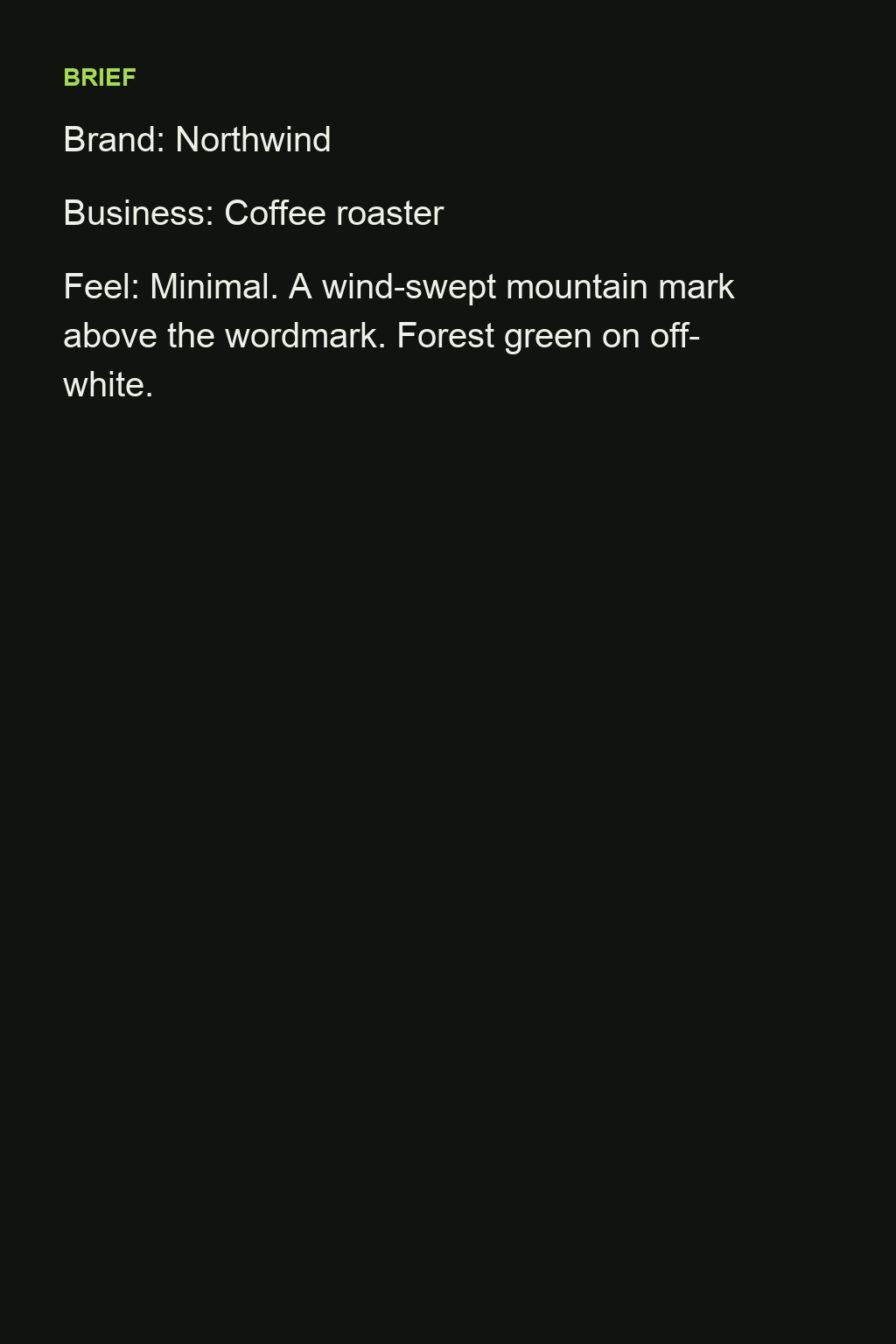
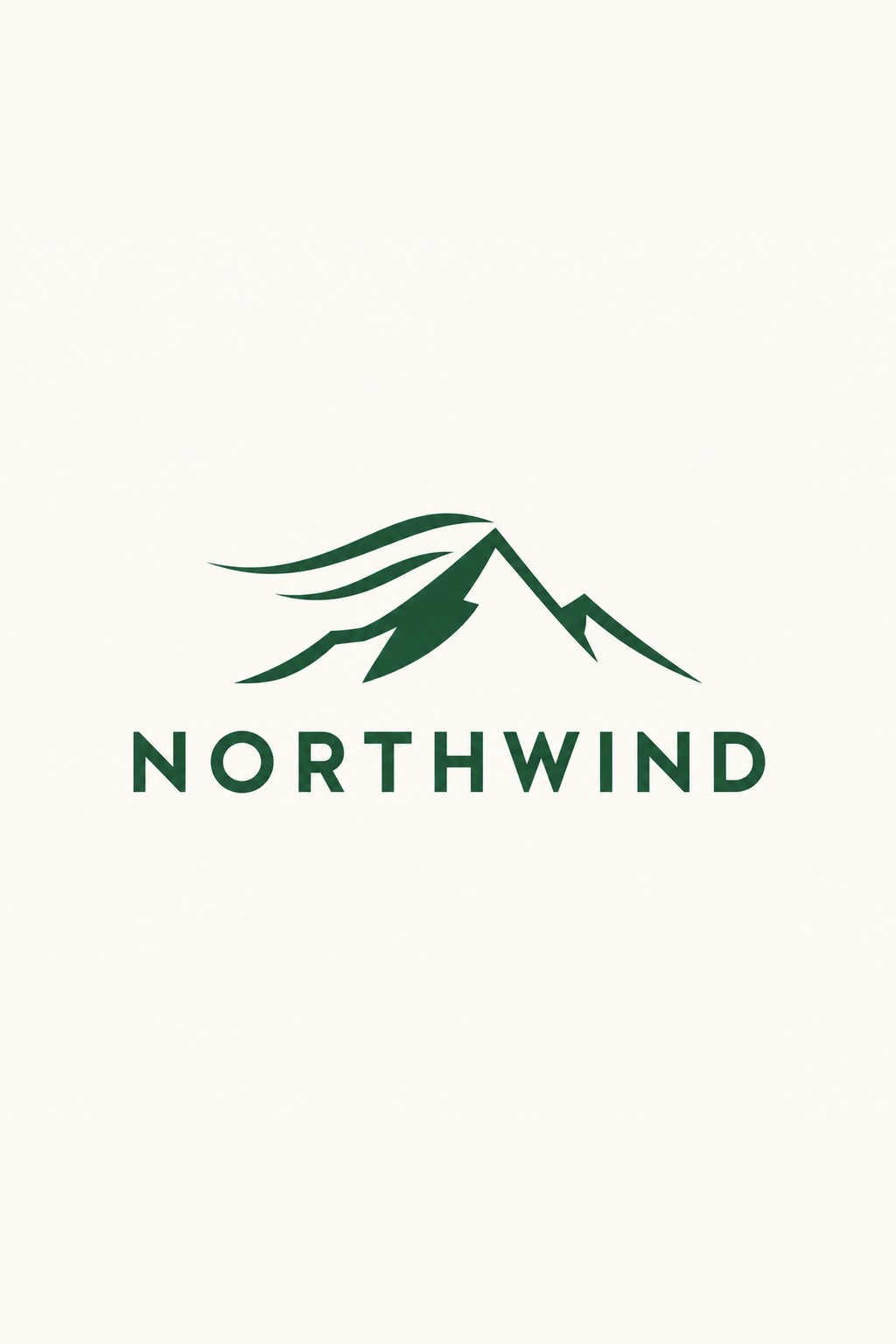
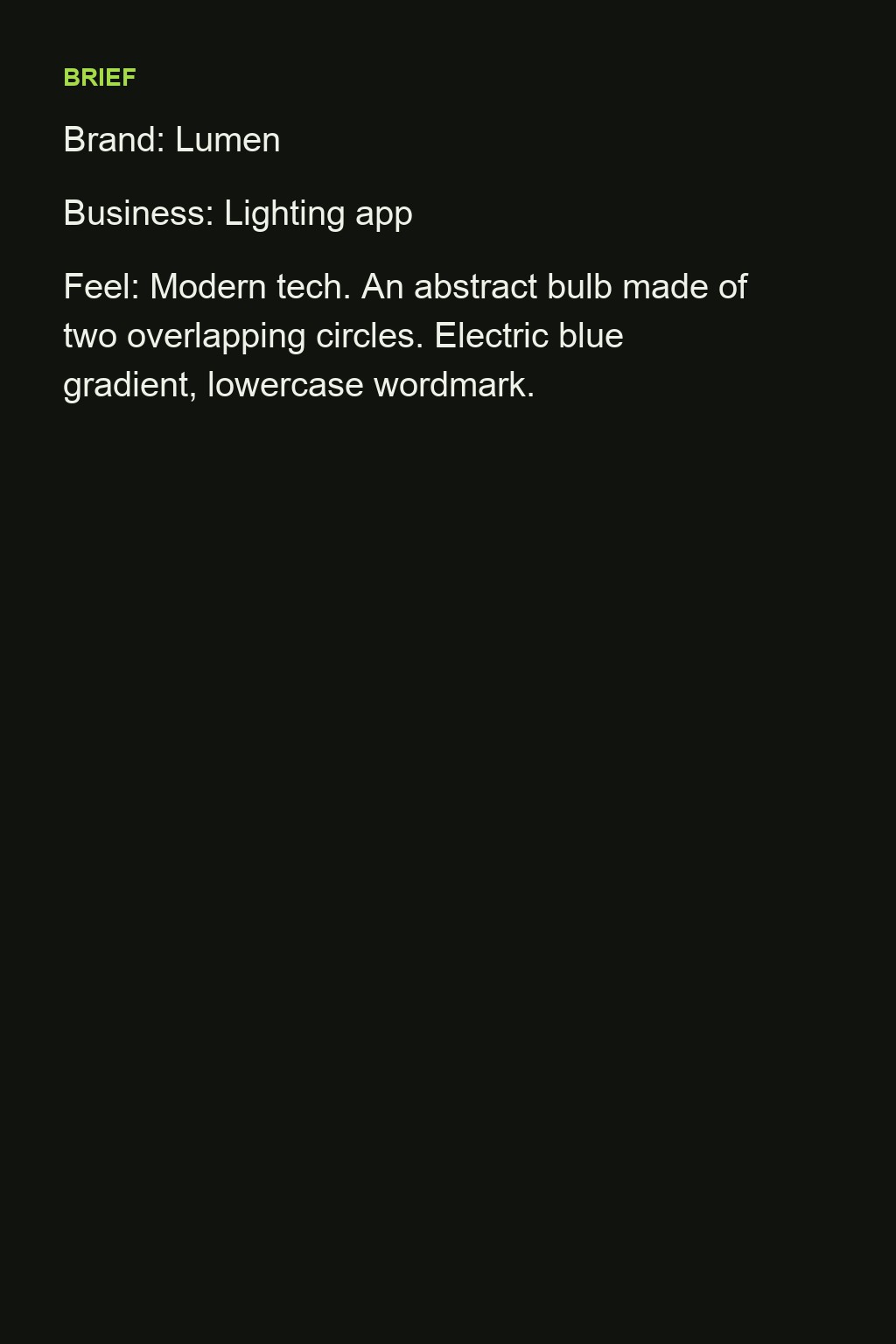
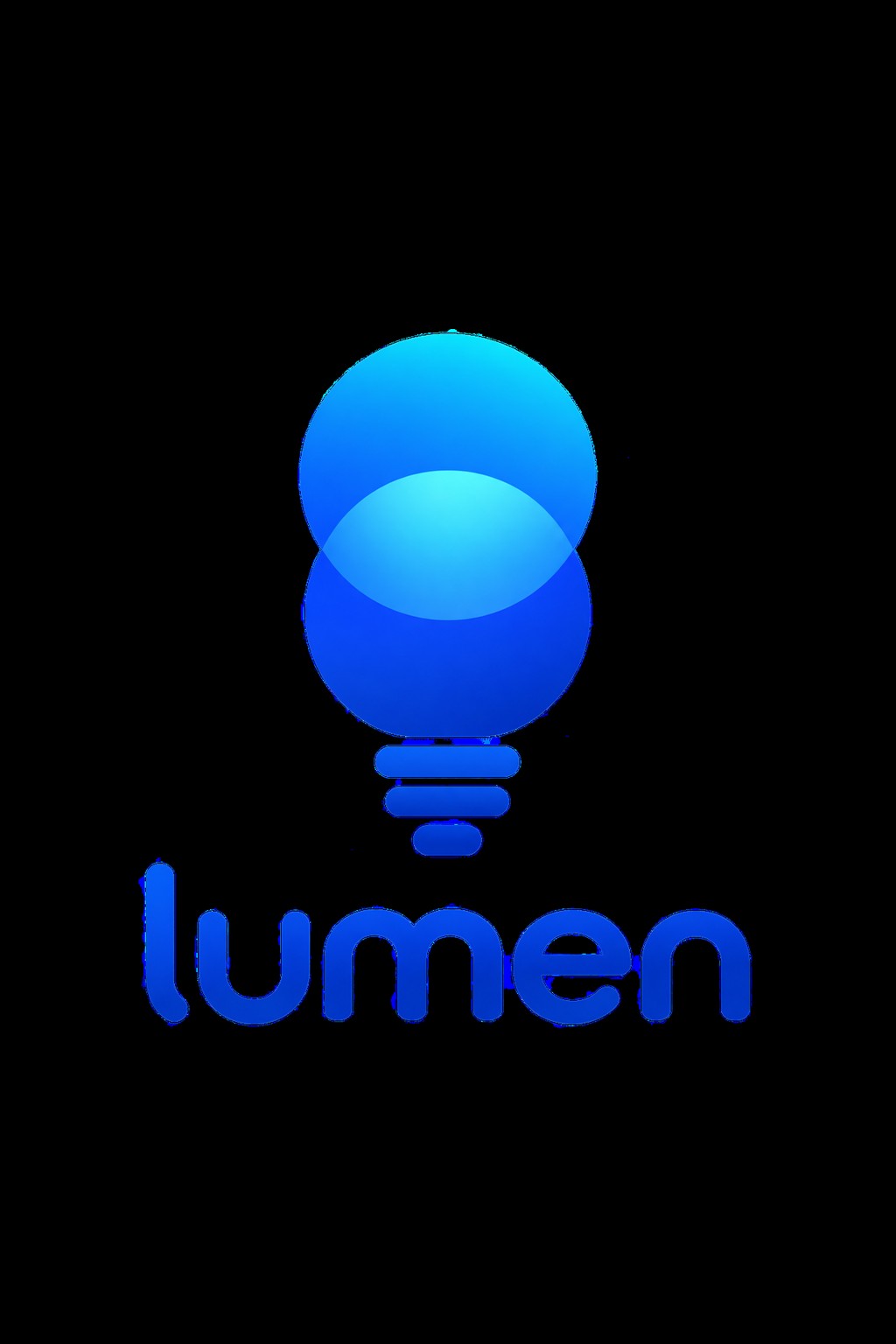
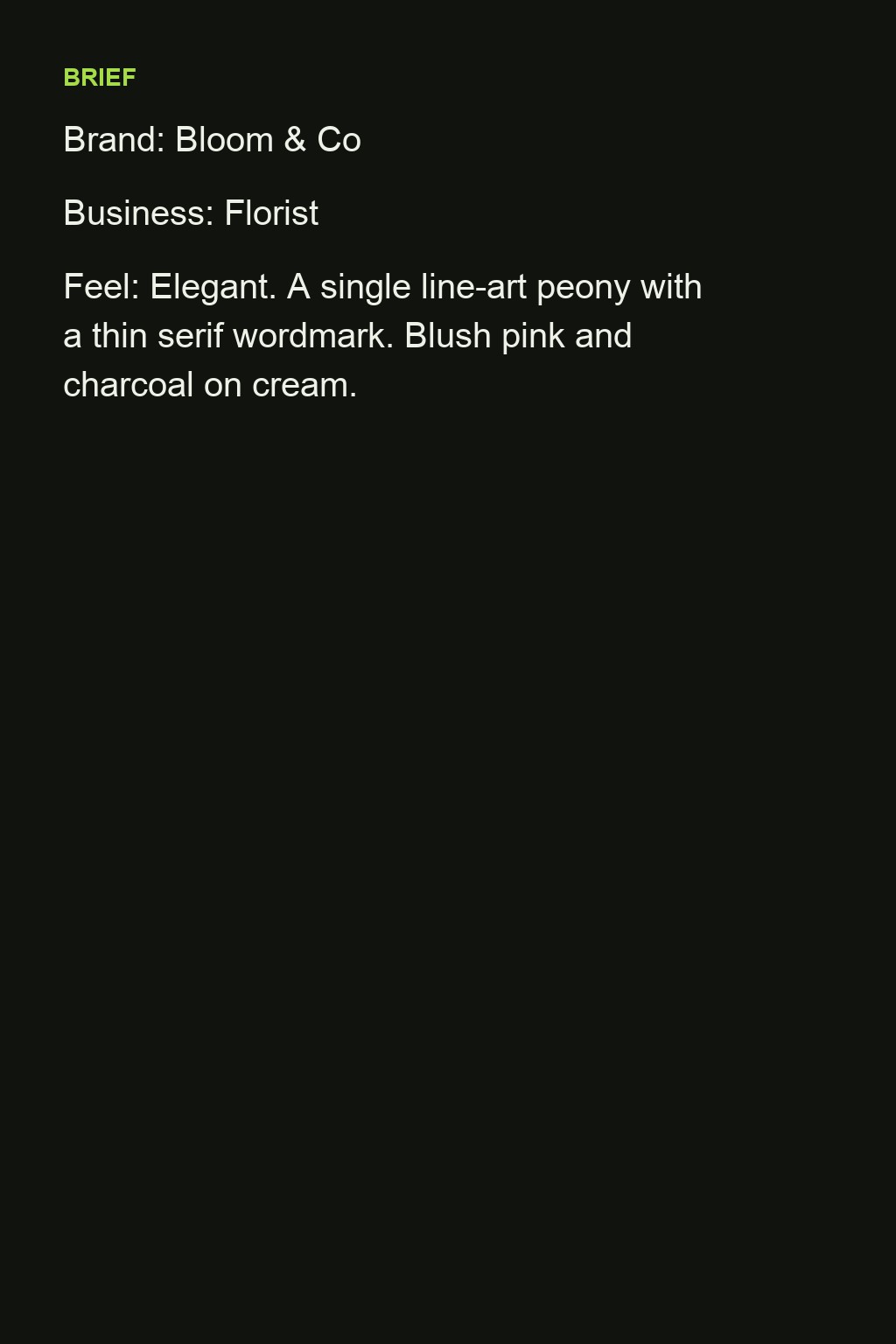
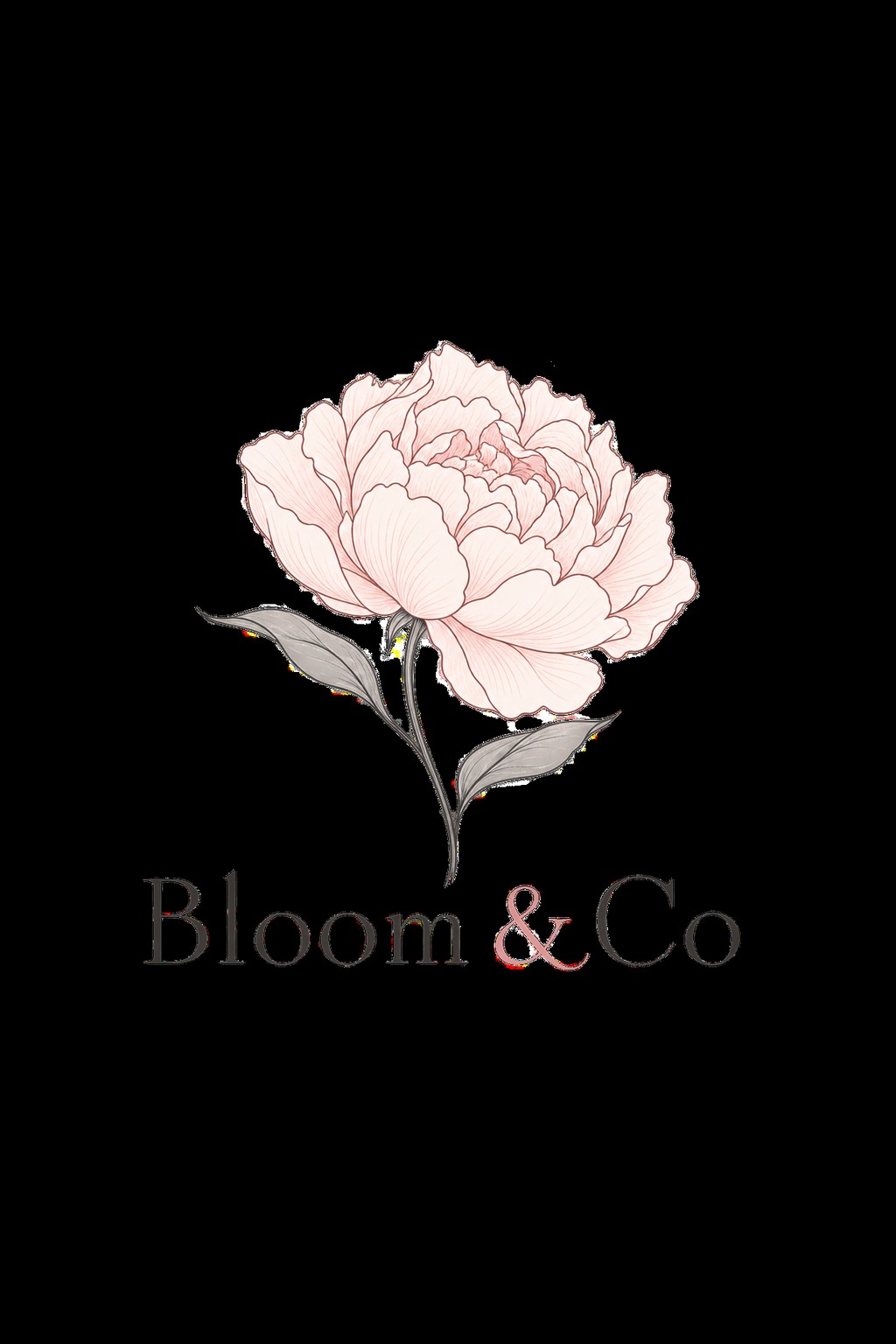
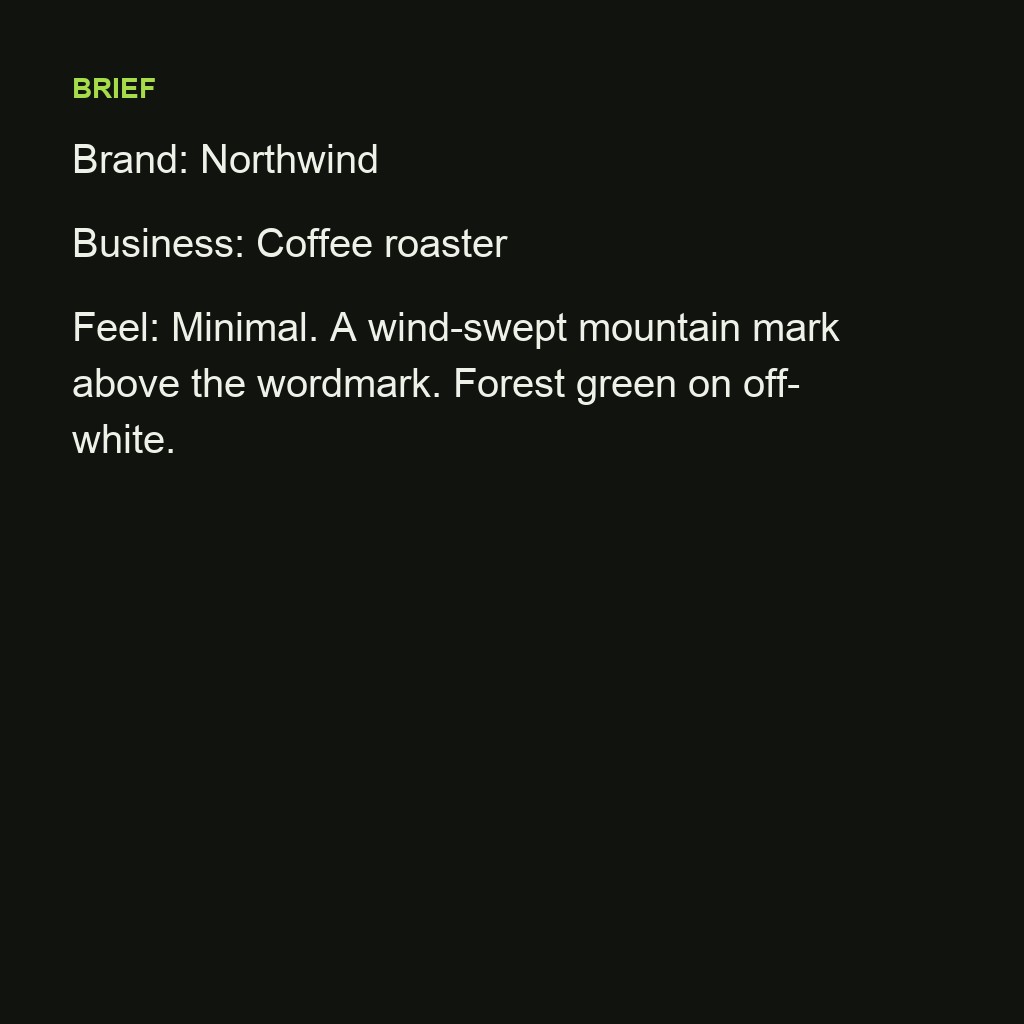
The left side is the brief as typed; the right side is the concept that came back. Brands are fictional.
 Brief
Brief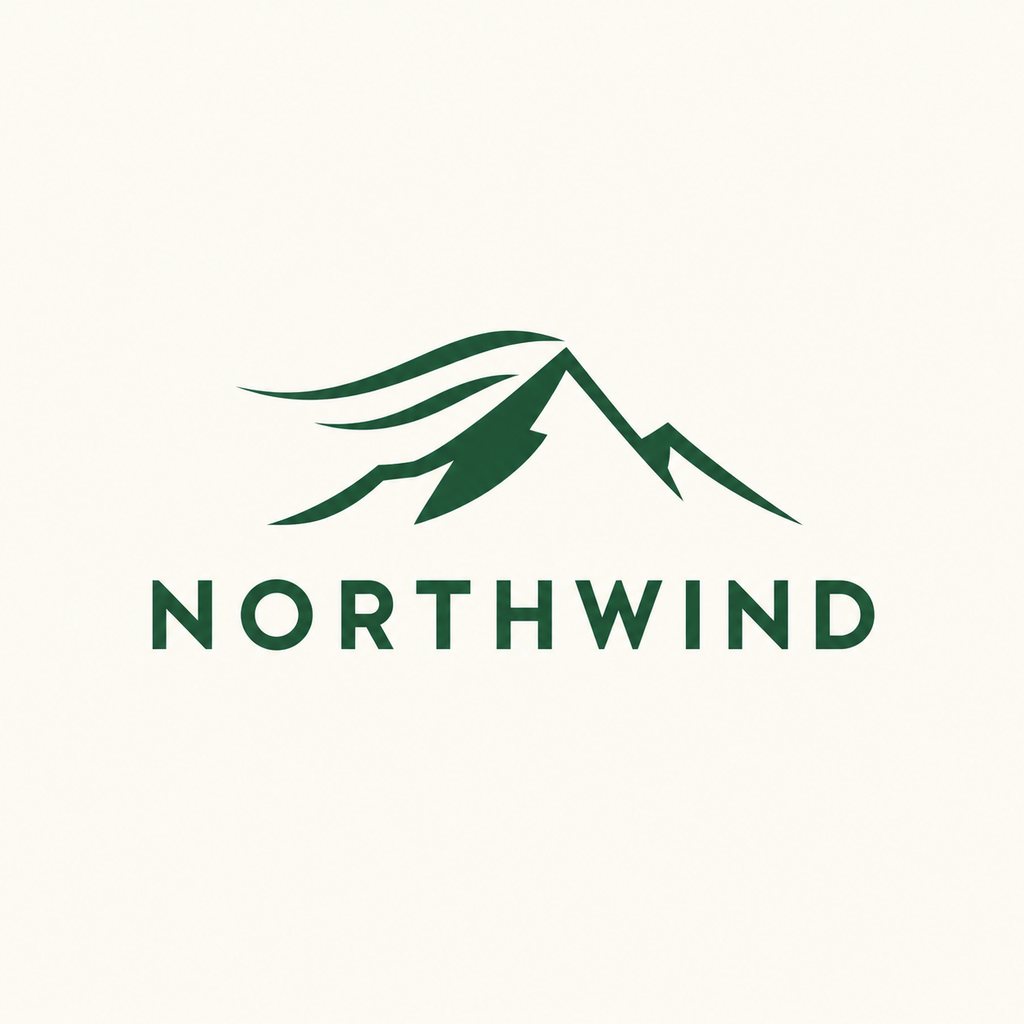 Logo
Logo Brief
Brief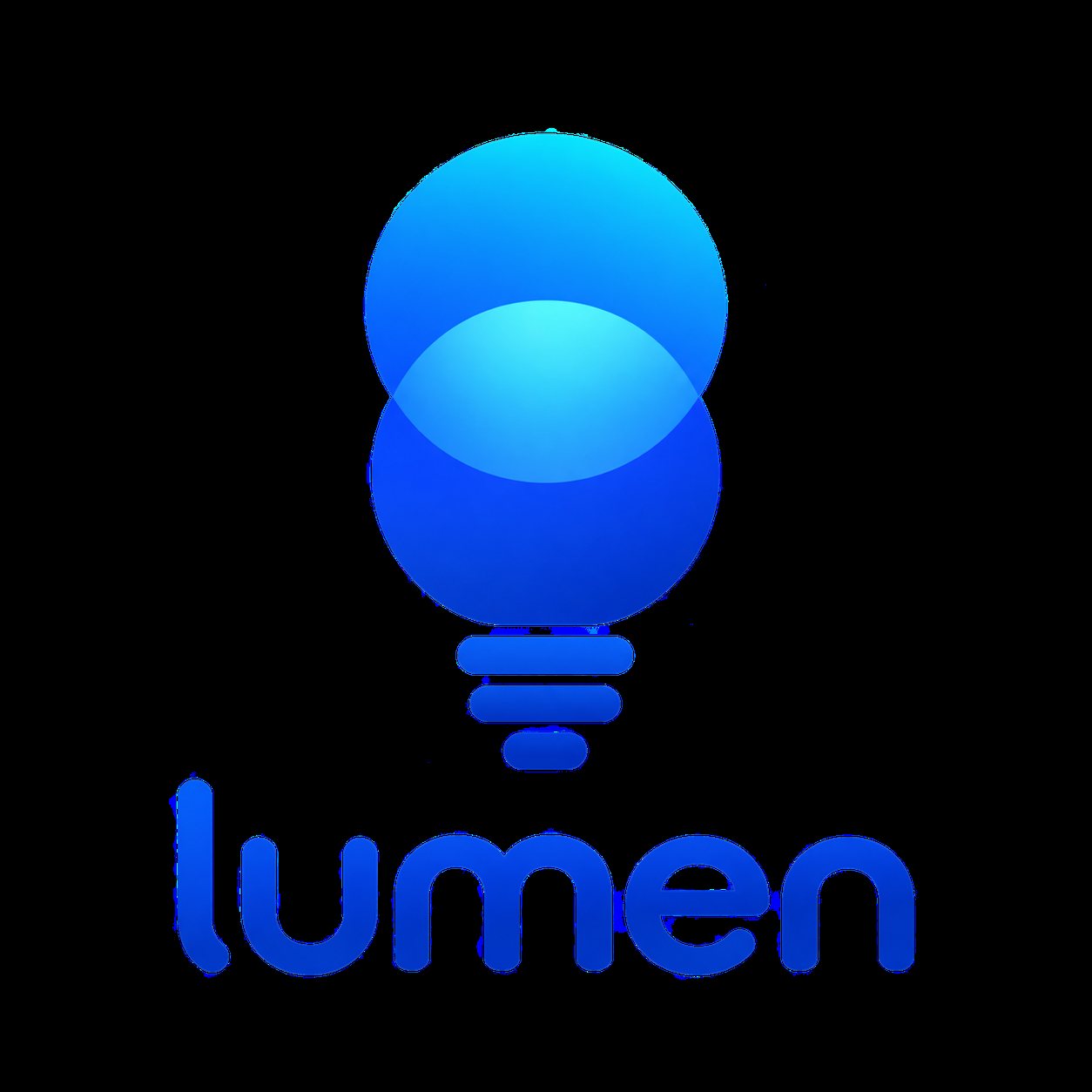 Logo
Logo Brief
Brief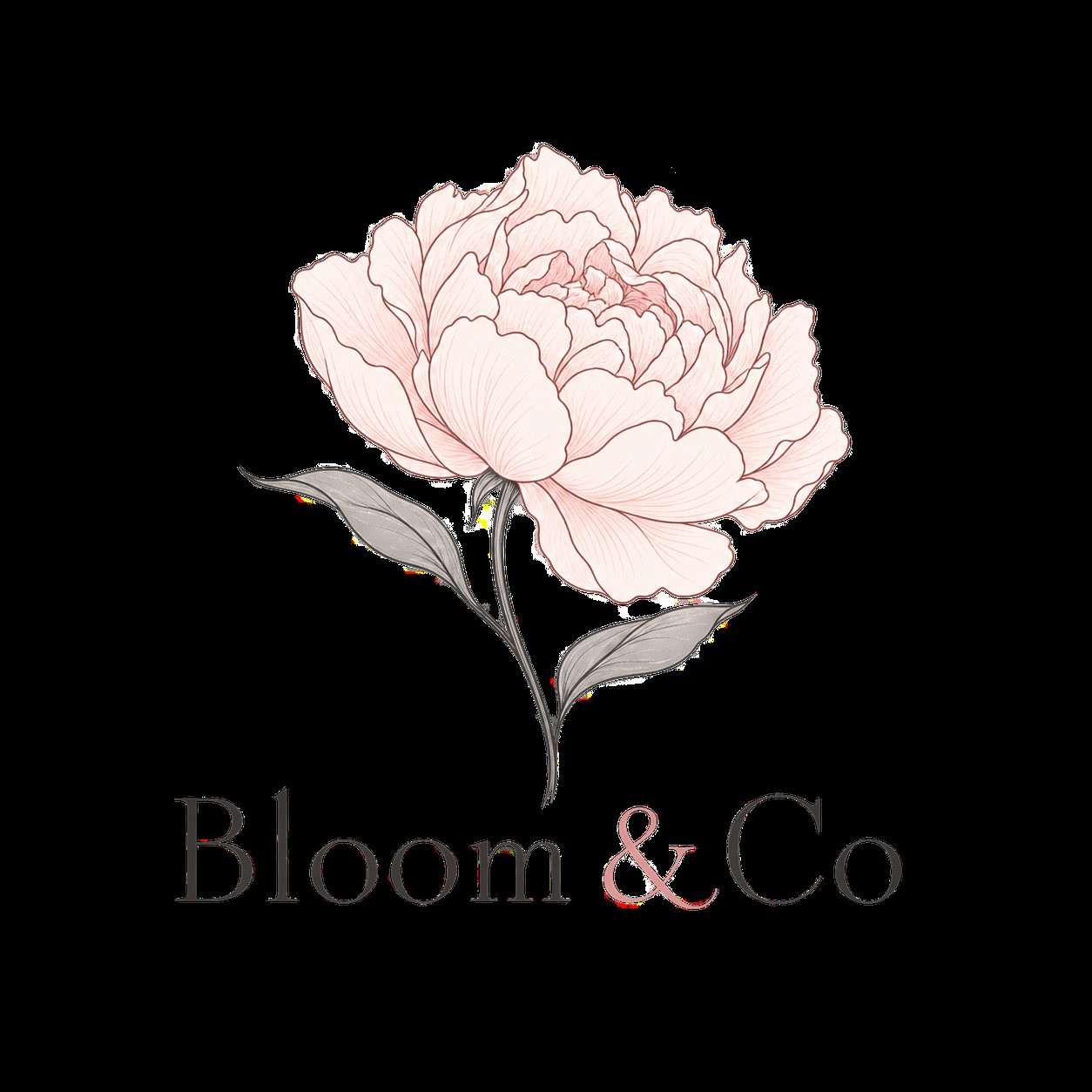 Logo
Logo Brief
Brief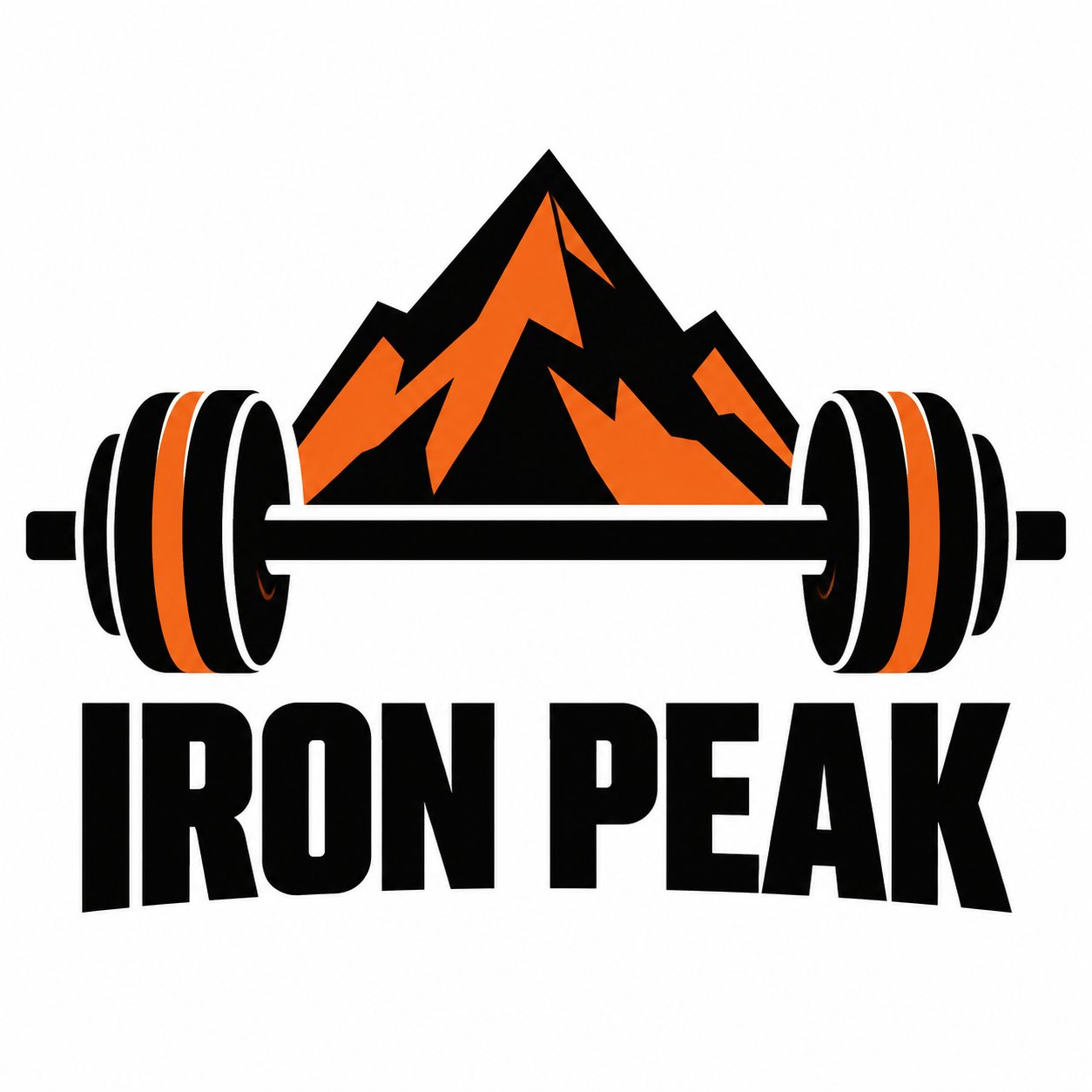 Logo
Logo Brief
Brief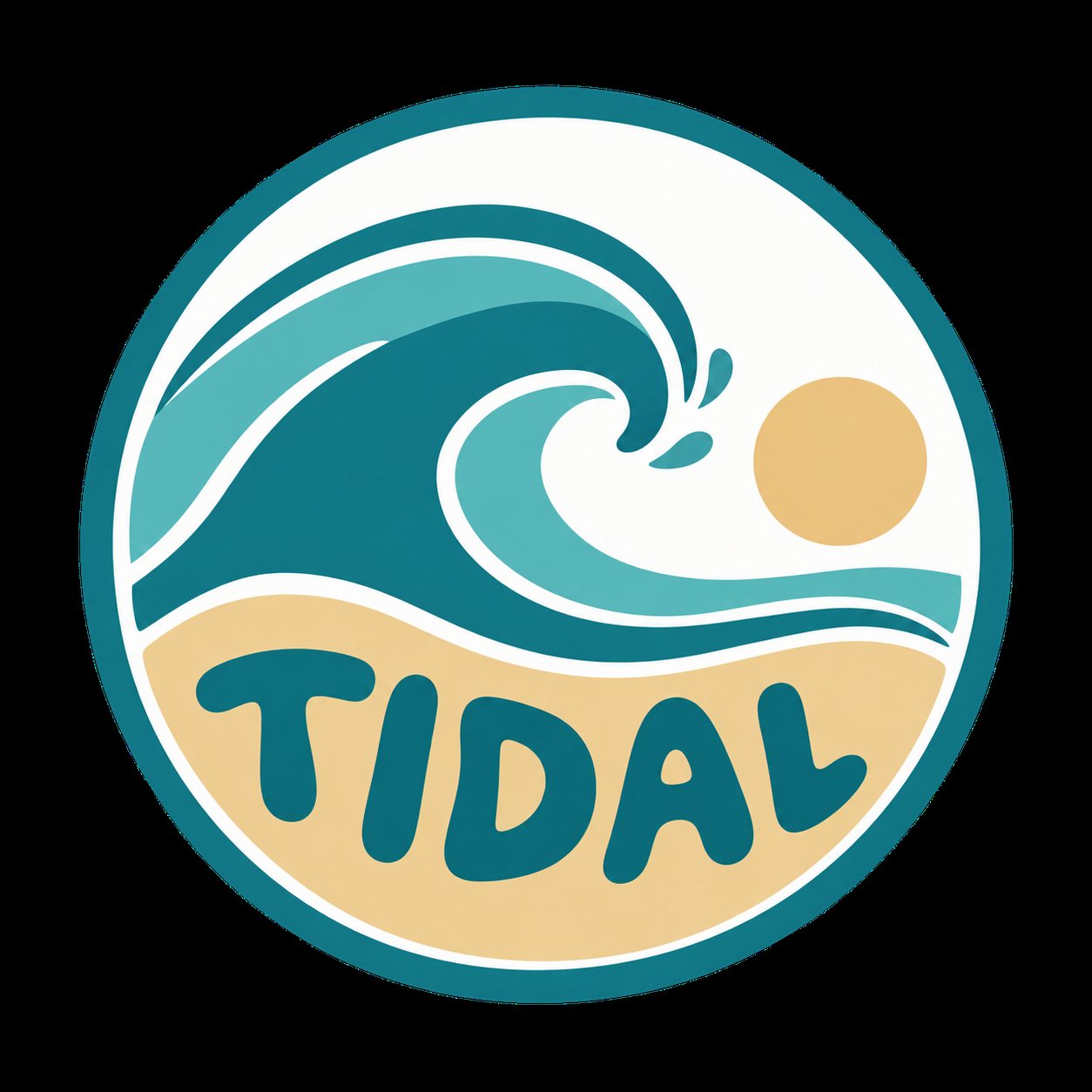 Logo
Logo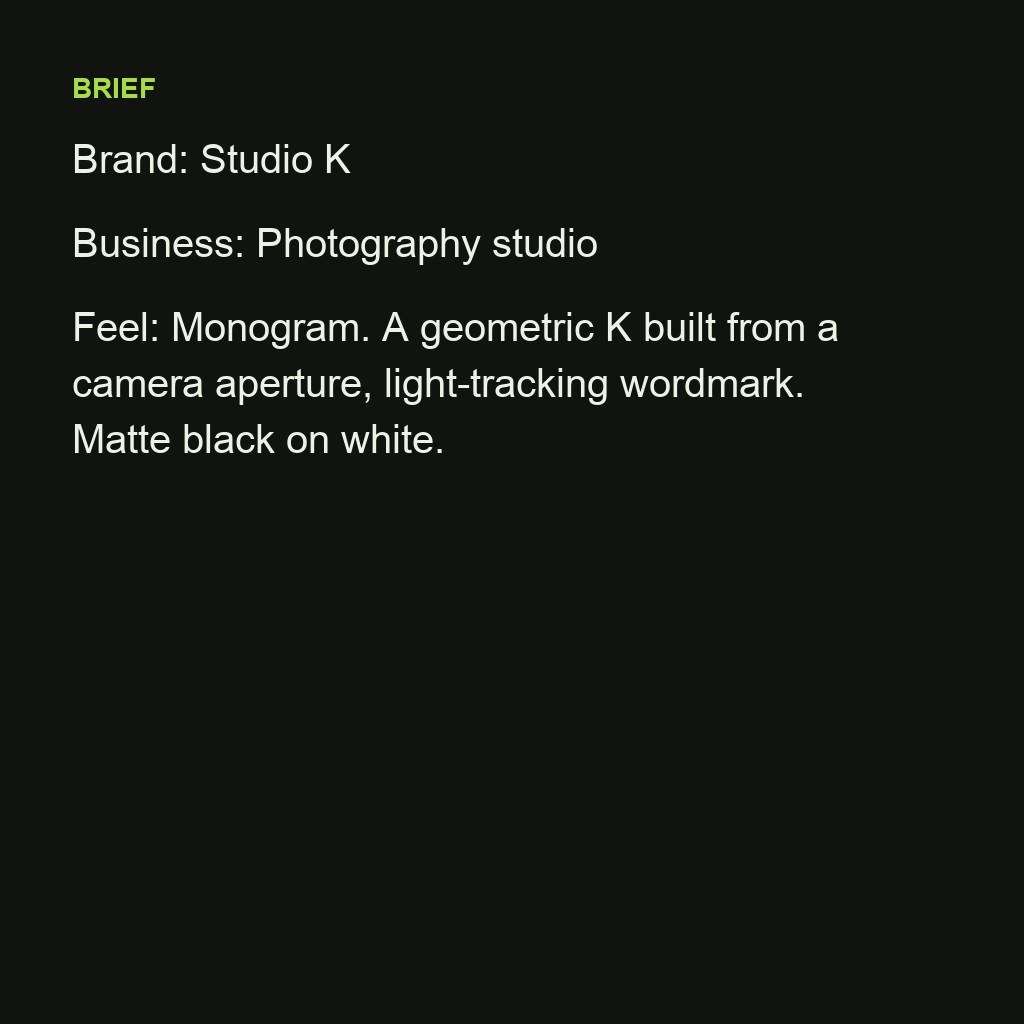 Brief
Brief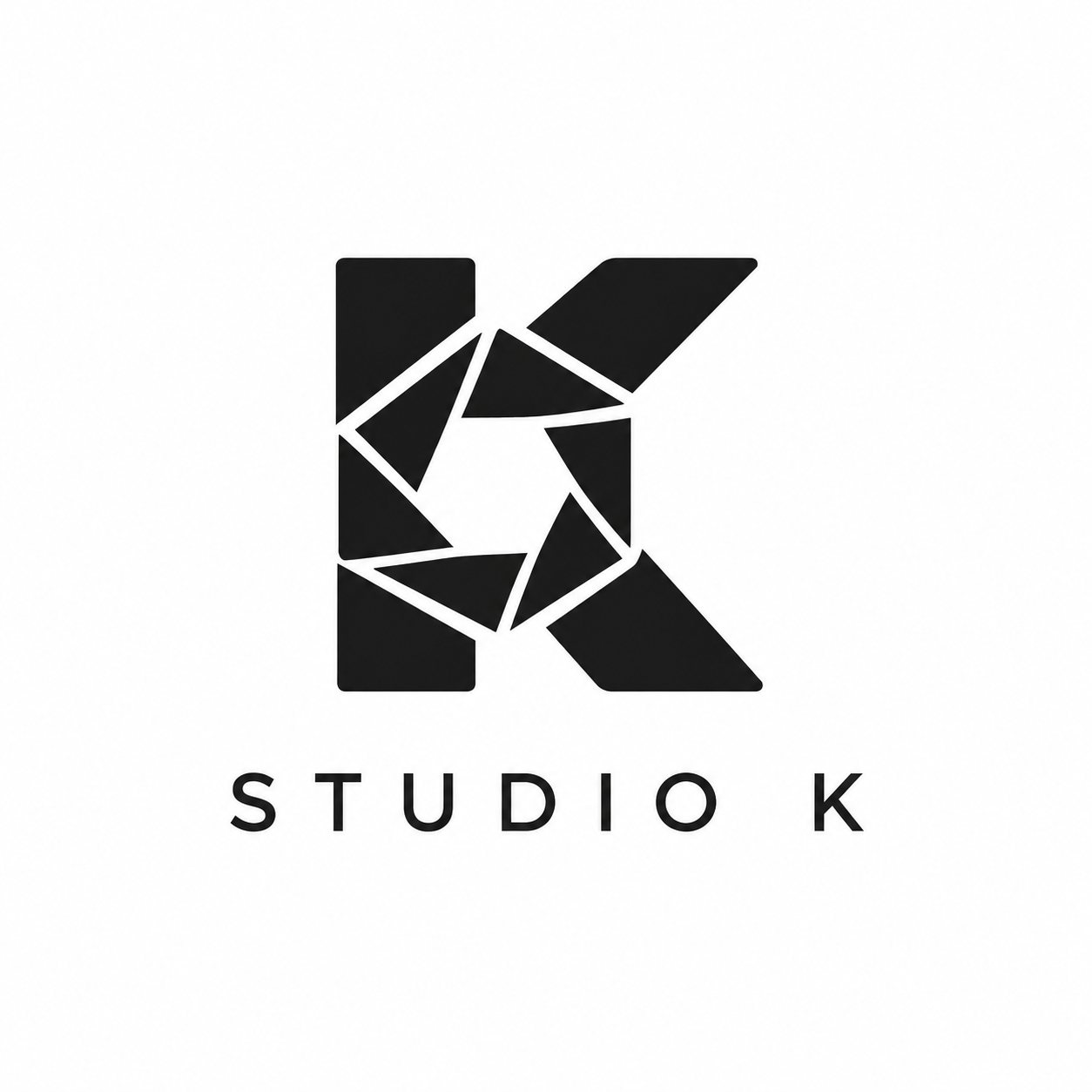 Logo
LogoSpecs
AI logo generator specs: what goes in, what comes out
- Input
Brand name, what the business does, the feel (minimal, bold, playful, elegant), colours if you have them
- Output
Logo concepts as square images at 1K or 2K, mark plus wordmark on a plain background
- Styles
Minimal mark, badge, monogram, line art, geometric, mascot
- Next step
Animate the chosen logo in Logo Motion for intros, outros and social posts
How to make a logo with AI in 3 steps
A brief, a batch of concepts, a pick. Refine by changing one word at a time.
Step 1
Write the brief
The name, the business, the feel and two colours. "Northwind, coffee roaster, minimal, forest green on off-white" is enough.
Step 2
Generate concepts
Make up to three per run and compare. Change the style word (badge, monogram, line art) to get a different family of ideas.
Step 3
Download and animate
Download the one you pick at 2K, then open it in [Logo Motion](/tools/logo-animation) to animate it for your intro and social posts.
A symbol and the name, together
Concepts come with a mark and a wordmark set as one unit, so you can judge the logo the way it will be used, not as a loose icon.
- Mark and name in one image
- Spelling taken from your brief
- Plain background for easy cut-out
Six directions from one brief
Minimal, badge, monogram, line art, geometric, mascot. Ask for a style by name or let the brief's tone pick it.
- Minimal and geometric
- Badges and monograms
- Line art and mascots
Change one word, get the next version
Keep the brief and change the colour, the style word or the mark ("a peony" to "a tulip") to iterate without starting over.
- Colour swaps
- Style swaps
- Up to three variations per run
From logo to logo animation
The download drops straight into Logo Motion: 36 animation styles, GIF, MP4 and transparent exports for intros, outros and posts.
- Logo reveal in minutes
- GIF, MP4, transparent WebM
- Same account, no re-upload
FAQ
AI logo generator FAQ
Is the AI logo generator free?+
Signing up is free and comes with free credits to try it. Each run shows its price on the Generate button before anything is charged.
Can I use the logo commercially?+
Logos you generate are yours to use under LazyKiwi's terms. Trademark registration is separate: check that the mark and the name are not already registered in your market before you build a brand on them.
Does it spell the brand name correctly?+
Usually, when the name is short and in Latin letters. Check every concept; if a letter is off, run it again or add "spell the name exactly: ..." to the brief.
Can I get a transparent PNG or an SVG?+
Concepts come as square images on a plain background. Run the pick through the Background Remover for a transparent PNG; vector SVG export is not available.
How do I animate the logo?+
Open Logo Motion, upload the PNG and choose a style. It exports MP4, GIF and transparent WebM for After Effects and Premiere.
What makes a good brief?+
The name, the business, one feel word and two colours. Naming a symbol (a mountain, a wave, a letter K) gives the most consistent results.
Can it copy an existing logo?+
No. Do not ask for other companies' marks; describe your own brand and the generator makes an original concept.
How many concepts can I make?+
Up to three per run, as many runs as you want. Keep the brief and change one word between runs to explore a direction.
More design tools


A brief in. A logo out. Then make it move.
Describe the brand, pick a concept, download it at 2K and animate it in Logo Motion.
Free to try · Price shown before you generate · Original concepts only