
AI Album Cover Generator
Describe the record and get cover art with the artist name and the title set in the type. Want to be on the cover? Add a photo as a reference; it is optional.
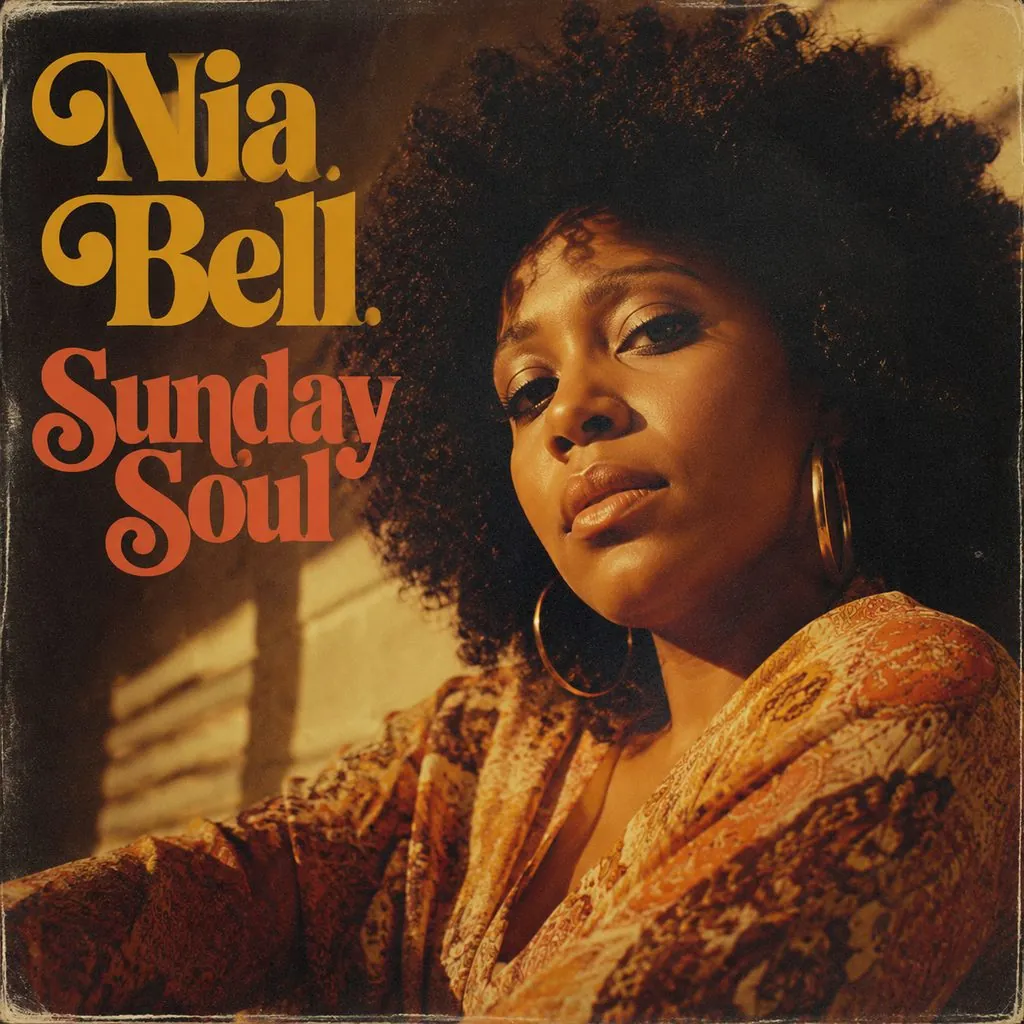



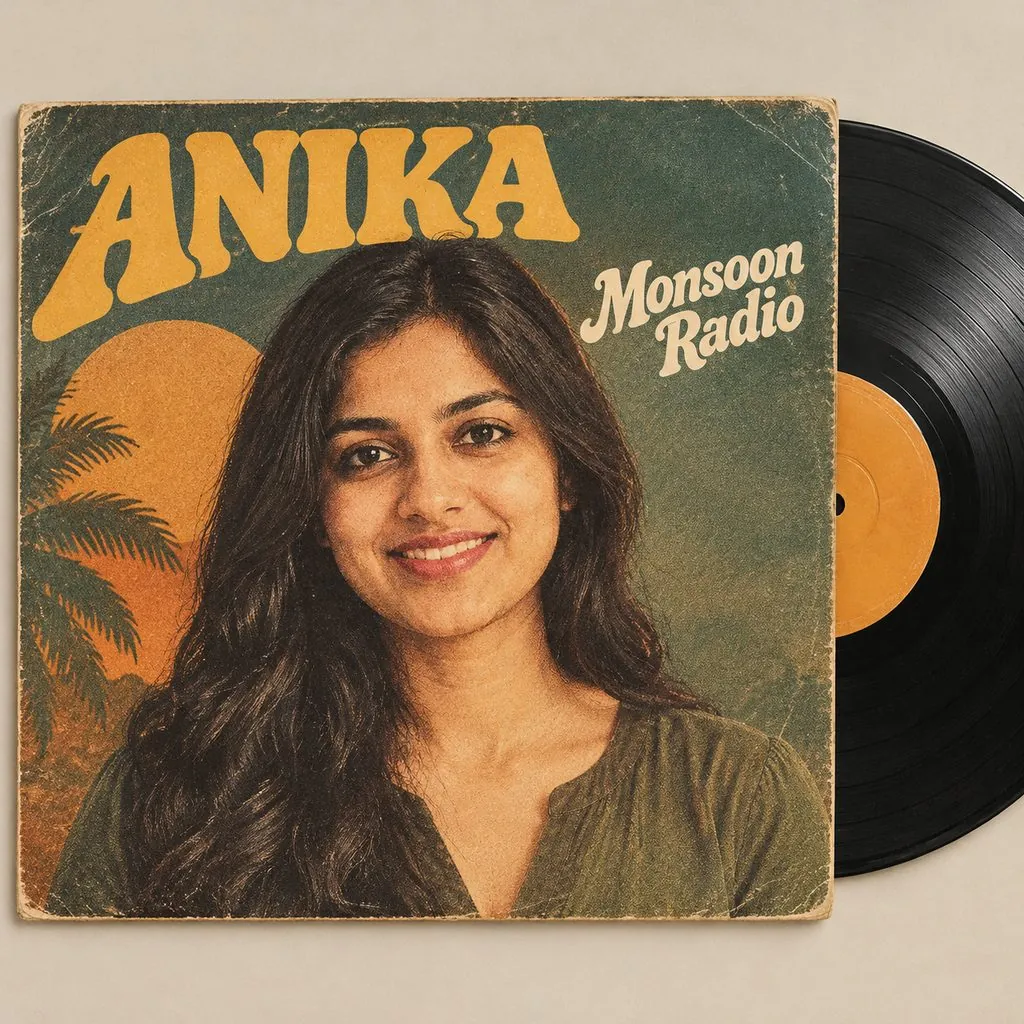

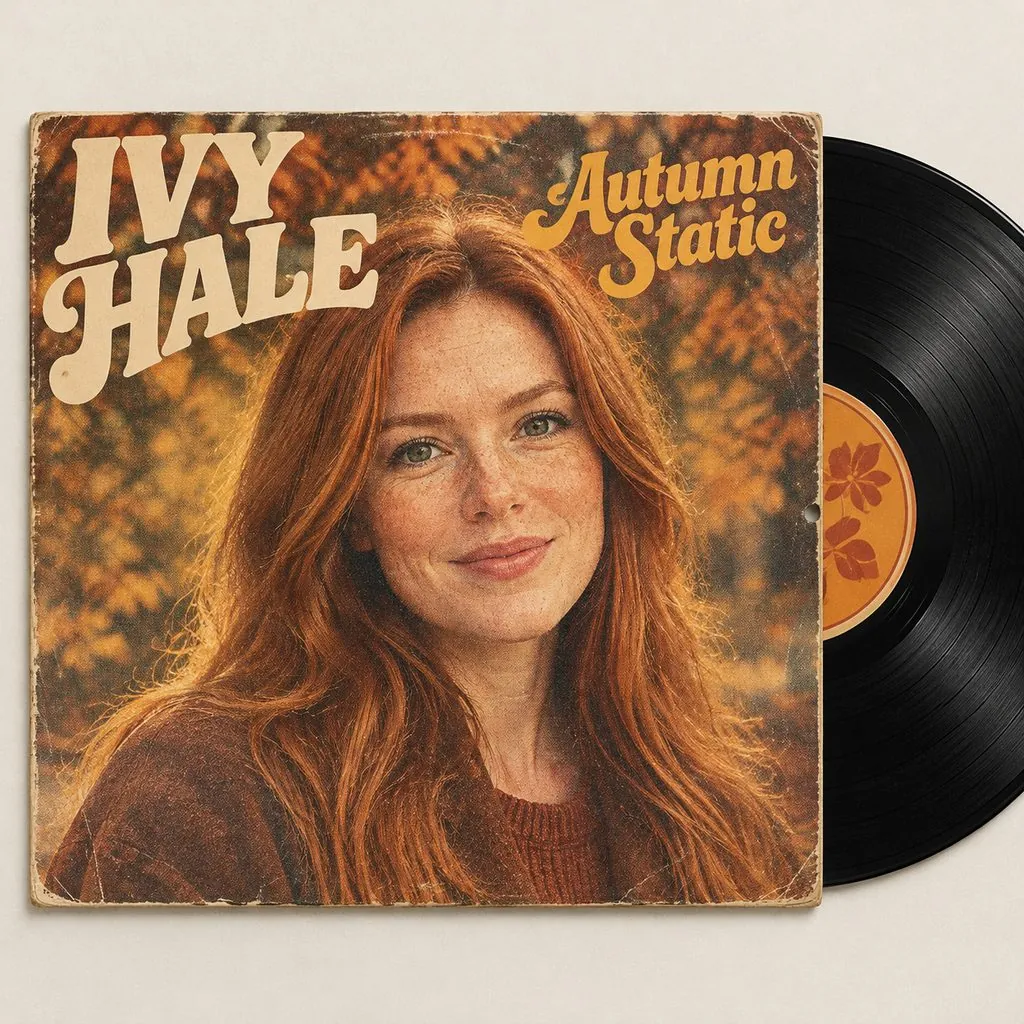

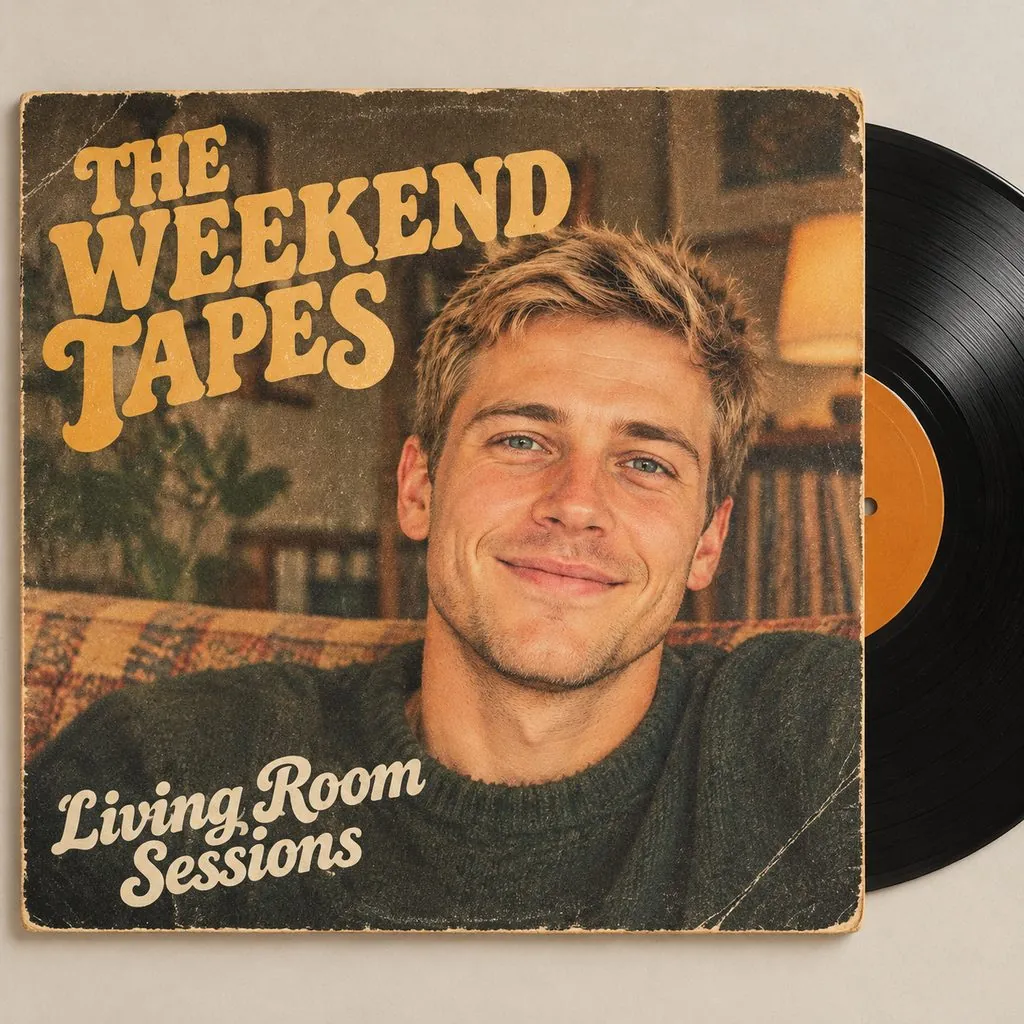


Specs
AI album cover generator specs: what goes in, what comes out
- Input
A description
the mood, the style, the artist name and the title
- Output
Square album cover art
ready to download
- Photo
Optional
add one to put yourself or your band on the cover
- Your words
Artist name and album title
set in the type, spelled as you write them
How to make an album cover in 3 steps
A few lines of description in, one square cover out.
Step 1
Describe the record
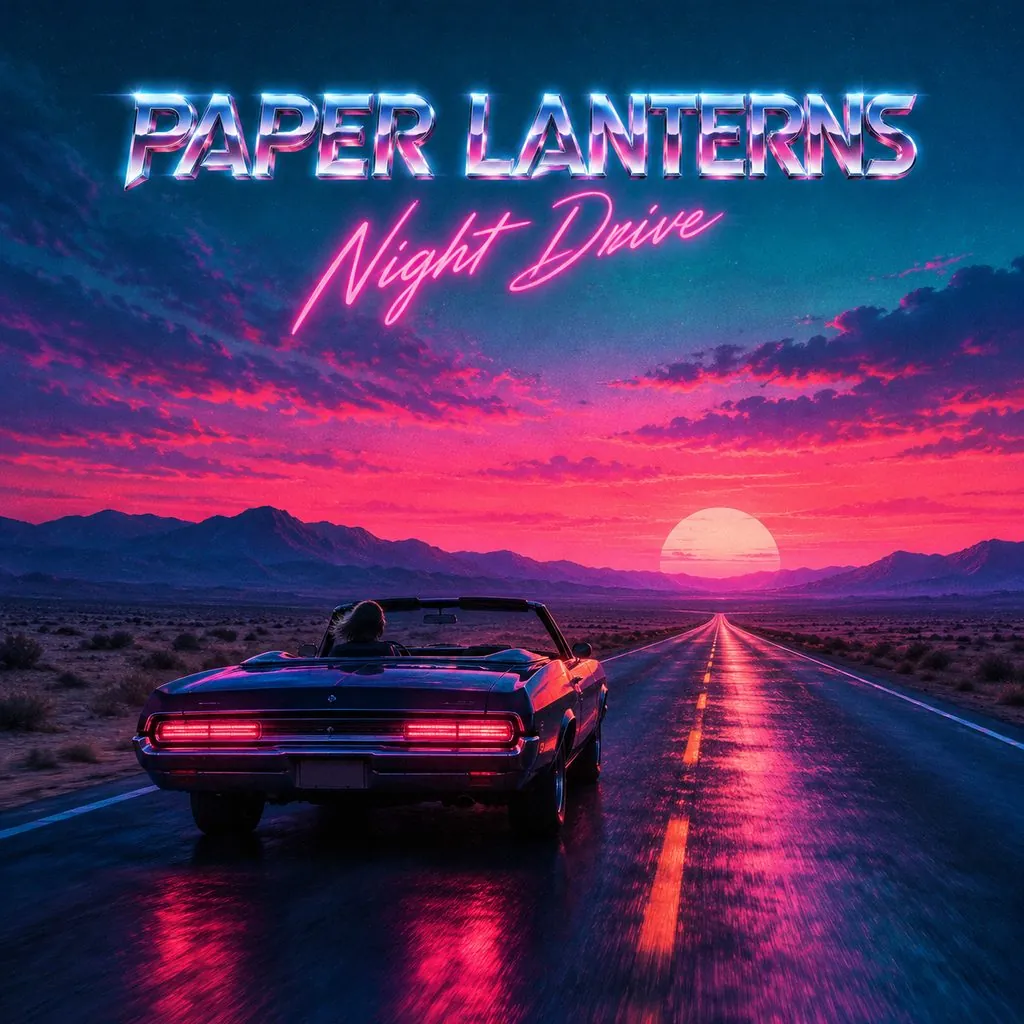
The box opens with an example filled in. Replace the artist name, the title and the look: synthwave, 70s soul, lo-fi watercolor, punk collage, anything.
Step 2
Add a photo if you want
Upload a photo of yourself or your band as a reference to put real faces on the cover. Skip it for an illustrated or scenic cover.
Step 3
Check and download
Check the spelling on the cover, run it again for another layout, then download the square artwork.
No photo needed
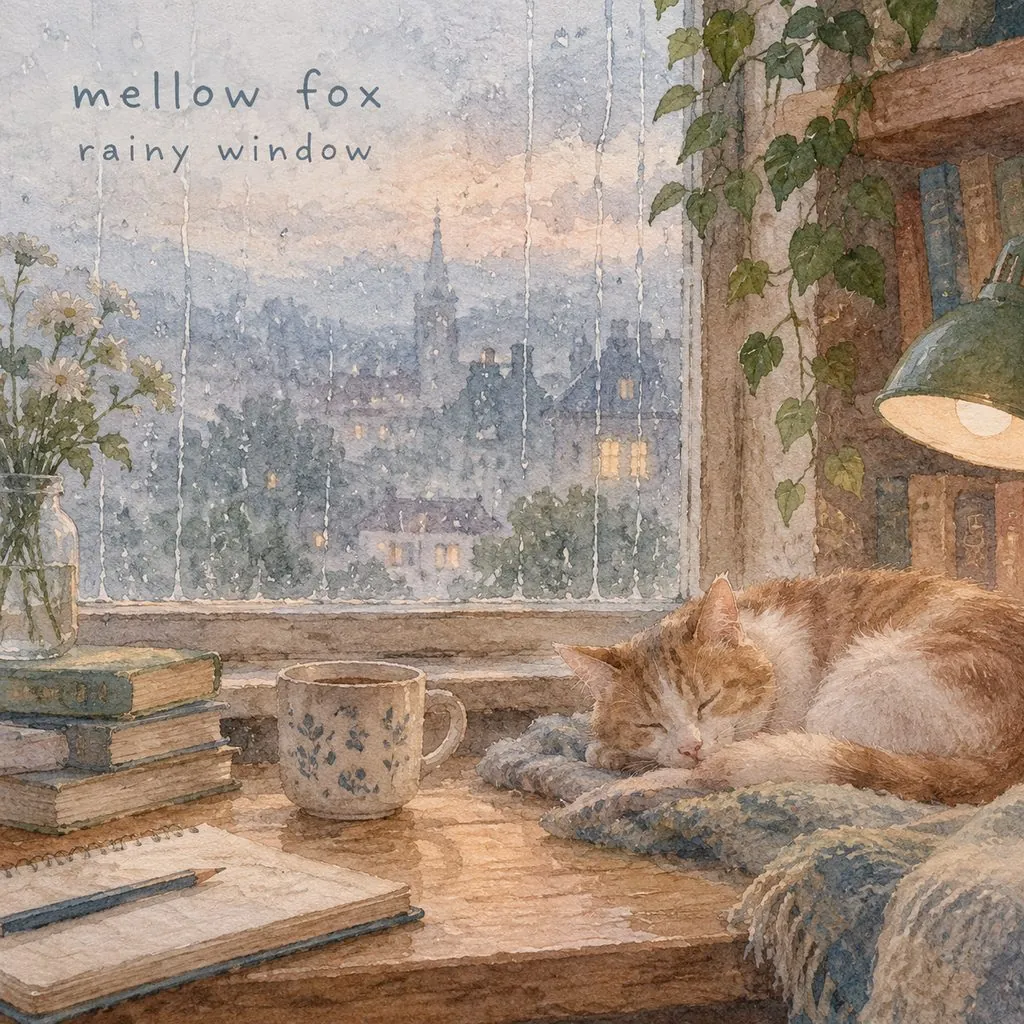
Write what the record sounds like and how it should look, and the cover is drawn from that: a desert highway at dusk, a rainy window and a sleeping cat, a portrait under golden light.
- Any genre and era
- Illustrated, photographic or graphic
- Square cover format
Artist name and title in the type
Put the artist name and the album title in quotes and they are set as part of the design, in lettering that fits the style. Check the spelling before you download, and run it again if a letter is off.
- Artist name and title
- Lettering matched to the style
- Short titles work best
Put yourself on the cover
Add a photo of you or your band as a reference and the cover is built around the real faces, restyled to match the record.
- Use your own photo
- Band photos work
- Restyled to fit the cover
Singles, EPs, playlists, mixtapes
Use it for a single on streaming platforms, an EP on Bandcamp, a playlist cover, a mixtape or a release-day post.
- Single and EP artwork
- Playlist and mixtape covers
- Release teasers for social
FAQ
AI album cover generator FAQ
How does the AI album cover generator work?+
Describe the record — the mood, the style, the artist name and the title — and generate. The page opens the image generator with an example description already filled in; replace it with yours.
Do I need a photo?+
No. A description is enough. Add a photo only if you want yourself or your band on the cover; it is used as a reference for the faces.
Can I put my artist name and album title on it?+
Yes. Write them in quotes in the description. Short names and titles come out cleanest; always check the spelling before you download.
What styles can I ask for?+
Any you can describe: 70s soul, synthwave, lo-fi watercolor, minimalist type-only, punk collage, film photo, anime, 3D render. Naming an era and two or three colours gives the most consistent result.
Can I use the cover on Spotify or Apple Music?+
You can use the artwork for your own releases, as long as you hold the rights to any photo you upload. Streaming services want a square image at a set minimum size, so check their current artwork rules and upscale with the AI photo upscaler if needed.
I want a vinyl record look from my photo. Is there a template?+
Yes, the vinyl record cover template turns one photo into a vinyl-sleeve scene in one click.
Is it free?+
Signing up is free and comes with free credits to try it. Every run shows its price on the Generate button before anything is charged, and there is no card needed to start.
Is my photo private?+
Any photo you upload is used only to make your image. It is never sold, shared or published.
More AI photo tools


Describe it. Name it. Download the cover.
Write the mood, the artist and the title, add a photo if you like, and download the album art.
Free to try · Price shown before you generate · No photo needed