One-day Lifestyle Montage
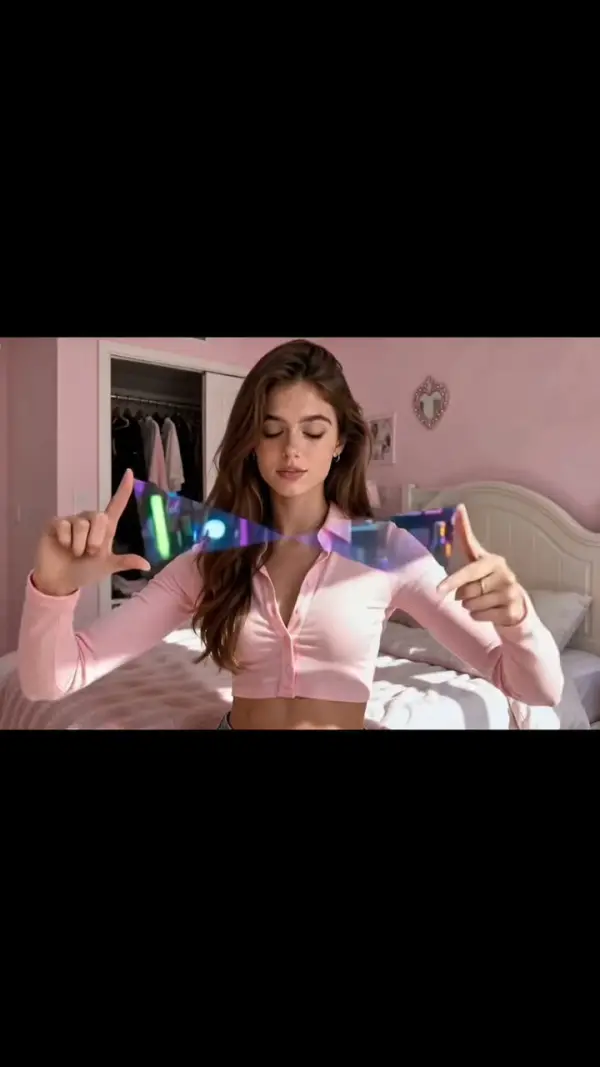
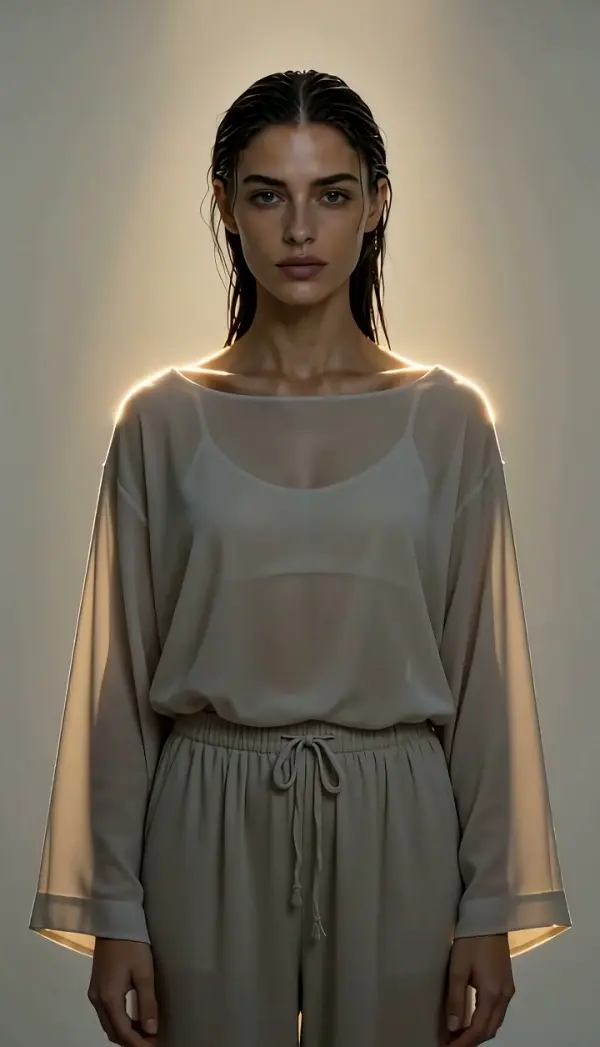
One-Day Lifestyle Montage is an AI montage maker template that follows the person from one photo through a whole day in about 20 seconds: waking up, breakfast, a work block, a city walk or cafe stop, coffee and the night return to the bedroom. Face, hair and the day's look stay consistent from first scene to last.
One-Day Lifestyle Montage Template
Upload one clear photo of yourself in the outfit you want to wear for the day; the rooms, street and cafe are generated.
WHAT IT IS
A day in the life video assembled from one photo
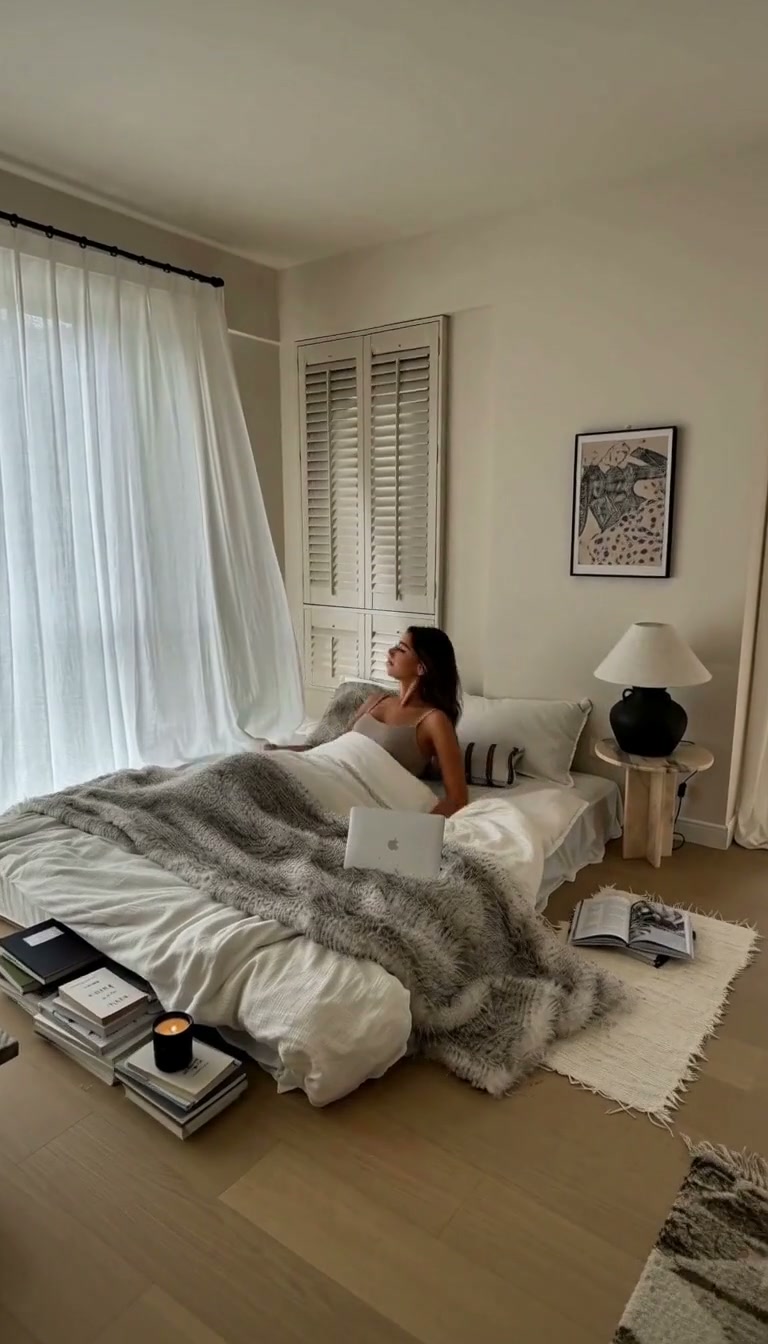
One-Day Lifestyle Montage is an AI montage maker template that compresses a full day into a roughly 20-second sequence built from a single photo of you. The engine runs six scenes in fixed order: waking up in a bedroom, breakfast at a table, a stretch of work, a city walk or a cafe stop, a coffee, and the return to the bedroom at night. Each scene links to the next with a natural follow shot, a light push-in or a small handheld drift, rather than a hard cut to a new world. Your face, hairstyle, body shape and the outfit from the photo are held constant across all six scenes; the instruction permits a wardrobe change only at an obvious transition, never mid-scene. Color is kept from bleeding between the morning and the night rooms, and duplicated limbs, subtitles and watermarks are excluded. The result is a short lifestyle montage you can post as is or extend with your own footage.
- Six scenes, one day
- Bedroom wake-up, breakfast, work, city walk or cafe, coffee and the night bedroom run in order inside about 20 seconds. The day has a beginning and an end rather than a random shuffle of moments.
- Connected, not cut
- Follow shots, gentle push-ins and slight handheld drift carry the viewer between scenes. The instruction rules out color bleeding from one room into the next, so morning light and night lamps stay distinct.
- One look all day
- Face, hair, body proportions and the outfit in your photo remain fixed. If the engine changes clothes at all, it happens only at a clear transition, which keeps the montage readable.
- Clean for editing
- Subtitles and watermarks are excluded, and duplicated limbs are on the banned list. The clip arrives ready for your own captions, music and end card in whichever editor you use.
USE CASES
Who needs a one-photo day montage
Three cases where a generated lifestyle montage stands in for a day of self-filming.

Creator's weekly recap
A lifestyle creator needs a day-in-the-life post but spent the day at a desk. One portrait produces a 20-second montage with the cafe stop and the night bedroom return that reads as a full day when posted as a Reel.
Remote job recruiting clip
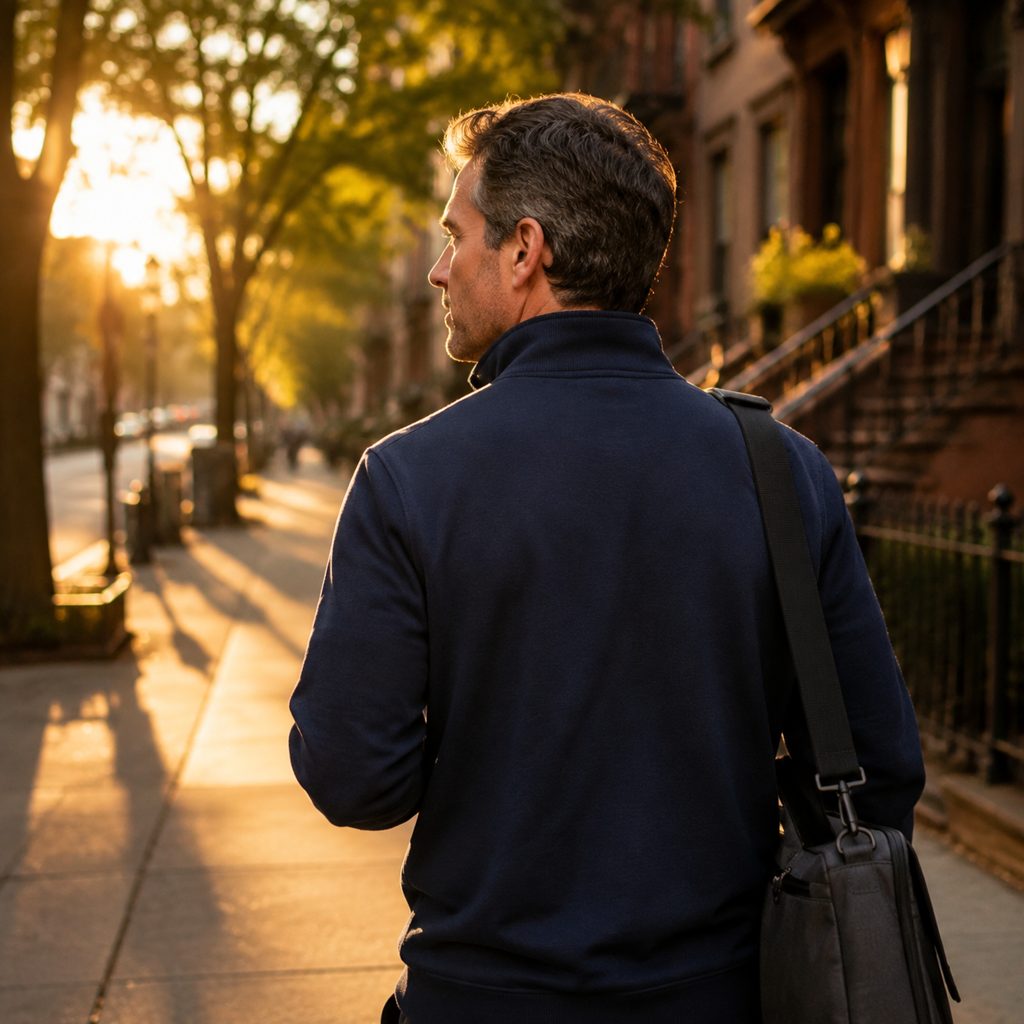
A company hiring remotely wants to show a typical employee's day without filming staff at home. A headshot of a willing team member becomes a lifestyle montage: wake, breakfast, work block, walk, coffee, evening, for the careers page.
Student's semester diary
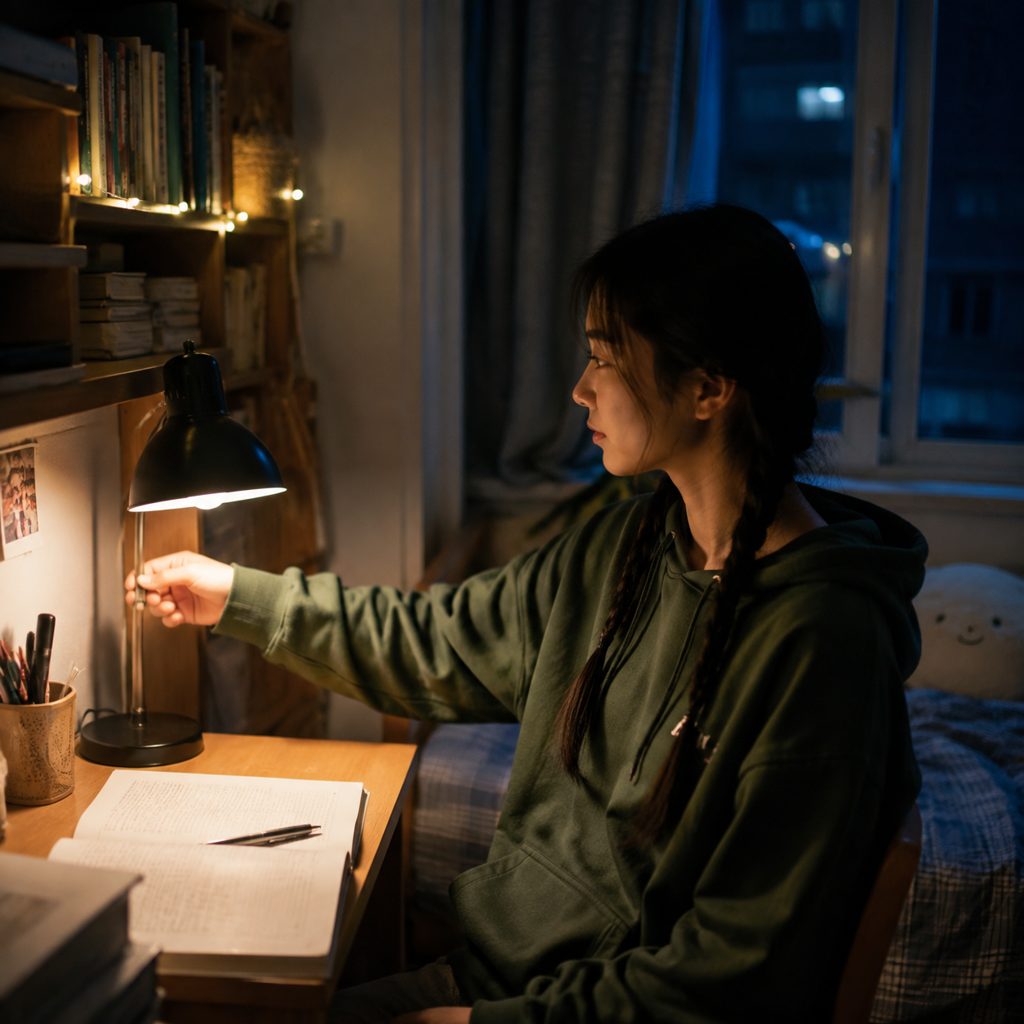
A university student documents a term for a personal channel. Uploading one photo per week gives her a consistent 20-second day montage each time, with breakfast, lecture-desk work and a late night return to the same bedroom.
FAQ
Common questions
What is an AI montage maker?+
An AI montage maker is a tool that generates a sequence of short connected scenes around one subject, using image-to-video generation instead of trimming footage you shot yourself. One-Day Lifestyle Montage is a preset of that kind: six fixed scenes from morning to night, about 20 seconds long, built from a single photo.
How long is the montage and what aspect ratio does it use?+
The template instruction targets a run of about 20 seconds covering six scenes. No aspect ratio is fixed, so a vertical 9:16 crop for Reels and a landscape 16:9 version for YouTube are both workable; the follow shots keep the subject central, which helps either crop.
What photo works best for a day in the life video?+
A full-body or three-quarter photo in the outfit you want to wear all day, with the face in even light, gives the engine the most to keep consistent across six scenes. Avoid heavy shadows and sunglasses, and pick clothes that make sense both at a desk and on a street.
Can I upload my own bedroom, cafe or street as references?+
The workbench slot for One-Day Lifestyle Montage takes one photo of you; the bedroom, table, workspace, street, cafe and night room are generated to match. The underlying instruction allows optional location references, so treat that as a possible future option rather than a current upload step.
One-Day Lifestyle Montage vs a montage maker that trims your own clips: which is better?+
A conventional montage maker assumes you already filmed the day and only needs cuts and music. One-Day Lifestyle Montage generates the day from one photo, so it wins when you have no footage. When you do have real clips, use them and reserve the template for the scenes you missed.
Where should I post a lifestyle montage like this?+
A 20-second day-in-the-life sequence matches Instagram Reels and TikTok, where routine content performs when it moves quickly. On YouTube it works as a channel trailer or a cold open before the talking segment. Add music and captions in your editor, since the clip ships clean.
Other names for One-Day Lifestyle Montage
The searches that lead here fall into tool names and format names. Tool names include AI montage maker, montage maker, AI montage generator and lifestyle video maker. Format names include day in the life video, lifestyle montage, daily routine video and a day with me vlog. Some people search for a morning-to-night video template. One-Day Lifestyle Montage matches each of these with a six-scene sequence generated from a single photo.
Build a full day from one photo in about 20 seconds
Free credits arrive when you sign up; your first day montage is covered.