
Flash-Flood Market Escape
Flash-Flood Market Escape is an AI disaster video generator template that drops the person from one photo into a rain-soaked wet market as floodwater surges between the stalls. Upload a single photo of an adult; the engine keeps the face, the wet hair, the jacket and whatever they carry fixed while the water rises.

Flash-Flood Market Escape Template
Upload one photo of an adult, ideally in a jacket with any bag or item you want them to carry visible; avoid group shots.
WHAT IT IS
A flood video built around one person from one photo
Flash-Flood Market Escape is an AI disaster video generator template that turns a single photo of an adult into a short escape sequence through a wet market as a flash flood pours in during a rainstorm. The engine fixes the person's face, their wet hair, the jacket they wear and any bag or item in hand, then moves them through crowded aisles, over floating crates and past shelves that tip as the water hits them. Water flow, soaked fabric and footing are instructed to follow real physics, so splashes lag behind steps and clothes drag. Coverage alternates between a handheld follow shot, a low angle skimming the waterline, a lateral tracking move and a brief wide establishing frame that shows how tight the space is. The color sits cool and rainy with pockets of warm stall light. Blood, on-screen text, logos, duplicated people and scene jumps are excluded, and the output is one short clip.
- Face, hair, jacket fixed
- Identity holds even when everything is wet. The engine keeps the face from your photo, renders the hair as rain-soaked, and carries the same jacket and hand-held item through every aisle of the market.
- Water that behaves
- The template tells the model to respect physics: floodwater pours between stalls, crates float and drift, shelves tip on contact, and footsteps splash with the right delay, so the danger reads as real rather than animated.
- Handheld, low and lateral
- Coverage comes from a handheld follow, a water-level low angle, a side tracking shot and one short wide establishing frame. The mix creates pressure without a single stable tripod shot in the sequence.
- Cool rain, warm pockets
- The palette is blue-gray rain with occasional warm bulbs over stalls. Blood, text, logos, duplicate people and scene resets are all excluded by the instruction, so the clip stays a survival beat, not gore.
USE CASES
Where a market flood escape fits
Three ways a single-photo flood video replaces stock disaster footage or a water-tank shoot.
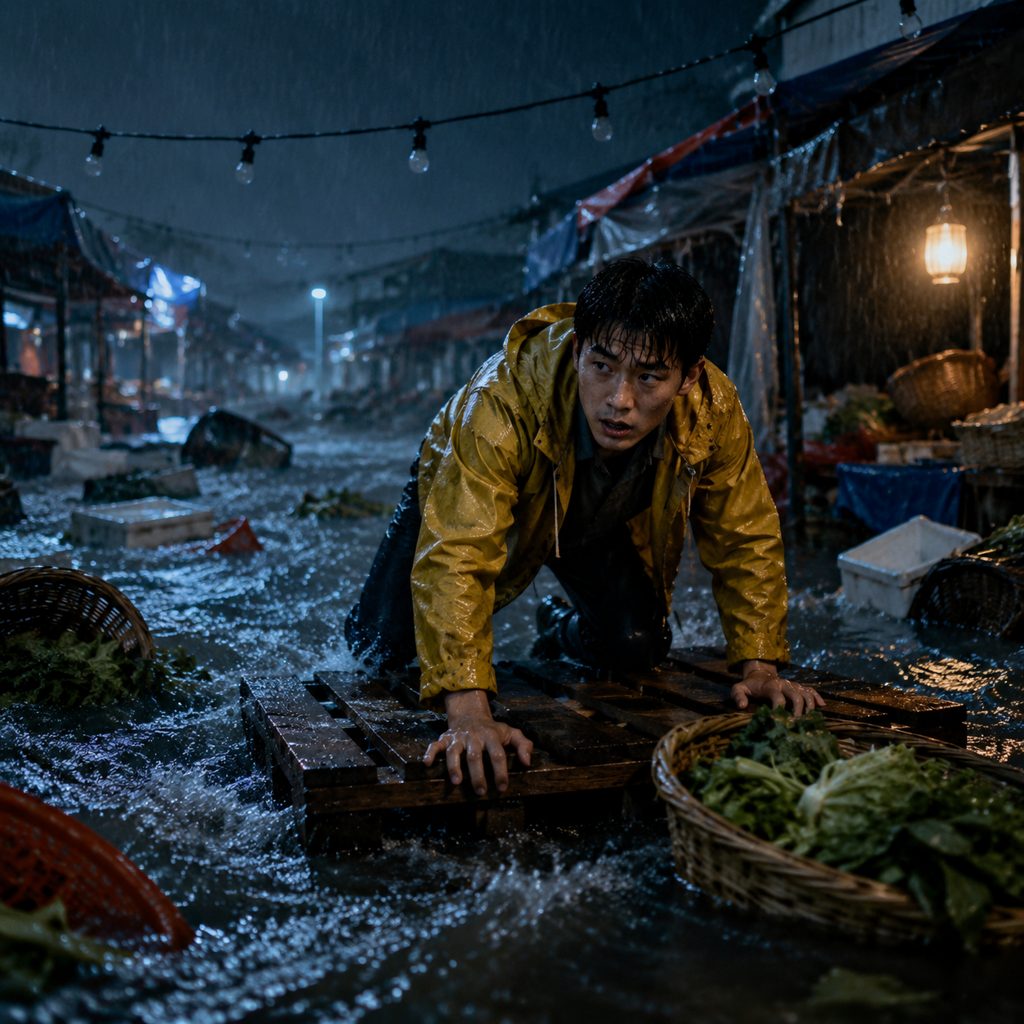
Teaser for a survival short film
A film student needs a one-shot disaster beat for a proof-of-concept teaser. He uploads a photo of his lead in a raincoat and gets a handheld market escape with a low waterline angle he can intercut with his own footage.

Vertical hook for a safety channel
A flood-safety educator opens a 9:16 explainer with a first-person-feeling escape before the tips begin. Generating the scene from her own portrait keeps the host on screen and avoids using real footage of a real disaster.
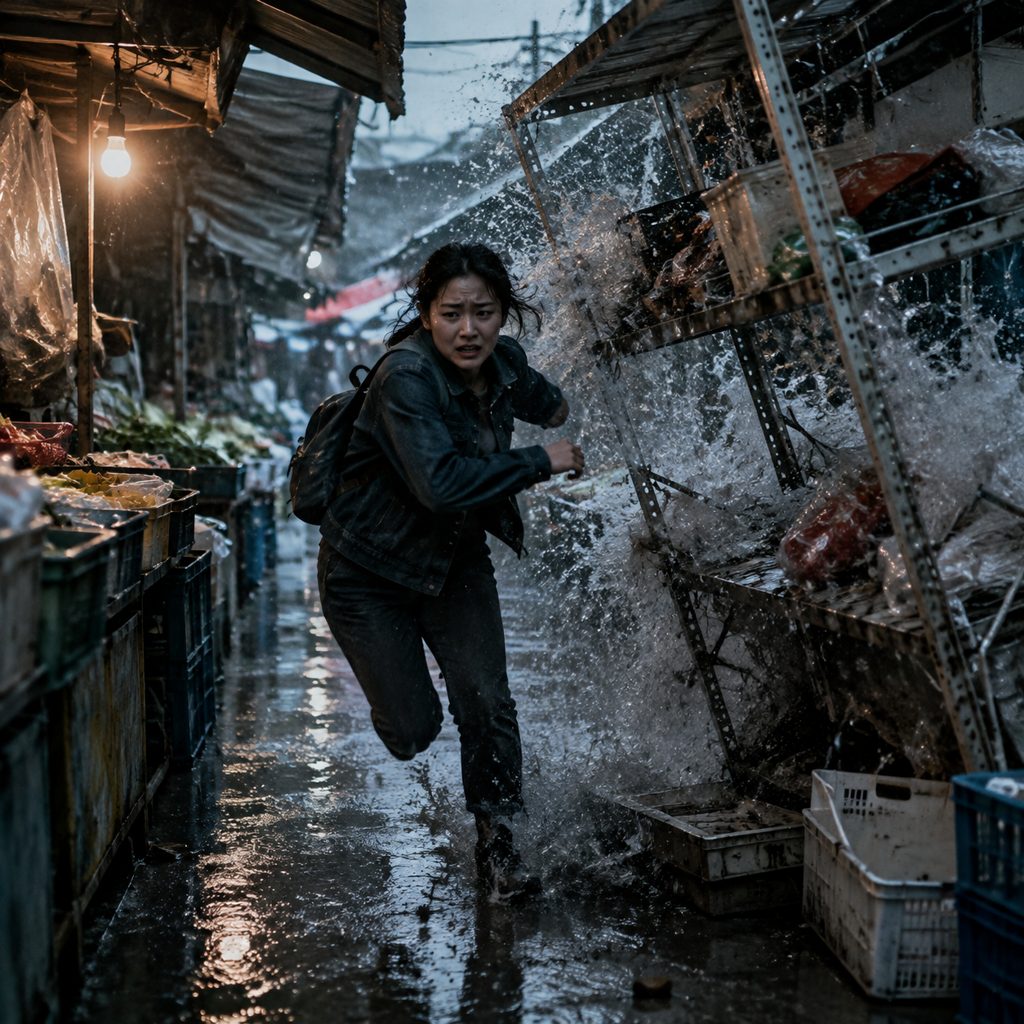
Trailer mockup for a survival game
A small studio pitching a flood-survival game wants a live-action style trailer moment. One photo of an actor gives them the market escape with a toppling shelf and a wide establishing shot that mirrors their level layout.
FAQ
Common questions
What is an AI disaster video generator?+
An AI disaster video generator is an image-to-video tool that stages a flood, storm or collapse around a person from a single uploaded photo instead of using stock footage or a practical set. Flash-Flood Market Escape is a preset of that kind: it fixes the location as a rain-soaked wet market and the event as a flash flood rising between the stalls.
How long is the clip and what format does Flash-Flood Market Escape produce?+
Flash-Flood Market Escape produces one short image-to-video clip; the template does not set a fixed duration or aspect ratio. Plan for a single continuous escape beat that you can crop vertical for Shorts or keep landscape for a film teaser, rather than a multi-scene sequence.
What photo works best for a flood video like this?+
Use a photo of one adult with the face clearly lit and the jacket visible, since the engine carries that jacket into the flood. If you want them holding a bag or a phone, have it in the photo. Group photos and heavy sunglasses give the model less to lock onto.
Is this an AI flood video or an AI apocalypse video?+
Flash-Flood Market Escape is an AI flood video at the scale of one market, not a city-wide AI apocalypse video. The water rises between stalls, shelves tip and crates float, but there are no collapsing skylines or crowds. That narrower scope is what lets the engine keep physics and identity stable.
Flash-Flood Market Escape vs stock flood footage: which should I use?+
Stock flood footage shows real events and real victims, which raises ethical and licensing questions for a story or a product video. Flash-Flood Market Escape keeps your own actor in frame, in a market that never existed, with the camera moves you would otherwise need a water tank to shoot.
Where should I use a disaster video generator clip like this?+
Vertical 9:16 crops work for TikTok, Reels and Shorts, where the handheld follow shot reads as a first-person hook. The landscape version suits a YouTube short-film teaser or a game trailer. Keep the clip to its single escape beat and cut to your own material before the water settles.
Other names for Flash-Flood Market Escape
This template shows up under several names in search. The tool-intent phrases are AI disaster video generator, disaster video generator and AI disaster movie maker. The subject phrases are flood video, AI flood video, flash flood video and AI apocalypse video, even though this scene stays at market scale. Some people search for a survival scene generator or a rainstorm escape video. Flash-Flood Market Escape is the answer to each of them.
Put yourself in the flood without getting wet
New accounts get free credits, enough to generate your first market escape today.
Related templates
 Video
VideoDancing cats from your own photos: the Trio cats Dance
 Video
VideoLove Signs Dance: a cute cat paw dance from one portrait
 Video
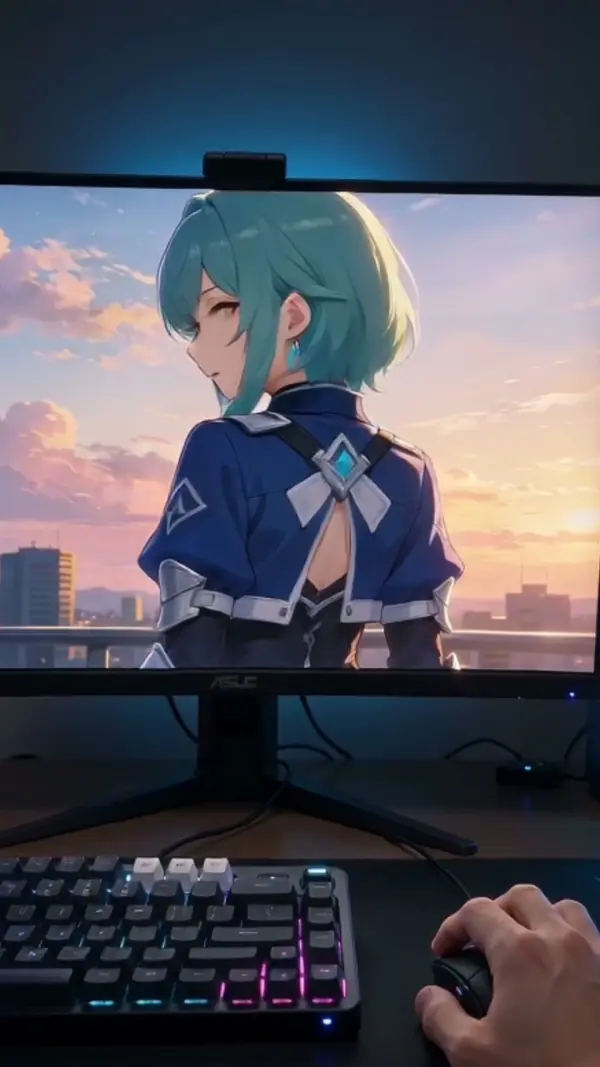
VideoDimension Breakout: your anime character breaks out of the screen
 Video
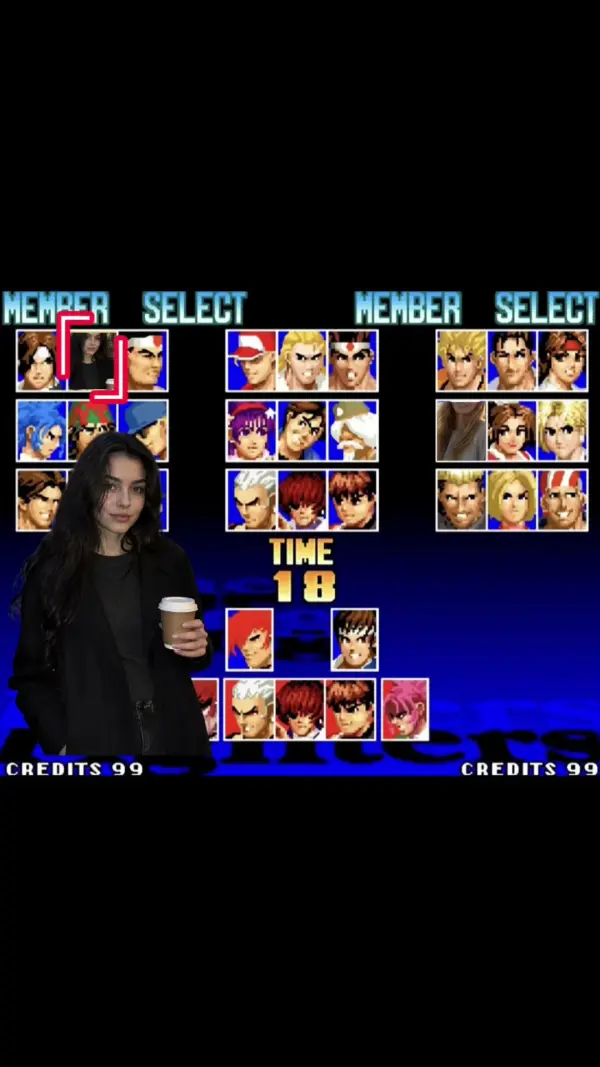
VideoAI fighting video: turn two friends into an arcade fighting game
 Video
VideoHeart Locket GIF Maker
 Video
Video