Clone Yourself In A Video, From One Photo
Upload one photo and watch yourself split into two, four, eight and then a full grid of identical copies, each dividing with a quick squash-and-stretch bounce. No tripod, no second take, no masking in an editor: the clones are generated from a single picture of you, your pet or a character, as a vertical 9:16 clip.
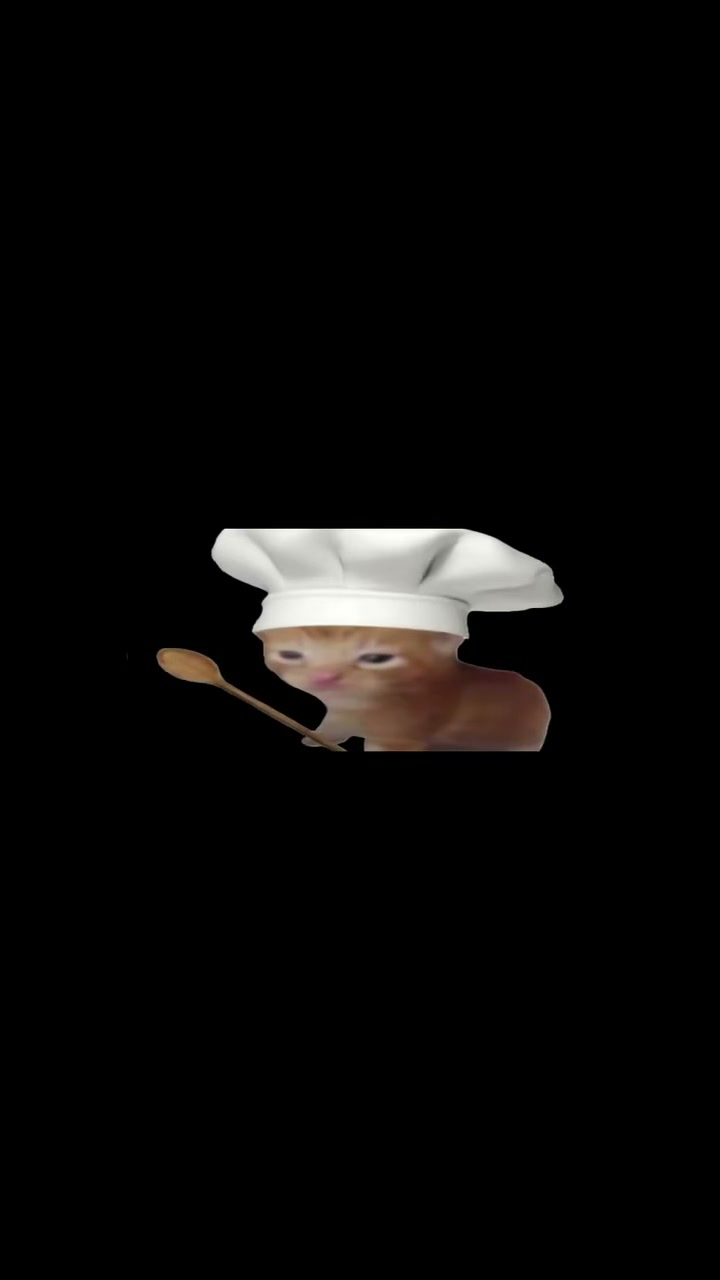
Clone Yourself Template
Upload one clear photo with the subject centered and some empty space on both sides; a plain background gives the clones room to line up.
WHAT IT IS
How to clone yourself in a video with one photo
The classic way to clone yourself in a video is a tripod, several takes in exactly the same light and careful masking in an editor so the seams do not show. This template skips all of that. It takes one photo of you (or a pet, or a character) and multiplies the subject on screen: one copy becomes two, two become four, then eight, and finally a neatly spaced wall of identical clones. Face, body shape, outfit or fur, colours and material details are copied to every clone, so a red jacket stays red on all of them. Before each split the subject compresses and stretches with a soft elastic bounce, then divides cleanly into two complete copies standing side by side. The camera stays locked and frontal and the background stays put, which is what makes the multiplication read as one person repeated rather than a crowd of lookalikes. Internally the effect is called Cell Division Clone Effect, after the mitosis-style split; in the workbench you will find it under that name.
- One subject, many copies
- Every clone carries the same face, proportions, clothing or fur, and color values as the original. The engine rejects partial copies, intersecting bodies, extra limbs, and outfit changes, so the grid reads as one person repeated rather than a crowd of lookalikes.
- Squash-and-stretch timing
- Each division starts with a quick compress and stretch, the same elastic timing hand-drawn animators use for a bounce. All copies move together on the same beat, which is what gives the multiplication its rhythmic, playful feel.
- Locked frontal camera
- There is no camera move at all. The frame stays fixed and frontal, the background stays put, and the spacing between clones stays symmetrical. That stillness makes the multiplication the only thing your eye has to track.
- Short vertical clip
- The result is a 9:16 clip sized for TikTok, Reels and Shorts. After the last split the whole grid gives one synchronized pulse, so it ends on a clean beat rather than cutting mid-motion.
USE CASES
When cloning yourself beats a second take
Three situations where multiplying one subject from a single photo beats a second take.

Pet clone wall for a Reel
Upload a front-facing photo of a corgi sitting on a rug. The clip shows the dog wobble, split into two, then four, then a tidy four-by-four wall of corgis, all with the same white chest patch and grounded shadow. Post the result as a 9:16 Reel.
Dance crew from one dancer
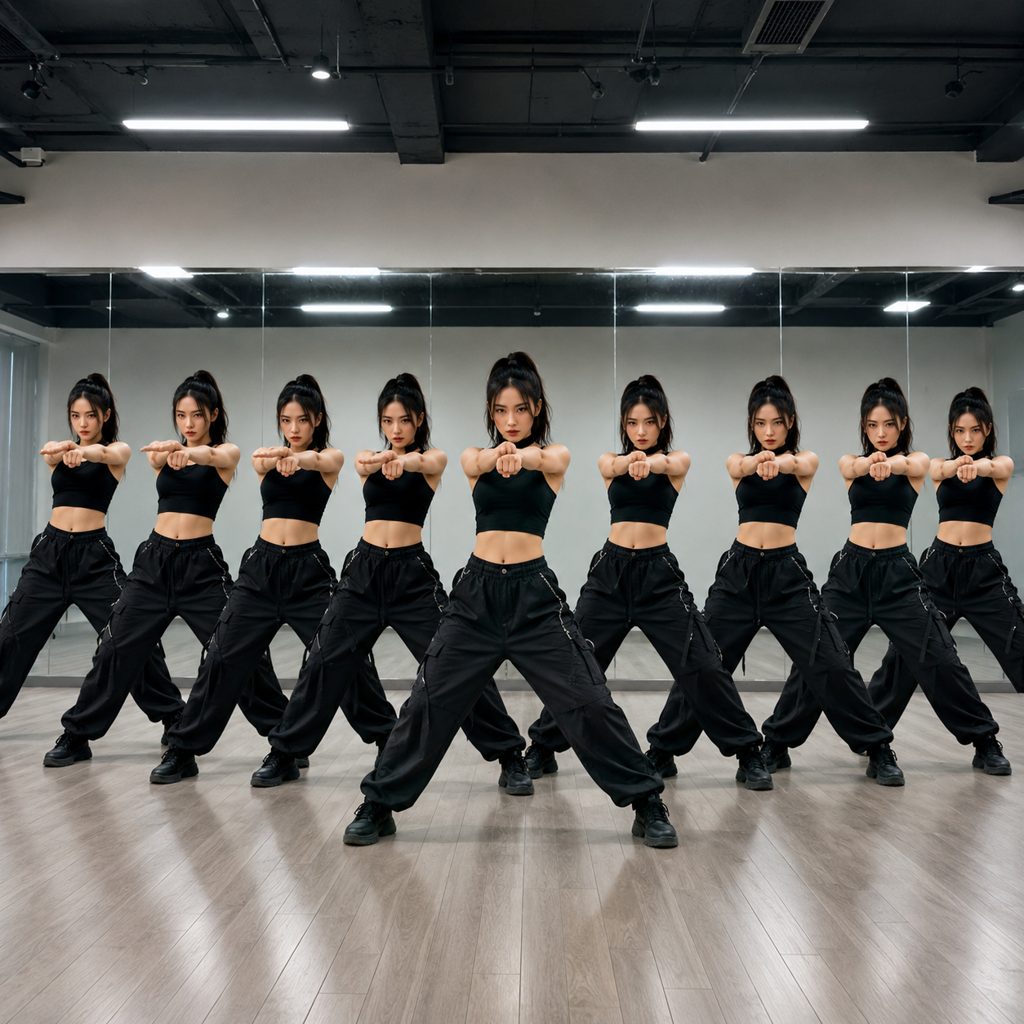
A solo dancer in a studio uploads a full-body shot in a wide stance. The result multiplies her into a synchronized eight-person line, every copy hitting the same squash-and-stretch beat, a quick way to fake a crew intro for TikTok without booking a second dancer.
Product mascot multiplication
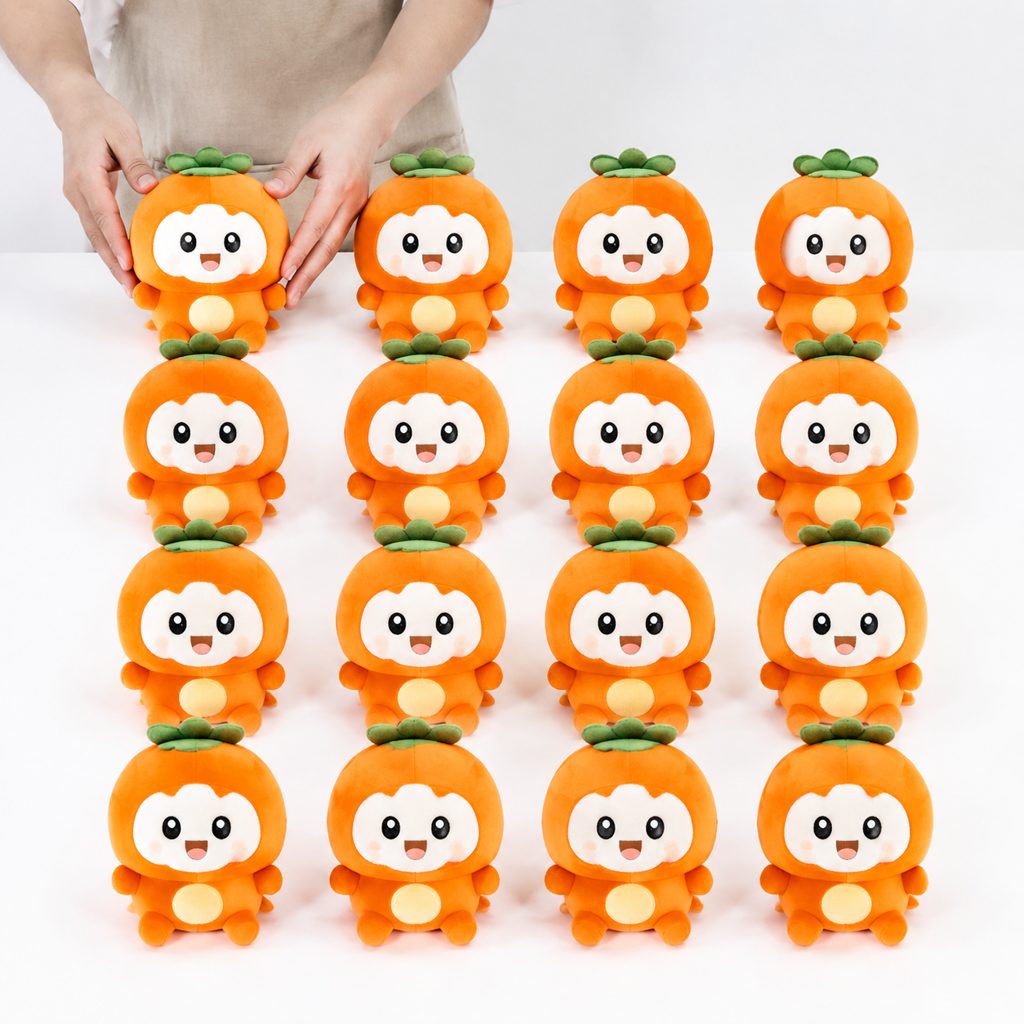
A plush mascot photographed on a white counter divides into a grid of thirty-two identical toys, each with the same stitching and shadow. Brands run the clip as a product-drop teaser and cut from the pulse into a launch-date card.
FAQ
Common questions
How do I clone myself in a video?+
Upload one clear photo of yourself to this template and generate. The AI splits you into two, then four, then eight copies and finally a symmetrical grid of clones, all with the same face, outfit and lighting. There is no filming, tripod or masking involved; the copies are generated from the single photo.
Do I need a video, or is one photo enough?+
One photo is enough. The template is image-to-video: it animates the photo and does the cloning itself. A full-body or three-quarter shot works better than a tight headshot, because the grid needs the whole figure.
How long is the video and what format is it?+
It is a vertical 9:16 clip for TikTok, Instagram Reels and YouTube Shorts. Pick the length in the workbench before you generate; the options and the credit cost are shown there. New accounts can make one 5-second template video free.
What photo works best?+
A sharp, front-facing photo with the subject centred and empty space on both sides gives the clones room to line up. Plain backgrounds work best, because the background stays fixed and any clutter repeats behind every copy.
Can I clone my pet or a character instead of myself?+
Yes. The template copies fur, clothing, colours and material details to every clone, so a tabby cat keeps its stripes on every copy. A seated or standing pose shot at eye level divides most cleanly.
Clone yourself with AI vs. masking in CapCut or Premiere?+
Masking in an editor lets each clone do something different, but it needs a locked-off camera, several takes and careful seams. This template gives you the cloning from one photo in minutes; the trade-off is that every clone moves on the same beat instead of acting independently.
Is this the same as an AI clone or digital twin that talks for me?+
No. An AI clone or AI twin in the avatar sense is a digital version of you that reads a script in your voice. This is a visual effect: many identical copies of you on screen at once, dividing like cells. It does not speak or lip-sync.
Other names for this effect
People look for this effect under several names: clone yourself, clone yourself video, clone effect video, duplicate yourself in a video, multiplicity effect (the older film term) and cell division effect, after the mitosis-style split. Editors coming from desktop software search for a clone effect in CapCut or Premiere Pro. They all describe what this template makes from one photo.
Clone yourself from one photo
Upload a photo, pick a length and see the credit cost before you generate. New accounts can make one 5-second template video free.