
Combine Multiple Images into Seamless AI Compositions
AI image blending (Midjourney Alternative) tool for visual concepts into unified generated images
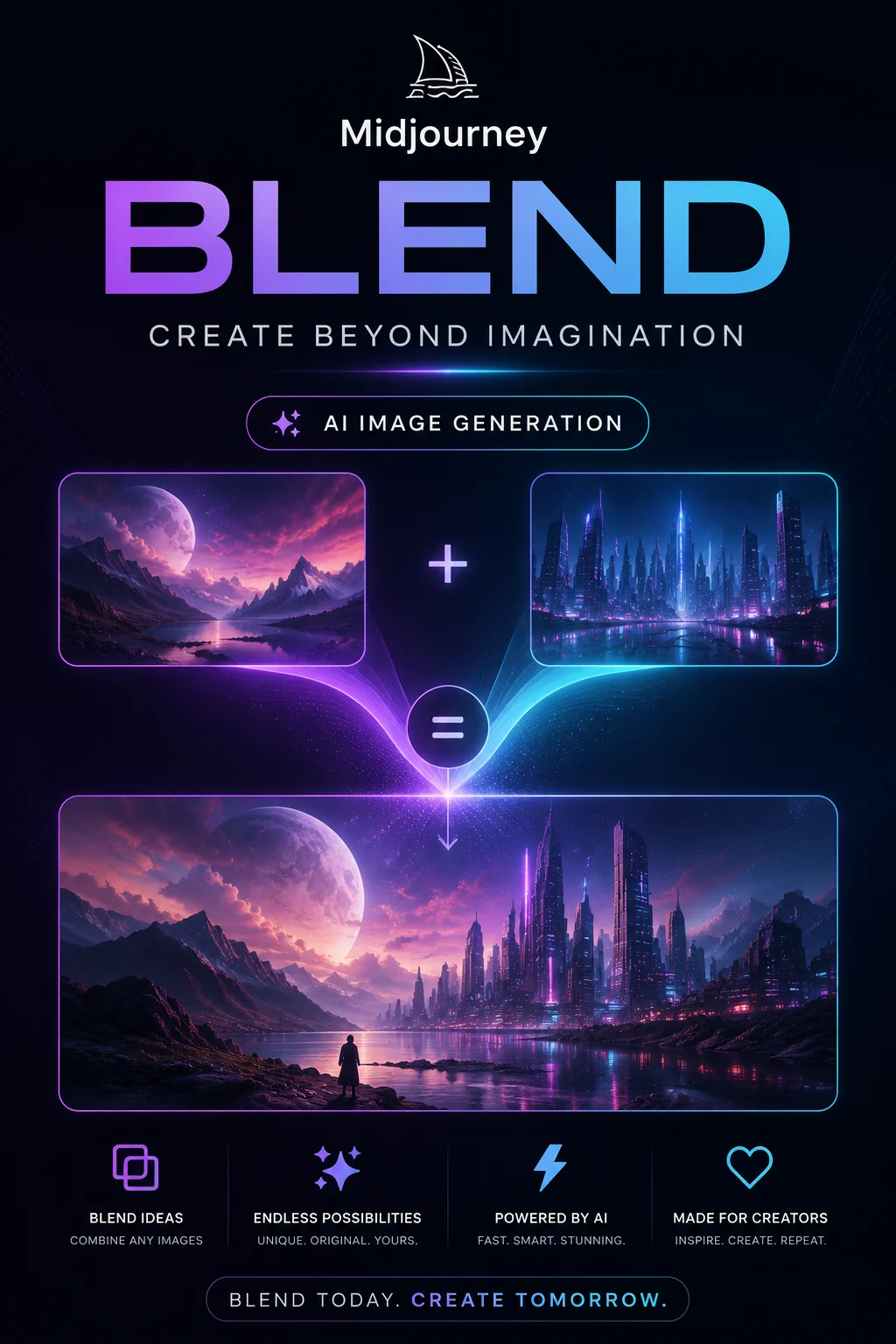
Midjourney Blend merges 2-5 images into cohesive AI-generated compositions. Upload reference images, and the model analyzes their visual elements—color palettes, textures, subjects, and styles—to create unified outputs. Ideal for concept exploration, style fusion, and creative experimentation. Works within Midjourney's Discord interface with simple commands, delivering results that combine the essence of your source materials into original imagery.
- Modality
- Text & Image → Image
- Style
- Artistic & stylized
- Quality
- Premium
- Max Resolution
- 2 megapixels
How it works
Three steps from idea to blended image
Combine multiple images seamlessly with Midjourney Blend's intelligent merging system to create unique visual compositions in minutes.
 1
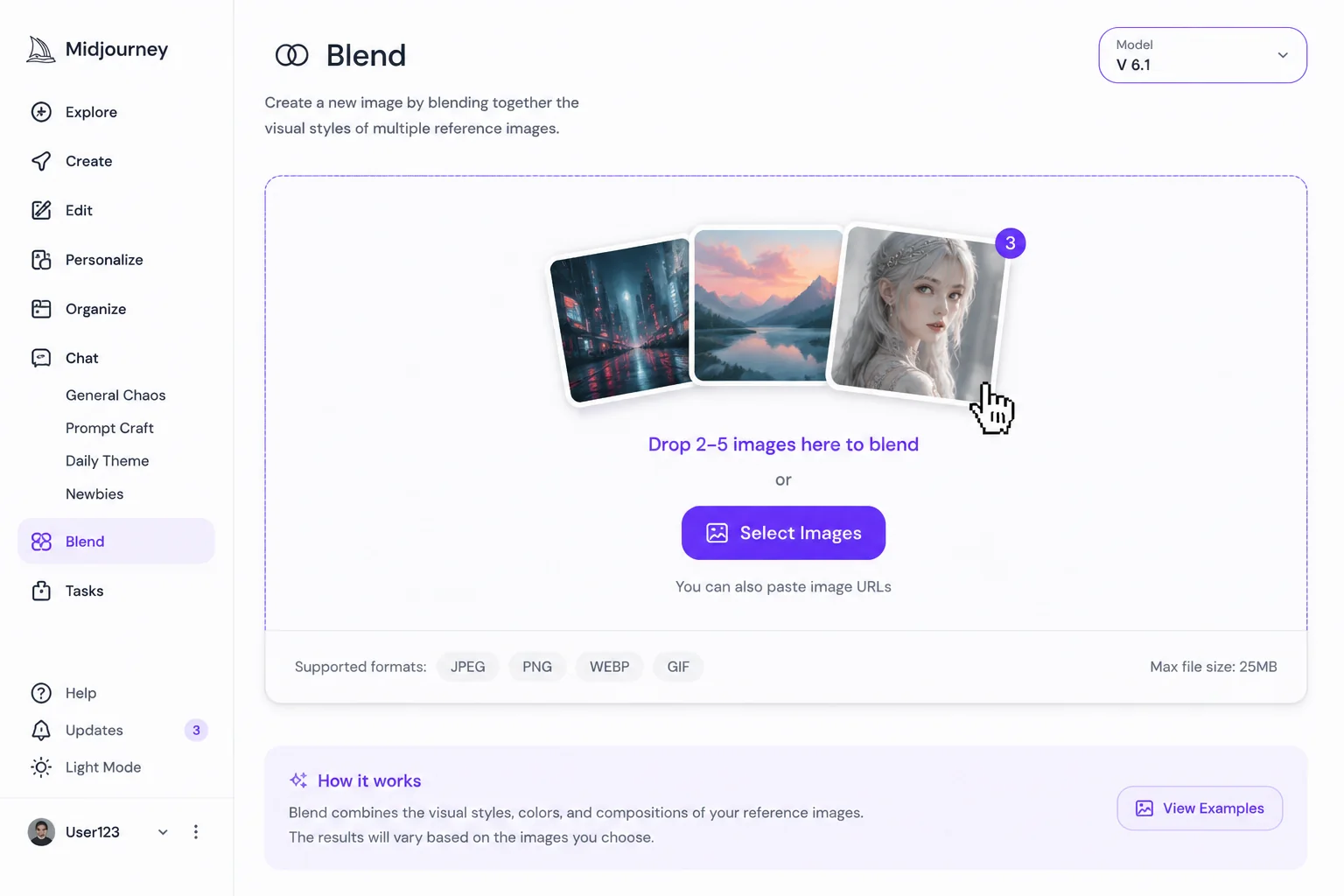
1Upload your source images
Select Midjourney Blend and upload two to five images you want to merge. The model accepts JPG, PNG, and WebP formats up to 25MB each.
 2
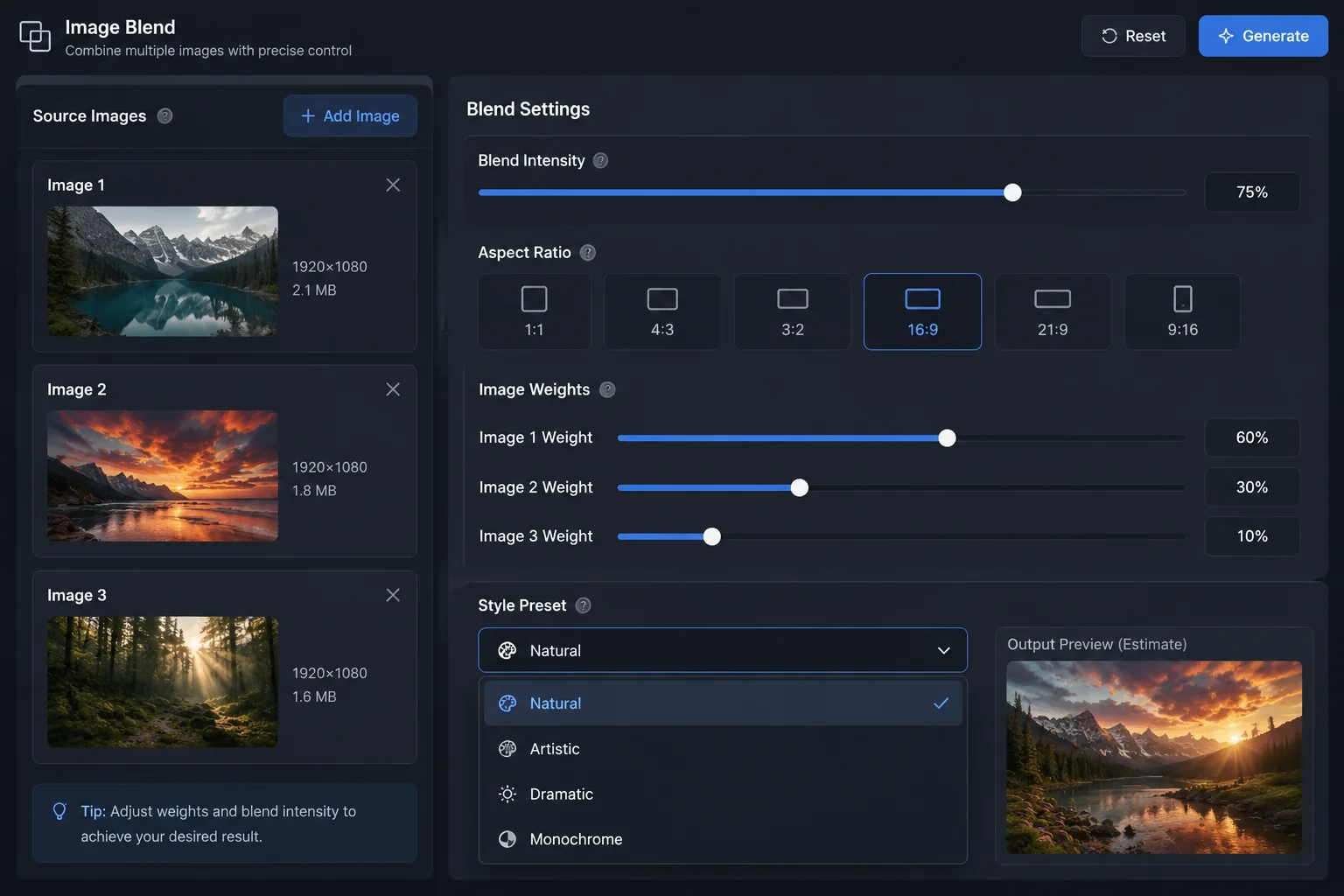
2Adjust blend settings and style
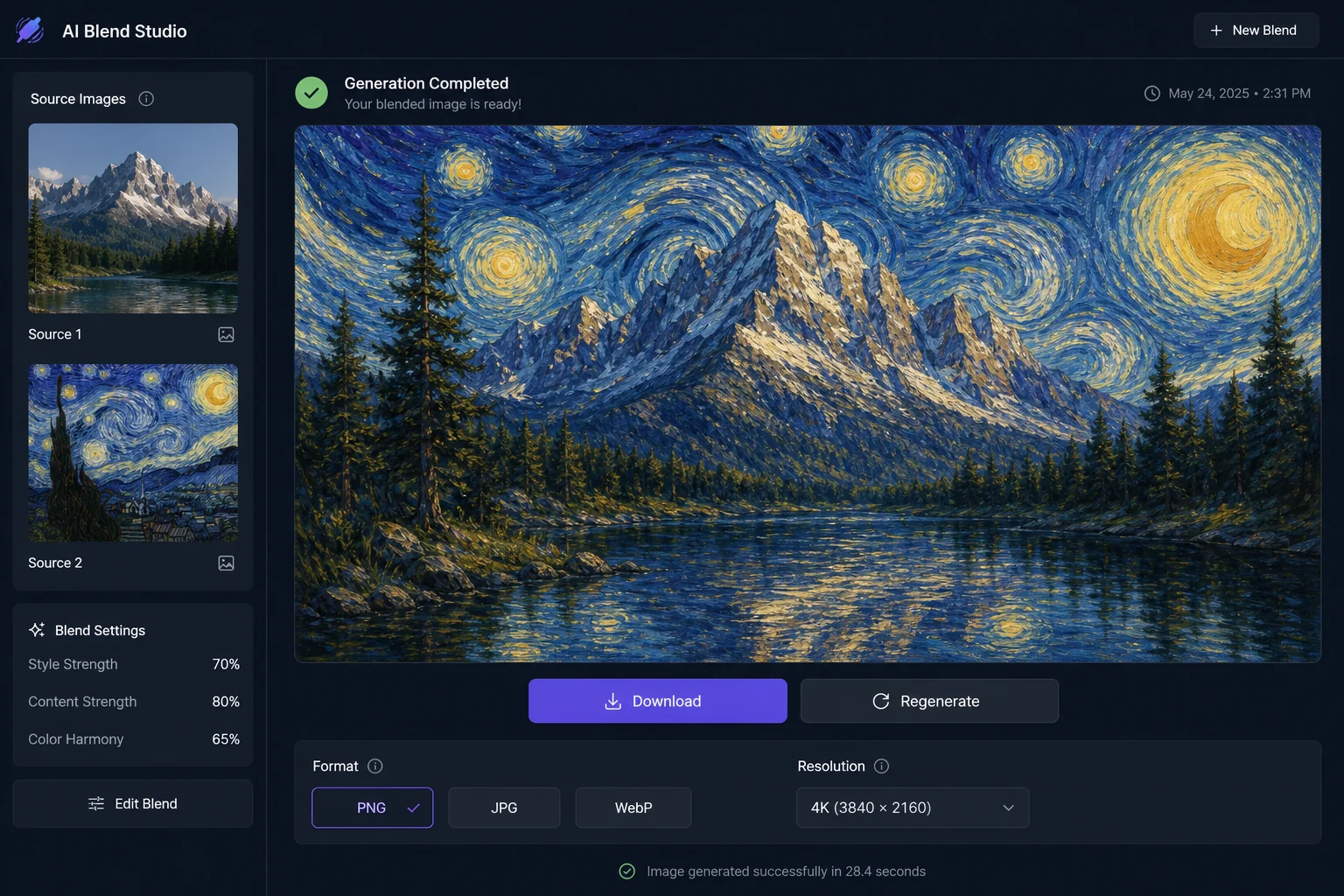
Configure blend intensity, aspect ratio, and style parameters. Control how strongly each image influences the final result using intuitive weight sliders for precise control.
 3
3Generate and download your blend
Click generate to create your blended image. Preview the result, make adjustments if needed, then download in your preferred format and resolution for immediate use.
Why Midjourney Blend
What sets Midjourney Blend apart
Midjourney Blend combines multiple images into cohesive compositions using advanced diffusion techniques. It analyzes visual elements from 2-5 source images and merges them seamlessly, preserving style consistency while creating entirely new outputs. Perfect for concept exploration and creative iteration.
Seamless Image Fusion
Merge concepts without visible seams
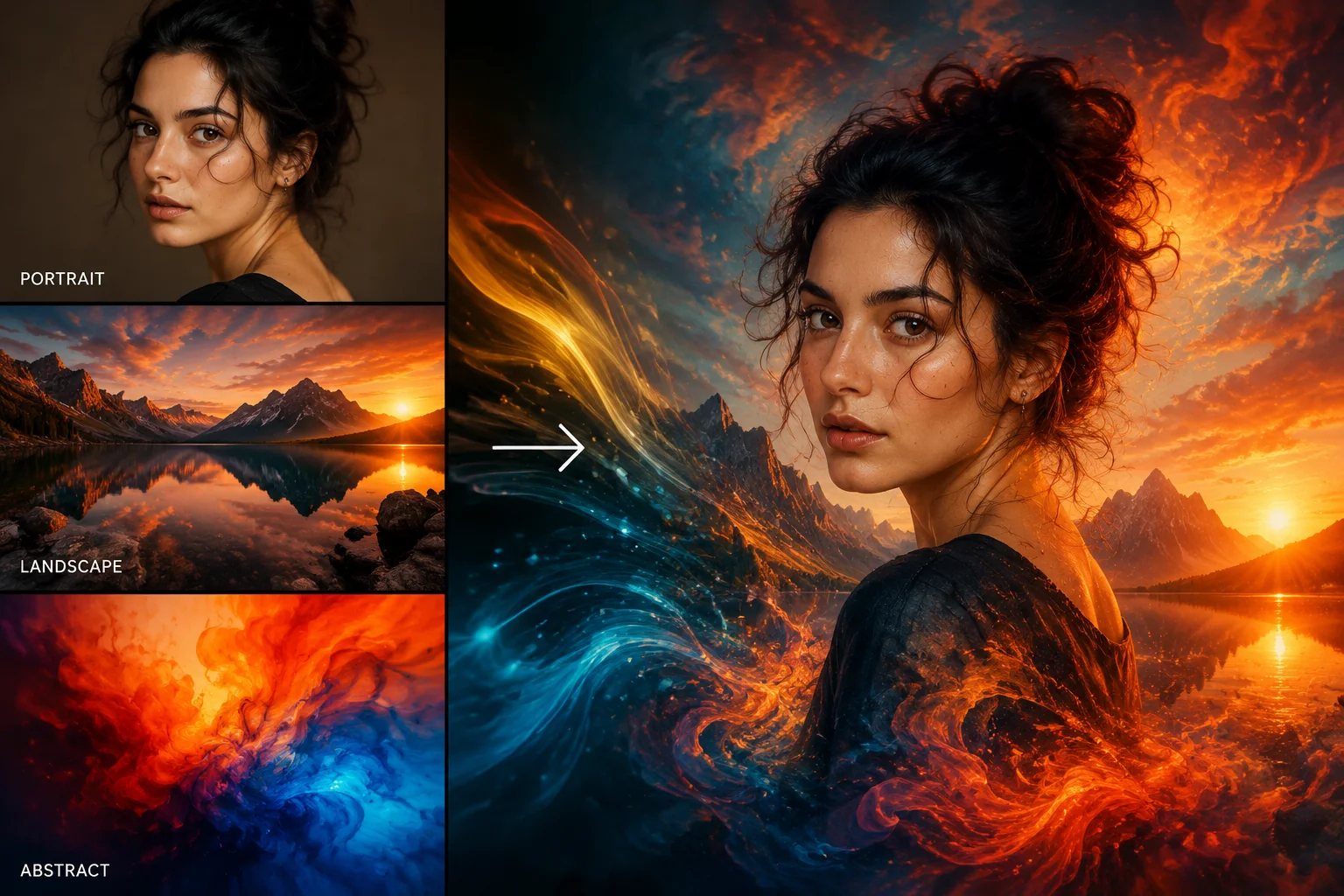
Blend analyzes color palettes, lighting conditions, and compositional elements from source images to create unified outputs. The model intelligently balances contributions from each input, maintaining visual coherence across the merged result.
- Automatic color harmony matching
- Intelligent weight distribution across inputs
- Preserves lighting consistency throughout composition
Style Transfer
Apply artistic styles across different subjects
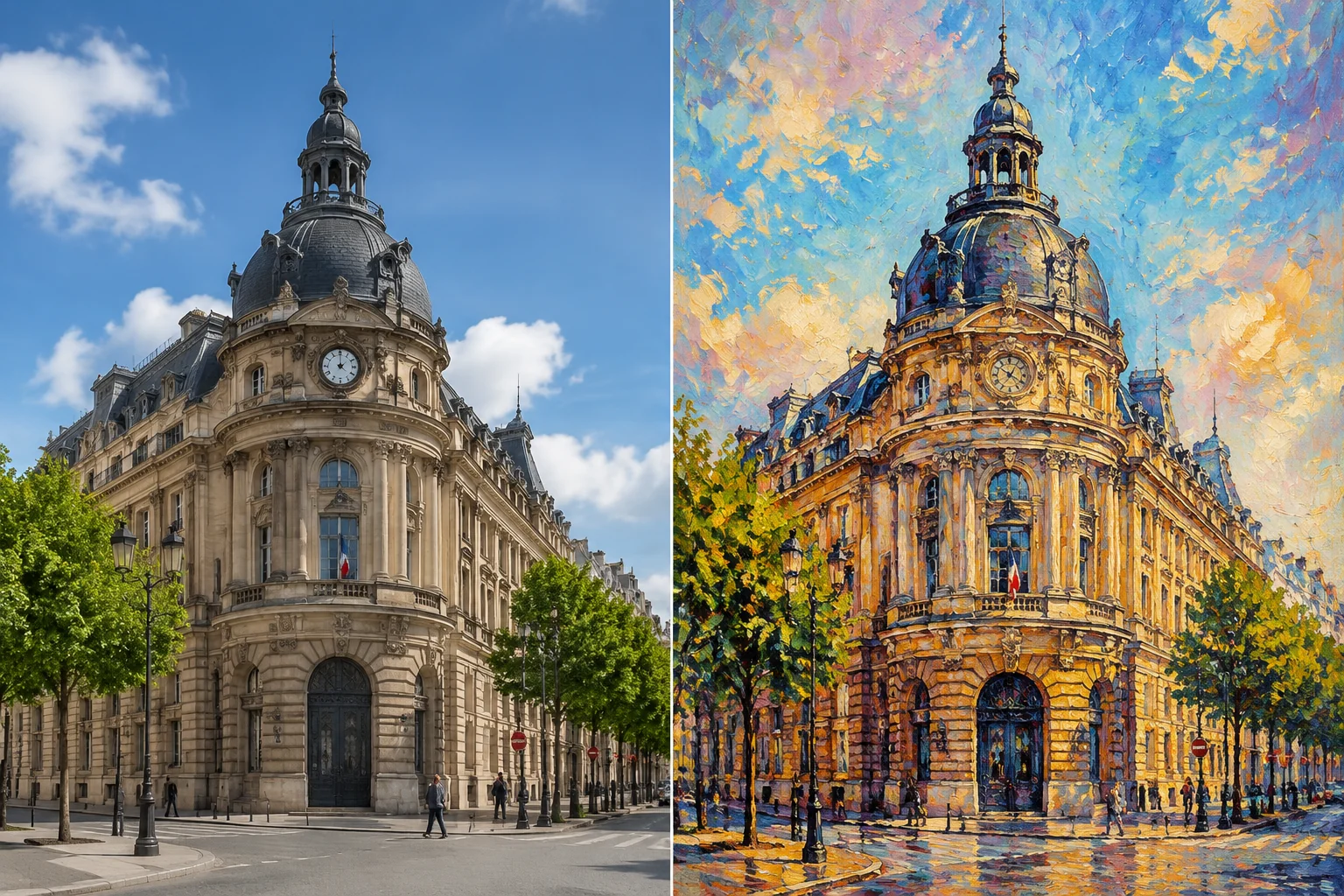
Extract stylistic elements from one image and apply them to another's composition. Blend separates content from style attributes, allowing precise control over artistic direction while maintaining subject integrity and recognizability.
- Preserves subject structure during transfer
- Adapts brushwork and texture patterns
- Maintains original composition hierarchy
Concept Exploration
Generate variations from multiple references
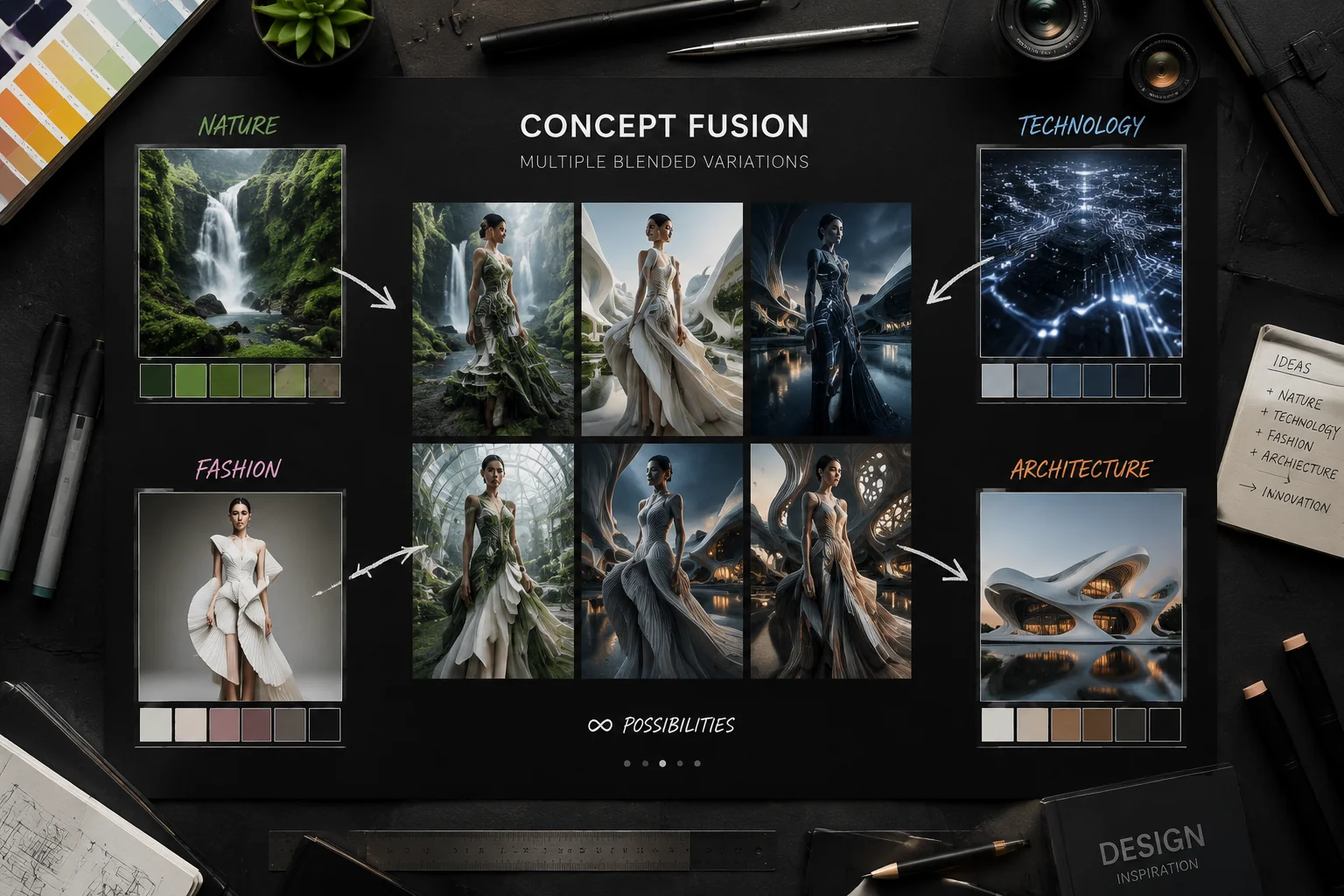
Combine disparate visual concepts to discover unexpected creative directions. Blend's diffusion process creates novel interpretations by finding latent connections between inputs, accelerating ideation workflows for designers and artists.
- Rapid iteration from multiple sources
- Discovers unexpected visual relationships
- Generates diverse output variations
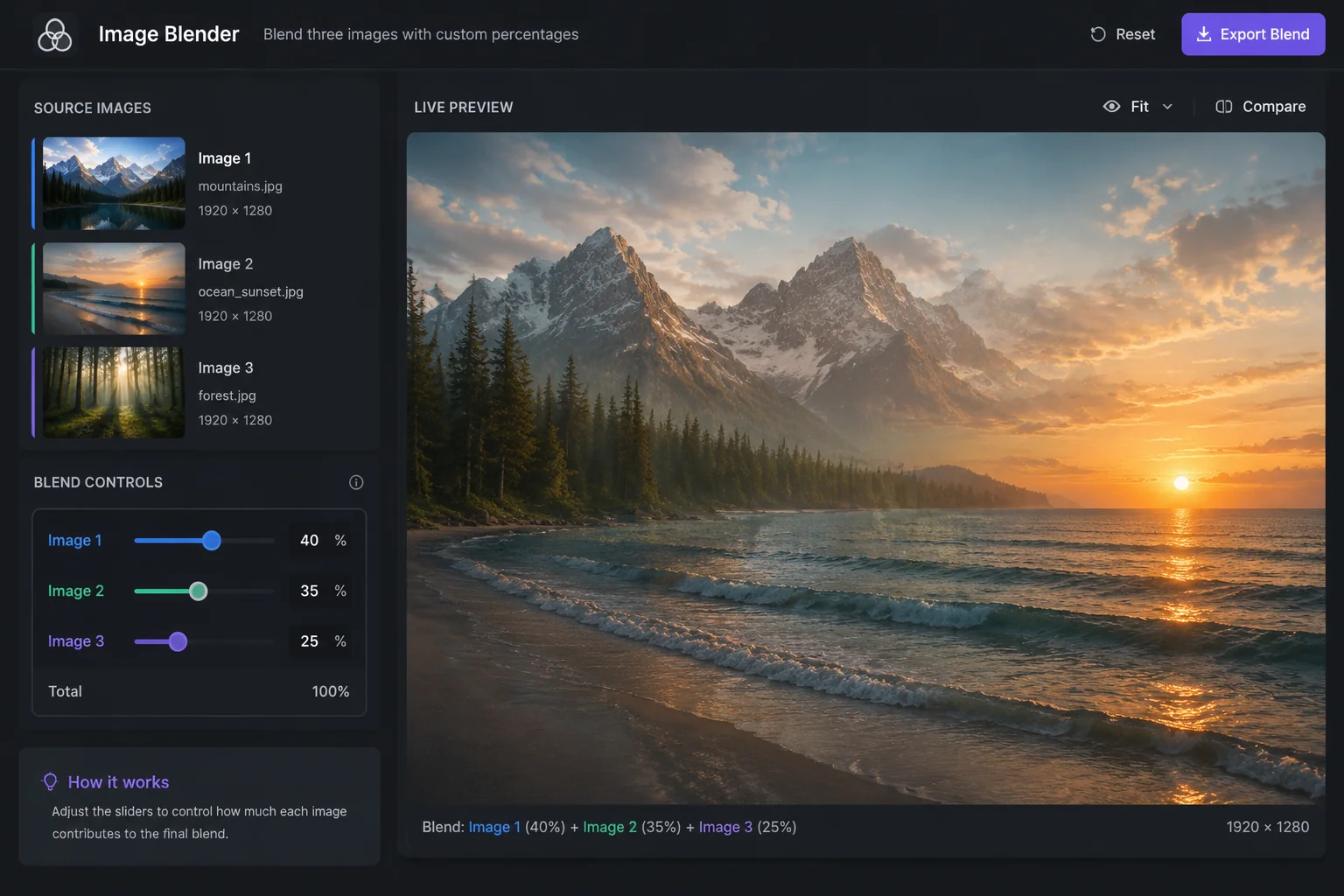
Compositional Control
Precise influence over blending outcomes
Adjust the contribution level of each source image through weighted blending parameters. This granular control lets you emphasize specific elements, creating outputs that range from subtle influences to dominant features from your chosen references.
- Adjustable weight per source image
- Fine-tune element prominence
- Preview influence before final render
Sample outputs
Made with Midjourney Blend in LazyKiwi
Creators use Midjourney Blend to merge multiple images into seamless compositions, combining photos with artistic styles, textures, and elements for unique visual results.
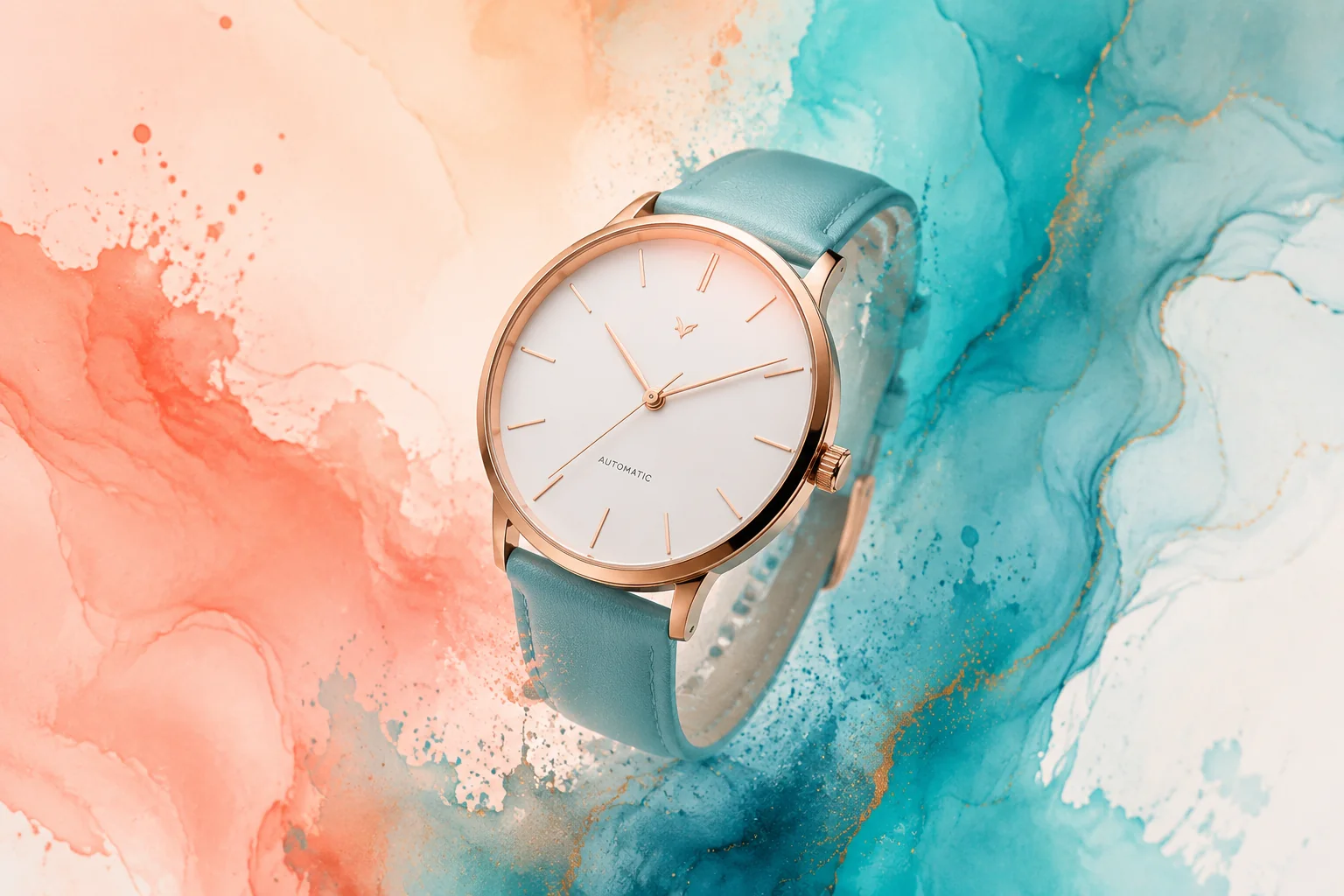
Product Photo with Artistic Background
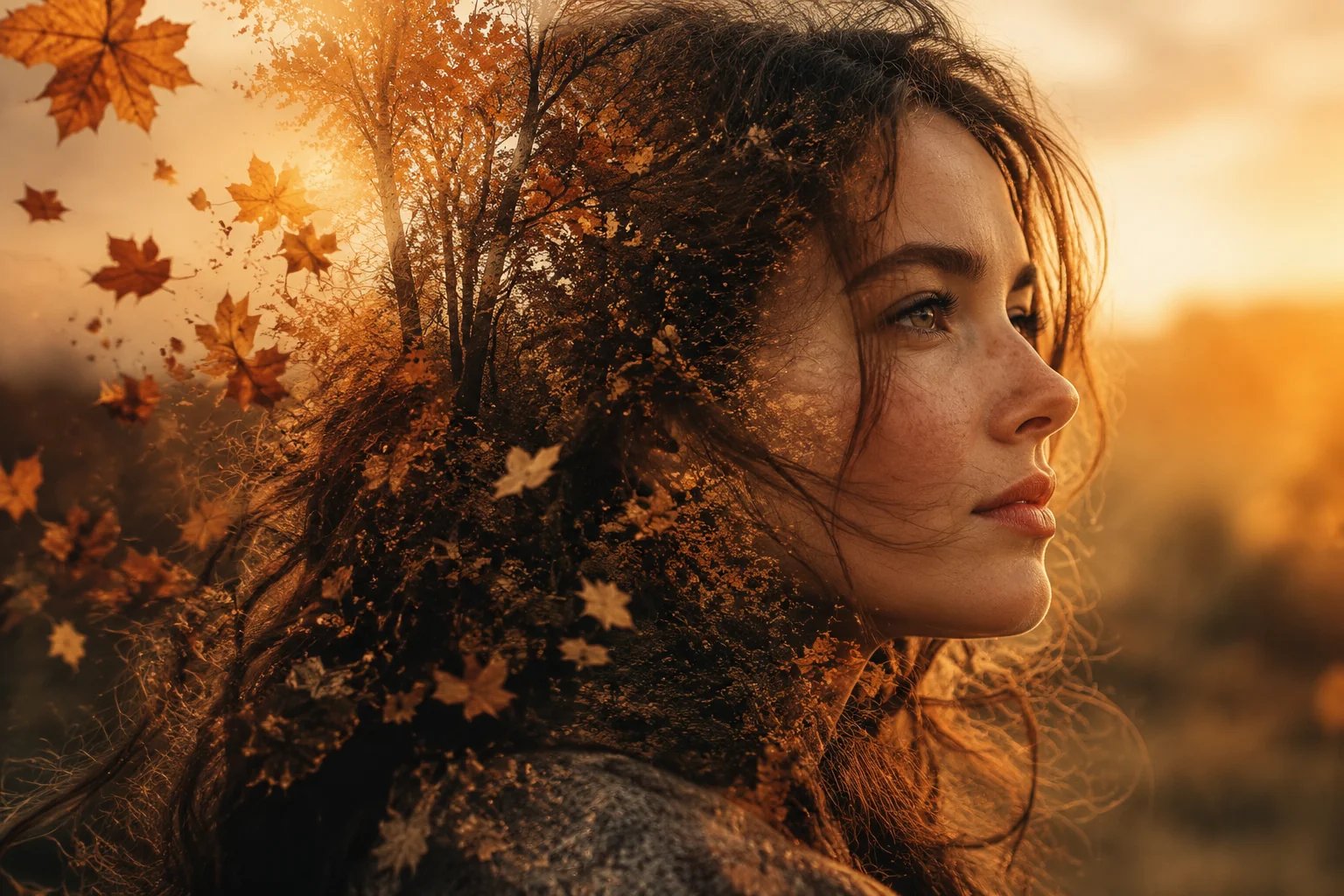
Portrait Merged with Nature Elements
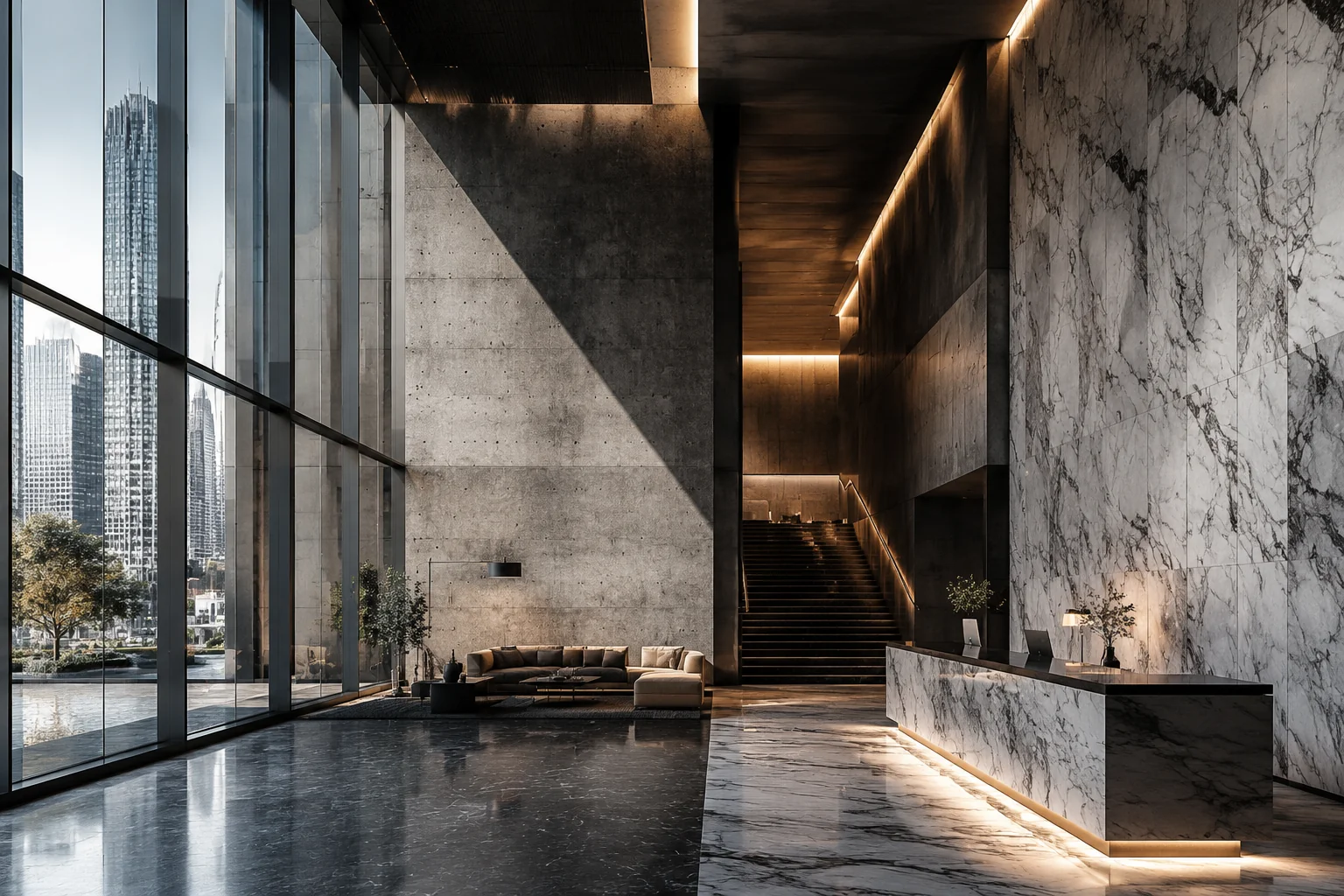
Architectural Concept with Material Textures
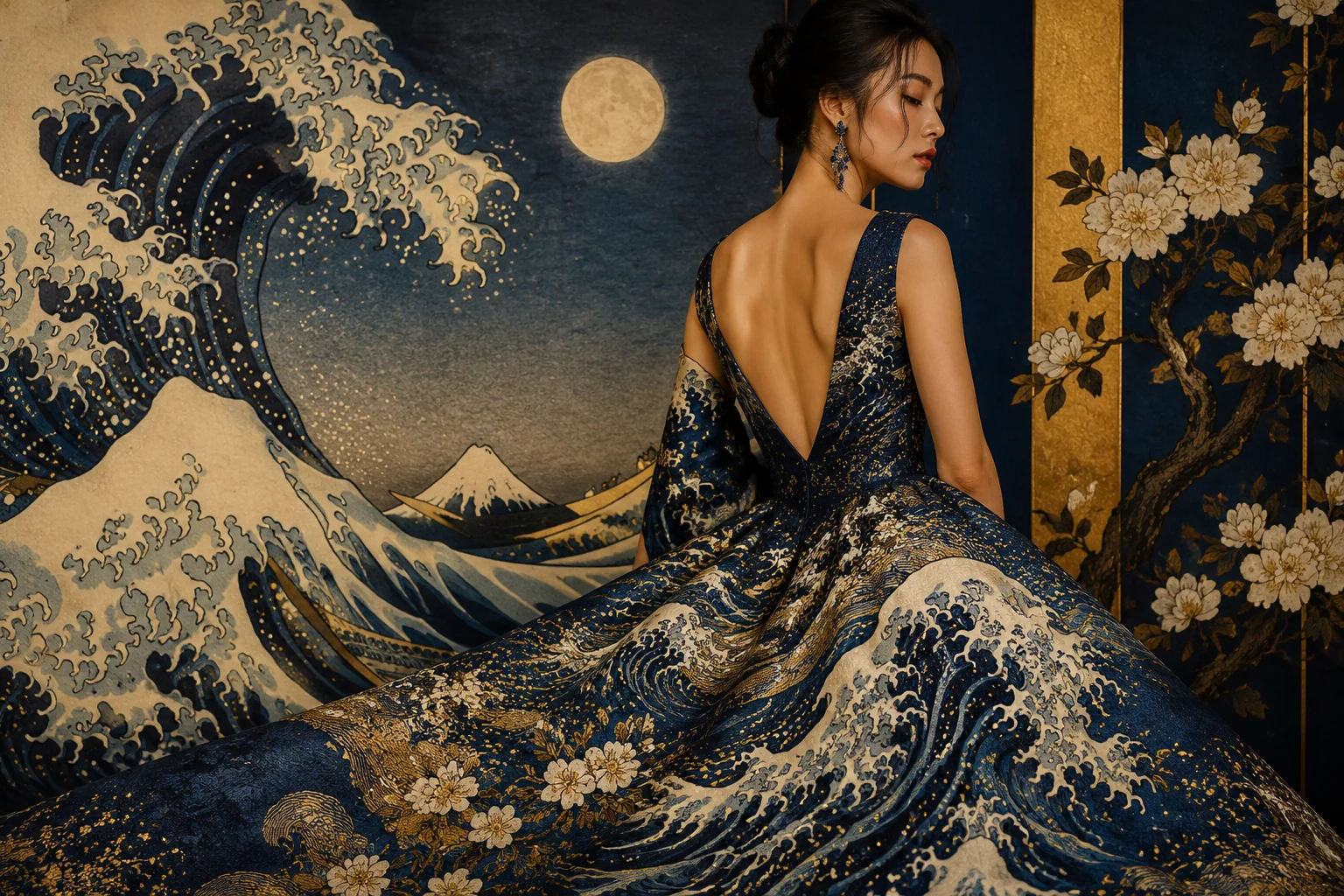
Fashion Design Style Transfer
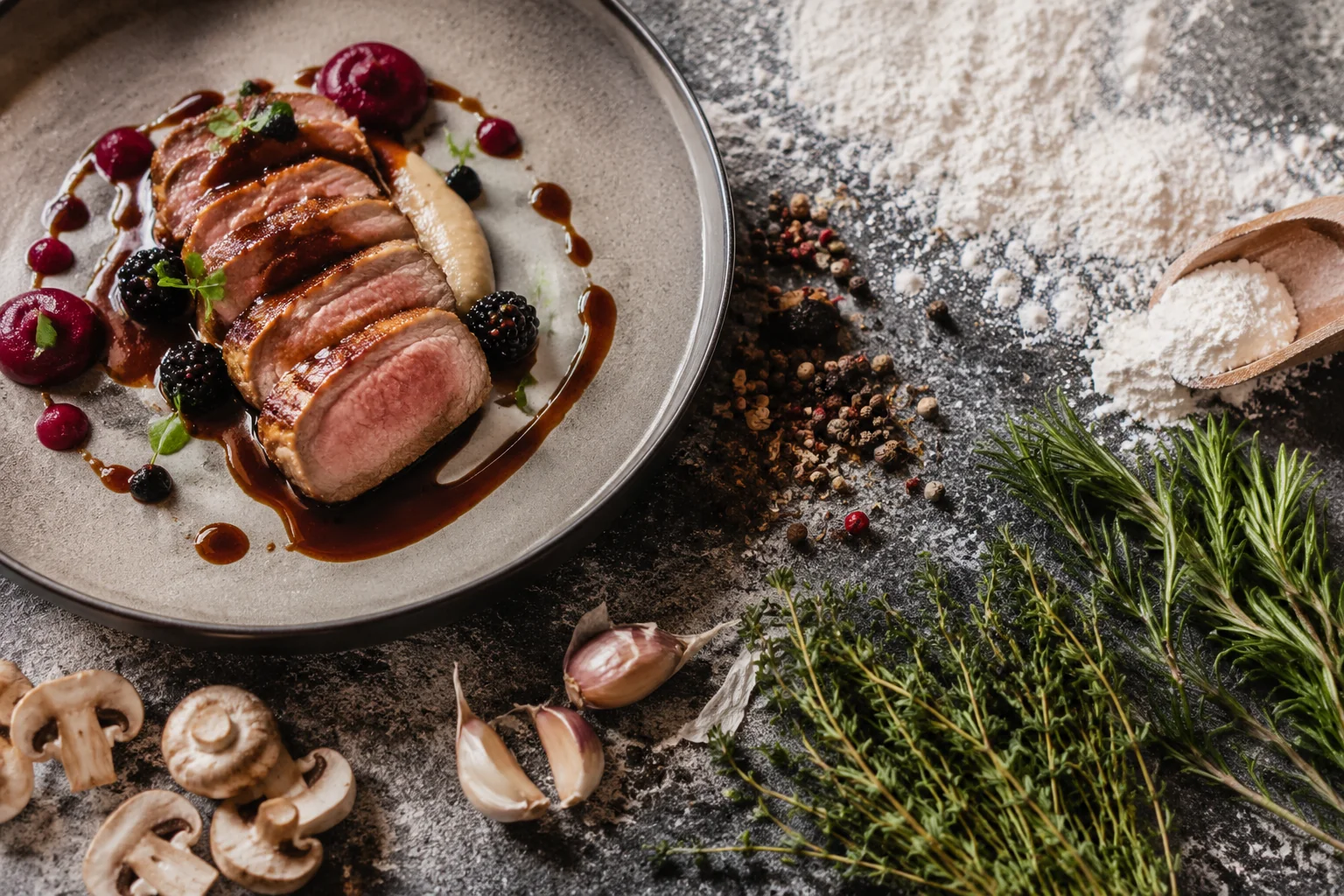
Food Photography with Ingredient Textures
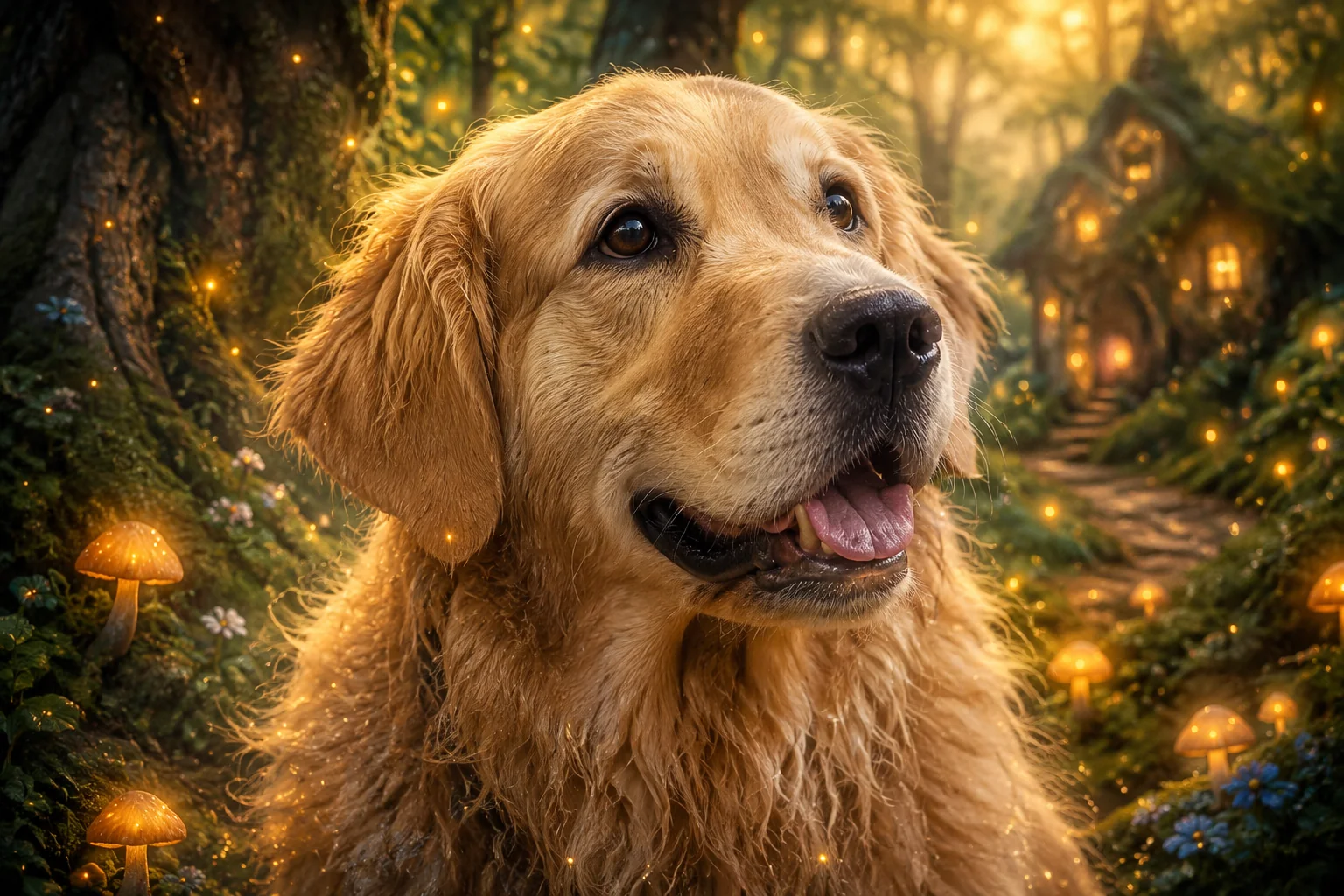
Pet Portrait with Fantasy Elements
Specs
Midjourney Blend at a glance
Capabilities exposed through the LazyKiwi workbench.
- Provider
- Midjourney
- Type
- Image generation
- Inputs
- Text prompt, optional image
- Max resolution
- Up to 2 megapixels
- Formats
- WebP
- Aspect ratios
- 1:1, 4:3, 16:9, 9:16
- Best for
- Artistic imagery, stylized content, creative concepts
When to use it
Midjourney Blend vs. other image models
Midjourney Blend excels at merging multiple images into cohesive compositions. Use DALL·E 3 for precise text rendering, or Stable Diffusion for customizable local workflows.
| Model | Strength | Best for | Speed |
|---|---|---|---|
| Midjourney Blend | Seamlessly combines 2-5 images into unified compositions | Style mixing, concept merging, artistic mashups, visual experimentation | Standard |
| DALL·E 3 | Superior text rendering and prompt adherence | Precise compositions, text in images, literal prompt interpretation, photorealism | Standard |
| Stable Diffusion XL | Open-source with extensive customization options | Local deployment, fine-tuned models, LoRA training, budget-conscious projects | Fast Combination Multiple Images |
Use cases
What creators build with Midjourney Blend
Creators use Midjourney Blend to merge multiple images into cohesive new compositions for design, marketing, and creative projects.
Brand Identity Systems
Blend logo concepts, color palettes, and style references to generate consistent visual identities across brand touchpoints.
Product Mockup Variations
Combine product photos with different backgrounds and contexts to create diverse marketing assets without additional photoshoots.
Character Design Evolution
Merge character sketches, costume references, and mood boards to develop unique illustrations for games and storytelling.
Presentation Visual Concepts
Blend data visualizations, photography, and abstract elements to create compelling slides and pitch deck imagery efficiently.
FAQ
Common questions
What is Midjourney Blend and what does it do?
Midjourney Blend is a feature that combines 2-5 images to create new AI-generated artwork. It analyzes the visual concepts, styles, and elements from your uploaded images and merges them into a single cohesive result using Midjourney's generative AI.
Is it free to use Midjourney Blend for combining multiple images?
Midjourney Blend is not available on a free tier. It requires a paid Midjourney subscription starting at $10/month for the Basic plan. Each blend operation consumes GPU time from your subscription's monthly allocation, similar to standard image generation.
How does Midjourney Blend compare to other image blending tools?
Unlike simple photo blending apps that overlay or fade images, Midjourney Blend uses AI to understand and synthesize concepts from multiple images. It creates entirely new compositions rather than just layering, producing more creative and unpredictable artistic results than traditional editing software.
How do I use the Blend feature in Midjourney?
Type /blend in Discord, then upload 2-5 images when prompted. Midjourney processes them automatically without needing text prompts. You can optionally adjust dimensions and add suffixes. The AI generates blended results within 30-60 seconds, depending on server load.
Can I control which elements from each image appear in the blend?
Midjourney Blend doesn't offer granular control over which specific elements appear. The AI interprets all images holistically and decides how to merge them. For more control, use standard /imagine prompts with image URLs and descriptive text instead of the blend command.
Start Blending Images with Midjourney Today
Combine multiple images into seamless compositions using Midjourney's blend feature. Create unique visual mashups in seconds with AI-powered image merging technology.