
Type a word, get dimensional lettering.
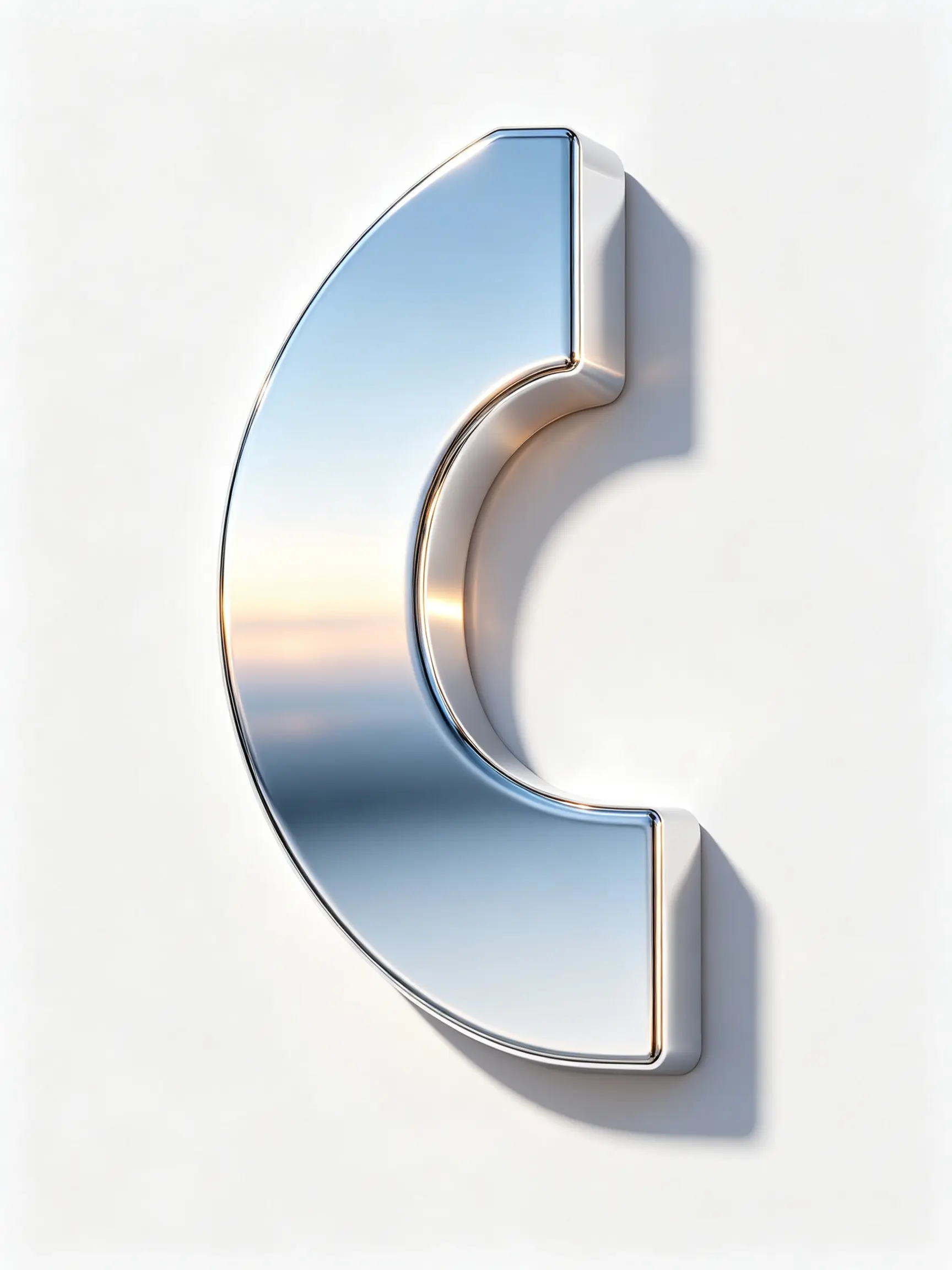
Describe the word, the material and the mood, and the 3D text generator renders lettering with extrusion, bevelled edges, a surface such as chrome, glass, gold or inflated rubber, and studio lighting to match. No photo and no 3D software: a line of text in, a rendered image out.
What it is
Rendered depth, not a stacked drop shadow.
Almost every free 3D text tool draws the same trick: the word is duplicated a hundred times at a one-pixel offset to fake depth, then a gradient is dropped on top. It reads as flat the moment there is any perspective, and the material never changes with the light. The 3D text generator works differently. It is a text-to-image tool in the LazyKiwi image generator: you type the word and describe the material, the bevel, the angle and the lighting, and the model renders the lettering as an object under a light rig, so chrome picks up a horizon reflection, glass shows what is behind it and a contact shadow sits on the ground plane. Because it is generated, short words and a clear description give the best results, and you should always check the spelling at full size before you use it.
How it works
Render 3D text in three steps
Type the word
One to three words, and say whether you want capitals. Short works better: long lines flatten out in perspective and lose the depth entirely.
Describe material and scene
Chrome with a reflected horizon, clear or frosted glass, brushed gold, matte pastel plastic, inflated balloon letters. Add the angle, the lighting and the background, for example a plain white studio or a dark backdrop.
Generate, check the spelling, refine
The cost is shown in the workbench before you generate. Zoom in on every letter, then run it again with a small change if the depth is too heavy or the bevel too soft.
Materials
Surfaces that respond to the light
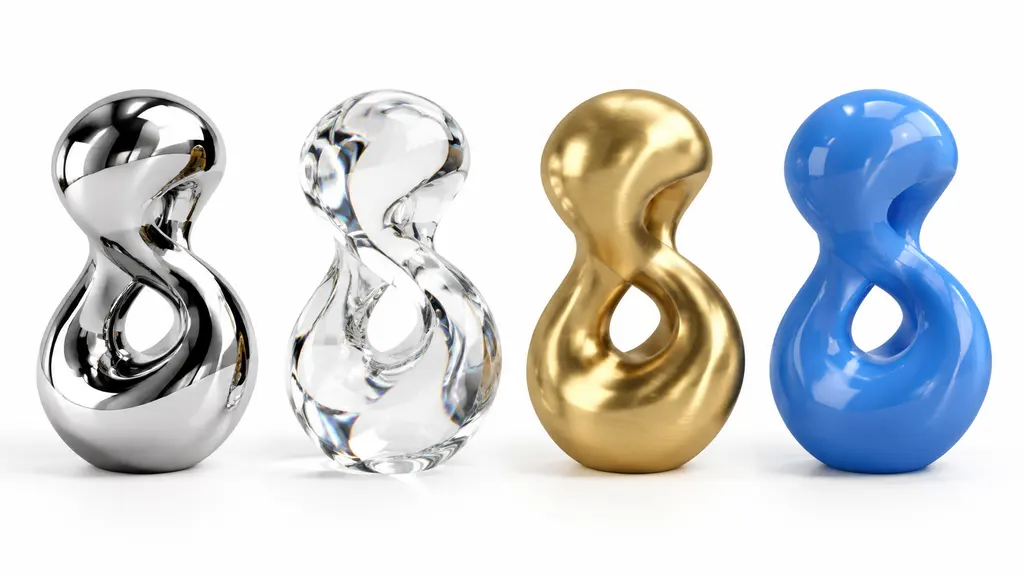
Chrome with a reflected horizon, clear and frosted glass, inflated rubber with the puffed seams the style depends on, brushed metal, matte plastic and gold. Name the surface and the render treats it as a material under light rather than a texture pasted onto the front face.
- Chrome, glass, gold, rubber, matte
- Reflection and refraction in the render
- Any colour you can describe
Depth and bevel
Say how deep and how sharp
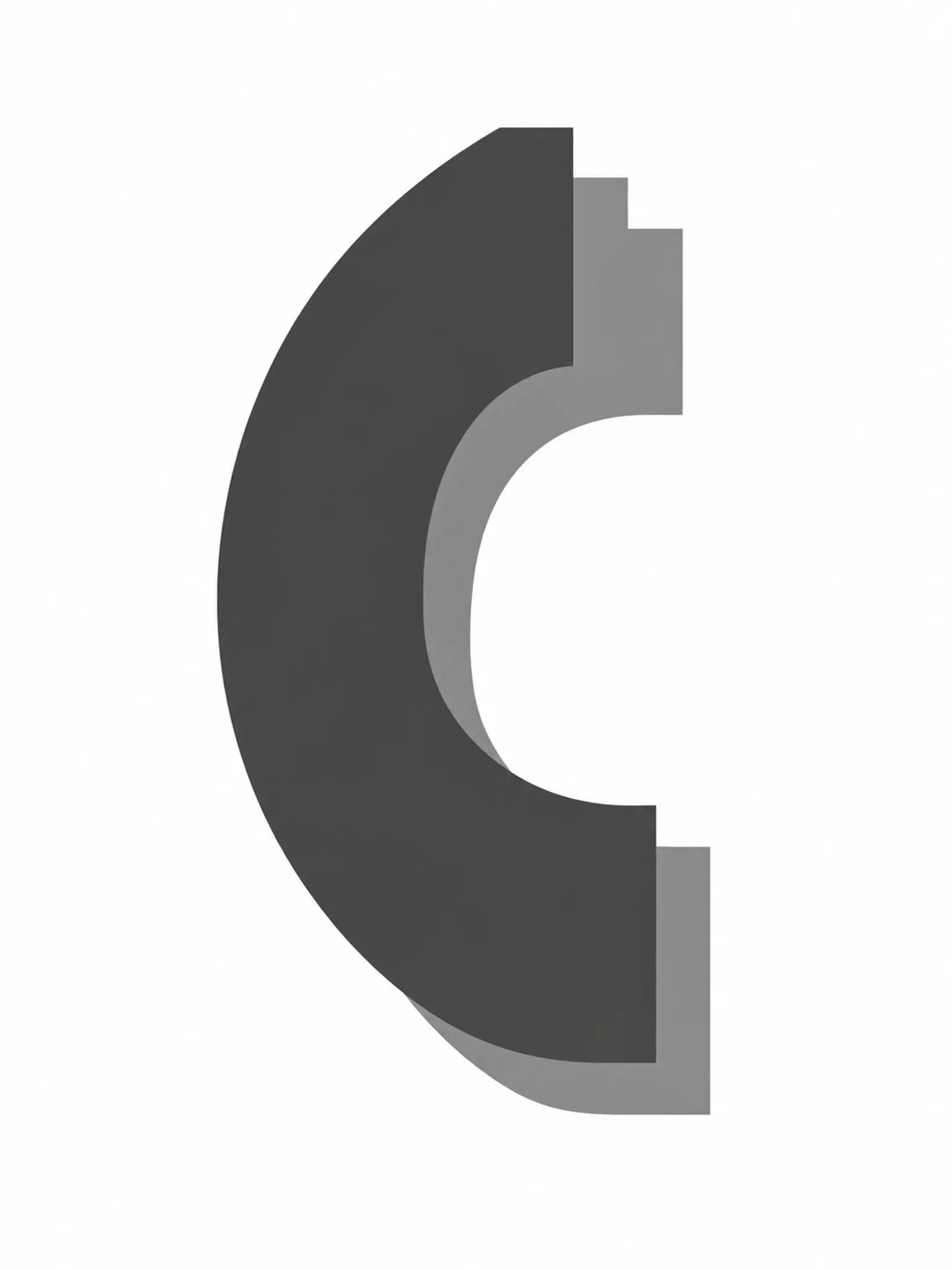
Depth and bevel are the controls that decide whether the result reads as chunky and playful or sharp and premium. Ask for a shallow extrusion with a crisp bevel for a luxury look, or a deep, rounded one for a toy-like word. Heavy typefaces extrude best; thin strokes become fragile at depth.
- Shallow or deep extrusion
- Rounded or crisp bevel
- Describe the typeface character
Drops onto anything
Built for thumbnails, posters and titles
Ask for a plain white or single-colour background and the word is easy to cut out and place on a thumbnail, a poster or a video frame. The AI Background Changer can lift it onto a new scene, and the AI Thumbnail Maker can build the rest of the frame around it.
- Plain background on request
- Cut out and composite
- Pair with thumbnail and poster tools
Why LazyKiwi
Why this 3D text maker
Rendered, not layered
Lighting and material in the render itself, not a hundred stacked copies faking depth.
No 3D software
No modelling, no render settings. Describe the word and the surface and it is drawn for you.
Any material you can name
Chrome, glass, gold, balloon, stone, neon. If you can describe it, you can render it.
Cost shown first
Each render shows its credit cost before you generate, so trying two materials is cheap.
Then animate it
Pair with the Animated Text Generator or the AI Poster Generator.
Private by default
Your renders belong to you and are never sold or added to a public gallery.
FAQ
3D text generator questions
How do I make 3D text online?+
Type the word, describe the material, the angle and the lighting, and generate. The 3D text generator renders the lettering with extrusion, bevels and studio light as a single image you can download and use anywhere.
Is the 3D text generator free?+
You can try it on the free balance you get when you sign up. Each render uses credits, and the cost is shown in the workbench before you generate.
Can I download it with a transparent background?+
The output is a rendered image, not a layered file. Ask for a plain white or single-colour background so it is easy to cut out, then remove the background with the AI Background Changer or your editor's selection tools.
What resolution do I get?+
The size the workbench renders at, which covers thumbnails and social posts. For print or a large banner, run the result through the AI Photo Upscaler.
Can I use my own font?+
There is no font upload, but you can describe the typeface: a heavy geometric sans, a condensed slab, a rounded display face. The model sets the word in that spirit. Heavier faces extrude better than thin or highly decorative ones.
Why is one letter wrong?+
Generated lettering can occasionally misspell or malform a character, especially in long words. Keep it to one to three words, check every letter at full size, and run it again if one is off; each result is a fresh render.
Use cases
What 3D text is for
Thumbnails and covers
A word that has to read at 200 pixels wide and still look expensive. Depth and a specular highlight do more for legibility than any outline.
Posters and titles
Event names, album titles and campaign headlines where the type is the artwork rather than a label on it.
Video title cards
Render the still here, then animate a matching line with the Animated Text Generator for a moving title.
More answers
More about 3D lettering
Which material for which job?+
Chrome and gold read as premium and need a dark or busy background to reflect. Inflated rubber reads playful and holds up small, which makes it the safest thumbnail choice. Glass is the most striking and the least legible, so use it large or on a plain backdrop.
How much depth should I ask for?+
Less than looks right at full size. Depth reads much stronger once the image is scaled down, and heavy extrusion on a small thumbnail turns into a solid block. Ask for a shallow extrusion first and go deeper only if it disappears.
Can I animate the result?+
This tool exports a still. For motion, the Animated Text Generator produces an MP4 from a line of text with designed presets, and it is the better starting point for a moving title.
Will it work as a logo?+
As a display treatment, yes. As a permanent logo, be careful: 3D lettering dates quickly, does not reproduce in one colour and fails at favicon size. Keep a flat version as the real mark and use the 3D render for headers and covers.
Make your word three-dimensional
Type it, describe the material, and check the cost before you render.
No credit card · Free to try · Results in seconds