
Disintegration Effect
Turn one frame into a stylish particle dissolve effect for TikTok, Reels, Shorts, creator edits, fashion moments, travel shots, and cinematic social content.
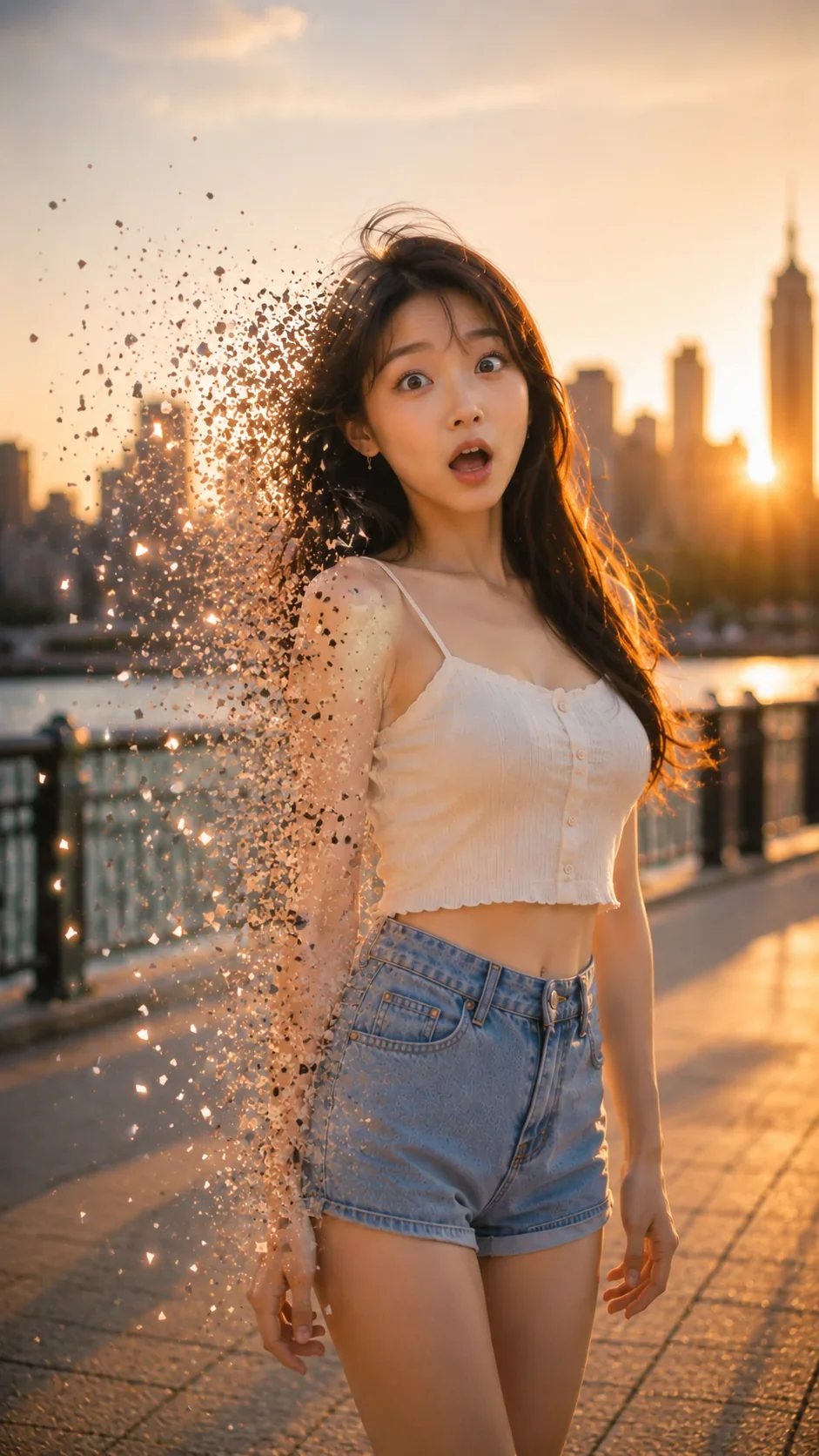
WHAT IT IS
What makes a Disintegration video effect work?
A strong Disintegration effect should feel stylish, clean, and readable. The subject needs to stay clear while part of the silhouette, outfit edge, or motion trail dissolves into particles. The goal is an elegant creator effect, not a horror or body-damage look.
Clear subject
Keep the person, product, or object easy to read while the dissolve effect adds visual movement.
Elegant particles
Use soft fragments, dust, spark-like particles, or airy trails to make the effect feel polished and social-friendly.
Partial dissolve
Apply the effect to the edge of the body, outfit, or motion path instead of making the whole subject disappear.
Short-video drama
Create a stylish first-second hook for TikTok, Reels, Shorts, fashion edits, travel clips, and creator posts.
CREATOR USE CASES
Application Scenarios
Real creative use cases of the effect across different short-video channels.
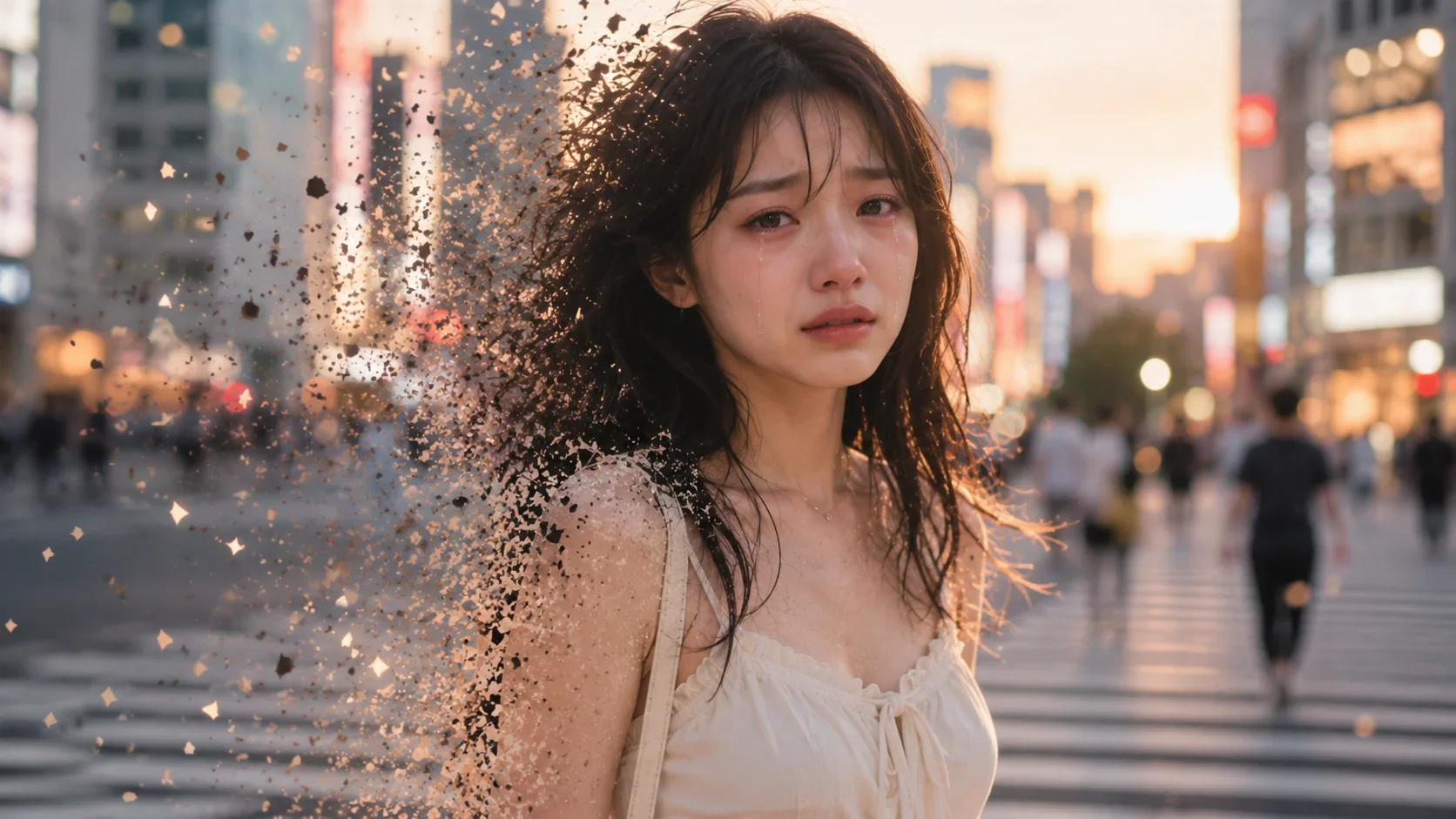
Fashion dissolve edits
Add elegant particle edges to outfit shots, street-style moments, and creator portraits.
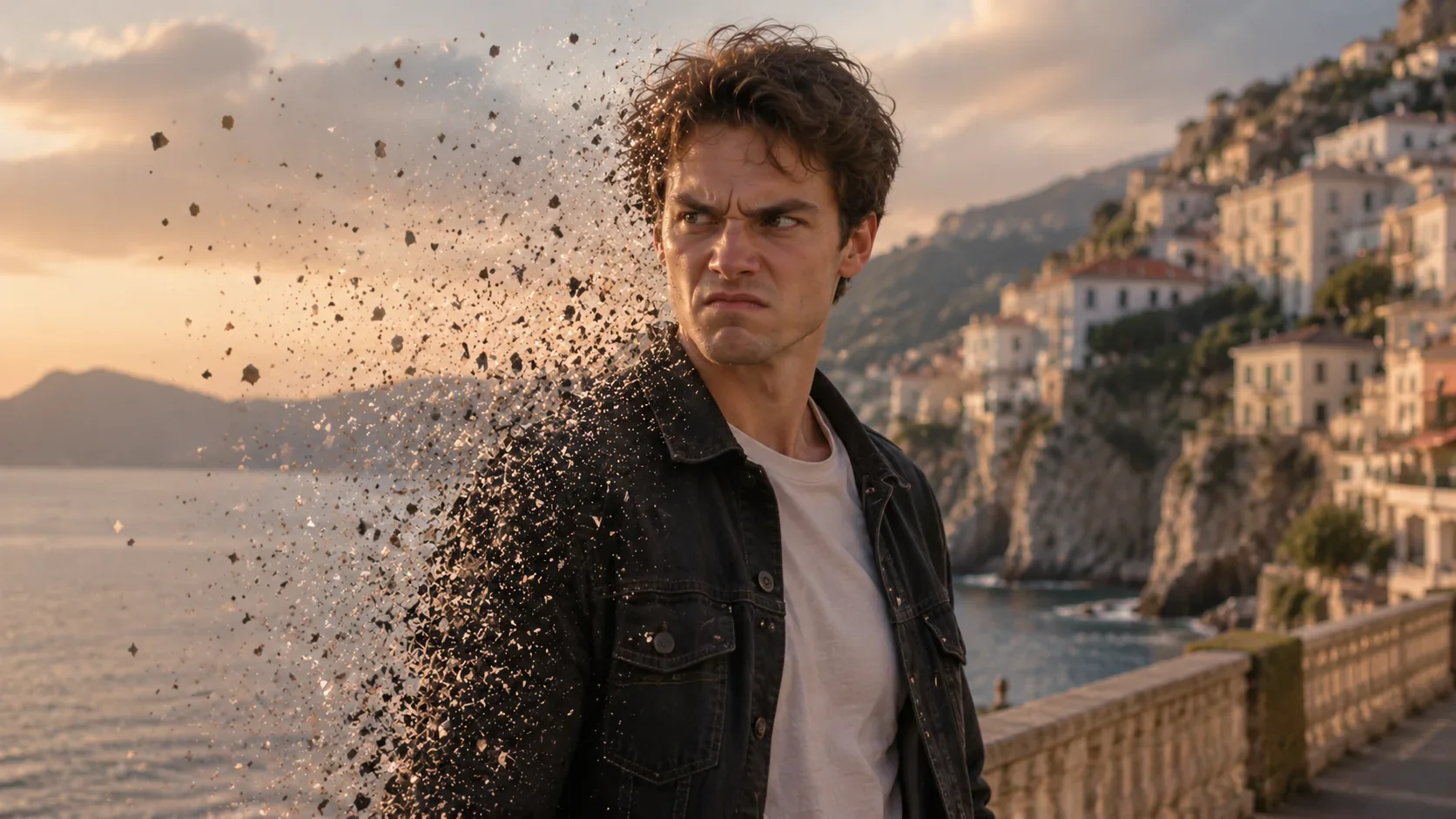
Travel particle moments
Turn scenic walks, city views, and outdoor clips into stylish dissolve-frame visuals.
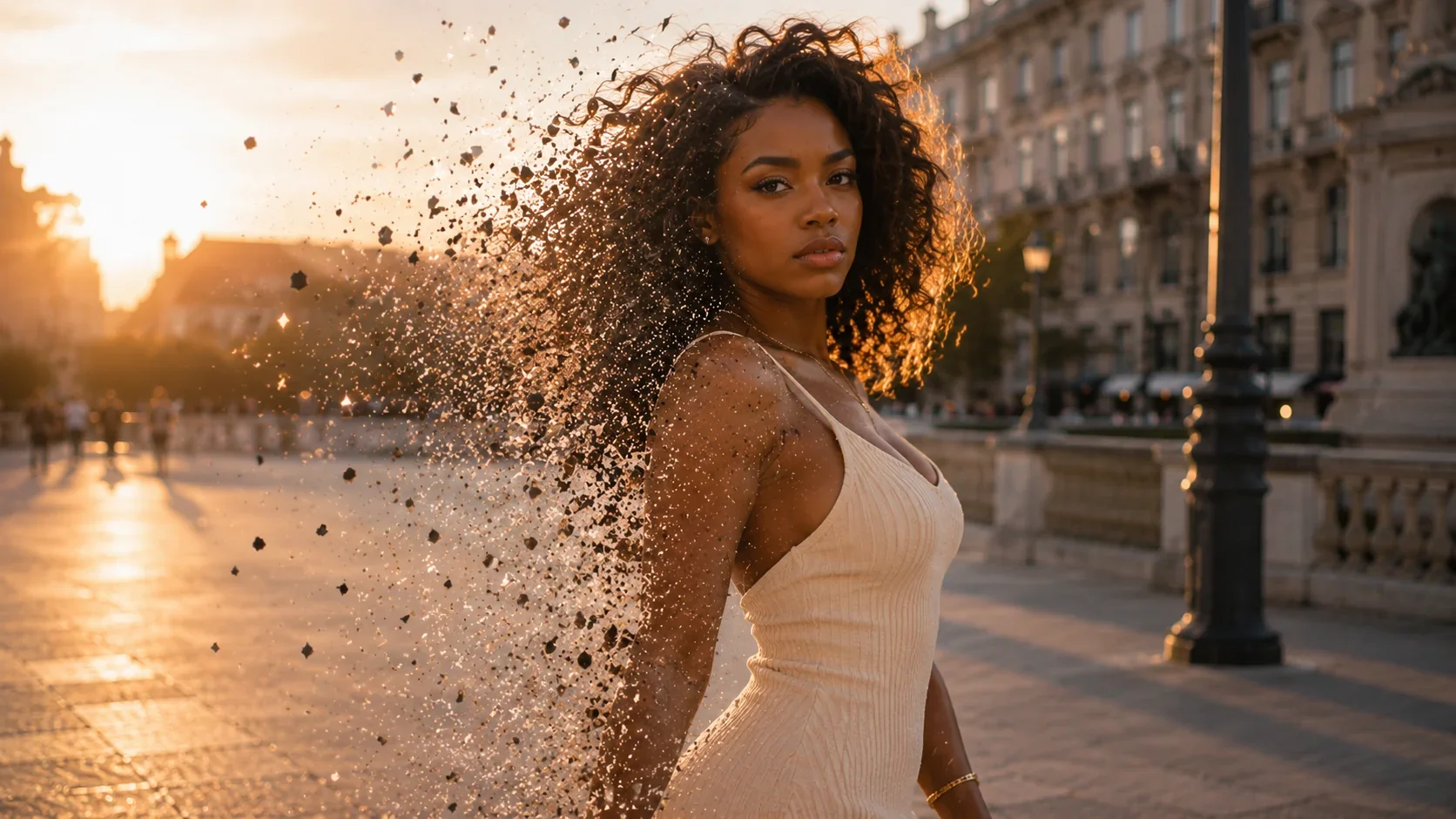
Cinematic creator shots
Create a clean particle breakup effect for poses, turns, reactions, and dramatic short-video edits.
HOW TO
Create in LazyKiwi
Start from a prompt, upload a frame, or use a template. LazyKiwi turns your direction into a short-video-ready disintegration effect.
Choose the effect
Open the Disintegration template and choose the shot type: portrait, outfit edit, travel moment, product shot, or creator pose.
Add your source
Upload a clear image or describe the subject, setting, dissolve direction, particle style, and camera movement in a short prompt.
Generate and refine
Preview the result, adjust the particle intensity, motion direction, aspect ratio, or duration, then export for TikTok, Reels, Shorts, or social posts.
FAQ
Common questions
What is the Disintegration effect?
The Disintegration effect turns part of a subject, outfit, object, or motion trail into floating particles to create a stylish dissolve moment.
Can Disintegration look natural and social-friendly?
Yes. It works best when the face and main subject stay clear while only selected edges, clothing details, or motion trails dissolve into particles.
What kind of videos work best with Disintegration?
Disintegration works well for portraits, outfit edits, travel clips, product shots, action poses, dramatic intros, and creator-style short videos.
Is Disintegration supposed to look scary?
No. For LazyKiwi, the effect should feel clean, stylish, and creator-friendly, not like horror, injury, or body damage.
Turn one frame into a Disintegration effect.
Start from a prompt or template, then refine the particle style, dissolve direction, speed, and final look for your next short video.
Other names
People may also search for the Disintegration effect using particle dissolve, fragment, and cinematic creator-edit terms. LazyKiwi keeps those related intents grouped under one reusable effect page.