AI Design

How to Use an AI Poster Generator for Posters and Social Posts

Turn a short campaign brief into a polished poster and coordinated social graphics with an AI poster generator.

Maya ChenMaya Chen August 3, 2026 8 min read
Share
How to Use an AI Poster Generator for Posters and Social Posts

An AI poster generator can turn a plain-language brief into artwork for an event, product launch, promotion, class, or social campaign. For a polished result, use the generated image as a starting point: establish a clear visual hierarchy, add important copy as editable text, and rebuild the composition for each format. This guide shows how to create one consistent visual direction for print posters, Instagram posts, stories, and other digital placements.

Poster Generation and Social Post Generation Are Related, Not Identical

A poster usually needs to communicate from a distance. It relies on one dominant headline, a strong focal image, and a short path through essential details such as the date, location, offer, or call to action. A social post appears in a crowded feed, so it often needs a faster hook, simpler text, and room for captions, interface overlays, or cropping.

The phrase ai post generator can also refer to several different tools: a caption writer, a visual generator, or a system that produces both copy and graphics. Before choosing a workflow, decide whether you need artwork, a complete layout, written copy, or a coordinated set of assets.

An ai social media post generator is most useful when you need multiple campaign variations. For example, a workshop announcement might require a portrait feed graphic, a vertical story, a reminder post, and a final registration message. Keep the same colors, subject, and visual treatment while changing the text hierarchy for each placement.

FormatPrimary goalBest content structureDesign priority
Print or digital posterDeliver the complete announcementHeadline, focal image, key details, call to actionDistance readability and clear hierarchy
Feed postStop the scroll and introduce the messageShort hook, recognizable visual, brief supporting lineImmediate impact at a smaller viewing size
Story or vertical postPrompt a quick actionTop hook, central subject, lower call-to-action areaSafe space around interface elements
Campaign variationReinforce or update the announcementOne message per assetVisual consistency without repetitive copy

A Practical AI Poster Generator Workflow

Start with a compact creative brief rather than asking for a finished poster in one vague sentence. AI responds more consistently when the prompt identifies the subject, mood, composition, palette, medium, and intended format. Treat the generated result as a visual foundation, then add or correct important text in an editor.

This approach is especially important for dates, addresses, prices, schedules, sponsor names, and legal copy. Image models may distort letters or invent details, so business-critical information should be typed and reviewed manually.

  1. 1

    Define the communication goal

    Write one sentence describing the audience and action. For example: Create an energetic poster that encourages local beginners to register for a Saturday ceramics workshop.

  2. 2

    Build a visual prompt

    Specify the subject, framing, style, colors, lighting, and empty space. Example: Editorial studio photograph of hands shaping clay on a pottery wheel, warm terracotta and cream palette, soft side lighting, subtle grain, centered subject, generous clean space above for a headline, vertical poster composition, no text, no logo.

  3. 3

    Generate several compositions

    Explore meaningful differences rather than near-duplicates. Try a close-up version, a wider environmental scene, an illustrated direction, and a minimal product-led composition.

  4. 4

    Add copy as a separate design layer

    Use a short headline, one supporting line, essential details, and a direct call to action. Limit font styles and test whether the headline remains readable at thumbnail size.

  5. 5

    Adapt instead of stretching

    Recompose the artwork for portrait, square, or vertical placements. Move the subject and text blocks to fit the new canvas rather than squeezing the entire poster into every format.

  6. 6

    Review and export

    Check spelling, dates, contact details, contrast, crop safety, image artifacts, usage rights, and export settings. For print, confirm the printer's required dimensions, bleed, color profile, and file format.

Prompt Recipes for Events, Products, and Social Campaigns

Strong prompts describe the visual output without asking the model to solve every design decision at once. A useful template is: subject plus setting, visual style, color palette, lighting, composition, intended format, and reserved text area. Add exclusions such as no text, no watermark, or no extra objects when they help keep the result editable.

For an event poster, try: Night market beneath paper lanterns, diverse groups browsing handmade goods, cinematic evening glow, deep navy and amber palette, lively editorial illustration, wide central walkway leading into the scene, uncluttered dark area at the top for title placement, vertical composition, no words or logos.

For a product promotion, try: Refillable water bottle on pale stone with soft rippling reflections, clean commercial photography, sage green and sand palette, crisp natural light, premium but approachable mood, product placed in the lower-right third, open negative space on the left for promotional copy, square composition, no text.

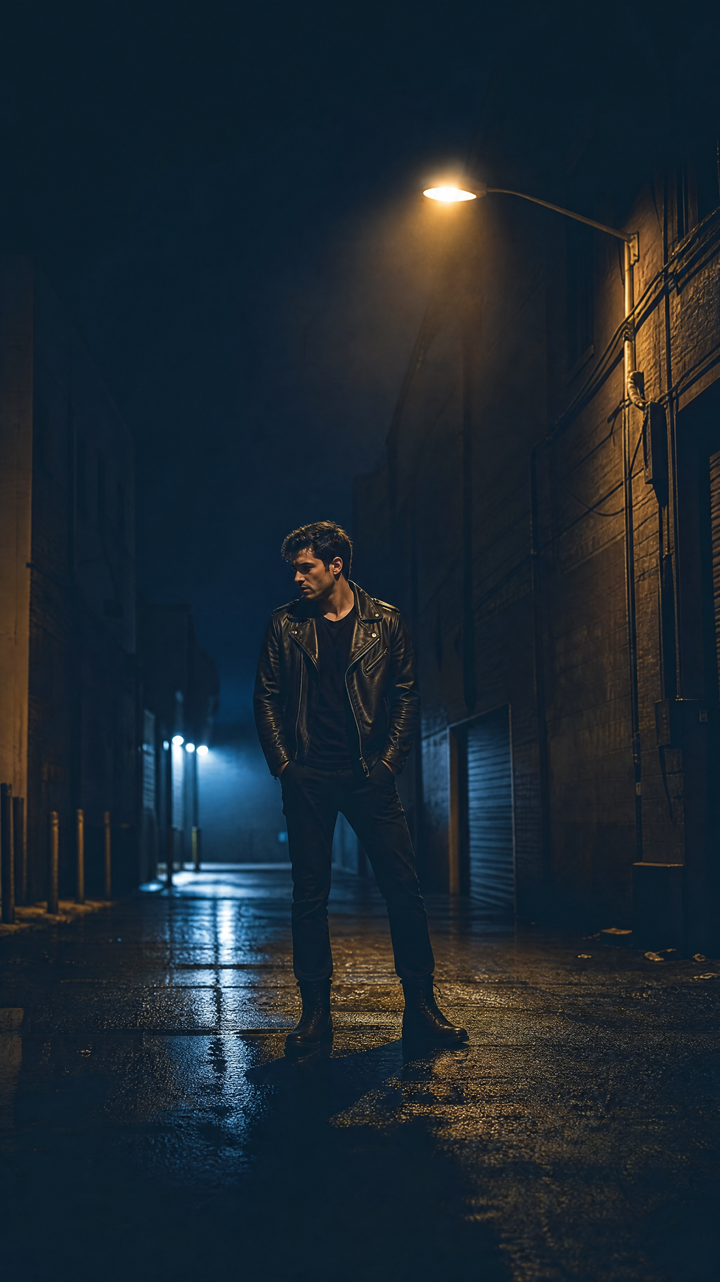
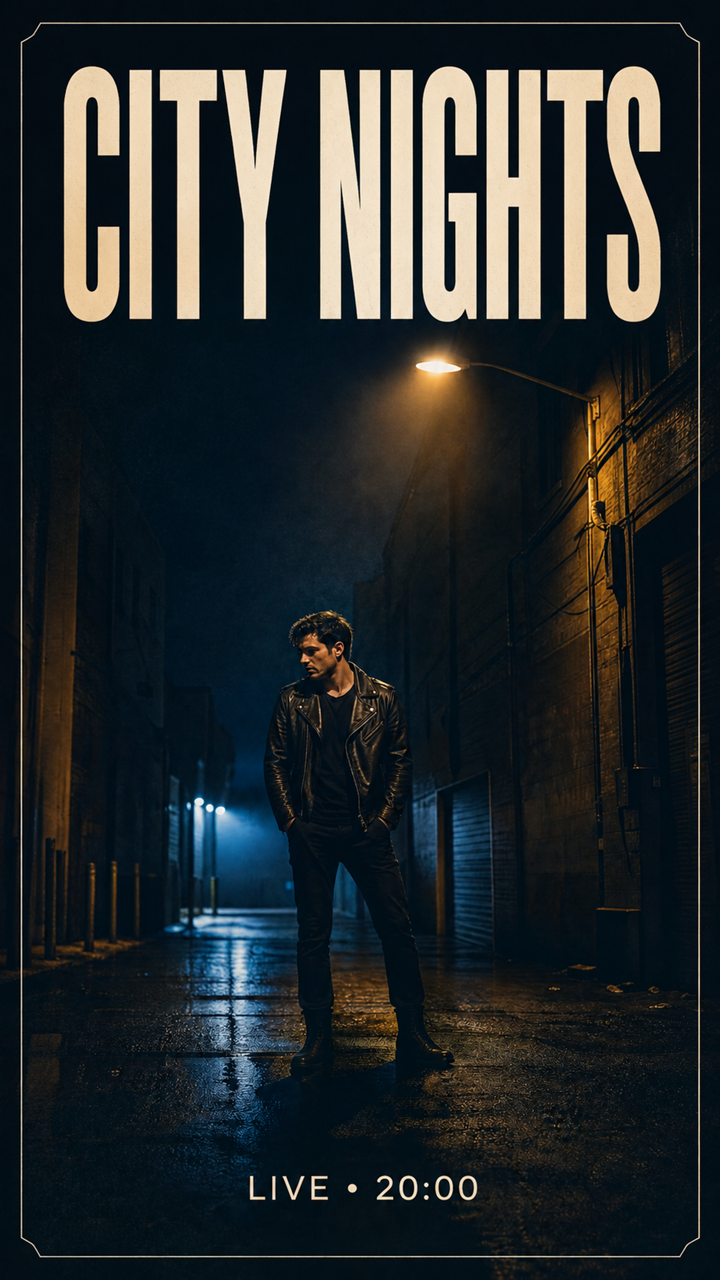
For an ai instagram post generator workflow, separate the feed concept from the story concept. The feed prompt might request a bold square composition with a central subject, while the story prompt should request a vertical scene with safe empty areas near the top and bottom. Generate both from the same art direction instead of cropping one image blindly.

  • Workshop reminder: Use the hero image again, but replace the full event details with a short deadline-focused message.
  • Restaurant special: Feature one dish in close-up and reserve a clean block for the dish name and availability.
  • Podcast launch: Build a recognizable portrait or symbolic scene, then create episode-specific variations with consistent framing.
  • Community event: Prioritize an inclusive atmosphere and practical information instead of filling the layout with decorative elements.
  • Seasonal promotion: Describe the exact materials, colors, and lighting you want rather than relying on broad words such as festive.

Build and Refine the Campaign in LazyKiwi

LazyKiwi can serve as the creative workbench between your initial idea and the final campaign set. Explore visual directions through the available AI tools, then use the effects collection to test treatments that support the message rather than overpower it.

A practical sequence is to generate a clean hero visual, save the strongest direction, and create controlled variations around it. Keep a small campaign note containing the palette, texture, lighting, subject placement, and exclusions. Reusing those instructions helps an ai poster generator maintain continuity across posters and social assets.

If you are looking for an ai poster generator free workflow, check the tool's current generation, download, licensing, and resolution terms before committing to a campaign. Free access can be useful for concept exploration, but creators should confirm whether the resulting file meets commercial, print, and export requirements.

For an ongoing content calendar, pair the hero artwork with an ai social media post generator or writing assistant to develop hooks and captions. Review the copy manually so the tone stays specific to your brand. One campaign brief can then support a launch post, a behind-the-scenes post, a reminder, and a final call to action without making every asset look identical.

Mistakes That Make AI Posters Look Unfinished

The most common mistake is treating the first output as the final design. Generated artwork may be visually appealing while still lacking hierarchy, accurate information, accessibility, or a clear call to action. A professional result comes from selection, editing, and quality control.

Another mistake is placing too much text inside the image prompt. Generate the visual without critical lettering when possible, then add editable typography afterward. This gives you control over spelling, spacing, font choice, contrast, and platform-specific changes.

Finally, avoid using the same dense layout everywhere. A detailed poster may work on a wall or event page but become unreadable in a mobile feed. An ai instagram post generator should produce a focused variation, not merely a smaller copy of the original poster.

  • Vague prompt: Replace make it modern with specific choices such as geometric shapes, editorial photography, cool neutrals, and hard directional light.
  • Weak hierarchy: Make one message dominant and move secondary information into smaller supporting blocks.
  • Poor contrast: Test text over the actual image and add a restrained overlay or solid text panel when needed.
  • Crowded edges: Leave room for trimming, cropping, and social interface elements.
  • Unverified AI details: Inspect hands, faces, products, signage, reflections, and background objects at full size.
  • Inconsistent campaign assets: Repeat the core palette, focal subject, and visual treatment across formats.
  • Missing rights review: Confirm that source materials, generated content, fonts, logos, and exports are suitable for the intended use.

Key takeaways

  • Use an ai poster generator to create the visual foundation, then add critical copy as editable text.
  • Design posters for complete communication and social posts for fast, focused engagement.
  • Write prompts that specify subject, style, palette, lighting, composition, format, and negative space.
  • Create separate compositions for feed, story, digital poster, and print placements instead of stretching one layout.
  • Review factual details, visual artifacts, accessibility, licensing, and export requirements before publishing.
Maya Chen

Creator Playbook Editor

Maya Chen

I turn LazyKiwi workflows into practical how-tos for creators who want results without the fluff.

FAQ

Common questions

Can an AI poster generator create a complete poster with text?

It can suggest complete compositions, but generated lettering may be inaccurate or difficult to edit. For reliable results, generate the visual concept first and add headlines, dates, addresses, and calls to action as separate text layers.

What should I include in an AI poster prompt?

Include the main subject, setting, visual style, palette, lighting, composition, orientation, mood, and preferred area for text. Add exclusions such as no words, no watermark, or no extra objects when appropriate.

Is an AI poster generator free to use for commercial projects?

Free access and commercial rights vary by tool and plan. Review the current licensing, attribution, download, resolution, and usage terms before publishing or printing commercial work.

How is an AI social media post generator different from a poster generator?

A social post generator usually prioritizes quick hooks, mobile readability, channel-specific formats, and campaign variations. A poster generator is more likely to emphasize a complete information hierarchy for events, promotions, or display.

How do I turn one poster into an Instagram campaign?

Keep the same hero subject, palette, and visual treatment, but create separate layouts for the feed and stories. Use the feed post to introduce the campaign, stories for reminders or quick actions, and later posts for details, proof, or deadline messaging.

LazyKiwi

Try this in LazyKiwi

Continue in LazyKiwi effects.

Open LazyKiwi effects