
Tiny Desk AI Concert Video From Your Photo
Put yourself behind the keys at a cramped office concert, singing into a mic with a band squeezed in around you and records stacked behind.
Face and upper body visible
What happens in the clip
Four frames from the video at the top of the page.
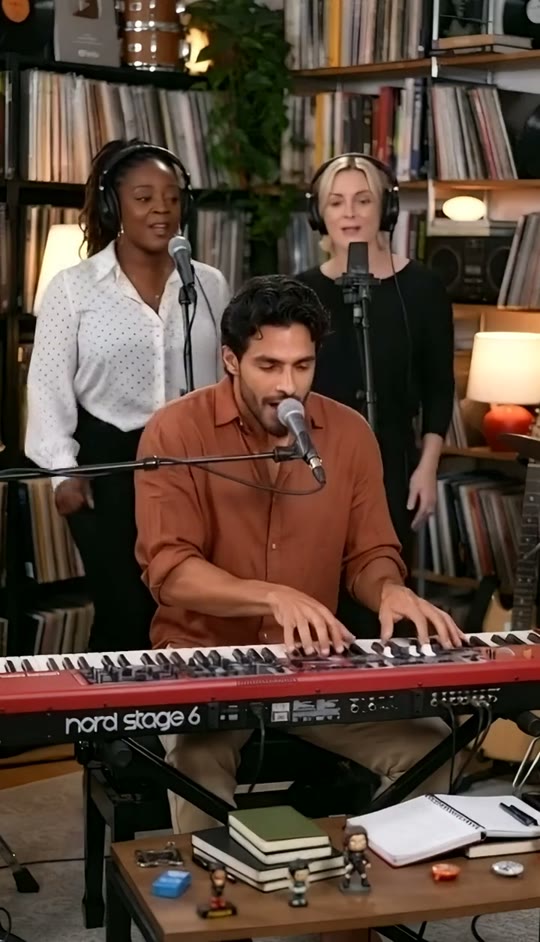 0:00
He sits behind a red keyboard, the band packed in around him.
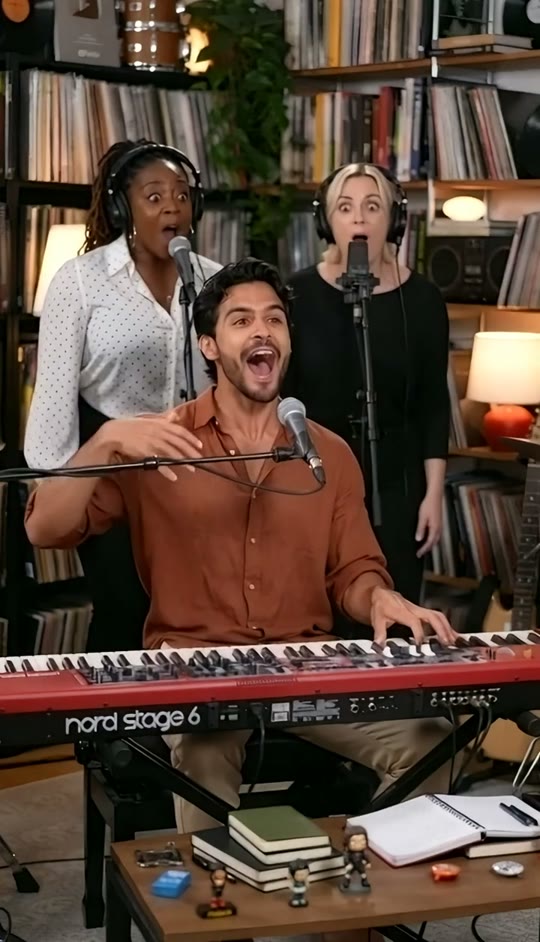 0:01
He leans into the microphone and starts singing.
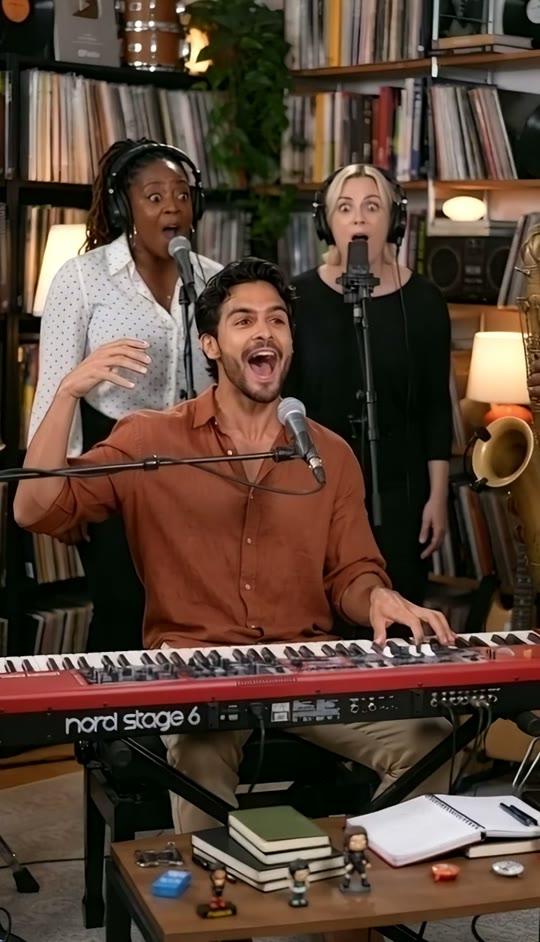 0:03
The backup singers behind him join in, hands raised.
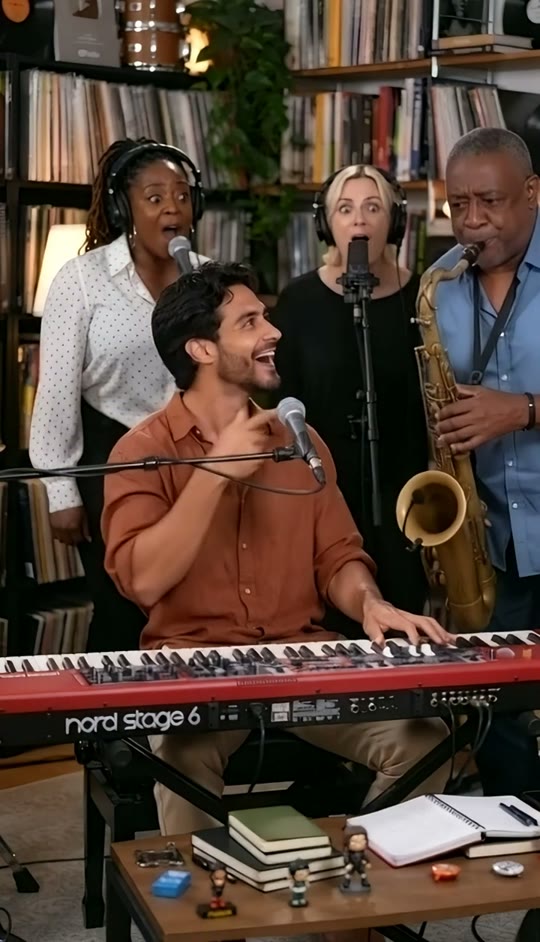 0:04
He sings on while the horn player keeps playing to the side.
Four more lead singers
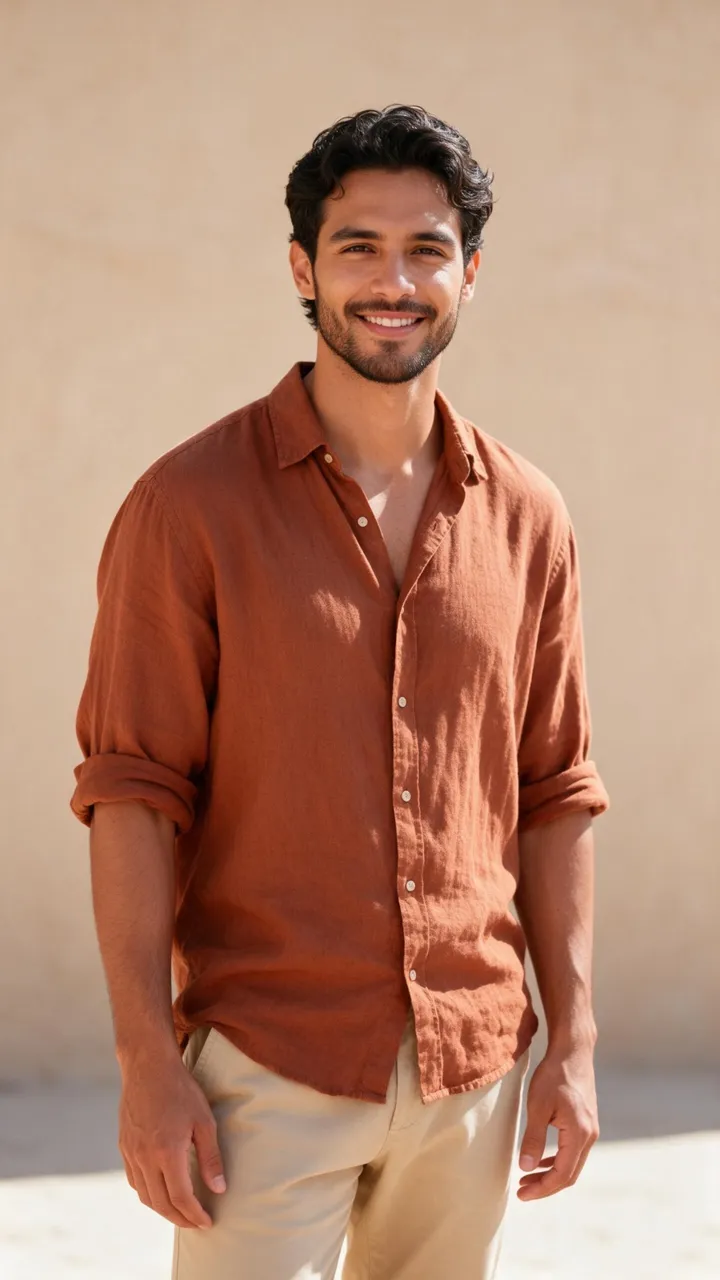
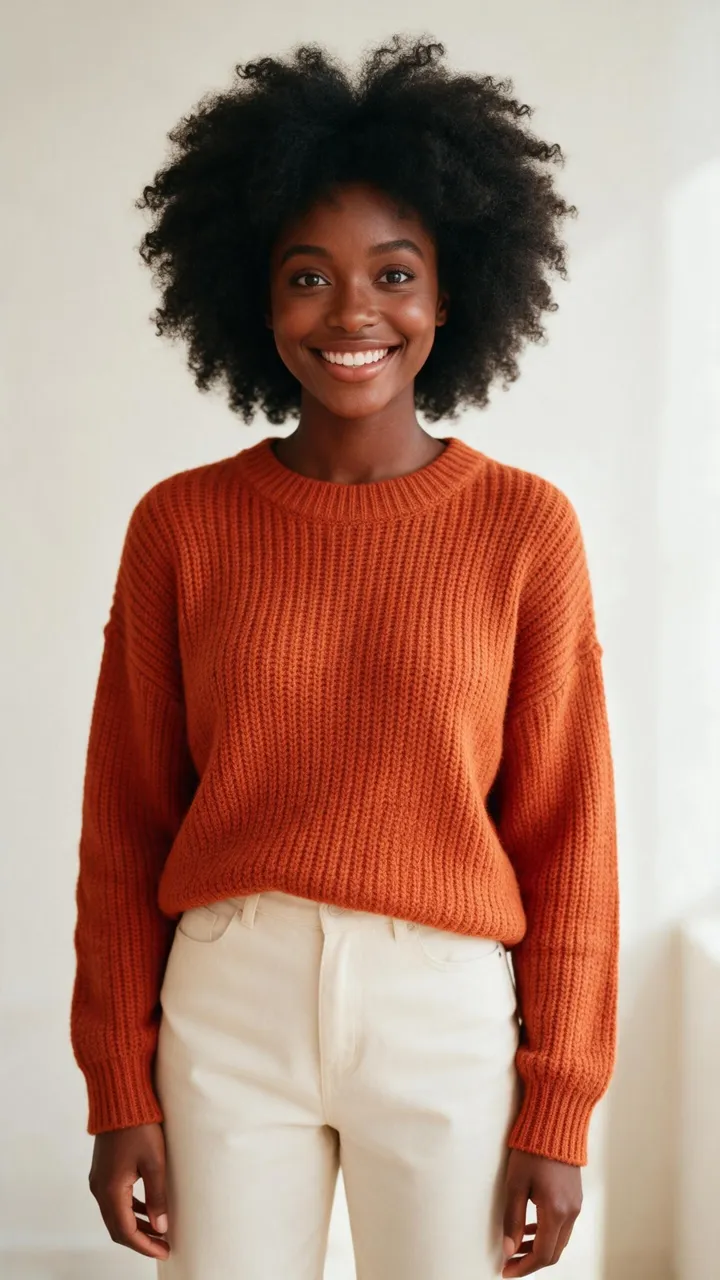
Photo on the left, the generated clip on the right.



What we saw across five runs
- You are always the lead. In all five clips the person from the photo sits front and center at the keyboard with a microphone, while other musicians fill the space behind and beside them.
- The room is crowded with records. Shelves of records and books, a desk covered in papers and a red keyboard show up in every run. The band around the singer changes from clip to clip.
- Clothes come from your photo. The rust shirt, the orange sweater, the brown jacket and the mustard sweater from the input photos all stay on the singer.
The template in four lines
- Input
One photo
a single person with a clear face
- Output
A vertical video
with generated sound, not a licensed song
- Keeps
Face, hair and outfit
from your photo
- Changes
Setting
an office concert with a band and records
Before you upload
Do I have to play an instrument in my photo?+
No. None of the input photos showed an instrument; every result seats the person at the keyboard with a microphone.
Who are the other musicians?+
They are generated for each clip and change from run to run. Only the lead singer comes from your photo.
Is it a real song?+
The sound is generated, not a licensed recording. If you want a specific song, add it when you edit.


Upload one photo and take the lead spot at the desk.
Make this video