Reference Style Portrait (AI Style Transfer)
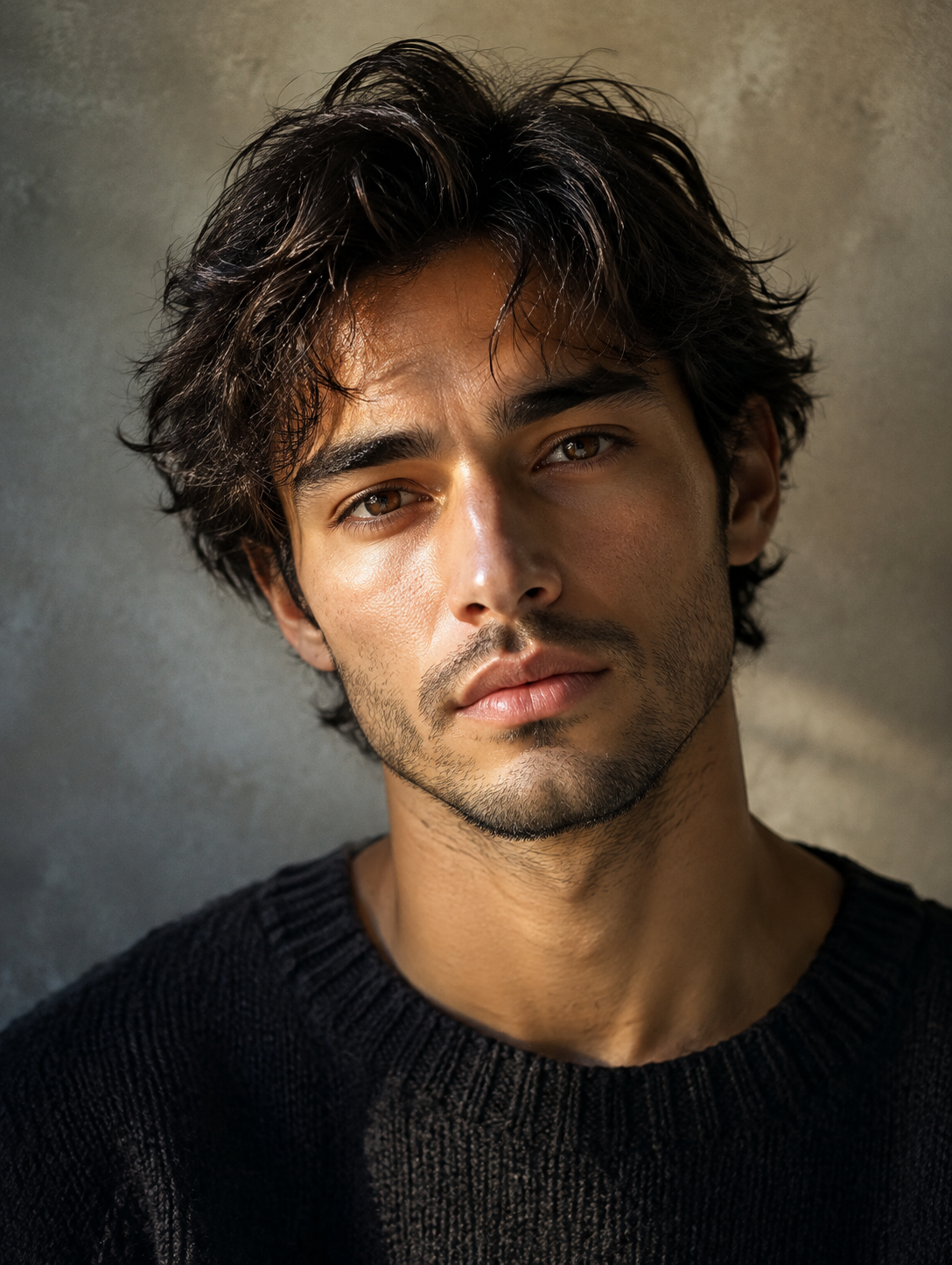
Upload a photo of yourself and a second photo whose look you want, and the template renders you in that photo's light, backdrop, framing and wardrobe, a photograph rather than a painted style. Face, age, skin tone and hairstyle stay yours; the sample here is 9:16.
Reference Style Portrait Template
Upload two photos in order: first a sharp, front-facing photo of yourself, then the reference portrait whose light, backdrop, framing and wardrobe you want copied; a head-and-shoulders reference matches the sample best.

WHAT IT IS
Photo style transfer that keeps your face and copies the rest
Reference Style Portrait is an ai style transfer template that takes two uploads, a photo of you and a reference portrait, and returns you rendered in the reference's look. The engine reads the first photo for identity and locks face, age, skin tone and hairstyle. It reads the second photo for everything else: light direction and color, background, lens distance, crop and clothing. In the sample, a flat-lit phone selfie in a black T-shirt came back as a head-and-shoulders portrait under warm side light from the left, a mottled gray concrete wall behind, a black ribbed knit in place of the tee, hair tousled and the crop tightened to the collarbone. Nothing was painted over the face; the man is the same man, stubble included. Output is one still image at the ratio you choose; the pair on this page was rendered at 9:16.
- Two uploads, two jobs
- Photo one supplies the person; photo two supplies the picture. The engine keeps face, age, skin tone and hairstyle from the first and takes light, backdrop, crop and clothing from the second. Upload order matters.
- Light copied, not filtered
- The reference's key light is rebuilt on your face: in the sample, a warm raking light from the left that catches the cheekbone and leaves the far side in soft shadow. A filter cannot move a shadow.
- Wardrobe swaps to match
- Clothing follows the reference. The sample's cotton tee became a ribbed black crewneck because the reference wore one. Distinctive garments come through in cut and color; small jewelry and logos usually do not.
- Reference sets the crop
- Lens distance and framing come from the reference too. A head-and-shoulders reference returns head-and-shoulders, as here; a waist-up reference returns waist-up. Your own photo can be any framing if the face is sharp.
USE CASES
Three references people bring to it
One photo you have, one photo you wish you were in.
Concert still, your face
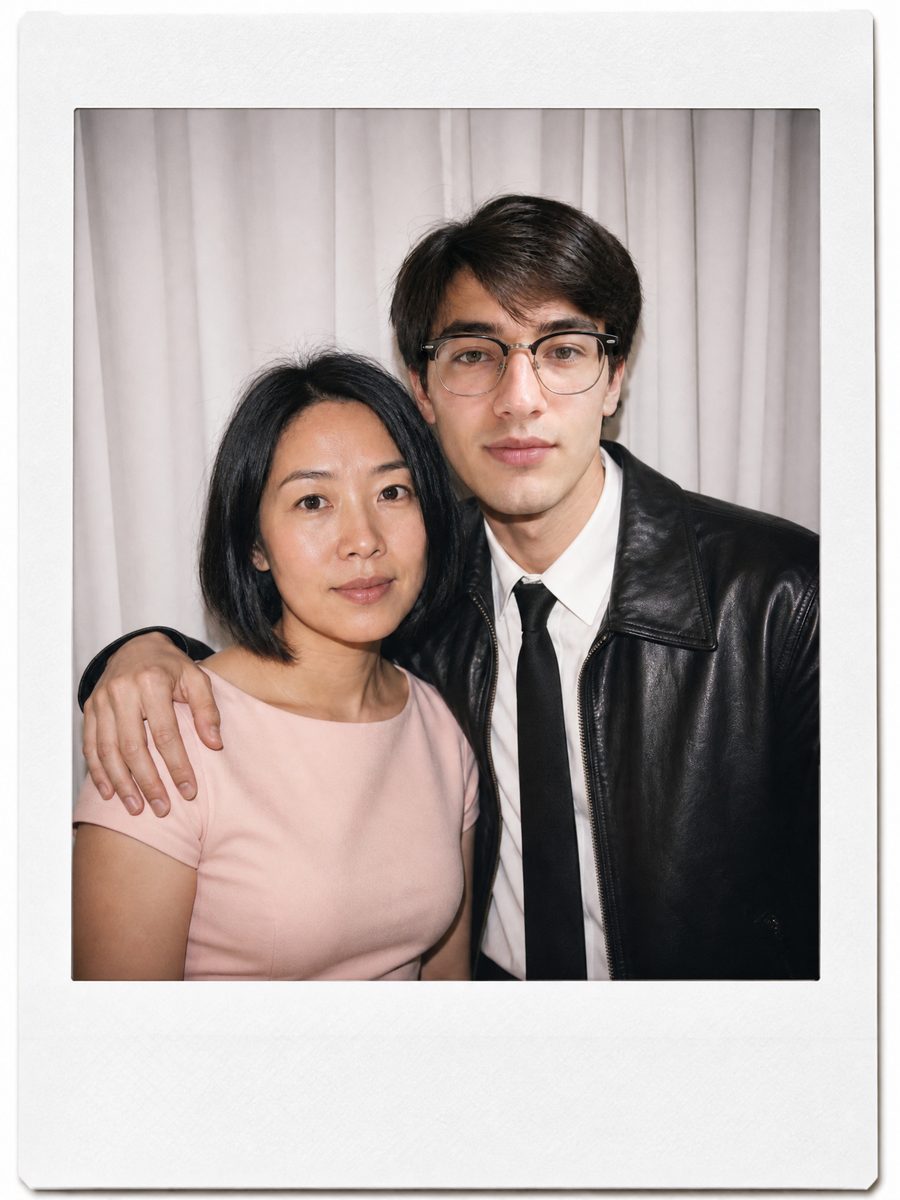
A fan keeps a favorite concert still: a performer waist-up under magenta backlight with haze in the air. She uploads her own mirror selfie and that still, and gets herself in the same magenta backlight and haze at the same crop.
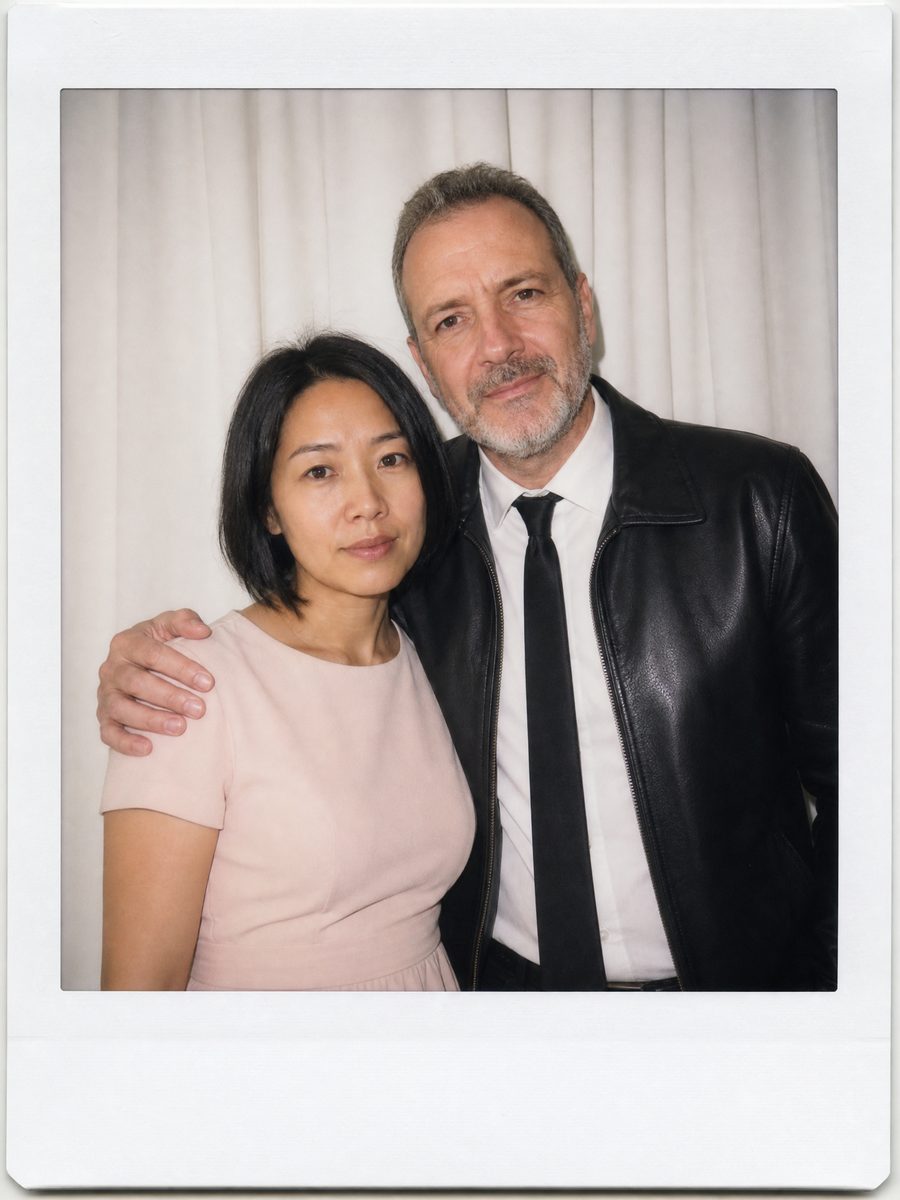
Preview a photographer's style before booking
A client likes a photographer's portfolio look: gray paper backdrop, big window light from the left, tight 85mm crop. She uploads her webcam headshot and one portfolio frame, and gets a preview in that treatment before paying for the session.
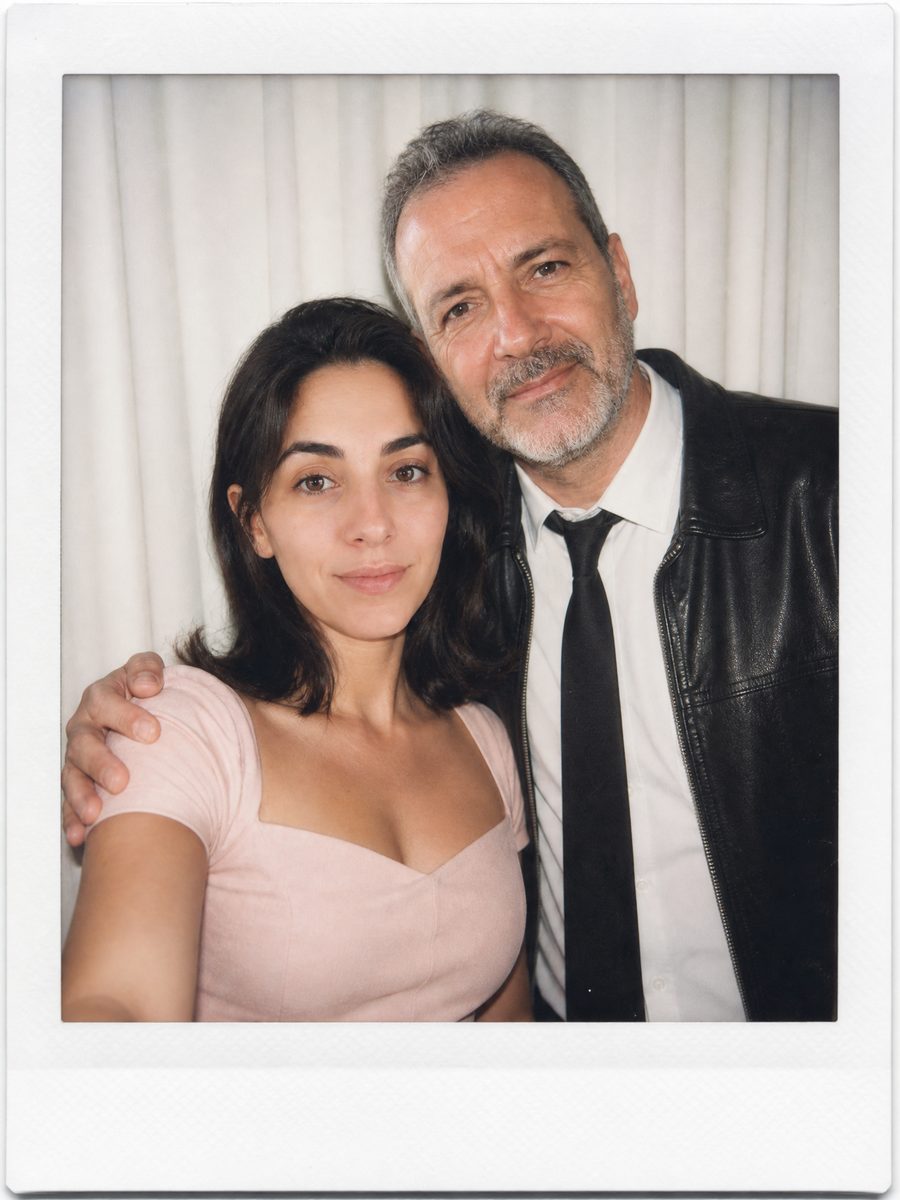
One wall for every podcast guest
A podcast host has a single reference frame: a rust-brown plaster wall with hard warm side light. Each guest sends whatever phone selfie they have, and every one renders against the same wall in the same light, so twelve episode covers match.
FAQ
Common questions
What is ai style transfer?+
AI style transfer is the process of taking the visual treatment of one image, its lighting, color, background and framing, and applying that treatment to a second image. Reference Style Portrait does a photographic version: the reference's look lands on your photo while your face, age, skin tone and hairstyle stay unchanged.
What format and size is the finished portrait?+
Reference Style Portrait returns one still image at the ratio you pick in the workbench: 16:9, 9:16, 1:1, 4:3 or 3:4, with 1:1 as the default. The before and after above were rendered at 9:16. A head-and-shoulders reference gives a tight crop, so 1:1 works as a profile picture as is.
Which two photos work best?+
For the first upload, a sharp photo of your face with nothing in the way, no sunglasses, no hand on the chin; a plain phone selfie is enough. For the reference, a single-person portrait with one clear light direction and a simple background. Group shots and heavily edited references give the engine less to copy.
Reference Style Portrait vs a preset filter: what is the difference?+
A preset filter changes color and contrast on the pixels you already have, so light direction, background and clothing stay put. Reference Style Portrait rebuilds the scene from the reference: flat ceiling light became warm side light, a white bedroom wall became gray concrete, and a cotton tee became a ribbed knit.
Can I use a photo of a performer or idol as the reference?+
The reference can be any single-person portrait whose look you want, including a concert or magazine still of a performer. The result shows you, not them: the template takes only the light, backdrop, framing and wardrobe from the reference, and the output face is always the face from your first upload.
Where do people use a reference style portrait?+
Generated at 1:1, a reference style portrait drops in as a profile picture on Instagram, LinkedIn or X, where a tight crop and one clear light source stay readable at thumbnail size. At 9:16 it works as an Instagram Story or a TikTok photo post. Podcasters run every guest through one reference so covers match.
Other names for Reference Style Portrait
Search brings people here under different names. Some type photo style transfer or style reference ai because they have one specific image in mind and want a photograph, not a painting. Fans searching for an ai photo with idol or a polaroid with idol land here too, and get their own face rendered in the idol photo's light rather than a composite. Others ask how to recreate a photo with ai or copy a photo's lighting.
Borrow the look of any portrait, keep your own face
Upload your photo and a reference, get one styled portrait. New accounts get free credits.