
Cow Makeup Filter: Spots, Cowboy Hat and All
Upload one photo and get a playful portrait with cow-print spots painted across your face, a brown cowboy hat and a cozy mustard sweater.
Drop a photo of one personJPG, PNG or WebP
Face clear and unobstructed
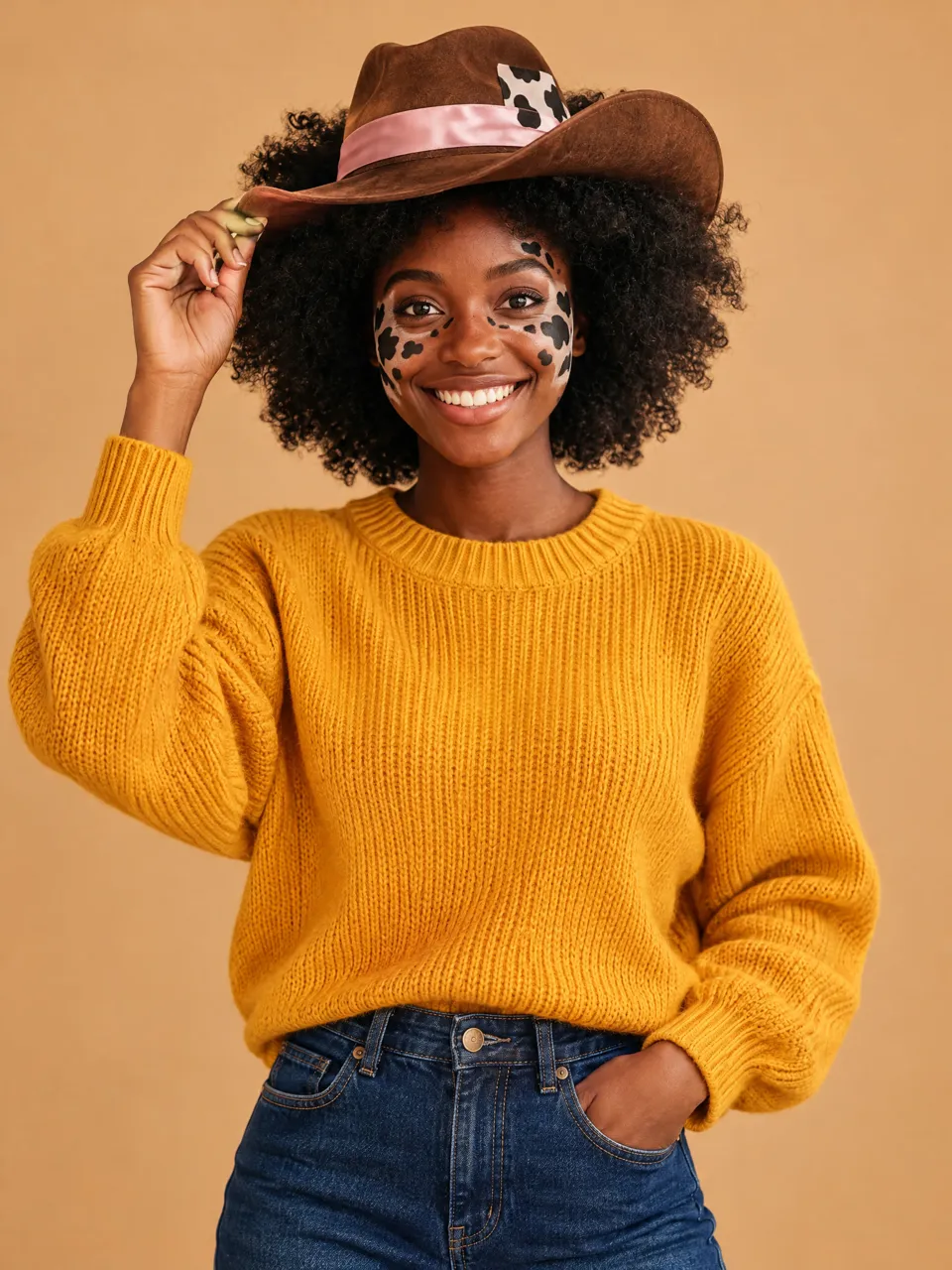
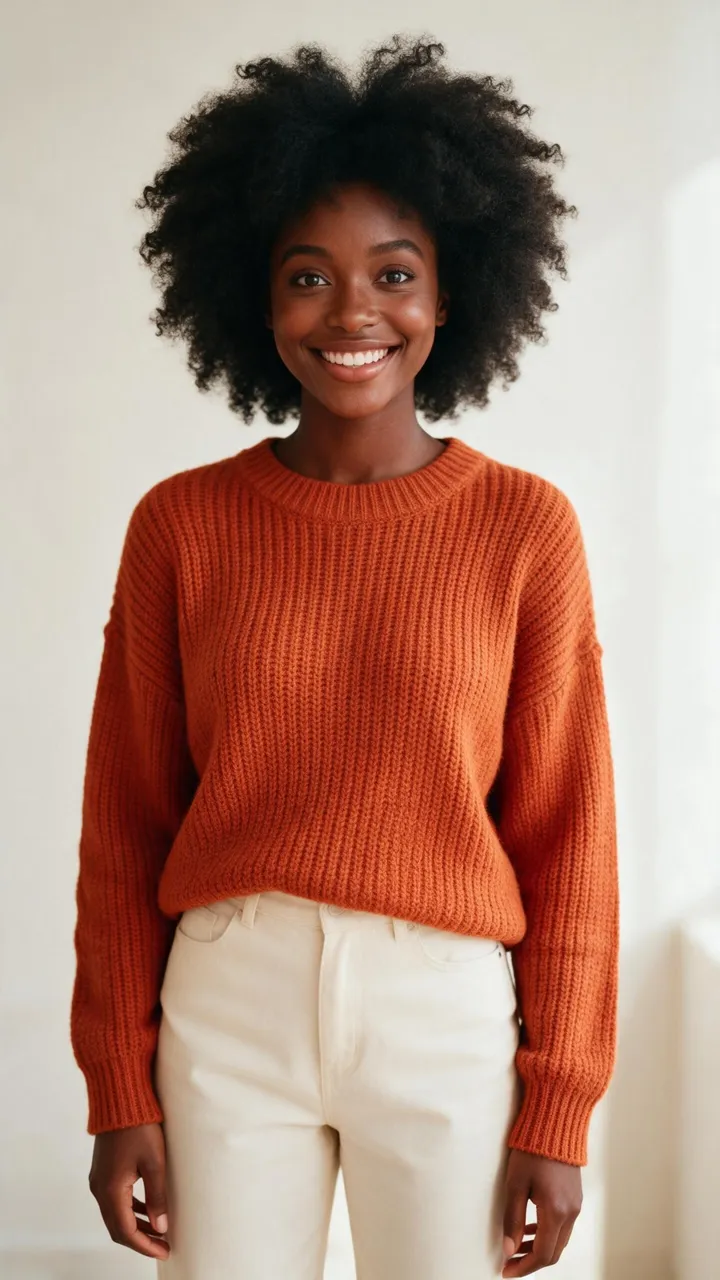
Four more faces with the cow look
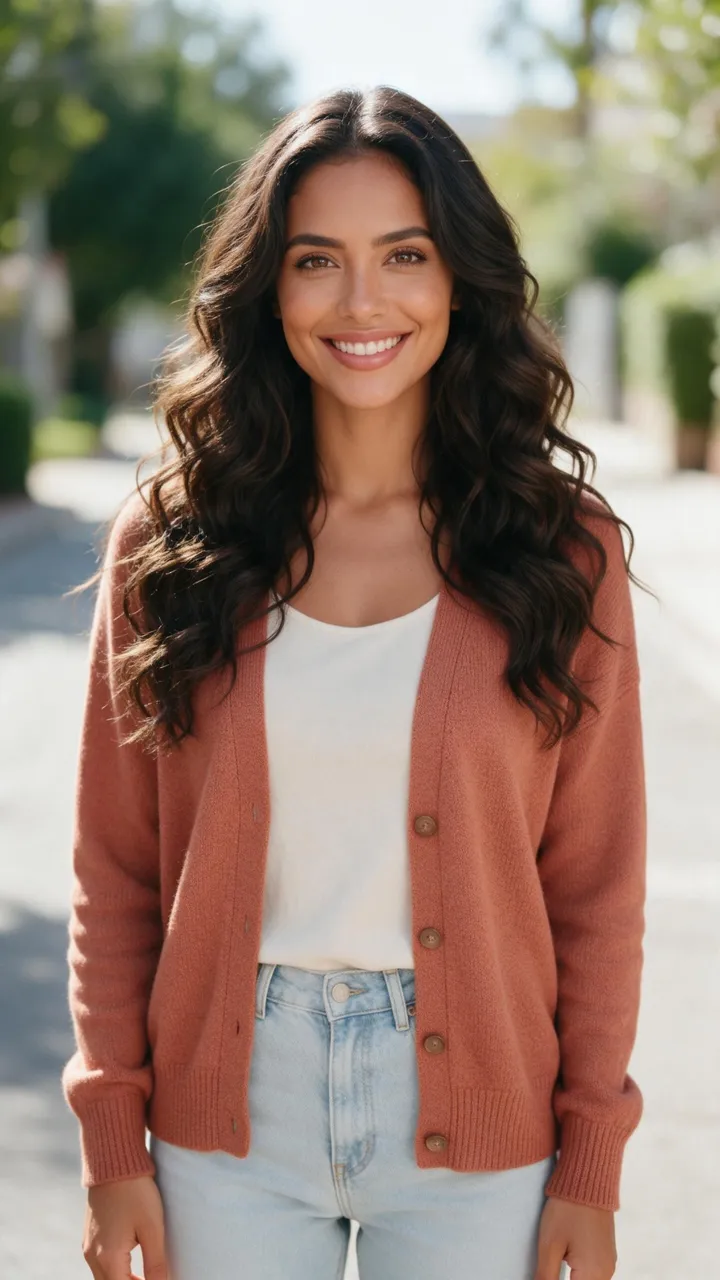
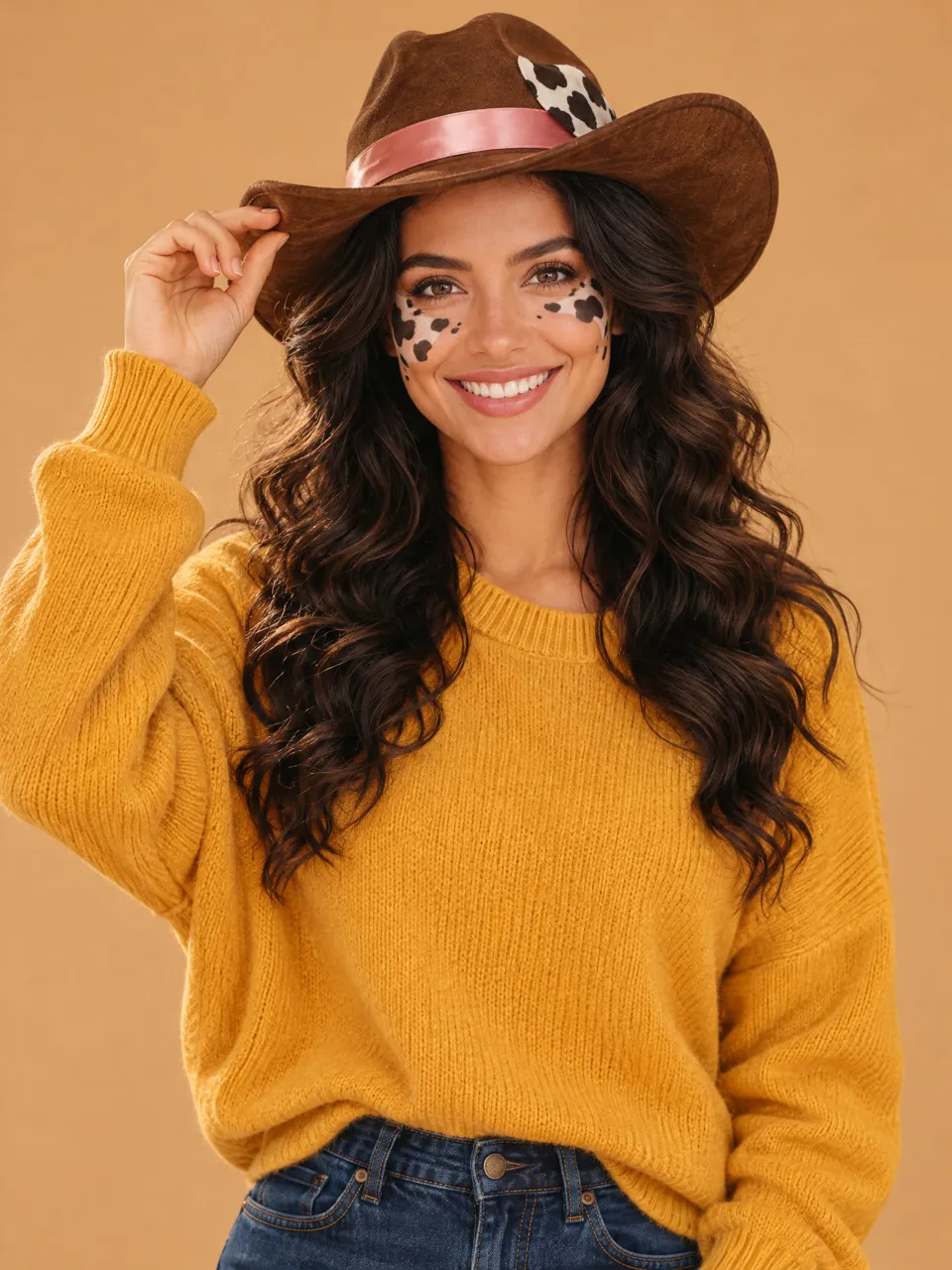
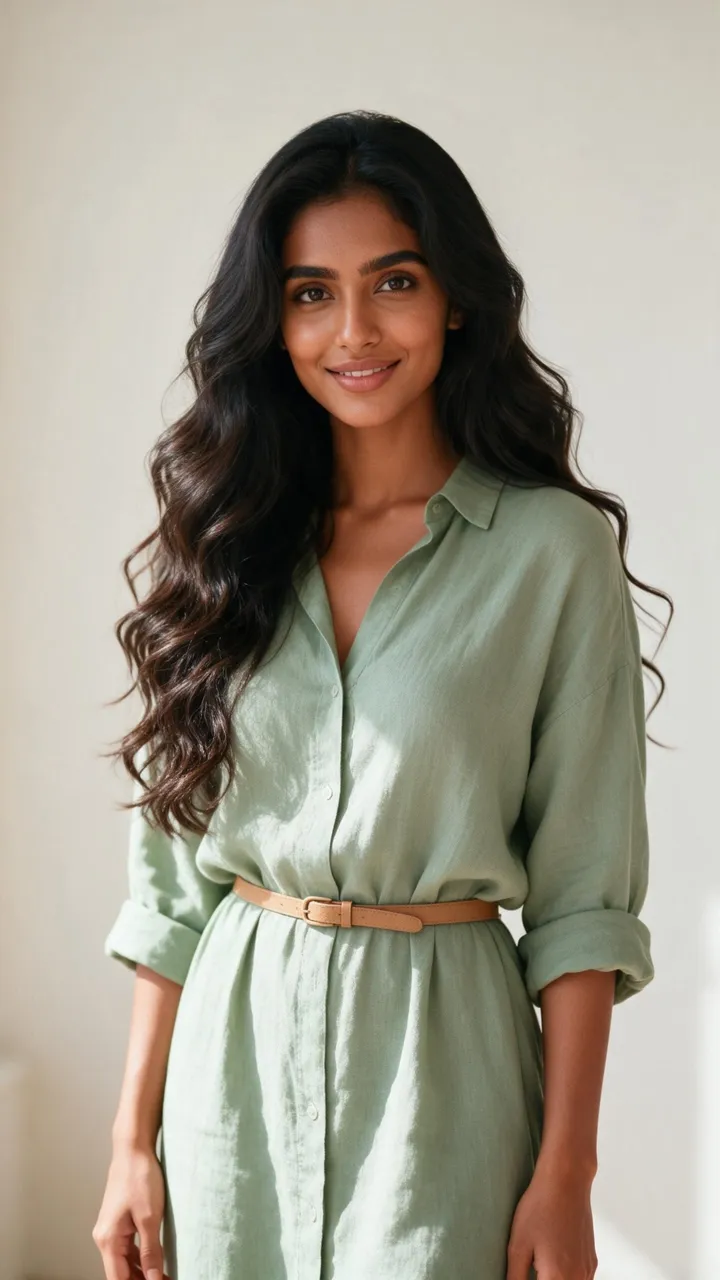
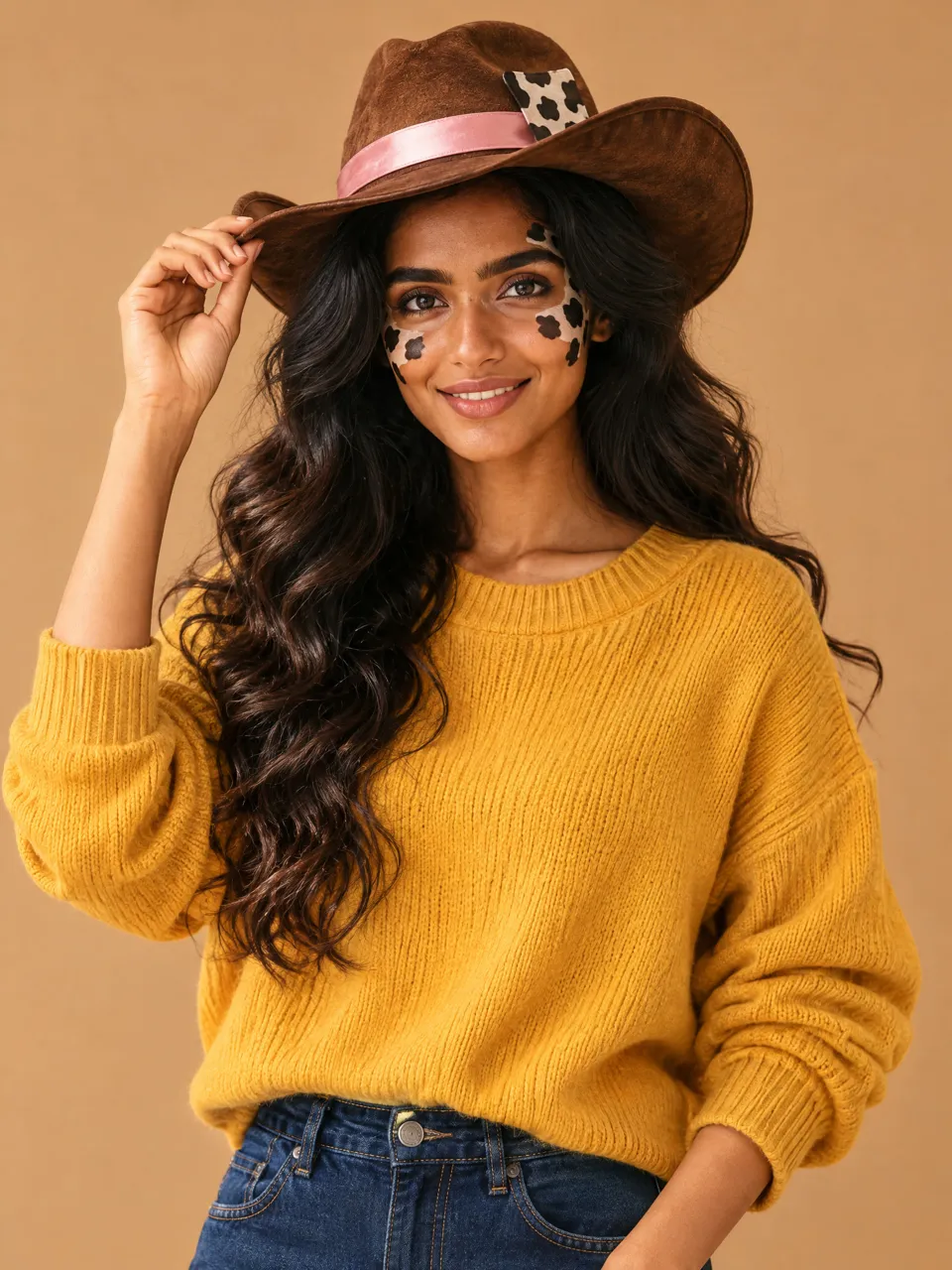
Photo on the left, the result on the right.
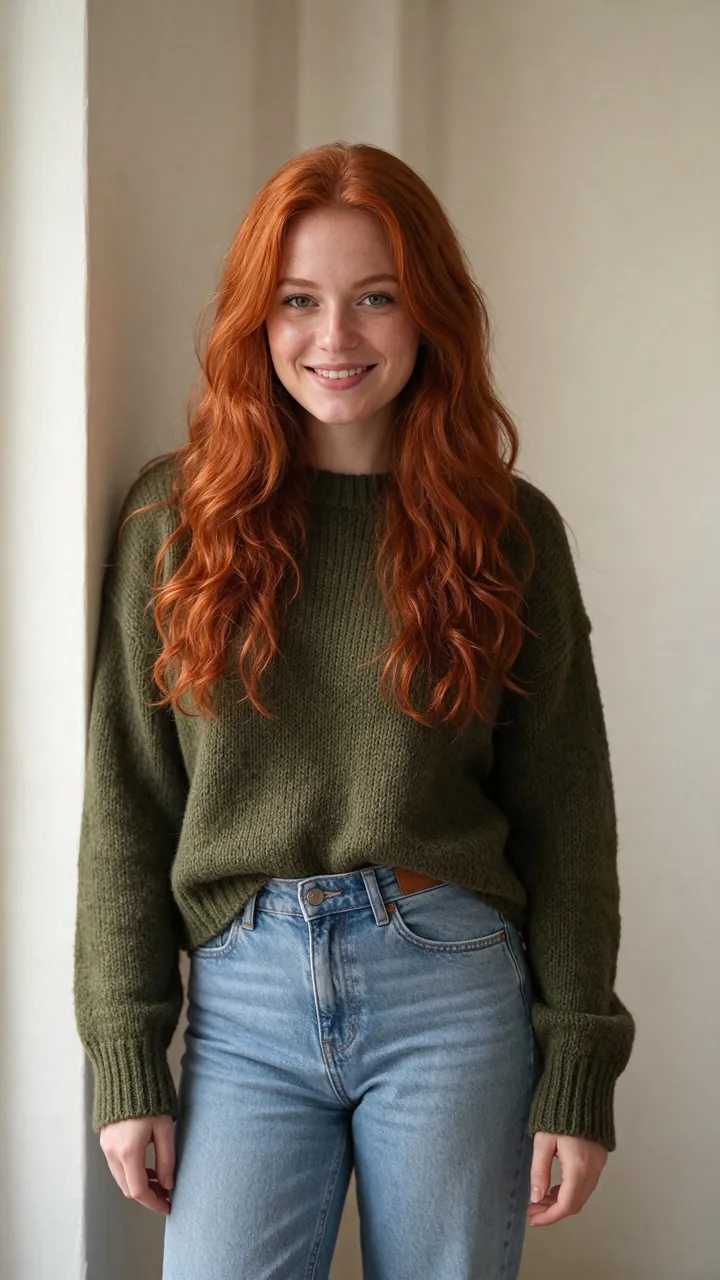
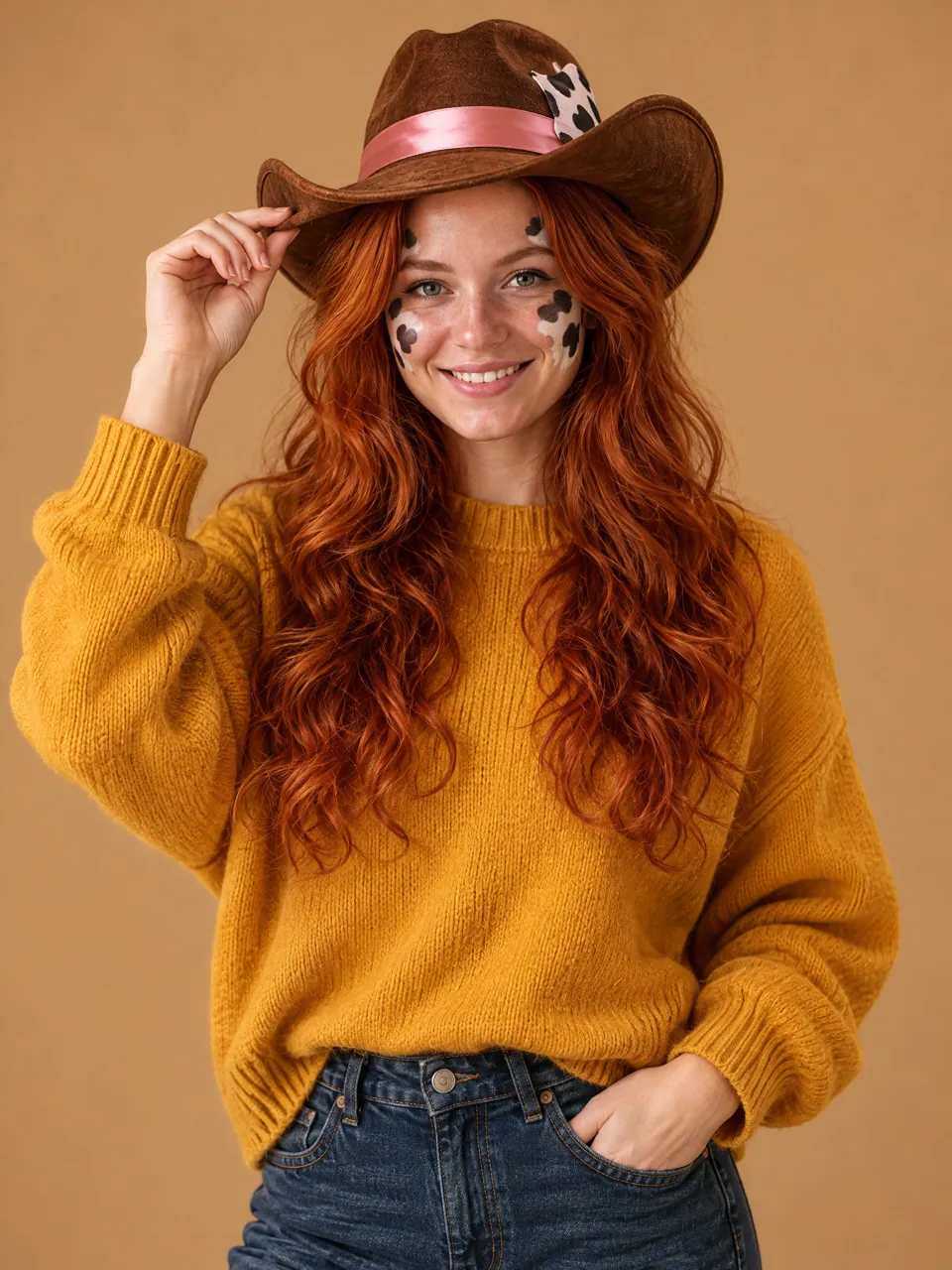
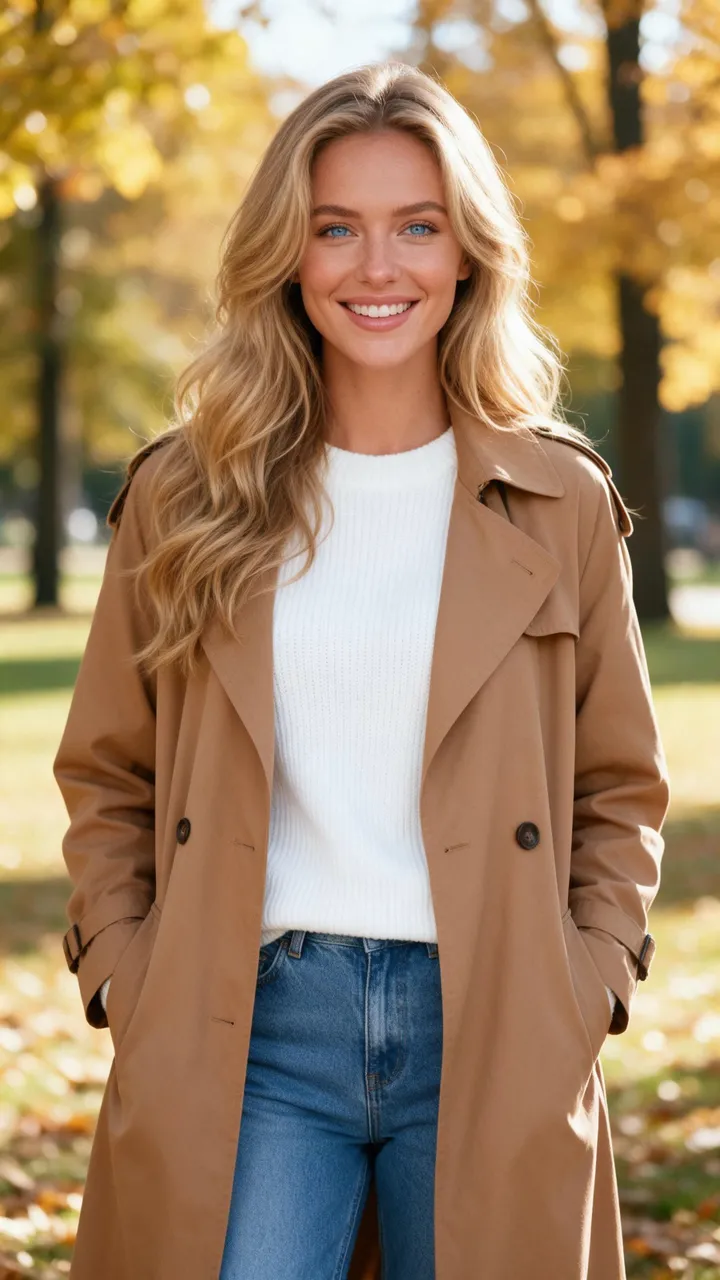
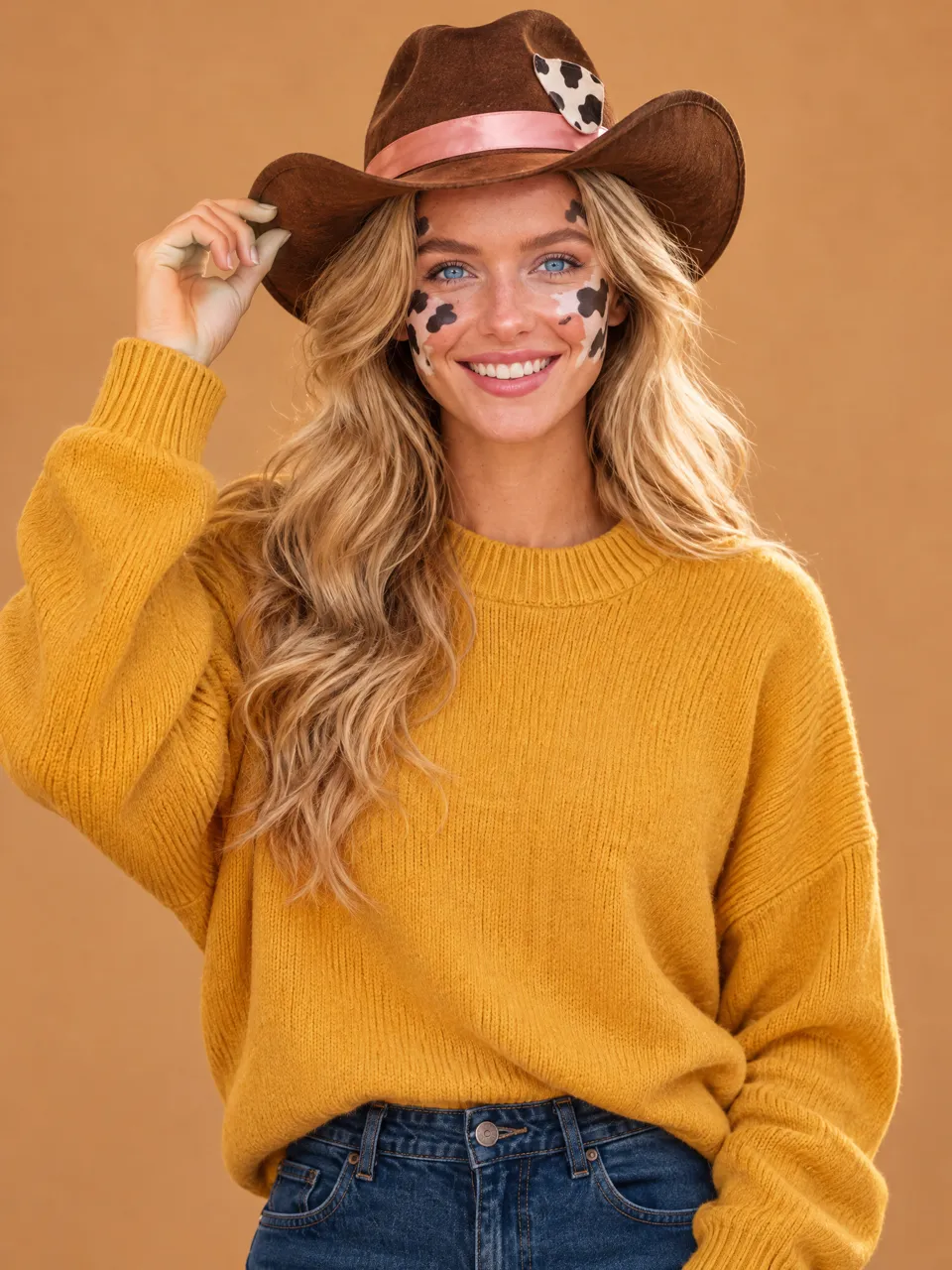
What we saw across five runs
- The spots sit on the face, not over it. Black cow-print patches are painted across the forehead, cheeks and nose in every result, and the face underneath still looks like the person in the photo.
- The hat and sweater come with it. All five get the same brown cowboy hat with a cow-print band and a mustard knit sweater against a warm tan backdrop, whatever they wore in their photos.
- Hair stays as it was. The afro in the top result, the long red hair in the first pair and the long waves in the second and third all show under the hat in their own color and length.
The template in four lines
- Input
One photo
a single person with a clear face
- Output
One still image
a cow-makeup portrait
- Keeps
Face, skin tone and hair
from your photo
- Changes
Makeup and styling
cow spots, cowboy hat, mustard sweater
Before you upload
Does the makeup cover my whole face?+
No. The samples put spots on parts of the forehead, cheeks and nose, leaving the eyes, mouth and most of the skin clear.
Can I keep my own hat or outfit?+
No. Every result switches to the same brown cowboy hat and mustard sweater.
What photo should I use?+
A clear, front-facing photo of one person. All five samples started from one smiling person facing the camera.
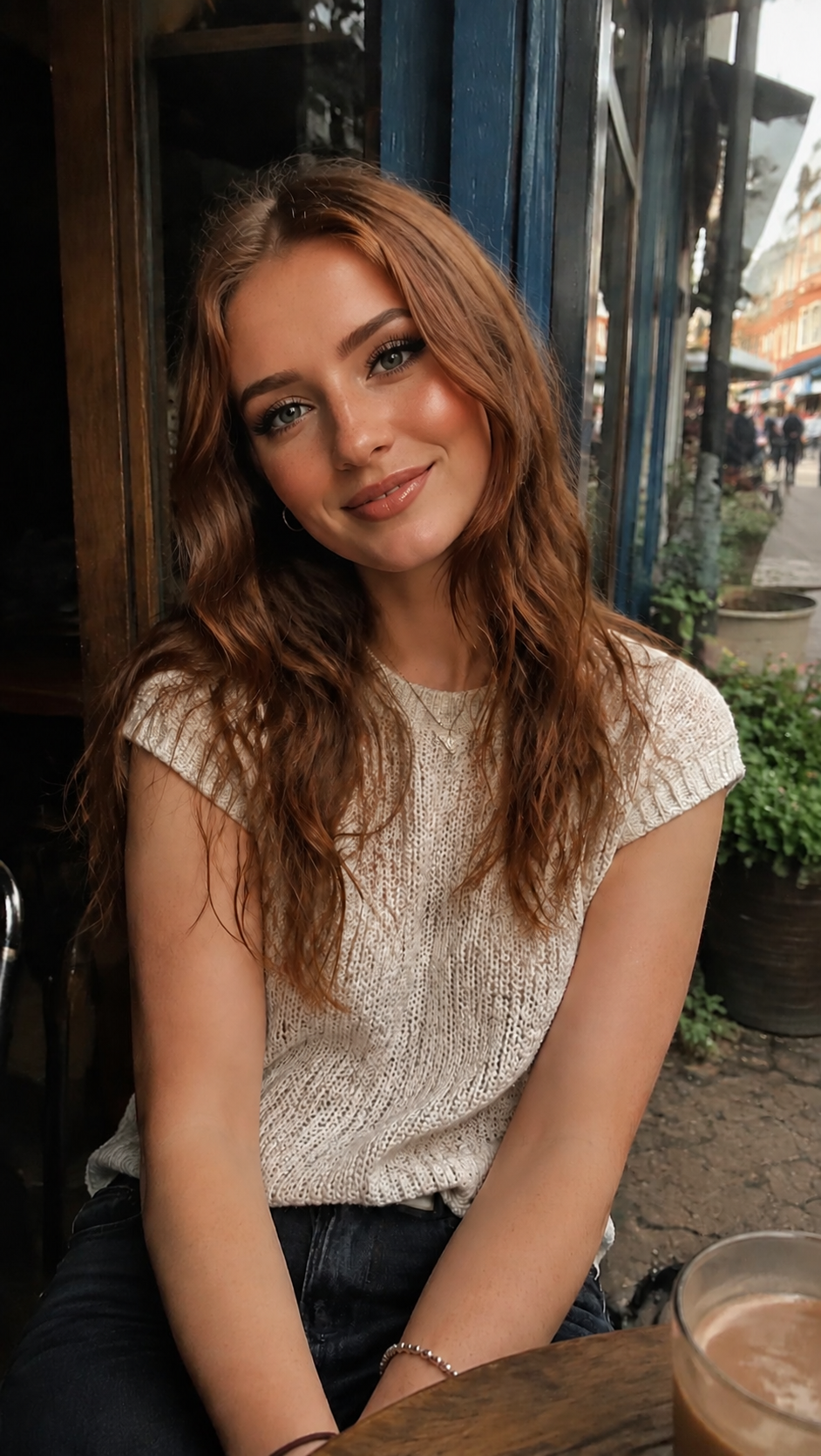
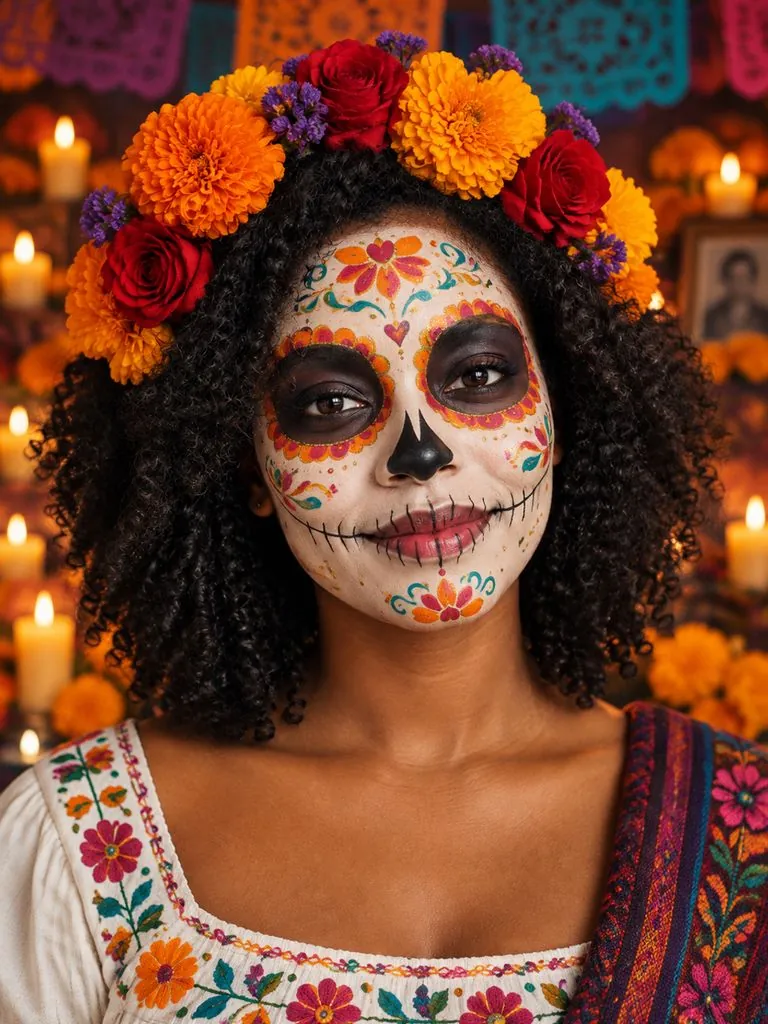
One clear selfie, one set of cow spots. Try it on your own face.
Make this photo